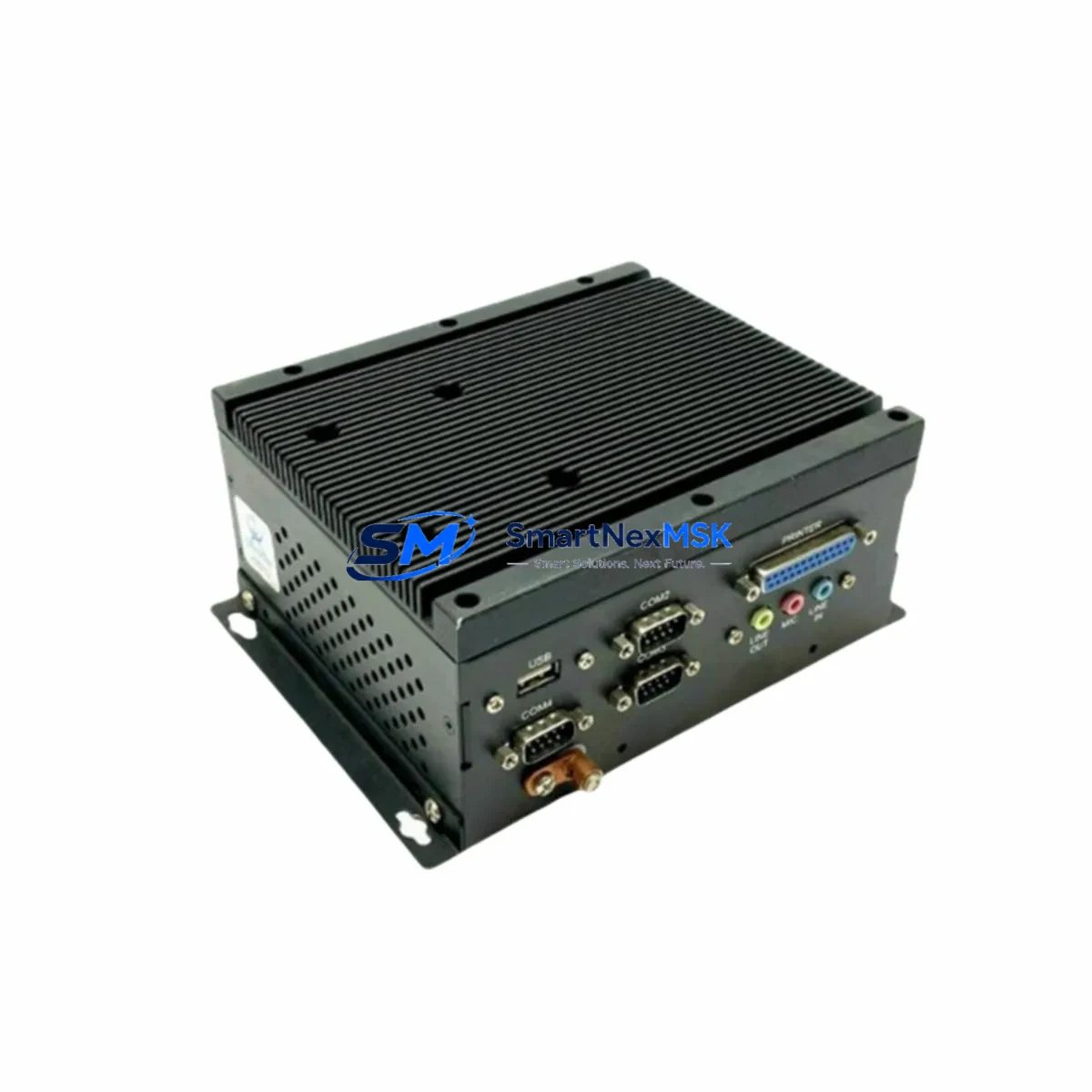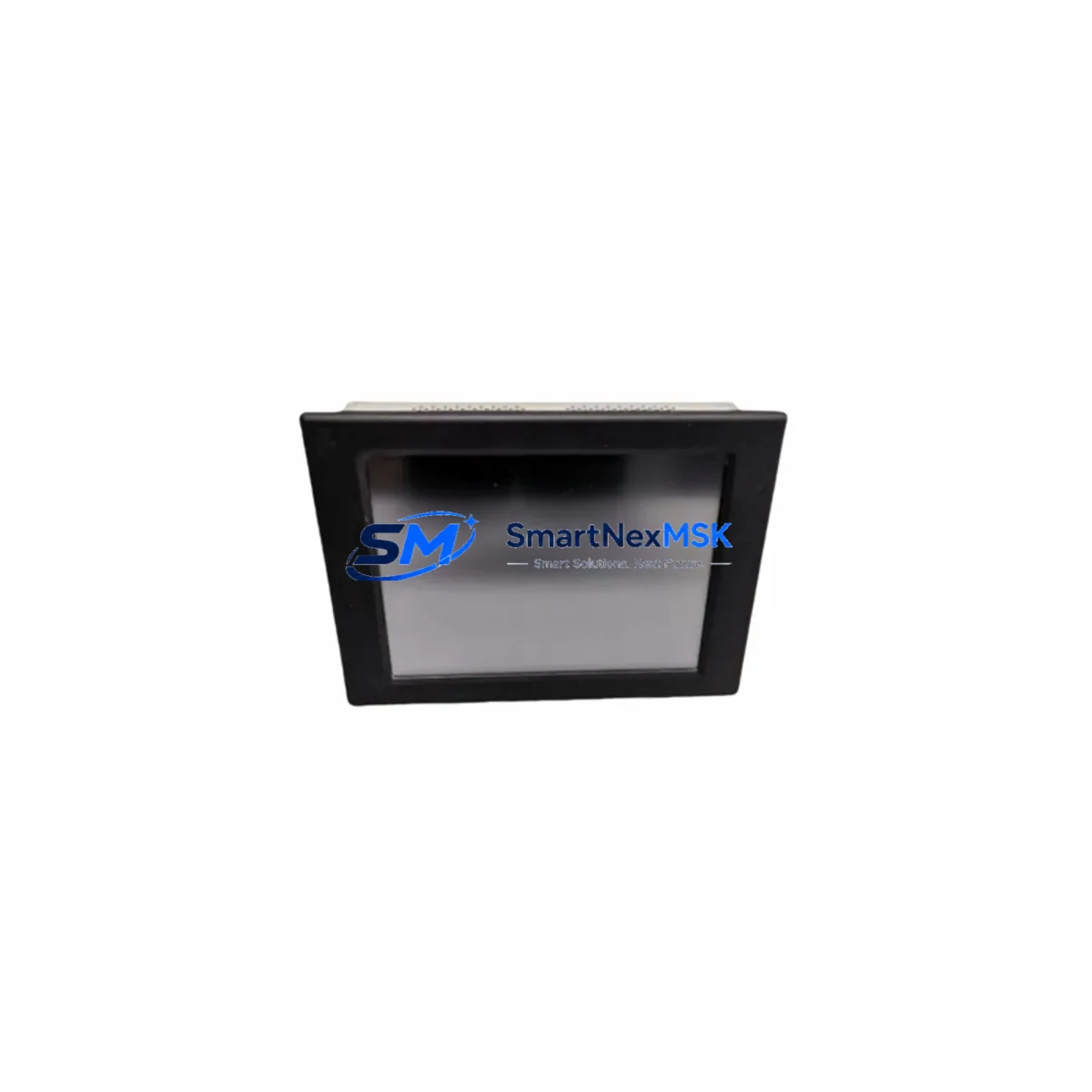
ARISTA IF728 GIF728**S Maintenance-Ready Spare GIF728 Automation
Unplanned HMI downtime in industrial automation environments can cascade into costly production halts. The ARISTA IF728 GIF728**S is a maintenance-ready original spare for the GIF728 series fanless industrial panel PC platform, engineered to support rapid field replacement, minimize control system downtime, and sustain long-term operational continuity in demanding manufacturing, process control, and machine automation environments.
Sourced directly from verified supply channels, each unit undergoes pre-shipment functional testing covering power-on verification, display output, I/O port integrity, and communication interface validation. A 12-month warranty is included with every shipment, providing procurement and maintenance teams with documented assurance for spare parts lifecycle planning.
Spare Maintenance Table
| Parameter | Specification / Detail |
|---|---|
| Part Number | IF728 GIF728**S |
| Brand | ARISTA |
| Series | GIF728 |
| Product Type | Fanless Industrial HMI Panel Computer |
| Form Factor | Panel-mount, fanless embedded PC |
| Display | Industrial-grade TFT LCD (series-dependent, typically 15″–19″) |
| Processor Platform | x86 embedded (Intel Atom / Core series, variant-dependent) |
| Operating Temperature | 0°C to 55°C (operating); -20°C to 70°C (storage) |
| Protection Rating | IP65 front panel (typical for GIF728 series) |
| Power Input | DC 9–36V wide-range input (variant-dependent) |
| I/O Interfaces | USB, RS-232/485, LAN (GbE), DIO (series-standard) |
| Communication | Ethernet, optional Wi-Fi/3G module bay |
| OS Compatibility | Windows Embedded, WES7, WEC7, Linux (variant-dependent) |
| Origin | Taiwan |
| Compatibility | Direct replacement for GIF728 series HMI installations |
| Installation | Panel cutout mount; standard ARISTA GIF728 bracket pattern |
| Warranty | 12 Months — covers functional defects, DOA replacement |
| Pre-shipment Test | Power-on, display, I/O, COM port, LAN interface verified |
| Condition | Original, new or refurbished-to-spec (confirmed at inquiry) |
Maintenance Planning for Continuous Operation
When a GIF728-series HMI panel fails or degrades in a production environment, the replacement scope should extend beyond the panel PC itself. Maintenance engineers performing a planned or emergency swap of the ARISTA IF728 GIF728**S should simultaneously inspect and verify the following associated components to prevent repeat failures and ensure full system restoration:
- DC Power Supply Module — Verify the 24VDC or wide-range DC supply feeding the panel. A failing PSU is a common root cause of HMI instability. Check output voltage under load and inspect terminal connections for oxidation or loose crimps.
- Power Distribution Terminal Blocks — Inspect the terminal strip feeding the HMI circuit. Loose or corroded terminals cause intermittent power faults that mimic HMI hardware failure.
- RS-232 / RS-485 Communication Cables — The GIF728 series relies on serial COM ports for PLC communication in many legacy installations. Inspect cable shielding, connector pins, and verify baud rate and protocol settings match the connected PLC or DCS controller.
- Ethernet Switch or Industrial Managed Switch — If the HMI communicates via Ethernet/IP or Modbus TCP, confirm the connected switch port is active, the cable is intact, and IP addressing is correctly configured for the replacement unit.
- PLC CPU Module — In systems where the GIF728 HMI serves as the operator interface for a PLC (e.g., Siemens S7-300/400, Mitsubishi Q-series, or Omron CJ/CS series), confirm the PLC CPU is healthy and communication tags are correctly mapped before commissioning the replacement HMI.
- I/O Module Wiring Harness — If the HMI includes integrated DIO, inspect the field wiring harness for insulation damage, correct signal polarity, and secure termination at both the panel and field device ends.
- Signal Isolators / Barriers — In process environments with 4–20mA analog signals routed through the HMI or adjacent I/O modules, verify signal isolators are functioning correctly and not introducing offset errors after the panel swap.
- Relay Output Modules — If the control cabinet includes relay output modules driven by HMI logic or PLC outputs, test relay coil continuity and contact resistance before returning the system to service.
- UPS / Battery Backup Unit — Confirm the cabinet UPS is operational and battery capacity is sufficient. An HMI replacement is an ideal time to test UPS runtime and replace aging batteries.
- Fuse and Circuit Breaker Panel — Inspect all fuses and MCBs in the HMI power circuit. A blown fuse or tripped breaker is often the first indicator of an upstream fault that caused the original HMI failure.
Maintaining a documented spare parts list that includes the IF728 GIF728**S alongside these associated components reduces mean time to repair (MTTR) and supports a proactive maintenance posture aligned with IEC 62443 and ISO 55001 asset management principles.
Site Replacement Workflow
Replacing an ARISTA GIF728-series HMI panel in the field follows a structured sequence to minimize downtime and avoid configuration loss:
- Backup Configuration — Before powering down, export the HMI project file, SCADA configuration, and any locally stored historian data to a USB drive or network share. Confirm the backup is readable.
- Power Isolation — Isolate the HMI circuit at the MCB or fuse holder. Apply LOTO (Lockout/Tagout) per site safety procedures. Verify zero voltage at the panel power terminals with a calibrated multimeter.
- Document Wiring — Photograph or sketch all COM port, USB, LAN, and DIO connections before disconnecting. Label cables if not already marked.
- Panel Removal — Remove the panel cutout mounting hardware. Carefully extract the GIF728 unit from the cabinet door or enclosure, supporting the weight to avoid stress on connectors.
- Install Replacement Unit — Mount the IF728 GIF728**S replacement into the cutout. Reconnect all cables per the documented wiring layout. Verify connector seating and locking.
- Restore Configuration — Power on the replacement unit. Load the backed-up HMI project. Verify communication with the PLC or DCS, confirm all I/O tags are reading correctly, and test operator screen navigation.
- Functional Verification — Run a full I/O check, confirm alarm displays, and verify data logging is active before returning the system to production.
This workflow is compatible with direct replacement of legacy GIF728 installations without requiring PLC program changes, making the IF728 GIF728**S an efficient drop-in spare for aging control systems requiring life extension.
Spare Parts Support FAQ
Q1: Is the ARISTA IF728 GIF728**S a direct drop-in replacement for existing GIF728 series installations?
Yes. The IF728 GIF728**S is designed as a form-fit-function compatible replacement within the GIF728 series. Physical mounting dimensions, panel cutout requirements, and standard I/O port positions are consistent with the series specification. Confirm the specific variant suffix matches your installed unit’s display size and I/O configuration before ordering.
Q2: What pre-shipment testing is performed on each unit?
Every IF728 GIF728**S unit is tested prior to shipment: power-on boot verification, display output check, USB and COM port functional test, and LAN interface ping test. A test report is available upon request. Units are packed in anti-static protective packaging with foam cushioning for safe transit.
Q3: How should I manage long-term spare parts inventory for GIF728-series HMI systems?
For production lines with 3 or more GIF728-series panels, we recommend maintaining a minimum of one cold spare per site. Given the product’s end-of-active-production status with some variants, securing 2–3 units now provides insurance against future supply constraints. Our team can support blanket purchase orders with staged delivery to minimize your inventory carrying cost.
Q4: What does the 12-month warranty cover, and what is the claims process?
The 12-month warranty covers manufacturing defects and functional failures under normal operating conditions. DOA (Dead on Arrival) units are replaced or refunded within 7 business days of confirmed fault report. For warranty claims, contact our support team with the order number, unit serial number, and a description of the fault. We will coordinate return logistics and replacement shipment promptly.
© 2026 SMARTNEXMSK. All rights reserved.
Original Source: https://smartnexmsk.com
Contact: [email protected] | +86 18259474341