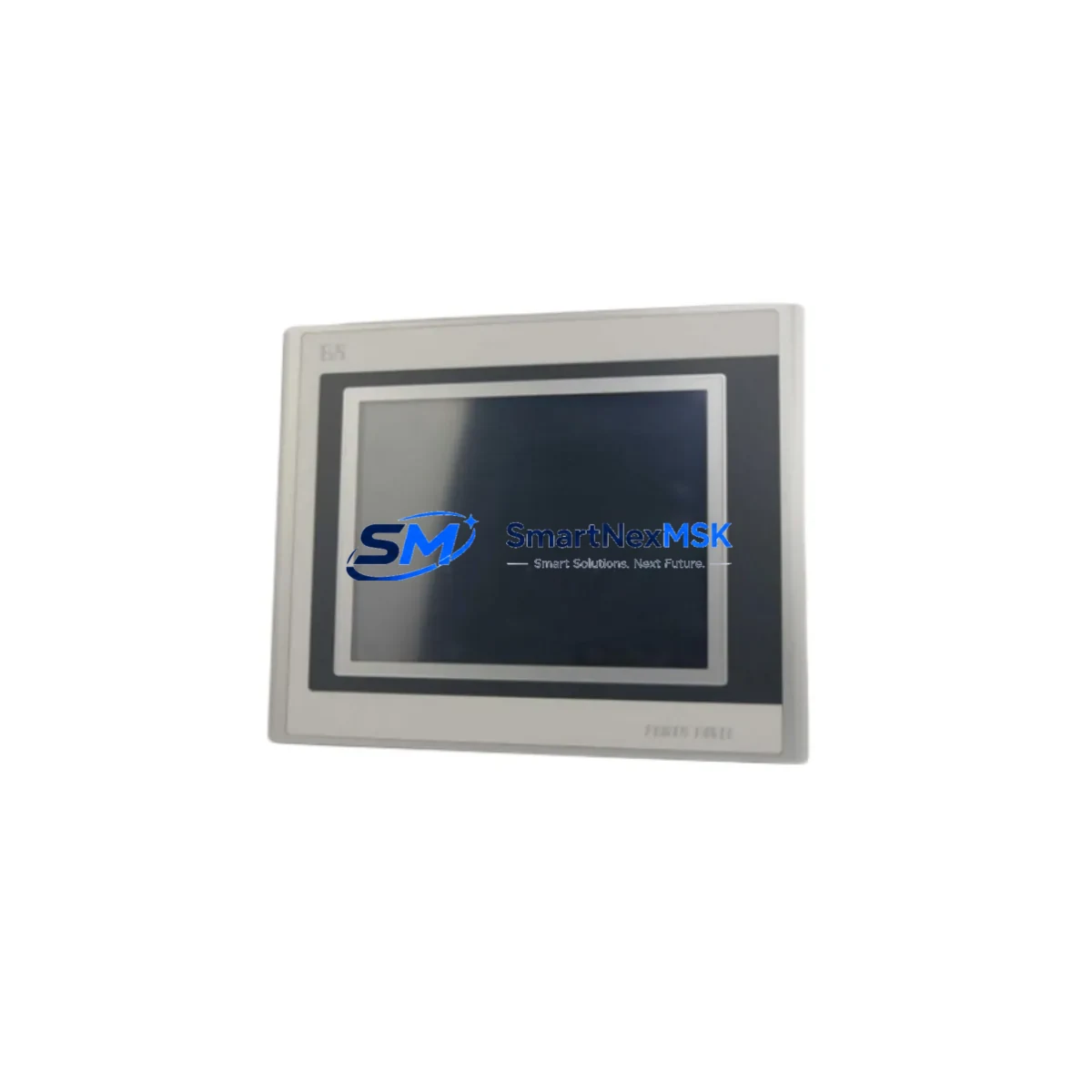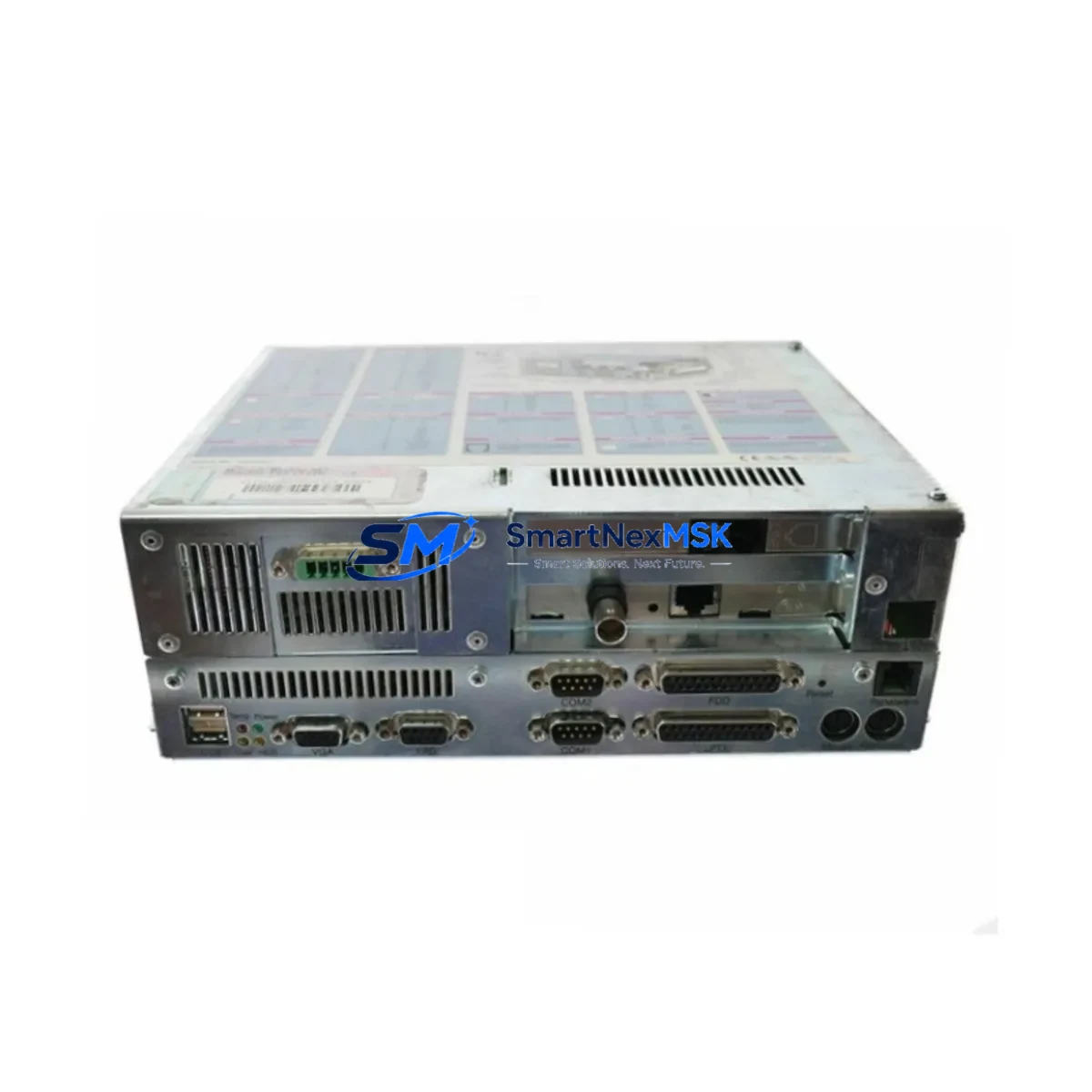
B&R 5C5001.03 Retrofit-Ready Industrial PC for IPC5000C Control Systems
The B&R 5C5001.03 is a 2-slot modular Industrial PC engineered for seamless integration into existing IPC5000C control architectures. As B&R’s automation ecosystem continues to evolve, many facilities running legacy IPC5000C-based control cabinets face the challenge of sourcing discontinued components or planning a structured upgrade path. The 5C5001.03 addresses both scenarios — serving as a direct hardware replacement for end-of-life units and as a validated upgrade platform for modernizing aging automation infrastructure without a full system overhaul.
Whether your facility is replacing a failed IPC unit on a production line, migrating from an older IPC5000 or IPC5000C chassis, or expanding I/O capacity within an existing control cabinet, the 5C5001.03 provides the hardware foundation to execute that transition with minimal disruption. Each unit shipped by SMARTNEXMSK undergoes pre-shipment functional testing and is covered by a 12-month warranty.
Upgrade Compatibility Table
| Parameter | Details |
|---|---|
| SKU / Part Number | 5C5001.03 |
| Brand | B&R (Bernecker + Rainer) |
| Compatible Series | IPC5000C, IPC5000 |
| Form Factor | 2-slot modular IPC |
| Backplane Interface | IPC5000C-compatible backplane slot |
| Communication Protocols | POWERLINK (Ethernet-based), X2X Link, CAN |
| Installation Requirement | DIN-rail or panel-mount; matches IPC5000C mechanical footprint |
| Power Supply Compatibility | 24 VDC nominal; verify existing PSU capacity before swap |
| Terminal Wiring | Compatible with existing IPC5000C terminal block layouts |
| Replacement Recommendation | Direct drop-in for failed or EOL 5C5001.03 units; verify firmware revision |
| Commissioning Note | Module address and slot assignment must be confirmed in Automation Studio project |
| Program Compatibility | Automation Studio 4.x projects; verify CPU task class and cycle time settings |
| HMI Integration | Compatible with B&R Power Panel and VC4 visualization; verify screen mapping |
| Warranty | 12 months from date of shipment |
| Pre-Shipment Testing | Full functional test performed on every unit |
Retrofit Planning for Existing Automation Systems
A successful retrofit of the 5C5001.03 into an existing IPC5000C control system requires careful pre-migration planning across several subsystems. Begin by auditing the control cabinet’s power budget: the existing PS3100 or PS4000-series power supply module must have sufficient headroom to support the replacement IPC alongside any co-installed I/O modules. If the cabinet also houses a B&R X20 I/O system — including modules such as the X20AI4622 analog input module or X20DO9322 digital output module — their combined current draw must be factored into the power calculation before the swap.
Terminal wiring on the IPC5000C backplane is generally preserved during a like-for-like replacement, but engineers should photograph and document all terminal assignments before disconnecting any wiring. If the existing system uses a B&R IF5000 POWERLINK interface card or an X20BC0083 bus controller for network communication, verify that the replacement 5C5001.03 firmware supports the same POWERLINK cycle time and node addressing scheme currently configured in the Automation Studio project.
For facilities migrating from older IPC5000 (non-C variant) hardware, the backplane connector pinout may differ. In these cases, an adapter bracket or updated backplane — such as the 5C5002.02 expansion backplane — may be required to maintain mechanical and electrical compatibility. Similarly, if the control system includes a B&R 5PP520 Power Panel HMI or a VC4 visualization client, the HMI screen project should be reviewed to confirm that all process variable bindings remain valid after the IPC swap.
Communication links to field devices — whether via PROFIBUS DP through a gateway module, Modbus TCP over the onboard Ethernet port, or X2X Link to remote I/O stations — should be tested individually during commissioning. If the system uses a B&R 5E5640.00 programming cable or USB service interface for local diagnostics, ensure the cable driver version is compatible with the replacement unit’s firmware. Document all module addresses, task priorities, and cycle times from the original Automation Studio project before beginning the physical swap.
Downtime Control During System Migration
Minimizing production downtime during an IPC5000C retrofit requires a structured, pre-validated approach. Before any hardware is removed from the control cabinet, the complete Automation Studio project — including all task configurations, I/O mappings, POWERLINK network topology, and HMI variable bindings — should be archived and backed up to an offline storage location. This backup serves as the recovery baseline if commissioning of the replacement 5C5001.03 encounters unexpected issues.
Where possible, perform a bench test of the replacement unit prior to installation. Load the archived project onto the 5C5001.03 in a test environment, verify that all I/O modules initialize correctly, and confirm that POWERLINK cycle communication is established without errors. This pre-validation step can reduce on-site commissioning time from several hours to under 30 minutes in most cases.
During the physical swap, work systematically: disconnect field wiring only after labeling each terminal, remove the failed IPC module from the backplane, seat the replacement 5C5001.03 firmly, and reconnect wiring in reverse order. After power-up, use Automation Studio’s online monitoring tools to verify that all I/O channels report expected values before releasing the line back to production. For critical processes, coordinate the swap during a scheduled maintenance window and have a qualified controls engineer on-site to manage any unexpected deviations in program logic or communication timing.
SMARTNEXMSK maintains in-stock inventory of the 5C5001.03 and can support expedited shipment for emergency replacement scenarios. All units are pre-tested and shipped with documentation to support rapid commissioning.
Retrofit Support FAQ
Q1: Is the 5C5001.03 a direct drop-in replacement for my existing IPC5000C unit?
In most cases, yes. The 5C5001.03 is mechanically and electrically compatible with the IPC5000C backplane. However, you should verify the firmware revision and Automation Studio project compatibility before installation. If your existing unit has a different hardware revision, minor configuration adjustments in Automation Studio may be required.
Q2: What commissioning steps are required after installing the replacement unit?
After seating the 5C5001.03 in the backplane, connect to the unit via Automation Studio using the USB service interface or Ethernet. Download the archived project, verify module addressing and I/O channel assignments, confirm POWERLINK network initialization, and check HMI variable bindings. Run a full I/O test cycle before returning the system to automatic operation.
Q3: Can the 5C5001.03 be used in a system that also includes X20 I/O modules and a Power Panel HMI?
Yes. The 5C5001.03 is compatible with B&R’s X20 I/O system via X2X Link and supports POWERLINK communication to remote I/O stations. It is also compatible with B&R Power Panel HMI units running VC4 visualization. Verify that the HMI project’s variable table references match the task structure in your Automation Studio project after the swap.
Q4: What warranty and testing does SMARTNEXMSK provide with this unit?
Every 5C5001.03 shipped by SMARTNEXMSK is covered by a 12-month warranty from the date of shipment. Each unit undergoes a full pre-shipment functional test to verify hardware integrity and communication capability. In the event of a warranty claim, SMARTNEXMSK provides replacement or repair support with priority handling for production-critical applications.
© 2026 SMARTNEXMSK. All rights reserved.
Original Source: https://smartnexmsk.com
Contact: [email protected] | +86 18259474341