B&R 5PP320.1043-39 Spare for PP300 Automation: Spare Replacement & Industrial Downtime Risk Control
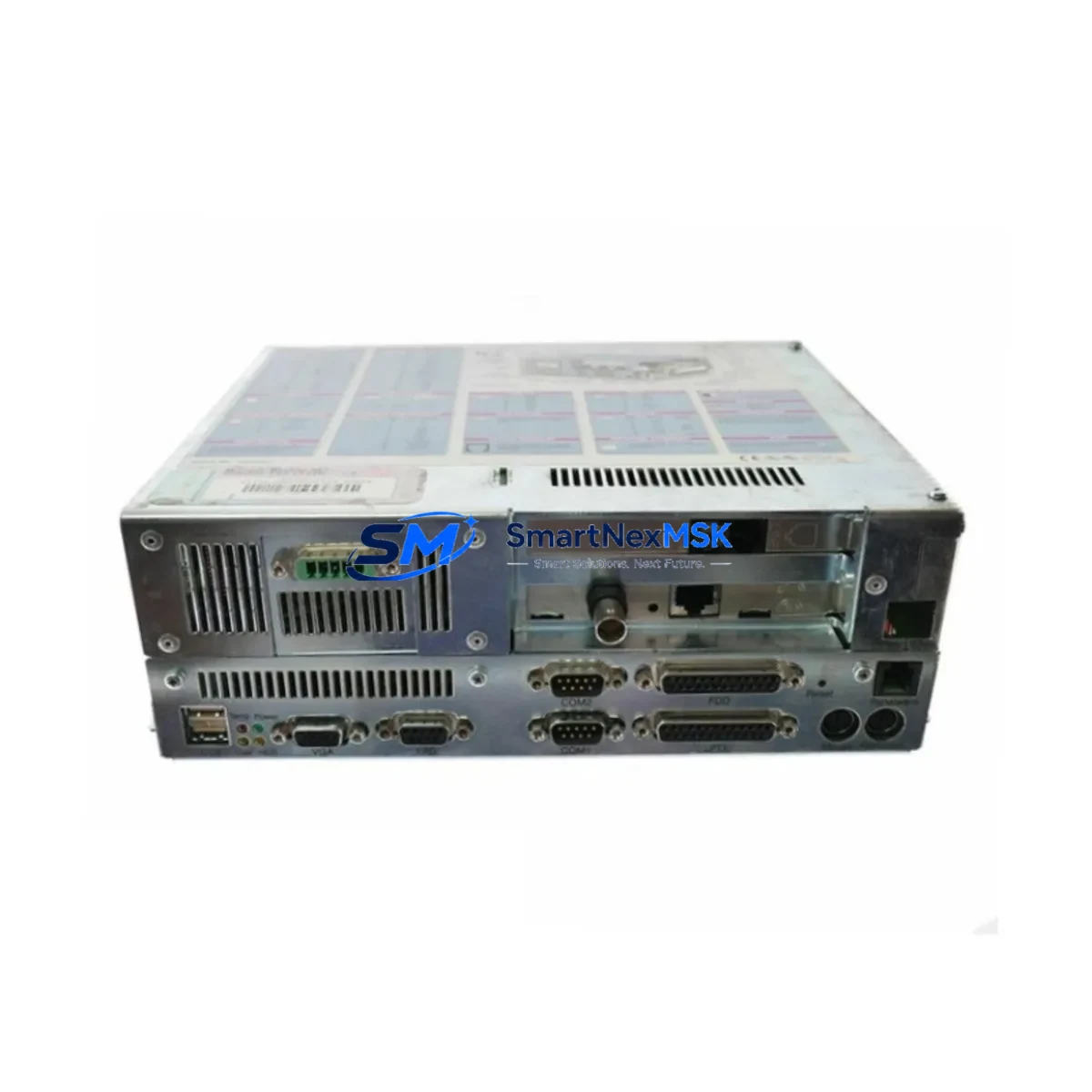
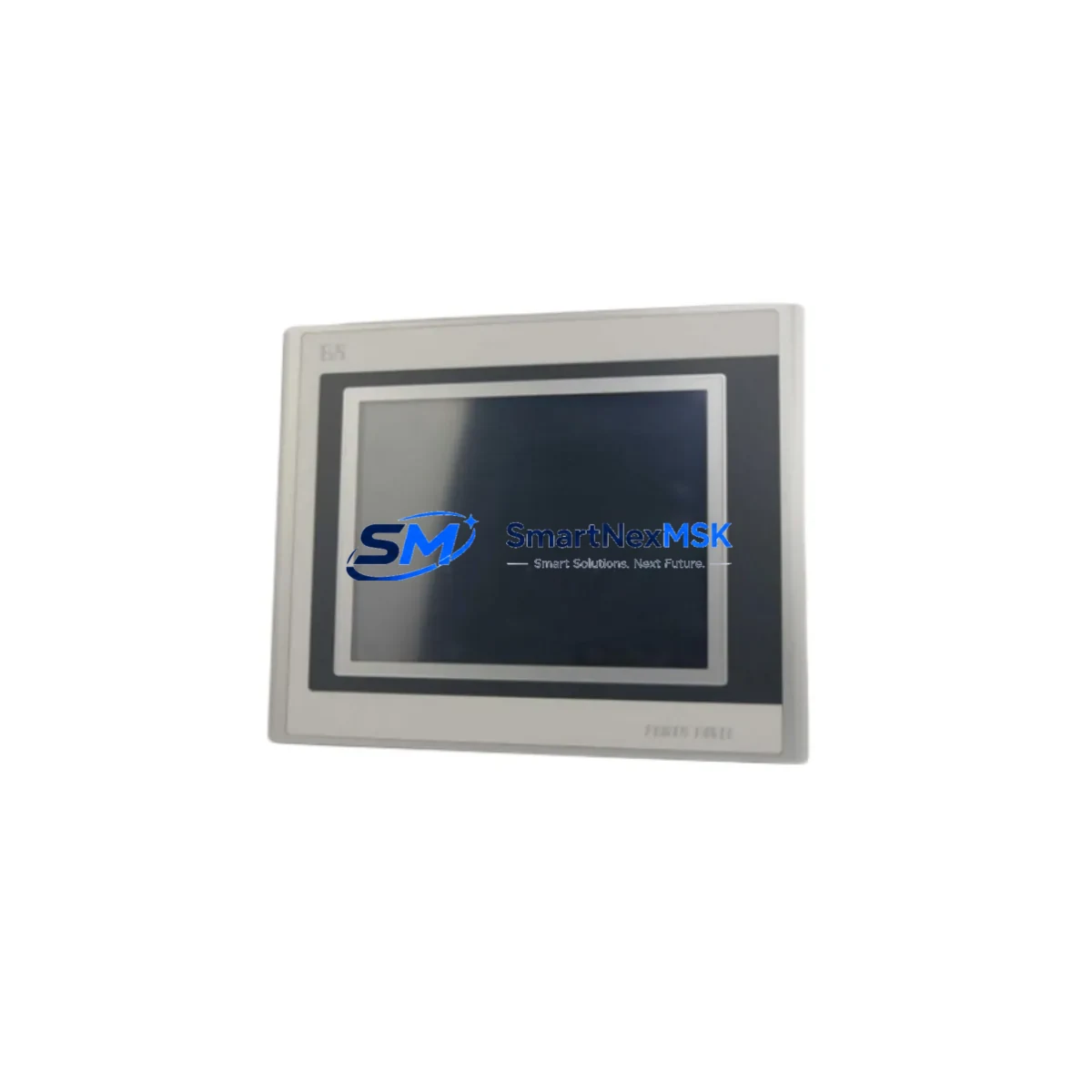
The B&R 5PP320.1043-39 is an original Power Panel 300 series integrated HMI+PLC unit, combining operator interface and control logic in a single compact panel. Designed for demanding industrial environments, this unit is a critical component in machine control cabinets across manufacturing, packaging, and process automation sectors. When a 5PP320.1043-39 fails or reaches end-of-service life, every minute of unplanned downtime translates directly into production loss. Sourcing a verified original spare — tested, documented, and ready to ship — is the fastest path to system recovery.
At SMARTNEXMSK, we supply the 5PP320.1043-39 as a maintenance-ready spare backed by a 12-month warranty. Each unit undergoes functional verification prior to dispatch, ensuring compatibility with existing PP300 system configurations. Whether you are executing a planned replacement during scheduled maintenance or responding to an emergency panel failure, our stock is available for immediate fulfillment with full traceability documentation.
Spare Maintenance Table
| Parameter | Details |
|---|---|
| SKU / Part Number | 5PP320.1043-39 |
| Brand | B&R (Bernecker + Rainer) |
| Series | Power Panel 300 (PP300) |
| Product Type | Integrated HMI + PLC Panel PC |
| Display Size | 10.4-inch TFT LCD |
| Resolution | 800 × 600 (SVGA) |
| CPU Architecture | x86-compatible embedded processor |
| Operating System | B&R Automation Runtime (AR) |
| Supply Voltage | 24 VDC (nominal) |
| I/O Interface | Integrated digital I/O, USB, Ethernet, RS232/RS485 |
| Communication | POWERLINK, Modbus, CANopen (configuration-dependent) |
| Mounting | Panel cut-out, front-mount, IP65 front protection |
| Operating Temperature | 0 °C to +50 °C |
| Origin | Austria |
| Compatibility | PP300 series; direct replacement for 5PP320.1043-x variants |
| Condition | Original, tested before shipment |
| Warranty | 12 Months |
Maintenance Planning for Continuous Operation
Replacing a 5PP320.1043-39 in a live production environment requires more than swapping the panel itself. Maintenance engineers and procurement teams should treat this replacement as an opportunity to audit the surrounding electrical and control infrastructure to prevent secondary failures and reduce the risk of repeat downtime.
Begin with the 24 VDC power supply feeding the panel — verify output voltage stability and ripple under load. A degraded power supply is a common root cause of HMI panel failures and should be replaced proactively if it has been in service for more than five years. Check the B&R PS3100 or equivalent 24V DIN-rail power supply module for output tolerance and thermal performance.
Inspect all terminal blocks and wiring harnesses connected to the panel’s I/O connectors. Loose or corroded terminals on signal inputs can cause intermittent faults that are difficult to diagnose after a panel swap. Pay particular attention to analog input wiring if the PP300 is handling process variable feedback.
If the 5PP320.1043-39 is communicating via POWERLINK, verify the integrity of the POWERLINK network cable and the status of any connected B&R X20 I/O modules or remote I/O nodes. A single faulty node can prevent the replacement panel from initializing correctly. Similarly, if Modbus RTU is in use, check the RS485 termination resistors and cable shielding continuity.
Review the status of any B&R X20CP or X20BC communication bus controllers in the same cabinet. These modules share the automation network with the PP300 and may have accumulated fault logs that indicate pre-existing communication instability. Clearing and re-commissioning these modules after the panel replacement is recommended best practice.
For cabinets using signal isolators or loop-powered transmitters on analog channels, confirm that isolation barriers are functioning correctly. A failed isolator can introduce ground loops that damage the new panel’s analog inputs. Check Phoenix Contact or Weidmuller signal conditioning modules if these are present in the circuit.
Inspect miniature circuit breakers (MCBs) and fuses protecting the panel supply circuit. Verify that the fuse rating matches the panel’s inrush current specification. An undersized fuse can cause nuisance tripping during panel power-up.
If the PP300 is connected to a B&R Automation Studio project, ensure the replacement unit is loaded with the correct firmware version and application project before returning the machine to production. Mismatched firmware between the panel and connected I/O modules is a common commissioning error that causes startup failures.
Finally, update your spare parts inventory record to reflect the consumed unit and initiate a replenishment order. Maintaining at least one 5PP320.1043-39 in your critical spares buffer is strongly recommended for any facility running PP300-based control systems.
Site Replacement Workflow
Step 1 — Isolate and document: Power down the control cabinet following your site LOTO procedure. Photograph all wiring connections to the existing panel before disconnection. Label each connector with its corresponding terminal designation.
Step 2 — Remove the legacy unit: Disconnect all I/O, power, and communication connectors. Release the panel mounting clips or screws from the front of the cabinet cutout. Carefully extract the unit without stressing the wiring harness.
Step 3 — Inspect the cabinet interior: Before installing the replacement 5PP320.1043-39, inspect the cabinet for signs of moisture ingress, overheating, or insulation damage. Clean the panel cutout sealing surface to ensure IP65 integrity with the new unit.
Step 4 — Install and reconnect: Mount the replacement panel into the cutout and secure the retaining clips. Reconnect all connectors in the documented sequence. Verify that the 24 VDC supply polarity is correct before applying power.
Step 5 — Commission and verify: Power up the cabinet and confirm that the panel boots to the correct Automation Runtime version. Load or verify the application project. Perform a full I/O check and communication link test before returning the machine to production.
Step 6 — Record and close: Update the maintenance log with the replacement date, unit serial number, and technician details. File the 12-month warranty documentation from SMARTNEXMSK for future reference.
Spare Parts Support FAQ
Q1: Is the 5PP320.1043-39 supplied by SMARTNEXMSK an original B&R unit?
Yes. All units are sourced as original B&R components. Each 5PP320.1043-39 is functionally tested prior to shipment and supplied with traceability documentation. We do not supply remanufactured or counterfeit parts.
Q2: What is the warranty coverage and what does it include?
Every 5PP320.1043-39 is covered by a 12-month warranty from the date of shipment. The warranty covers functional defects under normal operating conditions. Units that fail within the warranty period are replaced or refunded subject to inspection. Damage caused by incorrect installation, overvoltage, or environmental factors outside the rated specification is excluded.
Q3: Can this unit directly replace other 5PP320.1043-x variants in an existing PP300 system?
The 5PP320.1043-39 is mechanically and electrically compatible with other PP300 series panels sharing the same form factor and supply voltage. However, firmware version and Automation Runtime project compatibility must be verified before installation. We recommend confirming the target firmware version with your B&R Automation Studio project before ordering.
Q4: How quickly can the unit be shipped, and do you support emergency orders?
In-stock units are dispatched within 1–2 business days. For emergency downtime situations, contact our sales team directly to confirm availability and arrange priority shipment. We support DHL Express, FedEx Priority, and air freight options for time-critical deliveries worldwide.
© 2026 SMARTNEXMSK. All rights reserved.
Original Source: https://smartnexmsk.com
Contact: [email protected] | +86 18259474341