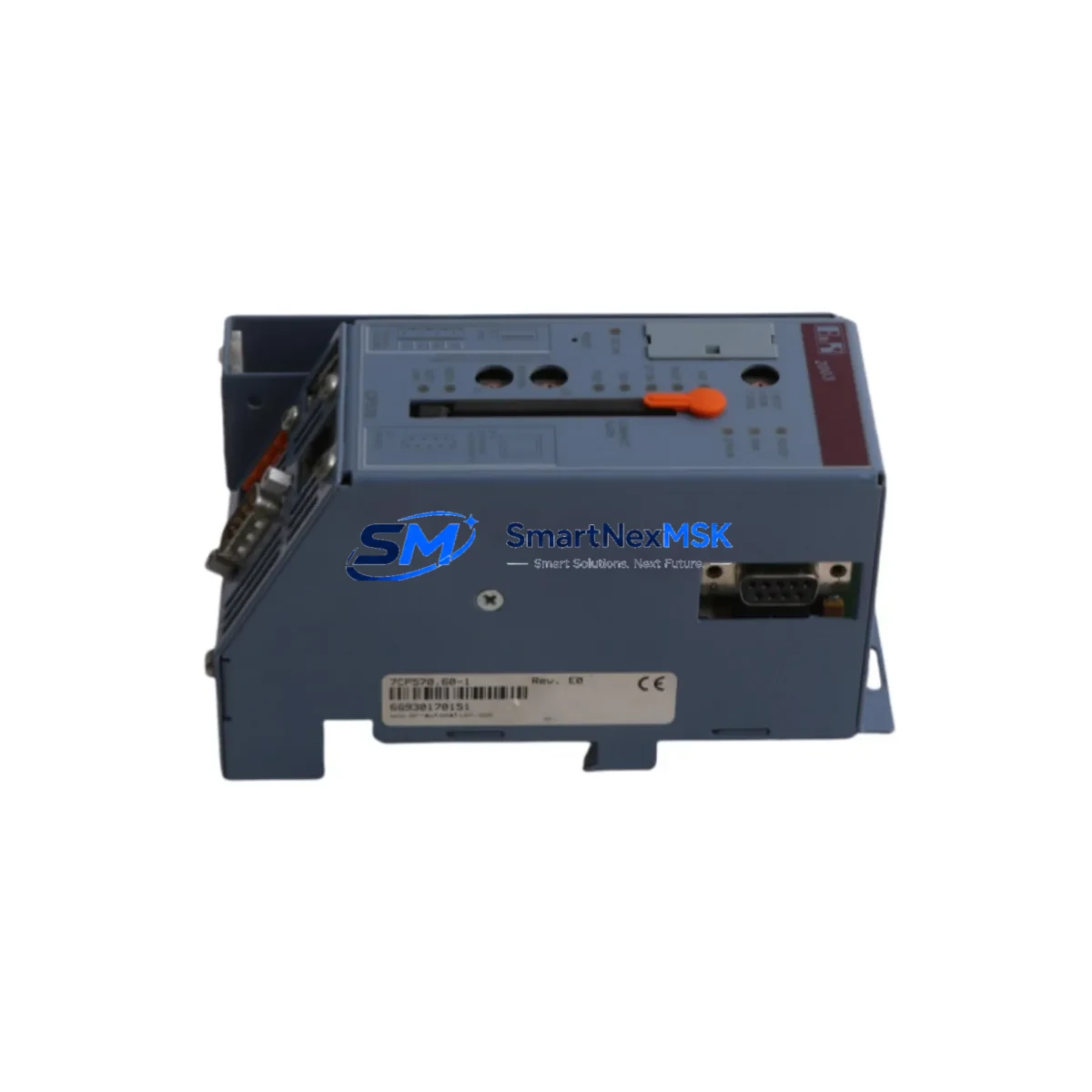
B&R 7CP570.60-1 Retrofit-Ready CPU for X20 Control Systems: Compatible Modernization & Smooth Legacy Upgrade
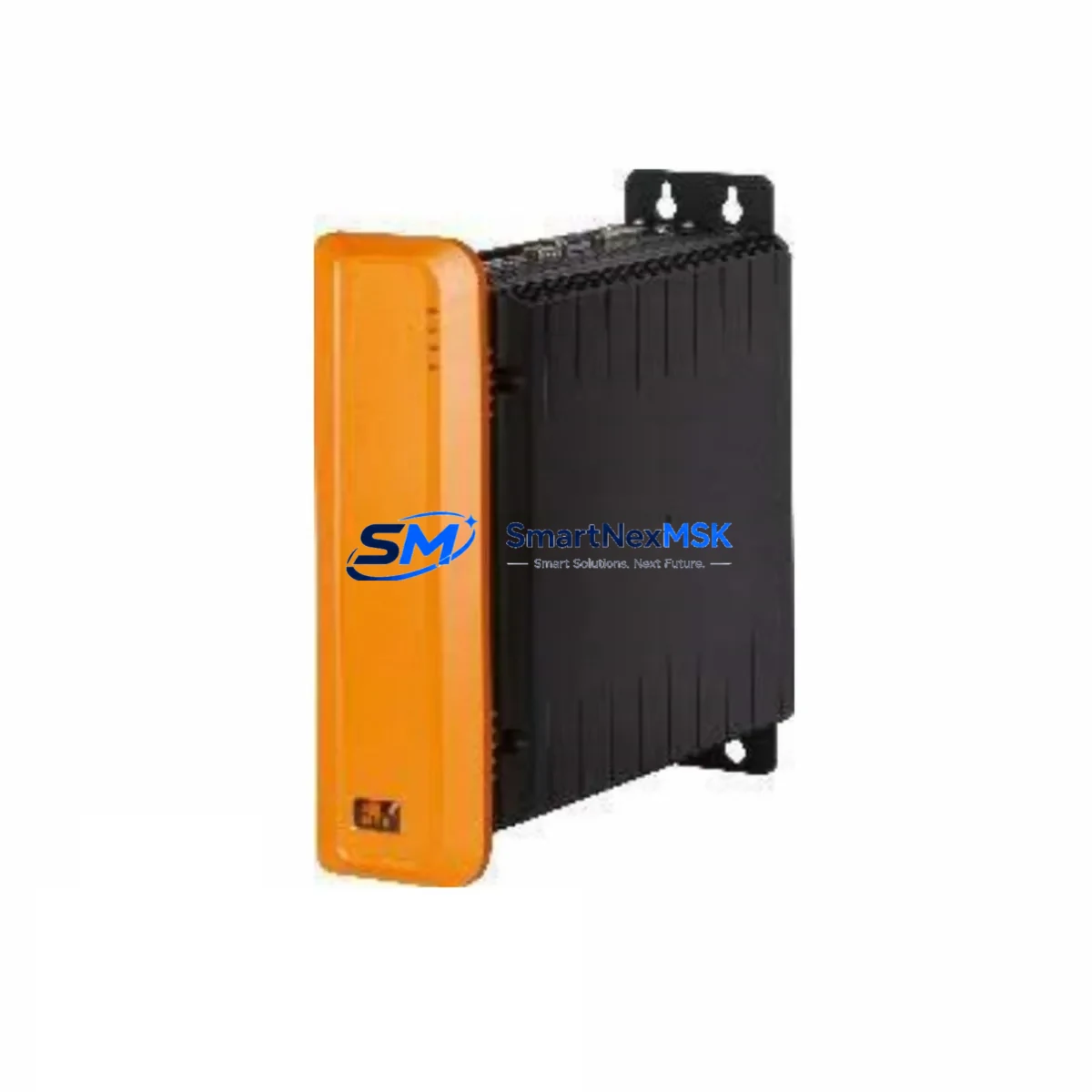
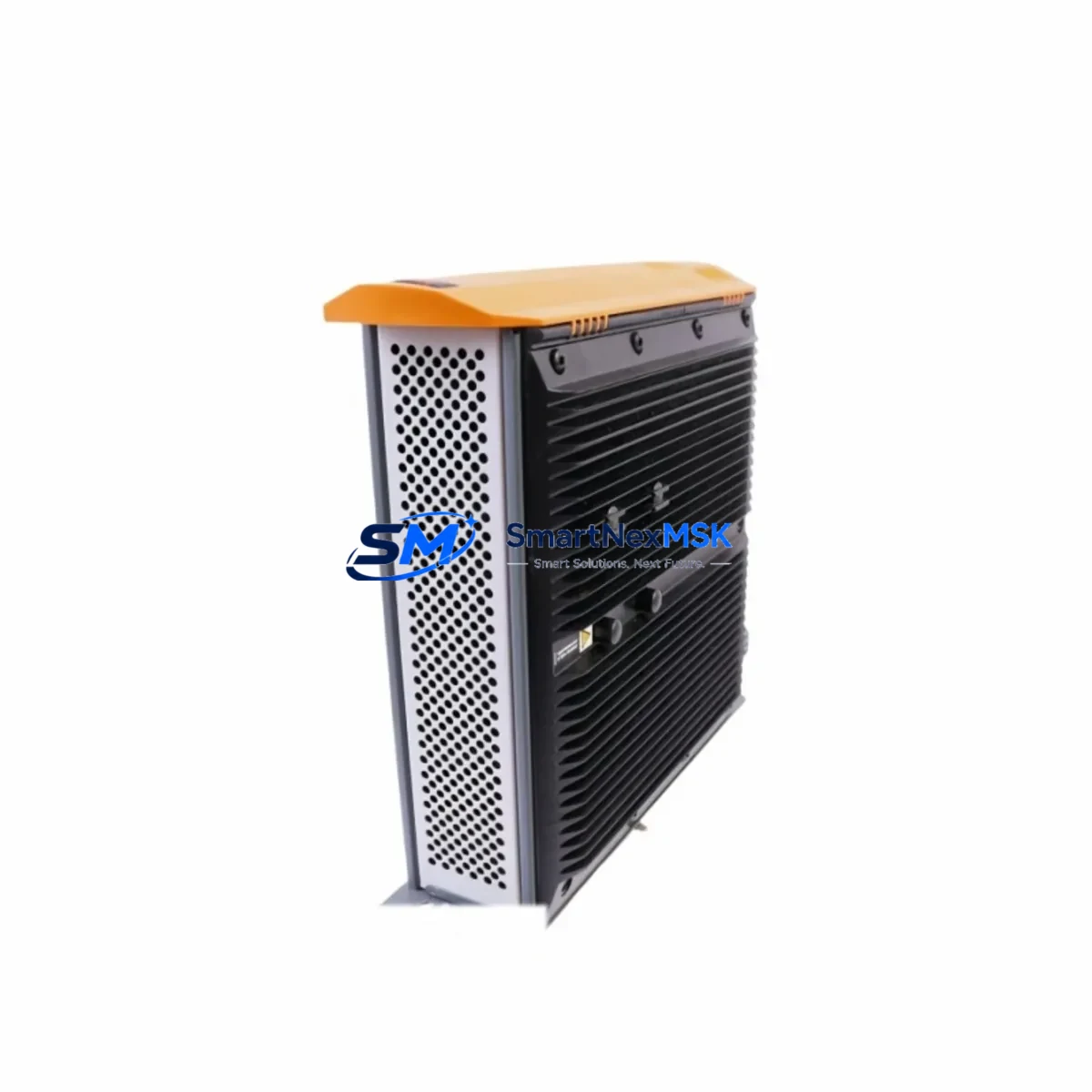
The B&R 7CP570.60-1 is a high-performance CPU module designed for the B&R X20 automation platform, widely deployed in manufacturing, packaging, material handling, and process control applications. As legacy B&R X20 systems approach end-of-life or face discontinued spare parts availability, the 7CP570.60-1 serves as a verified retrofit-ready replacement that enables engineers to modernize control architecture without scrapping existing infrastructure.
This module integrates directly into the X20 backplane system, maintaining compatibility with existing X20 I/O modules, power supply units, and communication interfaces. Whether you are replacing a failed CPU, upgrading processing capacity, or migrating from an older B&R X20 controller variant, the 7CP570.60-1 provides a reliable, cost-effective path forward with minimal disruption to production continuity.
Upgrade Compatibility Table
| Parameter | Details |
|---|---|
| SKU / Part Number | 7CP570.60-1 |
| Brand | B&R Automation |
| Series | X20 Control System |
| Module Type | CPU / Controller Module |
| Backplane Interface | X20 Bus (compatible with standard X20 base modules) |
| Communication Compatibility | POWERLINK, Modbus TCP, CANopen (series-dependent configuration) |
| Replaces / Upgrades From | Earlier B&R X20 CPU variants; discontinued X20 controller SKUs |
| Installation Requirement | X20 backplane rack; compatible X20 power supply (e.g. X20PS9400 or X20PS9402) |
| Programming Environment | B&R Automation Studio (AS 4.x compatible) |
| Firmware / Project Transfer | Requires project re-compilation and download via Automation Studio |
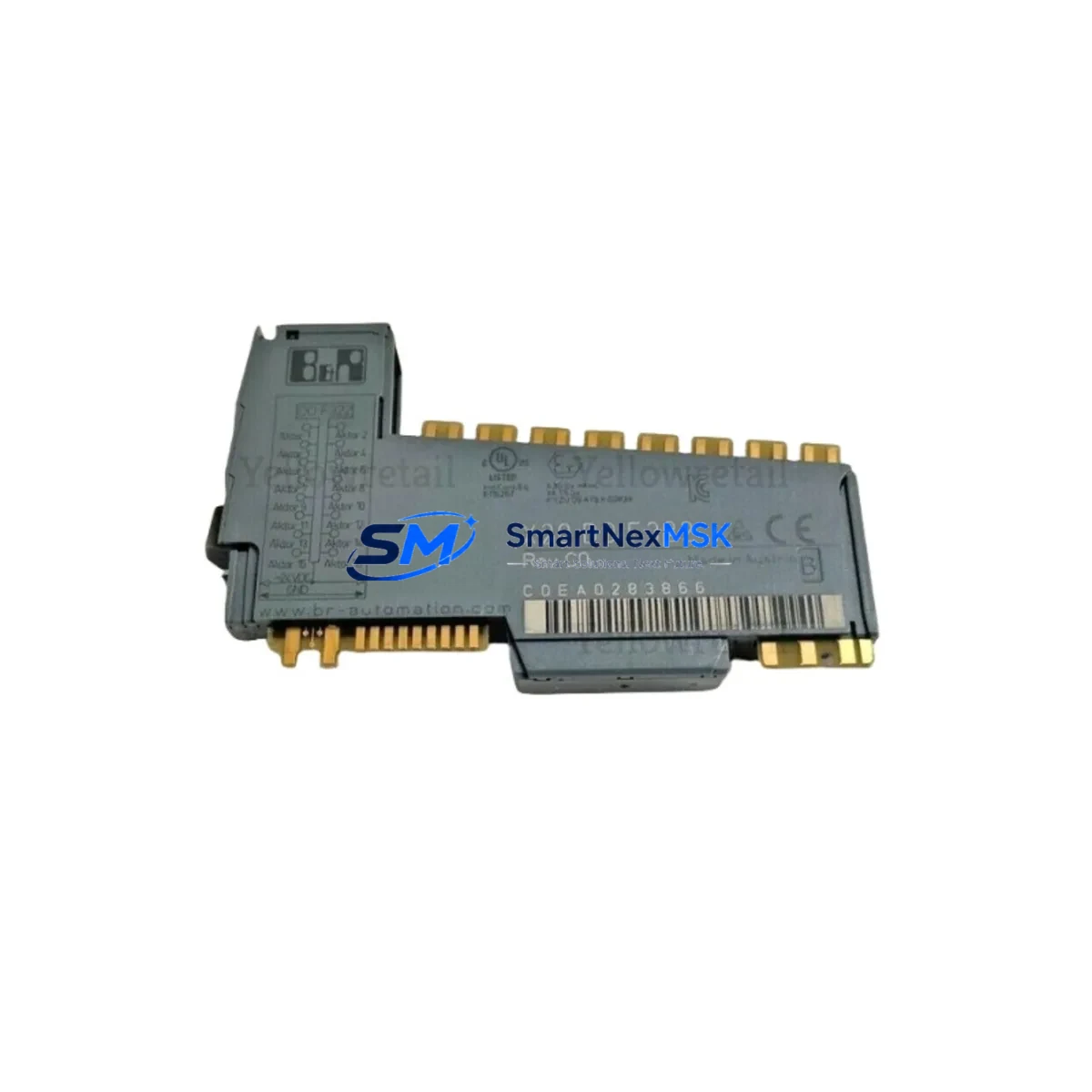
| I/O Expansion | Compatible with X20 digital/analog I/O modules (e.g. X20DI9371, X20AO4622) |
| HMI Compatibility | Compatible with B&R Power Panel and mapp View HMI solutions |
| Commissioning Focus | Module address assignment, POWERLINK node configuration, I/O mapping verification |
| Warranty | 12 Months from date of shipment |
| Origin | Germany |
| Condition | New / Surplus New |
Retrofit Planning for Existing Automation Systems
Successful integration of the B&R 7CP570.60-1 into an existing control system begins with a thorough pre-retrofit assessment. Engineers should first audit the current X20 backplane configuration, documenting all installed modules including the existing CPU, X20 power supply modules such as the X20PS9400, digital input modules like the X20DI9371, digital output modules such as the X20DO9322, and any analog I/O modules including the X20AO4622 series. This inventory ensures that the replacement CPU will be correctly mapped to all downstream I/O points without address conflicts.
Terminal wiring on the X20 system is handled through the base module connectors, which remain in place during a CPU swap — a significant advantage that reduces rewiring time. However, engineers must verify that the power supply capacity of the installed X20PS9400 or X20PS9402 is sufficient to support the 7CP570.60-1’s processing load alongside all connected I/O modules. Insufficient bus power is a common cause of instability after a CPU upgrade and should be calculated before commissioning.
Communication protocol migration is another critical planning step. If the existing system uses POWERLINK as the real-time Ethernet backbone — common in B&R X20 installations — the 7CP570.60-1 must be configured as the POWERLINK Managing Node (MN) within Automation Studio. Any X20 communication modules such as the X20BC0083 (POWERLINK interface) or X20BC0073 (Modbus TCP interface) must be re-mapped in the new project configuration. For systems migrating from CANopen to POWERLINK, additional gateway modules may be required to bridge legacy field devices.
The Automation Studio project from the previous CPU must be re-compiled targeting the 7CP570.60-1 hardware configuration. Engineers should back up the original project archive before beginning any hardware changes. After compilation, the updated project is downloaded to the new CPU via USB or Ethernet. I/O channel mapping, task cycle times, and PID loop parameters should be verified against the original configuration to ensure functional equivalence. If the system includes a B&R Power Panel HMI or a mapp View visualization, the HMI project should be re-tested against the new CPU to confirm all variable bindings and alarm configurations remain intact.
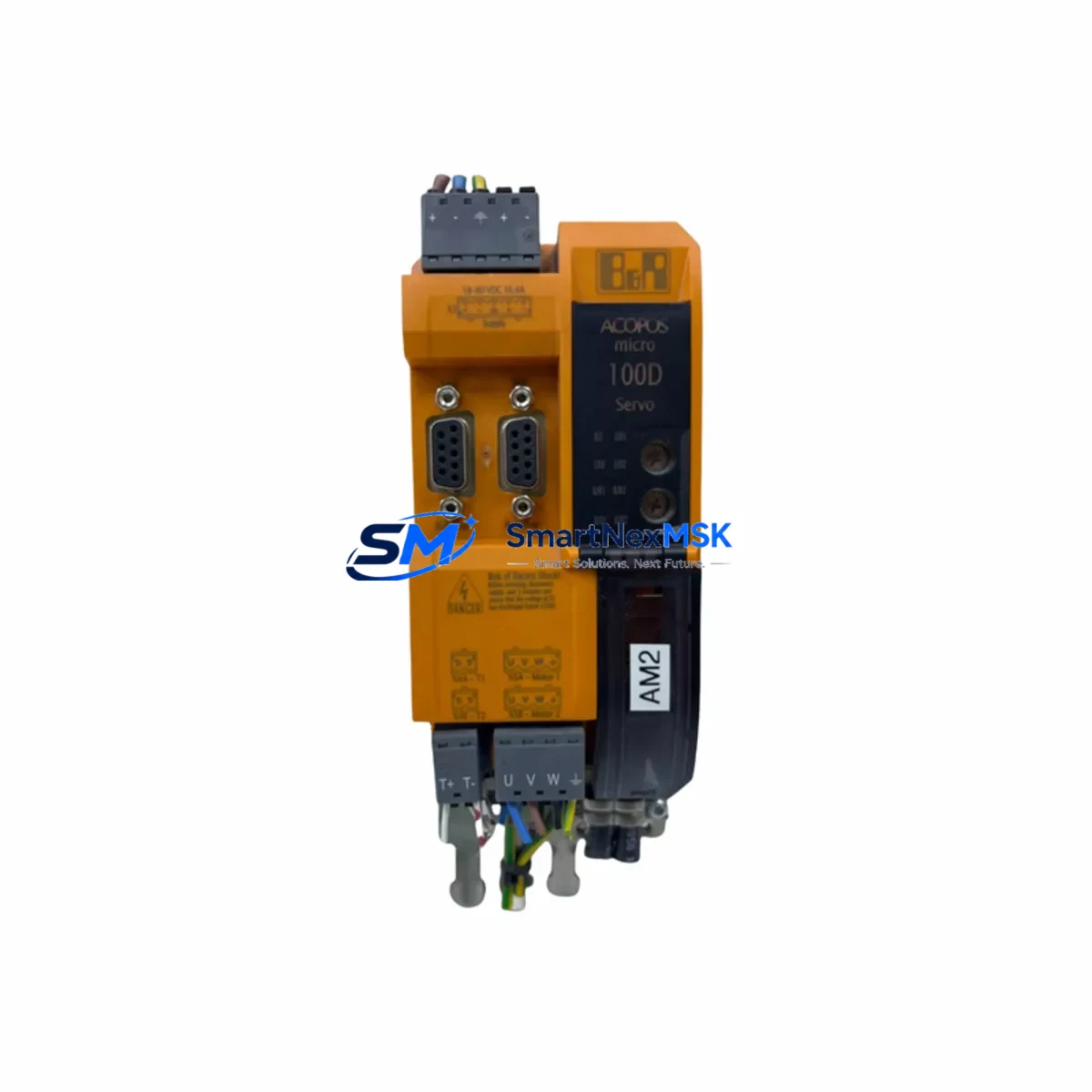
For systems that include X20 motion control axes driven by B&R ACOPOS servo drives, axis parameterization files should be exported from the original project and re-imported after the CPU upgrade. Encoder feedback configurations and safety function assignments must be re-verified before any motion test runs.
Downtime Control During System Migration
Minimizing production downtime during a CPU migration requires a structured changeover plan. The recommended approach is to prepare and validate the new 7CP570.60-1 configuration offline using a spare X20 backplane or a hardware-in-the-loop simulation environment within Automation Studio before the scheduled maintenance window.
During the changeover window, the sequence should follow: (1) archive the current CPU project and export all parameter sets; (2) power down the control cabinet following the site’s lockout/tagout procedure; (3) remove the existing CPU module from the X20 backplane — the base module and terminal wiring remain undisturbed; (4) install the 7CP570.60-1 into the same backplane slot; (5) power up and download the pre-validated project; (6) perform I/O force tests to verify all field signals; (7) execute a controlled production trial run before returning to full automatic mode.
This structured approach typically allows a CPU swap to be completed within a planned 2–4 hour maintenance window, preserving the original field wiring, terminal assignments, and control logic while delivering the performance and reliability improvements of the updated hardware. Having a pre-tested spare 7CP570.60-1 on-site as a hot standby further reduces risk for critical production lines.
Retrofit Support FAQ
Q1: Is the B&R 7CP570.60-1 a direct drop-in replacement for older B&R X20 CPU modules?
The 7CP570.60-1 is mechanically compatible with the standard X20 backplane and base module system, meaning the terminal wiring and I/O base modules do not need to be replaced. However, the Automation Studio project must be re-targeted to the new CPU hardware configuration and re-downloaded. Direct program transfer without re-compilation is not supported — this is standard procedure for any B&R X20 CPU replacement.
Q2: What commissioning steps are required after installing the 7CP570.60-1?
After physical installation, the key commissioning steps are: assign the correct module address in Automation Studio, configure POWERLINK or Ethernet IP settings, verify I/O channel mapping against the original configuration, test all digital and analog I/O points using force mode, and perform a supervised production trial. For systems with motion axes, servo drive parameterization must also be re-verified before enabling automatic operation.
Q3: Can the 7CP570.60-1 communicate with legacy field devices using older protocols?
Yes, through the appropriate X20 communication gateway modules. The X20 platform supports POWERLINK, Modbus TCP, CANopen, PROFIBUS, and DeviceNet via dedicated interface modules. If your existing field devices use a protocol not natively supported by the 7CP570.60-1, the corresponding X20 gateway module should be added to the backplane configuration to maintain communication continuity.
Q4: What does the 12-month warranty cover, and how is the unit tested before shipment?
Every 7CP570.60-1 unit supplied by SMARTNEXMSK undergoes functional verification testing prior to shipment, including power-on self-test, communication interface check, and firmware integrity verification. The 12-month warranty covers manufacturing defects and functional failures under normal operating conditions from the date of shipment. Units are packaged in anti-static protective packaging with full documentation. For warranty claims or technical support, contact [email protected].
© 2026 SMARTNEXMSK. All rights reserved.
Original Source: https://smartnexmsk.com
Contact: [email protected] | +86 18259474341