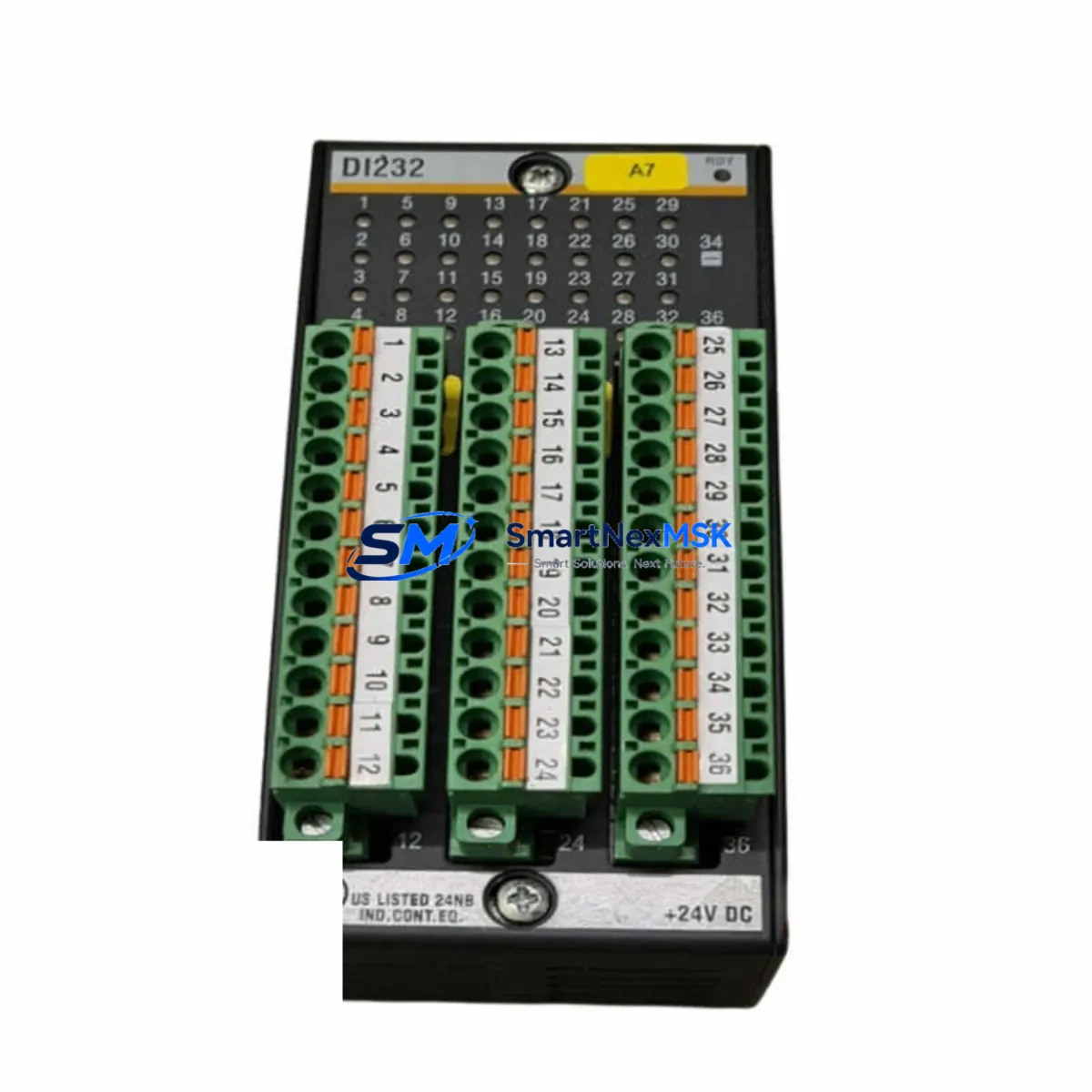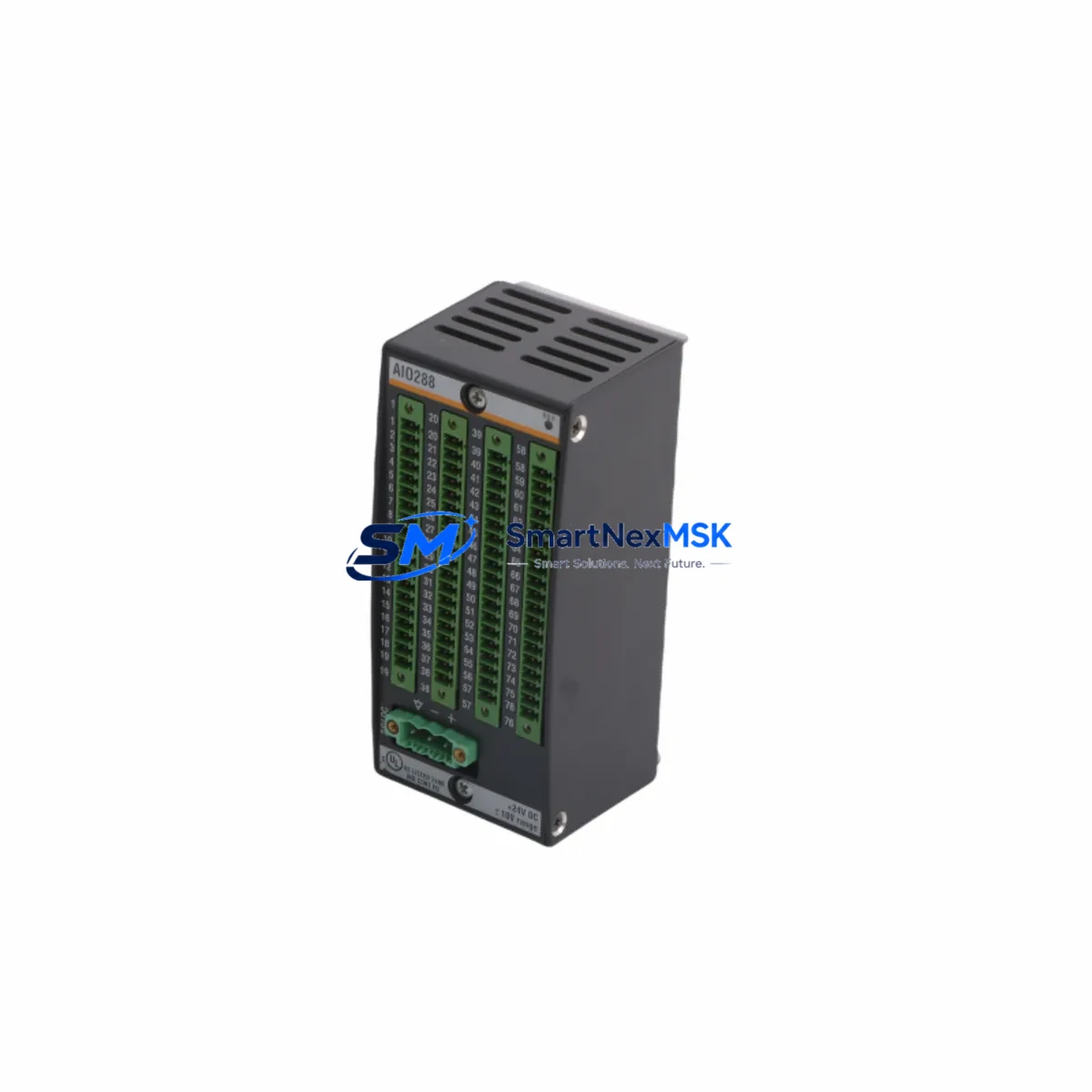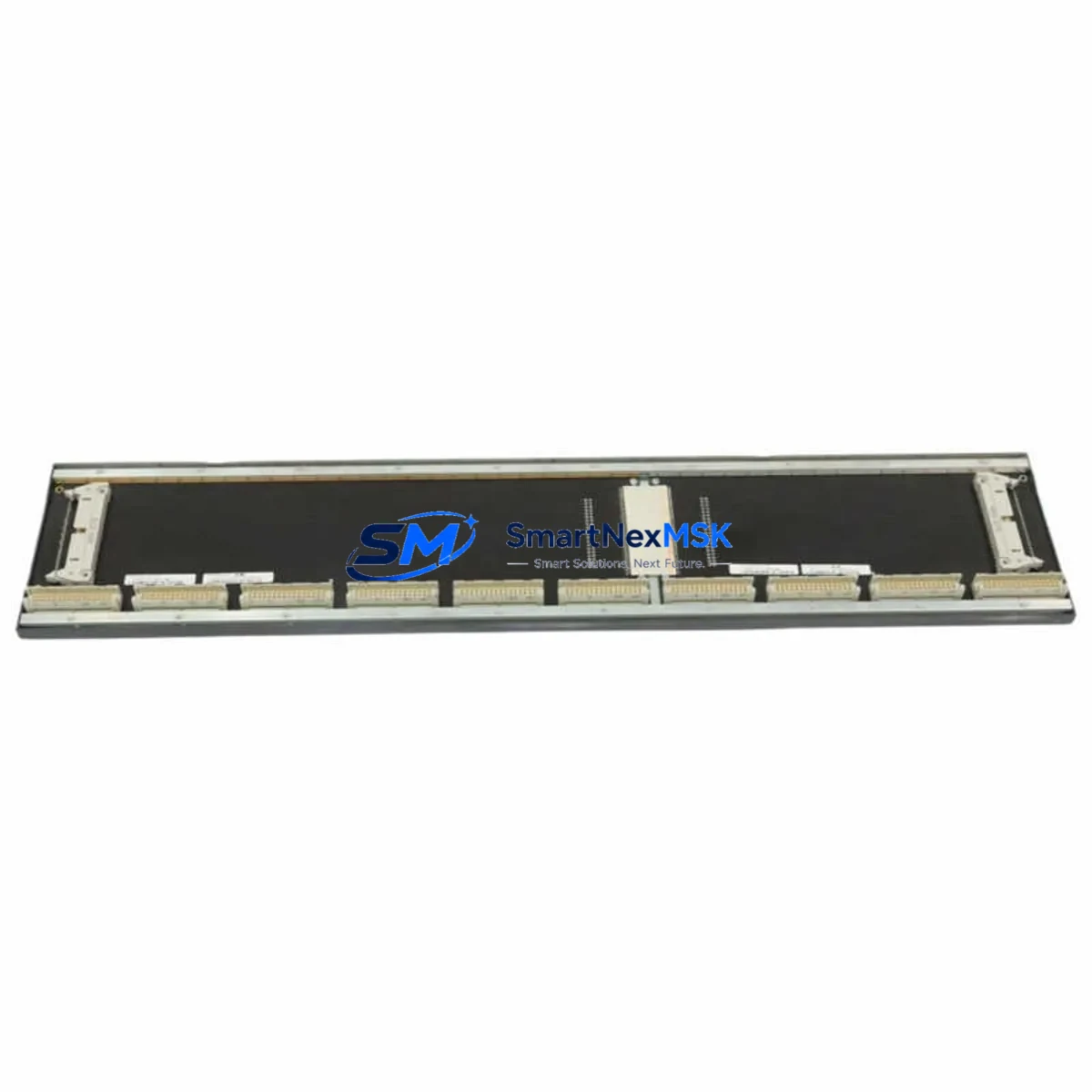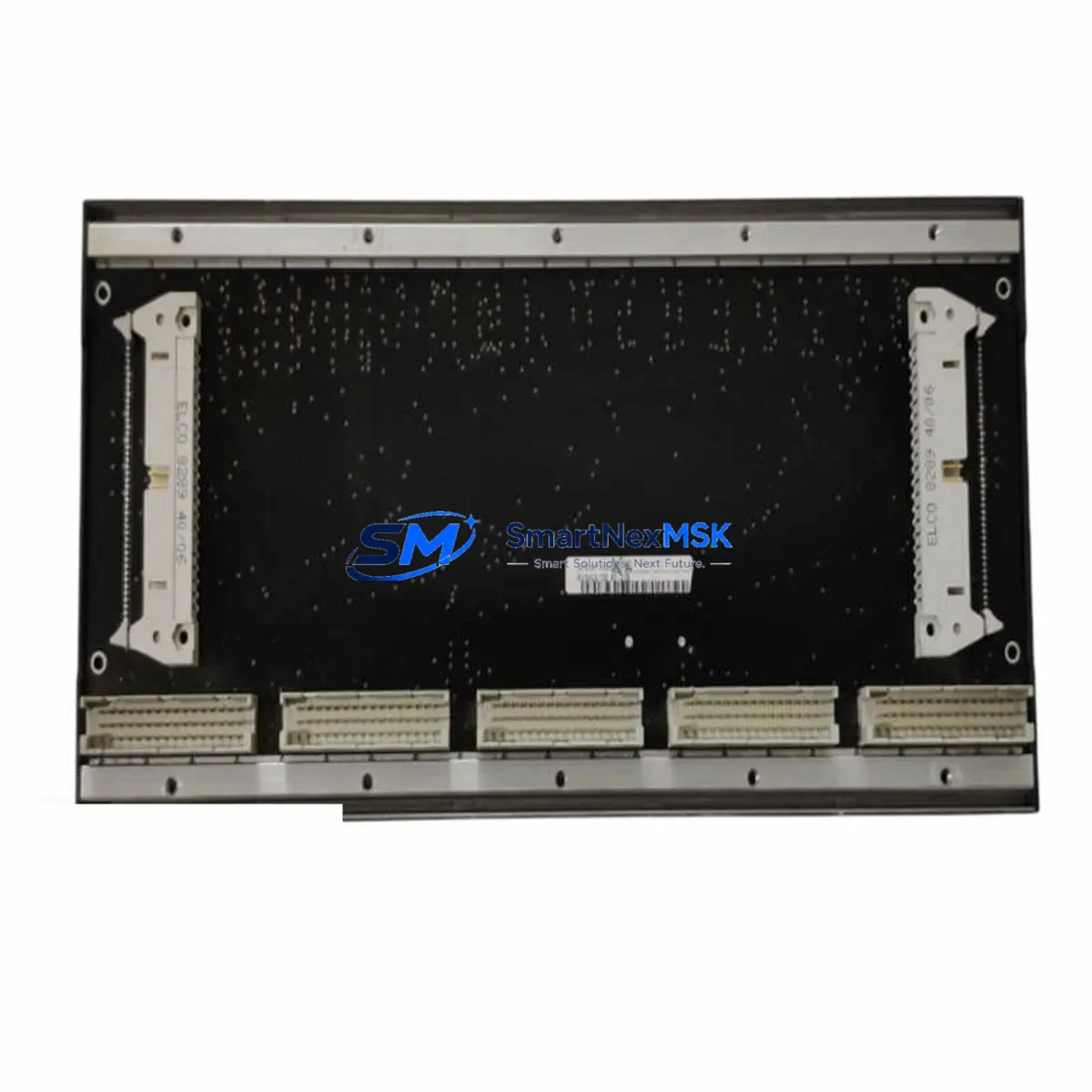
BACHMANN BS205 Retrofit-Ready Backplane for M1 Control Systems
The BACHMANN BS205 is a high-density backplane module engineered for seamless integration into BACHMANN M1 Series modular control systems. As legacy automation infrastructure ages and OEM support windows close, the BS205 provides a verified, drop-in retrofit path that preserves existing rack geometry, I/O addressing, and inter-module communication without requiring a full controller replacement. Whether you are upgrading a deteriorating backplane in a running production line or restoring a system after an unplanned failure, the BS205 delivers the electrical and mechanical compatibility that industrial retrofit engineers demand.
The BS205 supports the standard M1 rack bus architecture, allowing it to coexist with installed BACHMANN MPC240 and MPC265 controller modules, as well as legacy I/O modules such as the DI212, DO212, AI202, and AO202 series. Existing module slot assignments, I/O channel mappings, and Profibus DP or CANopen node addresses configured in the original system are preserved across the backplane swap, significantly reducing re-commissioning time and the risk of program logic errors during migration.
Before beginning a BS205 retrofit, engineers should verify the following critical parameters against the existing installation: rack power supply capacity (the PS205 or PS206 power supply modules must deliver sufficient current headroom for all installed I/O and communication modules), terminal wiring continuity at the field connector level, backplane slot count and physical rack depth, module base address DIP-switch settings, and the firmware revision of the installed MPC controller. Mismatched firmware between the controller and backplane bus driver can cause initialization faults that are difficult to diagnose without access to the BACHMANN SolutionCenter programming environment.
Communication module compatibility is a frequent concern during M1 backplane replacements. The BS205 maintains full electrical compatibility with BACHMANN’s CM202 CANopen master module and the EM203 Ethernet module, ensuring that existing SCADA links, HMI data exchange via OPC-DA or OPC-UA, and peer-to-peer controller synchronization remain uninterrupted after the backplane is replaced. If the legacy installation uses a BACHMANN MX213 Profibus DP slave module for field device integration, no re-parameterization of the GSD file or slave address table is required when migrating to the BS205.
For systems where the original backplane has suffered thermal damage or connector wear, the BS205 also serves as a direct upgrade path for installations that previously used the earlier BS200 or BS201 backplane variants. The mechanical footprint, DIN rail mounting pattern, and module locking mechanism are identical, allowing a technician to transfer all installed modules to the new BS205 backplane without modifying the control cabinet structure or re-routing field wiring.
Upgrade Compatibility Table
| Parameter | BS205 Specification | Retrofit Notes |
|---|---|---|
| Compatible Controllers | MPC240, MPC265, MPC270 | Verify firmware ≥ required minimum via SolutionCenter |
| Backplane Bus | M1 proprietary parallel bus | Direct replacement for BS200, BS201 variants |
| Communication Protocols | CANopen, Profibus DP, Ethernet/IP | No re-parameterization required for CM202, MX213 |
| Power Supply Compatibility | PS205, PS206 | Confirm current headroom before module transfer |
| I/O Module Compatibility | DI212, DO212, AI202, AO202 and equivalents | Slot addresses and channel mappings preserved |
| Installation Method | DIN rail, standard M1 rack | Identical footprint to BS200/BS201 — no cabinet modification |
| Commissioning Tool | BACHMANN SolutionCenter | Required for firmware check and bus diagnostics |
| Warranty | 12 Months | Covers manufacturing defects; includes pre-shipment functional test |
Retrofit Planning for Existing Automation Systems
A successful BS205 backplane retrofit begins with a thorough audit of the existing M1 rack assembly. Start by documenting the physical slot layout: record which module type occupies each slot position, note the DIP-switch base address settings on each I/O module such as the DI212 digital input module and AO202 analog output module, and photograph the terminal wiring on each field connector before disconnection. This documentation becomes the reference baseline for post-installation verification.
Power budget validation is the next critical step. The PS205 or PS206 power supply module feeding the rack must be confirmed to supply adequate current for all installed modules simultaneously. Add the individual current draw figures for each installed module — including the MPC265 controller, any CM202 CANopen communication module, EM203 Ethernet module, and all I/O modules — and verify that the total does not exceed 90% of the power supply’s rated output to maintain thermal margin.
During the physical swap, transfer modules one at a time from the old backplane to the BS205, maintaining the original slot sequence. Re-seat each module firmly until the locking lever engages. Reconnect field wiring terminal blocks in the documented order. If the installation includes an MX213 Profibus DP slave module, confirm that the bus termination resistor settings on the first and last devices in the Profibus segment remain correct after the backplane replacement, as an incorrect termination will cause intermittent communication faults that are difficult to distinguish from hardware failures.
After physical installation, connect the BACHMANN SolutionCenter programming cable — typically a standard Ethernet or USB-to-serial programming cable depending on the MPC controller variant — and perform a full bus scan to confirm that all modules are recognized at their expected addresses. Download the existing PLC program from backup and verify that all I/O force tables, retain variable values, and HMI tag bindings remain intact before returning the system to automatic mode.
Downtime Control During System Migration
Minimizing unplanned downtime during a BS205 backplane replacement requires preparation that begins well before the maintenance window opens. The most effective approach is to pre-stage the BS205 on a bench rack alongside a spare MPC controller module, load the production program from a verified backup, and perform a full I/O simulation test using the SolutionCenter force table to confirm that all logic blocks execute correctly before the replacement unit enters the field.
During the live replacement window, the recommended sequence is: place the controller in STOP mode, export a full program backup including retain variable data, de-energize the rack power supply, transfer modules to the BS205, reconnect field wiring, re-energize, perform the bus scan, reload the program if required, verify I/O states against the pre-shutdown snapshot, and return to RUN mode. A disciplined technician following this sequence can complete a BS205 backplane swap in under two hours for a fully populated rack, keeping production interruption within a single planned maintenance shift.
For critical continuous-process applications where even a brief control interruption is unacceptable, consider a parallel-rack strategy: install and commission the BS205-based replacement rack alongside the running system, synchronize program logic and retain data, then perform a hot-cutover at a low-demand production moment. This approach requires an additional set of I/O modules and a temporary wiring harness but eliminates uncontrolled process excursions during the transition.
Retrofit Support FAQ
Q: Is the BS205 a direct drop-in replacement for the BS200 and BS201 backplanes?
A: Yes. The BS205 shares the same DIN rail mounting pattern, module slot pitch, and M1 bus connector geometry as the BS200 and BS201. All installed modules transfer directly without mechanical modification. Verify firmware compatibility via SolutionCenter before returning the system to service.
Q: Will my existing CANopen and Profibus DP configurations survive the backplane replacement?
A: Yes. Communication module parameters — including CANopen node IDs configured in the CM202 and Profibus DP slave addresses in the MX213 — are stored in the modules themselves, not in the backplane. No re-parameterization of network configuration files or GSD descriptors is required after installing the BS205.
Q: What pre-shipment testing is performed on the BS205?
A: Each BS205 unit undergoes a functional bus continuity test and visual inspection before dispatch. Units are shipped with a test report confirming electrical integrity across all module slots. The 12-month warranty covers manufacturing defects identified after installation and begins from the date of shipment.
Q: How do I confirm the BS205 is compatible with my specific M1 rack configuration before ordering?
A: Provide your existing backplane part number, controller model (e.g., MPC240 or MPC265), installed module list, and power supply model. Our technical team will confirm compatibility and advise on any firmware or wiring considerations specific to your installation before the order is placed.
© 2026 SMARTNEXMSK. All rights reserved.
Original Source: https://smartnexmsk.com
Contact: [email protected] | +86 18259474341