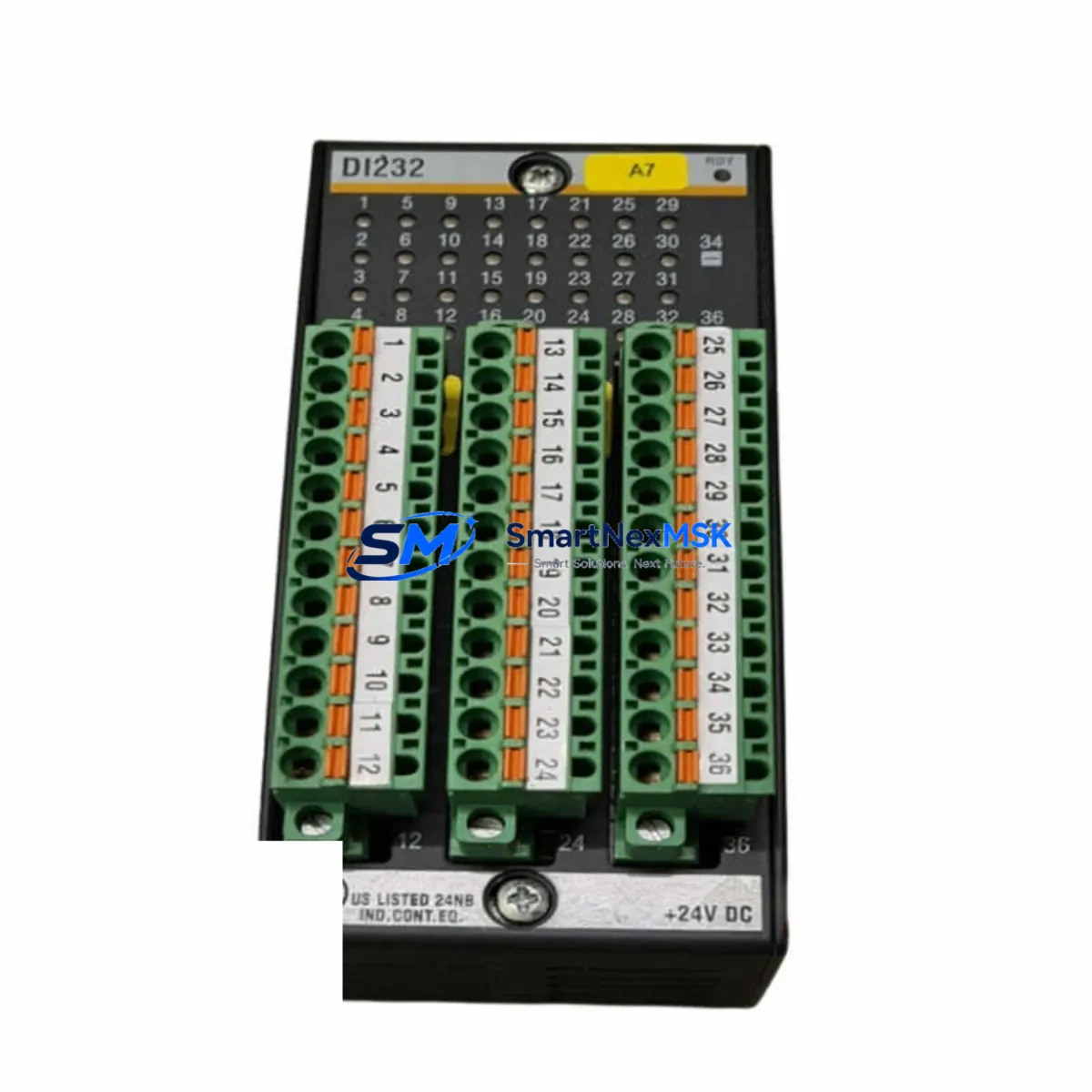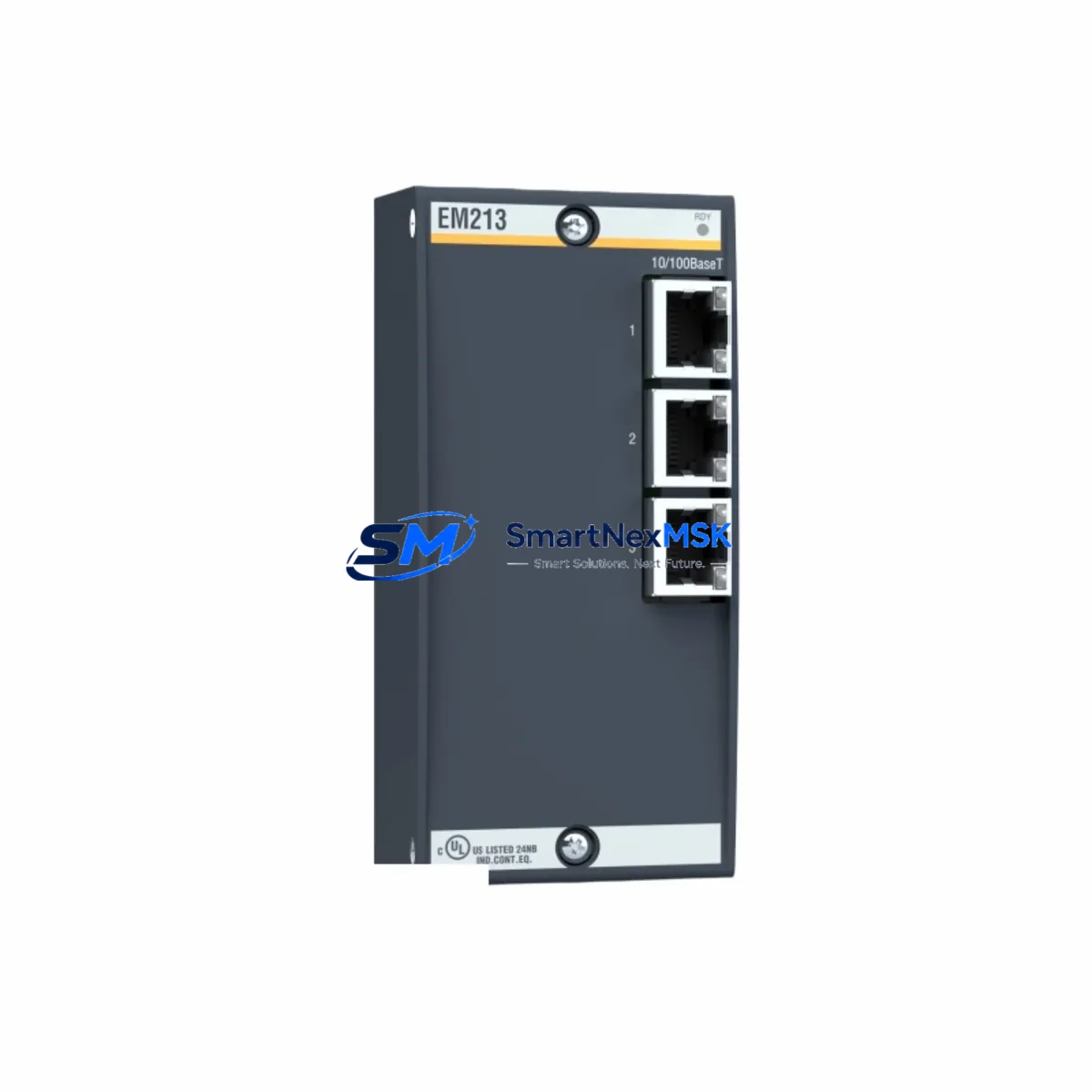
Bachmann EM213 Retrofit-Ready AC Power Controller for EM200 Control Systems
The Bachmann EM213 is a thyristor-based AC power controller module engineered for seamless integration into Bachmann EM200 Series automation platforms. As legacy EM200 installations approach end-of-service milestones, the EM213 has become the preferred retrofit solution for engineers managing controlled phase-angle firing, zero-cross switching, and load regulation in industrial heating, motor soft-start, and process control applications. Whether you are replacing a discontinued EM211 or EM212 variant, upgrading a multi-rack EM200 cabinet, or migrating from an older Bachmann M1 controller architecture, the EM213 delivers the electrical and mechanical compatibility required for a low-risk, minimum-downtime changeover.
Each unit is sourced directly from verified supply channels, pre-tested against Bachmann factory specifications, and shipped with a 12-month warranty covering manufacturing defects and functional failures. Stock is maintained in Xiamen for rapid dispatch to customers across Asia, Europe, and the Middle East.
Upgrade Compatibility Table
| Parameter | Details |
|---|---|
| Compatible Series | Bachmann EM200 Series (EM211, EM212, EM213, EM214) |
| Module Type | Thyristor AC Power Controller (Phase-Angle & Zero-Cross) |
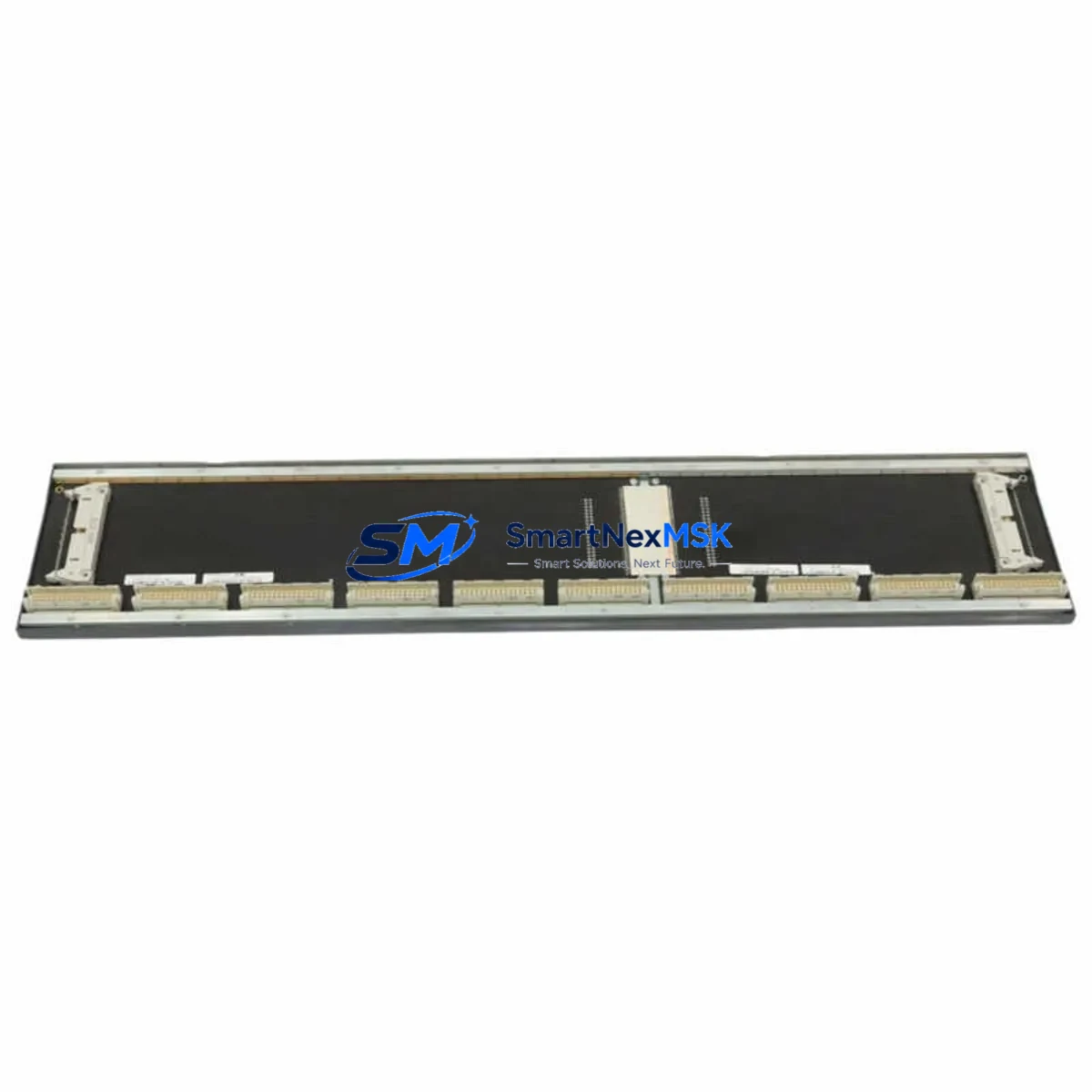
| Backplane Interface | EM200 standard rack bus connector — direct slot replacement |
| Power Supply Compatibility | 24 VDC logic supply via backplane; load circuit per rated spec |
| Communication Protocol | Bachmann SL I/O bus; compatible with M1 and MX controllers |
| Terminal Wiring | Screw-terminal block; existing field wiring reusable in most cases |
| Slot Replacement | Drop-in for EM211 / EM212 in same rack position — verify address DIP settings |
| Firmware / Programming | No firmware flash required; recognized by SolutionCenter / M-Target for CoDeSys |
| Commissioning Note | Confirm module address, firing mode, and load type in SolutionCenter before energizing |
| Warranty | 12 Months — covers manufacturing defects and functional failure under normal operating conditions |
Retrofit Planning for Existing Automation Systems
A successful EM213 retrofit begins well before the module arrives on site. Engineers working within a Bachmann EM200 rack environment must first audit the existing cabinet layout, confirming that the Bachmann PS204 or PS205 power supply module can sustain the additional load demand introduced by the replacement unit. In multi-rack configurations connected via the Bachmann CAN bus coupler or Ethernet coupler module, the rack address and node ID assignments must be documented before any hardware is removed.
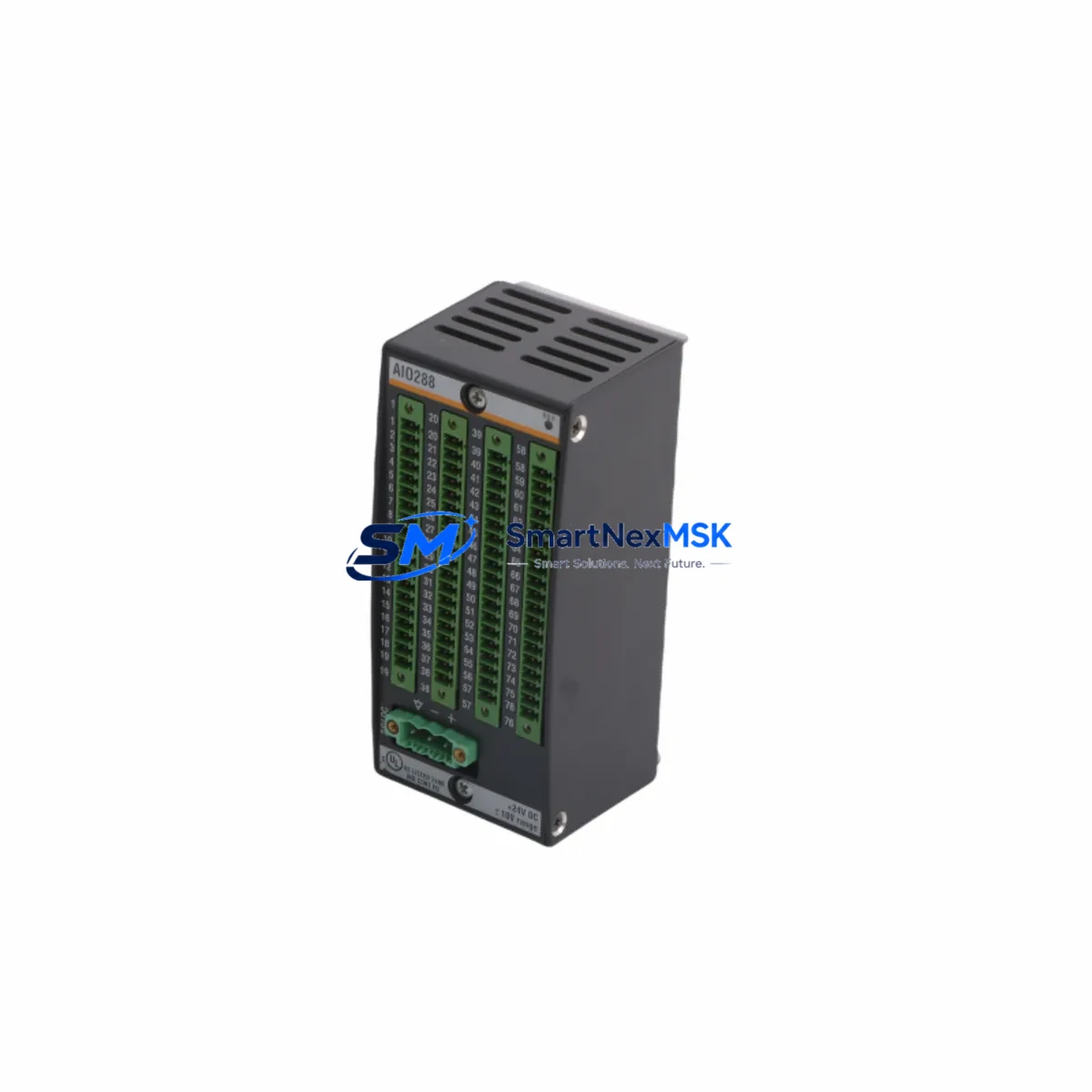
Terminal wiring is typically reusable when migrating from an EM211 or EM212 to the EM213, but engineers should verify conductor cross-sections against the EM213 terminal rating and inspect for insulation degradation in older installations. The Bachmann DIO280 digital I/O module and AIO288 analog I/O module installed in adjacent slots should remain undisturbed during the swap, but their channel assignments should be re-verified in the SolutionCenter project file after the EM213 is seated.
For systems running CoDeSys-based logic on a Bachmann MX213 or MC206 controller, the existing PLC program does not require recompilation — the EM213 is recognized as a compatible device type within the same hardware configuration tree. However, engineers should export and archive the current project backup using M-Target for CoDeSys before any physical intervention, ensuring a clean restore path if commissioning reveals unexpected behavior.
HMI screens connected via Bachmann PROFIBUS DP or Modbus TCP interface modules will continue to reference the same process variable addresses, provided the module slot position and address DIP switch settings are preserved. In cases where the original EM211 or EM212 used a non-default address, the EM213 must be configured to match before the rack is powered. The Bachmann programming cable MPC210 or USB diagnostic interface can be used for pre-installation address verification on the bench.
Where I/O expansion is part of the upgrade scope, the EM213 retrofit is frequently combined with the addition of a Bachmann EIO212 remote I/O station to extend field signal capacity without modifying the main rack. This approach is common in legacy heating control panels where the original I/O count was sized tightly and process expansion has since outpaced the original design.
Downtime Control During System Migration
Minimizing production interruption during an EM213 changeover requires a structured pre-outage preparation protocol. Before the scheduled maintenance window, the engineering team should complete a full backup of the SolutionCenter project, document all active process setpoints, and photograph the existing terminal wiring layout. A bench-tested EM213 with pre-configured address settings should be staged at the cabinet before the line is taken offline.
The physical swap — removing the failed or obsolete module, seating the EM213, and reconnecting field terminals — typically takes under 30 minutes in a well-documented installation. The critical time investment is in post-installation verification: confirming module recognition in the controller’s hardware tree, checking firing mode configuration, and running a controlled load test at reduced power before returning to full production setpoints.
For facilities operating continuous processes where even brief interruptions carry significant cost, a parallel commissioning approach is recommended: install the EM213 in a spare rack slot, configure and test it offline, then perform a live cutover during a scheduled low-load period. This method, combined with pre-tested hardware and archived program logic, routinely achieves total changeover times of under two hours including functional verification — well within a standard planned maintenance window.
All units supplied by SMARTNEXMSK are tested prior to shipment and accompanied by a test report. The 12-month warranty provides coverage from the date of invoice, ensuring that any latent defects identified during commissioning or early operation are addressed without additional cost to the customer.
Retrofit Support FAQ
Q1: Is the Bachmann EM213 a direct drop-in replacement for the EM211 and EM212?
In most EM200 rack configurations, yes. The EM213 uses the same backplane connector and occupies the same slot width. The primary pre-installation check is the module address DIP switch setting — this must match the address assigned to the original module in the SolutionCenter hardware configuration. Firing mode (phase-angle vs. zero-cross) and load type parameters should also be verified before energizing the load circuit.
Q2: Will my existing CoDeSys program need to be modified after installing the EM213?
No program modification is required in standard replacement scenarios. The EM213 is recognized as a compatible device within the Bachmann M1 and MX controller hardware trees. Export and archive your current project before the swap as a precaution, but no recompilation or variable remapping should be necessary if the module address and slot position are preserved.
Q3: What wiring checks are required before powering up the replacement module?
Verify that all field terminals are torqued to specification and that conductor cross-sections are within the EM213 rated range. Inspect for any insulation damage on existing cables. Confirm that the 24 VDC backplane supply from the PS204 or PS205 power module is within tolerance before seating the EM213. Do not energize the load circuit until module recognition has been confirmed in the controller diagnostic view.
Q4: What does the 12-month warranty cover, and how is a claim processed?
The warranty covers manufacturing defects and functional failures under normal operating conditions for 12 months from the invoice date. To initiate a claim, contact SMARTNEXMSK with the invoice number, a description of the failure symptom, and photographic documentation of the installation. Replacement or repair is arranged within the warranty period at no additional charge. Units showing evidence of incorrect installation, overvoltage, or physical damage are assessed on a case-by-case basis.
© 2026 SMARTNEXMSK. All rights reserved.
Original Source: https://smartnexmsk.com
Contact: [email protected] | +86 18259474341