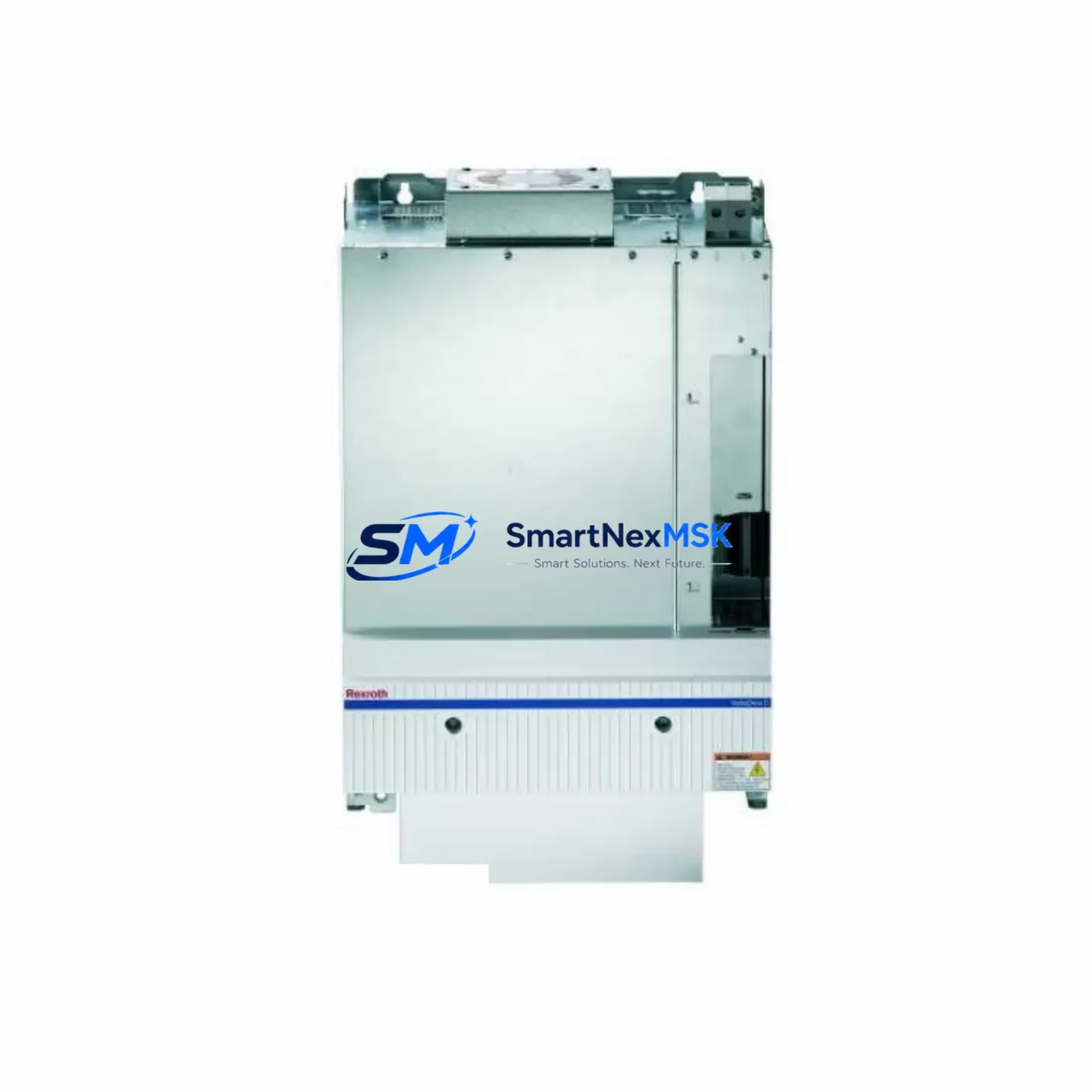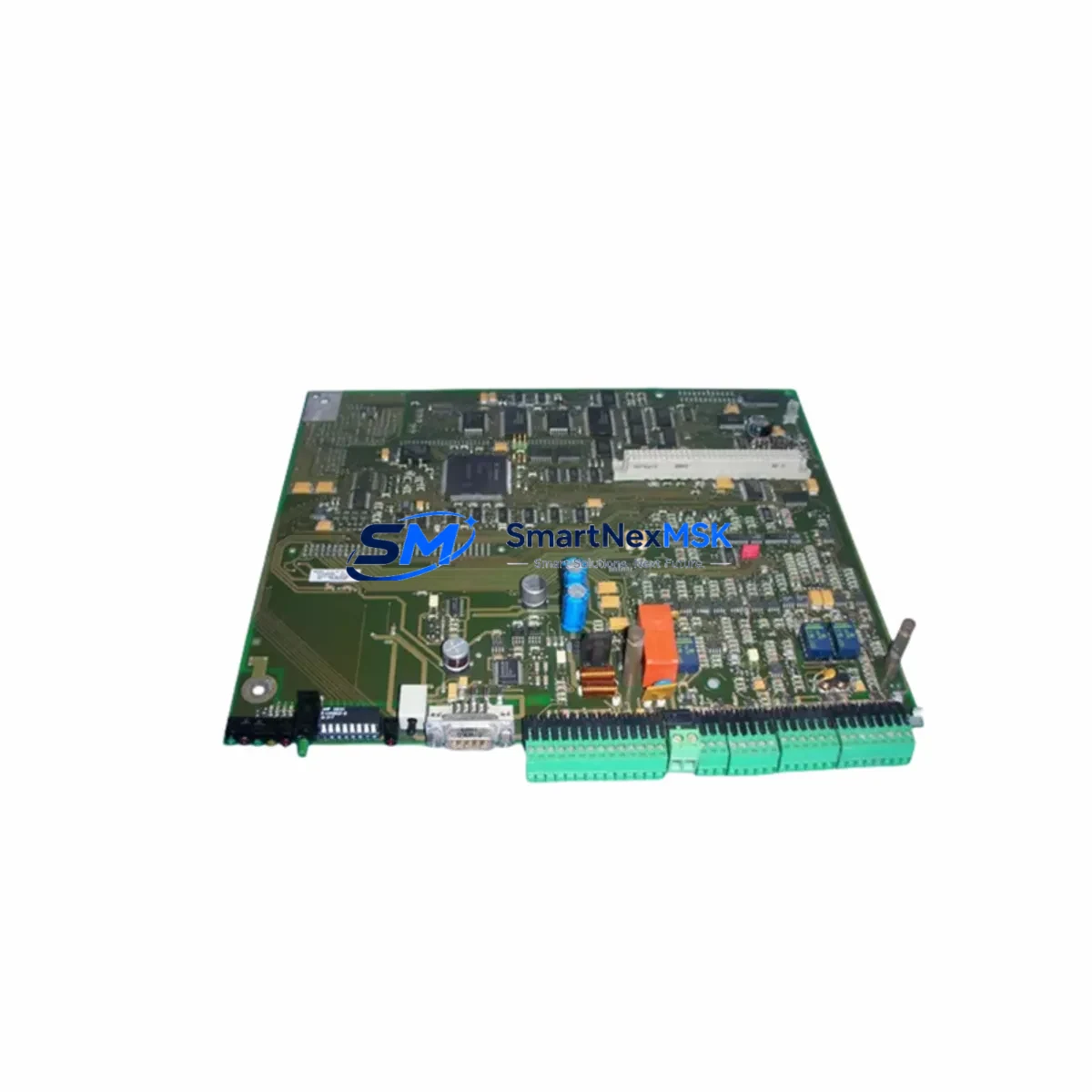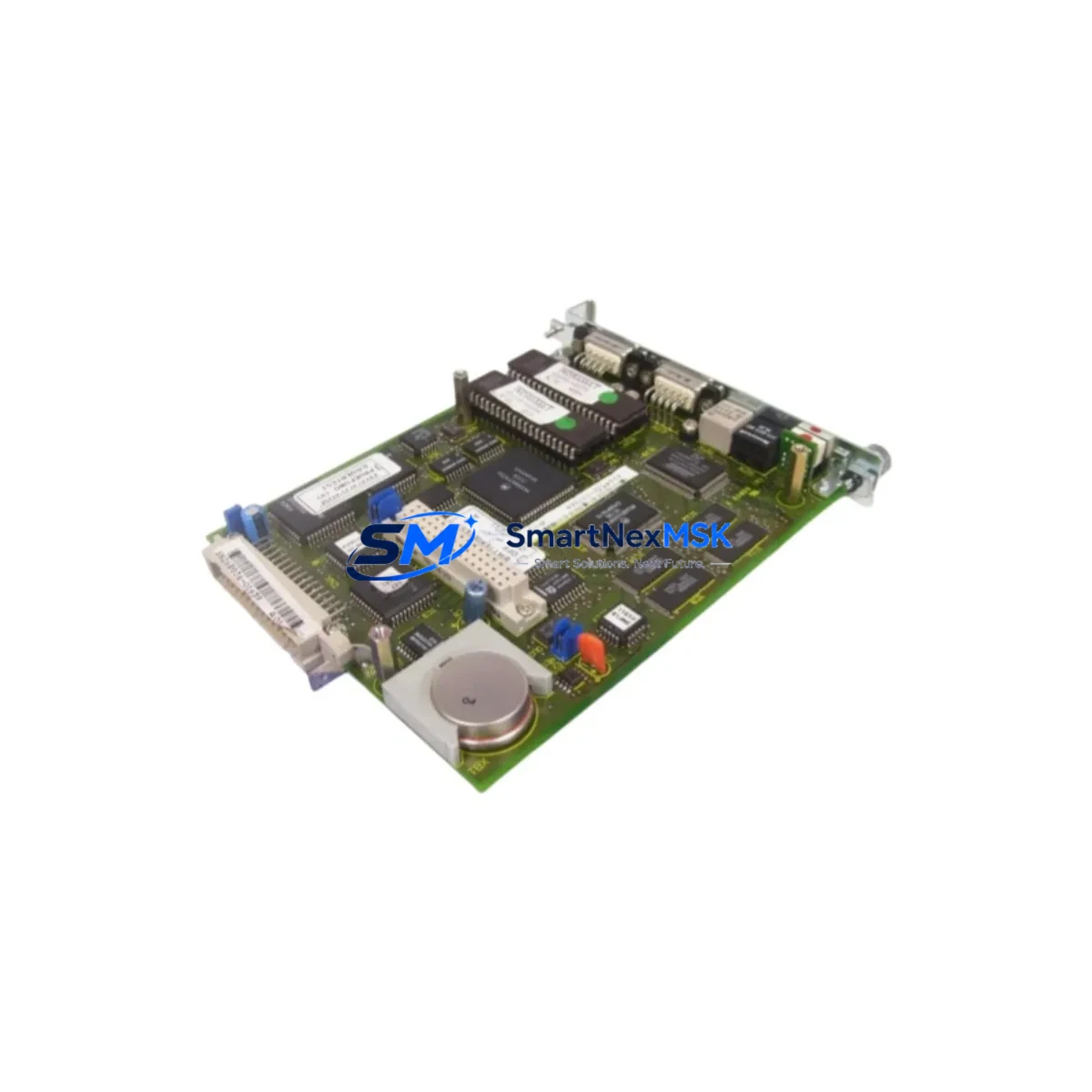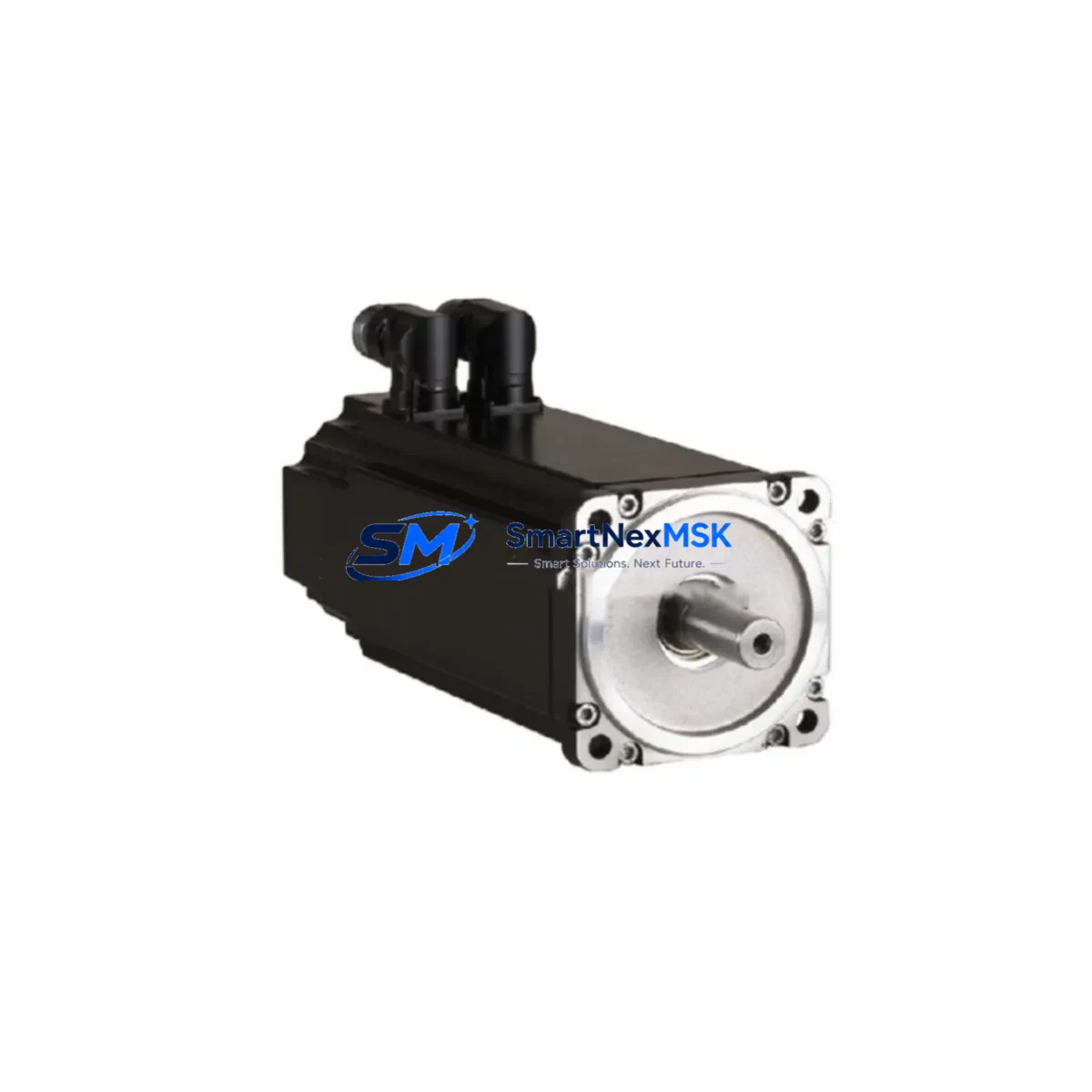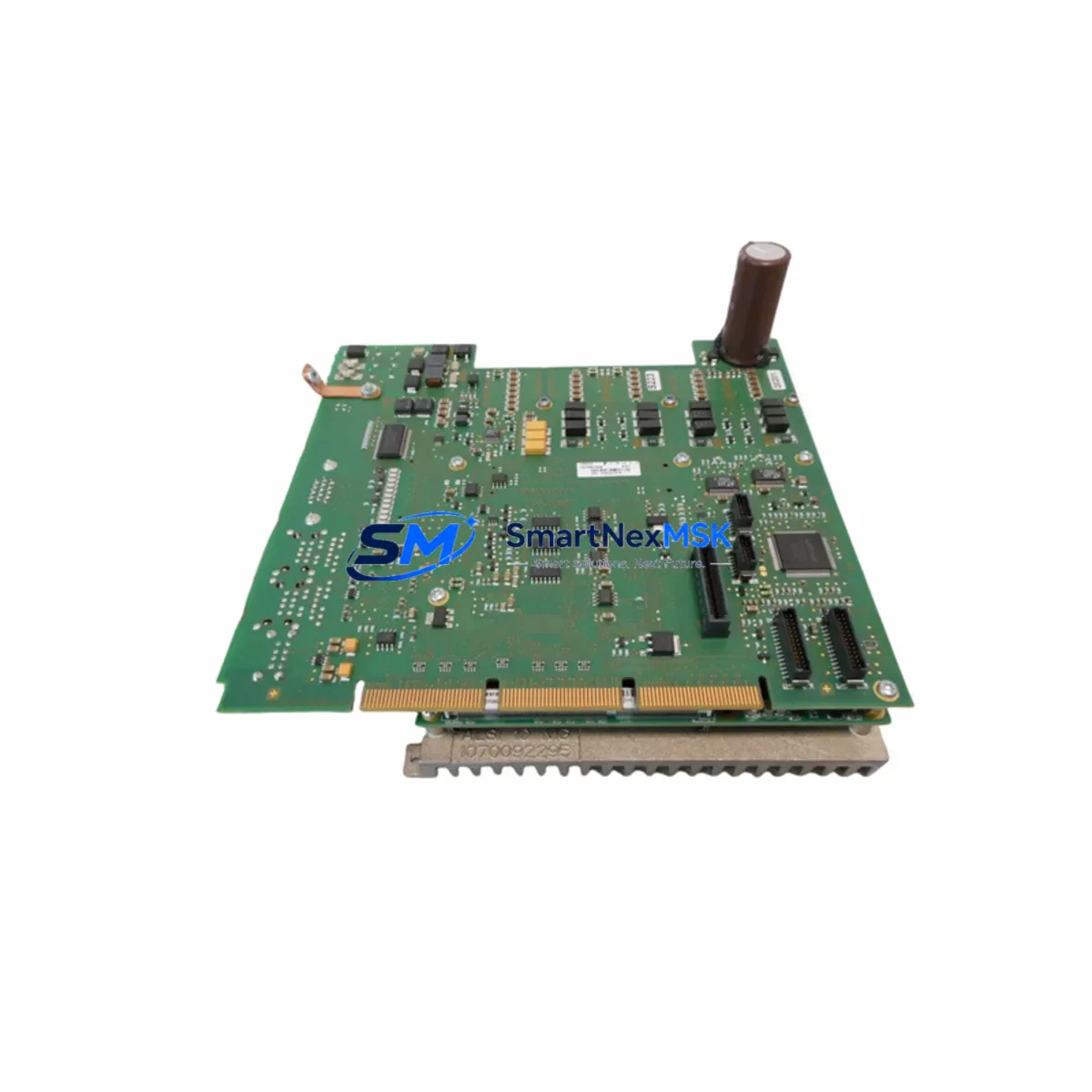
Bosch Rexroth 1070089510-101 Maintenance-Ready Spare IndraControl CNC
When a CNC machine goes down on the production floor, every minute of unplanned downtime translates directly into lost output and escalating recovery costs. The Bosch Rexroth 1070089510-101 is an original IndraControl CNC control PCB module — a mission-critical spare part for maintenance engineers managing legacy and active Bosch Rexroth CNC automation systems. Sourced from verified supply channels, this module is tested prior to shipment and backed by a 12-month warranty, giving procurement and maintenance teams the confidence to stock it as a primary or secondary spare.
The 1070089510-101 serves as the central control board within the IndraControl CNC platform, governing axis interpolation, I/O coordination, and real-time communication between the CNC controller and connected drives. Its failure — whether from power surge, aging capacitors, or connector fatigue — typically results in a complete machine halt. Having a verified replacement on the shelf is the single most effective strategy for minimizing mean time to repair (MTTR) in CNC-intensive production environments.
This spare is suitable for planned preventive maintenance cycles, emergency breakdown recovery, and long-term system life extension programs. It is particularly relevant for facilities operating Bosch Rexroth IndraControl VCP, IndraControl L, and IndraControl XM series controllers where the original PCB has reached end-of-production status but the machine itself remains in active service.
Spare Maintenance Table
| Parameter | Specification |
|---|---|
| Part Number / SKU | 1070089510-101 |
| Brand | Bosch Rexroth |
| Series | IndraControl CNC |
| Product Type | CNC Control PCB Module |
| Origin | Germany (DE) |
| Compatibility | IndraControl VCP, IndraControl L, IndraControl XM series CNC controllers |
| Application | CNC axis control, I/O coordination, real-time drive communication |
| Installation Environment | Industrial control cabinet, DIN rail or backplane mounting |
| Operating Temperature | 0°C to +55°C (standard industrial cabinet range) |
| Condition | Original spare — new or refurbished-to-spec, tested before shipment |
| Warranty | 12 months from date of shipment |
| Lead Time | In-stock: ships within 3–5 business days; sourced: 7–15 business days |
| Maintenance Recommendation | Inspect connector pins, backplane seating, and power rail integrity at each planned maintenance interval |
Maintenance Planning for Continuous Operation
Replacing the 1070089510-101 PCB module is rarely an isolated task. A disciplined maintenance engineer will treat this replacement as an opportunity to audit the entire control cabinet and associated electrical circuit. During the same maintenance window, the following components should be inspected or replaced as part of a comprehensive spare parts strategy:
Begin with the 24VDC power supply module feeding the IndraControl controller — voltage ripple or marginal output is a leading cause of PCB failure and should be verified with a calibrated meter before the new board is commissioned. Check the IndraDrive servo drive units (such as the HCS or HMS series) connected downstream; a failing drive can back-feed transients that damage the control PCB. Inspect all PROFIBUS DP or SERCOS III communication cables for continuity, shielding integrity, and connector seating, as communication faults are frequently misdiagnosed as PCB failures.
The I/O terminal modules — particularly digital input/output cards mounted on the same backplane — should be checked for contact wear and correct addressing. If the system uses Rexroth IndraDyn motor feedback cables or encoder signal lines, verify signal integrity at the PCB connector before closing the cabinet. Signal isolators on analog I/O channels should be tested for drift, especially in environments with high electromagnetic interference from spindle drives or welding equipment nearby.
For systems with an IndraControl VCP operator panel or HMI, confirm that the panel communication link to the PCB is re-established correctly after replacement and that all axis parameters and PLC programs are restored from a verified backup. Fuse holders and miniature circuit breakers on the 24VDC and 230VAC supply rails should be visually inspected and tested for correct trip ratings. Finally, review the condition of the backplane connector and card guide rails — worn guides can cause intermittent seating issues that mimic PCB failure and lead to repeat callouts.
Stocking the 1070089510-101 alongside a spare IndraDrive power section, a set of PROFIBUS termination resistors, and a spare 24VDC PSU module gives a maintenance team the coverage to resolve the majority of IndraControl CNC system faults without waiting for emergency procurement.
Site Replacement Workflow
Step 1 — Isolate and de-energize: Follow LOTO (Lockout/Tagout) procedures. Isolate the control cabinet from mains supply and allow capacitors to discharge for a minimum of 5 minutes before opening the enclosure.
Step 2 — Document current configuration: Photograph connector positions, cable routing, and any DIP switch or jumper settings on the existing 1070089510-101 board. Back up the CNC parameter file and PLC program to an external storage device via the IndraControl service interface.
Step 3 — Remove the faulty board: Release the PCB retaining clips or screws, disconnect all ribbon cables and I/O connectors in sequence, and extract the board from the backplane. Handle by edges only — avoid contact with PCB traces or components.
Step 4 — Install the replacement: Verify that the replacement 1070089510-101 matches the revision level of the removed board (check the label on the PCB edge). Seat the board firmly into the backplane, reconnect all cables in reverse order, and confirm DIP switch settings match the documented configuration.
Step 5 — Power-up and verify: Restore power in stages — 24VDC logic supply first, then mains. Monitor the IndraControl diagnostic display for fault codes. Restore the CNC parameter backup and run a dry-cycle axis test before returning the machine to production.
Step 6 — Update maintenance records: Log the replacement date, board serial number, and any associated fault codes. Schedule the next inspection interval and flag the removed board for bench testing or return-to-vendor evaluation.
This workflow is compatible with legacy IndraControl systems where the original 1070089510-101 has been superseded or discontinued, ensuring system compatibility is maintained without requiring a full controller upgrade.
Spare Parts Support FAQ
Q1: Is the 1070089510-101 still in production, and how do you ensure long-term supply?
The 1070089510-101 is a legacy IndraControl CNC PCB that has reached end-of-production status with Bosch Rexroth. SMARTNEXMSK maintains sourced inventory from verified industrial channels, including new-old-stock and refurbished-to-specification units. Each unit undergoes functional testing before shipment. For facilities with multiple machines using this board, we recommend purchasing a minimum of two units to maintain a local buffer stock.
Q2: How is compatibility verified before shipment?
Compatibility is confirmed against the IndraControl CNC platform documentation and cross-referenced with the customer’s machine model and controller revision. Where possible, the board revision level is matched to the customer’s existing installation. Customers are encouraged to provide their machine nameplate data and existing PCB label information at the time of order to enable precise matching.
Q3: What does the 12-month warranty cover, and what is the return process?
The 12-month warranty covers manufacturing defects and functional failure under normal operating conditions. It does not cover damage resulting from incorrect installation, overvoltage events, or physical mishandling. In the event of a warranty claim, contact [email protected] with the order number, fault description, and photographic evidence. Replacement or credit will be processed within 10 business days of receiving the returned unit.
Q4: Can this board be used as a direct drop-in replacement for older IndraControl CNC revisions?
In most cases, yes — the 1070089510-101 is designed for backward compatibility within the IndraControl CNC platform. However, firmware version alignment between the PCB and the connected IndraDrive units should be verified before commissioning. If a firmware mismatch is detected, the IndraControl service tool can be used to update or downgrade the firmware to match the existing system configuration. Our technical team can advise on revision compatibility prior to purchase.
© 2026 SMARTNEXMSK. All rights reserved.
Original Source: https://smartnexmsk.com
Contact: [email protected] | +86 18259474341