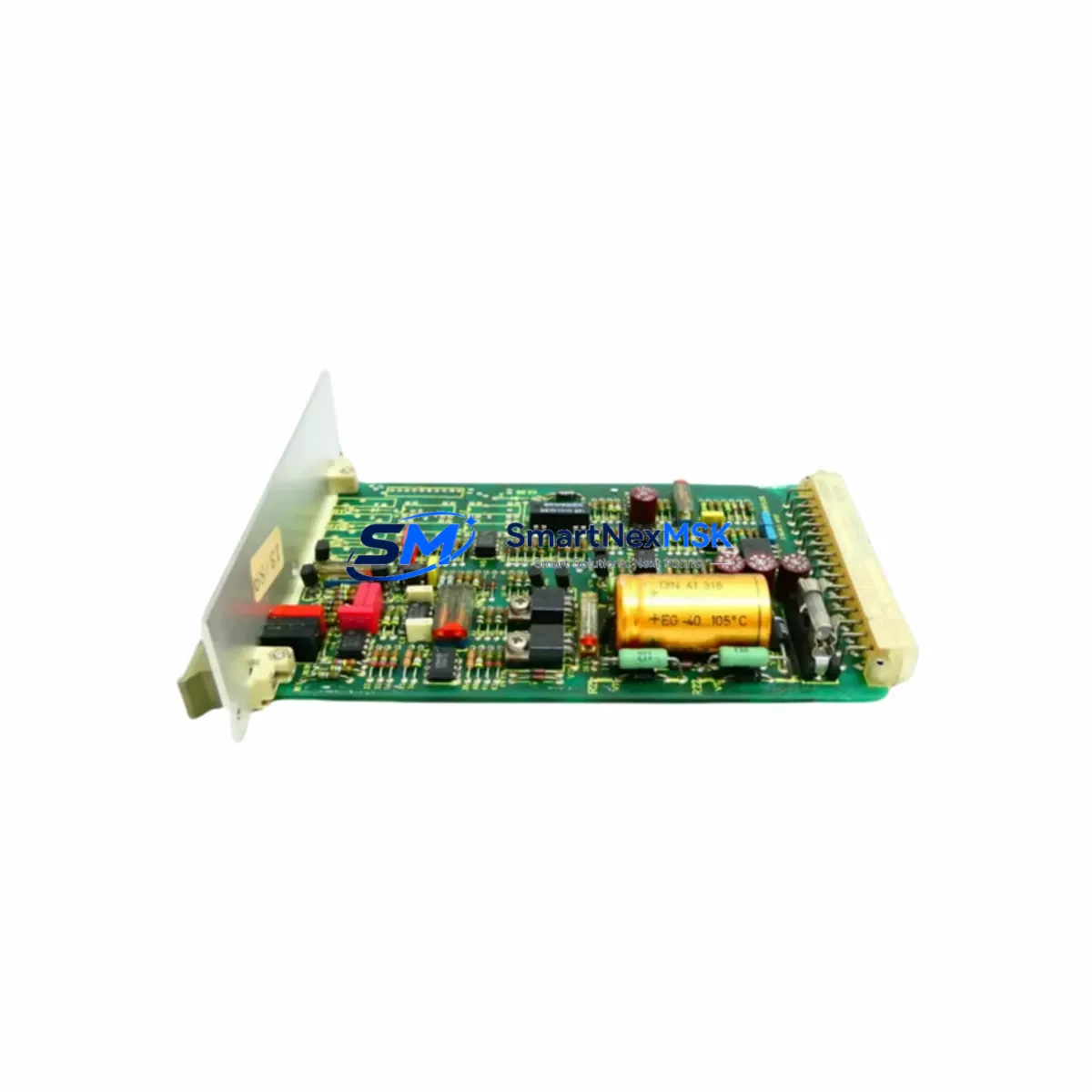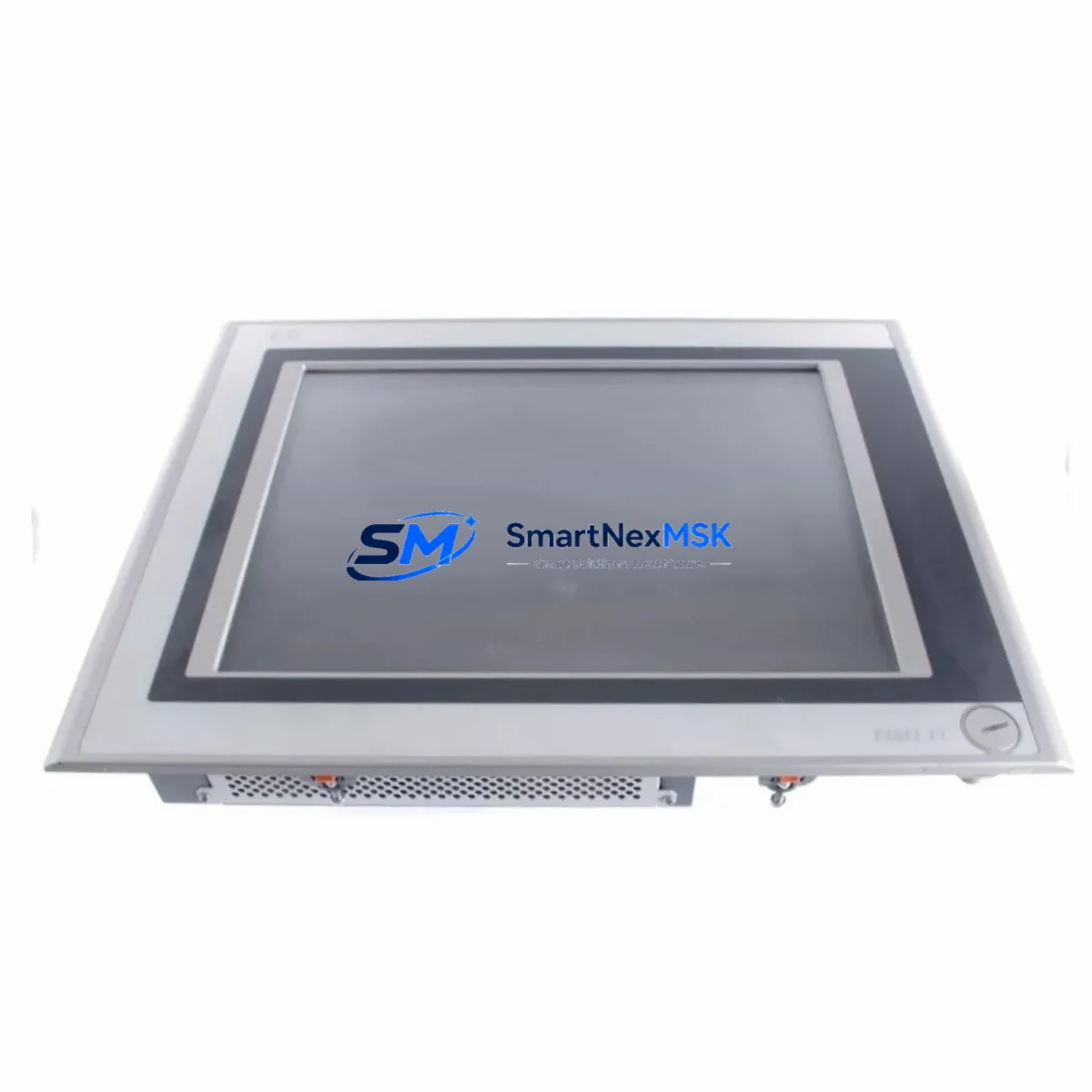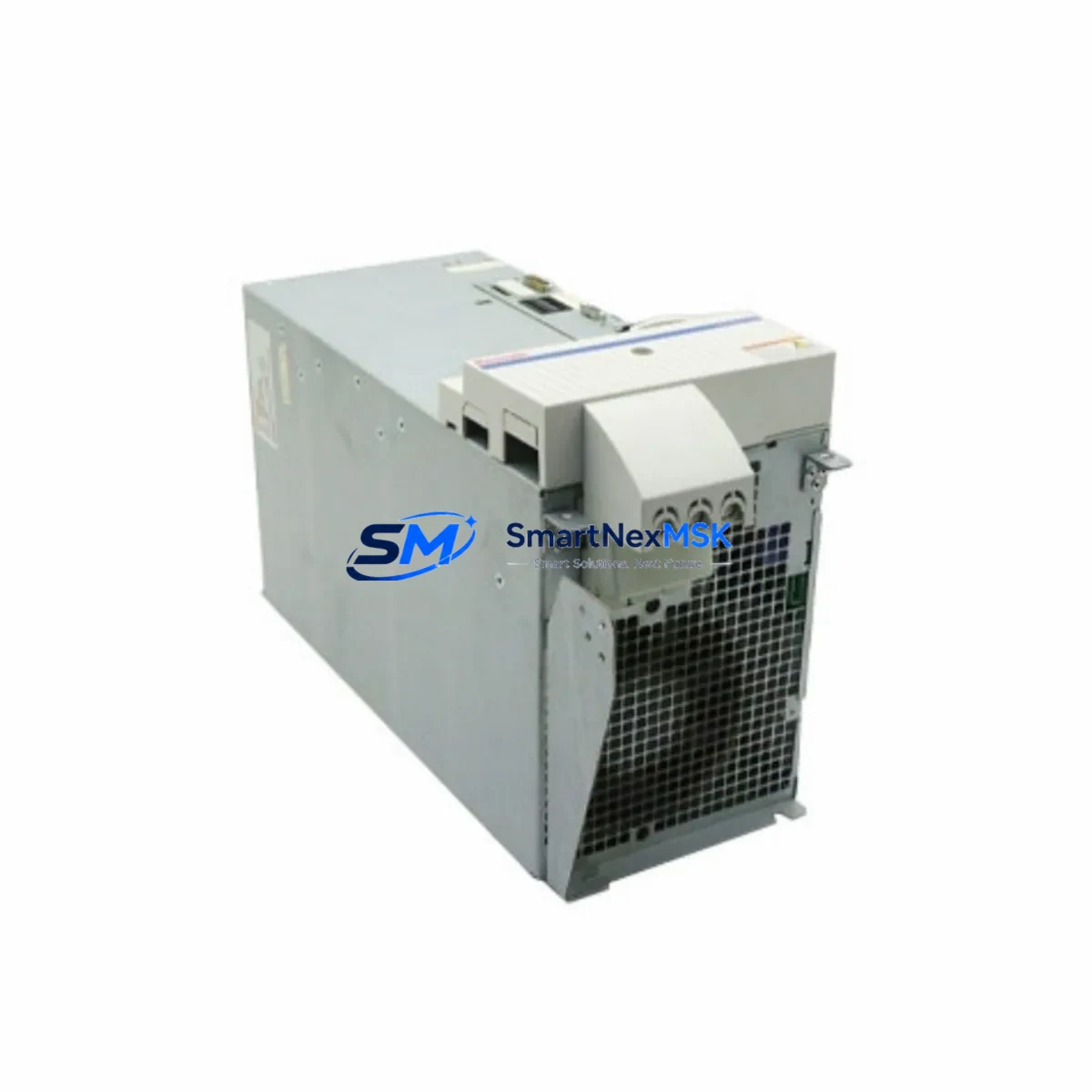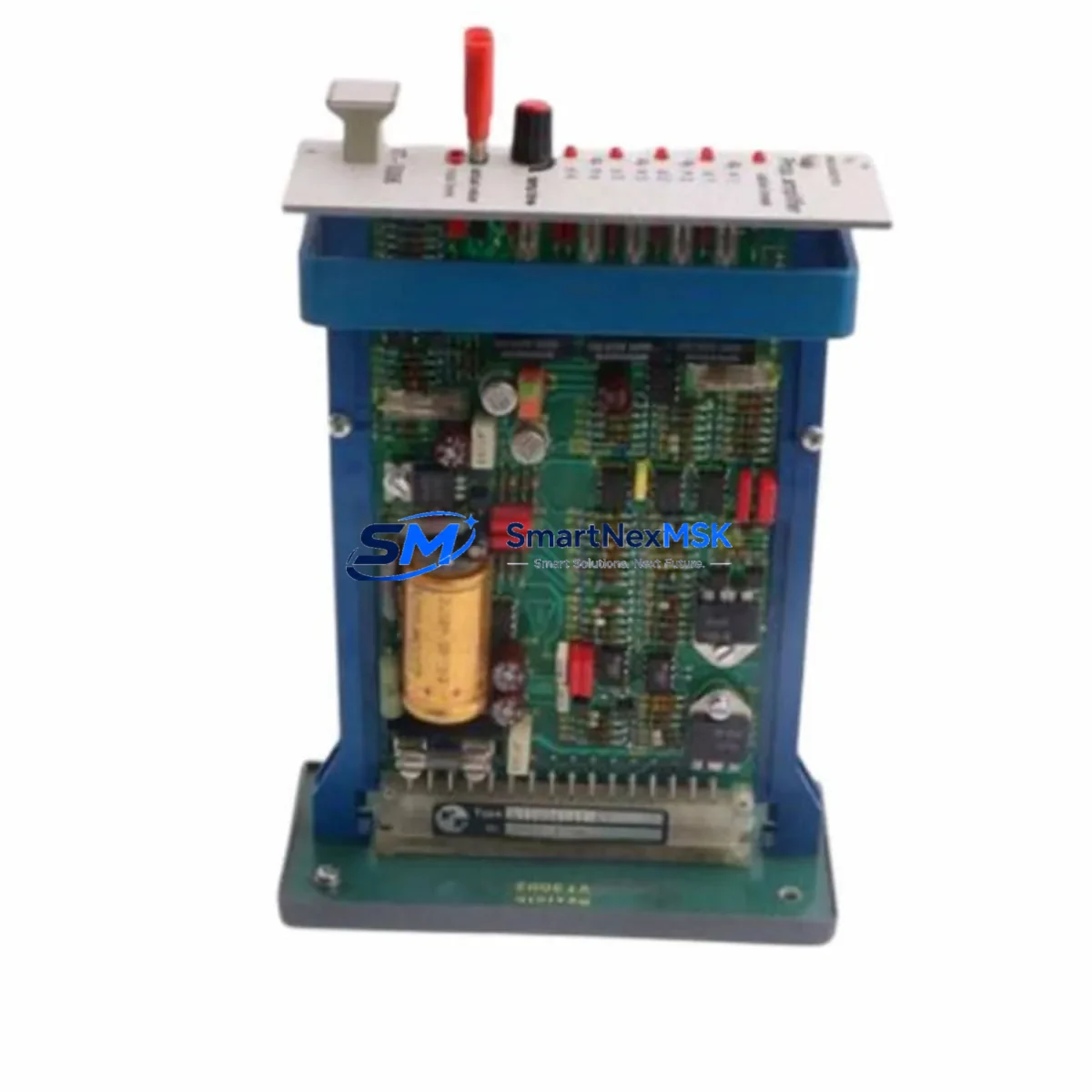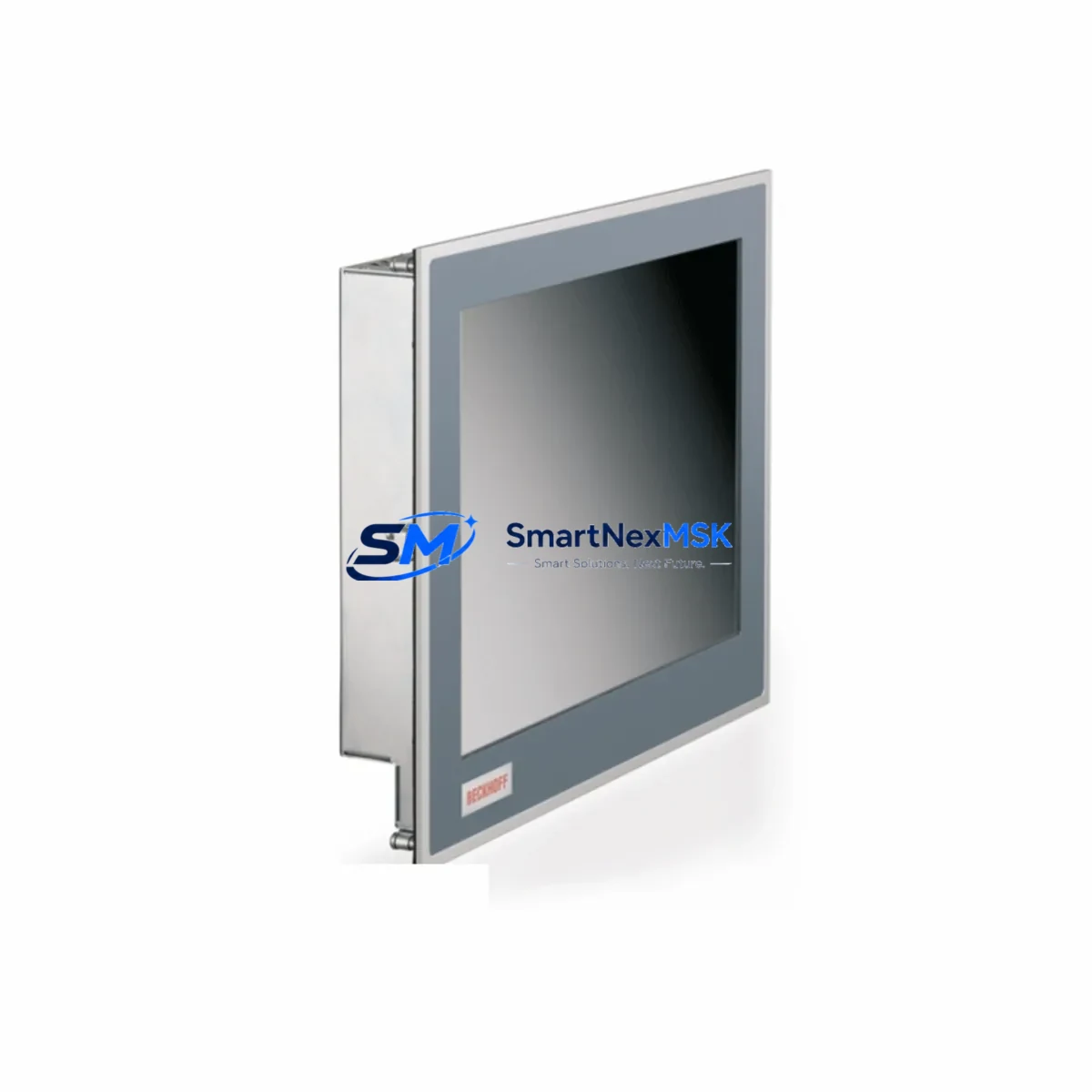
Bosch Rexroth CP6201-0001-0060 Retrofit-Ready Panel PC for IndraControl XM22 Control Systems
The Bosch Rexroth CP6201-0001-0060 is a high-performance industrial panel PC engineered for seamless integration into IndraControl XM22 control architectures. As legacy automation systems reach end-of-life, this unit serves as the primary retrofit solution for facilities operating older Rexroth IndraControl platforms — including discontinued variants of the XM21 and XM2x family — where hardware obsolescence, spare parts scarcity, and software incompatibility have become critical operational risks.
Designed for demanding industrial environments, the CP6201-0001-0060 supports direct backplane mounting within standard Rexroth rack assemblies, preserving existing cabinet layouts and minimizing rewiring during upgrade projects. Its compatibility with Sercos III and PROFIBUS DP communication protocols ensures that existing field device networks — including distributed I/O nodes, servo drives, and remote terminal units — can be retained without protocol migration overhead. Engineers migrating from earlier IndraControl XM22 variants will find that terminal block assignments, power supply wiring (typically 24 VDC), and module addressing conventions are preserved, significantly reducing commissioning time on the plant floor.
For control system integrators managing multi-axis motion applications, the CP6201-0001-0060 interfaces directly with Rexroth IndraDrive series servo drives and IndraDyn motor feedback systems. Existing IndraWorks DS or IndraWorks Engineering project files can typically be imported with minimal adaptation, protecting the investment in legacy PLC program logic and HMI screen configurations built on WinStudio or similar Rexroth visualization platforms.
When planning a retrofit, engineers should verify the following before installation: available backplane slot capacity within the existing rack assembly, 24 VDC power supply current headroom (the CP6201-0001-0060 draws approximately 3.5 A at full load), compatibility of existing Rexroth CML65 or CSH01 communication modules with the updated firmware baseline, and the addressing scheme of any connected Rexroth HMI terminals such as the VDP16.3 or VDP08.2 operator panels. I/O expansion modules — including Rexroth RAC and RME series analog and digital I/O cards — remain fully compatible when installed in adjacent rack slots, allowing phased expansion without disrupting the existing control topology.
All units supplied by SMARTNEXMSK are sourced from verified industrial channels, subjected to pre-shipment functional testing, and covered by a 12-month warranty against manufacturing defects. Global shipping is available with lead times confirmed at order placement.
Upgrade Compatibility Table
| Parameter | Details |
|---|---|
| SKU | CP6201-0001-0060 |
| Brand / Series | Bosch Rexroth / IndraControl XM22 |
| Replaces / Compatible With | IndraControl XM21, XM2x legacy variants |
| Backplane Interface | Standard Rexroth XM-series rack slot (direct drop-in) |
| Communication Protocols | Sercos III, PROFIBUS DP, Ethernet/IP (firmware dependent) |
| Power Supply Requirement | 24 VDC, approx. 3.5 A (verify existing PSU headroom) |
| I/O Expansion | Compatible with Rexroth RAC / RME series I/O modules |
| HMI Compatibility | VDP16.3, VDP08.2 operator panels; WinStudio visualization |
| Programming Environment | IndraWorks DS / IndraWorks Engineering (project import supported) |
| Commissioning Notes | Verify module address settings; re-validate HMI tag bindings post-swap |
| Warranty | 12 Months — covers manufacturing defects, functional failure |
| Pre-Shipment Testing | Yes — functional burn-in test performed on every unit |
Retrofit Planning for Existing Automation Systems
A successful CP6201-0001-0060 retrofit begins well before the maintenance window opens. Start by auditing the existing rack assembly: confirm available slot positions, document the current module population (including any Rexroth CML65 master communication modules, CSH01 single-axis controllers, and HNS01 power supply modules), and photograph all terminal block wiring before disconnection. This documentation becomes the reference baseline for post-installation verification.
Power distribution is a frequent bottleneck in retrofit projects. The existing 24 VDC rail — often shared with Rexroth HMI terminals, digital output modules, and field sensors — must be assessed for available current margin. If the existing Rexroth HNS01 or equivalent power supply is operating near capacity, a supplementary PSU should be staged before the cutover date to avoid nuisance trips during commissioning.
Communication link integrity is equally critical. If the plant network relies on PROFIBUS DP, verify that the CP6201-0001-0060 firmware version supports the GSD files of all connected field devices. For Sercos III ring topologies, confirm that fiber optic cable lengths and connector conditions meet specification — degraded connectors are a common source of intermittent faults that surface only under full production load. Where Ethernet-based protocols such as PROFINET or EtherNet/IP are in use, IP address assignments and subnet configurations should be documented and pre-loaded into the replacement unit before installation.
I/O module continuity is another key consideration. Rexroth RAC series analog input modules and RME series digital I/O modules installed in adjacent rack slots will retain their channel assignments and scaling parameters, provided the module address DIP switches are set identically to the original configuration. Verify each module address against the original project documentation before powering up the new panel PC.
HMI screen integrity should be validated in a staging environment where possible. WinStudio project files linked to the original CP6201 unit may require tag re-binding if the replacement unit carries a different firmware revision. Operator panels such as the VDP16.3 should be tested for full screen navigation, alarm acknowledgment, and trend display functionality before the system is returned to production.
Downtime Control During System Migration
Minimizing unplanned downtime during a CP6201-0001-0060 swap requires a structured pre-outage preparation protocol. The most effective approach is to complete all software preparation — IndraWorks project backup, HMI project export, drive parameter archiving from connected IndraDrive units, and firmware version documentation — at least 48 hours before the scheduled maintenance window. This ensures that if any compatibility issue is discovered during the cutover, the team has time to resolve it without extending the outage.
During the physical swap, the recommended sequence is: power down the rack in the correct sequence (field devices first, then the controller), remove the legacy panel PC, install the CP6201-0001-0060, verify all backplane connector seating, restore power, and confirm communication link status before loading the project. Do not attempt to load the IndraWorks project until all communication modules — including any Rexroth CML65 or CSH01 units in the rack — have reported online status.
After project load, perform a controlled dry-run with all field outputs inhibited before releasing the system to automatic mode. This protects existing actuator sequences and prevents unintended machine motion during the first scan cycle. Log all alarm states at startup and clear only those confirmed as installation artifacts. The goal is to return the line to production with zero unresolved alarms and full HMI functionality confirmed by the shift operator before sign-off.
Retrofit Support FAQ
Q: Is the CP6201-0001-0060 a direct drop-in replacement for earlier IndraControl XM22 panel PCs?
A: In most configurations, yes. The CP6201-0001-0060 uses the same backplane form factor and rack slot dimensions as the XM22 series. Terminal block wiring and module addressing are preserved. Minor firmware differences may require a project re-download via IndraWorks Engineering, but no hardware modifications to the cabinet are typically required.
Q: What pre-shipment testing is performed on each unit?
A: Every CP6201-0001-0060 supplied by SMARTNEXMSK undergoes a functional burn-in test prior to dispatch. This includes power-on verification, communication port validation, and a basic I/O scan. A test report is available upon request. All units are covered by a 12-month warranty from the date of shipment.
Q: Can existing PROFIBUS DP and Sercos III wiring be reused after the swap?
A: Yes, provided the existing cabling is in good condition and connector terminations are intact. PROFIBUS DP bus termination resistors should be verified at both ends of the segment. For Sercos III fiber rings, inspect all connectors for contamination or physical damage before reconnecting to the new unit.
Q: How should module addresses be configured after installation?
A: Module addresses on Rexroth RAC and RME series I/O modules are set via DIP switches on the module face. These should be documented from the original installation and replicated exactly on the replacement rack. The CP6201-0001-0060 will scan the backplane on first boot and populate the I/O map based on detected module addresses — any mismatch will generate a configuration fault that must be resolved before the project can be loaded.
© 2026 SMARTNEXMSK. All rights reserved.
Original Source: https://smartnexmsk.com
Contact: [email protected] | +86 18259474341