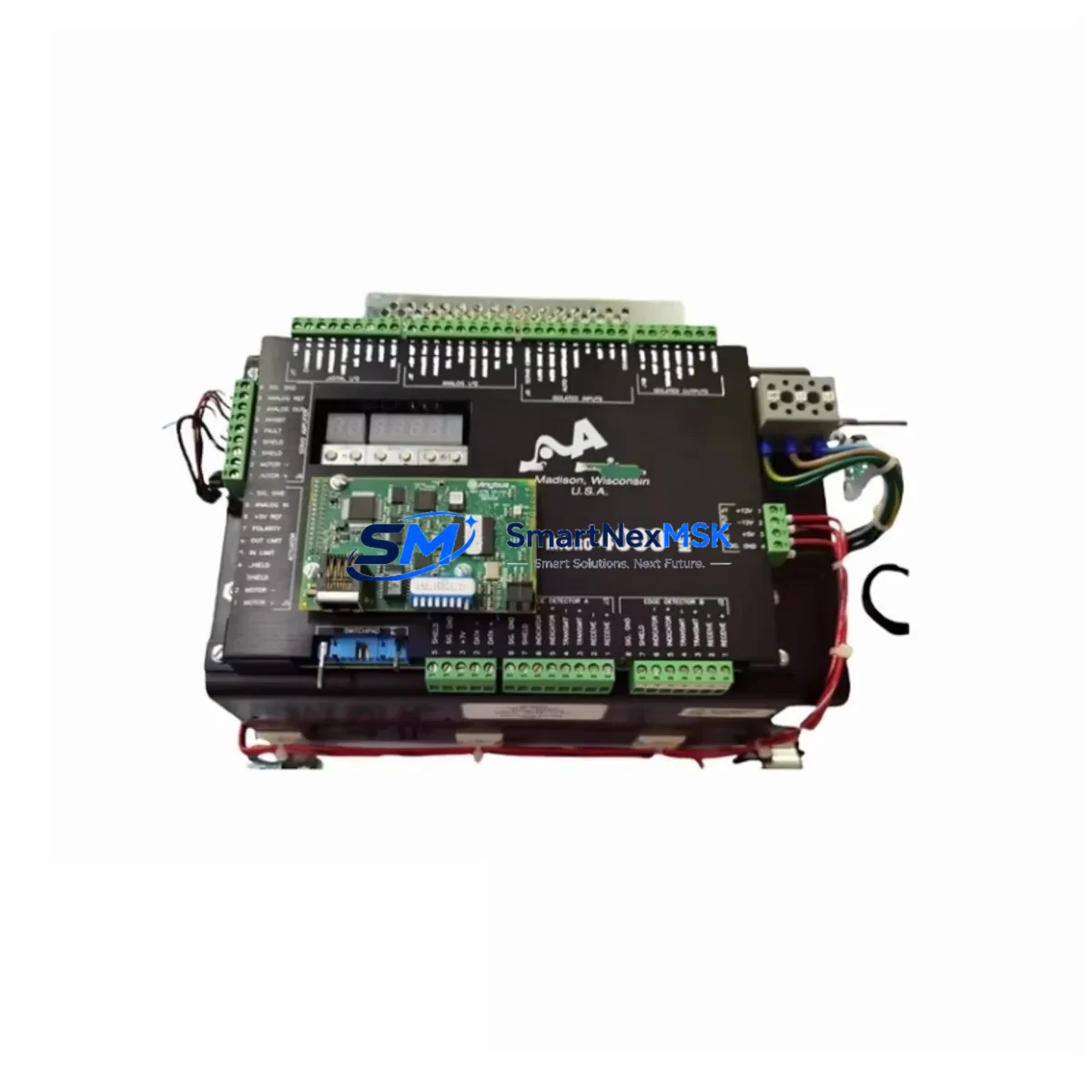
GE Fanuc CTL4210-01 Maintenance-Ready Spare for Mark IV Automation
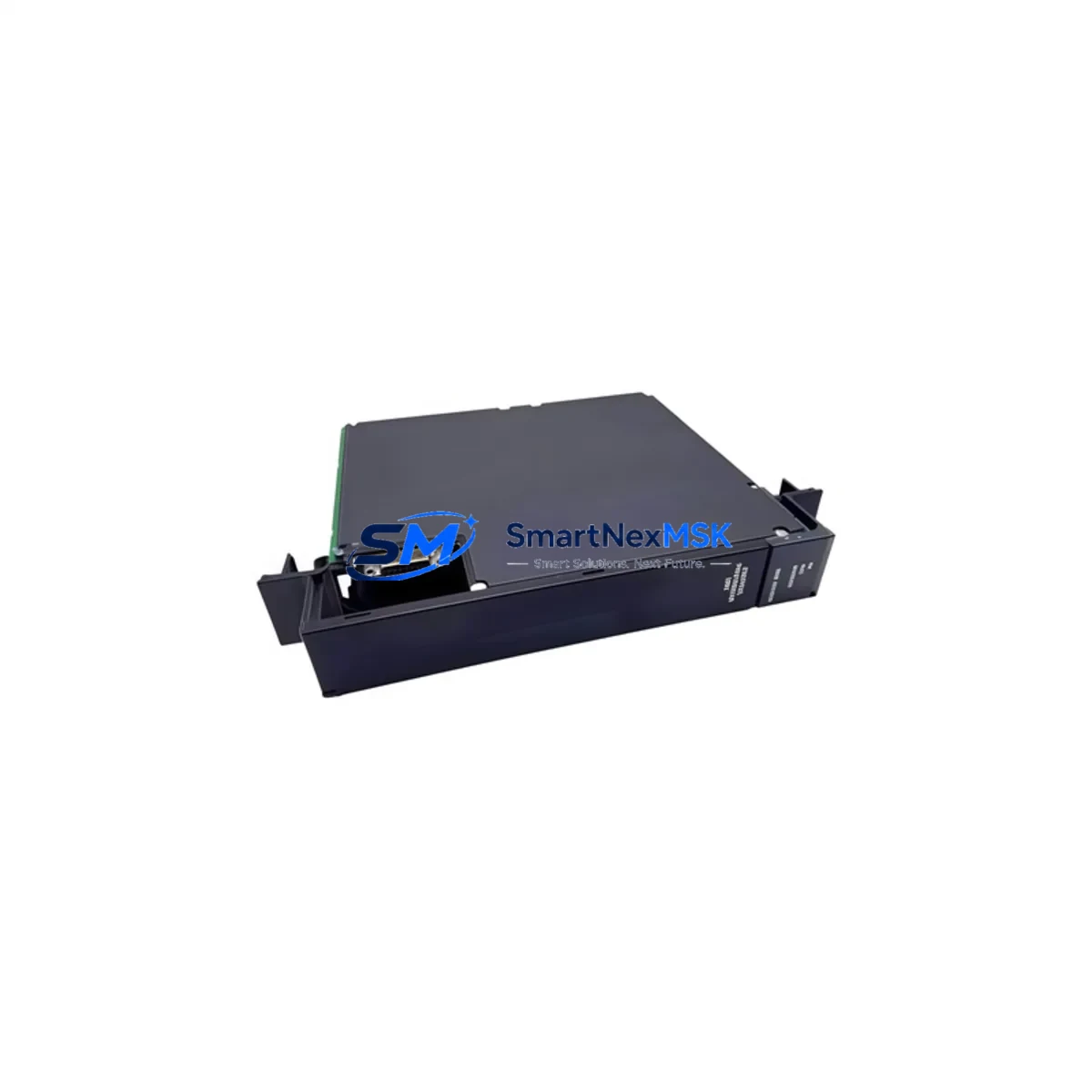
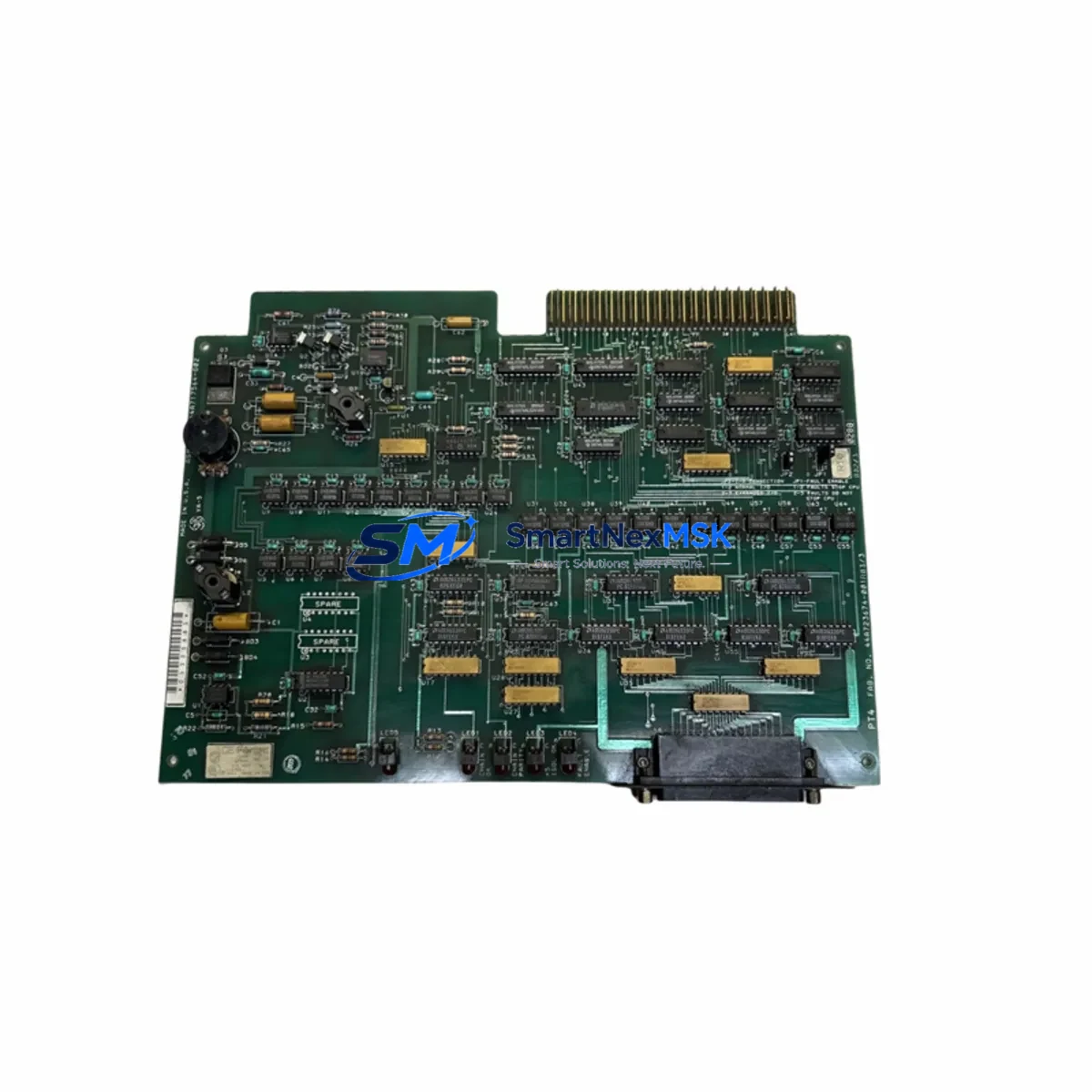
The GE Fanuc CTL4210-01 is an original control card module designed for the Mark IV series automation platform — one of GE’s most widely deployed turbine and industrial control architectures. For maintenance engineers managing aging Mark IV panels, sourcing a verified, tested CTL4210-01 spare is critical to minimizing unplanned downtime and sustaining long-term system reliability. SMARTNEXMSK supplies this module as a genuine, inspection-passed spare with a 12-month warranty, ready for immediate dispatch and site installation.
Whether you are executing a planned outage, responding to a fault alarm, or building a strategic spare parts inventory for a gas turbine or industrial drive system, the CTL4210-01 represents a high-priority line item. Its role in the Mark IV control cabinet — managing signal conditioning, logic execution, and inter-board communication — means that a failed or degraded unit can cascade into full system shutdown. Having a pre-tested replacement on the shelf is the single most effective way to compress mean time to repair (MTTR).
Spare Maintenance Table
| Parameter | Specification / Detail |
|---|---|
| Part Number / SKU | CTL4210-01 |
| Brand | GE Fanuc |
| Series | Mark IV Industrial Control System |
| Module Type | Control Card Module |
| Origin | United States (OEM) |
| Compatibility | GE Mark IV turbine and industrial control panels; compatible with associated Mark IV backplane and I/O racks |
| Installation | Direct board-level replacement; observe ESD precautions; verify backplane slot assignment before insertion |
| Operating Environment | Industrial control cabinet; standard Mark IV environmental ratings apply |
| Maintenance Recommendation | Inspect connector pins, clean edge contacts, verify firmware revision matches system baseline before installation |
| Warranty | 12 Months — covers manufacturing defects and functional failure under normal operating conditions |
| Testing | Function-tested and inspected prior to shipment |
| Lead Time | In-stock; same-day or next-business-day dispatch available |
Maintenance Planning for Continuous Operation
When a CTL4210-01 control card is flagged for replacement, experienced maintenance engineers treat the event as a trigger for a broader cabinet inspection. The Mark IV control architecture distributes logic, power, and I/O functions across multiple interdependent boards and modules — a failure in one area often reflects stress or degradation in adjacent components.
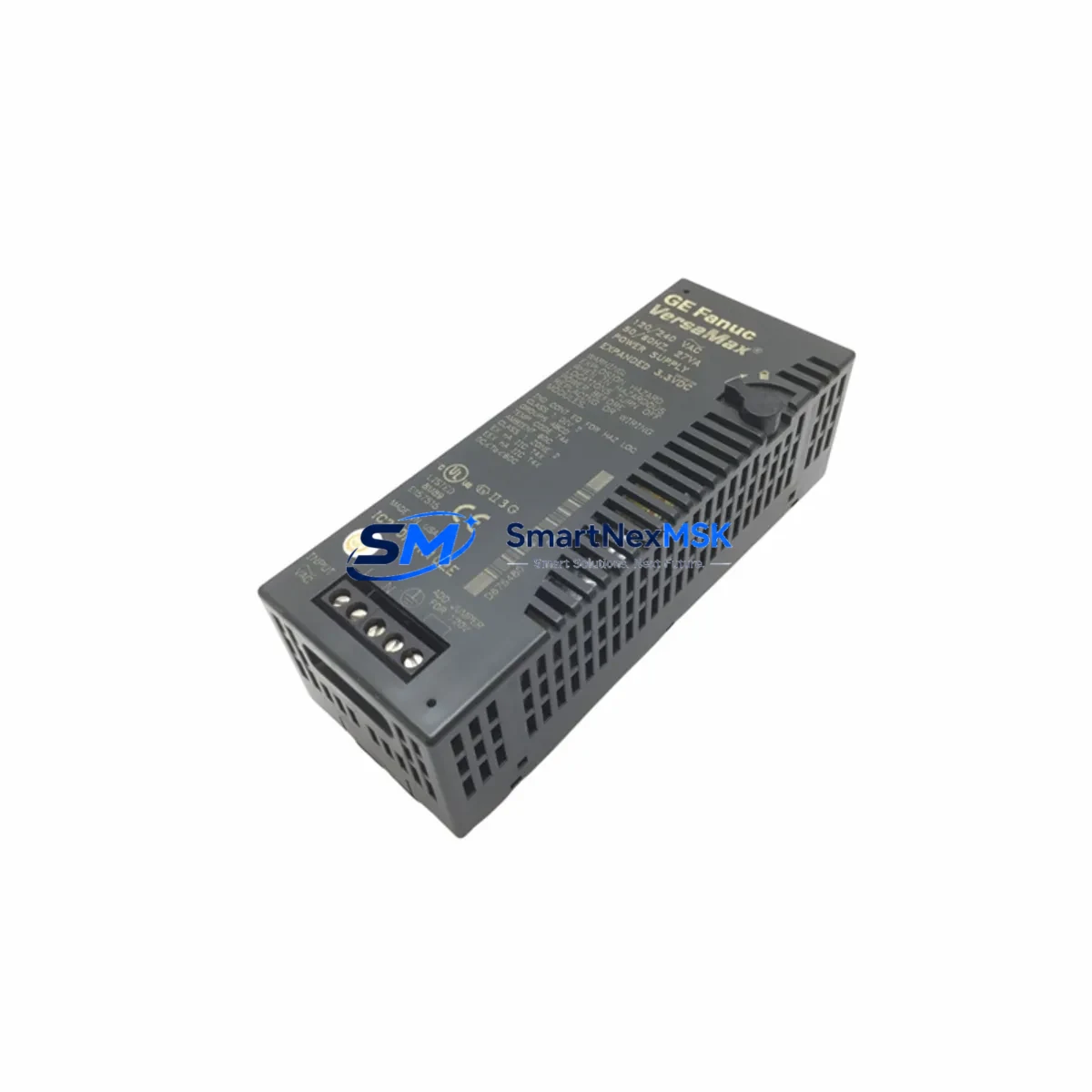
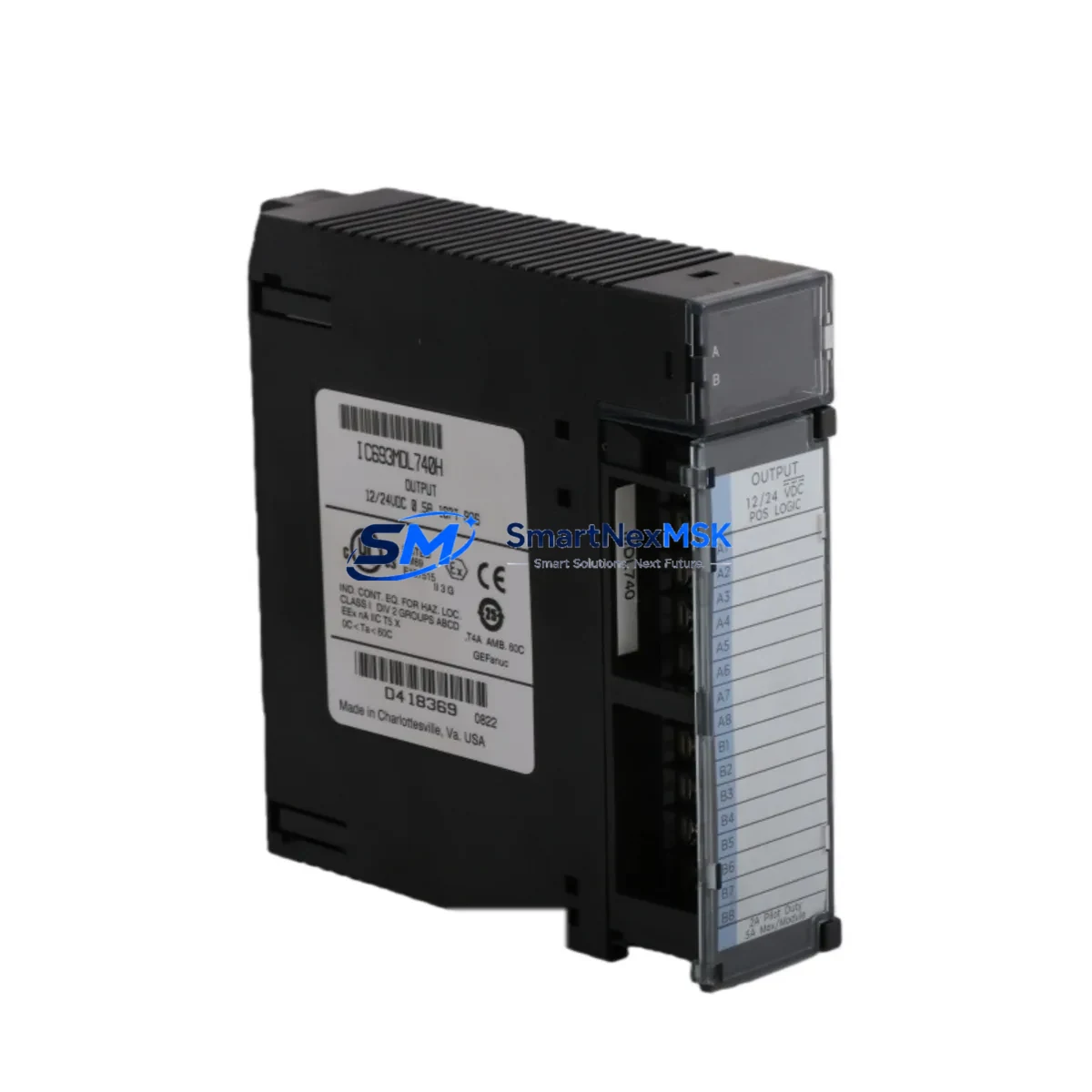
During a CTL4210-01 swap, it is standard practice to simultaneously inspect the Mark IV power supply module feeding the control card rack, as voltage ripple or marginal regulation can accelerate card failure. The I/O terminal boards connected to the CTL4210-01 should be checked for loose wiring, corroded terminals, and signal integrity. If the system includes relay output modules on the same rack, verify contact resistance and coil continuity — relay degradation is a common co-failure mode in aging Mark IV panels.
For systems with serial or network-based supervisory links, inspect the Mark IV communication interface card and associated RS-422 or RS-485 signal cables for insulation breakdown or connector wear. Where signal isolators are used between field instruments and the control card inputs, confirm isolation resistance and check for ground loops that may have contributed to the original fault. Fuse blocks and circuit protection modules within the control cabinet should be tested for continuity and replaced on a time-based schedule regardless of apparent condition.
If the Mark IV panel includes an HMI operator station or a legacy CIMPLICITY or ToolboxST interface, verify that the replacement CTL4210-01 firmware revision is compatible with the supervisory software version in use. Mismatched firmware can cause communication faults that mimic hardware failure. Finally, review the backplane connector and card guide rails for mechanical wear — a loose card seating is a frequent root cause of intermittent faults that are misdiagnosed as card failure.
Building a structured spare parts kit around the CTL4210-01 — including at minimum one spare power supply board, one I/O terminal assembly, and a set of replacement fuses — is the foundation of a defensible maintenance strategy for any facility running Mark IV-based control systems.
Site Replacement Workflow
Replacing the CTL4210-01 on-site is a straightforward procedure when the correct spare is available and pre-verified. Begin by documenting the existing card’s slot position, firmware label, and any jumper or DIP switch settings before removal. Power down the affected rack section following the Mark IV lockout/tagout procedure — do not hot-swap control cards unless the system documentation explicitly permits it.
Remove the failed CTL4210-01 by releasing the card ejector levers and sliding the board clear of the backplane connector. Inspect the backplane socket for bent pins or debris before inserting the replacement. Match all jumper and switch settings to the removed card’s configuration, then seat the new CTL4210-01 firmly and secure the retaining hardware.
On power restoration, observe the card’s status indicators through the initialization sequence. Confirm that the Mark IV system diagnostics report the card as healthy and that all associated I/O points return to expected states. For systems with redundant control paths, verify that the redundancy handshake completes successfully before returning the unit to automatic control.
This workflow applies equally to planned maintenance windows and emergency replacements. Because the CTL4210-01 supplied by SMARTNEXMSK is function-tested prior to shipment, field commissioning time is minimized — the card is ready to install, not just ready to ship. For facilities managing older Mark IV installations where OEM support has been discontinued, maintaining a tested CTL4210-01 spare on-site is the most reliable strategy for extending system life and protecting operational continuity.
Spare Parts Support FAQ
Q1: Is the CTL4210-01 supplied by SMARTNEXMSK a new or refurbished unit?
All CTL4210-01 units are sourced as original GE Fanuc components. Each unit undergoes functional inspection and testing before shipment. Condition (new surplus or refurbished-to-spec) is confirmed at the time of order. The 12-month warranty applies to all units regardless of condition classification.
Q2: How do I confirm compatibility with my specific Mark IV panel revision?
Provide your panel serial number, existing card firmware label, and backplane revision when placing your order. SMARTNEXMSK’s technical team will cross-reference your configuration and confirm compatibility before dispatch. If a firmware match is required, this is identified and communicated prior to shipment.
Q3: What is the recommended inventory strategy for CTL4210-01 in a critical facility?
For facilities with a single Mark IV system, a minimum of one tested spare CTL4210-01 is recommended. Facilities operating multiple Mark IV panels or those with extended lead times from their primary supplier should maintain two units. Pair the CTL4210-01 spare with a power supply module and I/O terminal board spare to cover the most common failure scenarios in a single maintenance event.
Q4: What does the 12-month warranty cover, and what is the return process?
The warranty covers functional failure and manufacturing defects under normal operating conditions. It does not cover damage from incorrect installation, overvoltage events, or physical mishandling. To initiate a warranty claim, contact SMARTNEXMSK with the order reference and a description of the fault. Return shipping instructions and a replacement or repair resolution are provided within one business day.
© 2026 SMARTNEXMSK. All rights reserved.
Original Source: https://smartnexmsk.com
Contact: [email protected] | +86 18259474341