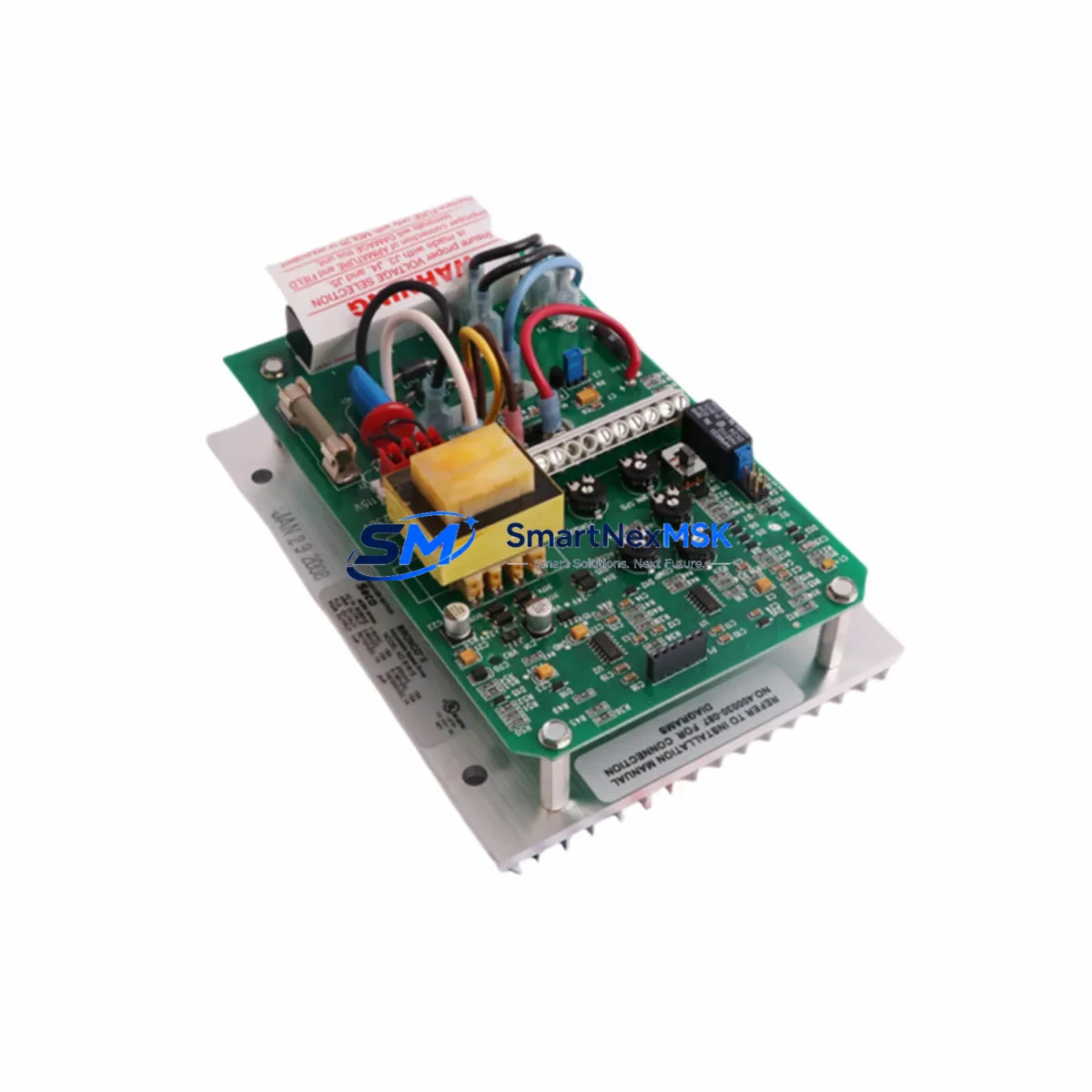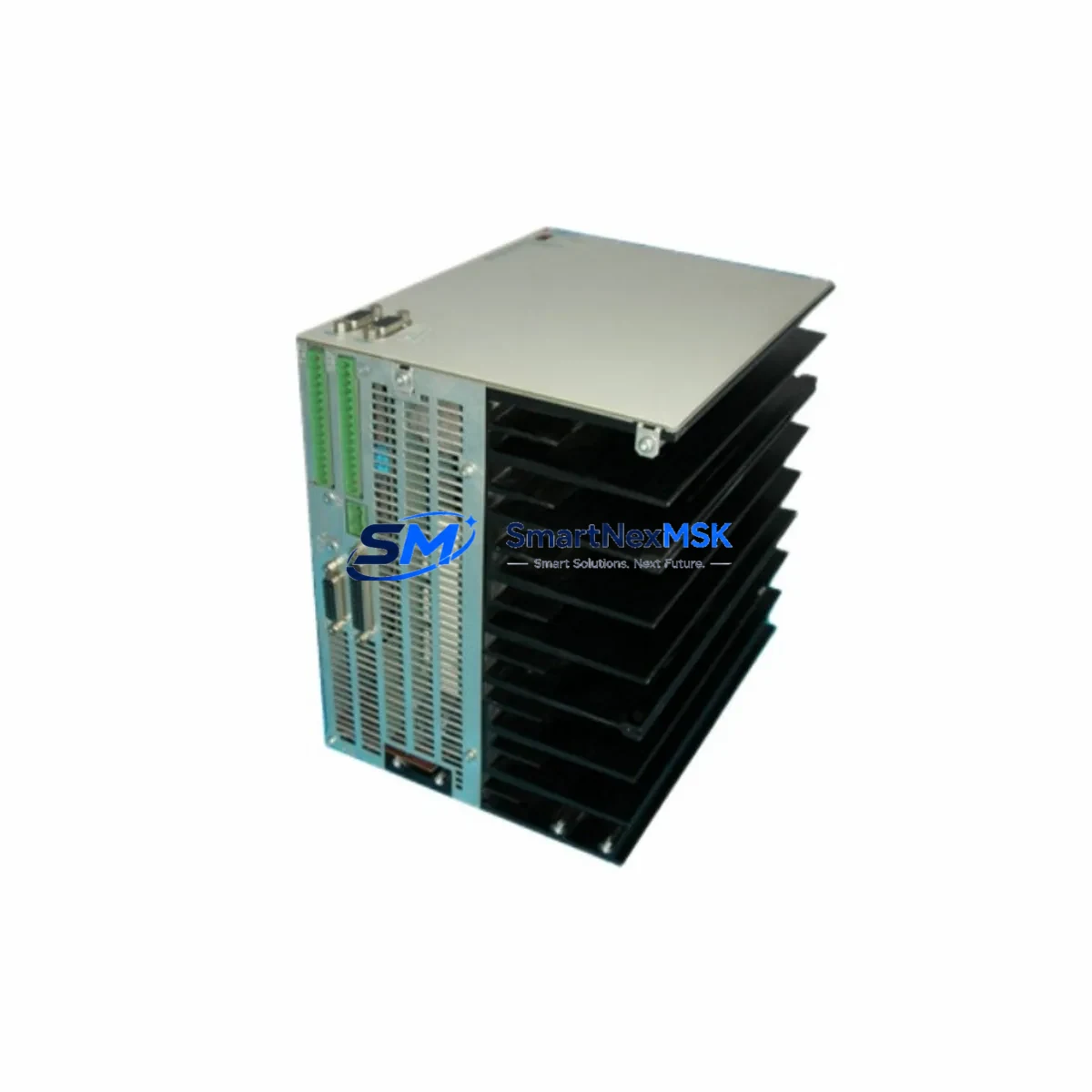
Danaher DMC2-53080 Retrofit-Ready Drives Interface Module for DMC2 Series Control Systems
The Danaher DMC2-53080 (part number 9032-0121-26) is a retrofit-ready drives interface module engineered for seamless compatibility with DMC2 Series motion control systems. As legacy Danaher Motion platforms reach end-of-life or face discontinued spare parts availability, this module serves as a verified drop-in replacement and upgrade solution for system integrators, maintenance engineers, and OEM retrofit teams managing aging automation infrastructure. Whether you are restoring a failed axis drive interface, upgrading a multi-axis control cabinet, or migrating from an obsolete motion controller platform, the DMC2-53080 delivers the electrical compatibility, backplane interface integrity, and firmware alignment required for a smooth transition with minimal downtime.
Sourced from verified industrial supply channels and subjected to pre-shipment functional testing, each unit ships with a 12-month warranty covering manufacturing defects and operational failures under normal industrial use conditions. Stock is maintained to support urgent replacement orders, planned retrofit projects, and long-term maintenance contracts for facilities operating DMC2-based motion control systems.
Upgrade Compatibility Table
| Parameter | Details |
|---|---|
| Part Number | 9032-0121-26 |
| Model | DMC2-53080 |
| Brand | Danaher Motion |
| Series Compatibility | DMC2 Series Motion Control Systems |
| Module Function | Drives Interface Module |
| Backplane Interface | DMC2 Series rack-compatible backplane connector |
| Installation Requirement | Direct slot insertion into DMC2 Series rack; no hardware modification required |
| Communication Compatibility | Compatible with DMC2 Series motion bus and drive communication protocols |
| Replacement Recommendation | Verified drop-in replacement for failed or end-of-life DMC2-53080 units |
| Commissioning Notes | Verify module address assignment, axis parameter mapping, and drive enable signal wiring before power-on |
| Warranty | 12 months from shipment date |
| Pre-Shipment Testing | Functional verification performed on each unit prior to dispatch |
| Country of Origin | United States |
| Weight | 700 g (approx.) |
Retrofit Planning for Existing Automation Systems
Successful integration of the DMC2-53080 into an existing control system requires a structured retrofit assessment before any hardware is removed from service. Begin by auditing the current DMC2 Series rack configuration, documenting the slot assignments of all installed modules including the existing drives interface module, any installed DMC2 analog I/O modules, DMC2 digital I/O expansion modules, and the primary DMC2 motion controller module occupying the master slot. Confirm that the rack backplane and power supply — typically a Danaher Motion DMC2 Series power supply module — can support the current draw of the replacement unit without exceeding rated capacity.
Before disconnecting the existing drives interface module, capture all axis configuration parameters from the motion controller’s non-volatile memory, including encoder resolution settings, velocity and acceleration limits, drive enable polarity, and fault response configurations. If the system uses a Danaher Motion ServoStar drive or a compatible third-party servo amplifier connected through the interface module, verify that the drive’s communication address and baud rate settings are documented and will be preserved after module swap.
Terminal wiring on the drives interface module must be carefully mapped prior to removal. Label each conductor connected to the drive enable output, fault input, analog command signal, and encoder feedback lines. In systems where the DMC2-53080 interfaces with a Danaher Motion S300 or S600 series servo drive, confirm that the command signal type — whether ±10V analog or step/direction — matches the replacement module’s output configuration. Mismatched signal types are a common source of commissioning delays in retrofit projects.
For systems that include a Danaher Motion HMI panel or a third-party operator interface connected to the DMC2 controller via serial or Ethernet link, verify that the HMI screen objects referencing axis status, drive fault codes, and position feedback will continue to function correctly after the module replacement. In some configurations, axis numbering or drive status register addresses may shift if the module is installed in a different rack slot than the original unit.
If the retrofit scope extends beyond a single module replacement to include a broader control system upgrade — for example, migrating from a legacy DMC2 rack to a newer Danaher Motion or third-party motion control platform — plan for DMC2 programming cable availability to back up and restore controller programs, and ensure that the engineering workstation running the DMC2 configuration software is available on-site during commissioning. Communication link integrity between the motion controller, the drives interface module, and any networked Danaher Motion distributed I/O nodes should be verified at each stage of the migration sequence.
Downtime Control During System Migration
Minimizing unplanned downtime during a drives interface module replacement requires preparation that begins well before the maintenance window opens. The most effective strategy is to pre-configure and bench-test the replacement DMC2-53080 against a known-good DMC2 controller and a representative servo drive before bringing the unit to the production floor. This allows the commissioning team to confirm that the module powers up correctly, communicates with the controller, and responds to drive enable and fault signals without requiring extended troubleshooting during the live swap.
During the maintenance window, follow a structured sequence: isolate the affected axis or axes from the production process, de-energize the control cabinet following lockout/tagout procedures, remove the failed module, install the replacement DMC2-53080 in the same rack slot, reconnect all terminal wiring using the pre-documented label map, and restore power in stages — first the control power supply, then the drive power stage. Verify that the motion controller recognizes the new module and that all axis parameters are correctly loaded from non-volatile memory before enabling drive outputs.
Preserve the original program logic by maintaining a current backup of the DMC2 controller program on a secure engineering workstation. Do not rely solely on the controller’s internal memory as the sole copy of the program, particularly in systems where the controller has been in service for several years without a documented backup cycle. If the retrofit involves any changes to axis parameter files or HMI screen configurations, implement those changes in a staged manner — one axis at a time — to isolate any compatibility issues before they affect the full production line.
For facilities operating continuous processes where even brief interruptions carry significant cost, consider maintaining a pre-tested spare DMC2-53080 on the shelf as part of a critical spare parts inventory strategy. Combined with documented wiring maps and a current program backup, a pre-tested spare reduces the mean time to repair for a drives interface failure from hours to under thirty minutes in most cases.
Retrofit Support FAQ
Q: Is the DMC2-53080 (9032-0121-26) a direct replacement for the original Danaher Motion unit?
A: Yes. The DMC2-53080 with part number 9032-0121-26 is a verified replacement for the original Danaher Motion drives interface module of the same model designation. It is designed for direct installation into the DMC2 Series rack without hardware modification. Confirm slot assignment and module address settings match the original configuration before power-on.
Q: What wiring checks are required before commissioning the replacement module?
A: Verify that all drive enable output, fault input, analog command signal, and encoder feedback conductors are reconnected to the correct terminals as documented during the pre-removal labeling process. Confirm that the command signal type (analog or step/direction) matches the connected servo drive’s input configuration. Check terminal torque values against the module’s specification sheet.
Q: How is compatibility with the connected servo drive verified after installation?
A: After restoring control power, use the DMC2 configuration software to confirm that the motion controller recognizes the drives interface module and that the axis status registers reflect the correct drive state (not faulted, drive ready). Command a low-speed jog move on the affected axis and verify that the drive responds correctly before returning the axis to automatic control.
Q: What does the 12-month warranty cover, and how is a warranty claim initiated?
A: The 12-month warranty covers manufacturing defects and operational failures under normal industrial use conditions from the date of shipment. It does not cover damage resulting from incorrect installation, overvoltage events, or physical mishandling. To initiate a warranty claim, contact the sales team with the order reference number and a description of the observed failure. A replacement or repair will be arranged promptly.
© 2026 SMARTNEXMSK. All rights reserved.
Original Source: https://smartnexmsk.com
Contact: [email protected] | +86 18259474341