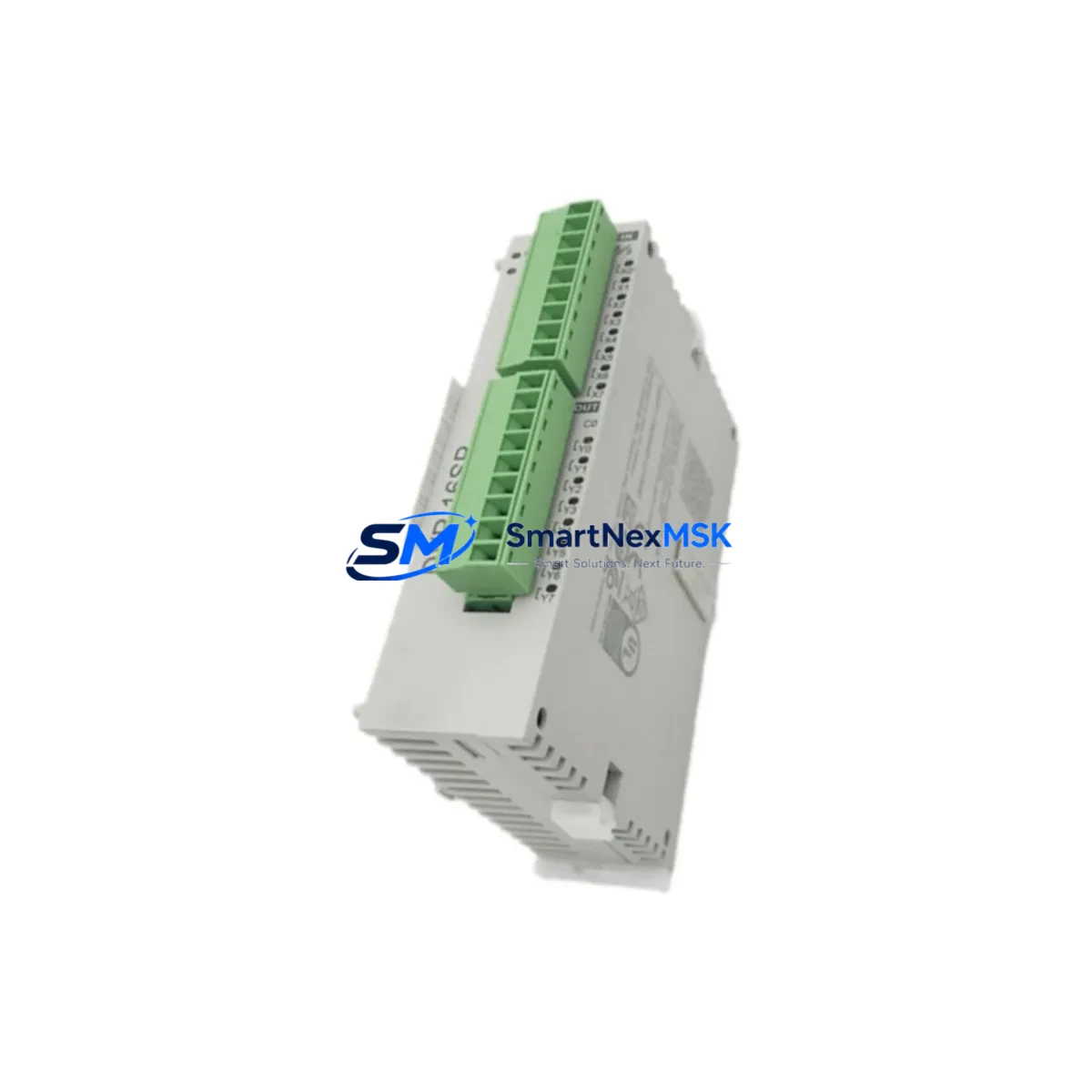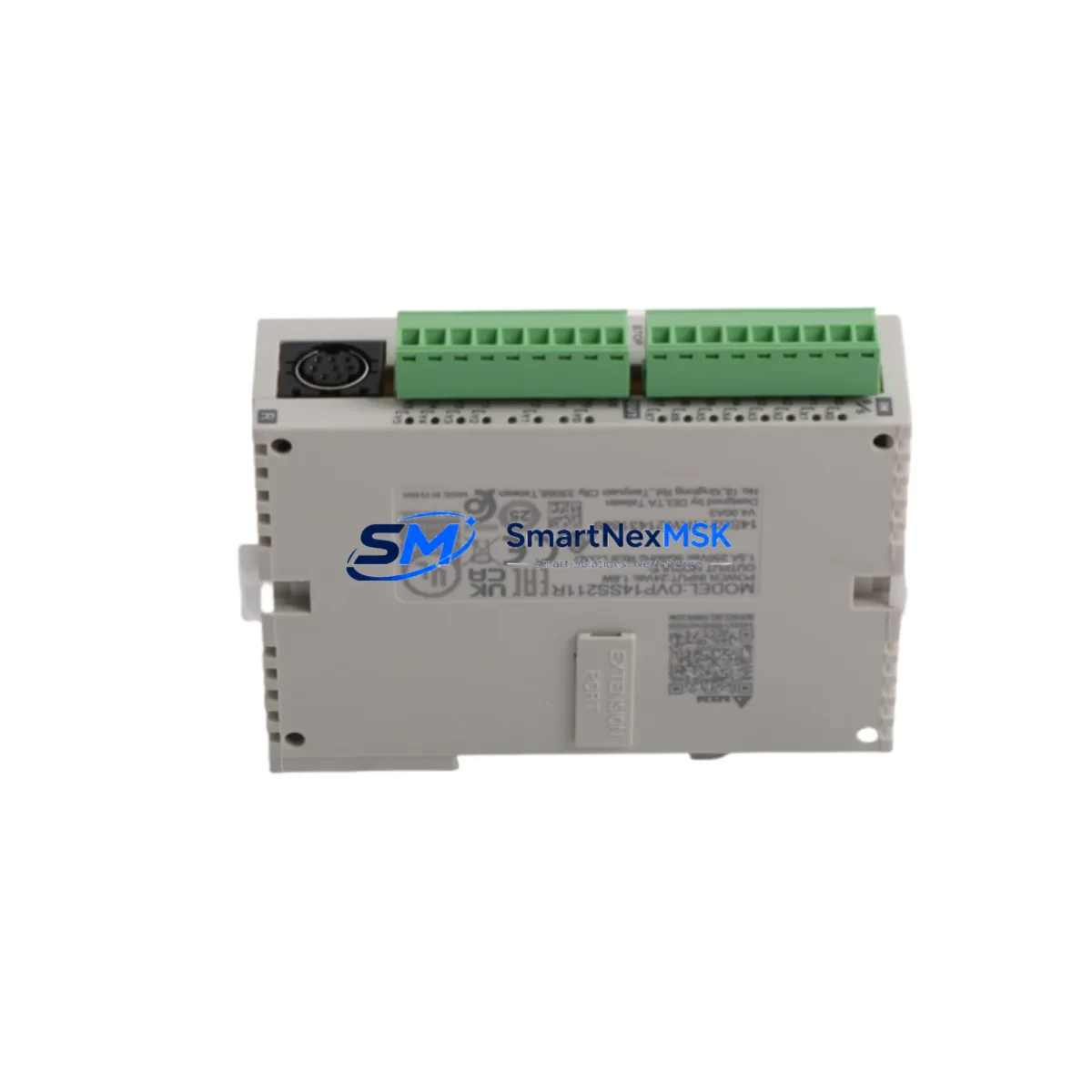
DELTA DVP14SS211R: Retrofit-Ready PLC for DVP-SS2 Series Control Systems
The DELTA DVP14SS211R is a compact, high-performance Slim Series programmable logic controller engineered for seamless integration into existing DVP-SS2 control architectures. Whether you are replacing an end-of-life DVP14SS211R unit, upgrading a legacy DVP-SS2 panel, or migrating an aging control cabinet to a more reliable platform, this module delivers the compatibility, I/O density, and communication capability your application demands — with minimal disruption to your existing wiring, program logic, and HMI configuration.
With 8 DC digital inputs and 6 relay outputs housed in a slim DIN-rail form factor, the DVP14SS211R is a direct functional replacement for earlier DVP-SS2 generation controllers. Its built-in RS-485 port supports Modbus RTU communication, making it fully compatible with existing SCADA systems, HMI panels such as the DELTA DOP-B series, and field devices already wired to your control network. Engineers migrating from older DVP-SS2 units will find that terminal assignments, power supply requirements (24 VDC), and rack mounting dimensions remain consistent, significantly reducing retrofit labor and downtime risk.
Upgrade Compatibility Table
| Parameter | DVP14SS211R (This Unit) | Legacy DVP-SS2 Reference | Retrofit Notes |
|---|---|---|---|
| Digital Inputs | 8 × DC 24V | 8 × DC 24V | Direct terminal-for-terminal replacement |
| Digital Outputs | 6 × Relay (NO) | 6 × Relay (NO) | No output wiring changes required |
| Power Supply | 24 VDC (±15%) | 24 VDC | Existing PSU compatible; verify current capacity |
| Communication | RS-485 (Modbus RTU) | RS-485 (Modbus RTU) | No protocol migration required |
| Programming Software | DELTA WPLSoft / ISPSoft | WPLSoft | Existing .dvp programs upload directly |
| Mounting | 35mm DIN Rail | 35mm DIN Rail | No panel modification needed |
| HMI Compatibility | DELTA DOP-B / DOP-W series | DOP-B series | HMI screen tags and addresses remain valid |
| Module Address | Configurable via WPLSoft | Hardware DIP switch | Verify station address before commissioning |
| Warranty | 12-Month Warranty (SMARTNEXMSK) | Covered from date of shipment | |
Retrofit Planning for Existing Automation Systems
A successful DVP14SS211R retrofit begins well before the replacement unit arrives on site. Start by auditing the existing control cabinet: document the current DVP-SS2 wiring layout, confirm the 24 VDC power supply rail capacity (the DVP14SS211R draws approximately 30W at full I/O load), and photograph all terminal connections before disconnecting any wires. If the cabinet also houses a DELTA DVP-SV2 series main controller communicating with the SS2 expansion over a backplane or RS-485 link, note the station address and baud rate settings — these must be replicated exactly on the replacement unit.
For systems using DELTA DVP-04AD analog input modules or DVP-02DA analog output modules alongside the SS2 controller, verify that the I/O mapping in the existing ladder program references the correct device addresses. When the DVP14SS211R is installed, re-confirm these addresses in WPLSoft before going live. Similarly, if your panel includes a DELTA DVP-F232 RS-232 communication module for barcode scanner or printer integration, ensure the communication parameters (baud rate, parity, stop bits) are preserved in the new program upload.
Panels running DELTA DVP-PM series pulse output modules for stepper or servo axis control should have their pulse frequency and acceleration ramp parameters documented prior to replacement. The DVP14SS211R’s built-in high-speed pulse outputs (up to 10 kHz) can replicate most positioning tasks previously handled by dedicated pulse modules, potentially simplifying the cabinet layout during the upgrade. If the system communicates upstream to a SCADA or DCS via a DELTA IFD9507 Modbus-to-Ethernet gateway, no gateway reconfiguration is needed — the DVP14SS211R’s RS-485 Modbus RTU slave behavior is fully compatible.
Where the original installation used a DELTA DVP-8SS programming cable or USB-to-RS-485 adapter for on-site program maintenance, the same cable and WPLSoft workflow applies to the DVP14SS211R. Engineers familiar with the DVP-SS2 programming environment will find the transition transparent. Before final commissioning, upload the backed-up .dvp program file, perform a forced I/O test on all 14 points, and verify HMI tag communication with the connected DELTA DOP-B07S411 or equivalent panel.
Downtime Control During System Migration
Minimizing production downtime during a PLC replacement requires a structured, pre-validated approach. Before scheduling the cutover window, back up the existing DVP-SS2 program using WPLSoft’s upload function and store the .dvp file in at least two locations. Capture a full screenshot of the HMI screen configuration if the panel uses a DELTA DOP-B series touch panel, so that tag addresses and alarm thresholds can be cross-checked after the swap.
During the physical replacement, work systematically from the power supply terminals outward: disconnect the 24 VDC supply first, then remove the RS-485 communication cable, and finally release the I/O terminal blocks. The DVP14SS211R’s terminal layout mirrors the DVP-SS2 standard, so labeled terminal blocks can be reconnected in the same sequence without rewiring. Once the new unit is seated on the DIN rail and powered, download the backed-up program via WPLSoft, set the Modbus station address to match the original, and perform a cold-start test before re-enabling field outputs.
For critical continuous-process applications where even a brief stop is costly, consider pre-staging the DVP14SS211R on a bench test rig with a DELTA DVP-8SS cable and a laptop running WPLSoft. Load and simulate the production program offline, verify all timer, counter, and data register values, and confirm RS-485 communication with a Modbus master simulator before the unit goes to site. This approach routinely reduces on-site cutover time to under 30 minutes, protecting both production schedules and operator confidence.
Retrofit Support FAQ
Q1: Is the DVP14SS211R a direct drop-in replacement for earlier DVP-SS2 Slim Series units?
Yes. The DVP14SS211R shares the same terminal layout, DIN-rail footprint, 24 VDC power requirement, and RS-485 Modbus RTU communication profile as the DVP-SS2 Slim Series. Existing wiring, program files (.dvp), and HMI tag configurations are fully compatible without modification in the vast majority of installations.
Q2: Can I upload my existing WPLSoft program directly to the DVP14SS211R without rewriting any logic?
In most cases, yes. Programs written for DVP-SS2 Slim Series controllers upload directly to the DVP14SS211R via WPLSoft or ISPSoft. After uploading, verify that all special data registers (D1000–D1999 range) and communication parameters are correctly initialized, particularly if the original program used custom Modbus polling routines or high-speed counter interrupts.
Q3: What should I check regarding terminal wiring and power supply before installing the DVP14SS211R?
Confirm that the existing 24 VDC power supply can deliver at least 2A continuous to the DVP14SS211R under full I/O load. Inspect all input and output terminal screws for corrosion or loose connections — a retrofit is an ideal opportunity to re-torque all terminals to specification. If the cabinet uses a shared 24 VDC rail for both the PLC and field sensors, ensure the rail voltage remains within ±15% under worst-case load conditions.
Q4: What warranty and pre-shipment testing does SMARTNEXMSK provide for the DVP14SS211R?
Every DVP14SS211R unit shipped by SMARTNEXMSK undergoes functional power-on testing and communication verification before dispatch. All units are covered by a 12-month warranty from the date of shipment. In the event of a confirmed hardware defect within the warranty period, SMARTNEXMSK will arrange replacement or repair. Contact our team at [email protected] or +86 18259474341 for warranty claims and technical pre-sales support.
© 2026 SMARTNEXMSK. All rights reserved.
Original Source: https://smartnexmsk.com
Contact: [email protected] | +86 18259474341