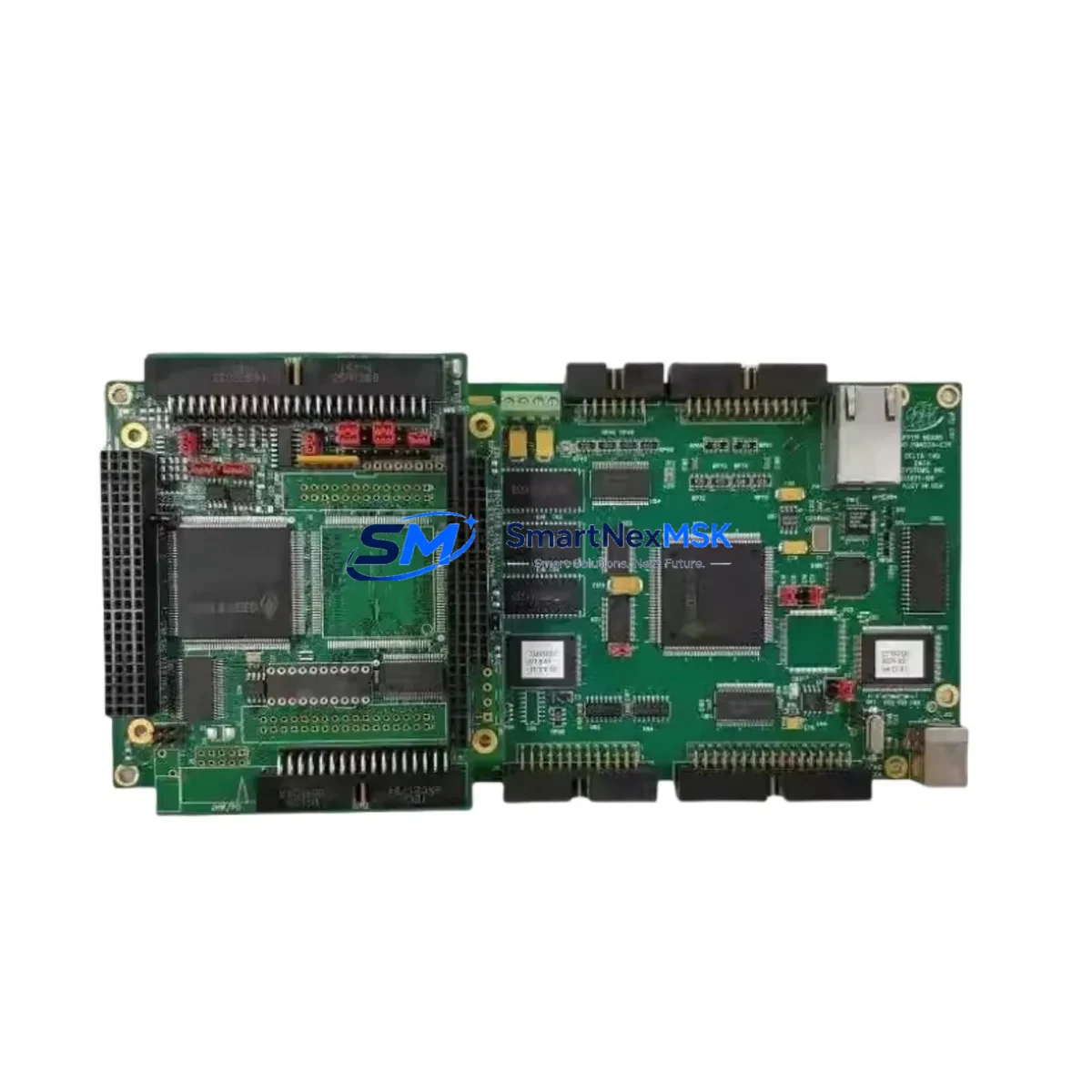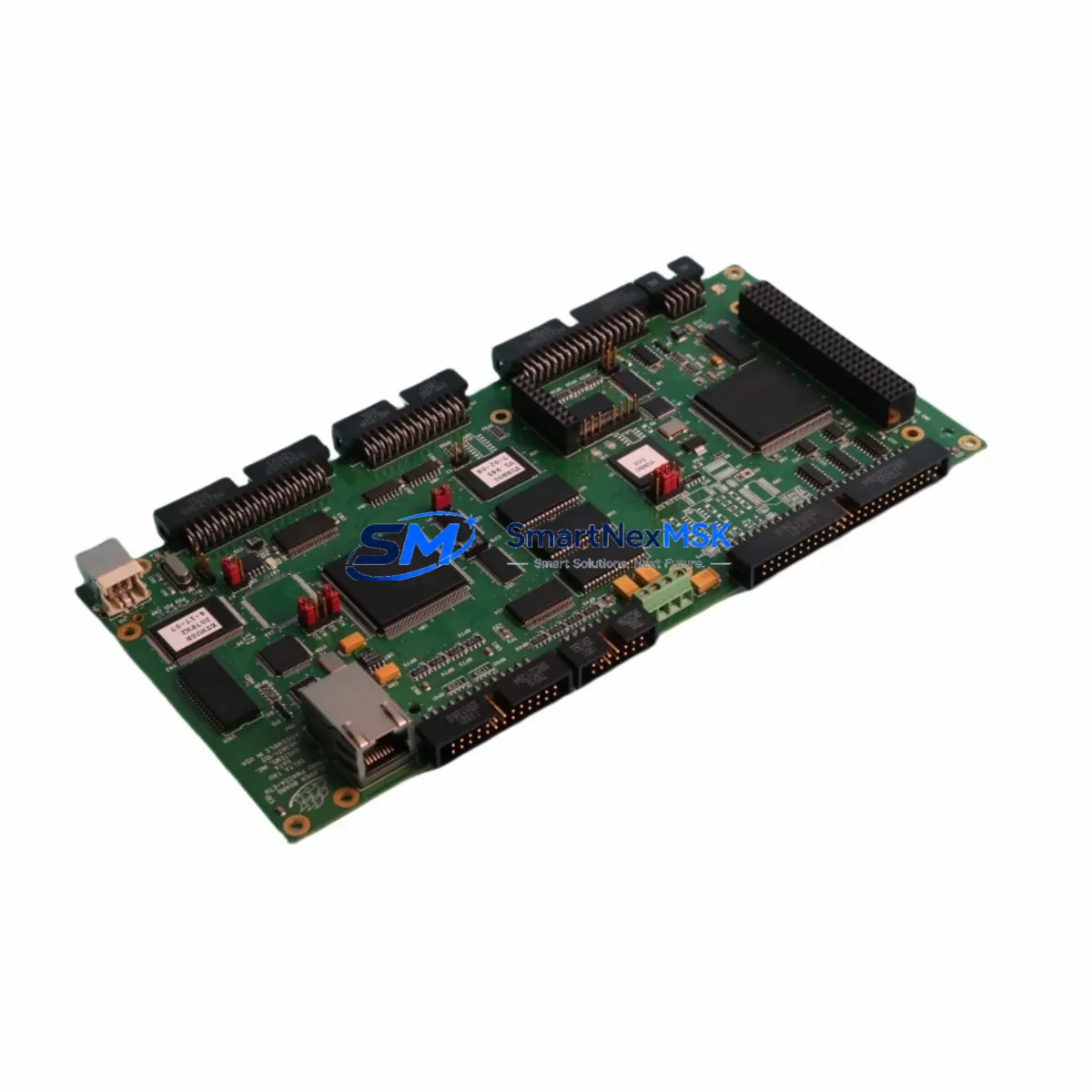
Delta Tau PMAC2A-ETH-603871-106 Spare TURBO PMAC2: Spare Parts Replacement & Industrial Downtime Risk Control
The Delta Tau PMAC2A-ETH-603871-106 is a high-performance Ethernet-enabled motion controller card designed for the TURBO PMAC2 platform — one of the most widely deployed multi-axis motion control architectures in precision manufacturing, semiconductor handling, laser processing, and industrial automation. When this card fails or degrades, the entire motion control system is at risk of unplanned downtime. Maintaining a verified spare on the shelf is the most effective strategy for rapid recovery and continuous production.
This listing provides a maintenance-ready, original-specification replacement for the PMAC2A-ETH-603871-106. Each unit is sourced from authorized supply chains, inspected against factory electrical parameters, and tested prior to shipment. A 12-month warranty is included with every order, covering functional defects under normal operating conditions.
For maintenance engineers managing aging TURBO PMAC2 installations, this spare is critical to any planned inspection cycle, emergency replacement kit, or long-term system life extension program. Whether you are performing a scheduled control cabinet audit or responding to an unplanned axis fault, having this card available eliminates the lead time risk that typically extends downtime from hours to weeks.
Spare Maintenance Table
| Parameter | Specification / Detail |
|---|---|
| Part Number | PMAC2A-ETH-603871-106 |
| Brand | Delta Tau Data Systems |
| Series | TURBO PMAC2 |
| Function | Multi-axis Ethernet motion controller card |
| Communication Interface | Ethernet (10/100 Base-T) |
| Axes Supported | Up to 32 axes (system-dependent) |
| Host Interface | Ethernet TCP/IP, PMAC ASCII protocol |
| Operating Voltage | +5 VDC via backplane (TURBO PMAC2 chassis) |
| Operating Temperature | 0°C to 60°C (industrial ambient) |
| Compatibility | TURBO PMAC2 backplane, Delta Tau UMAC chassis |
| Mounting | Backplane card insertion — no external wiring required |
| Firmware | Compatible with TURBO PMAC2 firmware revisions (field-upgradeable) |
| Condition | Original specification, tested before shipment |
| Warranty | 12 months from date of shipment |
| Lead Time | In-stock: ships within 1–3 business days |
| Application | Semiconductor, laser processing, precision CNC, industrial robotics |
| Maintenance Interval | Inspect annually; replace on first sign of communication fault or axis error |
Maintenance Planning for Continuous Operation
When replacing the PMAC2A-ETH-603871-106, a thorough maintenance engineer does not stop at the card itself. The TURBO PMAC2 system is an integrated motion control environment, and a failure in the Ethernet controller card is often accompanied by — or caused by — degradation in adjacent components. A complete inspection and replacement plan should include the following areas:
Power Supply and Backplane: Verify the TURBO PMAC2 backplane power rails are within specification. The Delta Tau ACC-8D power supply accessory and associated DC bus regulators should be checked for ripple and voltage stability. A marginal power supply is a common root cause of intermittent Ethernet card faults and should be replaced proactively when the PMAC2A-ETH card is swapped.
I/O and Amplifier Interface Cards: The TURBO PMAC2 chassis typically hosts multiple accessory cards alongside the Ethernet controller. Inspect the PMAC2A-PC/104 interface cards, ACC-24E2 analog servo amplifier interface cards, and any ACC-28 digital I/O expansion cards installed in the same chassis. Connector seating, capacitor condition, and signal integrity should all be verified during the same maintenance window.
Encoder and Feedback Wiring: Encoder cables connected to the TURBO PMAC2 system are a frequent source of intermittent faults that are misdiagnosed as controller card failures. Inspect all encoder feedback cables, verify shield grounding at the cabinet entry point, and check the ACC-51E encoder breakout boards for pin corrosion or mechanical damage.
Communication and Network Infrastructure: The Ethernet port on the PMAC2A-ETH-603871-106 connects to the plant network or a dedicated motion control subnet. Inspect the managed switch, patch cables, and any industrial Ethernet isolators or signal conditioners in the network path. A faulty switch port or degraded cable can cause the controller to appear failed when the card itself is functional.
HMI and Operator Interface: If the facility uses a Delta Tau PMAC Executive Pro2 or third-party HMI connected via Ethernet, verify the HMI software version is compatible with the replacement card’s firmware. Mismatched firmware versions can cause communication timeouts that simulate hardware failure.
Fuses and Protection Devices: Check all fuses in the control cabinet associated with the TURBO PMAC2 power circuit. Replace any fuse that shows signs of heat stress or discoloration. Inline surge protection modules on the Ethernet line should also be inspected and replaced if the system has experienced any electrical transient events.
Addressing all of these components during a single planned maintenance window minimizes the risk of a repeat failure and maximizes the return on the spare parts investment.
Site Replacement Workflow
Step 1 — Pre-Replacement Verification: Before removing the PMAC2A-ETH-603871-106, document the current firmware version, IP address configuration, and all PMAC program files stored on the card. Use the PMAC Executive Pro2 software to back up all motion programs, PLC programs, and I-variable settings to a host PC. This backup is essential for restoring the system after card replacement.
Step 2 — Safe Power-Down: Follow the site lockout/tagout (LOTO) procedure. Power down the TURBO PMAC2 chassis completely. Wait a minimum of 60 seconds for capacitors to discharge before opening the cabinet or touching any backplane cards.
Step 3 — Card Removal and Inspection: Remove the PMAC2A-ETH-603871-106 from the backplane slot. Inspect the backplane connector for bent pins, corrosion, or debris. Clean the slot with compressed air if necessary. Note the card’s slot position — the replacement must be installed in the same slot to maintain system addressing.
Step 4 — Replacement Card Installation: Insert the new PMAC2A-ETH-603871-106 into the same backplane slot. Ensure the card is fully seated and the ejector latches are engaged. Do not force the card — misalignment can damage the backplane connector.
Step 5 — Firmware and Configuration Restore: Power up the chassis. Use PMAC Executive Pro2 to connect to the card via Ethernet, verify the firmware version, and restore all backed-up programs and I-variable settings. Confirm all axes respond correctly before returning the system to production.
Step 6 — Functional Test: Run a full axis jog test on all connected axes. Verify encoder feedback, limit switch inputs, and amplifier enable signals. Log the test results and update the maintenance record for the machine.
This workflow is designed to minimize downtime and ensure the replacement card is fully validated before the machine returns to production. For legacy TURBO PMAC2 systems that are no longer supported by the OEM, maintaining a stock of critical spare cards — including the PMAC2A-ETH-603871-106 — is the most reliable strategy for extending system life without a full control system retrofit.
Spare Parts Support FAQ
Q1: Is the PMAC2A-ETH-603871-106 a direct drop-in replacement for the original card in my TURBO PMAC2 chassis?
Yes. The PMAC2A-ETH-603871-106 is designed to install directly into the TURBO PMAC2 backplane without hardware modification. After installation, firmware and configuration must be restored from backup using PMAC Executive Pro2. If your existing card has a specific firmware version required by your motion programs, please confirm the version with our technical team before ordering so we can verify compatibility.
Q2: How is the card tested before shipment?
Each PMAC2A-ETH-603871-106 unit undergoes electrical parameter verification and functional communication testing prior to shipment. We verify Ethernet port integrity, backplane connector condition, and basic firmware boot sequence. A test report is available upon request. The 12-month warranty covers functional defects identified after installation under normal operating conditions.
Q3: What is the recommended spare parts inventory strategy for a facility running multiple TURBO PMAC2 systems?
For facilities with three or more TURBO PMAC2 controllers, we recommend maintaining at least one PMAC2A-ETH-603871-106 on the shelf at all times. For critical production lines where downtime cost exceeds the spare part cost within hours, a two-unit buffer is advisable. Pair this with spares for the ACC-24E2 servo interface cards and the backplane power supply to cover the most common failure modes in a single emergency kit.
Q4: Can you support long-term supply for this part number if our facility has an ongoing maintenance contract?
Yes. We maintain long-term supply capability for legacy Delta Tau TURBO PMAC2 components including the PMAC2A-ETH-603871-106. For facilities with annual maintenance contracts or multi-year procurement plans, we offer reserved stock arrangements and priority fulfillment. Contact our team to discuss volume pricing and supply continuity agreements.
© 2026 SMARTNEXMSK. All rights reserved.
Original Source: https://smartnexmsk.com
Contact: [email protected] | +86 18259474341