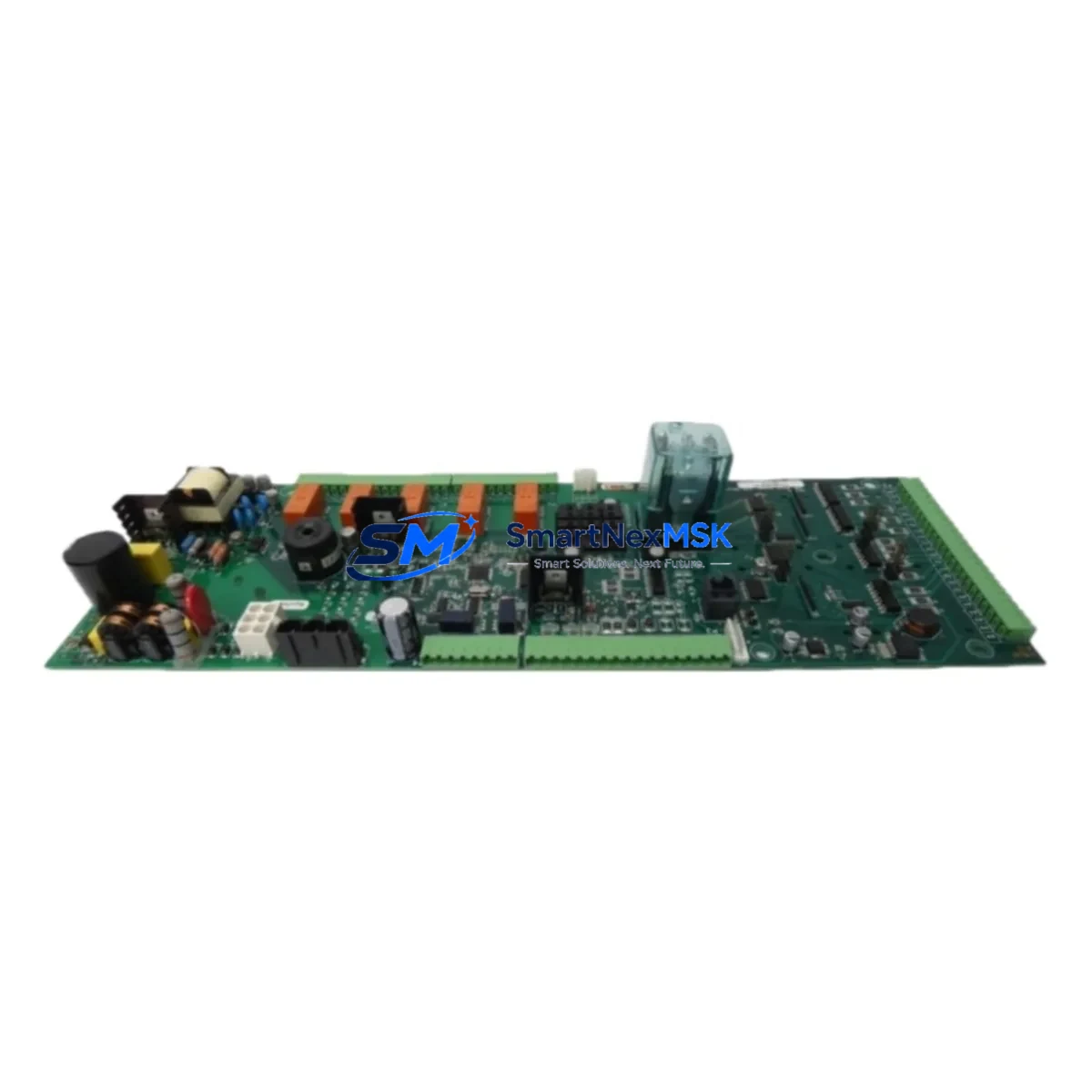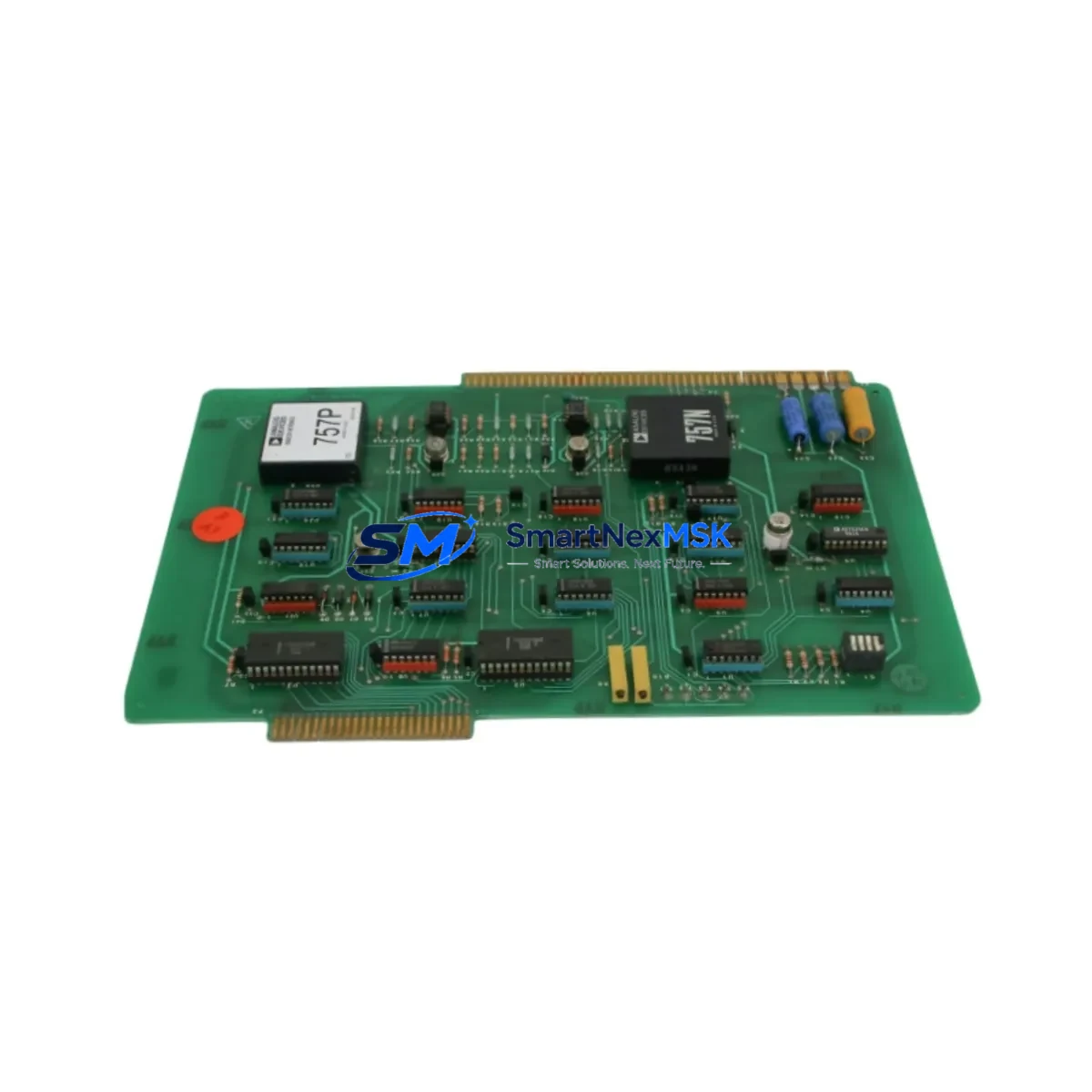
EATON 1401590 Maintenance-Ready Spare for WDPF Automation
The EATON 1401590 Remote Log Analog/Digital PCB Board is a critical spare component within the Westinghouse Distributed Processing Family (WDPF) DCS architecture. Designed for continuous process industries including power generation, petrochemical, and heavy manufacturing, this board serves as the analog-to-digital signal conversion and remote logging interface within the WDPF control cabinet. Sourced as an original spare, the 1401590 is fully compatible with cross-reference part numbers 1501590 and 212691, enabling direct drop-in replacement without system reconfiguration in most WDPF installations.
For maintenance engineers managing aging WDPF DCS infrastructure, securing a verified 1401590 board is a foundational step in any planned or emergency shutdown recovery. The board handles real-time analog signal acquisition and digital conversion, feeding process data to the WDPF supervisory layer. A failure at this node can result in loss of loop visibility, false alarms, or complete process shutdown — making rapid, tested replacement essential to minimizing mean time to repair (MTTR).
Each unit dispatched by SMARTNEXMSK undergoes functional verification prior to shipment, with a 12-month warranty covering manufacturing defects and operational failures under normal industrial service conditions. Units are packaged with ESD-safe materials and documented with inspection records to support your maintenance log requirements.
Spare Maintenance Table
| Part Number | 1401590 |
| Cross-Reference | 1501590 / 212691 / 0226-09996 |
| Manufacturer | EATON (formerly Westinghouse) |
| Series / Platform | WDPF (Westinghouse Distributed Processing Family) |
| Board Function | Remote Log Analog/Digital (A/D) PCB Interface Board |
| Product Type | PCB Control Board |
| Application | DCS Signal Acquisition, Remote I/O Logging, Process Loop Monitoring |
| Compatible Systems | WDPF DCS Control Cabinets, WDPF II, Ovation predecessor systems |
| Installation | Direct board-level replacement; verify backplane slot assignment before insertion |
| Operating Environment | Industrial control room / DCS cabinet; standard IEC 61131-2 environmental conditions |
| Weight | 2.6 kg (packaged) |
| Origin | China (CN) |
| Condition | Original Spare — Tested & Inspected |
| Warranty | 12 Months from date of shipment |
| Lead Time | In-stock items ship within 3–5 business days; contact for availability confirmation |
Maintenance Planning for Continuous Operation
When replacing the EATON 1401590 A/D board in a WDPF DCS cabinet, a disciplined maintenance engineer will not stop at the board itself. The 1401590 interfaces directly with the WDPF backplane and communicates analog loop data upstream — meaning adjacent components in the same signal chain must be inspected simultaneously to prevent repeat failures and ensure loop integrity after restoration.
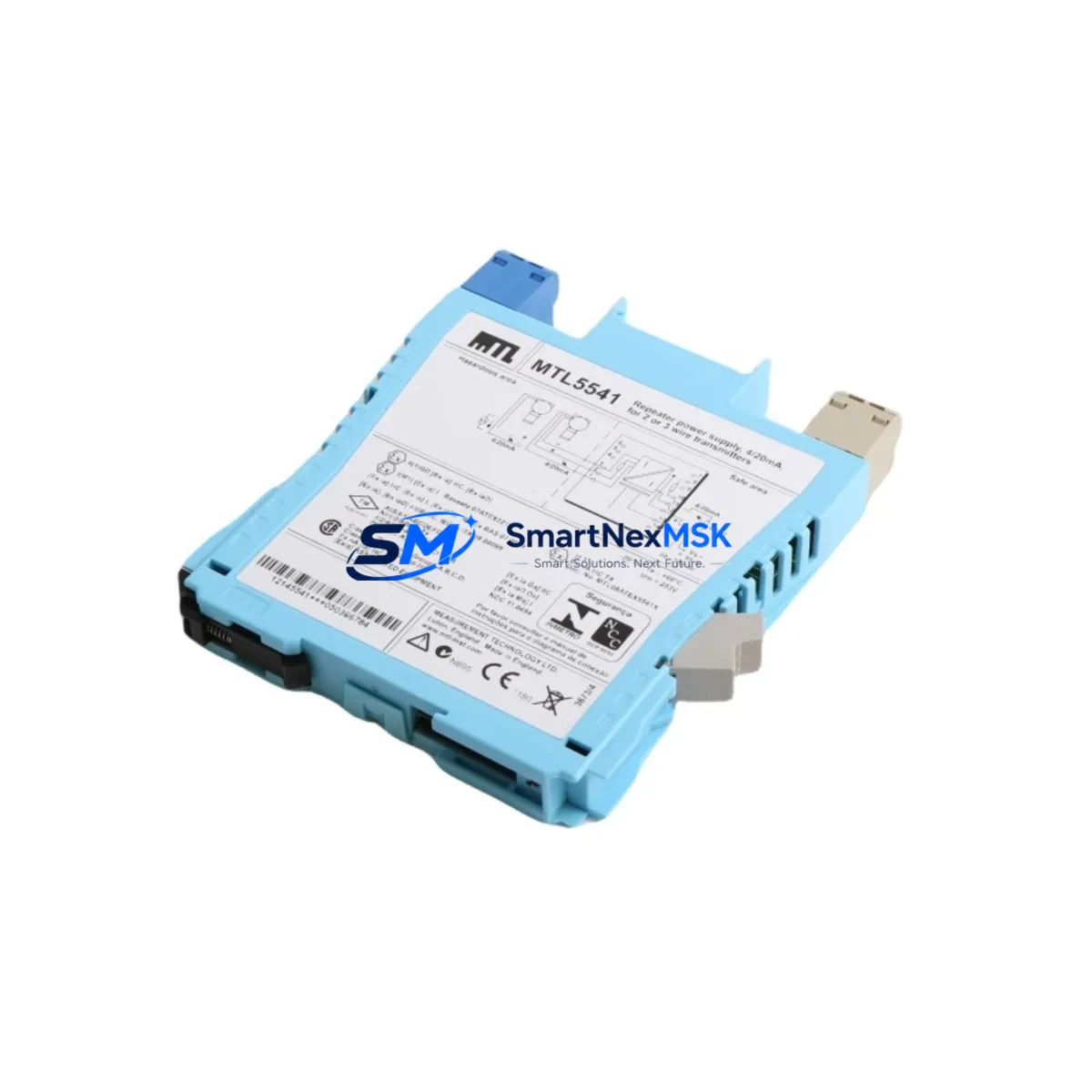
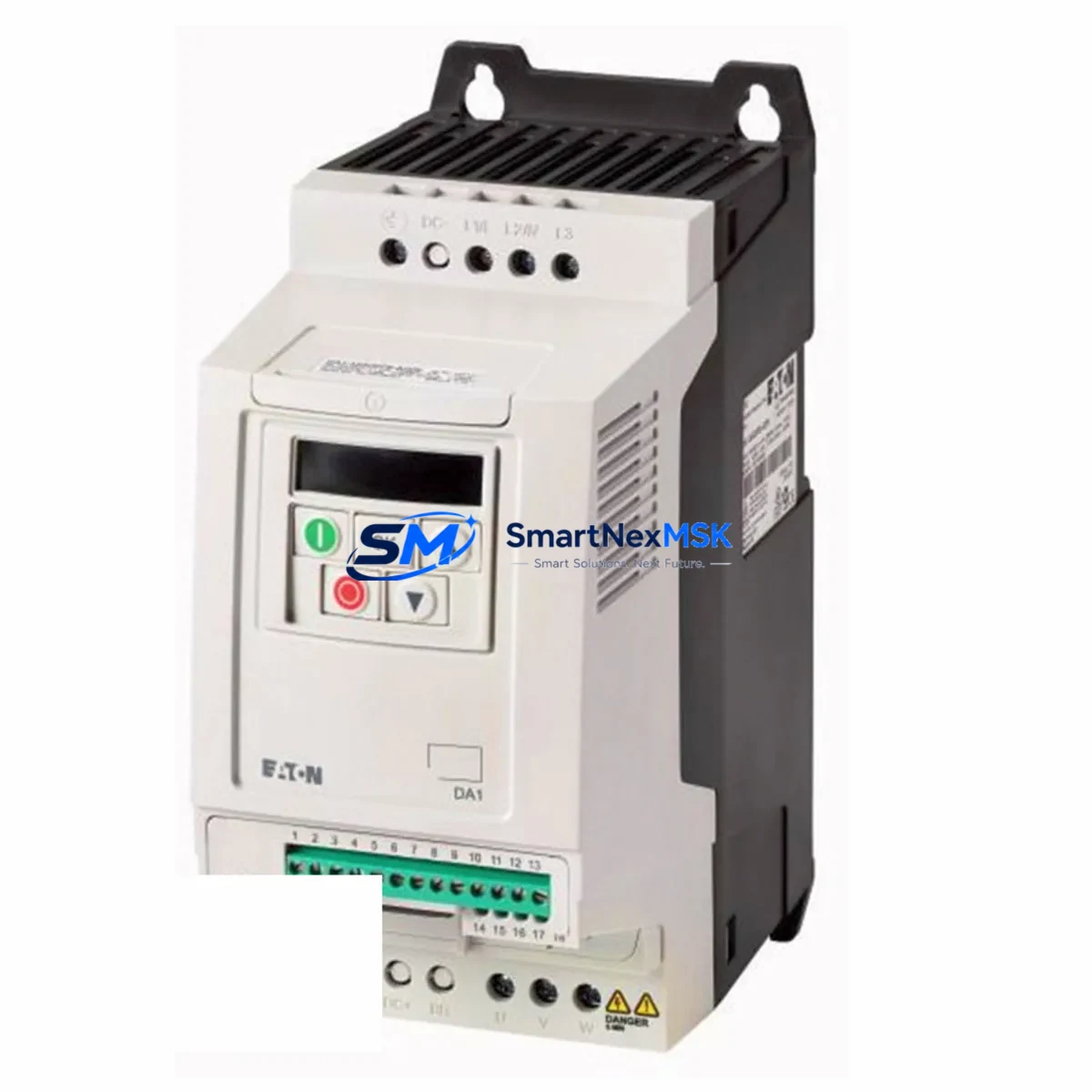
Begin with the WDPF power supply module feeding the card rack. Voltage sag or ripple on the 5 VDC or 24 VDC rails is a leading cause of A/D board degradation and should be measured before the replacement board is inserted. If the power supply module (such as the EATON WDPF PS series) shows signs of capacitor aging or output instability, it should be replaced concurrently.
Next, inspect the WDPF backplane and card cage connectors. Oxidized or bent backplane pins are a common root cause of intermittent A/D board faults in systems that have been in service for 10+ years. Clean connector contacts with approved contact cleaner and verify seating torque on all adjacent boards.
The analog input terminal blocks and field wiring connected to the 1401590 should be checked for insulation breakdown, loose terminations, and ground loops. In high-noise industrial environments, signal integrity at the terminal strip directly affects A/D conversion accuracy. Replace any degraded terminal blocks (such as Phoenix Contact or Weidmüller DIN-rail types compatible with WDPF field wiring standards) as part of the same work order.
If the WDPF system uses signal isolators or signal conditioners between field transmitters and the 1401590 input channels, these should be tested for drift. Aging isolators can introduce offset errors that appear as A/D board faults. EATON and third-party WDPF-compatible signal isolators should be verified against calibration records.
The WDPF communication module responsible for transmitting logged data from the 1401590 to the supervisory layer (historian or operator station) should also be confirmed operational. A faulty communication card can mask A/D board recovery and delay return-to-service confirmation. Check the WDPF data highway interface card and associated coaxial or fiber connections.
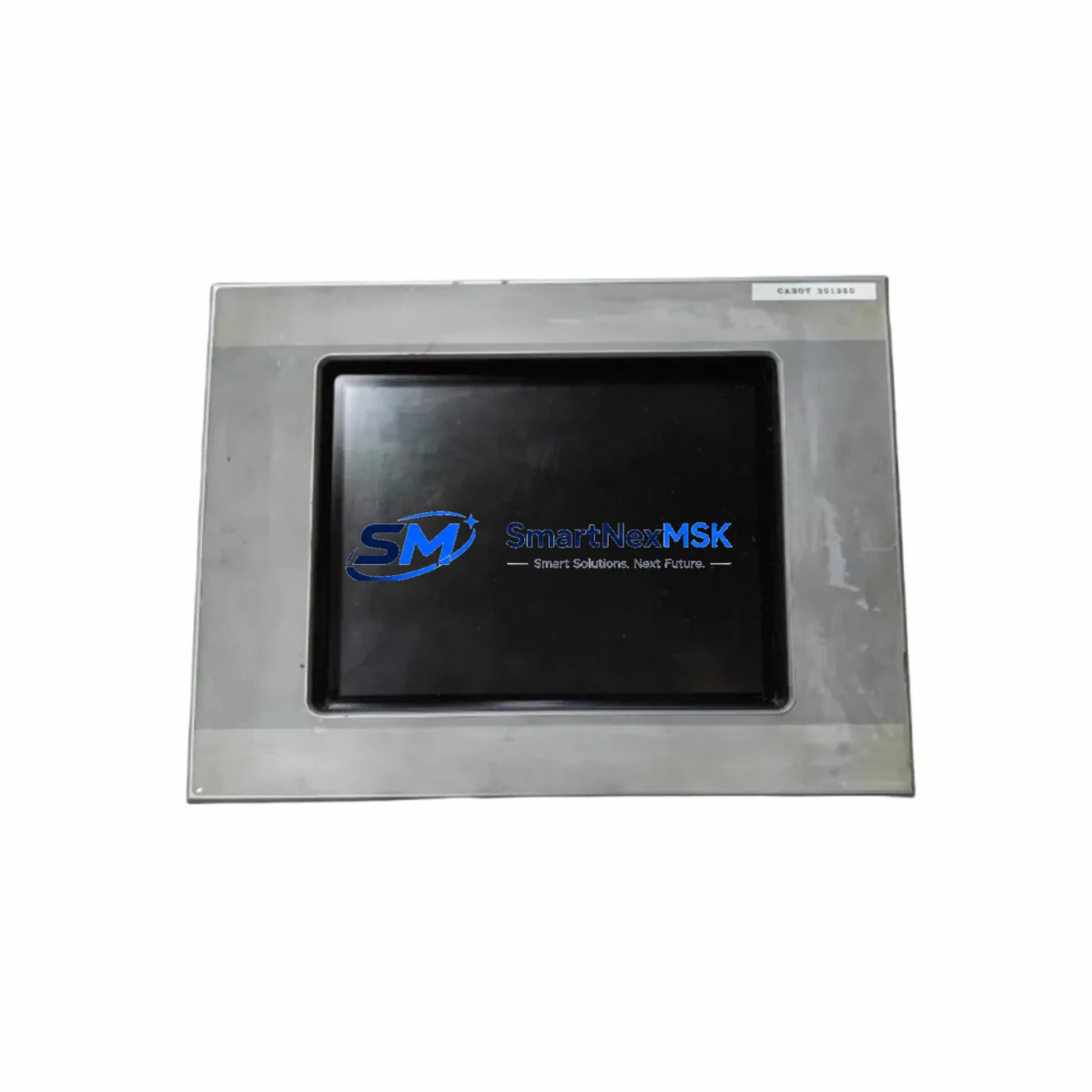
For sites running WDPF operator interface stations or legacy HMI panels, verify that the process variable display updates correctly after board replacement. Stale or frozen displays may indicate a communication path issue rather than a board fault, and should be cleared before closing the work order.
Finally, review the fuse and circuit protection on the I/O loop circuits connected to the 1401590. Blown or weakened fuses in the field loop protection panel can cause repeated board failures if not identified. Replace any fuses that show signs of thermal stress, and document the loop current draw against the original design specification.
A complete spare parts kit for a WDPF A/D board replacement should include: the 1401590 board itself, a spare WDPF power supply module, replacement terminal blocks for the affected I/O channels, spare backplane connector pins, and at least one spare WDPF communication interface card. Maintaining this kit on-site reduces emergency procurement lead time and supports a target MTTR of under 4 hours for planned shutdowns.
Site Replacement Workflow
Step 1 — Pre-Replacement Verification: Confirm the failed board part number against the cabinet label and WDPF system documentation. Cross-reference 1401590 with 1501590 and 212691 to confirm interchangeability in your specific WDPF revision. Download or print the current loop configuration from the WDPF engineering workstation before powering down the card slot.
Step 2 — Safe Isolation: Follow your site’s lockout/tagout (LOTO) procedure for the affected card rack. De-energize the card slot using the WDPF slot inhibit function if available, or power down the card cage section. Do not hot-swap the 1401590 unless your WDPF revision explicitly supports it — consult the EATON WDPF hardware manual for your firmware version.
Step 3 — Board Removal and Inspection: Remove the failed 1401590 using the board extraction handle. Inspect the board for visible burn marks, cracked components, or corrosion. Photograph the board condition for your maintenance record. Retain the failed board for failure analysis if required by your reliability program.
Step 4 — Replacement Board Installation: Insert the new 1401590 into the correct backplane slot. Verify the slot address DIP switch or jumper settings match the original board configuration. Seat the board firmly and confirm the front panel locking mechanism engages.
Step 5 — System Restoration and Loop Check: Re-energize the card slot and observe the WDPF diagnostic LEDs for normal startup indication. From the WDPF operator station or engineering workstation, verify that all analog input channels on the 1401590 are reading correctly against known field transmitter values. Perform a loop check on each channel before returning the system to automatic control.
Step 6 — Documentation: Record the replacement in your CMMS (Computerized Maintenance Management System) with the new board serial number, installation date, and loop check results. Update your spare parts inventory to trigger reorder of a replacement 1401590 for your on-site buffer stock.
Spare Parts Support FAQ
Q1: Is the EATON 1401590 still available as a new original spare, or only as refurbished?
SMARTNEXMSK supplies the 1401590 as an original spare sourced through authorized industrial distribution channels. Each unit is individually tested and inspected before shipment. Units are not relabeled, remanufactured, or cloned. If you require documentation of origin or test records, contact our sales team prior to ordering.
Q2: How do I confirm compatibility between the 1401590, 1501590, and 212691 part numbers for my WDPF system revision?
The 1501590 and 212691 are established cross-reference numbers for the 1401590 within the WDPF hardware family. However, compatibility can vary by WDPF system revision and firmware version. We recommend providing your WDPF system revision number and cabinet configuration when placing your order so our technical team can confirm direct interchangeability before shipment.
Q3: What does the 12-month warranty cover, and what is the return process if the board fails in service?
The 12-month warranty covers manufacturing defects and operational failures under normal industrial service conditions from the date of shipment. It does not cover damage caused by incorrect installation, overvoltage events, or physical mishandling. To initiate a warranty claim, contact [email protected] with your order number, installation date, and a description of the failure. We will arrange return shipping and provide a replacement or credit within the agreed service timeline.
Q4: Can SMARTNEXMSK support long-term supply of the 1401590 for multi-year maintenance contracts?
Yes. SMARTNEXMSK specializes in long-term spare parts support for legacy DCS and PLC platforms including WDPF. We can reserve stock, provide blanket order pricing, and support scheduled delivery programs aligned with your annual maintenance calendar. Contact +86 18259474341 or [email protected] to discuss a supply agreement.
© 2026 SMARTNEXMSK. All rights reserved.
Original Source: https://smartnexmsk.com
Contact: [email protected] | +86 18259474341