
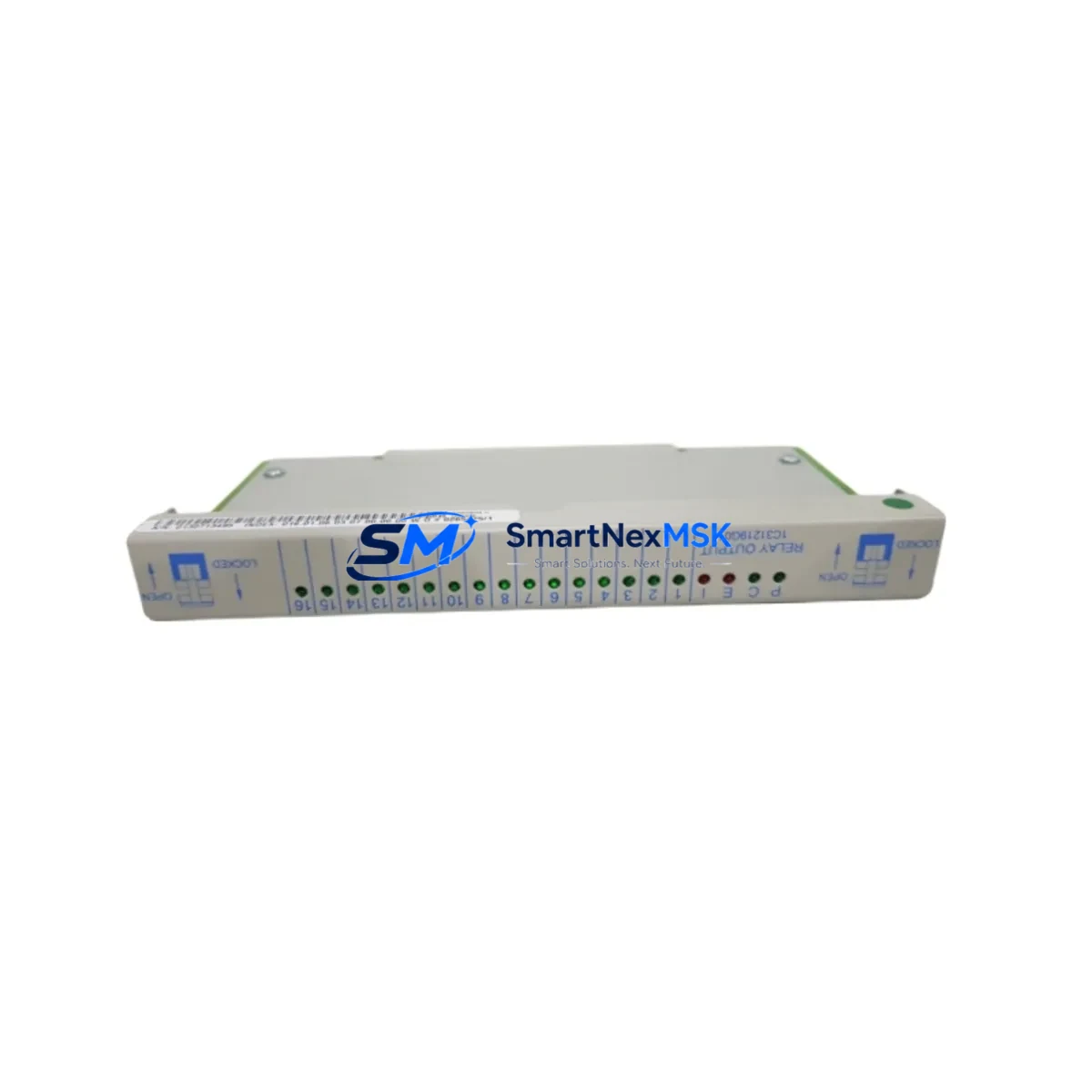
Emerson 1C31219G01 Retrofit-Ready Relay Output for Ovation DCS: Compatible Modernization and Smooth System Upgrade
The Emerson 1C31219G01 is a relay output module engineered for the Ovation Distributed Control System (DCS) platform — one of the most widely deployed process control architectures in power generation, water treatment, and continuous manufacturing facilities. As legacy Ovation systems approach end-of-support milestones and original spare parts become increasingly scarce, the 1C31219G01 serves as a critical retrofit-ready replacement that enables control engineers to restore full relay output functionality without redesigning the control cabinet or rewriting the application program.
This module occupies a standard Ovation I/O slot and interfaces directly with the Ovation controller backplane, maintaining the same terminal block pinout and field wiring arrangement as the original factory-installed unit. Engineers replacing a failed or end-of-life relay output card can complete the swap with minimal downtime — typically within a single maintenance window — without requiring changes to the Ovation Workstation configuration database or the associated control logic built in the Ovation Developer Studio environment.
Upgrade Compatibility Table
| Parameter | Details |
|---|---|
| Compatible Platform | Emerson Ovation DCS (all generations) |
| Module Function | Relay Output — discrete field device switching |
| Backplane Interface | Standard Ovation I/O backplane connector; no adapter required |
| Terminal Wiring | Direct drop-in; existing field wiring reused without modification |
| Communication Compatibility | Native Ovation I/O bus; compatible with Ovation OCR400 and OCR1100 controllers |
| Installation Requirement | Standard Ovation I/O chassis slot; no special mounting hardware |
| Replacement Recommendation | Direct replacement for failed or obsolete 1C31219G01 units; verify slot address assignment in Ovation database |
| Commissioning Focus | Confirm module address, verify relay output point assignments, perform output force test before returning to service |
| Warranty | 12-Month Warranty — covers manufacturing defects and functional failures under normal operating conditions |
Retrofit Planning for Existing Automation Systems
Successful integration of the 1C31219G01 into an existing Ovation DCS retrofit begins well before the module arrives on site. Control engineers should start by auditing the current I/O chassis configuration, confirming the physical slot location of the relay output module within the Ovation I/O rack, and cross-referencing the slot address against the Ovation configuration database. The Ovation OCR400 or OCR1100 controller must recognize the replacement module at the correct node and drop address — mismatched addressing is the most common cause of post-replacement communication faults.
Field wiring connected to the original relay output module should be documented before removal. The 1C31219G01 uses the same terminal block layout as the predecessor unit, so existing cable bundles and ferrule-terminated conductors can be reconnected directly. However, engineers should inspect terminal torque values and verify that no wiring insulation has degraded during the service life of the original module — particularly in high-temperature cabinet environments common in power plant control rooms.
In projects where the Ovation I/O chassis itself is being replaced as part of a broader cabinet upgrade, the 1C31219G01 is typically installed alongside companion modules such as the Emerson 1C31197G01 analog input module, the 1C31116G01 digital input module, and the 1C31234G01 power supply module. These modules share the same backplane architecture and are sourced from the same Ovation I/O family, simplifying procurement and reducing the number of vendor relationships required for a complete cabinet refresh.
For facilities migrating from older Ovation hardware to a modernized control architecture, the 1C31219G01 can serve as a bridge component — maintaining relay output continuity on legacy field devices such as motor starters, solenoid valves, and alarm annunciators while the broader migration to updated Ovation controllers or Emerson DeltaV DCS infrastructure proceeds in phases. This phased approach allows operations teams to maintain production continuity while engineering teams complete configuration migration, HMI screen updates in the Ovation Operator Station, and communication link verification between the I/O subsystem and the supervisory control layer.
Projects involving communication protocol migration — for example, transitioning field devices from hardwired relay logic to FOUNDATION Fieldbus or HART-enabled smart instruments — should note that the 1C31219G01 handles conventional discrete relay outputs and is not a fieldbus interface module. In mixed-architecture retrofits, it is common to deploy the 1C31219G01 alongside Emerson HART multiplexer modules or Ovation Remote I/O nodes to maintain backward compatibility with legacy hardwired field devices while new smart instrument loops are commissioned in parallel.
Downtime Control During System Migration
Minimizing unplanned downtime during relay output module replacement requires a structured pre-outage preparation protocol. Before the maintenance window opens, the control engineer should use the Ovation Developer Studio to export a backup of the current controller configuration, including all I/O point assignments, control logic sheets, and alarm setpoints associated with the relay output channel being replaced. This backup ensures that if the replacement module requires re-addressing or if the Ovation database requires a point re-download, the original configuration can be restored within minutes rather than hours.
During the replacement window, the recommended sequence is: place the affected Ovation controller in manual mode at the Ovation Operator Station, inhibit alarms on the relay output points being serviced, remove the failed 1C31219G01 from the I/O chassis, install the replacement module, verify LED status indicators on the new module, and perform a controlled output force test from the Ovation Workstation before returning the controller to automatic mode. This sequence protects the original program logic — no control sheet modifications are required — and maintains field control continuity on all unaffected I/O channels in the same chassis.
For facilities with redundant Ovation controller configurations, the replacement can often be performed online by failing over to the redundant controller, replacing the module in the primary chassis, and then restoring primary controller operation — achieving near-zero process impact. All replacement modules supplied by SMARTNEXMSK are pre-tested prior to shipment, reducing the risk of installing a non-functional unit during a time-critical maintenance window.
Retrofit Support FAQ
Q: Is the 1C31219G01 a direct drop-in replacement for the original Emerson Ovation relay output module?
A: Yes. The 1C31219G01 is a direct form-fit-function replacement for the original Ovation relay output module of the same part number. It uses the same backplane connector, the same terminal block pinout, and the same Ovation I/O bus protocol. No wiring modifications or configuration database changes are required in the majority of replacement scenarios — only a module address verification and output force test are recommended before returning to service.
Q: What commissioning steps are required after installing the replacement module?
A: After physical installation, verify that the Ovation controller recognizes the module at the correct node and drop address using the Ovation Workstation diagnostic screens. Confirm that all relay output points are correctly mapped in the Ovation configuration database. Perform an output force test on each relay channel to verify field device response. Check relay contact continuity with a multimeter at the terminal block before energizing field loads. Document the commissioning results and clear any latched alarms before returning the controller to automatic mode.
Q: Can this module be used in an Ovation system that is being partially migrated to Emerson DeltaV?
A: The 1C31219G01 is designed specifically for the Ovation DCS I/O architecture and is not directly compatible with the DeltaV I/O subsystem. In phased migration projects where Ovation and DeltaV systems operate in parallel, the 1C31219G01 continues to serve the Ovation portion of the control system, maintaining relay output functionality on legacy field devices until those loops are formally migrated to DeltaV I/O modules. This allows engineering teams to migrate control loops individually without forcing a full cutover.
Q: What warranty coverage is provided, and what does the pre-shipment test include?
A: Every 1C31219G01 supplied by SMARTNEXMSK is covered by a 12-month warranty against manufacturing defects and functional failures under normal operating conditions. Prior to shipment, each module undergoes a functional test that verifies relay contact operation, backplane communication integrity, and LED status indicator function. A test report is available upon request. Warranty claims are processed directly through SMARTNEXMSK — contact [email protected] or +86 18259474341 for support.
© 2026 SMARTNEXMSK. All rights reserved.
Original Source: https://smartnexmsk.com
Contact: [email protected] | +86 18259474341



