
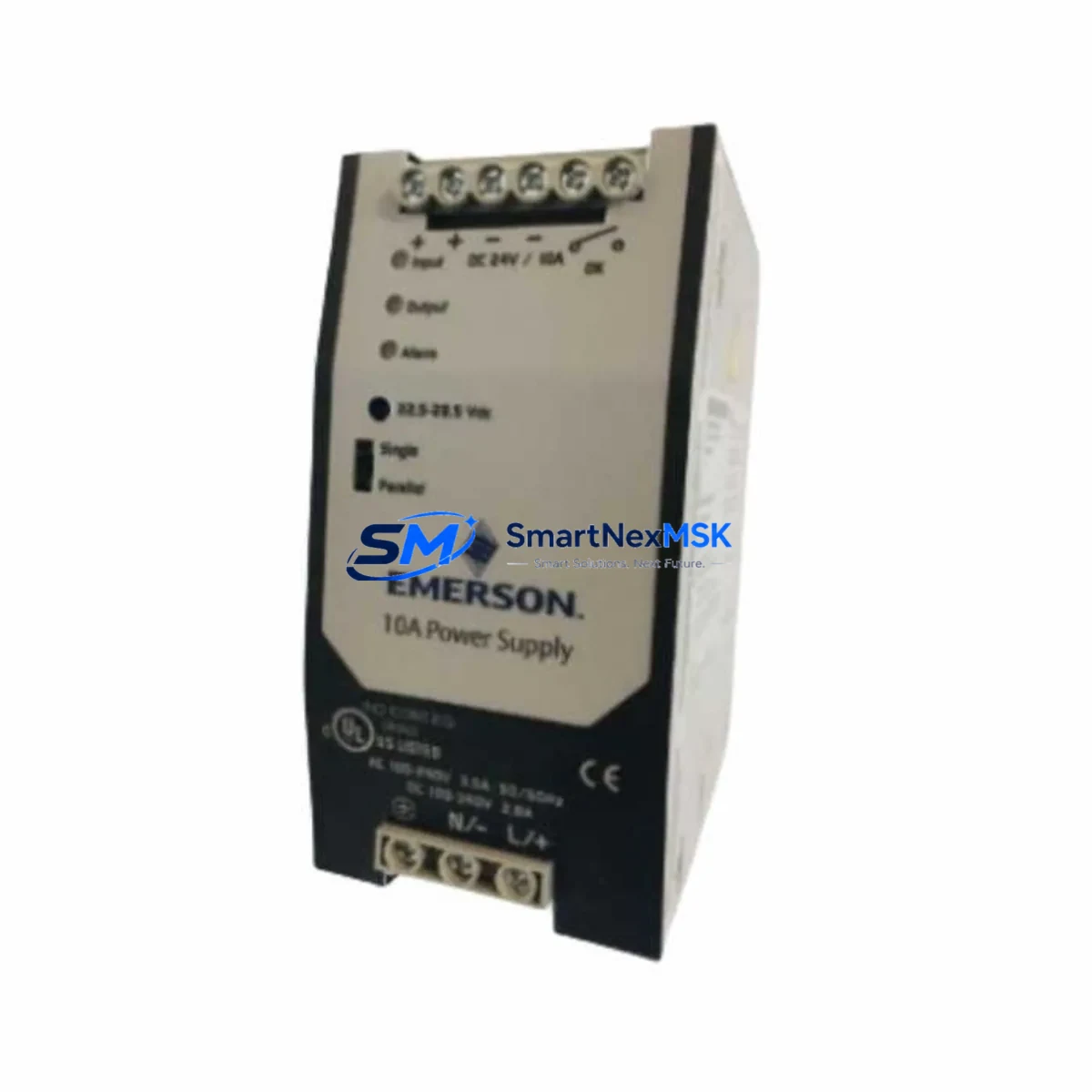
Emerson 1X01047H01L1 Retrofit-Ready Power Supply for Ovation DCS: Compatible Modernization & Smooth System Upgrade
The Emerson 1X01047H01L1 is a retrofit-ready power supply module engineered for the Emerson Ovation Distributed Control System (DCS) platform. As legacy Ovation installations age and original power supply modules approach end-of-life or become discontinued, the 1X01047H01L1 serves as a verified drop-in replacement that preserves existing wiring infrastructure, backplane interfaces, and control logic without requiring a full system overhaul. Whether you are managing a coal-fired power plant, a combined-cycle facility, a water treatment station, or a petrochemical process line running on the Ovation platform, this module delivers the power stability and compatibility your control architecture demands.
Sourced directly from authorized distribution channels and rigorously tested prior to shipment, each unit is backed by a 12-month warranty covering manufacturing defects and functional failures. Our inventory is maintained in climate-controlled storage to preserve module integrity, and units are dispatched with full inspection documentation to support your incoming quality control process.
Upgrade Compatibility Table
| Parameter | Details |
|---|---|
| SKU / Part Number | 1X01047H01L1 |
| Brand / OEM | Emerson (formerly Westinghouse Process Control) |
| Compatible Platform | Emerson Ovation DCS |
| Module Function | Power Supply Module |
| Backplane Interface | Ovation standard backplane connector — direct fit |
| Installation Type | Rack-mount, drop-in replacement |
| Communication Compatibility | Compatible with Ovation OCR400 / OCR1100 controllers and associated I/O networks |
| Replacement Recommendation | Direct replacement for end-of-life or failed Ovation power supply modules |
| Commissioning Notes | Verify DC output voltage, check terminal torque specs, confirm module address assignment in Ovation Developer Studio |
| Warranty | 12 Months — covers manufacturing defects and functional failures |
Retrofit Planning for Existing Automation Systems
Replacing a power supply module in an active Ovation DCS environment requires careful pre-migration planning to avoid unplanned shutdowns and protect the integrity of your control program. The 1X01047H01L1 is designed to slot into existing Ovation I/O racks without mechanical modification, but engineers should complete a full compatibility audit before installation.
Begin by documenting the current power budget across the affected rack. Ovation I/O racks typically host a mix of analog input modules, digital output modules, and communication interface cards — all drawing regulated DC power from the supply rail. Confirm that the 1X01047H01L1’s rated output capacity covers the aggregate load of all installed modules, including any recently added Ovation I/O expansion modules or third-party signal conditioners mounted in the same enclosure.
Terminal wiring is a critical checkpoint. The original power supply’s terminal block layout should be photographed and documented before removal. The 1X01047H01L1 uses the standard Ovation terminal configuration, but field wiring — particularly 24 VDC distribution to remote I/O panels, Ovation remote I/O nodes, and field instrument loops — must be verified against the as-built drawings. Pay particular attention to grounding conductors and shield terminations, which directly affect signal quality on analog channels.
For sites running Ovation OCR400 controllers or the newer OCR1100 controller, confirm that the controller’s power supervision diagnostics are cleared after module swap. Ovation Developer Studio will flag a power module replacement event in the system log; this is expected behavior and does not indicate a fault. If your site uses redundant power supply configurations, coordinate the swap sequence with your control room operator to maintain at least one supply rail active throughout the procedure.
Sites that have integrated Ovation Ethernet communication modules or PROFIBUS DP interface cards into the same rack should verify that communication links remain stable during the power transition. A brief interruption to the communication bus is normal during module hot-swap; however, if your process requires continuous data acquisition, pre-stage a spare Ovation historian node or buffer the affected data streams at the SCADA layer before proceeding.
For older installations that include Westinghouse WDPF legacy I/O modules in hybrid racks alongside Ovation hardware, additional compatibility verification is required. The power supply rail voltage and current characteristics must be confirmed against the WDPF module specifications, as mixed-generation racks can present non-standard load profiles. Our technical team can assist with load calculations upon request.
Finally, if your retrofit scope includes upgrading the Ovation operator workstation (OWS) software or migrating HMI graphics from an older Ovation release to a current version, coordinate the power supply replacement with the software migration schedule. HMI screen updates that reference power module status tags should be validated in the Ovation simulation environment before going live on the production system.
Downtime Control During System Migration
Minimizing process downtime during a power supply replacement is achievable with disciplined pre-work. The most effective strategy is to complete all documentation, spare parts staging, and personnel coordination before the maintenance window opens. For the 1X01047H01L1 replacement specifically, the physical swap can typically be completed within 15–30 minutes by a qualified controls technician — the majority of migration time is consumed by pre-swap verification and post-swap functional testing.
Before the maintenance window, export a full backup of the Ovation control database using Ovation Developer Studio. This preserves all controller configurations, I/O assignments, alarm setpoints, and PID tuning parameters. Store the backup on an isolated engineering workstation — not on the Ovation network — to protect against accidental overwrite during the migration.
During the swap, keep the original power supply module on the bench for immediate reinstallation if the replacement unit does not power up correctly. After installing the 1X01047H01L1, perform a staged power-on: energize the module, confirm DC output voltage at the terminal block with a calibrated multimeter, then observe the Ovation system status display for module health indicators. Do not release the process back to automatic control until all I/O modules in the rack have reported healthy status in the Ovation controller diagnostics.
Post-swap, conduct a loop check on a representative sample of analog input and output channels to confirm signal integrity. Verify that all Ovation PID control loops are tracking correctly and that no spurious alarms have been generated by the power transition. Document the completed replacement in your site’s maintenance management system, including the new module’s serial number and the date of installation, to support your 12-month warranty claim if required.
Retrofit Support FAQ
Q1: Is the 1X01047H01L1 a direct replacement for the original Emerson Ovation power supply module?
Yes. The 1X01047H01L1 is designed as a form-fit-function replacement for the original Ovation power supply module. It uses the same backplane connector, terminal block layout, and DC output specifications, allowing installation without rack modification or wiring changes in standard Ovation configurations.
Q2: What commissioning steps are required after installation?
After physical installation, verify DC output voltage at the terminal block, confirm module address recognition in Ovation Developer Studio, clear any power module fault logs in the controller diagnostics, and perform a functional loop check on connected I/O channels. For redundant power configurations, test automatic failover before returning the system to automatic control.
Q3: Can this module be used in racks that also contain legacy Westinghouse WDPF hardware?
Compatibility in mixed-generation racks depends on the specific WDPF module types and their power draw characteristics. We recommend providing your rack configuration details to our technical team for a load compatibility review before ordering. In most standard Ovation-only rack configurations, the 1X01047H01L1 is a direct fit.
Q4: What does the 12-month warranty cover, and how is a claim initiated?
The 12-month warranty covers manufacturing defects and functional failures under normal operating conditions. To initiate a claim, contact our sales team with the module serial number, installation date, and a description of the fault. We will arrange return authorization and ship a replacement unit upon verification. Warranty does not cover damage resulting from incorrect installation, overvoltage events, or physical mishandling.
© 2026 SMARTNEXMSK. All rights reserved.
Original Source: https://smartnexmsk.com
Contact: [email protected] | +86 18259474341



