
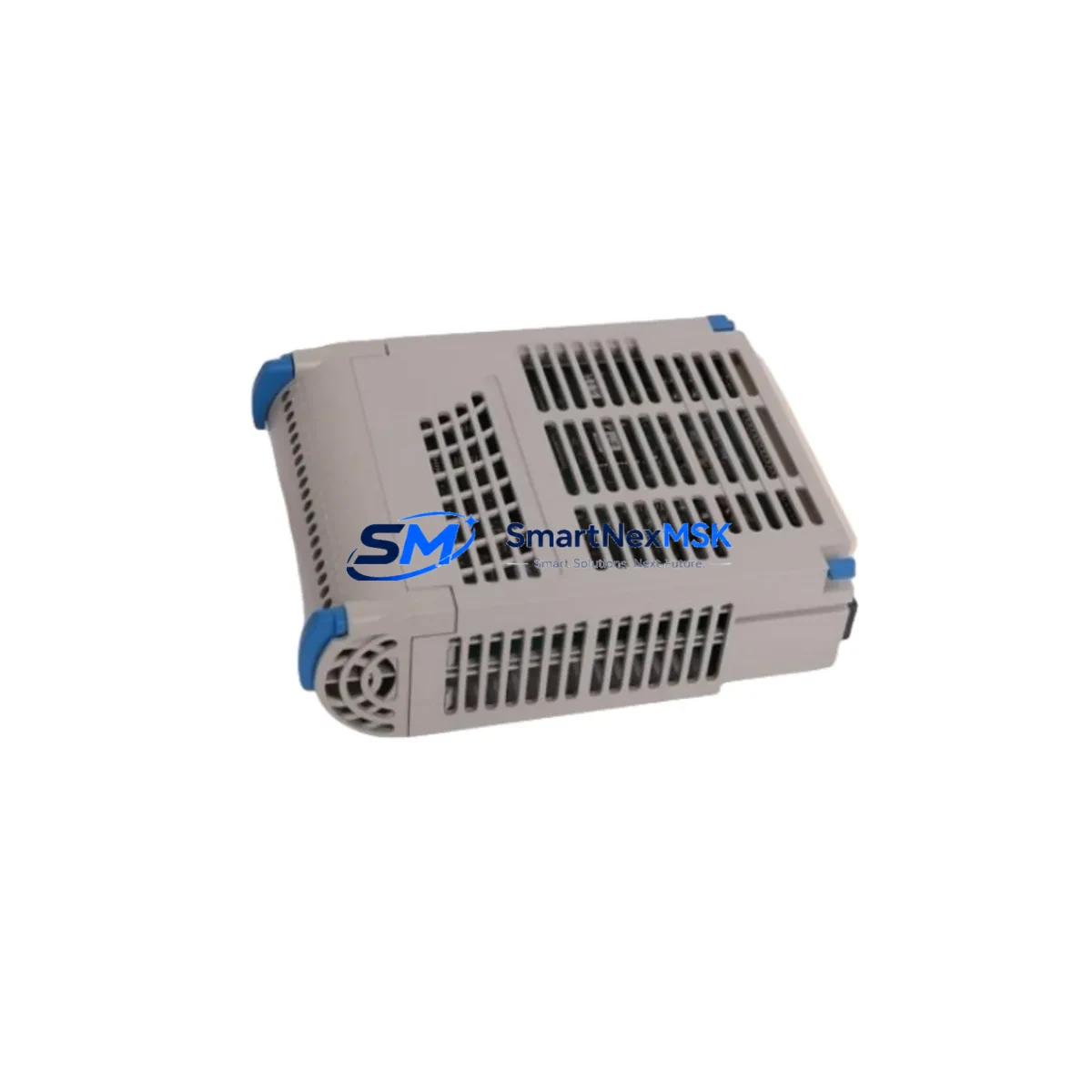
Emerson 5X00119G01 Maintenance-Ready Spare for Ovation Automation
The Emerson 5X00119G01 is an original RTD Input Module engineered for Ovation Distributed Control System (DCS) platforms. In industrial facilities where continuous process control is non-negotiable — power generation, refining, chemical processing, and water treatment — the 5X00119G01 serves as a critical temperature acquisition node within the Ovation I/O subsystem. Unplanned failure of this module can interrupt multi-channel RTD signal processing, triggering process alarms, forcing manual override, and escalating downtime costs within minutes. Maintaining a verified spare on the shelf is the single most effective strategy for rapid fault recovery and sustained system availability.
At SMARTNEXMSK, every 5X00119G01 unit is sourced as an original Emerson component, subjected to pre-shipment functional verification, and dispatched with a 12-month warranty. Our inventory is maintained specifically to support maintenance engineers and procurement teams who cannot afford lead-time uncertainty when a critical DCS node goes offline.
Spare Maintenance Table
| Parameter | Specification / Detail |
|---|---|
| Part Number / SKU | 5X00119G01 |
| Manufacturer | Emerson (formerly Westinghouse / Ovation) |
| Module Type | RTD (Resistance Temperature Detector) Input Module |
| Compatible Platform | Emerson Ovation DCS Series |
| Signal Type | Multi-channel RTD temperature acquisition (Pt100 / Pt1000 compatible) |
| Installation | Ovation I/O chassis / backplane slot mount |
| Communication Interface | Ovation I/O bus (internal backplane) |
| Operating Temperature | 0°C to 60°C (standard industrial cabinet environment) |
| Power Supply | Supplied via Ovation I/O backplane (24 VDC bus) |
| Product Condition | Original spare — tested prior to shipment |
| Warranty | 12 months from date of shipment |
| Typical Application | Power plant boiler temperature monitoring, process temperature loops, turbine control systems |
| Maintenance Recommendation | Inspect terminal block connections and backplane contacts during scheduled outages; verify RTD channel calibration after replacement |
| Country of Origin | United States |
Maintenance Planning for Continuous Operation
When a 5X00119G01 RTD Input Module is flagged for replacement during a planned outage or emergency fault response, experienced maintenance engineers treat the event as an opportunity for a broader I/O cabinet inspection. The Ovation DCS architecture distributes I/O across multiple chassis, and a single module fault can mask adjacent degradation in connected components.
Begin by verifying the Ovation I/O backplane (such as the 5X00106G01 or equivalent chassis assembly) for signs of corrosion, bent connector pins, or thermal stress at the slot where the 5X00119G01 is seated. A compromised backplane will cause recurring faults even after a module swap. Simultaneously, inspect the Ovation power supply module (e.g., 5X00070G01 series) that feeds the I/O chassis — voltage sag or ripple on the 24 VDC bus is a common root cause of intermittent RTD channel errors that are misdiagnosed as module failure.
Check all RTD field wiring terminal blocks at the module’s I/O termination panel. Loose or oxidized connections on Pt100 sensor leads introduce resistance errors that appear as temperature drift or open-circuit alarms. If the plant uses signal isolators or signal conditioners between field RTD sensors and the Ovation input card, verify isolator output levels and confirm loop integrity before declaring the 5X00119G01 as the sole fault source.
For facilities running mixed I/O configurations, also inspect neighboring Ovation analog input modules (such as the 5X00113G01 or 5X00115G01 series) sharing the same chassis. Cross-channel interference or shared ground faults can produce symptoms that appear isolated to the RTD module. Review the Ovation controller module (e.g., OCR400 or OCR1100 series) diagnostic logs for I/O bus communication errors that may indicate a systemic chassis issue rather than a single-module fault.
Where the plant uses Ovation remote I/O nodes connected via fiber or copper communication links, confirm that the communication module and associated network interface cards are functioning within specification. A degraded communication link can cause the controller to report false module faults. Finally, review the fuse and circuit protection on the I/O cabinet power distribution rail — a blown fuse on the 24 VDC feed is frequently overlooked during rapid fault response and will prevent a newly installed 5X00119G01 from initializing correctly.
Site Replacement Workflow
Step 1 — Fault Confirmation: Use the Ovation Workstation operator interface to confirm the 5X00119G01 fault code and identify which RTD channels are affected. Cross-reference with field sensor readings to distinguish a module fault from a field wiring or sensor failure.
Step 2 — Safe Isolation: Follow site-specific LOTO (Lockout/Tagout) procedures. The Ovation I/O chassis supports hot-swap on select configurations — verify your system revision and site safety policy before attempting live replacement. If hot-swap is not authorized, coordinate a controlled process hold with the operations team.
Step 3 — Module Extraction: Release the module locking latch, extract the 5X00119G01 from its backplane slot, and inspect the backplane connector for damage. Label and document the removed module with fault date and symptom description for maintenance records.
Step 4 — Spare Installation: Insert the replacement 5X00119G01 firmly into the correct chassis slot. Confirm the module status LED sequence matches the expected initialization pattern per the Ovation I/O module installation guide. Verify that all RTD channels return valid temperature readings at the Ovation Workstation within the expected scan cycle.
Step 5 — Post-Replacement Verification: Run a channel-by-channel comparison against known-good reference temperatures. Document the replacement in the plant CMMS (Computerized Maintenance Management System) and update the spare parts inventory record. Order a replacement spare immediately to restore buffer stock — single-unit spare strategies leave the system exposed to the next fault event.
This workflow is designed to minimize mean time to repair (MTTR) and maintain Ovation DCS system compatibility without requiring controller reconfiguration or software changes, provided the replacement module is an original Emerson 5X00119G01.
Spare Parts Support FAQ
Q1: Is the 5X00119G01 still in production, and can I source it long-term?
The Emerson Ovation platform has an extended lifecycle, and original 5X00119G01 modules remain available through authorized spare parts distributors. SMARTNEXMSK maintains stock specifically to support plants operating legacy Ovation systems where OEM lead times are unacceptable. Contact us for long-term supply agreements and scheduled delivery programs.
Q2: How is the module tested before shipment?
Each 5X00119G01 unit undergoes pre-shipment functional verification covering power-up initialization, backplane communication response, and channel integrity checks. Units that do not pass verification are not dispatched. A test report is available upon request for quality-critical procurement processes.
Q3: Will this module work as a direct replacement without reconfiguring the Ovation controller?
Yes — the 5X00119G01 is a direct form-fit-function replacement for the same part number within the Ovation I/O architecture. No controller software changes or I/O configuration edits are required, provided the replacement module is installed in the correct chassis slot and the backplane is undamaged. Always confirm the module revision level matches your system’s qualification baseline if your site enforces strict change management.
Q4: What does the 12-month warranty cover?
The 12-month warranty covers manufacturing defects and functional failure under normal operating conditions from the date of shipment. It does not cover damage resulting from incorrect installation, overvoltage events, physical impact, or use outside the specified environmental range. Warranty claims are processed with priority — contact [email protected] with your order reference and fault description for rapid resolution.
© 2026 SMARTNEXMSK. All rights reserved.
Original Source: https://smartnexmsk.com
Contact: [email protected] | +86 18259474341



