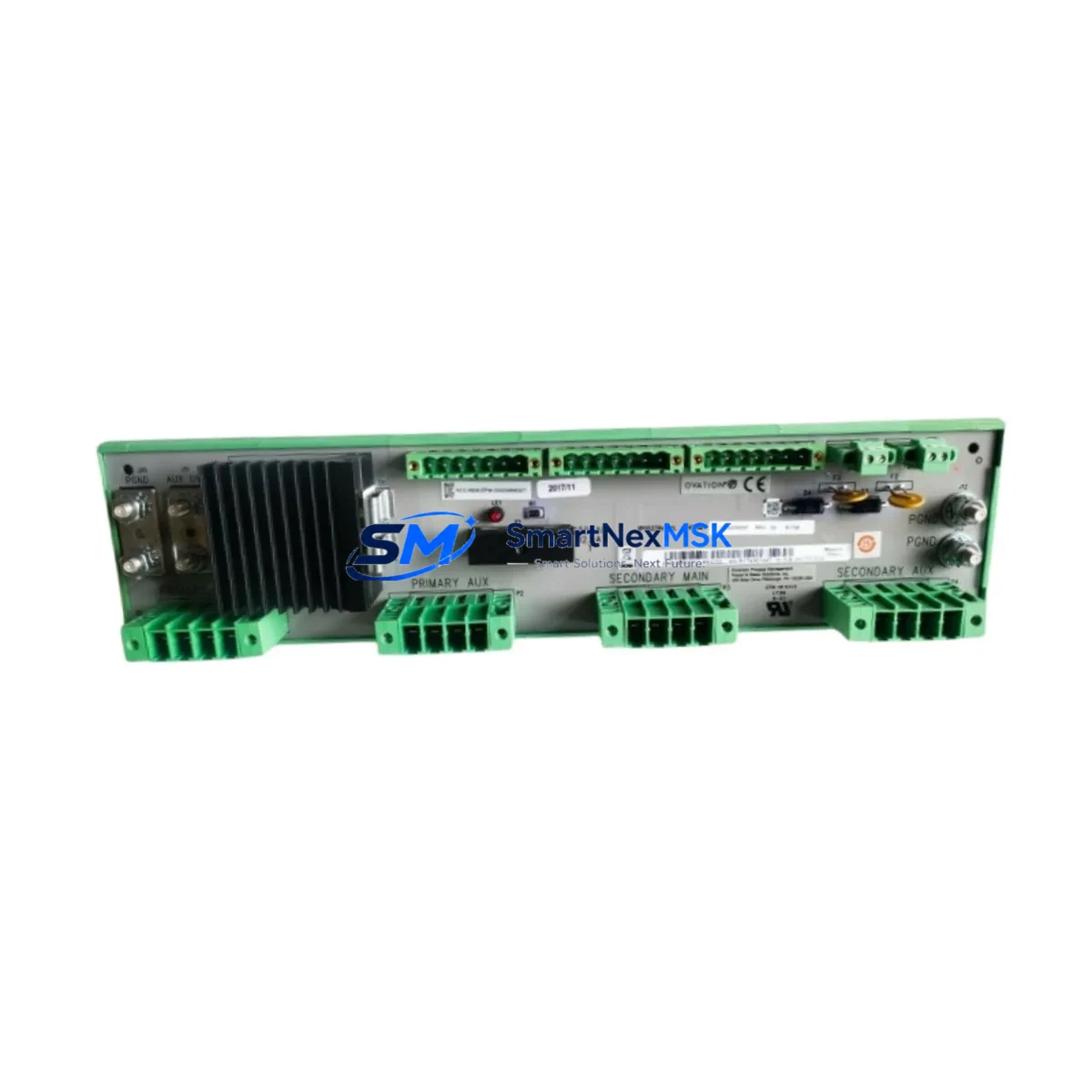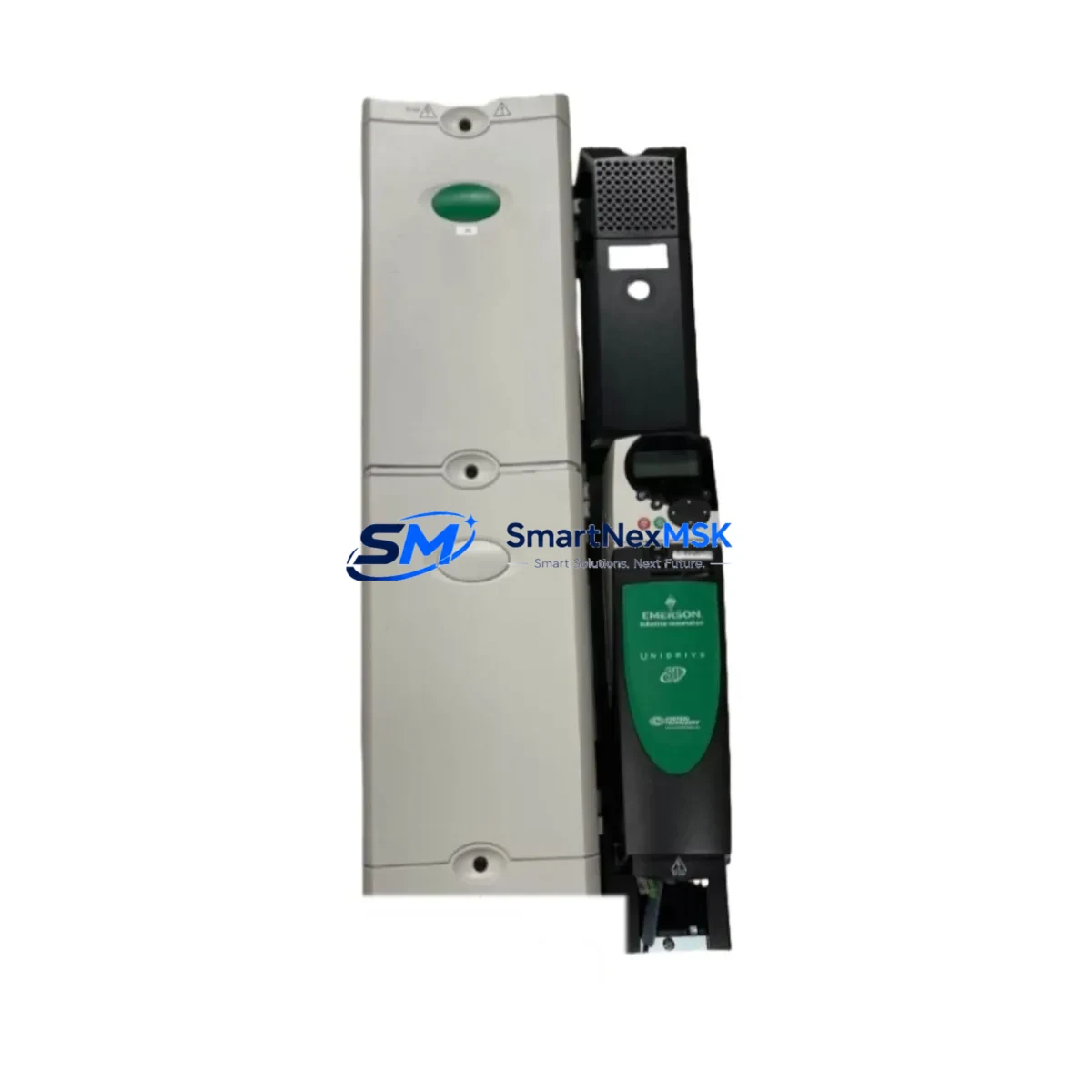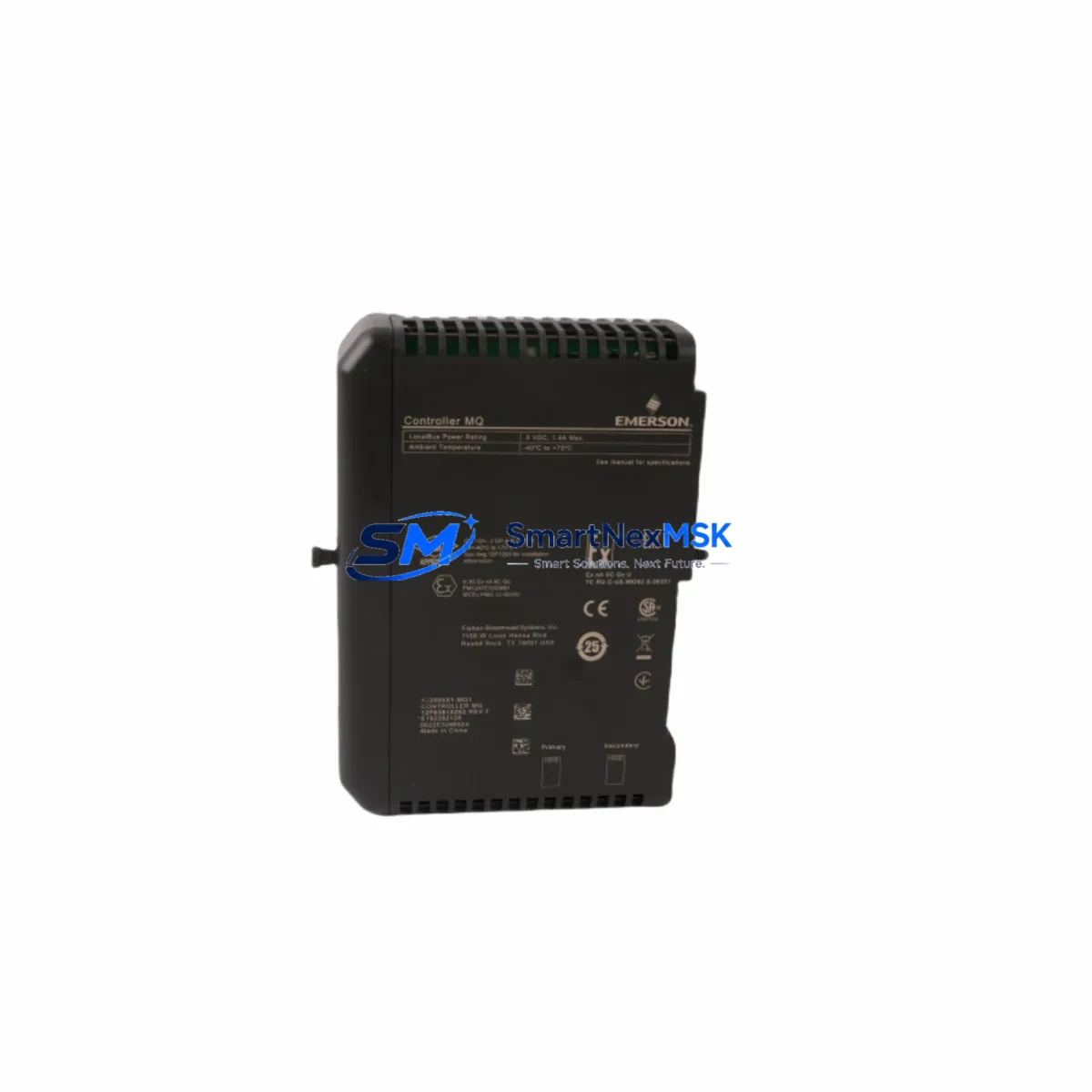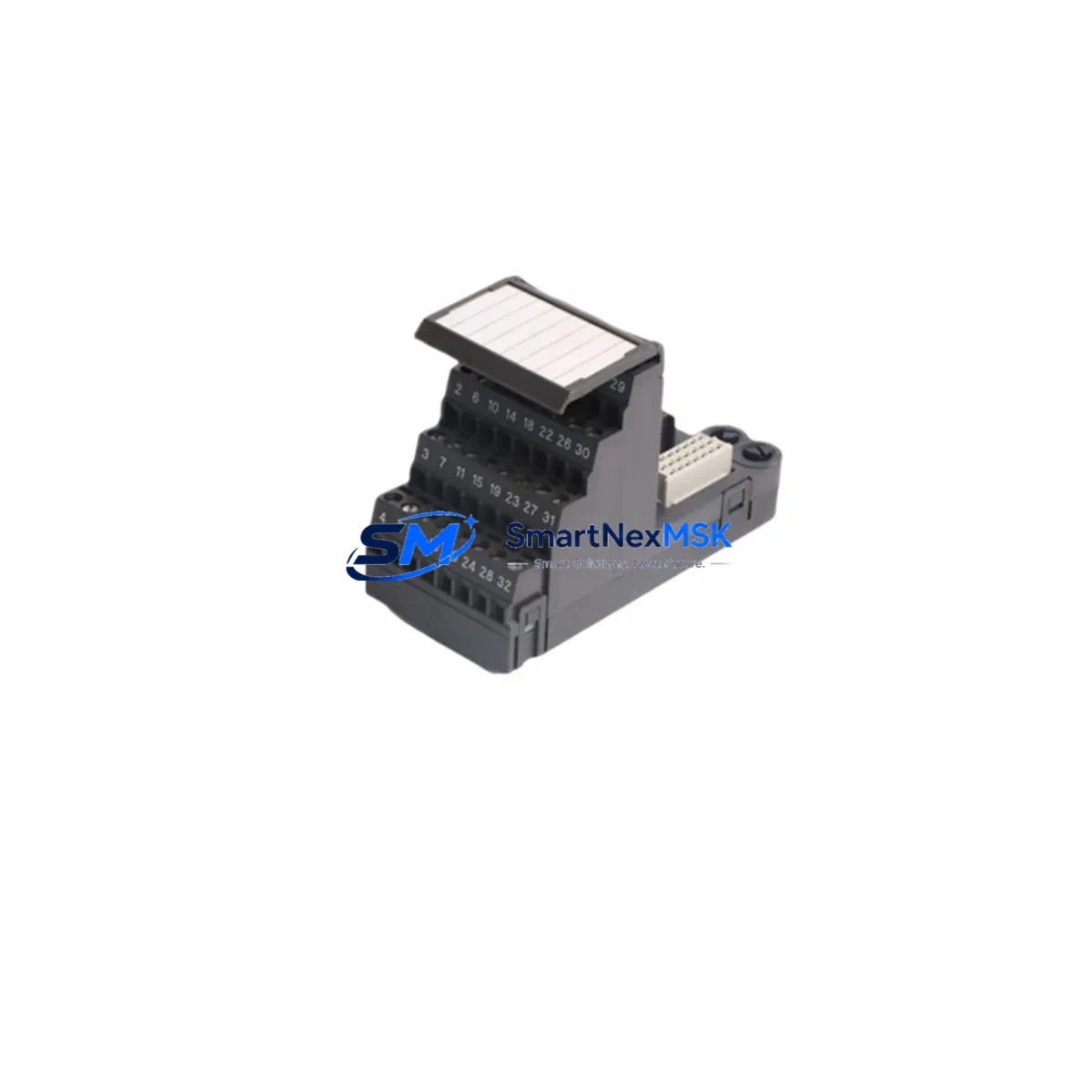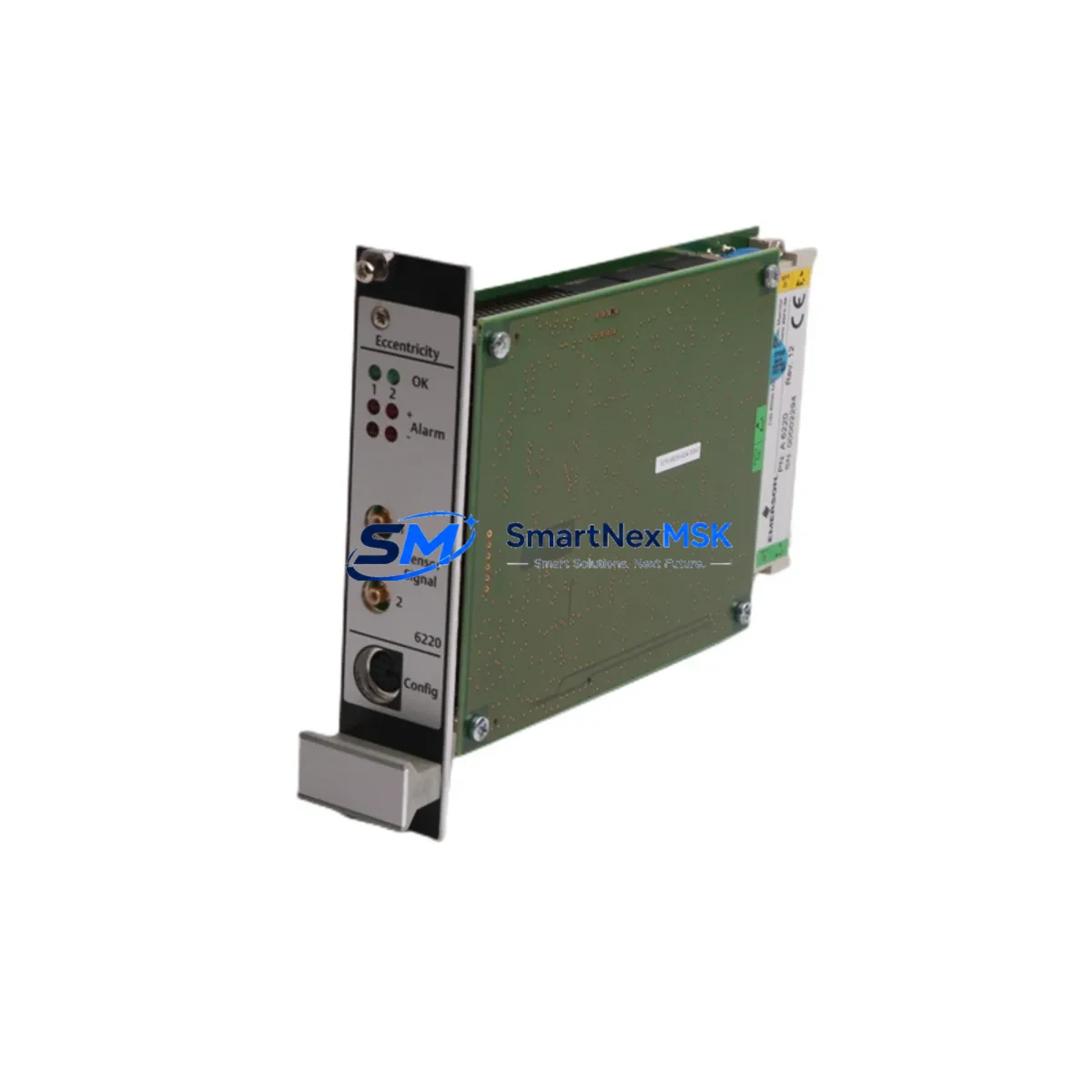
EMERSON A6220 Spare for Ovation DCS Automation: Eccentricity Monitor Replacement & Downtime Control
The EMERSON A6220 is a dual-channel eccentricity monitor designed for integration within the Ovation Distributed Control System (DCS) platform. In rotating machinery environments — including steam turbines, compressors, and large-scale generators — eccentricity monitoring is a non-negotiable element of predictive maintenance. When the A6220 module degrades or fails, the consequences extend beyond a single measurement point: the entire shaft monitoring loop is compromised, increasing the risk of undetected rotor bow, bearing damage, and unplanned outages.
Sourced as an original spare, the A6220 offered here is tested prior to shipment and backed by a 12-month warranty. It is intended for maintenance engineers and procurement teams managing Ovation-based control systems who require a verified, drop-in replacement without system redesign or firmware reconfiguration.
Spare Maintenance Table
| Parameter | Specification / Detail |
|---|---|
| Part Number / SKU | A6220 |
| Brand | EMERSON |
| Series / Platform | Ovation DCS |
| Module Type | Dual-Channel Eccentricity Monitor |
| Measurement Channels | 2 (dual-channel, independent signal processing) |
| Signal Input | Proximity probe / eddy-current transducer compatible |
| Output | 4–20 mA analog + digital status to Ovation controller |
| Power Supply Compatibility | Ovation I/O backplane bus power (24 VDC nominal) |
| Installation | Direct backplane insertion — no rewiring required for like-for-like replacement |
| Operating Temperature | 0°C to 60°C (standard industrial cabinet environment) |
| Compatibility | Ovation DCS I/O subsystem; compatible with standard Ovation controller nodes |
| Condition | Original spare — tested before shipment |
| Warranty | 12 months from date of delivery |
| Lead Time | In-stock items ship within 3–5 business days; confirm availability at order |
| Origin | USA |
Maintenance Planning for Continuous Operation
Replacing the A6220 eccentricity monitor is rarely an isolated task. In a well-structured Ovation DCS cabinet inspection, maintenance engineers should treat the A6220 replacement as a trigger for a broader loop verification. The proximity probe cabling and connector integrity feeding the A6220 should be inspected for insulation degradation, shield continuity, and connector corrosion — issues that frequently cause false eccentricity readings before the monitor itself fails.
The Ovation I/O backplane that houses the A6220 should be checked for backplane connector wear and bus voltage stability. If the backplane power rail shows voltage ripple, the Ovation power supply module serving that I/O rack — typically a redundant 24 VDC supply unit — should be tested under load. A degraded power supply module is a common root cause of intermittent monitor faults that are misdiagnosed as module failure.
Within the same control cabinet, the Ovation digital I/O modules handling machine protection relay outputs should be verified for contact integrity. The machine protection relay itself — often an electromechanical or solid-state relay wired to the turbine trip circuit — should be tested for response time and contact resistance. A relay that trips slowly or fails to reset cleanly can mask the true source of a shaft protection event.
For plants running older Ovation controller nodes, the Ovation controller module firmware version should be confirmed compatible with the A6220 hardware revision. In legacy installations, the Ovation communication module linking the I/O subsystem to the supervisory network should also be inspected — communication faults at this layer can cause the A6220 data to appear frozen or invalid at the HMI, even when the module itself is functioning correctly.
The Ovation operator workstation or HMI display associated with the shaft monitoring group should be used to verify that both channels of the A6220 are reading within expected eccentricity limits after replacement. If the plant uses a signal isolator or signal conditioner between the proximity probe and the A6220 input, that isolator should be tested for output accuracy — a drifting isolator will produce systematic eccentricity measurement errors that persist after module replacement.
Terminal blocks and field wiring terminations in the junction box between the proximity probe and the control cabinet should be inspected for loose connections and oxidation. In high-vibration environments, terminal block screws can back off over time, introducing intermittent signal loss. Fuse holders protecting the probe power supply circuit should also be checked — a high-resistance fuse contact is a known cause of probe power dropout that mimics A6220 module failure.
For plants maintaining a critical spare inventory, it is recommended to stock at least one A6220 alongside the associated proximity probe driver, a spare backplane connector set, and a replacement power supply module for the I/O rack. This spare kit approach minimizes diagnostic time during an emergency outage and supports a target mean-time-to-repair of under four hours for eccentricity monitoring restoration.
Site Replacement Workflow
Step 1 — Pre-replacement verification: Confirm the A6220 SKU and hardware revision against the installed module label. Cross-reference with the Ovation system configuration database to verify the I/O slot assignment and channel mapping. Do not assume slot interchangeability without configuration verification.
Step 2 — Safe isolation: Place the associated machine protection function in bypass mode per plant safety procedures before removing the A6220. Notify the control room operator. Document the bypass start time in the maintenance log.
Step 3 — Module extraction: Release the backplane locking lever and extract the A6220 module. Inspect the backplane connector pins for damage or contamination before inserting the replacement unit.
Step 4 — Replacement insertion: Insert the new A6220 module firmly until the backplane connector is fully seated and the locking lever engages. The Ovation controller should automatically recognize the module and restore the I/O point mapping without manual reconfiguration in a standard like-for-like replacement.
Step 5 — Loop verification: Confirm both eccentricity channels are reading valid values at the HMI. Apply a known reference displacement at the proximity probe (if test equipment is available) to verify channel calibration. Compare readings against the pre-fault baseline trend data.
Step 6 — Bypass removal and return to service: Remove the machine protection bypass only after both channels are confirmed healthy. Document the replacement in the maintenance management system, including the new module serial number and post-replacement readings.
This workflow supports a controlled, auditable replacement process that minimizes downtime and maintains system integrity for aging Ovation DCS installations.
Spare Parts Support FAQ
Q1: What is the shelf life of the A6220 as a stored spare, and how should it be stored?
The A6220 module, when stored in its original anti-static packaging in a temperature-controlled environment (10°C–30°C, relative humidity below 70%, non-condensing), maintains functional integrity for a minimum of 5 years. Electrolytic capacitors within the module may require a brief power-up conditioning cycle if the module has been stored for more than 3 years before deployment. Our 12-month warranty is activated from the date of delivery, not the date of manufacture.
Q2: How is compatibility with my specific Ovation DCS version confirmed before shipment?
Compatibility is verified based on the hardware revision of the A6220 and the Ovation system version information provided at the time of order. We recommend customers provide their Ovation controller firmware version and the existing module’s hardware revision label data when placing an order. All units undergo functional testing on a representative Ovation I/O backplane prior to shipment.
Q3: Can the A6220 replace older or discontinued eccentricity monitor variants in the Ovation platform?
In most cases, yes. The A6220 is designed as a direct replacement for earlier dual-channel eccentricity monitor variants within the Ovation I/O family. However, customers should confirm the backplane slot type and I/O module form factor before ordering. Our technical team can assist with cross-reference verification based on the existing module part number and installation drawings.
Q4: What does the 12-month warranty cover, and what is the return process if a fault is identified after installation?
The 12-month warranty covers manufacturing defects and functional failures under normal operating conditions. It does not cover damage resulting from incorrect installation, overvoltage events, or physical mishandling. If a fault is identified post-installation, customers should contact our support team with the module serial number, installation date, and a description of the fault symptom. A replacement or repair will be arranged within the warranty period without additional charge for the module itself.
© 2026 SMARTNEXMSK. All rights reserved.
Original Source: https://smartnexmsk.com
Contact: [email protected] | +86 18259474341