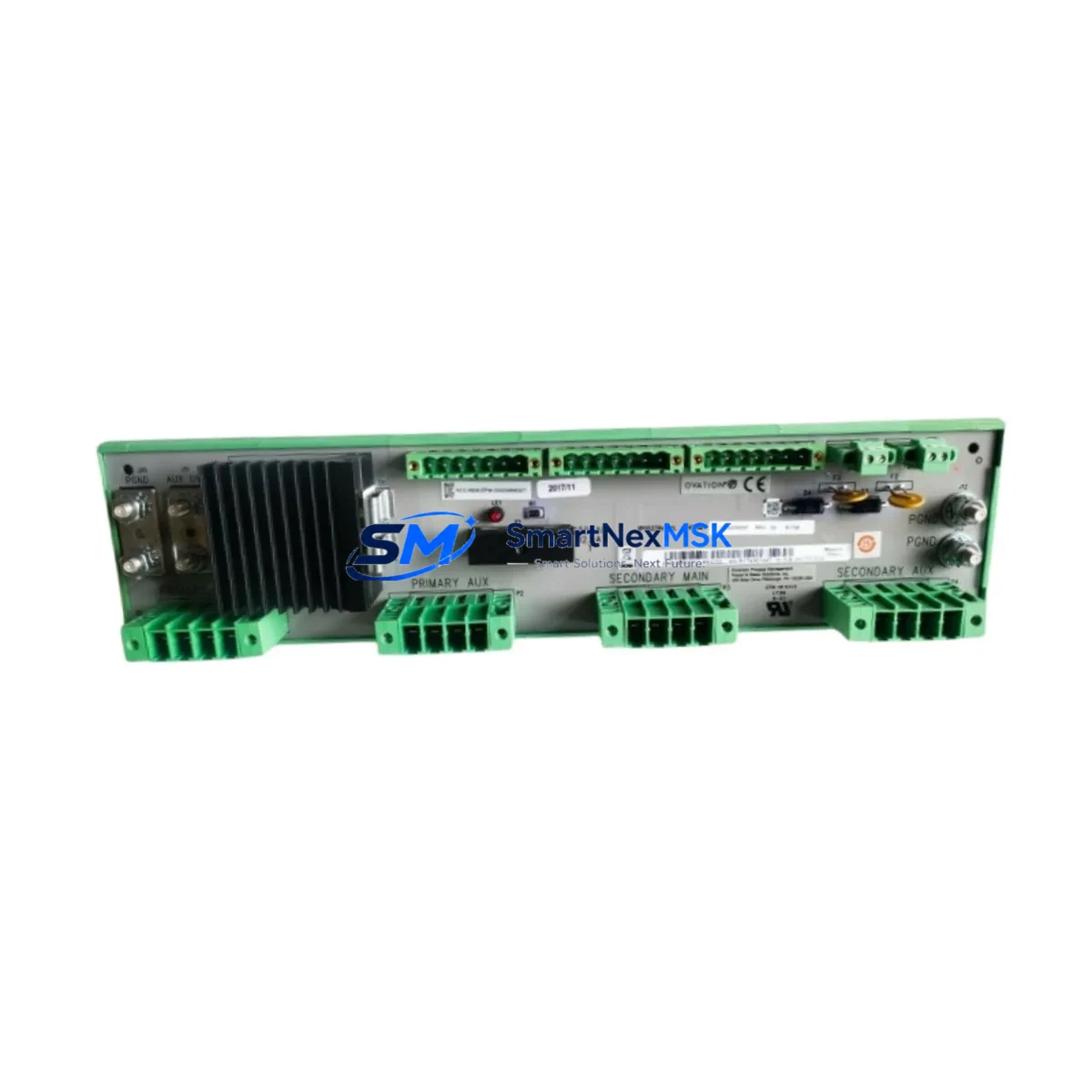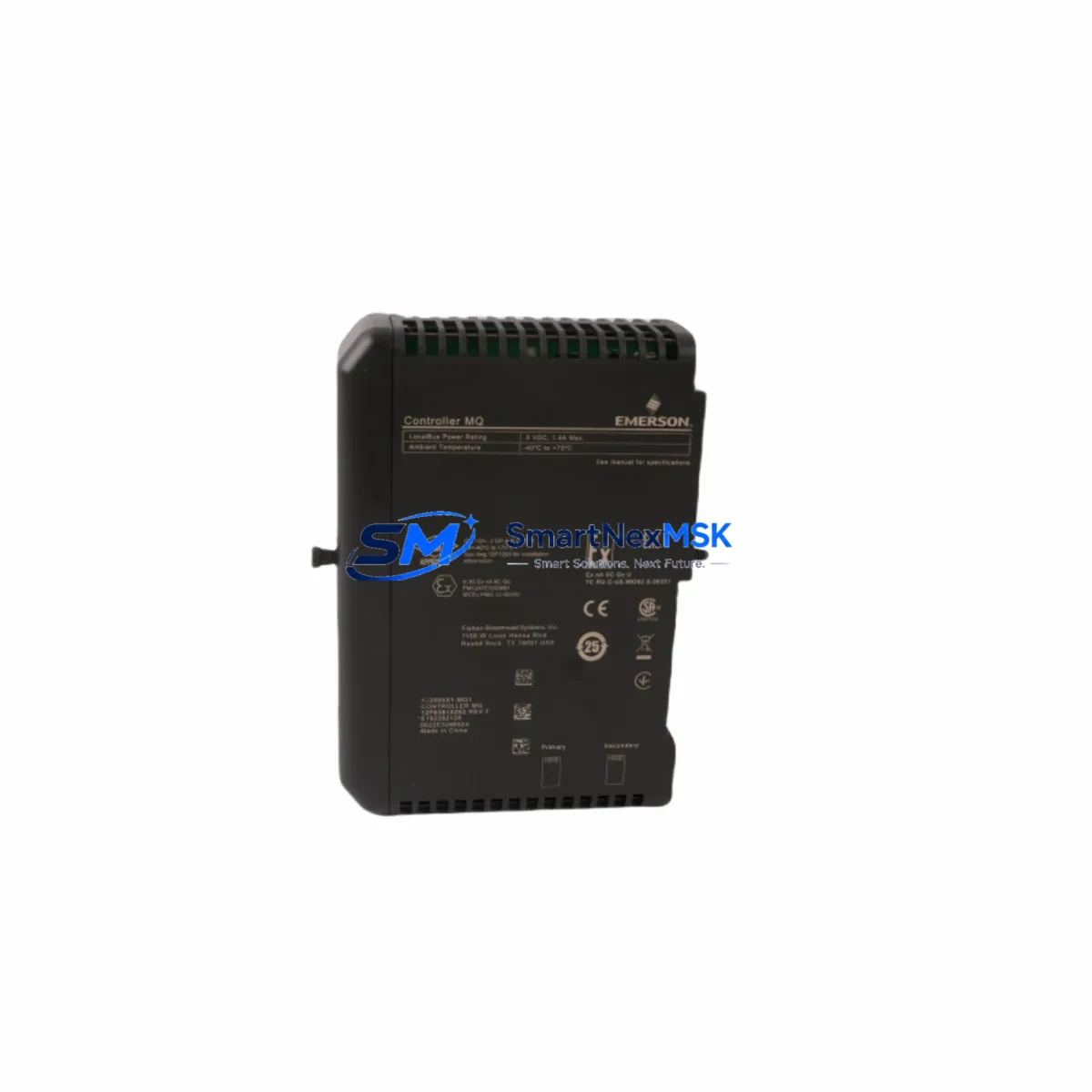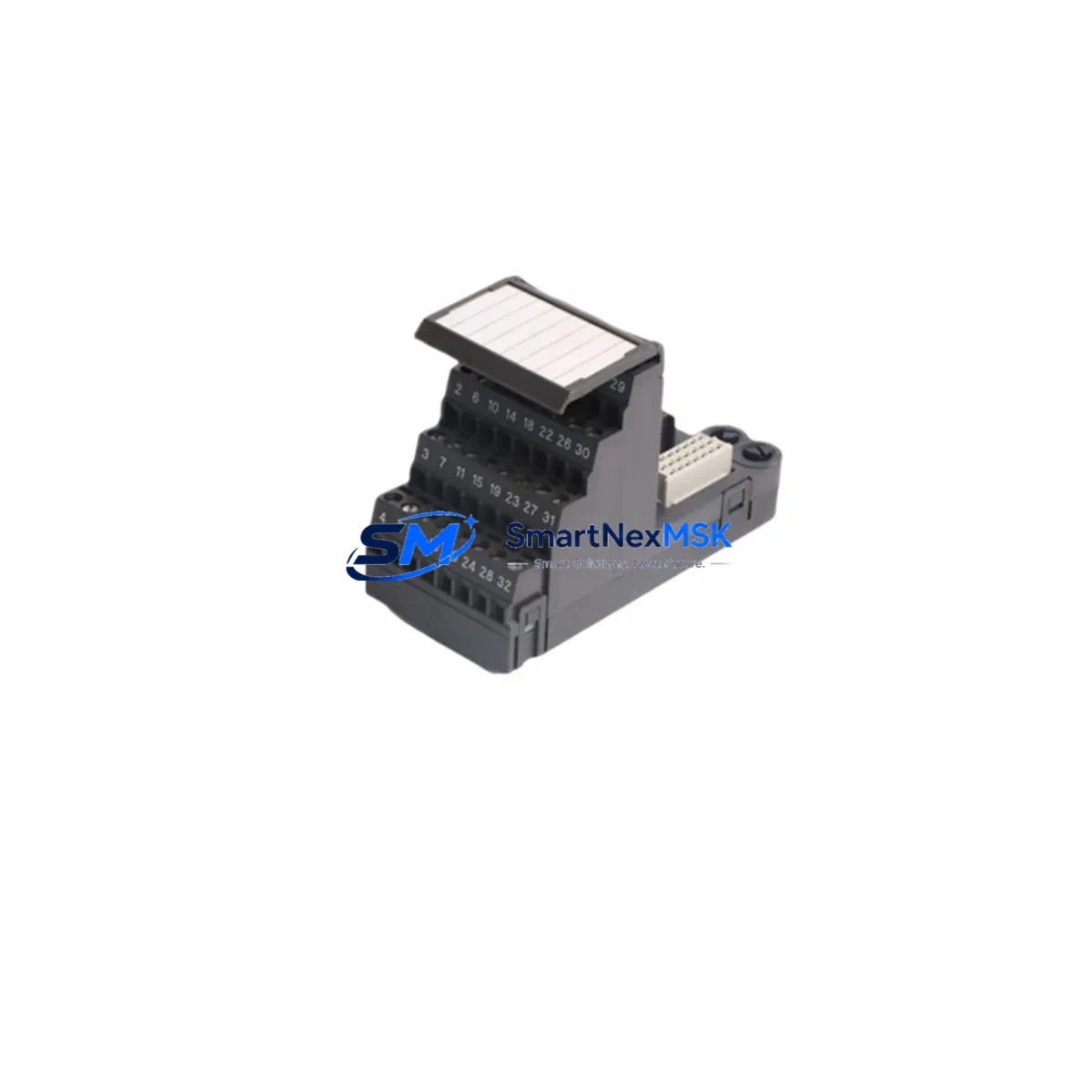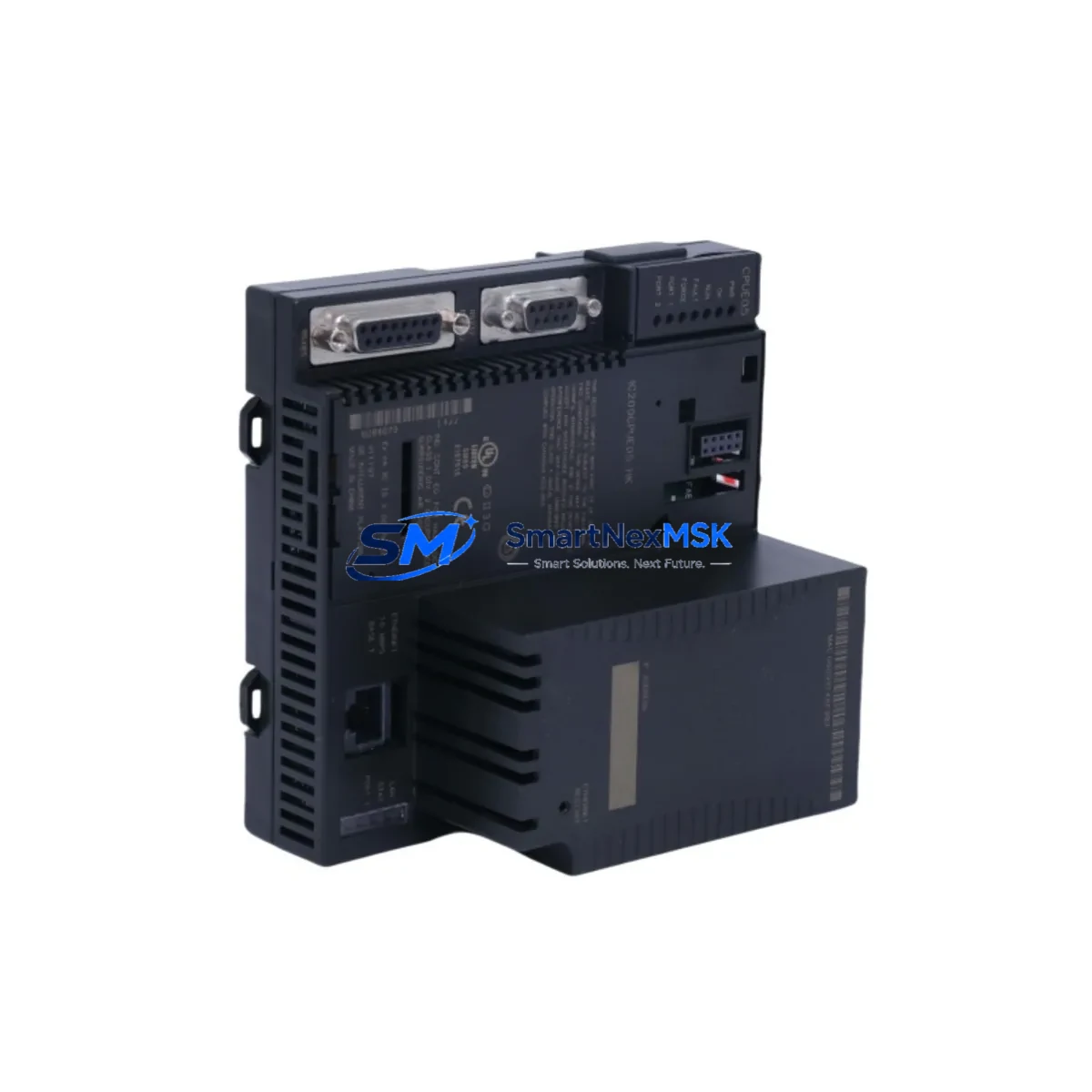
Emerson IC200CPUE05-MX Retrofit-Ready CPU for VersaMax Micro Control Systems
The Emerson IC200CPUE05-MX is a high-performance CPU module engineered for seamless compatibility with the GE Fanuc VersaMax Micro control platform. As legacy automation systems approach end-of-life, this module serves as the definitive retrofit solution for facilities seeking to modernize their control architecture without a full system overhaul. Whether you are replacing a failed IC200CPUE05, migrating from an older IC200CPU001 or IC200CPU002 variant, or upgrading an existing VersaMax Micro rack to support Ethernet-based supervisory control, the IC200CPUE05-MX delivers the processing power, communication flexibility, and backward compatibility required for industrial-grade continuity.
Designed for drop-in replacement within the VersaMax Micro chassis, this CPU module supports the standard IC200CHS001 and IC200CHS002 base units without mechanical modification. Engineers performing a retrofit must verify the existing power supply module — typically the IC200PWR002 or IC200PWR102 — can sustain the additional current draw introduced by the Ethernet port and expanded I/O scanning. Terminal wiring on the local I/O base remains compatible, though technicians should audit all field wiring against the updated terminal assignment diagram prior to energizing the replacement module.
Upgrade Compatibility Table
| Parameter | IC200CPUE05-MX | Legacy IC200CPUE05 |
|---|---|---|
| Chassis Compatibility | IC200CHS001 / IC200CHS002 | IC200CHS001 / IC200CHS002 |
| Communication Ports | RS-232 Serial + 10/100 Ethernet | RS-232 Serial only |
| Protocol Support | Modbus RTU, Modbus TCP/IP, SNP | Modbus RTU, SNP |
| Program Memory | 64 KB ladder logic | 32 KB ladder logic |
| I/O Expansion | Up to 2,048 discrete I/O points | Up to 1,024 discrete I/O points |
| Installation Requirement | Slot 0 of VersaMax Micro base | Slot 0 of VersaMax Micro base |
| Programming Software | Proficy Machine Edition 8.x+ | Proficy Machine Edition 6.x+ |
| Retrofit Recommendation | Direct replacement; verify power budget | — |
| Commissioning Focus | IP address config, Modbus TCP mapping, I/O table verification | — |
| Warranty | 12 Months | — |
Retrofit Planning for Existing Automation Systems
A successful retrofit begins well before the replacement module arrives on-site. For facilities running VersaMax Micro systems in continuous process or discrete manufacturing environments, the planning phase must account for every hardware and software dependency in the control loop. Start by documenting the existing rack configuration: note the positions of all IC200MDL640, IC200MDL730, and IC200MDL940 discrete I/O modules, as well as any IC200ALG320 or IC200ALG430 analog I/O modules installed in the expansion slots. These modules retain full compatibility with the IC200CPUE05-MX and do not require replacement during the CPU upgrade.
Next, audit the communication architecture. If the legacy system relied on RS-232 serial links to an IC200USB001 programming cable or a dedicated HMI panel — such as a QuickPanel or third-party operator interface — those connections remain functional on the IC200CPUE05-MX’s serial port. The addition of the Ethernet port opens the path to Modbus TCP/IP integration with SCADA systems, remote I/O gateways, and modern HMI platforms without disrupting the existing serial-based HMI screens. Technicians should prepare a revised network topology diagram that maps the new IP address scheme, subnet mask, and gateway settings before the cutover window begins.
Backplane slot addressing is preserved across the replacement. The IC200CPUE05-MX reads the same I/O reference table structure as its predecessor, meaning that ladder logic programs developed in Proficy Machine Edition do not require re-addressing of %I, %Q, %AI, or %AQ references. However, engineers should perform a full program backup from the existing CPU using the IC200USB001 or IC200CBL001 programming cable before removal, and verify the backup file integrity in the offline project environment. Any custom function blocks, PID loops referencing IC200ALG analog channels, or motion control subroutines should be individually validated in simulation mode prior to live commissioning.
Power budget verification is non-negotiable. The IC200CPUE05-MX draws marginally more current on the 5 VDC backplane bus than the base IC200CPUE05 due to the integrated Ethernet controller. If the existing IC200PWR002 power supply is operating near its rated output capacity — particularly in racks populated with high-density IC200MDL digital modules — consider upgrading to the IC200PWR102 before installing the new CPU. Failure to validate the power budget is the most common cause of intermittent faults and unexpected CPU resets during the initial commissioning phase.
Downtime Control During System Migration
Minimizing production downtime during a CPU replacement requires a structured cutover protocol. Begin by scheduling the replacement during a planned maintenance window and communicating the expected outage duration to all stakeholders. Before de-energizing the panel, capture a full online backup of the running program, including all retentive data registers and PID tuning parameters stored in %R and %AI memory. Label all field wiring terminations on the IC200CHS base before disconnecting, even if the terminal layout is unchanged, to eliminate re-wiring errors during reassembly.
With the IC200CPUE05-MX installed in Slot 0, restore power and allow the module to complete its self-diagnostic sequence before attempting a program download. Configure the Ethernet port IP address using Proficy Machine Edition’s hardware configuration tool, then verify network connectivity to the SCADA host or HMI server before initiating the program transfer. Once the program is loaded, perform a controlled I/O force test on representative input and output channels — including at least one IC200MDL discrete input, one IC200MDL discrete output, and one IC200ALG analog channel — to confirm correct field wiring and I/O table mapping before releasing the system to automatic operation.
Maintain the original CPU module as a cold spare for a minimum of 30 days post-commissioning. This provides a rapid fallback path if latent compatibility issues emerge during the initial production run. All units supplied by SMARTNEXMSK are covered by a 12-month warranty and undergo pre-shipment functional testing to confirm module initialization, memory integrity, and communication port operation.
Retrofit Support FAQ
Q1: Is the IC200CPUE05-MX a direct drop-in replacement for the IC200CPUE05?
Yes. The IC200CPUE05-MX installs in Slot 0 of any IC200CHS001 or IC200CHS002 base without mechanical modification. The I/O reference table structure is fully compatible, so existing ladder logic programs do not require re-addressing. The primary difference is the addition of a 10/100 Ethernet port and expanded program memory, which require initial configuration but do not affect existing serial communication links.
Q2: Will my existing HMI screens and SCADA tags remain valid after the CPU swap?
In most cases, yes. If your HMI communicates via RS-232 Modbus RTU or SNP protocol, the IC200CPUE05-MX’s serial port maintains the same register mapping. If you are migrating the HMI connection to Modbus TCP/IP over Ethernet, you will need to update the HMI communication driver settings and verify that all tag addresses map correctly to the new Ethernet channel. Allow time in your commissioning plan for a full HMI screen functional test before returning the system to production.
Q3: What pre-shipment testing is performed on each IC200CPUE05-MX unit?
Every unit shipped by SMARTNEXMSK undergoes a functional test protocol that includes power-on self-diagnostic verification, program memory read/write integrity check, RS-232 serial port loopback test, and Ethernet port link establishment confirmation. Units that fail any test criterion are quarantined and not shipped. A 12-month warranty covers all units against manufacturing defects and premature failure under normal operating conditions.
Q4: What should I verify regarding wiring and terminal compatibility before installation?
The IC200CPUE05-MX uses the same backplane connector as the IC200CPUE05, so no wiring changes are required at the CPU slot. However, technicians should inspect the condition of the backplane connector pins on the IC200CHS base for corrosion or mechanical damage before installing the replacement module. If the system includes any IC200MDL high-density I/O modules with field-side terminal blocks, verify that all terminal screws are torqued to specification and that no field wiring insulation has degraded during the service life of the original CPU.
© 2026 SMARTNEXMSK. All rights reserved.
Original Source: https://smartnexmsk.com
Contact: [email protected] | +86 18259474341