
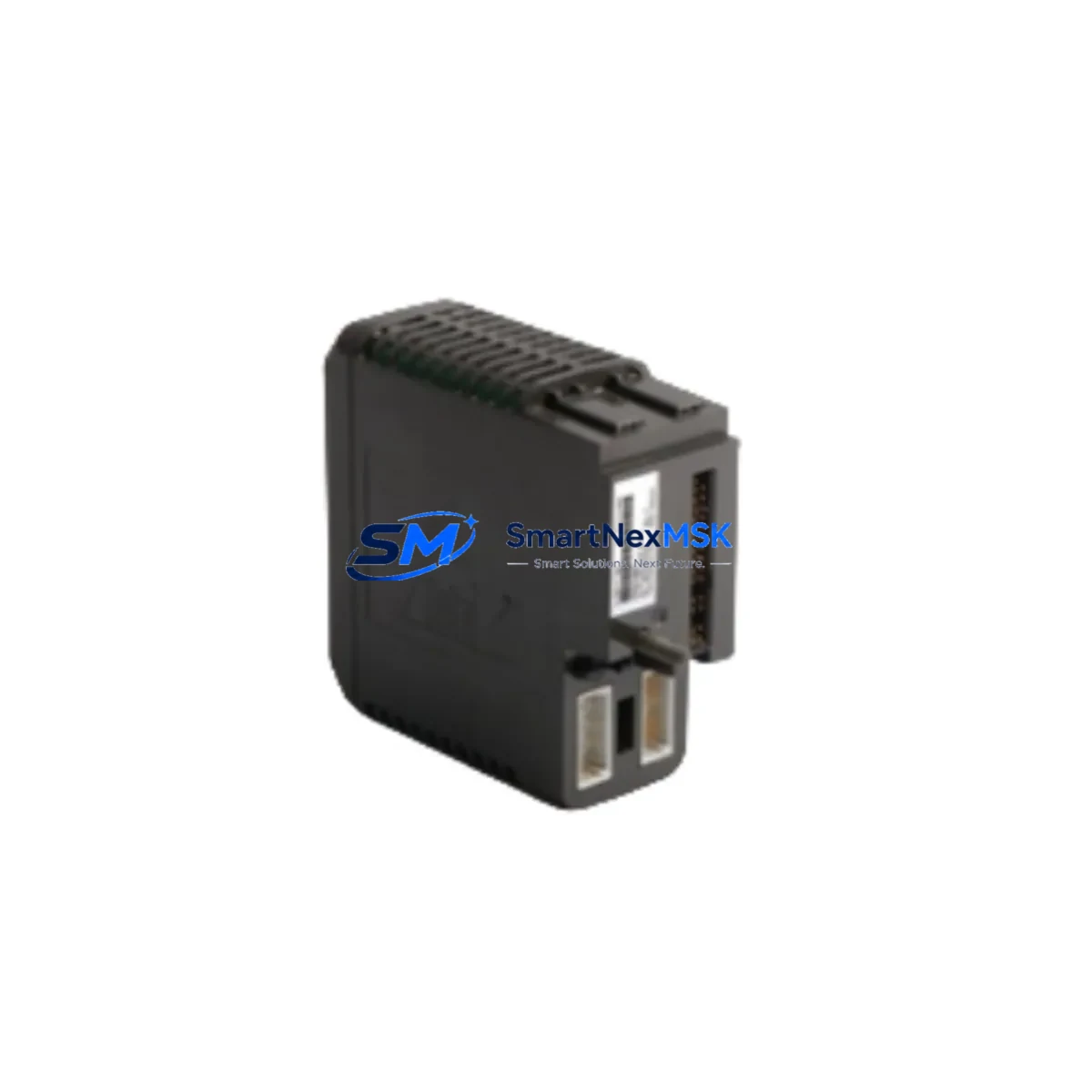
Emerson KJ3201X1-BA1 12P2535X052 Retrofit-Ready DI Card for DeltaV: Compatible Upgrade for Legacy Control Systems
The Emerson KJ3201X1-BA1 12P2535X052 is a 32-channel Discrete Input Card designed for the Emerson DeltaV distributed control system. As aging DeltaV installations approach end-of-support milestones, this module has become one of the most sought-after retrofit components for facilities managing legacy I/O infrastructure. Whether you are replacing a failed card in an active production line, upgrading a control cabinet during a planned shutdown, or sourcing a long-lead spare to protect uptime, the KJ3201X1-BA1 12P2535X052 delivers verified compatibility with the DeltaV Series 2 and MD-series controller platforms.
This card interfaces directly with the standard DeltaV I/O subsystem backplane, accepting 24 VDC discrete field signals across 32 individually isolated input channels. It communicates over the DeltaV I/O bus without requiring firmware changes or controller re-commissioning in most direct-replacement scenarios. Each unit shipped by SMARTNEXMSK undergoes functional verification testing prior to dispatch and is covered by a 12-month warranty.
Upgrade Compatibility Table
| Parameter | KJ3201X1-BA1 12P2535X052 | Notes / Retrofit Guidance |
|---|---|---|
| Module Type | 32-Channel Discrete Input Card | Direct replacement for same-slot DI positions |
| Platform Compatibility | Emerson DeltaV S-series, MD-series | Verify controller firmware ≥ v10.3 for full feature support |
| Backplane Interface | DeltaV I/O Bus (standard 2-slot carrier) | Compatible with KJ3001X1 and KJ3002X1 I/O carriers |
| Input Signal | 24 VDC, dry contact / wet contact selectable | Confirm field wiring polarity before hot-swap |
| Terminal Wiring | Marshalling cabinet terminal blocks (standard pitch) | No re-termination required for like-for-like swap |
| Communication Protocol | DeltaV proprietary I/O bus | No Modbus or HART conversion needed for DI channels |
| Module Address | Auto-assigned by DeltaV controller on insertion | Confirm node tag in DeltaV Explorer before restart |
| Installation Requirement | Standard DeltaV I/O carrier slot | No additional mounting hardware required |
| Commissioning | Download module parameters from DeltaV workstation | Backup existing module configuration before replacement |
| Warranty | 12 Months | Covers manufacturing defects; includes pre-ship functional test |
Retrofit Planning for Existing Automation Systems
Replacing the KJ3201X1-BA1 12P2535X052 in an operating DeltaV environment requires a structured approach that accounts for the full scope of the I/O subsystem. In most installations, this card is mounted on a KJ3001X1 two-slot I/O carrier or a KJ3002X1 eight-slot I/O carrier, both of which remain in production and are available as companion spares. Before pulling the failed card, engineers should export the current module configuration from the DeltaV workstation and confirm that the replacement card’s firmware revision is compatible with the installed controller — typically a DeltaV MD Plus Controller (KJ2003X1-BA1) or an MD Controller (KJ2003X1-CA1).
Power budget verification is a critical pre-installation step. The DeltaV I/O subsystem draws regulated 24 VDC from the DeltaV Power Supply (PS2) or a redundant PS2R power supply pair. Adding or replacing I/O cards changes the aggregate current draw on the backplane bus; confirm that the installed power supply has sufficient headroom before insertion. In cabinets running near capacity, a supplemental DeltaV I/O Power Supply Extender may be required.
Field wiring at the marshalling cabinet should be inspected for insulation integrity and correct polarity before reconnection. The KJ3201X1-BA1 accepts both dry-contact and 24 VDC wet-contact inputs, but the selection is made at the module level during configuration — not by hardware jumper — so the DeltaV workstation download must reflect the correct input type for each channel group. If the plant is also migrating from an older Emerson PROVOX or RS3 platform to DeltaV, additional signal conditioning may be required to match legacy field device output levels to DeltaV input specifications.
For facilities running mixed I/O architectures, the KJ3201X1-BA1 is frequently installed alongside KJ3221X1-BA1 Discrete Output Cards, KJ3002X1-BA1 Analog Input Cards, and KJ3222X1-BA1 Analog Output Cards within the same I/O carrier assembly. Coordinating the replacement of multiple card types during a single planned outage minimizes total downtime and reduces the number of controller download cycles required. Communication modules such as the DeltaV FOUNDATION Fieldbus H1 Card (KJ3232X1-BA1) or the PROFIBUS DP Interface Card installed in adjacent slots should be left undisturbed unless they are also scheduled for replacement, as unnecessary removal risks disturbing bus termination settings.
HMI screens tied to discrete input tags sourced from this card should be reviewed in the DeltaV Operate environment after the replacement download is complete. Tag aliases and alarm limits are stored in the DeltaV database rather than on the card itself, so they are preserved across card swaps — but a post-replacement alarm rationalization walkthrough is recommended to confirm that all field signals are reading correctly before returning the unit to automatic control.
Downtime Control During System Migration
Minimizing unplanned downtime during a DeltaV I/O card replacement begins with preparation, not execution. SMARTNEXMSK recommends the following sequence for controlled card swaps:
1. Pre-outage preparation: Export the full DeltaV module configuration and create a controller checkpoint backup. Document all field terminal assignments for the affected I/O carrier. Confirm that the replacement KJ3201X1-BA1 12P2535X052 has been bench-tested and that its firmware revision matches or exceeds the installed baseline.
2. Controlled shutdown of affected loops: Place all control loops sourcing signals from the affected DI card into manual mode at the DeltaV workstation before removing the card. This prevents spurious alarms and protects downstream logic from reacting to loss-of-signal conditions during the swap interval.
3. Card swap and re-insertion: Remove the failed KJ3201X1-BA1 from the I/O carrier. Insert the replacement card. The DeltaV controller will detect the new module and prompt for a configuration download from the workstation. Execute the download and confirm that all 32 channels report healthy status in DeltaV Diagnostics before re-enabling field loops.
4. Post-swap verification: Walk the field to confirm that all connected discrete devices — limit switches, solenoid feedback contacts, motor run signals — are reading correctly. Compare live values against the pre-outage baseline. Return loops to automatic control only after all channels are verified.
For facilities that cannot tolerate any control interruption, the DeltaV system supports redundant I/O configurations using paired carriers and redundant controllers. If the existing installation is not redundant, a migration to a redundant I/O architecture using KJ3001X1-redundant carrier assemblies can be planned as a parallel upgrade during the same outage window, further protecting future availability.
Retrofit Support FAQ
Q1: Is the KJ3201X1-BA1 12P2535X052 a direct drop-in replacement for earlier DeltaV DI card revisions?
In most cases, yes. The KJ3201X1-BA1 is backward compatible with earlier BA-revision DI cards installed in the same I/O carrier slot. A configuration download from the DeltaV workstation is required after insertion to synchronize module parameters. If the installed DeltaV system is running firmware older than v10.3, contact SMARTNEXMSK before ordering to confirm revision compatibility.
Q2: What wiring changes are required when replacing a failed DI card?
For a like-for-like replacement within the same I/O carrier, no field wiring changes are required. Terminal block connections at the marshalling cabinet remain intact. Verify that all field wiring is correctly seated and that no terminals have been disturbed during the card removal process before executing the configuration download.
Q3: How does SMARTNEXMSK verify the card before shipment?
Each KJ3201X1-BA1 12P2535X052 unit undergoes a functional verification test on a live DeltaV test bench prior to dispatch. The test confirms that all 32 input channels respond correctly to simulated field signals and that the module communicates correctly over the DeltaV I/O bus. A test report is available upon request. All units are covered by a 12-month warranty from the date of shipment.
Q4: Can this card be used in a DeltaV system that is also running FOUNDATION Fieldbus or PROFIBUS devices?
Yes. The KJ3201X1-BA1 operates independently of fieldbus communication cards installed in adjacent slots on the same I/O carrier. It does not interfere with FOUNDATION Fieldbus H1 segments or PROFIBUS DP networks. The DeltaV controller manages all I/O types — discrete, analog, and fieldbus — within a unified control strategy, so adding or replacing a DI card has no impact on fieldbus device communication.
© 2026 SMARTNEXMSK. All rights reserved.
Original Source: https://smartnexmsk.com
Contact: [email protected] | +86 18259474341



