
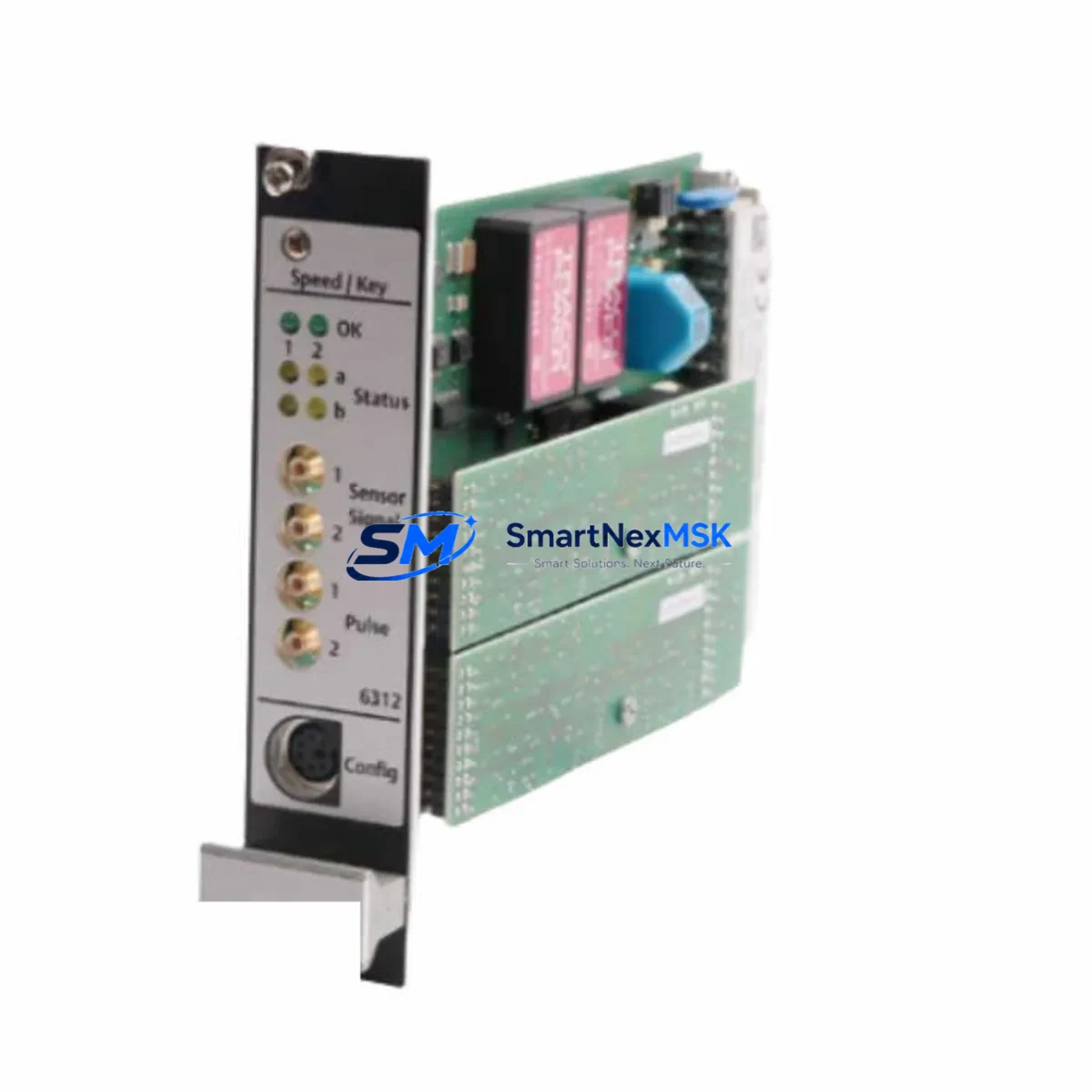
Emerson MVME5100 Maintenance-Ready Spare for MVME Automation
The Emerson MVME5100 is a 6U VMEbus single board computer built on the PowerPC architecture, widely deployed in industrial automation, process control, and embedded real-time computing environments. As a maintenance-ready spare, the MVME5100 is an essential component for facilities that rely on legacy VMEbus-based control platforms and cannot afford unplanned downtime caused by board-level failures. Whether you are managing a scheduled overhaul, responding to an emergency fault, or building a strategic spare parts inventory, the MVME5100 delivers the processing reliability and hardware compatibility that maintenance and procurement engineers demand.
In VMEbus-based control systems, the single board computer is the core of the entire rack. A failure of the MVME5100 can immediately halt production, disable supervisory control, or interrupt real-time data acquisition. Maintaining at least one verified spare on-site is a fundamental risk mitigation strategy for any facility running MVME Series hardware. Our stock units are sourced, inspected, and tested prior to shipment, with a 12-month warranty covering hardware defects under normal operating conditions.
Spare Maintenance Table
| Parameter | Specification / Detail |
|---|---|
| SKU / Part Number | MVME5100 |
| Brand / Manufacturer | Emerson (formerly Motorola Embedded Computing) |
| Series | MVME Series — VMEbus Embedded Computing |
| Form Factor | 6U VMEbus Single Board Computer (SBC) |
| Processor Architecture | PowerPC (MPC750 / G3 class) |
| Bus Standard | VMEbus (IEEE 1014 / ANSI/VITA 1) |
| Operating Voltage | +5V / ±12V via VMEbus backplane |
| I/O Interfaces | Ethernet (10/100BaseT), Serial (RS-232), PMC expansion site |
| Memory | Up to 512 MB SDRAM (configuration dependent) |
| OS Compatibility | VxWorks, LynxOS, Linux (kernel dependent) |
| Application Environment | Industrial automation, SCADA, real-time process control, defense, telecom |
| Installation | VMEbus 6U slot; compatible with standard MVME Series chassis and backplanes |
| Compatibility | MVME5100-0163, MVME5100-0261, MVME Series VMEbus chassis |
| Condition | Original / Refurbished — tested before shipment |
| Warranty | 12-Month Hardware Warranty |
| Origin | United States |
| Lead Time | In stock — ships within 2–5 business days |
Maintenance Planning for Continuous Operation
Effective maintenance planning for VMEbus-based systems requires a holistic view of the entire control rack, not just the single board computer. When a maintenance engineer identifies the MVME5100 as a replacement candidate, the surrounding hardware must be evaluated in parallel to avoid secondary failures after the board swap.
The VMEbus backplane is the first component to inspect. Damaged backplane connectors, bent pins, or oxidized bus traces can cause intermittent faults that are incorrectly attributed to the SBC itself. Before installing a replacement MVME5100, clean and inspect the backplane slot contacts and verify bus termination integrity. In multi-slot chassis configurations, the MVME712M transition module or equivalent rear-transition I/O board should also be checked for connector wear and signal continuity.
Power integrity is critical for VMEbus SBCs. The VMEbus power supply module supplying +5V and ±12V rails must be verified under load before the new board is inserted. Voltage sag or ripple on the +5V rail is a common cause of premature SBC failure in aging control cabinets. If the system uses a Emerson MVME761 or similar transition card for front-panel I/O routing, inspect the ribbon cable connections and verify that all signal lines are intact.
For systems running real-time operating environments, the PMC expansion module installed in the MVME5100’s PMC site must be carefully removed and re-seated during the board replacement. Common PMC modules in MVME5100 deployments include Ethernet PMC cards, serial communication PMC modules, and FPGA-based I/O PMC boards. Each of these should be individually tested after reinstallation.
Communication continuity is another key concern. If the MVME5100 serves as a network node in a SCADA or DCS architecture, the Ethernet switch or managed hub connecting the board to the supervisory network should be verified for port status and link speed negotiation. In older installations, the board may communicate via a serial RS-232 or RS-485 link to a remote I/O panel or HMI terminal — these cable connections and terminal block wiring should be documented before the swap and verified after.
If the system includes a Emerson MVME5500 or MVME6100 as a companion processor or redundant controller in the same chassis, ensure that the replacement MVME5100 is configured with matching firmware and boot parameters to maintain system synchronization. Mismatched firmware versions between redundant SBCs are a common source of post-maintenance instability.
For facilities managing long-term spare parts inventories, it is advisable to also stock compatible MVME2700 or MVME3100 boards as fallback options for systems where the MVME5100 is no longer the primary controller but may still be required for legacy slot compatibility. Maintaining a documented bill of materials for each VMEbus chassis — including board part numbers, firmware versions, and slot assignments — significantly reduces mean time to repair (MTTR) during emergency replacements.
Site Replacement Workflow
Replacing the MVME5100 on an active industrial site requires careful sequencing to minimize downtime and protect existing program logic and configuration data.
Step 1 — Pre-Replacement Documentation: Before powering down the chassis, record all active network addresses, boot parameters, and NVRAM settings from the existing MVME5100. If the board is still partially functional, use the system console or serial terminal to capture the boot environment variables. Back up any application software stored on the board’s local flash or DRAM.
Step 2 — Controlled Shutdown: Follow the system’s standard shutdown procedure to bring the application to a safe state. For process control systems, coordinate with the operations team to place the process in manual mode or safe hold before removing the SBC. Avoid hot-swapping the MVME5100 unless the chassis explicitly supports live insertion for that slot.
Step 3 — Board Removal and Inspection: Remove the faulty MVME5100 and inspect the VMEbus connector for bent pins or debris. Remove any PMC modules and label them for reinstallation. Inspect the chassis slot for physical damage before inserting the replacement board.
Step 4 — Replacement Board Configuration: Configure the replacement MVME5100 with the correct boot parameters, IP address, and NVRAM settings captured in Step 1. Reinstall PMC modules in the correct sites. Verify jumper and switch settings match the original board configuration.
Step 5 — Power-Up and Verification: Insert the board, power up the chassis, and monitor the boot sequence via serial console. Verify that the operating system loads correctly, network interfaces initialize, and all PMC devices are recognized. Restore application software from backup and confirm that the system returns to normal operating mode.
Step 6 — Post-Replacement Testing: Run a functional verification test covering all I/O channels, communication links, and application logic. Confirm that the HMI or SCADA display reflects correct system status before returning the process to automatic control.
Spare Parts Support FAQ
Q1: Is the MVME5100 still available as a new original part, or is it a refurbished spare?
The MVME5100 has been discontinued by Emerson. Units available through our inventory are original surplus or professionally refurbished boards that have been tested and verified for functionality. Each unit ships with a 12-month hardware warranty covering defects under normal operating conditions. We recommend requesting a test report if your application requires documented pre-shipment verification.
Q2: How do I confirm compatibility between the replacement MVME5100 and my existing VMEbus chassis?
Compatibility depends on the chassis slot configuration, backplane bus standard (VMEbus J1/J2), and the operating system image used. The MVME5100 is compatible with standard 6U VMEbus chassis from Emerson and other VITA-compliant manufacturers. Provide your chassis model number and current board firmware version when placing your order, and our technical team will confirm compatibility before shipment.
Q3: What is included with the MVME5100 shipment, and how is it tested before dispatch?
Each MVME5100 is powered on, booted to the firmware prompt, and tested for Ethernet link, serial port function, and memory integrity before packaging. The unit is shipped with ESD-protective packaging and includes a test record. PMC modules, transition cards, and cables are not included unless specifically ordered. Contact [email protected] to request bundled spare kits.
Q4: What is the recommended spare parts strategy for facilities running multiple MVME5100 boards?
For facilities with three or more MVME5100 boards in active service, we recommend maintaining at least one verified cold spare on-site. For mission-critical applications with zero-tolerance for downtime, a hot-standby spare pre-configured with current firmware and application settings is advisable. We offer long-term supply agreements and reserved inventory programs for customers requiring guaranteed availability over multi-year maintenance cycles.
© 2026 SMARTNEXMSK. All rights reserved.
Original Source: https://smartnexmsk.com
Contact: [email protected] | +86 18259474341



