
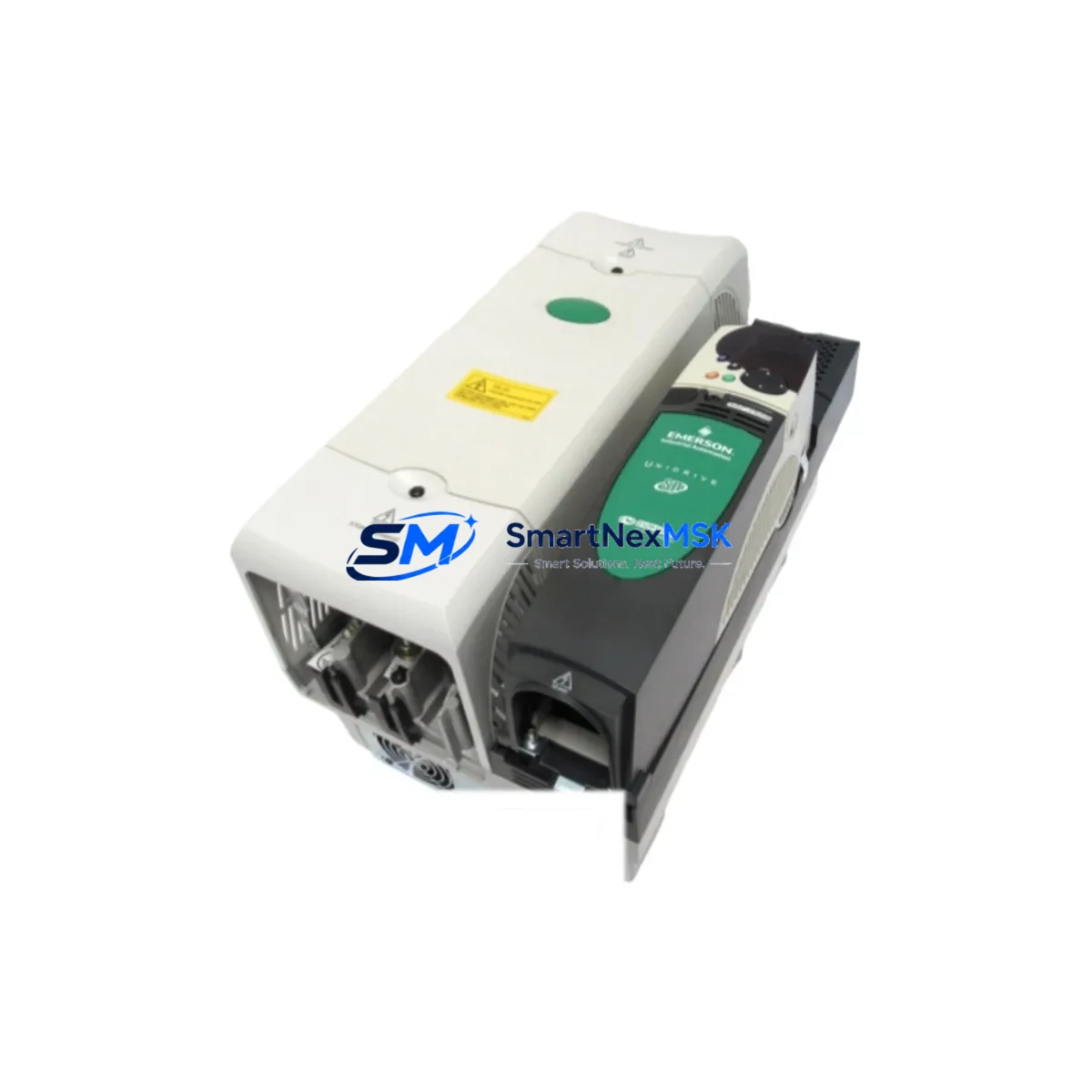
EMERSON SP4403 Maintenance-Ready Spare for Ovation Automation
The EMERSON SP4403 is an original 32-channel digital input module designed for the Ovation Distributed Control System (DCS) platform. For maintenance engineers managing aging process control infrastructure, the SP4403 represents a critical spare that directly impacts system uptime. Whether you are executing a planned turnaround, responding to an unscheduled fault, or building a strategic spare parts inventory for a long-running Ovation installation, sourcing a verified original SP4403 is the first step toward minimizing mean time to repair (MTTR) and protecting continuous production.
Industrial facilities running Ovation DCS architectures — common in power generation, oil & gas, and chemical processing — frequently encounter digital input module degradation caused by electrical transients, moisture ingress, or simple end-of-life wear after years of 24/7 operation. The SP4403 handles 32 discrete input channels, making it a high-density I/O node whose failure can simultaneously blind the control system to dozens of field signals. Rapid replacement with a tested, original spare is the only reliable path to restoring full supervisory visibility.
Spare Maintenance Table
| Parameter | Specification / Detail |
|---|---|
| Part Number | SP4403 |
| Brand | EMERSON |
| Series | Ovation DCS |
| Module Type | 32-Channel Digital Input Module |
| Input Channels | 32 discrete digital inputs |
| Signal Type | 24 VDC discrete (dry contact / wet contact compatible) |
| Backplane Compatibility | Ovation I/O backplane (standard Ovation controller cabinet) |
| Communication Interface | Ovation proprietary I/O bus |
| Operating Temperature | 0°C to 60°C (32°F to 140°F) |
| Mounting | DIN rail / Ovation I/O cabinet backplane slot |
| Country of Origin | United States |
| Condition | Original, tested before shipment |
| Compatibility | Ovation DCS controller nodes; direct replacement for SP4403 in existing cabinets |
| Maintenance Recommendation | Inspect field wiring terminals, verify 24 VDC supply integrity, confirm I/O bus seating on backplane before power-up |
| Warranty | 12 Months |
Maintenance Planning for Continuous Operation
When a digital input module such as the SP4403 is flagged for replacement during a control cabinet inspection or fault diagnostic, experienced maintenance engineers know that the module itself is rarely the only component requiring attention. A thorough site assessment should accompany every SP4403 swap to prevent repeat failures and ensure the restored system performs reliably through the next maintenance interval.
Begin by auditing the 24 VDC field power supply feeding the digital input circuits. A degraded or undersized power supply — such as an aging Ovation PS4100 or equivalent cabinet power module — can cause intermittent input faults that mimic module failure. Verify output voltage under load and check for ripple before commissioning the replacement SP4403.
Next, inspect the I/O backplane and its connector pins. Ovation I/O backplanes accumulate oxidation and mechanical wear over years of module insertions; a damaged backplane slot will cause the new SP4403 to report communication errors immediately after installation. If the backplane shows signs of damage, plan for a coordinated backplane replacement during the same maintenance window.
Field wiring connected to the SP4403’s 32 input channels should be checked at the terminal blocks. Loose terminations, corroded conductors, or undersized wire gauges are common root causes of spurious input signals. Replace any suspect terminal blocks and re-torque all connections to specification.
For facilities using signal isolators between field instruments and the DCS input module, verify that each isolator is functioning within its rated output range. A failed signal isolator will present a constant logic state to the SP4403 regardless of the actual field condition, making fault isolation difficult without proper test equipment.
Review the status of protection fuses on the input circuit cards and in the field junction boxes. Blown fuses protecting individual input channels are a leading indicator of field wiring faults or instrument failures that, if left unaddressed, will damage the replacement module.
If the Ovation system includes communication modules — such as Ovation OCR400 or OCR1100 controller cards — confirm that the controller firmware version is compatible with the SP4403 hardware revision being installed. Mismatched firmware can prevent the controller from correctly initializing the new module.
For facilities with redundant I/O configurations, verify that the redundancy switchover logic is functioning correctly after the SP4403 replacement. Test manual and automatic switchover before returning the system to automatic control.
Finally, if the control cabinet houses relay output modules (such as SP4404 or equivalent Ovation relay cards) that are interlocked with the digital inputs on the SP4403, confirm that all interlock logic is intact and that relay coil voltages are within specification. A relay module with degraded coil insulation can inject noise into adjacent I/O circuits and cause false input readings on the newly installed SP4403.
Proactive inspection of these associated components — power supplies, backplanes, terminal blocks, signal isolators, fuses, communication modules, and relay cards — transforms a reactive module swap into a comprehensive maintenance event that extends system reliability and reduces the probability of a repeat unplanned outage.
Site Replacement Workflow
Step 1 — Pre-replacement verification: Confirm the failed module’s part number (SP4403) and hardware revision from the cabinet label or Ovation configuration database. Cross-reference with the replacement unit to ensure hardware compatibility before removing the faulty module.
Step 2 — Safe isolation: Follow site lock-out/tag-out (LOTO) procedures. De-energize the affected I/O cabinet section. Document the current I/O status from the Ovation operator station or historian before disconnecting field wiring to establish a baseline for post-replacement verification.
Step 3 — Module extraction: Release the SP4403 from the backplane using the module ejector levers. Avoid touching the backplane connector pins. Place the removed module in an anti-static bag for return or failure analysis.
Step 4 — Replacement installation: Seat the new SP4403 firmly into the backplane slot until the ejector levers click into the locked position. Reconnect field wiring to the terminal blocks, verifying each channel assignment against the I/O schedule.
Step 5 — Power-up and commissioning: Re-energize the cabinet section. Observe the SP4403 status LEDs for normal initialization. From the Ovation engineering workstation, confirm that all 32 input channels are reporting correctly and that no diagnostic alarms are active for the module.
Step 6 — Functional test: Perform a channel-by-channel input verification by actuating field devices (valves, switches, transmitters) and confirming correct state changes at the Ovation operator station. Document results and update the maintenance record.
This workflow is applicable to direct replacement of legacy SP4403 units in existing Ovation cabinets without requiring controller reconfiguration, making it one of the most efficient spare part interventions available for Ovation DCS maintenance teams.
Spare Parts Support FAQ
Q1: What is the shelf life of the SP4403 spare module, and how should it be stored?
The SP4403 can be stored for extended periods (typically 3–5 years) when kept in its original anti-static packaging in a climate-controlled environment (10°C–40°C, <85% RH non-condensing). All units supplied by SMARTNEXMSK are tested before shipment and include a 12-month warranty from the date of delivery, regardless of when the spare is placed into service.
Q2: How do I verify compatibility between the SP4403 and my specific Ovation controller version?
Compatibility is determined by the Ovation controller hardware revision and firmware version installed at your site. Provide your Ovation controller model (e.g., OCR400, OCR1100) and firmware version to our technical team at [email protected], and we will confirm compatibility before shipment. We can also cross-reference the SP4403 hardware revision against your existing installed units.
Q3: What testing is performed on the SP4403 before shipment?
Every SP4403 unit undergoes functional testing on an Ovation-compatible test bench prior to shipment. Testing covers all 32 input channels, backplane communication integrity, and power consumption verification. A test report is available upon request. Units that do not pass full functional testing are not shipped.
Q4: What is the recommended spare parts strategy for facilities running Ovation DCS?
For facilities with critical Ovation DCS installations, we recommend maintaining a minimum of one SP4403 spare per controller node that uses this module type, with additional spares proportional to the number of installed units and the criticality of the process. Pairing the SP4403 spare with a spare I/O backplane, a replacement 24 VDC power supply module, and a set of spare terminal blocks provides a comprehensive rapid-response kit that covers the most common failure modes in Ovation digital input circuits.
© 2026 SMARTNEXMSK. All rights reserved.
Original Source: https://smartnexmsk.com
Contact: [email protected] | +86 18259474341



