
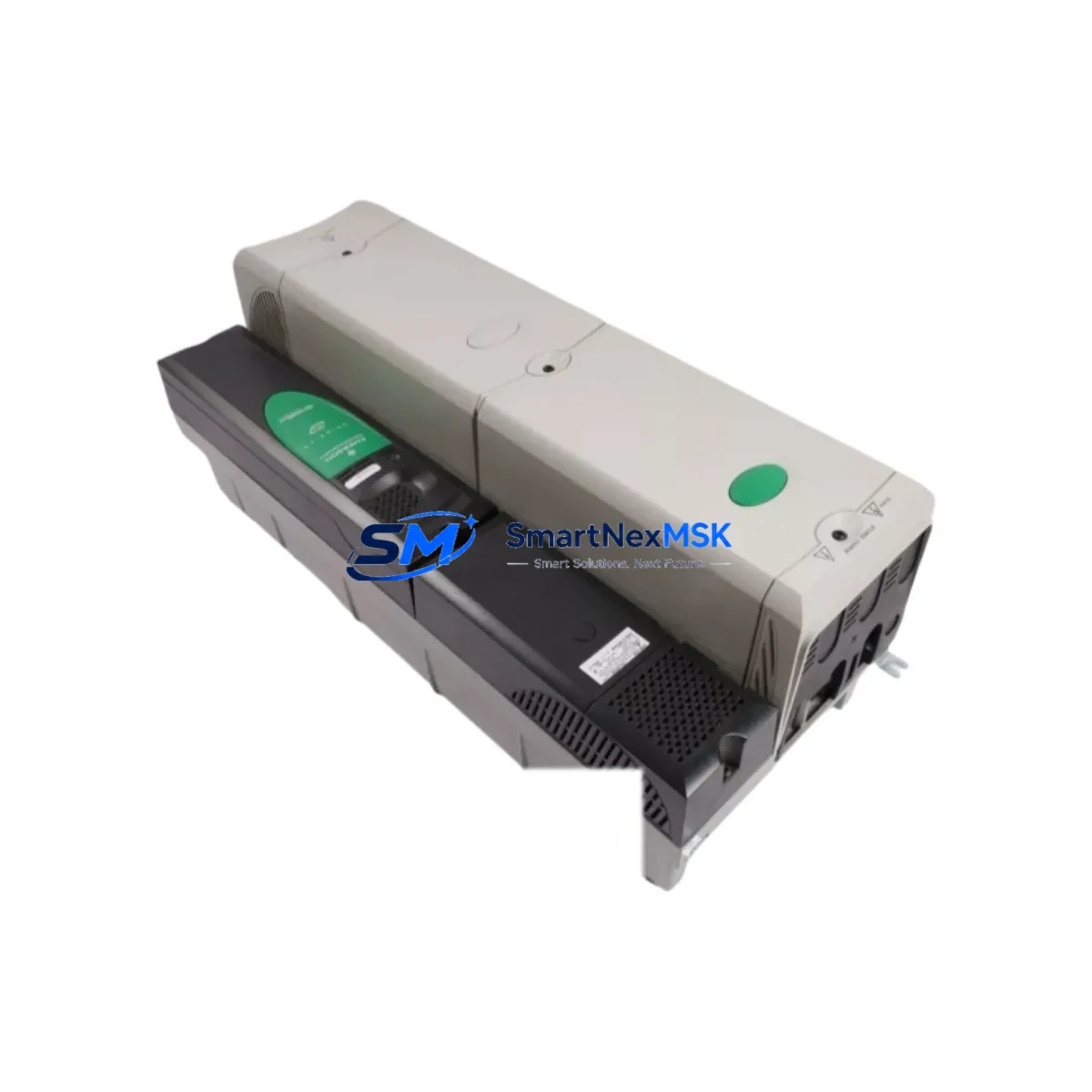
Emerson SPMD1604 Maintenance-Ready Spare for DeltaV S-Series Automation
The Emerson SPMD1604 is a 16-channel digital I/O module designed for the DeltaV S-Series distributed control system. As a maintenance-ready original spare, it is engineered to support rapid field replacement, minimize unplanned downtime, and sustain continuous process control in demanding industrial environments. Whether you are managing a scheduled turnaround, responding to an unplanned fault, or building a proactive spare parts inventory, the SPMD1604 delivers the compatibility, reliability, and traceability that maintenance and procurement engineers require.
Spare Maintenance Table
| SKU / Part Number | SPMD1604 |
| Brand | Emerson |
| Series | DeltaV S-Series |
| Module Type | 16-Channel Digital I/O |
| I/O Configuration | Configurable digital input / digital output channels |
| Communication Interface | DeltaV S-Series backplane bus |
| Power Supply Compatibility | DeltaV S-Series carrier / power bus |
| Mounting | DeltaV S-Series I/O carrier (8-slot or 4-slot) |
| Operating Temperature | 0°C to 60°C (standard industrial environment) |
| Condition | Original, new or refurbished-to-spec |
| Pre-Shipment Testing | Functional test performed before dispatch |
| Warranty | 12 Months |
| Compatibility | Drop-in replacement for DeltaV S-Series I/O subsystem |
| Application | Process automation, DCS control cabinets, field I/O marshalling |
| Lead Time | In stock — ships within 1–3 business days |
Maintenance Planning for Continuous Operation
Effective maintenance planning for a DeltaV S-Series control system requires more than replacing a single module. When a SPMD1604 digital I/O module is identified as faulty or scheduled for replacement during a planned outage, maintenance engineers should conduct a systematic inspection of the surrounding subsystem to prevent repeat failures and ensure full loop integrity.
Begin with the DeltaV S-Series I/O carrier (8-slot or 4-slot) on which the SPMD1604 is mounted. Inspect the carrier backplane connectors for oxidation, mechanical damage, or contamination. A compromised carrier can cause intermittent communication faults that are often misdiagnosed as module failures. Alongside the carrier, verify the condition of the DeltaV S-Series power supply module (such as the PS2 or PS6 series) that feeds the I/O subsystem — voltage sag or ripple at the carrier level is a common root cause of digital I/O misbehavior.
Check all field wiring terminal blocks and marshalling terminal strips connected to the SPMD1604’s I/O channels. Loose terminations, corroded lugs, or undersized conductors can introduce signal errors that appear as module faults in the DeltaV diagnostic logs. If the installation uses signal isolators or intrinsic safety barriers between field devices and the I/O module, inspect these components for drift or failure — they are frequently overlooked during corrective maintenance.
For systems with mixed I/O architectures, also review adjacent modules sharing the same carrier: analog input modules (such as the SPAI series), analog output modules, and any HART communication-enabled I/O modules in the same I/O subsystem. A failing neighbor module can generate backplane noise that degrades SPMD1604 performance. Similarly, inspect the DeltaV controller module (MD or MD Plus series) that manages this I/O subsystem — firmware version compatibility and controller health directly affect I/O module behavior.
Where the control cabinet includes relay output modules or interposing relay assemblies driven by SPMD1604 digital outputs, verify relay coil resistance, contact condition, and arc suppression components. High-cycle relay wear is a leading cause of digital output circuit degradation. Finally, confirm that the DeltaV workstation or operator interface (DeltaV Operate or a connected HMI panel) correctly reflects the restored I/O status after module replacement — a configuration download or module re-commissioning step is often required to re-establish full diagnostic visibility.
Stocking the SPMD1604 alongside complementary spares — including a spare I/O carrier, a redundant power supply module, a set of terminal block assemblies, and at least one signal isolator per critical loop — is recommended practice for facilities targeting sub-4-hour MTTR on DCS-related faults.
Site Replacement Workflow
Step 1 — Isolation and Permit: Obtain a work permit and isolate the affected I/O loop at the marshalling cabinet. Document the current channel assignments and I/O configuration from the DeltaV Explorer before removing the module.
Step 2 — Module Removal: With the carrier powered (hot-swap is supported on DeltaV S-Series under normal operating conditions), carefully extract the SPMD1604 from its carrier slot. Note the slot address for re-insertion of the replacement unit.
Step 3 — Replacement Insertion: Insert the new SPMD1604 into the same carrier slot. The DeltaV system will automatically detect the module and begin commissioning. Verify that the module status LED transitions from fault (red) to normal (green) within 30–60 seconds.
Step 4 — Configuration Verification: In DeltaV Explorer, confirm that the replacement module has inherited the correct I/O channel configuration. If the module was previously commissioned with a specific configuration, a download may be required to restore all channel parameters.
Step 5 — Loop Test: Perform a point-to-point loop test on all 16 channels to verify signal integrity before returning the system to automatic control. Document test results in the maintenance management system.
Step 6 — Return to Service: Re-enable the control loop, confirm operator interface status, and close the work permit. Update the spare parts inventory to reflect consumption of the SPMD1604 unit and initiate a replenishment order to maintain minimum stock levels.
This workflow is applicable to both corrective maintenance (unplanned fault response) and preventive maintenance (scheduled module replacement based on operating hours or diagnostic alerts). The SPMD1604’s drop-in compatibility with the DeltaV S-Series carrier eliminates the need for hardware reconfiguration, significantly reducing replacement time compared to cross-brand or cross-generation substitutions.
Spare Parts Support FAQ
Q1: Is the SPMD1604 compatible with all DeltaV S-Series I/O carriers?
Yes. The SPMD1604 is designed for the DeltaV S-Series I/O subsystem and is compatible with both 4-slot and 8-slot S-Series carriers. It supports hot-swap insertion without requiring a system shutdown, provided the carrier and controller are operating normally. Always verify the DeltaV system firmware version against Emerson’s compatibility matrix before installation in legacy systems running older controller revisions.
Q2: What pre-shipment testing is performed on the SPMD1604?
Each SPMD1604 unit undergoes functional verification prior to dispatch, including power-on self-test, channel continuity checks, and communication bus validation. Units are shipped with test documentation available upon request. This ensures that the module is operational upon arrival and reduces the risk of introducing a second fault during an emergency replacement scenario.
Q3: What is the recommended spare parts stocking strategy for the SPMD1604?
For facilities with 10 or more SPMD1604 units installed, maintaining a minimum of 2 spare units on-site is recommended. For critical process areas where a single I/O fault can trigger a plant shutdown, consider holding 1 spare per 5 installed units. Spares should be stored in anti-static packaging in a climate-controlled environment and rotated into service on a first-in, first-out basis to prevent shelf degradation.
Q4: What warranty coverage applies to the SPMD1604 supplied by SMARTNEXMSK?
All SPMD1604 units supplied by SMARTNEXMSK carry a 12-month warranty from the date of shipment. The warranty covers manufacturing defects and functional failures under normal operating conditions. In the event of a warranty claim, SMARTNEXMSK provides advance replacement support to minimize downtime — contact [email protected] or call +86 18259474341 to initiate a claim.
© 2026 SMARTNEXMSK. All rights reserved.
Original Source: https://smartnexmsk.com
Contact: [email protected] | +86 18259474341



