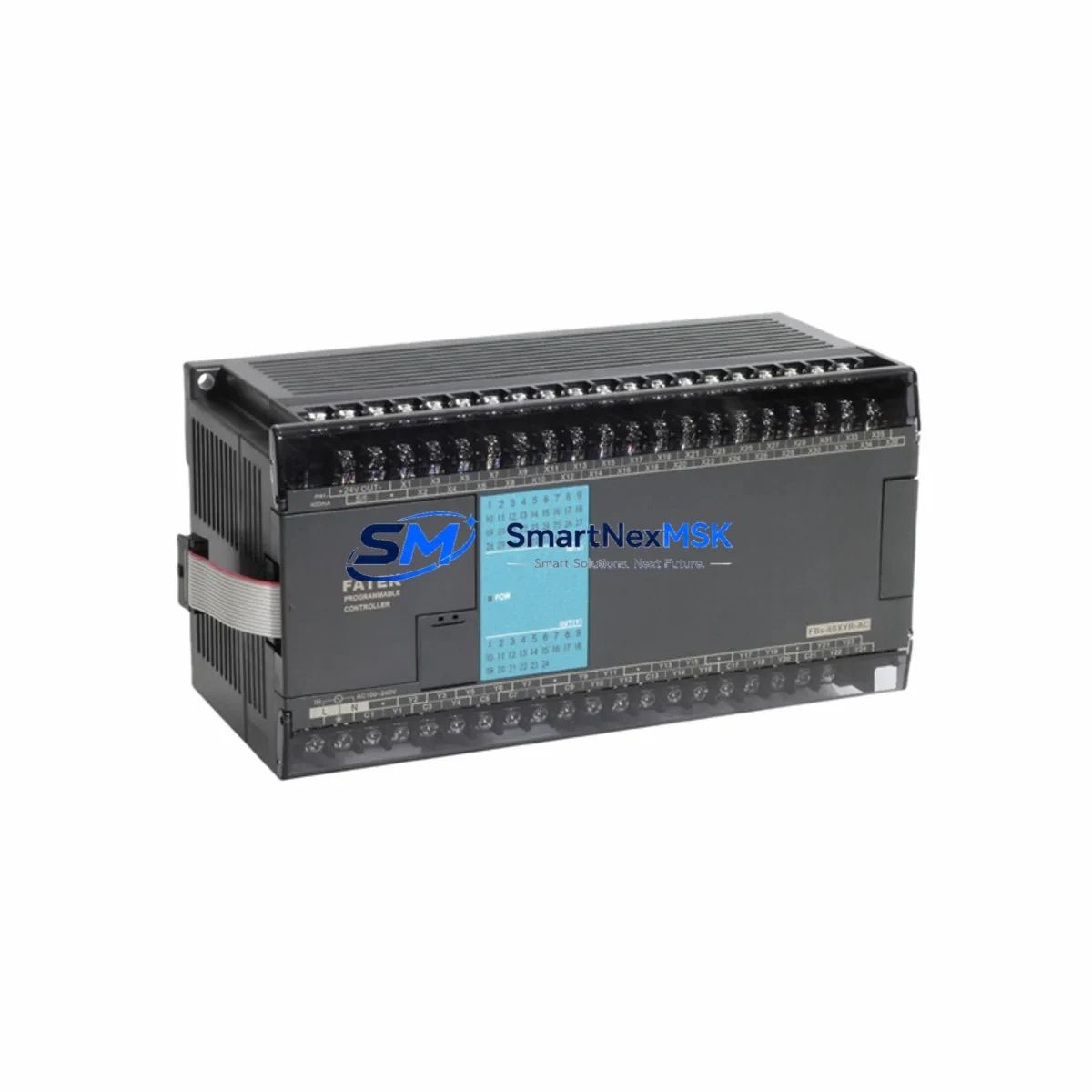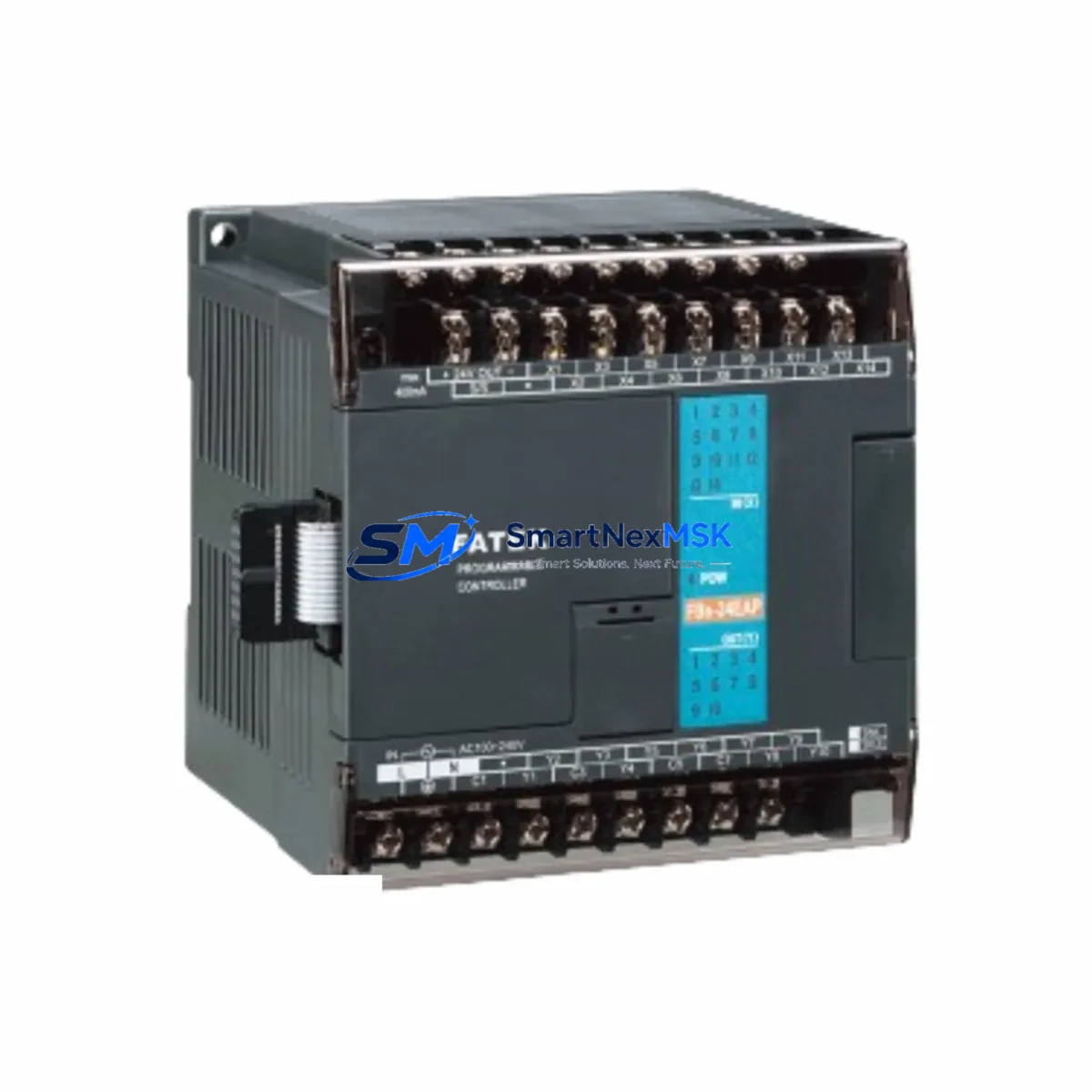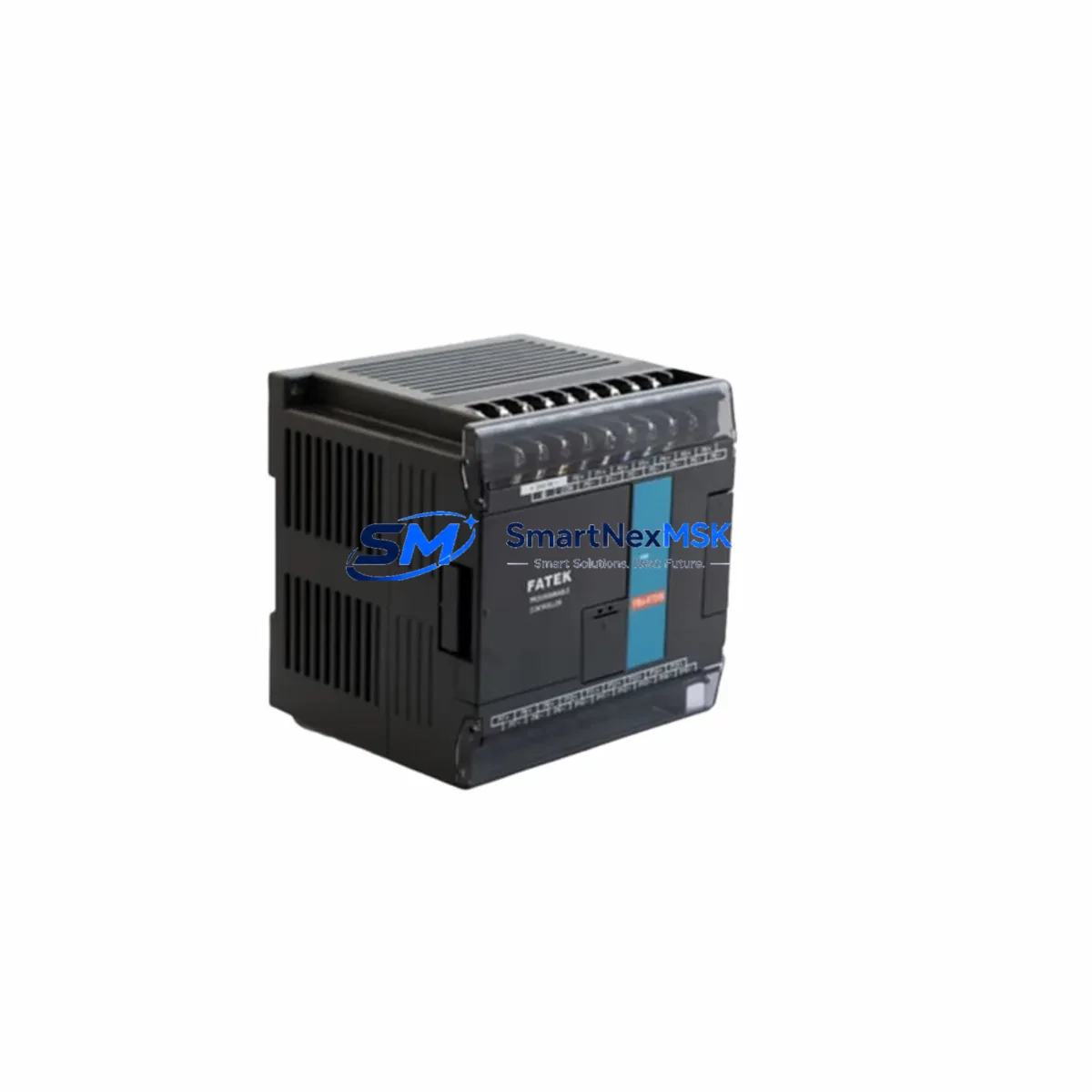
FATEK FBS-14MA Retrofit-Ready Relay I/O for FBS Series Control Systems
The FATEK FBS-14MA is a 14-point mixed relay I/O PLC main unit designed for seamless integration into existing FBS Series control architectures. With 8 digital inputs and 6 relay outputs operating on AC power, this module is engineered to serve as a direct retrofit replacement for aging or discontinued FBS-series controllers deployed across manufacturing lines, packaging equipment, HVAC control panels, and general-purpose machine automation. Whether you are upgrading a legacy control cabinet, recovering from a failed unit, or migrating from an older FATEK model, the FBS-14MA delivers wiring-compatible, program-compatible continuity with minimal downtime.
Industrial facilities running FATEK FBs-series PLCs often face the challenge of sourcing reliable replacement units as original equipment reaches end-of-life. The FBS-14MA addresses this directly: its terminal layout, power supply requirements, and communication port configuration are consistent with the broader FBS product family, allowing engineers to swap the unit without redesigning the control panel or rewriting ladder logic from scratch.
Upgrade Compatibility Table
| Parameter | FBS-14MA Specification | Retrofit Notes |
|---|---|---|
| I/O Configuration | 8 DI / 6 DO (Relay) | Verify existing wiring maps to same terminal count; relay outputs compatible with AC/DC loads |
| Power Supply | AC 100–240V, 50/60Hz | Confirm panel supply voltage before installation; no external DC converter required |
| Communication Port | RS-232 (COM1) + RS-485 (COM2) | Compatible with existing FATEK WinProladder programming cables; HMI RS-485 link preserved |
| Backplane / Expansion | Supports FBS expansion modules via right-side bus connector | Existing FBS-8EYR, FBS-8EX, or FBS-4A2D expansion modules remain compatible |
| Program Memory | Up to 7,900 steps | Upload existing program via WinProladder before swap; verify step count fits within limit |
| Module Address | Station address configurable via DIP switch | Match original station address to avoid RS-485 network conflicts |
| HMI Compatibility | FATEK FV series, Weintek, Kinco, Delta HMI via RS-485 | Re-link HMI communication parameters after replacement; baud rate and station ID must match |
| Replacement Candidates | FBS-14MA-D (DC version), FBs-14MA (legacy label) | Confirm AC vs DC power variant before ordering |
| Warranty | 12 Months | Covered against manufacturing defects; includes pre-shipment functional test |
Retrofit Planning for Existing Automation Systems
A successful retrofit begins well before the new unit arrives on-site. When replacing a failed or end-of-life FATEK FBS-series controller, the first step is to back up the existing program using WinProladder programming software via the RS-232 COM1 port and a standard FATEK programming cable (such as the FBS-232P0-9F cable). If the original unit is non-functional, check whether a program backup exists on the engineering workstation or in the site’s document management system.
Next, document the terminal wiring before disconnecting any field cables. The FBS-14MA uses a standard removable screw-terminal block, and the input/output terminal numbering is consistent with other FBS main units, which simplifies direct rewiring. If the existing panel also includes expansion modules — such as an FBS-8EYR relay output expansion, an FBS-8EX digital input expansion, or an FBS-4A2D analog I/O module — these can remain in place and reconnect to the FBS-14MA’s right-side expansion bus without modification.
For panels that include a FATEK FV-series HMI or a third-party touch panel connected via RS-485, verify the communication parameters stored in the HMI project: baud rate (typically 9600 or 19200 bps), data bits, parity, stop bits, and PLC station address. These must match the DIP switch settings on the replacement FBS-14MA. Mismatched station addresses are one of the most common causes of post-replacement communication failure and can be resolved in under five minutes once identified.
If the control system includes a FATEK CBDH-series communication module or an Ethernet gateway for SCADA integration, confirm that the Modbus RTU register map used by the upstream system aligns with the FBS-14MA’s memory organization. In most FBS-series applications, the register mapping is preserved across units of the same family, but any custom function blocks or special module instructions should be verified in WinProladder before going live.
Power supply sizing is another critical checkpoint. The FBS-14MA draws power from the AC supply rail in the control cabinet. If the existing FATEK FBS-series power supply module or a third-party DIN-rail power supply (such as a 24VDC unit feeding the input commons) is already at capacity due to added expansion modules, calculate the total current draw before commissioning. Overloaded power rails are a leading cause of intermittent faults in retrofitted panels.
Downtime Control During System Migration
Minimizing production downtime during a PLC swap requires a structured pre-outage preparation protocol. Before scheduling the maintenance window, complete the following steps while the original system is still running: upload and verify the full program backup, photograph all terminal wiring, record all HMI communication settings, and confirm the replacement FBS-14MA has passed pre-shipment functional testing (included with every unit shipped from our facility).
During the outage window, follow a sequential swap procedure: power down the panel, disconnect field wiring from the terminal blocks (label each wire if not already done), remove the failed unit, install the FBS-14MA, reconnect field wiring in order, restore power, and download the backed-up program via WinProladder. In most straightforward replacements — where the panel layout, expansion modules, and communication links are unchanged — the entire swap can be completed in under two hours by a qualified technician.
To protect original program logic, never overwrite the backup file until the replacement unit has been confirmed operational in the field. Keep the original program file archived with the site’s maintenance records. If the system uses a FATEK FBs-CB25 communication board or any plug-in option card, transfer it to the new unit before powering up, as these cards carry configuration data specific to the installation.
For critical production lines where even a two-hour outage is unacceptable, consider pre-configuring and pre-testing the FBS-14MA on a bench setup using a spare terminal block and a laptop running WinProladder. Load the program, simulate I/O states, and verify communication links before bringing the unit to the floor. This approach reduces the live swap to a pure hardware exchange and can cut on-site downtime to under 30 minutes.
Retrofit Support FAQ
Q1: Is the FBS-14MA a direct drop-in replacement for the FBs-14MA (legacy label)?
Yes. The FBS-14MA and the legacy FBs-14MA designation refer to the same product family. Terminal layout, program memory structure, and communication port configuration are identical. No wiring changes or program modifications are required for a like-for-like swap. Confirm the power supply variant (AC vs DC) matches your panel before ordering.
Q2: Can I reuse my existing ladder logic program without modification?
In the vast majority of cases, yes. Programs developed in WinProladder for any FBS-series main unit are directly transferable to the FBS-14MA. The only exceptions are programs that reference hardware-specific features of a different I/O count or optional communication boards not present on the FBS-14MA. Review the program’s I/O map and special module instructions before the swap.
Q3: What pre-shipment testing is performed on each unit?
Every FBS-14MA shipped from our facility undergoes a functional power-on test, I/O point verification, and communication port check before packaging. Units are shipped with a 12-month warranty covering manufacturing defects. If a unit fails within the warranty period, we provide replacement or repair at no additional cost.
Q4: How do I verify wiring compatibility with my existing control cabinet?
Download the FATEK FBS-14MA hardware manual and compare the terminal block diagram against your existing panel drawings. Key checkpoints are: input common wiring (sink vs source), relay output contact ratings (250VAC / 2A per point), and the position of the power supply terminals (L, N, PE). If your panel uses a DC-powered FBS variant, order the FBS-14MA-D instead.
© 2026 SMARTNEXMSK. All rights reserved.
Original Source: https://smartnexmsk.com
Contact: [email protected] | +86 18259474341