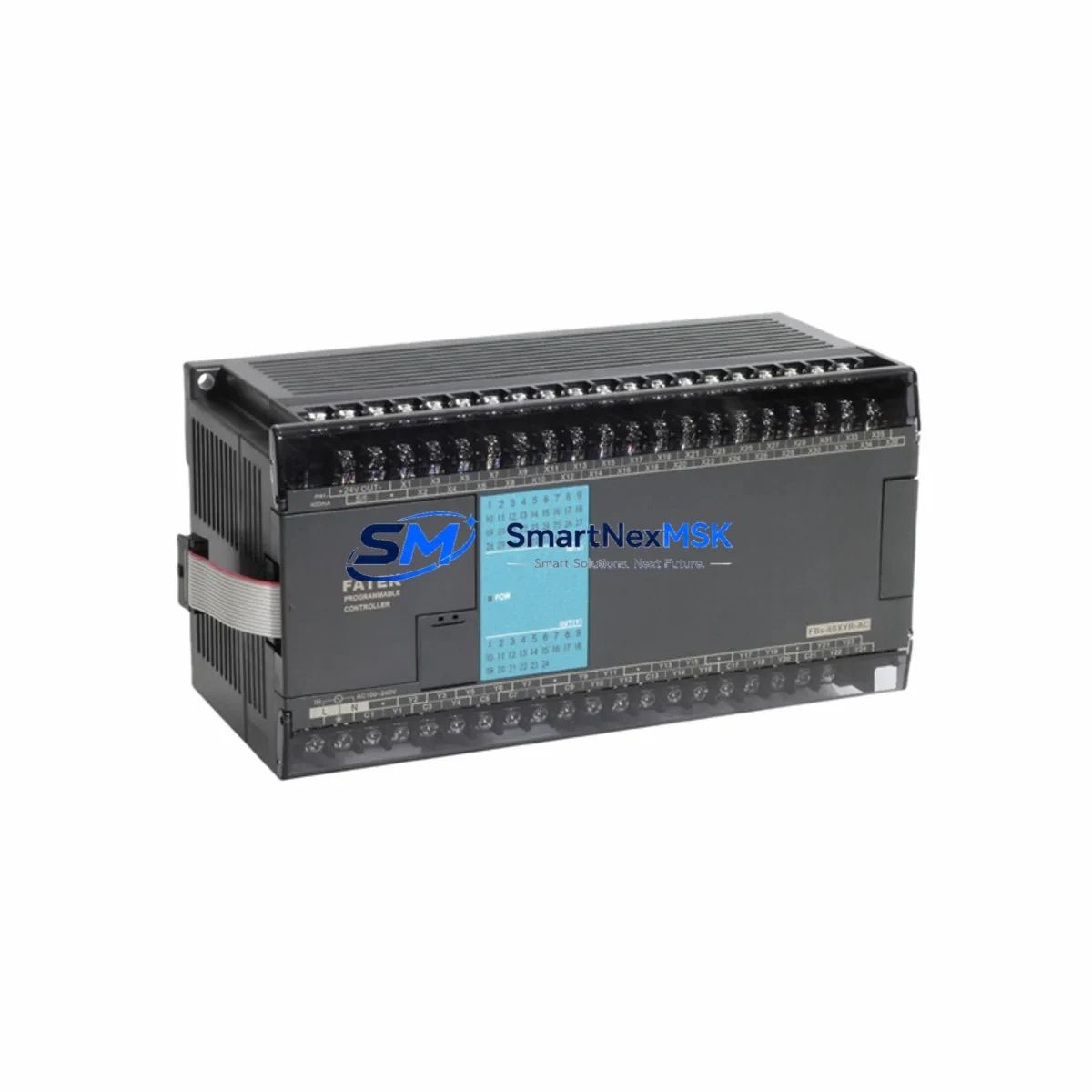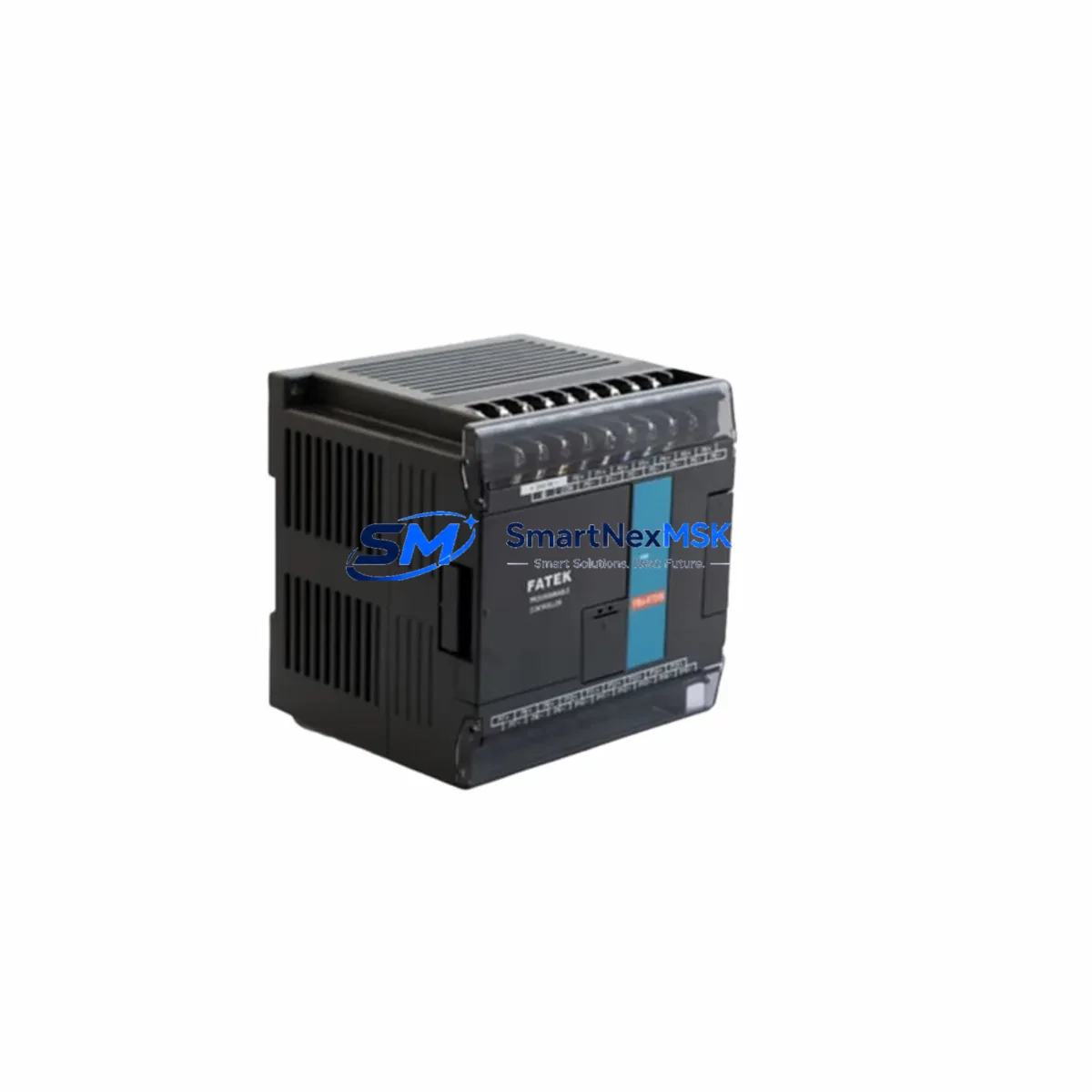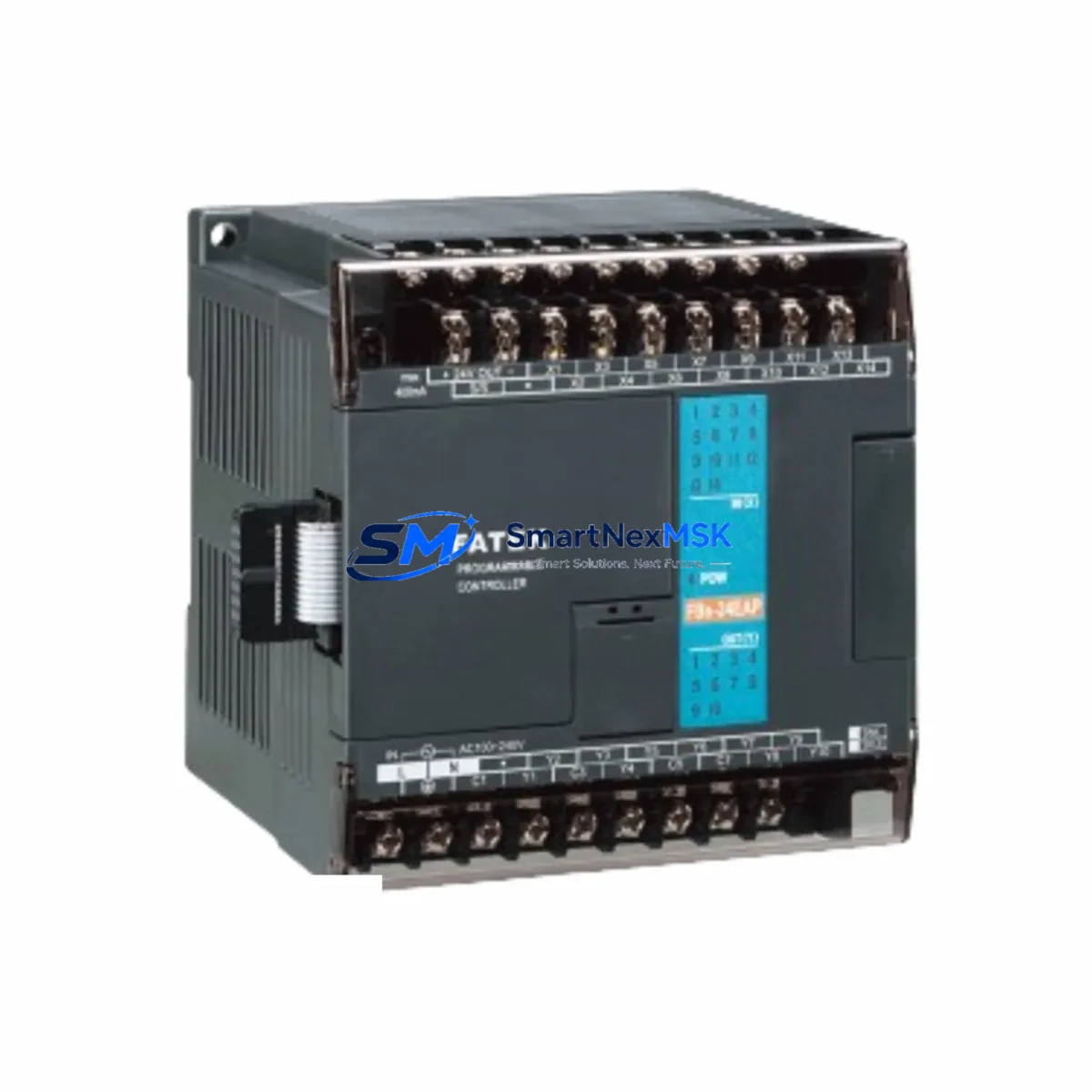
FATEK FBS-24XYR Maintenance-Ready Spare for FBS Automation
The FATEK FBS-24XYR is a 24-point relay output expansion module engineered for the FATEK FBS Series programmable logic controller platform. For maintenance engineers managing continuous production lines, conveyor systems, packaging machinery, or process control panels, this module represents a critical spare that directly governs discrete output switching — controlling contactors, solenoid valves, motor starters, and indicator circuits. Unplanned failure of the FBS-24XYR can halt an entire automation cell within seconds. Holding a verified original spare in your maintenance inventory is the most effective strategy to minimize mean time to repair (MTTR) and protect production uptime.
Sourced as an original FATEK component, the FBS-24XYR is fully compatible with the FBS Series CPU base units and expansion racks. Each unit shipped by SMARTNEXMSK undergoes pre-shipment functional verification, is individually packaged with anti-static protection, and is covered by a 12-month warranty from the date of delivery. Whether you are executing a planned annual shutdown, responding to an emergency fault, or building a strategic spare parts buffer for aging FBS-based systems, this module ships ready for immediate installation.
Spare Maintenance Table
| Parameter | Specification |
|---|---|
| Model / SKU | FBS-24XYR |
| Brand | FATEK Automation |
| Series | FBS Series PLC |
| Module Type | Digital I/O Expansion — Relay Output |
| I/O Points | 24 Points (Mixed Input / Relay Output) |
| Output Type | Relay Contact Output |
| Rated Load Voltage | AC 250V / DC 30V |
| Max Output Current | 2A per point |
| Input Voltage Range | DC 24V (sink/source compatible) |
| Compatibility | FATEK FBS Series CPU units and expansion racks |
| Communication Interface | FBS expansion bus (right-side expansion connector) |
| Operating Temperature | 0°C to 55°C |
| Storage Temperature | -25°C to 70°C |
| Humidity | 5% to 95% RH (non-condensing) |
| Mounting | DIN rail or panel mount via FBS expansion rack |
| Origin | Taiwan (Original FATEK) |
| Warranty | 12 Months from delivery date |
| Pre-shipment Test | Functional verification performed on every unit |
| Packaging | Anti-static bag, foam-protected carton |
Maintenance Planning for Continuous Operation
When the FBS-24XYR is flagged during a fault diagnostic or scheduled inspection, experienced maintenance engineers know that a relay output module failure rarely occurs in isolation. A thorough site assessment should extend beyond the module itself to the surrounding electrical environment. Begin by inspecting the FBS Series CPU unit (such as the FBs-20MA or FBs-32MA) for any co-occurring error codes or communication faults on the expansion bus — a degraded expansion connector can cause intermittent I/O errors that mimic module failure.
Check the 24VDC power supply module feeding the PLC rack. Voltage sag or ripple on the DC bus is a leading cause of premature relay contact wear and input signal instability. If the power supply is original to the installation and has been in service for more than five years, consider scheduling a parallel replacement. Similarly, inspect the FBS-8EYR or FBS-16EYR relay output expansion modules in adjacent slots — relay contacts across the rack age at similar rates under comparable load cycles, and replacing only the failed module while leaving degraded neighbors in place is a common source of repeat callouts within 6–12 months.
Review the terminal blocks and field wiring connected to the relay outputs. Loose terminations, oxidized contacts, or undersized conductors are frequent contributors to relay coil overload and premature contact failure. While the module is removed, this is the optimal window to re-torque all terminal connections and apply contact cleaner to any discolored terminals. If the application involves inductive loads such as motor starters or solenoid valves, verify that surge suppression components (RC snubbers or flyback diodes) are correctly installed across each load — their absence significantly shortens relay contact life.
For systems that include FATEK FBs communication modules (such as the FBs-CM25E Ethernet module or FBs-485 RS-485 adapter), confirm that the expansion bus scan cycle has not been disrupted by the module fault. Communication timeouts logged in the SCADA or HMI — whether a FATEK FBs-HMI panel or a third-party operator terminal — can indicate that the CPU has been running in degraded mode, potentially masking secondary faults in other I/O zones. A full I/O force test after module replacement is strongly recommended before returning the system to automatic operation.
Procurement engineers building a strategic spare parts list for FBS-based control panels should consider stocking the FBs-24XYR alongside the FBs-8AD analog input module and the FBs-4DA analog output module if the application includes process variable control loops. Analog modules in the same rack share the same power bus and are subject to the same environmental stresses. A consolidated spare kit covering digital relay output, analog input, and analog output modules provides comprehensive coverage for the most common field-replaceable units in a typical FBS control cabinet.
Site Replacement Workflow
Step 1 — Isolate and de-energize. Follow your site LOTO (Lockout/Tagout) procedure. Isolate the 24VDC control power and the AC/DC field power circuits connected to the relay outputs. Confirm zero energy state with a calibrated multimeter before proceeding.
Step 2 — Document the existing configuration. Before removing the FBS-24XYR, upload or print the current PLC program from the FBs-series CPU using FATEK WinProladder software. Record the I/O address mapping for all 24 points. This step is critical when replacing a module in a system where the original documentation is incomplete or outdated.
Step 3 — Remove the faulty module. Disconnect all field wiring from the terminal block. Label each wire if not already marked. Release the DIN rail locking tab and slide the module free from the expansion connector. Inspect the expansion bus connector pins on both the module and the adjacent CPU or rack for bent pins or corrosion.
Step 4 — Install the replacement FBS-24XYR. Seat the new module firmly onto the expansion connector. Reconnect all field wiring per the documented address map. Verify terminal torque to manufacturer specification (typically 0.5–0.6 N·m for M3 terminals).
Step 5 — Power-up and verify. Restore control power. Confirm the CPU recognizes the expansion module (no I/O configuration error on the CPU status LEDs). Perform a forced I/O test on each relay output point before enabling automatic mode. Log the replacement date, module serial number, and test results in the site maintenance record.
This workflow applies equally to planned preventive replacements and emergency corrective maintenance. The FBS-24XYR’s plug-and-play compatibility with the FBS expansion bus means no hardware configuration changes are required — the CPU automatically maps the replacement module to the same I/O addresses as the original, eliminating the risk of address conflicts that can occur when substituting non-original or cross-brand modules.
Spare Parts Support FAQ
Q1: Is the FBS-24XYR a direct drop-in replacement for an existing module in my FBS Series panel?
Yes. The FBS-24XYR is an original FATEK module that connects directly to the FBS expansion bus. No hardware jumper settings, DIP switch changes, or software reconfiguration are required. The FBS CPU automatically detects the module type and assigns I/O addresses based on slot position, identical to the original installation.
Q2: How do you verify the module before shipment, and what does the 12-month warranty cover?
Every FBS-24XYR unit undergoes a functional power-on test and relay contact continuity check prior to packaging. The 12-month warranty covers manufacturing defects and functional failures under normal operating conditions. It does not cover damage caused by incorrect wiring, overvoltage events, or physical mishandling. Warranty claims are processed with a replacement-first policy to minimize your downtime.
Q3: Can I use the FBS-24XYR to extend an older FBS system that is no longer in production?
Yes. The FBS-24XYR is compatible with all FBS Series CPU generations. For legacy systems where the original module has been discontinued by the OEM, sourcing original new-old-stock (NOS) or certified surplus units from a specialist supplier like SMARTNEXMSK is the recommended strategy to maintain system integrity without requiring a full platform migration. We maintain long-term inventory of FBS Series modules specifically to support extended system lifecycles.
Q4: What is your typical lead time, and do you support urgent or emergency orders?
In-stock units ship within 1–2 business days. For urgent maintenance situations, contact our sales team directly to confirm real-time stock availability and expedited shipping options. We support DHL Express, FedEx International Priority, and air freight for time-critical spare parts requirements globally.
© 2026 SMARTNEXMSK. All rights reserved.
Original Source: https://smartnexmsk.com
Contact: [email protected] | +86 18259474341