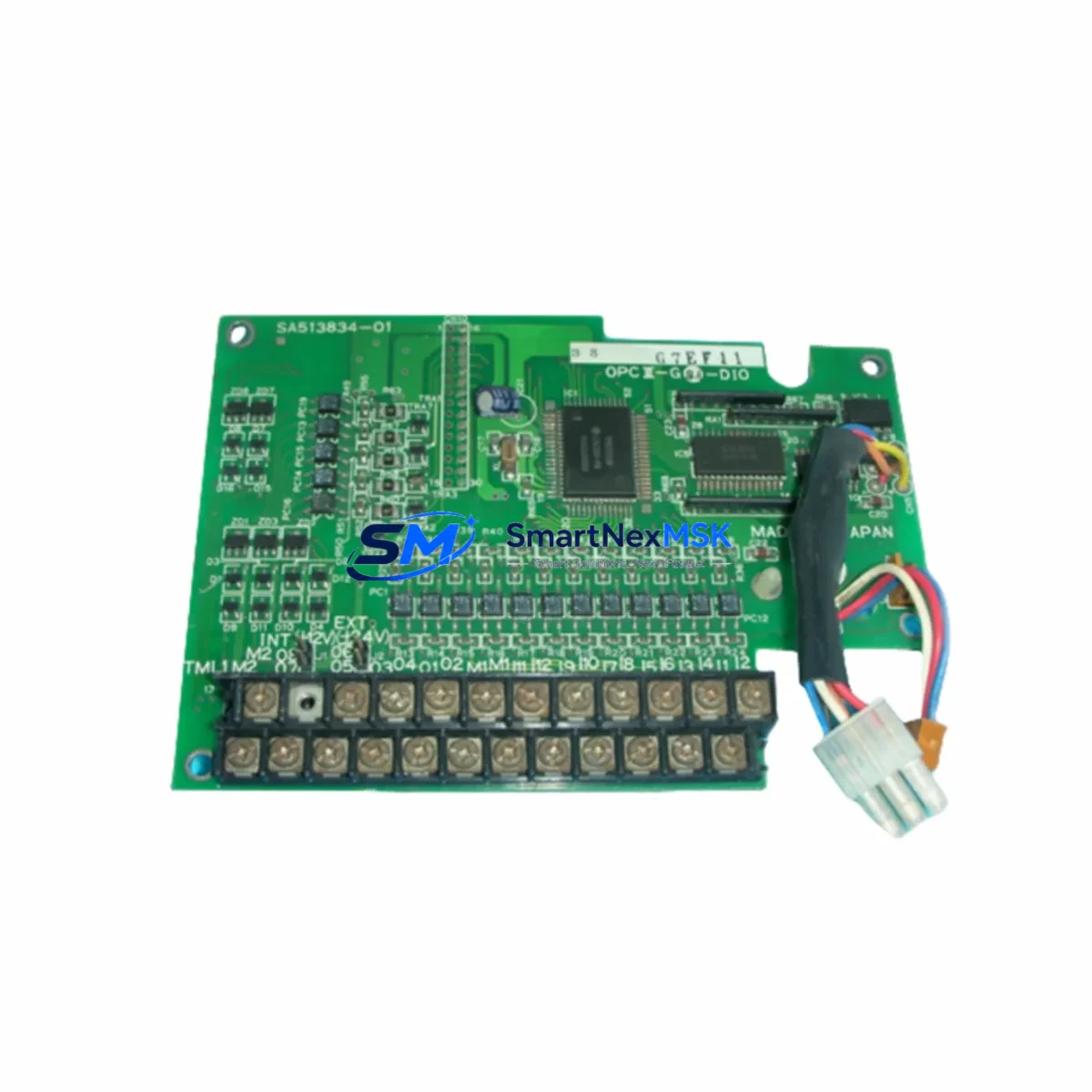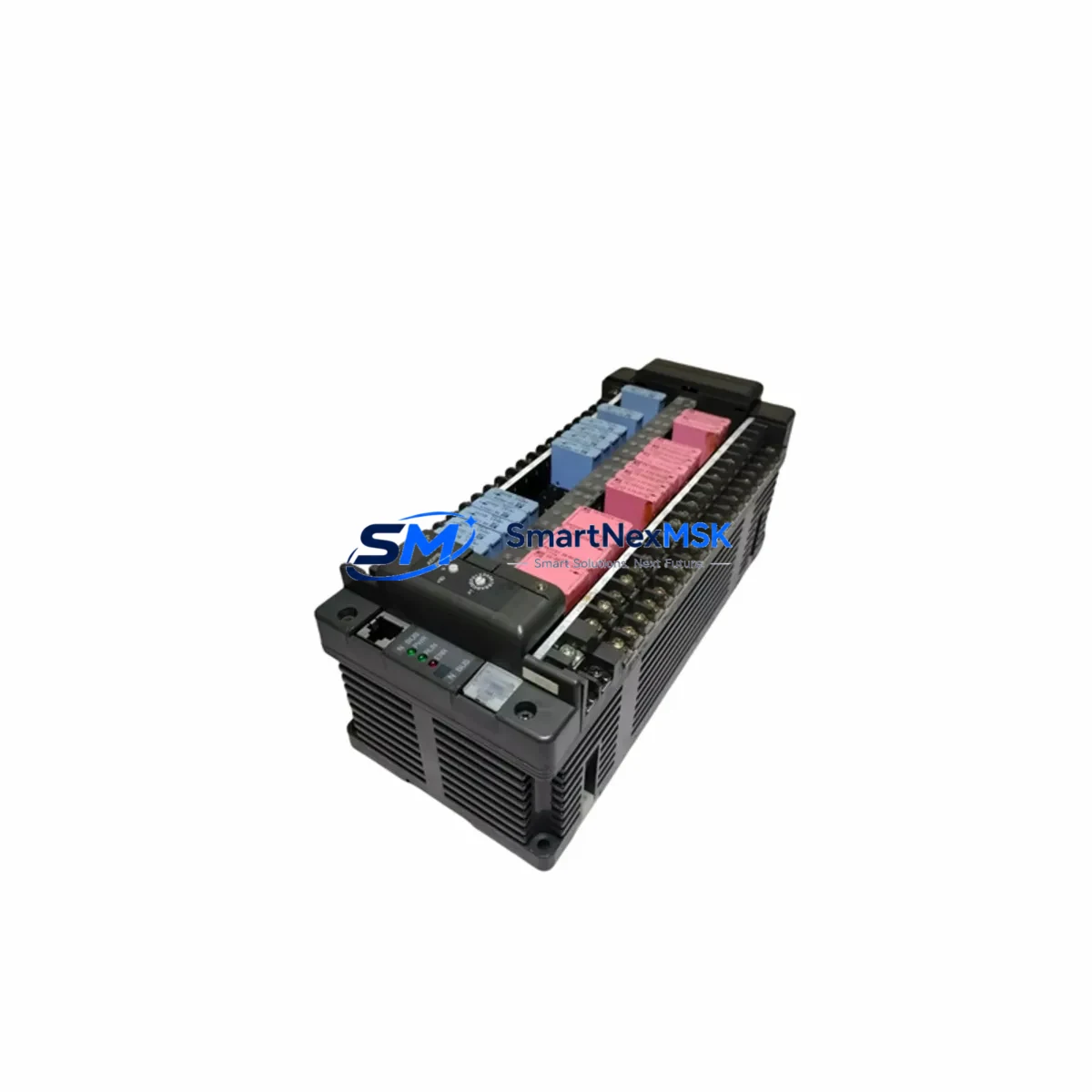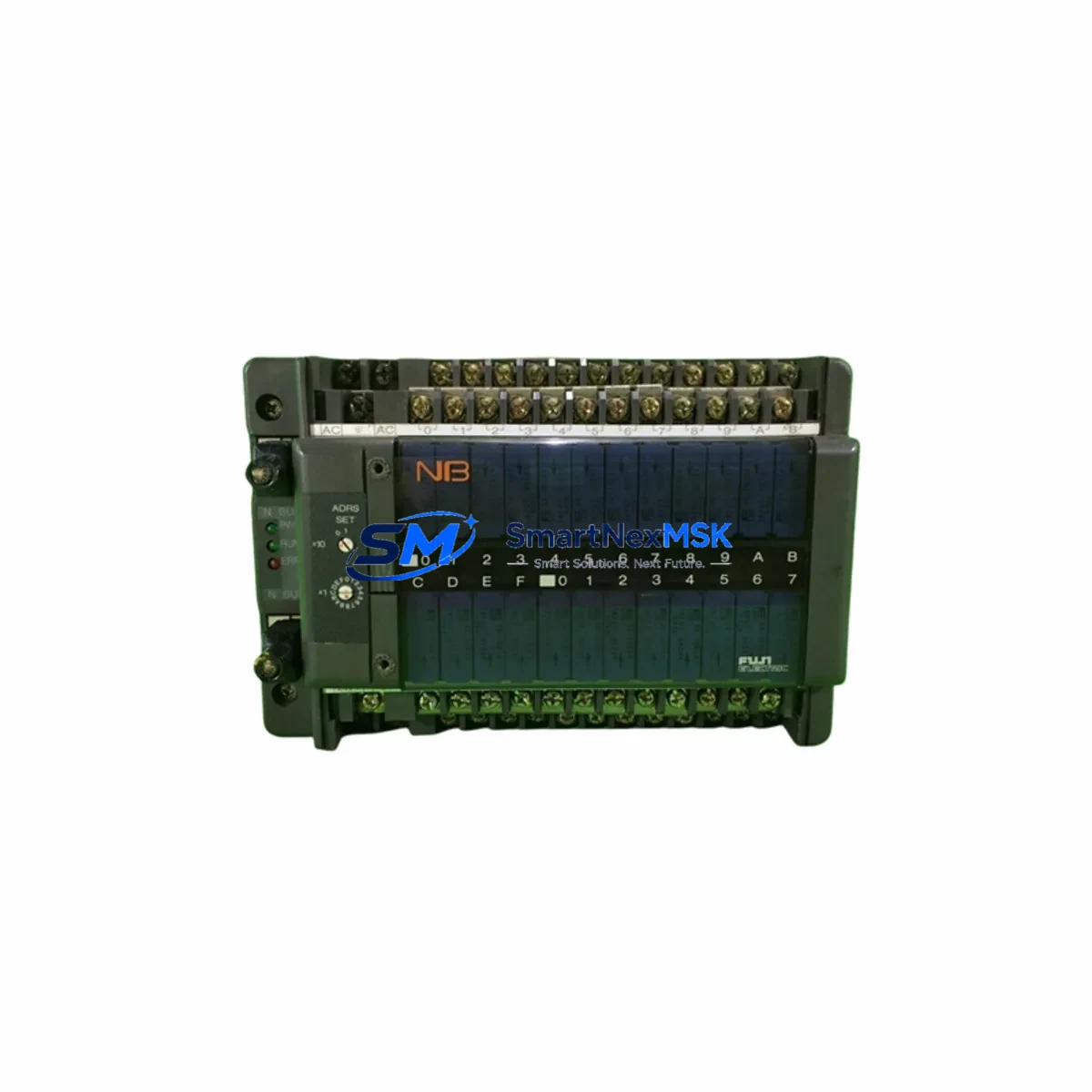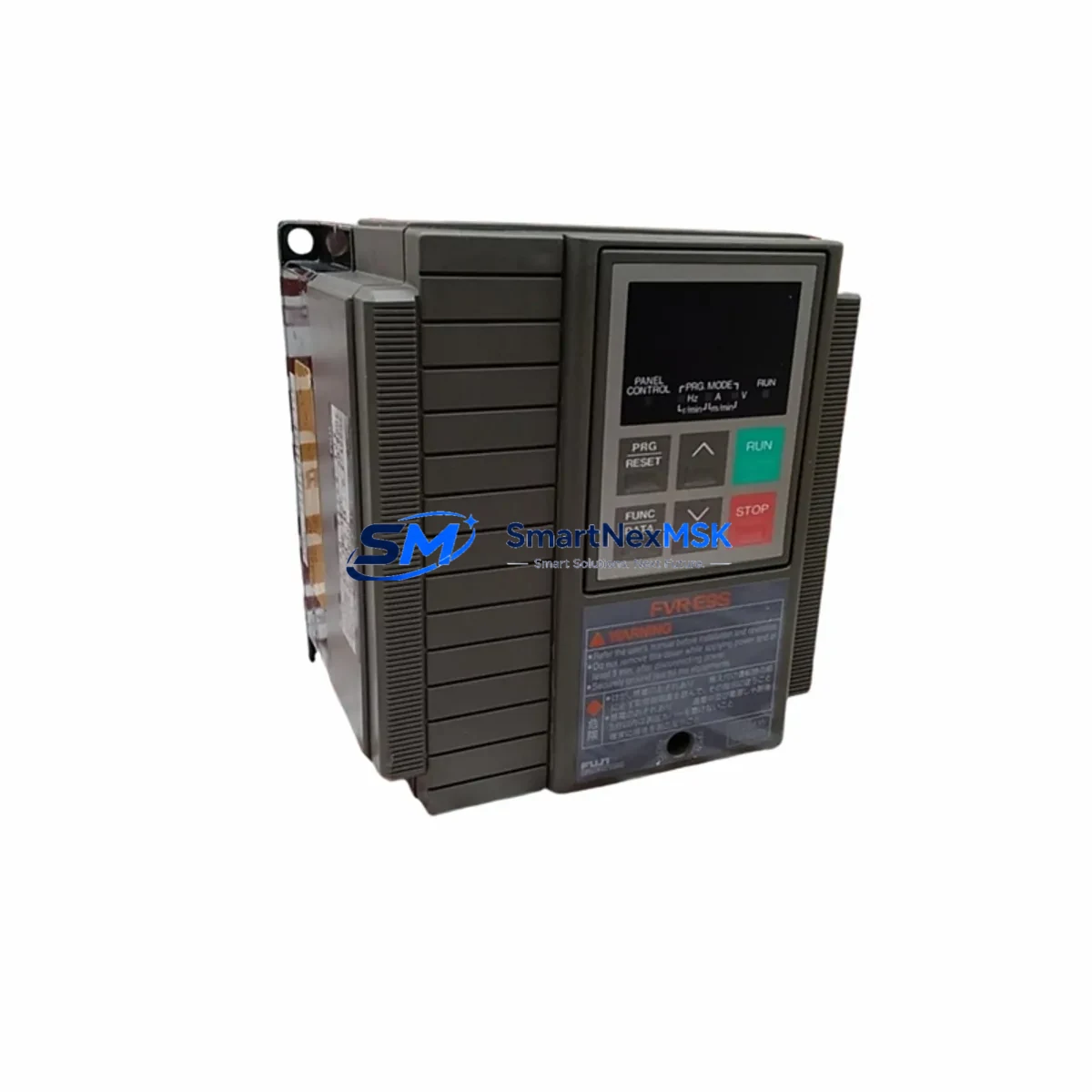
FUJI FVR0.75E9S-4JE Retrofit-Ready VFD for FVR-E9S Control Systems
The FUJI FVR0.75E9S-4JE is a 0.75 kW, three-phase 400 V class Variable Frequency Drive (VFD) from FUJI Electric’s proven FVR-E9S series — a platform widely deployed across industrial motor control panels, conveyor systems, pump stations, HVAC units, and general-purpose automation lines throughout Asia, Europe, and the Middle East. As the original FVR-E9S units approach end-of-life and spare parts become increasingly scarce, the FVR0.75E9S-4JE remains one of the most sought-after retrofit and replacement drives for engineers tasked with keeping legacy systems operational without a full control-cabinet overhaul.
This unit is stocked, tested, and shipped with a 12-month warranty covering manufacturing defects and functional failures under normal operating conditions. Each drive undergoes pre-shipment functional verification including power-on self-test, output voltage balance check, and parameter default confirmation before dispatch.
Upgrade Compatibility Table
| Parameter | FVR0.75E9S-4JE (This Unit) | Retrofit Notes |
|---|---|---|
| Rated Output Power | 0.75 kW | Direct match for legacy 0.75 kW FVR-E9S installations |
| Input Voltage | 3-Phase 380–440 V AC, 50/60 Hz | Compatible with standard 400 V industrial supply |
| Output Voltage | 3-Phase 0–440 V AC | No transformer required for most retrofit scenarios |
| Control Method | V/f control, Sensorless vector | Matches original FVR-E9S control modes; parameter migration required |
| Communication Protocol | RS-485 (Modbus RTU / FUJI proprietary) | Verify PLC or HMI baud rate and station address settings |
| Mounting / Installation | DIN rail or panel mount, standard FVR footprint | Existing mounting holes typically align; verify cabinet depth |
| Terminal Block Layout | R/S/T (input), U/V/W (output), control terminals P1–P5, FM, 11, 13 | Cross-reference original wiring diagram before reconnection |
| Cooling | Built-in fan, IP20 enclosure | Ensure cabinet ventilation clearance ≥ 50 mm top and bottom |
| Replacement Compatibility | FVR0.75E9S-4JE, FVR-E9S 0.75 kW 400 V class | Confirm nameplate rating before ordering |
| Warranty | 12 Months | Covers manufacturing defects; excludes physical damage and misapplication |
Retrofit Planning for Existing Automation Systems
When integrating the FVR0.75E9S-4JE into an existing control cabinet, a structured retrofit plan significantly reduces risk and commissioning time. Begin by auditing the existing panel layout: confirm the available DIN rail space, verify that the upstream circuit breaker or MCCB rating is appropriate for a 0.75 kW drive on a 400 V supply, and check that the existing EMC filter — if installed — is rated for the drive’s input current.
Terminal wiring is the most critical step. The FVR-E9S series uses a clearly labeled terminal block, but aging wiring insulation and non-standard field modifications are common in legacy panels. Before disconnecting the old drive, photograph the existing wiring and cross-reference it against the original FVR-E9S wiring diagram. Pay particular attention to the multi-function input terminals (P1 through P5), the analog frequency reference input (terminal 13 and 11), and the FM analog output used for speed monitoring on connected FUJI FRENIC or third-party HMI panels.
If the existing system uses a FUJI FRENIC-Mini or FUJI FRENIC-Eco series drive as a companion unit on the same RS-485 network, confirm that the Modbus RTU station addresses do not conflict after the swap. Similarly, if the control system includes a Mitsubishi MELSEC Q-series PLC or a Siemens S7-300 communicating via RS-485, re-verify the baud rate (typically 9600 or 19200 bps) and parity settings in both the drive and the PLC communication module.
For panels that also house a FUJI Electric BU series braking unit and external braking resistor, confirm that the braking resistor connection terminals (P(+) and DB) are correctly re-terminated on the new drive. Incorrect braking resistor wiring is a leading cause of overvoltage trips during deceleration in retrofit projects.
I/O expansion is another common retrofit consideration. If the original system relied on the FVR-E9S’s built-in relay output (terminals Y1 and 30A/30B/30C) for fault signaling to a FUJI Electric α2 series HMI or a remote alarm panel, verify that the relay output logic (normally open vs. normally closed) is correctly configured in the new drive’s function code settings (e.g., E20 for output terminal function selection).
Where the existing panel includes a FUJI Electric FRN-G1 series or similar general-purpose drive on an adjacent axis, take the opportunity to standardize parameter sets across drives using FUJI’s keypad copy function or a PC-based parameter tool, reducing future maintenance complexity. Panels that incorporate FUJI Electric FALDIC-W series servo amplifiers alongside the VFD should also be reviewed for shared DC bus or common ground configurations that may require isolation during the swap.
Finally, if the system uses a FUJI Electric NW0 series programmable controller or a third-party SCADA system for supervisory control, update the drive register map in the SCADA configuration to reflect any function code differences between the original firmware version and the replacement unit. This step is frequently overlooked and can cause unexpected behavior during the first production run after retrofit.
Downtime Control During System Migration
Minimizing unplanned downtime is the primary concern for any retrofit project involving a production-critical drive. For the FVR0.75E9S-4JE, the recommended approach is a staged swap: first, upload and document all existing drive parameters using the keypad or a compatible parameter loader before powering down the panel. FUJI Electric’s FVR-E9S series stores parameters in non-volatile memory, and a full parameter printout or digital backup takes less than five minutes with the appropriate tool.
Once the replacement drive is physically installed and wired, restore the backed-up parameters before the first power-on. Pay special attention to acceleration and deceleration ramp times (F07, F08), base frequency (F03), maximum frequency (F04), and motor rated current (F11) — these four parameters have the greatest impact on motor behavior and process stability during the initial run. If the original parameter file is unavailable due to drive failure, use the motor nameplate data and the original commissioning report (if accessible) to reconstruct the critical settings.
For systems where continuous operation is essential, consider a parallel commissioning approach: install and configure the new FVR0.75E9S-4JE on a test bench using a matched motor before the scheduled maintenance window. This allows full functional verification — including speed reference response, fault relay operation, and communication link confirmation — without occupying production time. The verified drive can then be swapped in during a planned shutdown, with the total panel downtime reduced to the physical installation and wiring reconnection period only.
Protect existing PLC program logic by ensuring the PLC is placed in STOP mode before disconnecting the drive’s communication cable. For Mitsubishi FX3U or Omron CP1H controllers commonly found in mixed-brand retrofit panels, verify that the communication timeout settings in the PLC program will not trigger an emergency stop or alarm cascade when the drive is briefly offline during the swap.
Retrofit Support FAQ
Q1: Is the FVR0.75E9S-4JE a direct drop-in replacement for my existing FVR-E9S 0.75 kW 400 V drive?
In most cases, yes. The FVR0.75E9S-4JE shares the same power class, voltage rating, and terminal layout as the standard FVR-E9S 0.75 kW 400 V unit. However, always verify the original nameplate model number and confirm that any field modifications to the wiring or parameter settings are documented before the swap. Minor firmware differences between production batches may require re-verification of specific function codes.
Q2: What commissioning steps are required after installation?
After physical installation and wiring, restore the backed-up parameter set or re-enter critical parameters manually. Perform a no-load test run at low speed (5–10 Hz) to confirm correct motor rotation direction and absence of fault codes. Then conduct a loaded test run at the normal operating frequency, monitoring output current, motor temperature, and any connected process feedback signals. Confirm that all multi-function input and output terminals respond correctly before returning the system to automatic control.
Q3: Can I use the FVR0.75E9S-4JE on a system with an existing RS-485 Modbus RTU network?
Yes. The FVR0.75E9S-4JE supports RS-485 communication with Modbus RTU protocol. Set the drive’s station address (function code y01), baud rate (y02), and data format (y03) to match the existing network configuration. If the original drive used FUJI’s proprietary communication protocol rather than standard Modbus RTU, confirm the PLC or HMI communication driver settings before going live.
Q4: What does the 12-month warranty cover, and how is a warranty claim processed?
The 12-month warranty covers manufacturing defects and functional failures under normal operating conditions from the date of shipment. It does not cover damage resulting from incorrect wiring, overvoltage events, environmental contamination, or unauthorized modification. To initiate a warranty claim, contact our sales team with the order reference number, a description of the fault, and any available fault code history from the drive’s keypad display. Replacement or repair will be arranged promptly upon fault verification.
© 2026 SMARTNEXMSK. All rights reserved.
Original Source: https://smartnexmsk.com
Contact: [email protected] | +86 18259474341