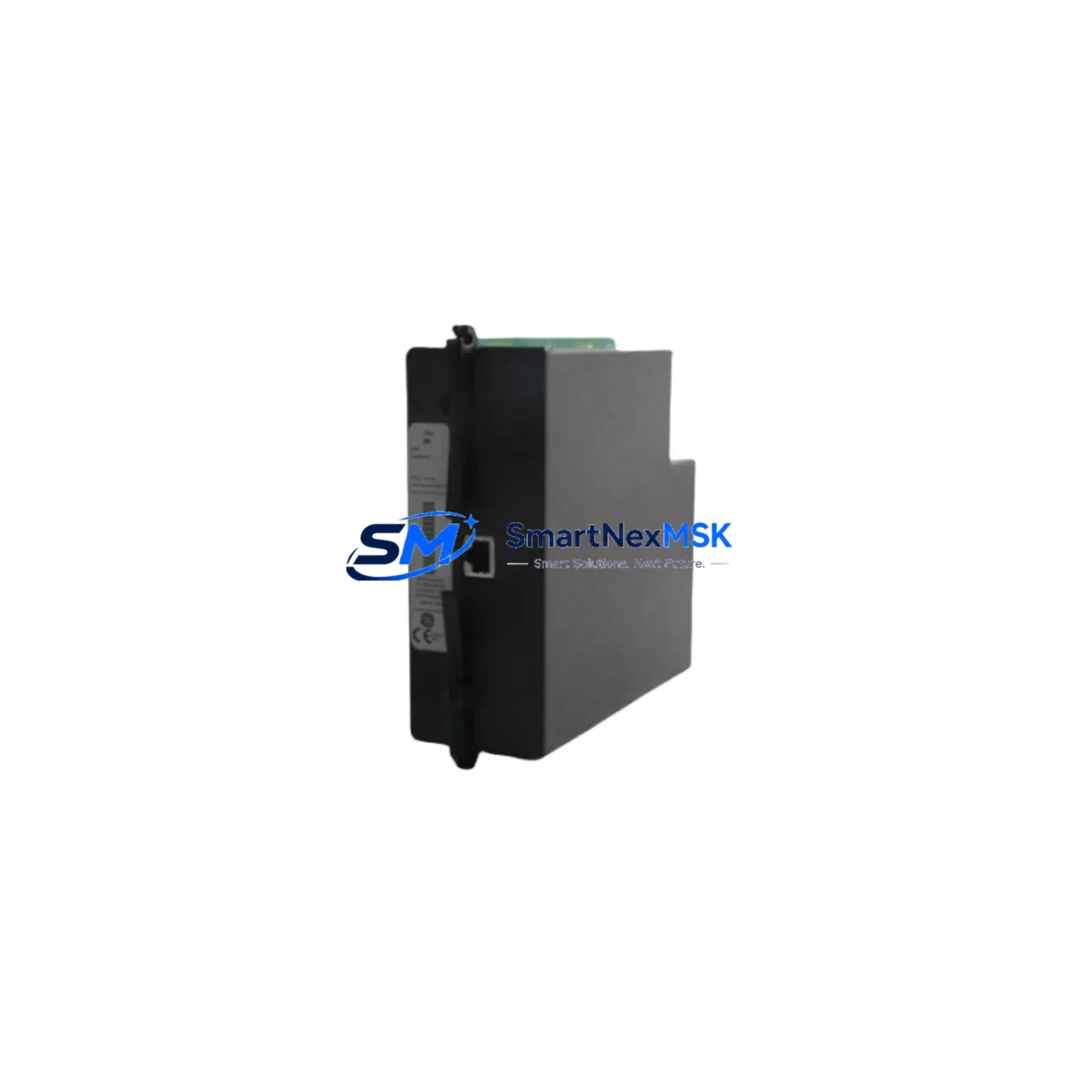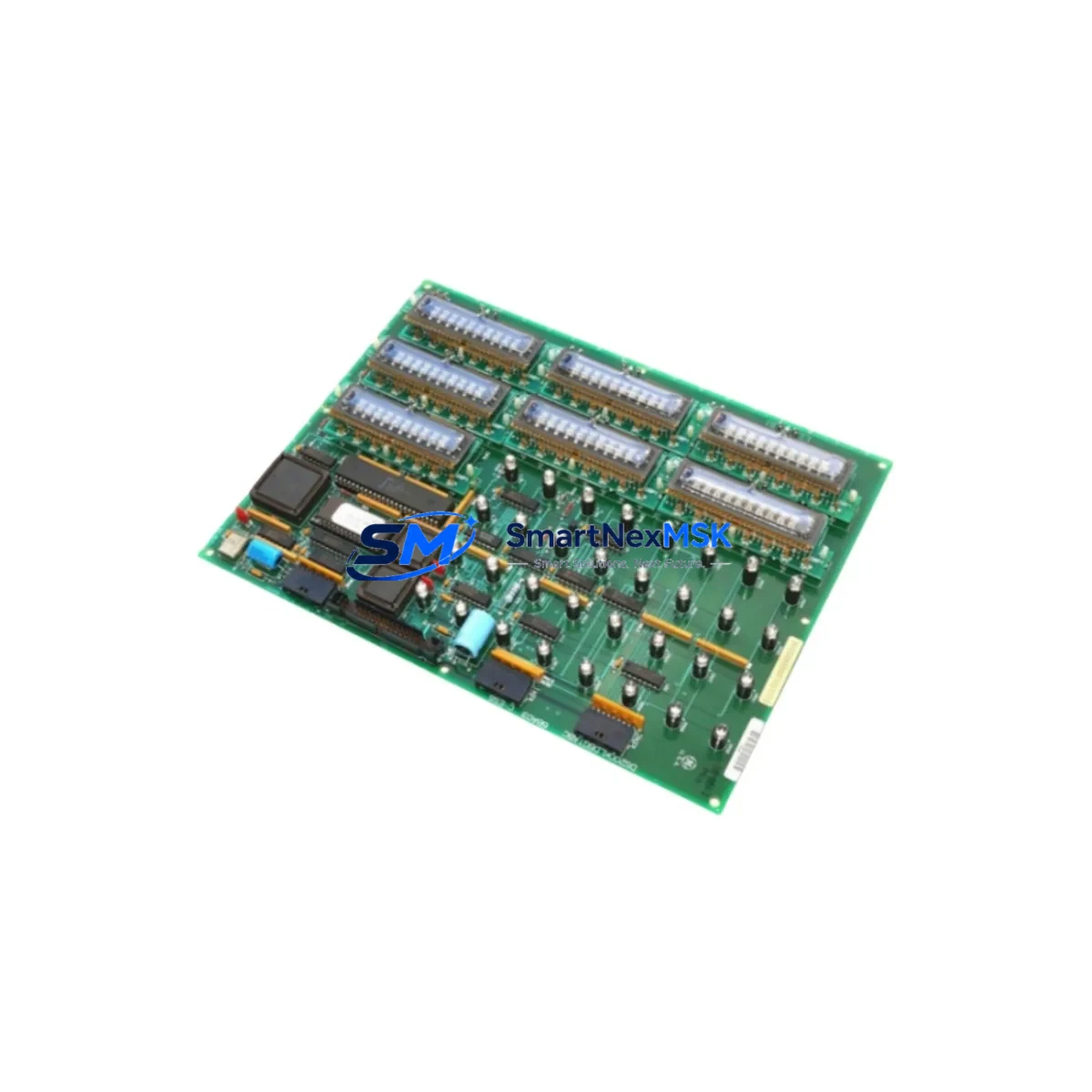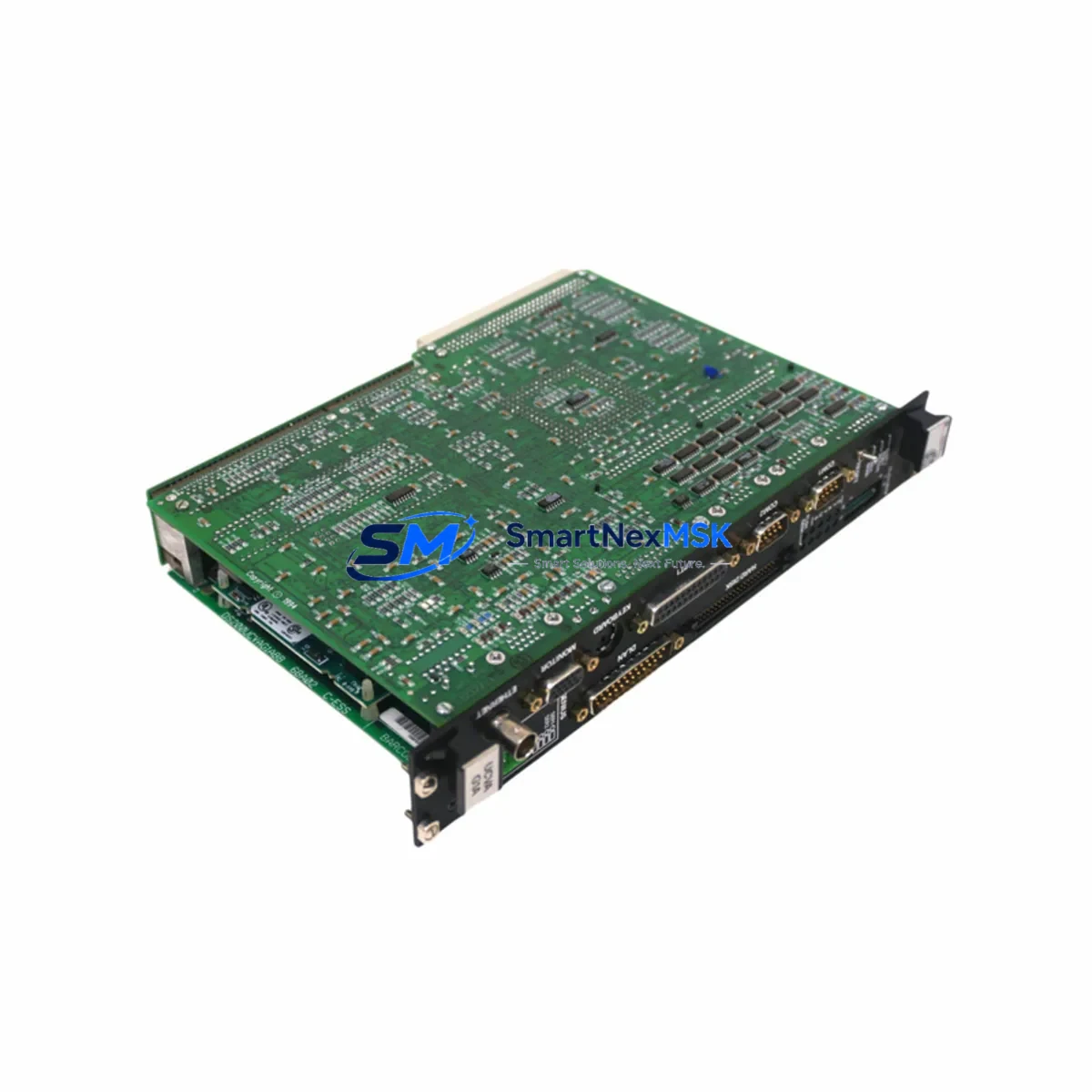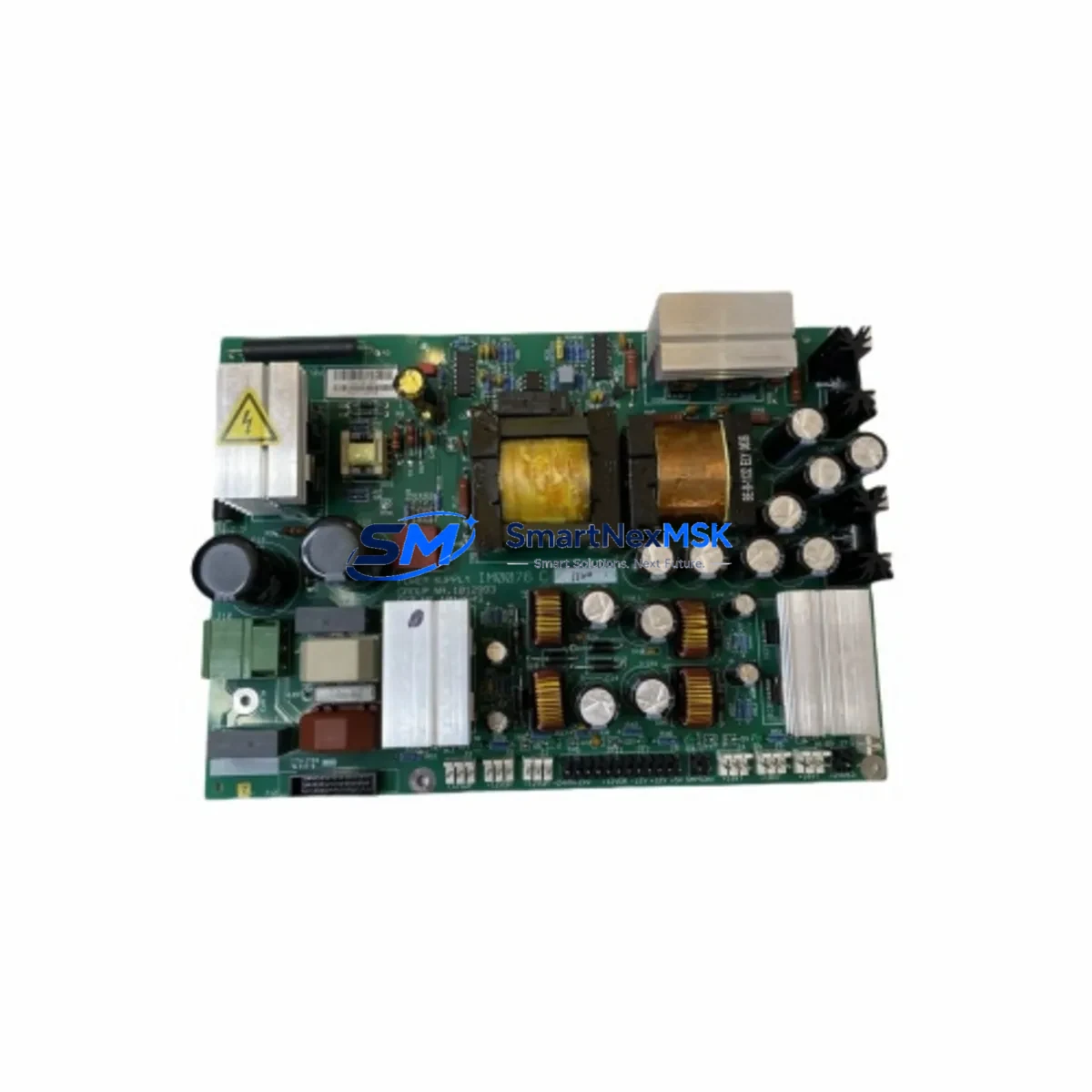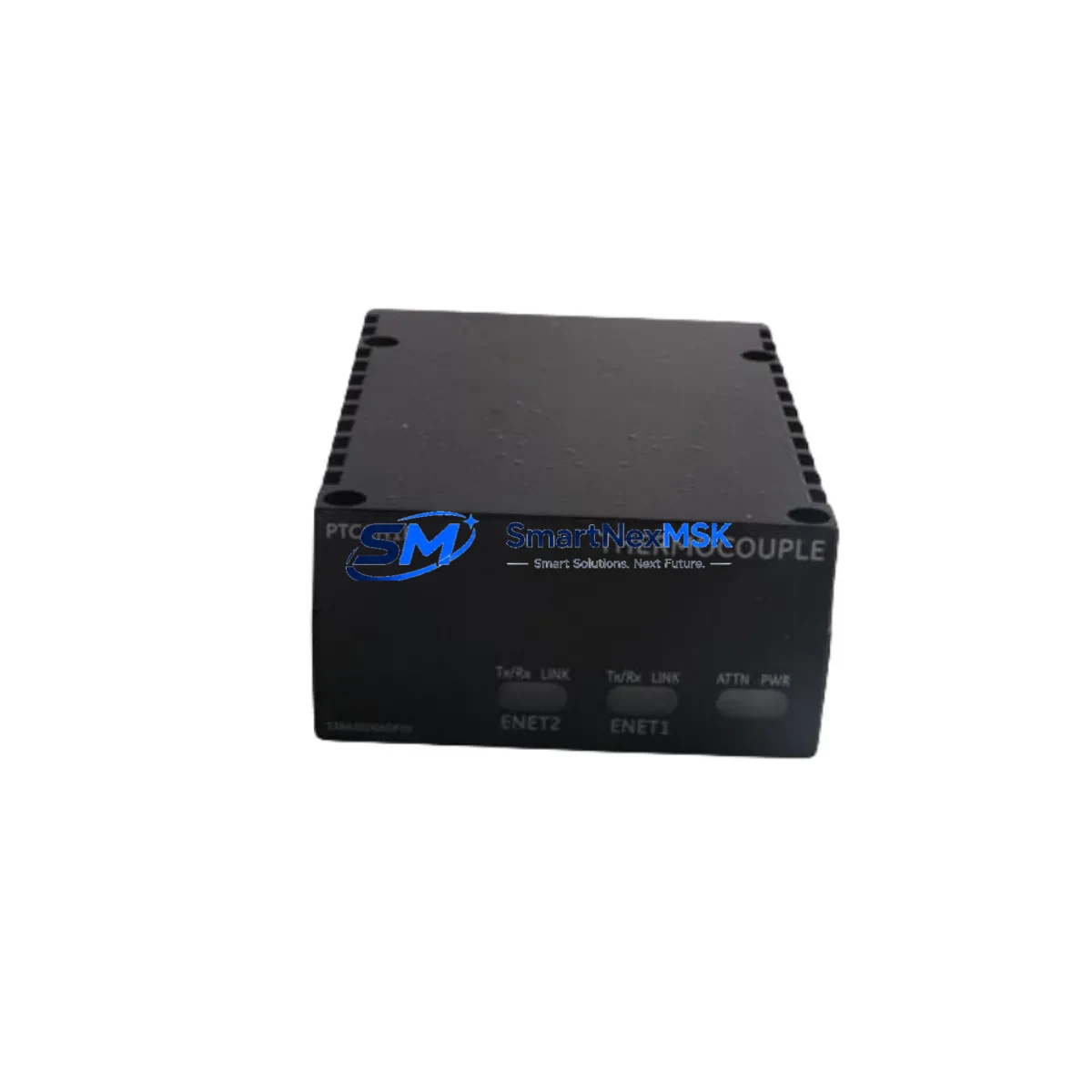
GE 9601-FT-NI Maintenance-Ready Spare for Mark VI Automation
The GE 9601-FT-NI is a field termination and network interface I/O module engineered for the GE Mark VI turbine control system — one of the most widely deployed distributed control platforms in gas turbine, steam turbine, and combined-cycle power generation facilities worldwide. For maintenance engineers and procurement teams managing aging turbine control infrastructure, securing a verified, pre-tested spare of the 9601-FT-NI is a foundational element of any downtime-reduction and asset-life-extension strategy.
The Mark VI architecture is a redundant, distributed control system that coordinates turbine sequencing, protection logic, fuel control, and I/O signal management across multiple racks and I/O packs. The 9601-FT-NI bridges field wiring to the control processor via GE’s proprietary IONet Ethernet-based I/O network. A failure or degradation of this module can interrupt signal acquisition, trigger protective shutdowns, or cause complete loss of visibility into critical process variables — all of which translate directly into unplanned downtime, production loss, and costly emergency mobilization.
This listing provides an original GE 9601-FT-NI spare, sourced from authorized channels, individually inspected, and functionally tested prior to shipment. Each unit is packaged in anti-static, shock-protected materials and ships with a 12-month warranty covering manufacturing defects and functional performance. Expedited shipping is available to minimize lead time in emergency replacement scenarios.
Spare Maintenance Table
| Parameter | Specification / Detail |
|---|---|
| Part Number | 9601-FT-NI |
| Brand / OEM | GE (General Electric) |
| Series | Mark VI Turbine Control System |
| Module Type | Field Termination & Network Interface I/O Module |
| Application | Gas turbine, steam turbine, combined-cycle power plant control |
| Compatibility | GE Mark VI I/O racks; compatible with VCMI, VTUR, VPRO processor boards |
| Signal Interface | Analog and digital I/O field termination; IONet communication interface |
| Communication Protocol | IONet (GE proprietary Ethernet-based I/O network) |
| Operating Voltage | 24 VDC nominal, supplied via Mark VI I/O rack backplane |
| Operating Temperature | 0°C to 60°C (standard industrial enclosure environment) |
| Mounting | Mark VI I/O rack, DIN-rail compatible carrier |
| Condition | Original OEM, pre-tested, fully functional |
| Warranty | 12 Months — manufacturing defects and functional performance |
| Lead Time | In-stock units ship within 1–3 business days; expedited available |
| Certifications | CE, UL (per GE Mark VI platform standards) |
Maintenance Planning for Continuous Operation
When a 9601-FT-NI replacement is scheduled or triggered by a fault, experienced maintenance engineers understand that the module itself is rarely the only component requiring attention. A disciplined inspection of the surrounding control cabinet and associated electrical circuits is essential to prevent repeat failures and ensure a clean, validated return to service.
Start with the Mark VI I/O rack backplane — inspect connector pins for corrosion, mechanical damage, or heat stress. A degraded backplane can cause intermittent faults that mimic module failure and will persist even after a new 9601-FT-NI is installed. Next, check the VCMI (VME Communication and Memory Interface) board, which manages IONet traffic and coordinates data exchange between the field termination module and the turbine controller; a failing VCMI can produce communication dropouts that are frequently misdiagnosed as I/O module faults.
Inspect the 24 VDC power supply module feeding the I/O rack — voltage ripple or marginal output can stress field termination modules and accelerate wear on sensitive interface circuits. Review the VTUR (Turbine Control) processor board for firmware version compatibility with the replacement 9601-FT-NI, particularly in systems that have undergone partial upgrades or mixed-revision configurations. Verify that field wiring terminal blocks and cable harnesses connecting to the module are intact, correctly torqued, and free of insulation damage or moisture ingress.
For systems with redundant I/O configurations, confirm that the redundancy switch module and VSVO (servo control) board are functioning correctly and that redundancy changeover logic has not been compromised by the fault event. Check signal isolators on analog input channels — particularly for thermocouple and RTD inputs — as a failed isolator can introduce noise or offset errors that persist after module replacement and are difficult to trace without systematic loop checking.
Review the IONet Ethernet switch connecting the I/O packs to the controller; a degraded network switch can cause packet loss that triggers spurious I/O faults and may have contributed to the original failure. Inspect fuse holders and protection fuses on the field termination side, and verify that surge protection devices on signal inputs are within specification — transient overvoltage events are a common root cause of field termination module damage in outdoor or exposed installations. Finally, if the site operates a Mark VI HMI workstation running GE Toolbox software, confirm that the I/O configuration database reflects the correct module type, slot address, and I/O channel assignments before commissioning the replacement unit.
Site Replacement Workflow
Step 1 — Pre-Replacement Verification: Confirm the fault is isolated to the 9601-FT-NI using Mark VI Toolbox diagnostics. Document all active alarms, I/O channel assignments, IONet addresses, and any custom configuration parameters associated with the module before removal. Photograph wiring connections for reference.
Step 2 — Safe Isolation: Follow site lockout/tagout (LOTO) procedures. De-energize the I/O rack segment containing the module. Verify zero energy state on all relevant circuits before proceeding. Coordinate with the control room to confirm the turbine is in a safe hold state.
Step 3 — Module Removal: Disconnect field wiring harnesses carefully, labeling each connector by channel and function. Remove the module from the rack carrier. Inspect the vacated slot for debris, corrosion, or damaged backplane contacts. Clean the slot if necessary before installing the replacement.
Step 4 — Replacement Installation: Insert the new 9601-FT-NI into the rack slot. Reconnect field wiring harnesses in the correct sequence per the documented channel assignments. Verify connector seating and torque terminal screws to the manufacturer’s specification. Confirm that the module’s DIP switch or jumper settings match the original configuration if applicable.
Step 5 — Power-Up and Commissioning: Re-energize the rack. Use Mark VI Toolbox to verify module recognition, IONet communication status, and I/O channel health. Clear any residual alarms and confirm all field signals are reading correctly within expected ranges.
Step 6 — Functional Test and Documentation: Perform a loop check on all critical I/O channels associated with the replaced module. Verify that turbine control sequences respond correctly to field inputs. Document the replacement — including part number, serial number, date, and technician — in the site maintenance log and update the spare parts inventory record.
This structured workflow minimizes turbine downtime, maintains full system compatibility, and ensures the replacement is independently validated before returning the unit to automatic control mode.
Spare Parts Support FAQ
Q1: Is the GE 9601-FT-NI compatible with all Mark VI system configurations?
The 9601-FT-NI is designed for the GE Mark VI platform and is compatible with standard Mark VI I/O rack configurations using VCMI and VTUR processor boards. Compatibility with specific firmware revisions or custom rack configurations should be verified against your site’s Toolbox configuration file prior to installation. Contact our technical team with your system details for pre-shipment confirmation.
Q2: What testing is performed before shipment?
Each 9601-FT-NI unit undergoes functional verification prior to shipment, including power-up testing, IONet communication interface checks, and I/O channel continuity verification. Units are inspected for physical condition — connector integrity, board cleanliness, and component condition — and packaged in anti-static, shock-protected materials to ensure safe delivery to site.
Q3: What does the 12-month warranty cover, and how are claims handled?
The 12-month warranty covers manufacturing defects and functional performance failures under normal operating conditions. It does not cover damage resulting from incorrect installation, overvoltage events, or physical mishandling after delivery. Warranty claims are supported with direct technical assistance, and expedited replacement units are available where applicable to minimize site downtime.
Q4: Can this module support legacy Mark VI system life extension programs?
Yes. The 9601-FT-NI is a key component in Mark VI life extension and obsolescence management strategies. We maintain inventory of multiple Mark VI I/O module types — including adjacent field termination variants and communication interface modules — to support sites operating legacy turbine control systems beyond OEM support windows. Contact us to discuss long-term supply agreements and strategic spare parts stocking programs.
© 2026 SMARTNEXMSK. All rights reserved.
Original Source: https://smartnexmsk.com
Contact: [email protected] | +86 18259474341