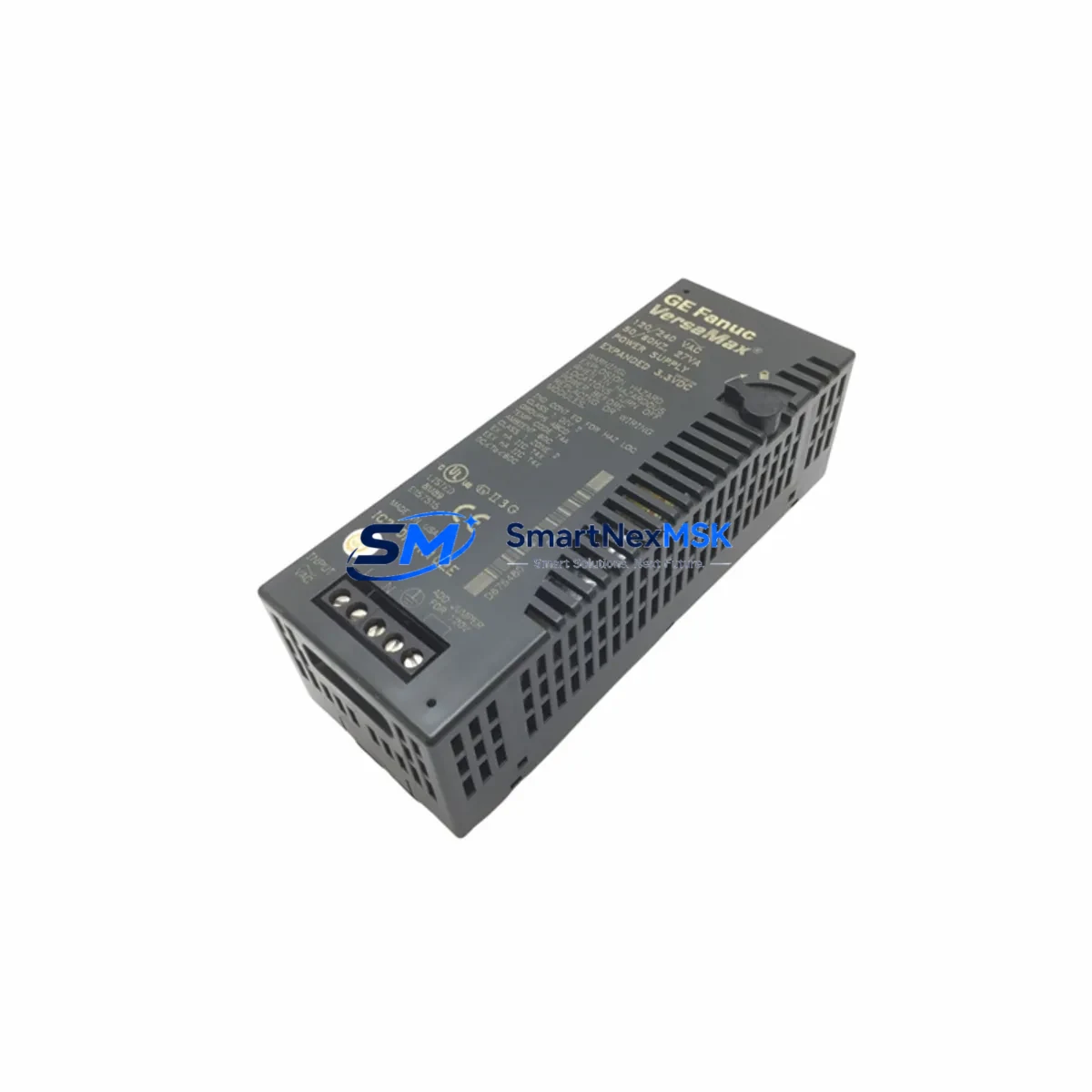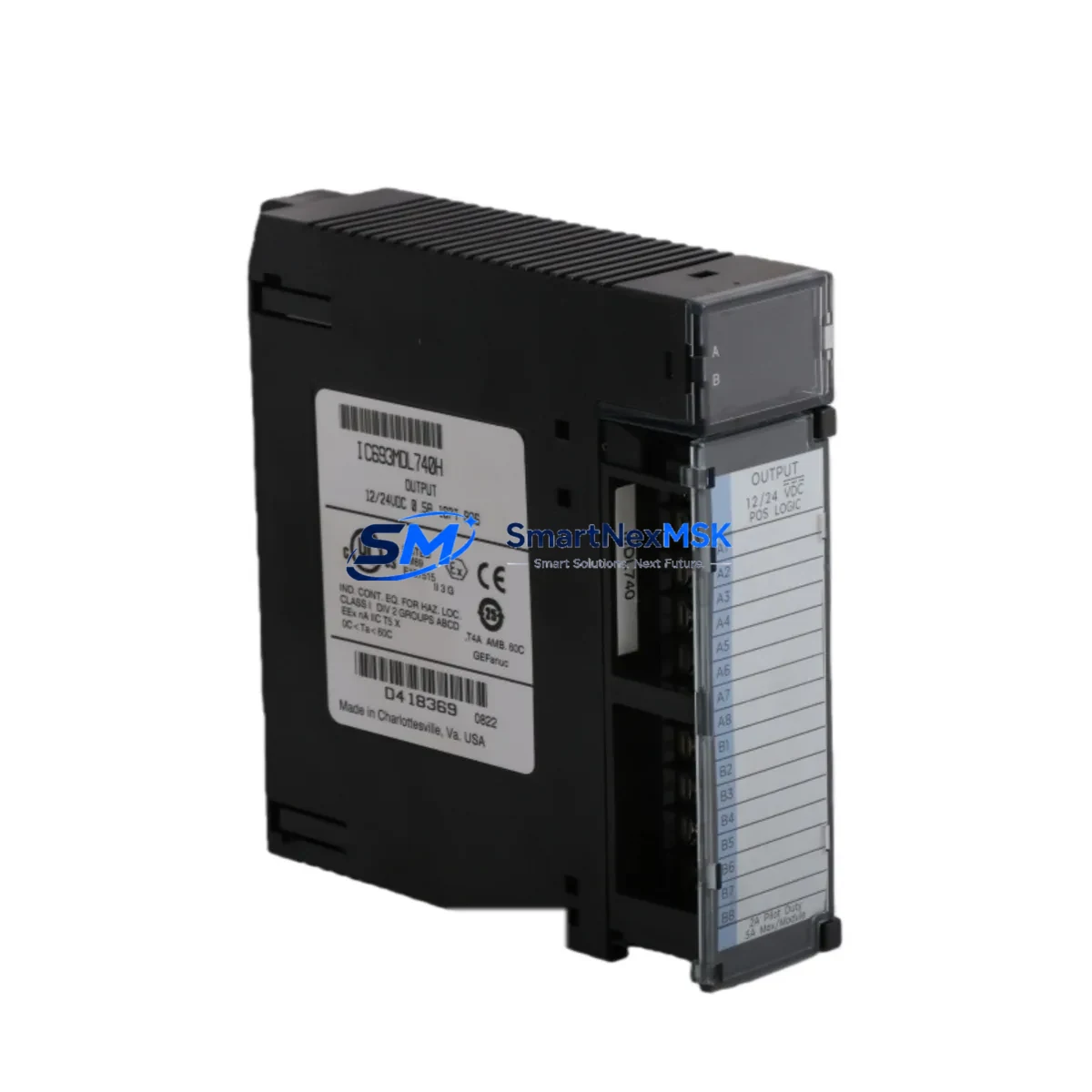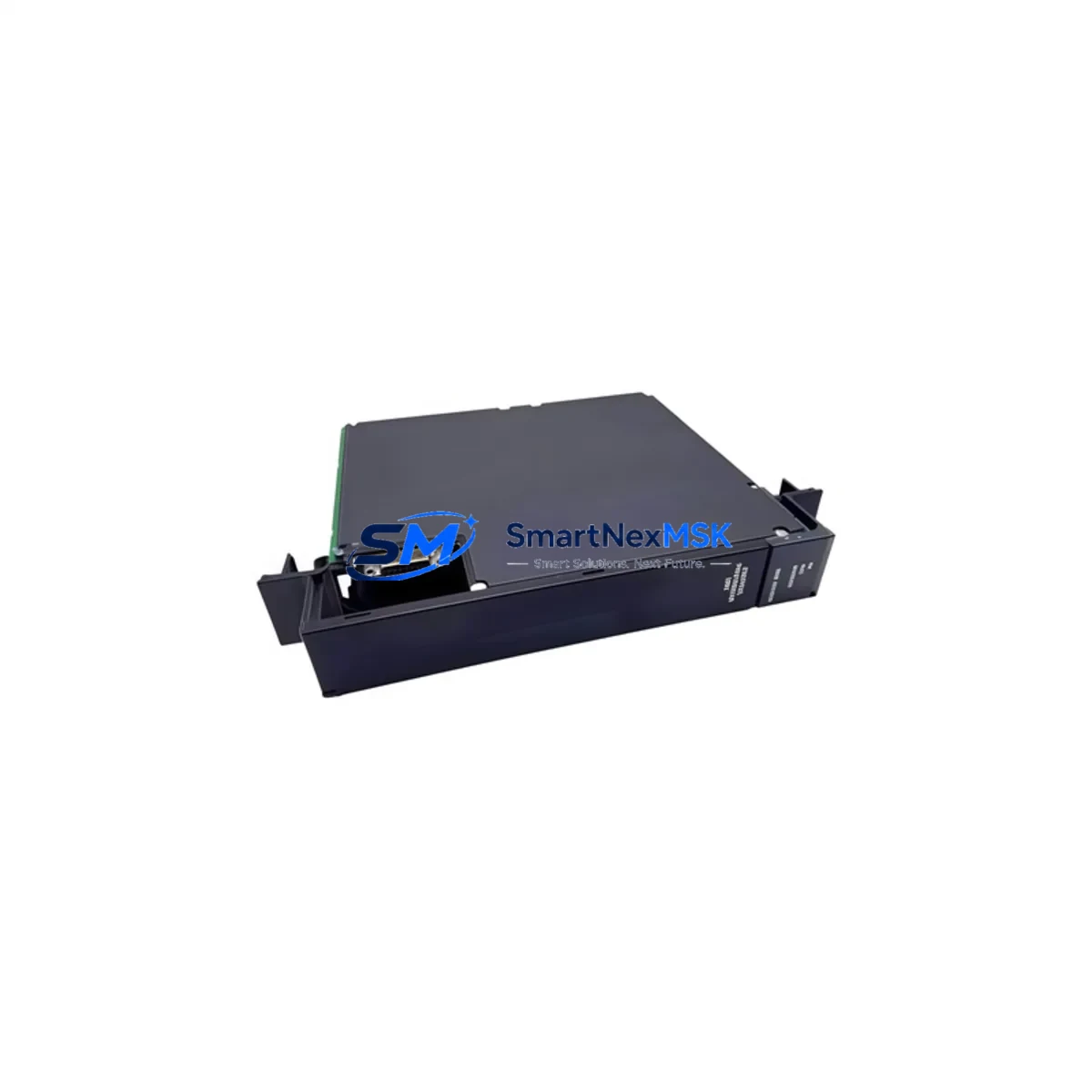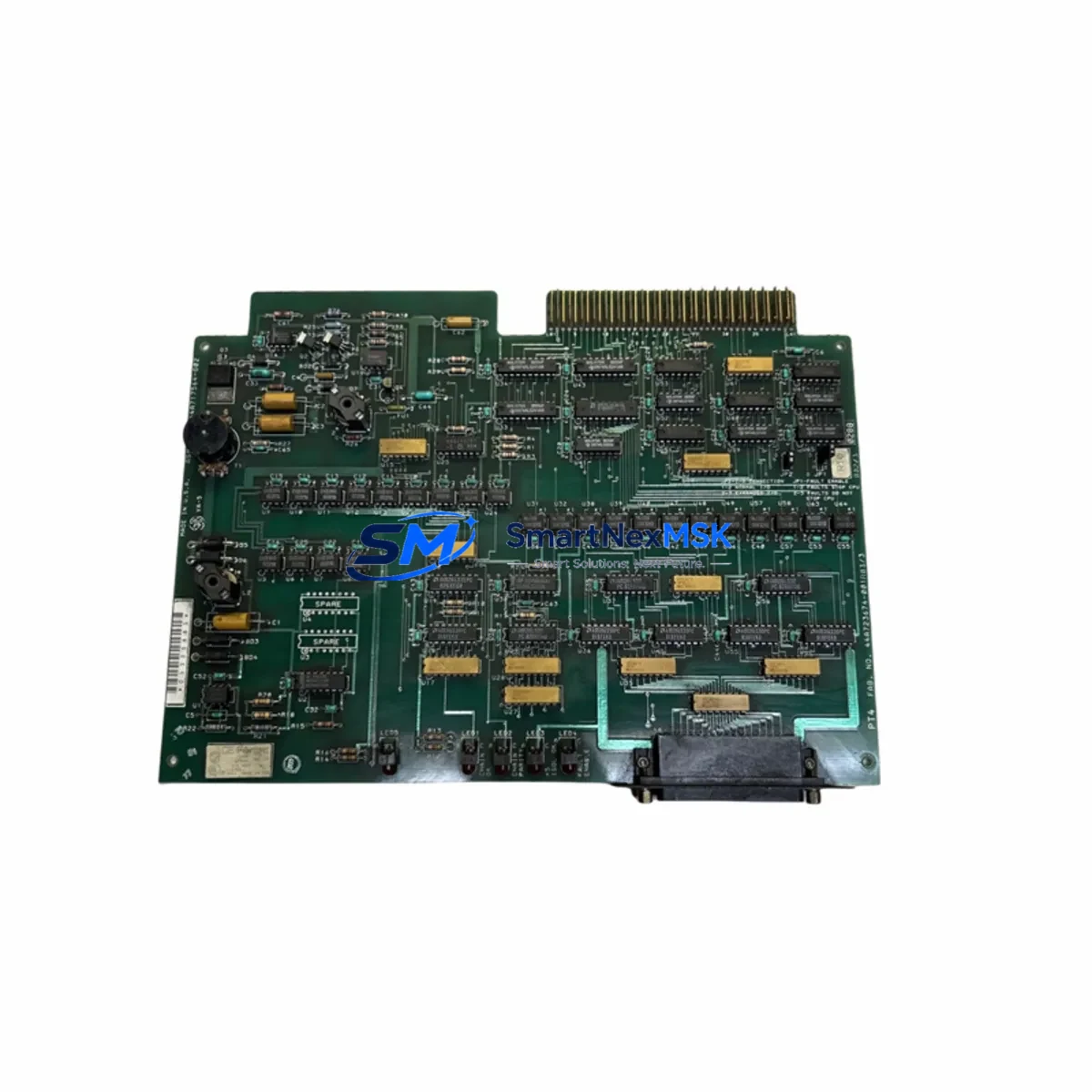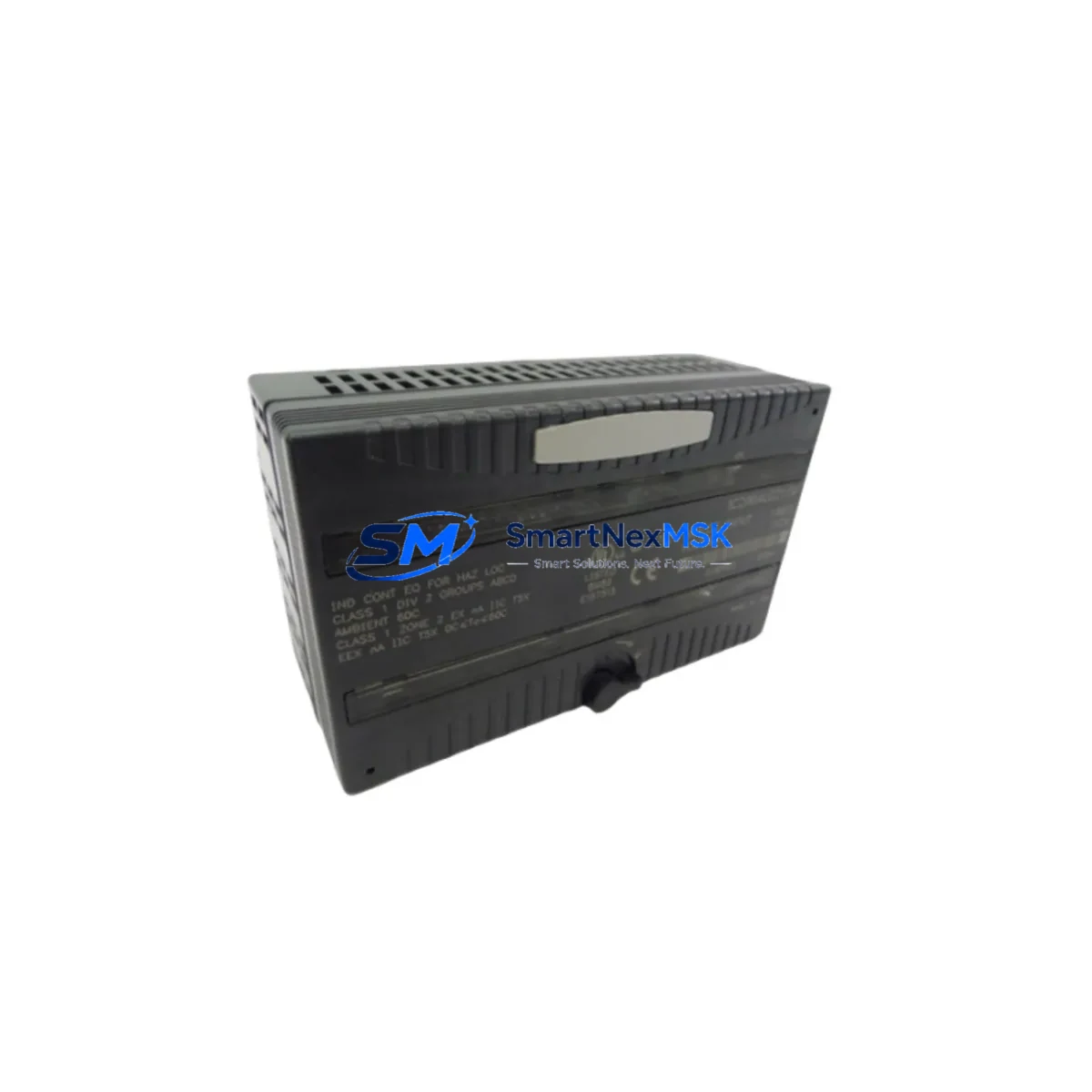
GE Fanuc IC200ALG265 Retrofit-Ready Analog Input Module for VersaMax Control Systems
The GE Fanuc IC200ALG265 is a 16-channel, 4–20 mA analog input module engineered for the VersaMax Series distributed I/O platform. As legacy VersaMax installations approach end-of-life or require capacity expansion, the IC200ALG265 remains one of the most sought-after retrofit components for engineers tasked with modernizing existing control architectures without full system replacement. Whether you are restoring a failed node, expanding analog measurement capacity, or migrating from an older GE Series 90 configuration, this module delivers a proven, drop-in compatible solution backed by a 12-month warranty and pre-shipment functional testing.
Upgrade Compatibility Table
| Parameter | IC200ALG265 Specification | Retrofit Notes |
|---|---|---|
| Channel Count | 16 Analog Input Channels | Verify backplane slot allocation; replaces single-slot 8-ch modules with density upgrade |
| Signal Type | 4–20 mA Current Input | Confirm field wiring is current-loop; voltage-input field devices require signal conditioners |
| Resolution | 12-bit (0–4095 counts) | Update PLC program scaling blocks if replacing 10-bit legacy modules |
| Backplane Interface | VersaMax Local/Remote I/O Bus | Compatible with IC200CHS002, IC200CHS005, IC200CHS022 carrier assemblies |
| Power Consumption | 5 VDC from backplane (verify NIU/CPU power budget) | Audit IC200PWR002 or IC200PWR101 power supply capacity before installation |
| Communication | VersaMax NIU (Profibus, DeviceNet, Ethernet) transparent | No protocol change required; NIU handles all upstream communication |
| Module Address | Configured via Proficy Machine Edition / Logicmaster | Preserve original %AI reference addresses to avoid program re-mapping |
| Replacement Compatibility | Direct replacement for IC200ALG260, IC200ALG261 | Confirm firmware revision of NIU; update if below recommended baseline |
| Commissioning Tool | Proficy Machine Edition 8.x or later | Use hardware configuration import to auto-detect module; verify I/O tree mapping |
| Warranty | 12 Months from shipment date | Covers manufacturing defects; includes pre-shipment functional burn-in test |
Retrofit Planning for Existing Automation Systems
Successful integration of the IC200ALG265 into an operating plant begins well before the module arrives on-site. The first step is a thorough audit of the existing VersaMax Network Interface Unit (NIU) — whether that is an IC200PBI001 Profibus NIU, an IC200EBI001 Ethernet NIU, or a IC200DBI001 DeviceNet NIU — to confirm firmware version compatibility and available I/O slot capacity on the carrier assembly.
Next, engineers should review the IC200CHS022 or IC200CHS005 carrier to verify that the target slot is physically unoccupied or that the module being displaced (commonly an IC200ALG260 8-channel analog input) can be safely removed without disrupting adjacent I/O references. The backplane power budget must be recalculated, particularly when the IC200PWR002 power supply is already near its rated output — adding a 16-channel module increases the 5 VDC draw and may require upgrading to an IC200PWR101 higher-capacity supply.
On the software side, the existing Proficy Machine Edition project should be backed up before any hardware changes. The %AI reference table must be reviewed to confirm that the new 16-channel block does not overlap with addresses already assigned to other modules such as the IC200ALG320 analog output or IC200MDL650 discrete input modules. If the original system was programmed using Logicmaster 90, a conversion to Proficy Machine Edition format is recommended prior to the retrofit to ensure full hardware configuration support.
Field wiring termination is another critical checkpoint. The IC200ALG265 uses a standard 20-pin terminal block. Technicians should verify that existing field cables — typically 2-wire or 4-wire 4–20 mA transmitters from pressure, temperature, or flow instruments — are correctly mapped to the new channel assignments. Any shielding practices from the original installation should be preserved to maintain signal integrity, especially in high-noise environments near variable frequency drives or large motor starters.
For systems that include an IC200UDR005 or similar VersaMax Micro CPU operating in standalone mode, the IC200ALG265 can be added to an expansion rack connected via the IC200CBL105 expansion cable, extending analog capacity without modifying the main CPU rack. This approach is particularly useful in retrofit scenarios where the main control cabinet has no available slots but the process requires additional measurement points.
Downtime Control During System Migration
Minimizing unplanned downtime is the primary concern for any control system retrofit. When replacing a failed or end-of-life analog input module with the IC200ALG265, the recommended approach is to pre-configure the replacement module offline using a bench-top VersaMax rack before the scheduled maintenance window. This allows the hardware configuration to be validated, the %AI scaling parameters to be confirmed, and any firmware updates to the NIU to be applied without time pressure.
During the actual swap, the sequence should follow a structured lockout/tagout procedure: de-energize the field loop power supply feeding the 4–20 mA transmitters, remove the original module, seat the IC200ALG265 firmly into the carrier slot, and restore power. Because the VersaMax architecture stores I/O configuration in the NIU rather than the module itself, the CPU program logic does not need to be re-downloaded in most cases — the NIU will recognize the new module at the same slot address and resume normal scan cycle operation within seconds.
For critical processes where even a brief interruption is unacceptable, a parallel commissioning strategy is advisable: install the IC200ALG265 in an adjacent available slot, map it to temporary %AI references, verify live signal readings against the original module, and then perform a controlled cutover during a planned micro-shutdown. This approach protects the original program logic, preserves HMI display mappings, and ensures that the control room operator sees no unexpected alarm conditions during the transition.
All units supplied by SMARTNEXMSK undergo a pre-shipment functional test that verifies channel-by-channel signal response across the full 4–20 mA range, confirming that the module is ready for immediate installation upon receipt. This eliminates the risk of discovering a defective unit only after the maintenance window has begun.
Retrofit Support FAQ
Q1: Is the IC200ALG265 a direct drop-in replacement for the IC200ALG260?
Yes. The IC200ALG265 occupies the same single backplane slot and uses the same carrier connector as the IC200ALG260. The primary difference is channel density — 16 channels versus 8. If you are replacing an IC200ALG260, the first 8 channel addresses will map identically; the additional 8 channels will require new %AI reference assignments in your Proficy Machine Edition hardware configuration. No mechanical or wiring changes are required at the carrier level.
Q2: Do I need to re-download the PLC program after installing the IC200ALG265?
In most cases, no. The VersaMax NIU manages the I/O configuration independently of the CPU program. If the module is installed in the same slot as its predecessor and the hardware configuration file already includes the IC200ALG265 definition, the NIU will resume normal operation automatically after power-up. A program re-download is only required if the hardware configuration has been modified or if the NIU firmware has been updated as part of the retrofit.
Q3: How do I verify signal accuracy after installation?
Connect a calibrated 4–20 mA loop calibrator to each channel in sequence and compare the raw count values in the Proficy Machine Edition data monitor against the expected engineering unit range. The IC200ALG265 provides 12-bit resolution (0–4095 counts), so 4 mA should read approximately 0 counts and 20 mA should read approximately 4095 counts before any scaling block is applied. If readings deviate by more than ±10 counts at either endpoint, inspect the field wiring for ground loops or excessive cable resistance.
Q4: What does the 12-month warranty cover, and how is it claimed?
The 12-month warranty covers all manufacturing defects and functional failures under normal operating conditions from the date of shipment. It does not cover damage resulting from incorrect installation, overvoltage conditions, or physical mishandling. To initiate a warranty claim, contact SMARTNEXMSK with the original order reference and a description of the fault. A replacement unit will be dispatched after remote diagnostic confirmation, and the defective module should be returned for inspection within 30 days of the replacement shipment.
© 2026 SMARTNEXMSK. All rights reserved.
Original Source: https://smartnexmsk.com
Contact: [email protected] | +86 18259474341