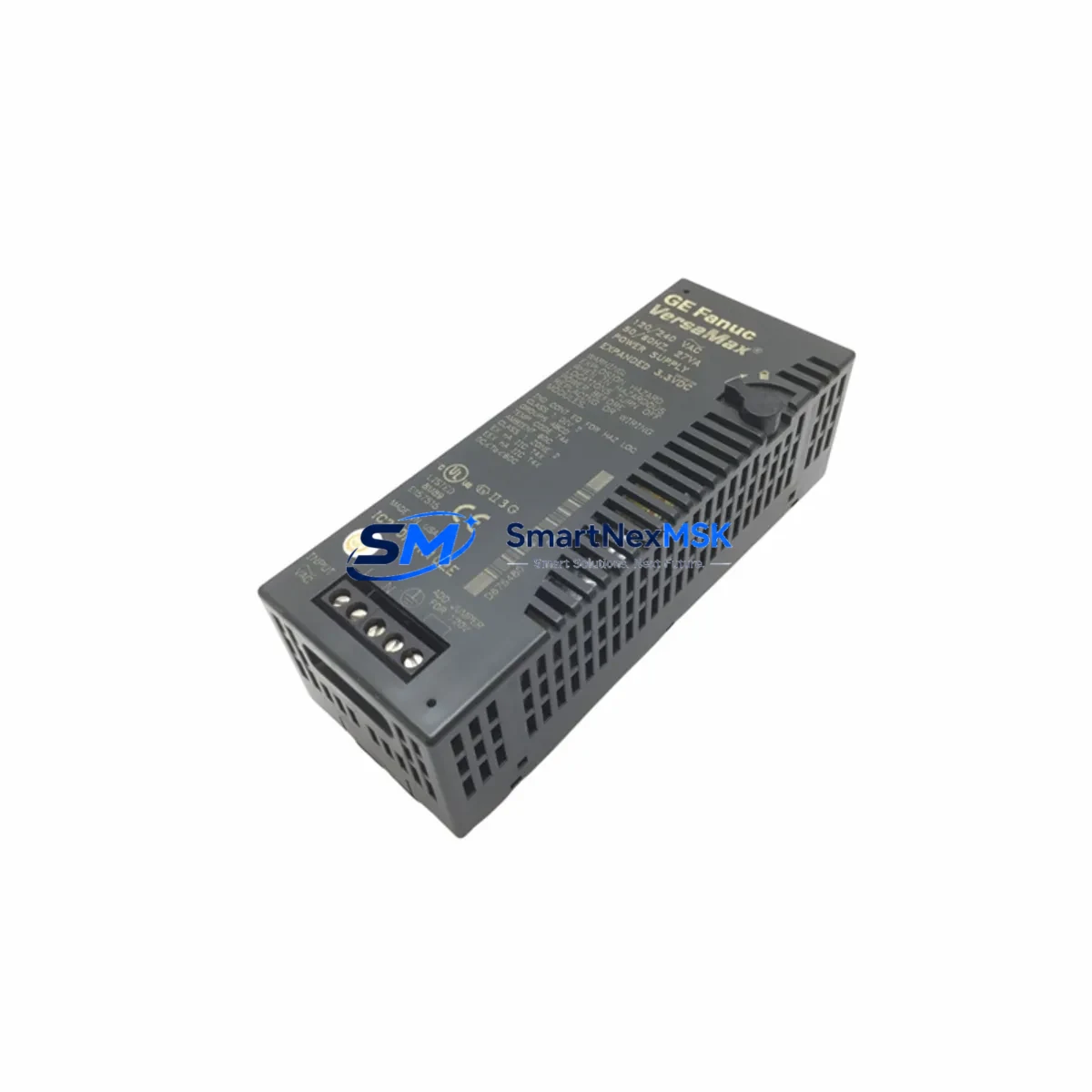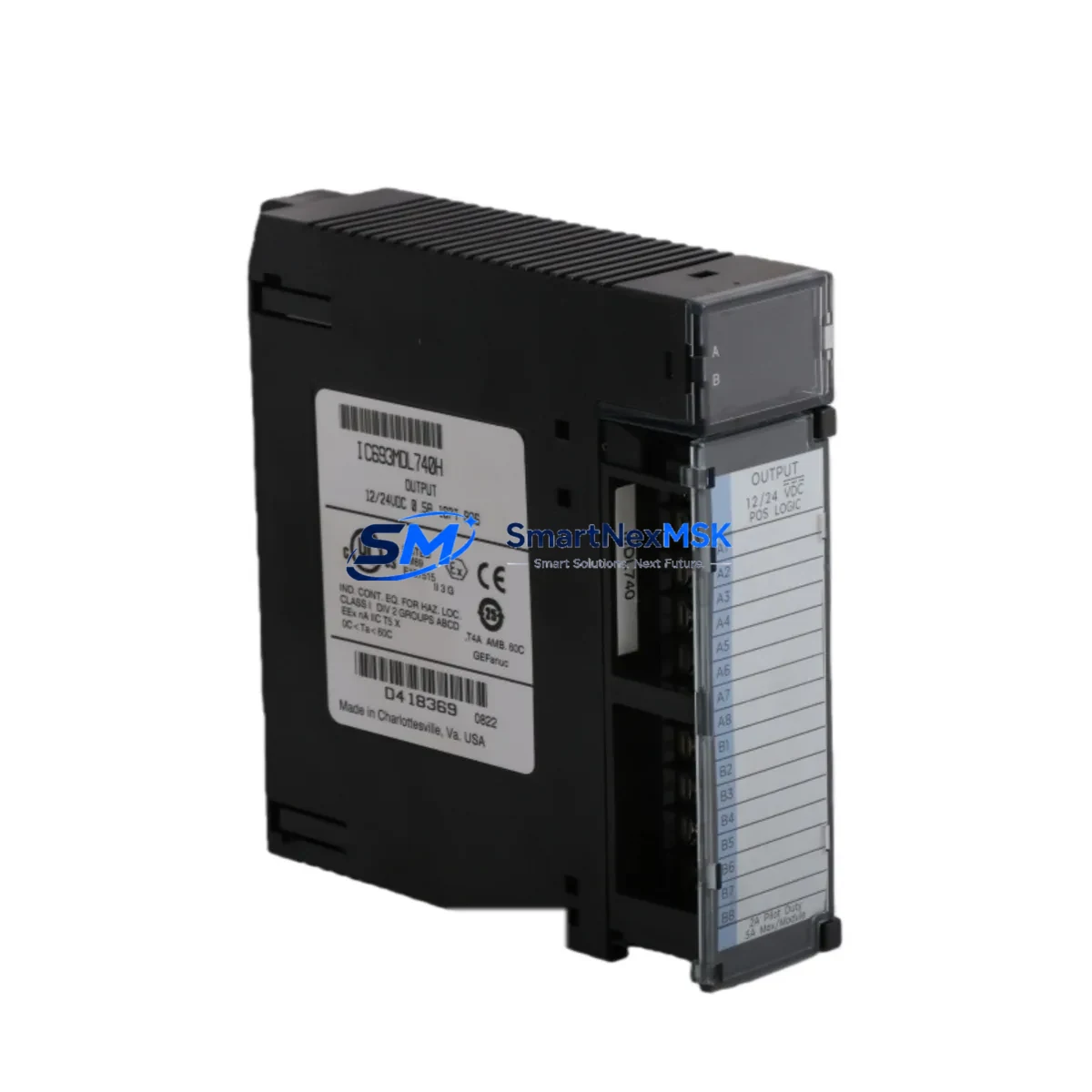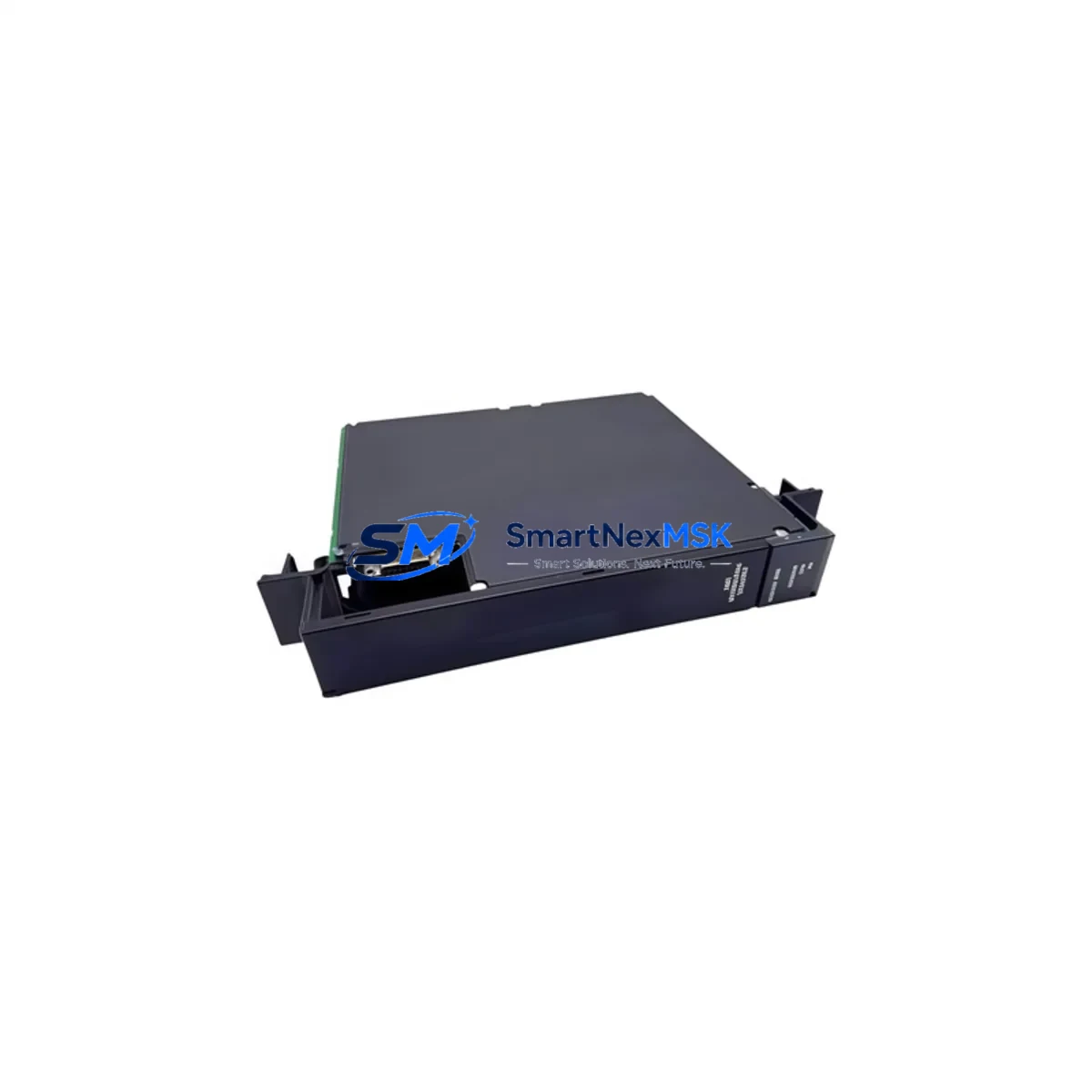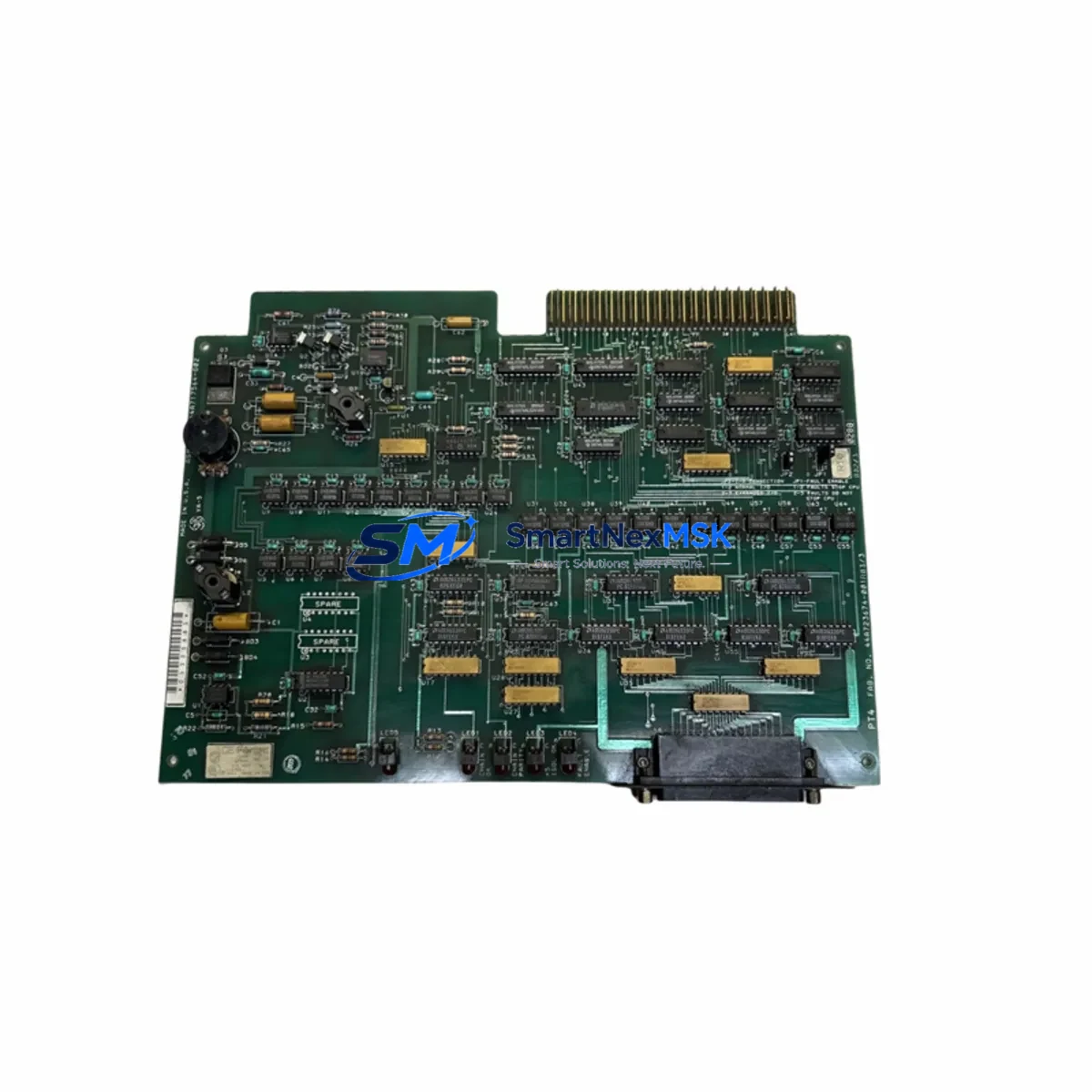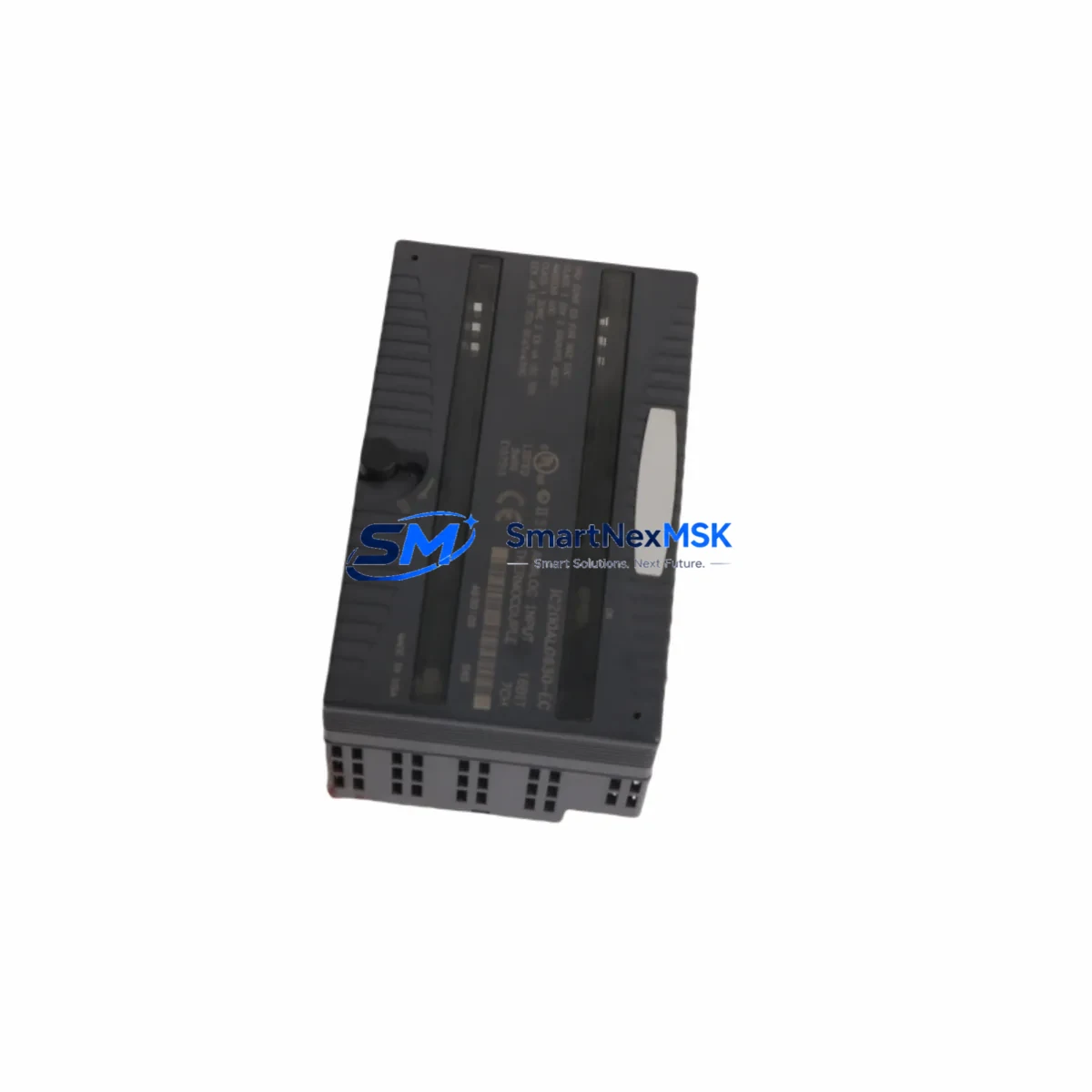
GE Fanuc IC200ALG630 Maintenance-Ready Spare VersaMax
Unplanned downtime in industrial automation environments is costly. When a VersaMax analog input module fails, every minute of lost production translates directly into revenue impact. The GE Fanuc IC200ALG630 is a 16-channel analog input module designed for the VersaMax Micro and VersaMax modular PLC platforms — a workhorse component found in thousands of process control, packaging, material handling, and discrete manufacturing installations worldwide. Maintaining a verified, tested spare of the IC200ALG630 in your site inventory is one of the most effective strategies for rapid fault recovery and sustained system uptime.
This listing provides an original GE Fanuc IC200ALG630 analog input module, sourced from authorized supply channels, individually tested prior to shipment, and backed by a 12-month warranty. Whether you are a maintenance engineer executing a planned replacement during a scheduled shutdown, or a procurement engineer sourcing emergency stock after an unexpected module failure, this spare is ready to ship and engineered to restore your system to full operation with zero configuration compromise.
Spare Maintenance Table
| Parameter | Specification |
|---|---|
| Part Number | IC200ALG630 |
| Brand / Manufacturer | GE Fanuc (now Emerson / GE Automation) |
| Series | VersaMax Modular PLC |
| Module Type | Analog Input Module |
| Number of Channels | 16 Channels (Differential or Single-Ended) |
| Input Signal Range | ±10 VDC / 0–10 VDC / 4–20 mA (configurable per channel) |
| Resolution | 15-bit + sign (16-bit word) |
| Isolation | 500 VAC field-to-logic isolation |
| Power Consumption | Supplied via VersaMax backplane bus |
| Operating Temperature | 0°C to 60°C (32°F to 140°F) |
| Storage Temperature | -40°C to 85°C |
| Relative Humidity | 5% to 95% non-condensing |
| Compatibility | VersaMax Micro, VersaMax Modular CPU001/CPU005/CPU010/CPU030 |
| Backplane Interface | VersaMax local or remote I/O backplane |
| Mounting | Snap-fit onto VersaMax carrier / backplane |
| Origin | United States (OEM) |
| Condition | Original, tested before shipment |
| Warranty | 12 Months from date of shipment |
| Lead Time | In stock — ships within 1–3 business days |
Maintenance Planning for Continuous Operation
Effective maintenance planning for a VersaMax-based control system extends well beyond replacing the IC200ALG630 in isolation. When a maintenance or reliability engineer identifies a failed or degraded analog input module, the root cause is rarely limited to the module itself. A comprehensive site inspection and fault isolation procedure should accompany every IC200ALG630 replacement to prevent repeat failures and ensure the restored system operates reliably through the next maintenance interval.
Begin by inspecting the VersaMax backplane carrier (IC200CHS002 or IC200CHS022) for signs of corrosion, bent connector pins, or thermal stress damage — a compromised carrier can cause intermittent analog signal errors that mimic module failure. Next, verify the VersaMax power supply module (such as the IC200PWR002 or IC200PWR102) is delivering stable 24 VDC within tolerance; voltage sag or ripple on the backplane bus is a leading cause of analog input drift and module resets.
Inspect all field wiring terminal blocks connected to the IC200ALG630’s analog input channels. Loose terminations, corroded ferrules, or undersized conductors introduce noise and offset errors that can be misdiagnosed as module faults. If the installation uses signal isolators or signal conditioners between field transmitters and the analog input module, verify that each isolator’s output range matches the IC200ALG630’s configured input range — a mismatch here will produce out-of-range readings even with a healthy replacement module.
For systems using the IC200ALG630 alongside analog output modules such as the IC200ALG320 or IC200ALG432, confirm that the output modules are also within calibration and that no shared field power supply is overloaded. In mixed I/O cabinets, also inspect digital input and output modules (IC200MDL640, IC200MDL740 series) for blown fuses or tripped protection circuits that may have contributed to the original fault event.
If the VersaMax system communicates over Genius Bus, Profibus, or DeviceNet via a communications module (IC200BEM003 or IC200BEM104), verify that the network is stable and that the CPU is not logging communication fault codes that could indicate a broader system issue beyond the analog input module. Finally, review the VersaMax CPU module (IC200CPU001 or IC200CPU005) fault table and I/O configuration to confirm the replacement IC200ALG630 is recognized at the correct slot address before returning the system to automatic operation.
Site Replacement Workflow
The IC200ALG630 is a direct drop-in replacement for any VersaMax-compatible 16-channel analog input carrier slot. No firmware changes or CPU re-programming are required when replacing a like-for-like module in the same backplane slot. Follow this field-proven workflow to minimize downtime and ensure a clean restoration:
Step 1 — Isolate and de-energize: Place the VersaMax CPU in STOP mode via the programming terminal (Proficy Machine Edition or equivalent). De-energize the field wiring circuits connected to the IC200ALG630 using the appropriate field power isolation switches. Do not remove the module under live field voltage.
Step 2 — Document channel configuration: Before removal, photograph or record the existing channel wiring, signal type configuration (voltage/current), and any channel-specific scaling parameters stored in the CPU program. This ensures the replacement module is configured identically.
Step 3 — Remove the failed module: Release the module locking tab on the VersaMax carrier and slide the IC200ALG630 straight out of the backplane connector. Inspect the backplane connector pins for damage before inserting the replacement.
Step 4 — Install the replacement IC200ALG630: Align the replacement module with the carrier guide rails and press firmly until the locking tab engages. Reconnect all field wiring terminals, verifying polarity and signal type for each channel.
Step 5 — Power-up and verify: Re-energize the system and place the CPU in RUN mode. Monitor the analog input values in the programming terminal to confirm all 16 channels are reading within expected engineering unit ranges. Compare live readings against known-good reference values from field transmitters.
Step 6 — Update maintenance records: Log the replacement date, module serial number, and any observations about the failed module’s condition. Update your spare parts inventory to trigger reorder of a replacement IC200ALG630 spare, maintaining your site’s minimum stock level.
Spare Parts Support FAQ
Q1: Is this IC200ALG630 an original GE Fanuc module or a third-party compatible replacement?
This is an original GE Fanuc (OEM) IC200ALG630 module, not a third-party clone or compatible substitute. All units are sourced from verified supply channels and individually tested for electrical functionality prior to shipment. The 12-month warranty covers defects in materials and workmanship under normal operating conditions.
Q2: How do I verify compatibility with my existing VersaMax system before ordering?
The IC200ALG630 is compatible with all VersaMax Modular PLC backplanes and carriers, including the IC200CHS002, IC200CHS012, and IC200CHS022 series. It is supported by VersaMax CPU modules IC200CPU001, IC200CPU005, IC200CPU010, and IC200CPU030. If your system uses a VersaMax Micro (IC200UDR series), please confirm the backplane type before ordering, as Micro systems use a different form-factor carrier.
Q3: What testing is performed before shipment, and what does the 12-month warranty cover?
Each IC200ALG630 unit undergoes functional power-on testing and analog channel verification across the full input range prior to shipment. The 12-month warranty covers module failure under normal operating conditions and excludes damage caused by incorrect installation, overvoltage, or environmental conditions outside the published specification. Warranty claims are processed with return shipping support and priority replacement dispatch.
Q4: Can I maintain a long-term supply agreement for IC200ALG630 spares to support an aging VersaMax installation?
Yes. For facilities operating legacy VersaMax systems where OEM production has been discontinued or supply is constrained, we offer long-term spare parts support agreements. These agreements provide reserved stock allocation, priority fulfillment, and extended supply commitment to support your system’s operational life beyond the standard OEM end-of-life date. Contact our sales team to discuss your site’s specific inventory and lifecycle requirements.
© 2026 SMARTNEXMSK. All rights reserved.
Original Source: https://smartnexmsk.com
Contact: [email protected] | +86 18259474341