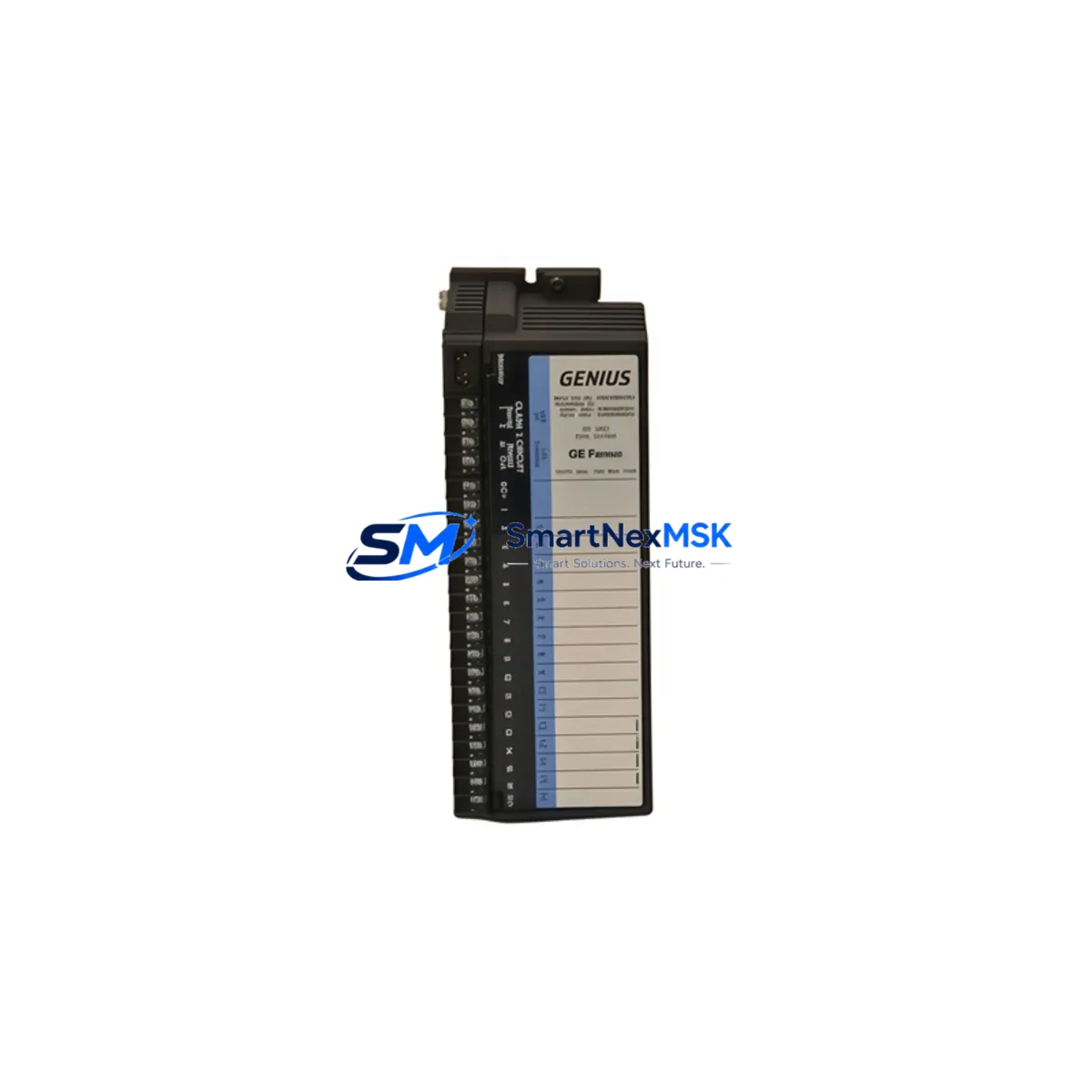
GE Fanuc IC660BBD023 Retrofit-Ready Digital I/O for Genius Series Control Systems
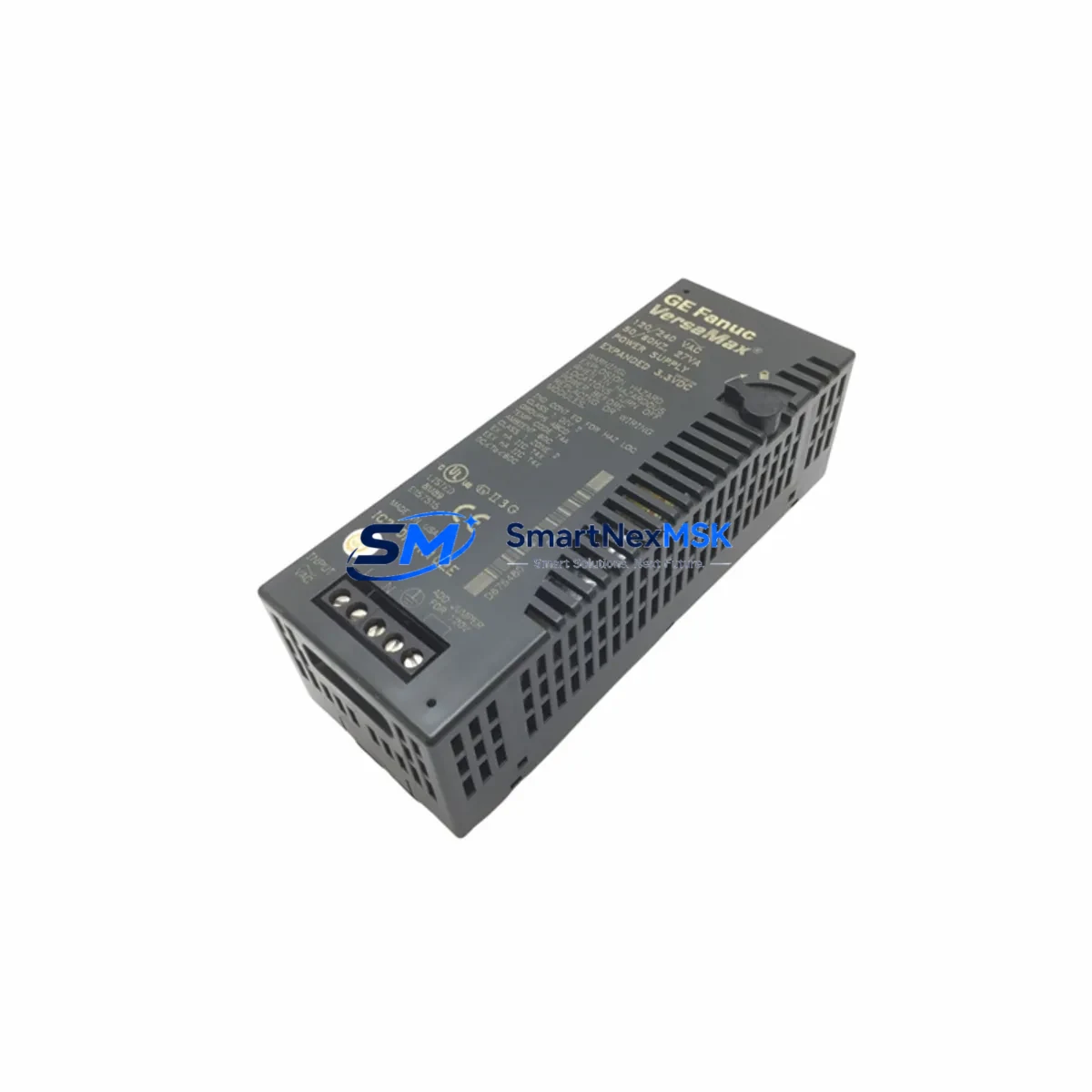
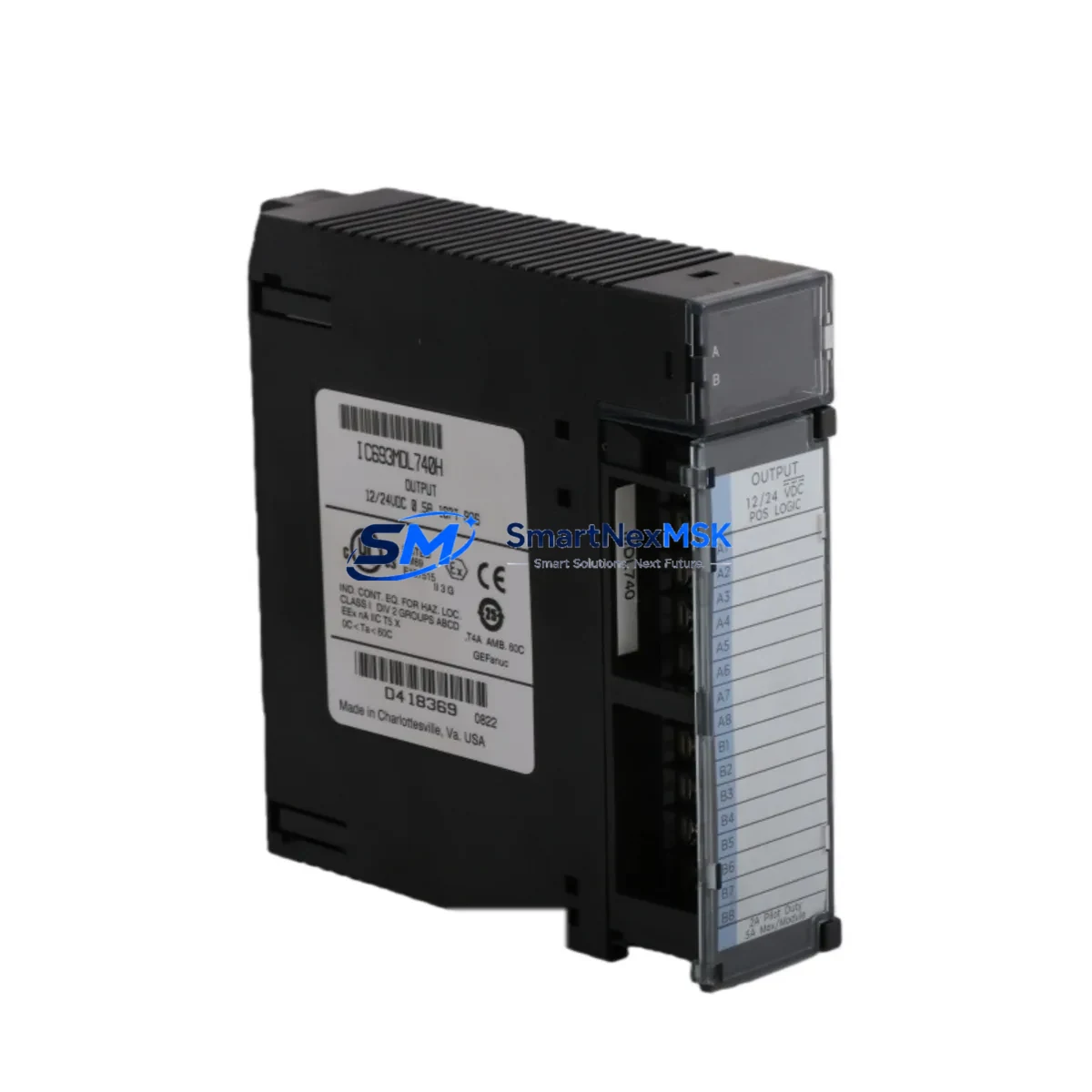
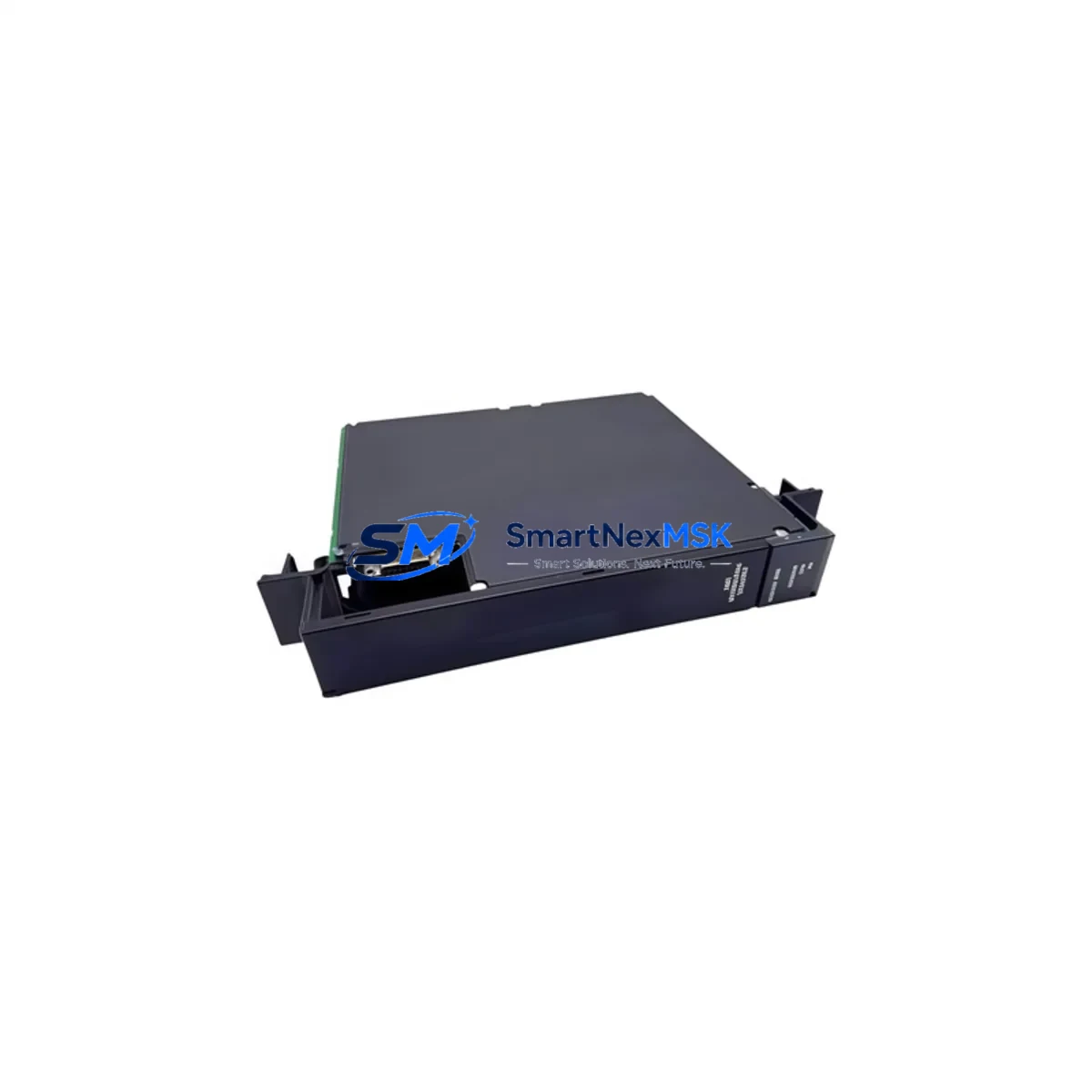
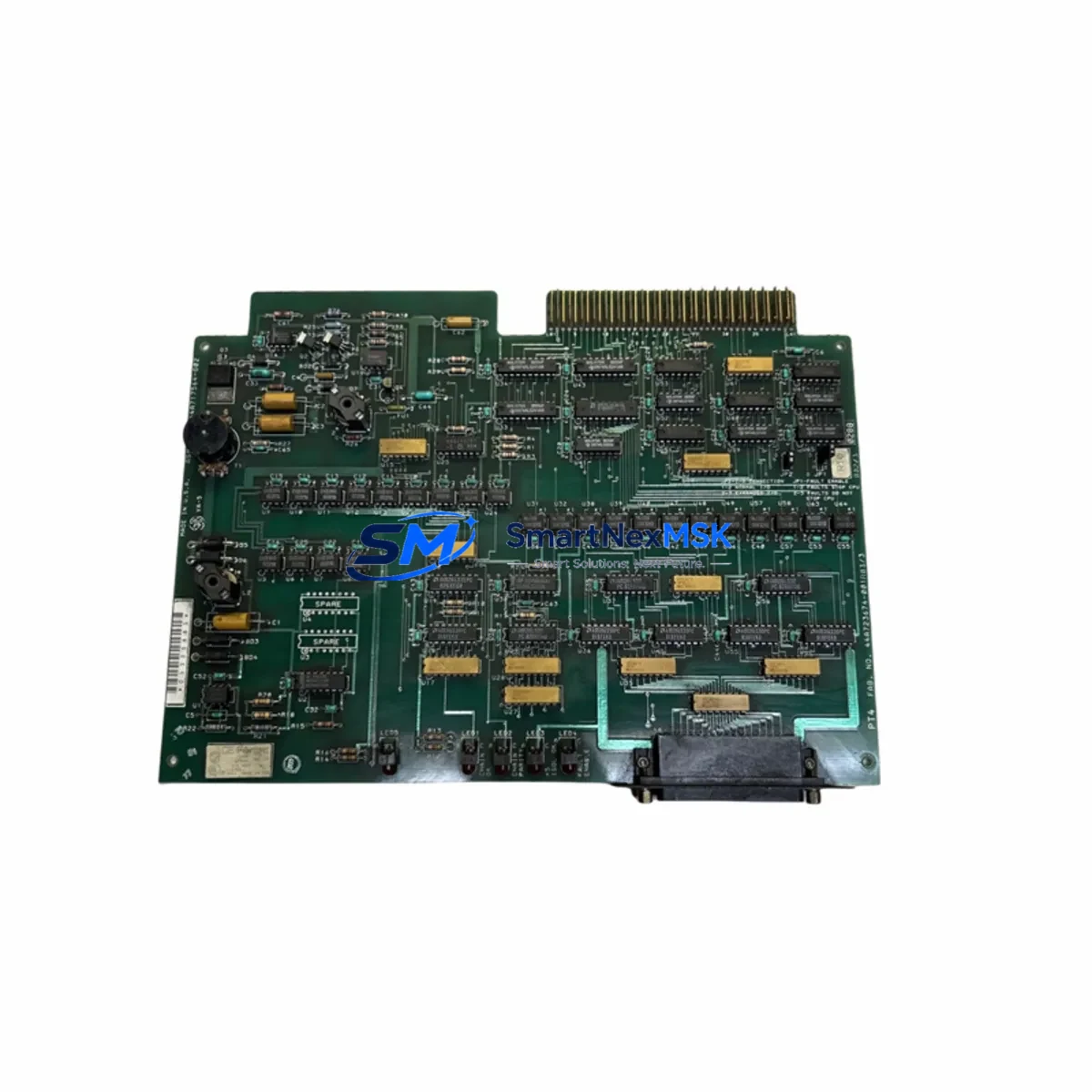
The GE Fanuc IC660BBD023 is a 32-point digital block I/O module engineered for the Genius I/O Series distributed control architecture. As legacy GE Fanuc Series 90 and Series 6 control systems reach end-of-life, the IC660BBD023 remains one of the most sought-after retrofit components for engineers tasked with modernizing aging production lines without a full system overhaul. Whether you are replacing a failed unit, expanding an existing Genius bus network, or migrating from an older block I/O configuration, this module delivers the electrical and protocol compatibility required for a smooth, low-risk transition.
Upgrade Compatibility Table
| Parameter | IC660BBD023 Specification | Retrofit Notes |
|---|---|---|
| I/O Points | 32 Digital (16 In / 16 Out) | Verify point mapping against existing ladder logic before swap |
| Bus Interface | Genius Bus (Serial, 153.6 kbps) | Compatible with IC660CBL500 and IC660CBL501 bus cables |
| Power Supply | 24 VDC nominal | Confirm IC695PSA040 or equivalent PSU capacity before installation |
| Terminal Wiring | Removable terminal block, 0.5–2.5 mm² | Re-use existing field wiring; verify torque spec (0.5 Nm) |
| Backplane / Rack | Stand-alone block, no rack required | Mount on DIN rail or panel; no IC694CHS392 rack needed |
| Module Address | Configurable via rotary switch (0–31) | Match address to original unit; update Proficy Machine Edition config |
| Communication Compatibility | Genius Bus protocol | Interoperable with IC660BBA020 analog blocks on same bus segment |
| Replacement Fit | Direct drop-in for IC660BBD020, IC660BBD021, IC660BBD022 | Confirm firmware revision in PLC CPU before commissioning |
| Commissioning Tool | Proficy Machine Edition / Hand-Held Monitor IC660HHM501 | Use HHM to verify bus scan and I/O status LEDs |
| Warranty | 12-Month Warranty | Covered against manufacturing defects; includes pre-shipment functional test |
Retrofit Planning for Existing Automation Systems
Successful integration of the IC660BBD023 into a running plant begins well before the module arrives on site. Start by auditing the existing Genius Bus segment: document the bus address assignments of every node, including any IC660BBA020 analog input blocks, IC660BBD101 high-density digital blocks, and IC660CBL500 trunk cables currently in service. Confirm that the IC695CPU310 or IC693CPU374 controller CPU has sufficient scan capacity to accommodate the new node without exceeding the 32-device-per-bus limit.
Power budget verification is the next critical step. The IC660BBD023 draws up to 150 mA from the 24 VDC field supply. If the existing IC695PSA040 power supply is already loaded near its rated output, adding a new block I/O module without recalculating the load can cause intermittent faults or bus dropouts. Always leave a minimum 20% headroom on the PSU before commissioning.
Terminal wiring adaptation is straightforward because the IC660BBD023 uses a removable screw-terminal block with the same 40-pin footprint as its predecessors. Field cables from the original IC660BBD020 or IC660BBD021 can typically be re-landed without re-pulling wire, saving significant labor time. Label each conductor before removal and photograph the original wiring arrangement for reference during re-termination.
For sites running older HMI panels connected via IC646MTH000 or similar serial interfaces, verify that the HMI tag database references the correct Genius bus address and I/O bit offsets. A mismatch between the physical module address and the HMI configuration is one of the most common causes of post-retrofit alarm floods. Update the HMI project file in parallel with the PLC program changes, and perform a dry-run simulation before going live.
If the retrofit involves migrating from a Series 6 PLC to a PACSystems RX3i platform, the IC660BBD023 can continue to operate on the legacy Genius Bus segment via an IC695LRE001 bus controller, preserving the existing field wiring investment while the new IC695CPU315 controller takes over supervisory functions. This phased approach is widely used in food processing, automotive assembly, and water treatment facilities where a full cutover is not operationally feasible.
Downtime Control During System Migration
Minimizing unplanned downtime during a Genius I/O module swap requires a structured hot-swap protocol. Begin by placing the affected bus segment in a controlled fault-tolerant state using the IC660HHM501 Hand-Held Monitor to force outputs to a safe, de-energized condition. This preserves the original program logic in the IC695CPU310 CPU memory and prevents unintended actuator movement during the physical swap.
Once the replacement IC660BBD023 is installed and the bus address rotary switch is set to match the original node, power the segment and observe the module’s status LEDs. A solid green Bus Active LED confirms that the Genius Bus controller has recognized the new node. Use Proficy Machine Edition to perform an online comparison between the current PLC program and the pre-retrofit backup to confirm that no logic has been inadvertently altered.
For critical processes, consider scheduling the swap during a planned maintenance window and pre-staging a second IC660BBD023 as a cold spare. Pre-shipment functional testing performed at our facility ensures that every module shipped has been verified for correct I/O operation, bus communication, and LED diagnostics before it leaves the warehouse, reducing the risk of receiving a defective unit during a time-sensitive outage.
Document the entire retrofit procedure — including bus address settings, terminal torque values, PSU load readings, and HMI tag updates — in a revision-controlled maintenance record. This documentation becomes invaluable for future technicians and supports compliance with IEC 62443 cybersecurity and functional safety audit requirements.
Retrofit Support FAQ
Q: Is the IC660BBD023 a direct replacement for the IC660BBD020 and IC660BBD021?
A: Yes. The IC660BBD023 is electrically and mechanically compatible with the IC660BBD020 and IC660BBD021. Set the rotary address switch to match the original node address and verify the Genius Bus scan list in your PLC CPU configuration. No program changes are required in most cases, though a firmware revision check is recommended.
Q: What wiring changes are needed when retrofitting from an older block I/O module?
A: In most installations, existing field wiring can be re-landed directly onto the IC660BBD023 removable terminal block without modification. Verify conductor cross-section (0.5–2.5 mm²) and re-torque all terminals to 0.5 Nm. If the original module used a different terminal pitch, a wiring adapter may be required — contact our technical team for guidance.
Q: How is the module commissioned after installation?
A: Use the IC660HHM501 Hand-Held Monitor or Proficy Machine Edition to scan the Genius Bus and confirm the new node appears at the correct address. Verify I/O status LEDs, force test each point, and compare live I/O values against the HMI display before returning the segment to automatic control.
Q: What does the 12-month warranty cover?
A: Every IC660BBD023 shipped by SMARTNEXMSK is covered by a 12-month warranty against manufacturing defects and functional failures under normal operating conditions. Each unit undergoes pre-shipment functional testing including bus communication verification, I/O point cycling, and LED diagnostics. Warranty claims are processed within 5 business days of receipt of the returned unit.
© 2026 SMARTNEXMSK. All rights reserved.
Original Source: https://smartnexmsk.com
Contact: [email protected] | +86 18259474341