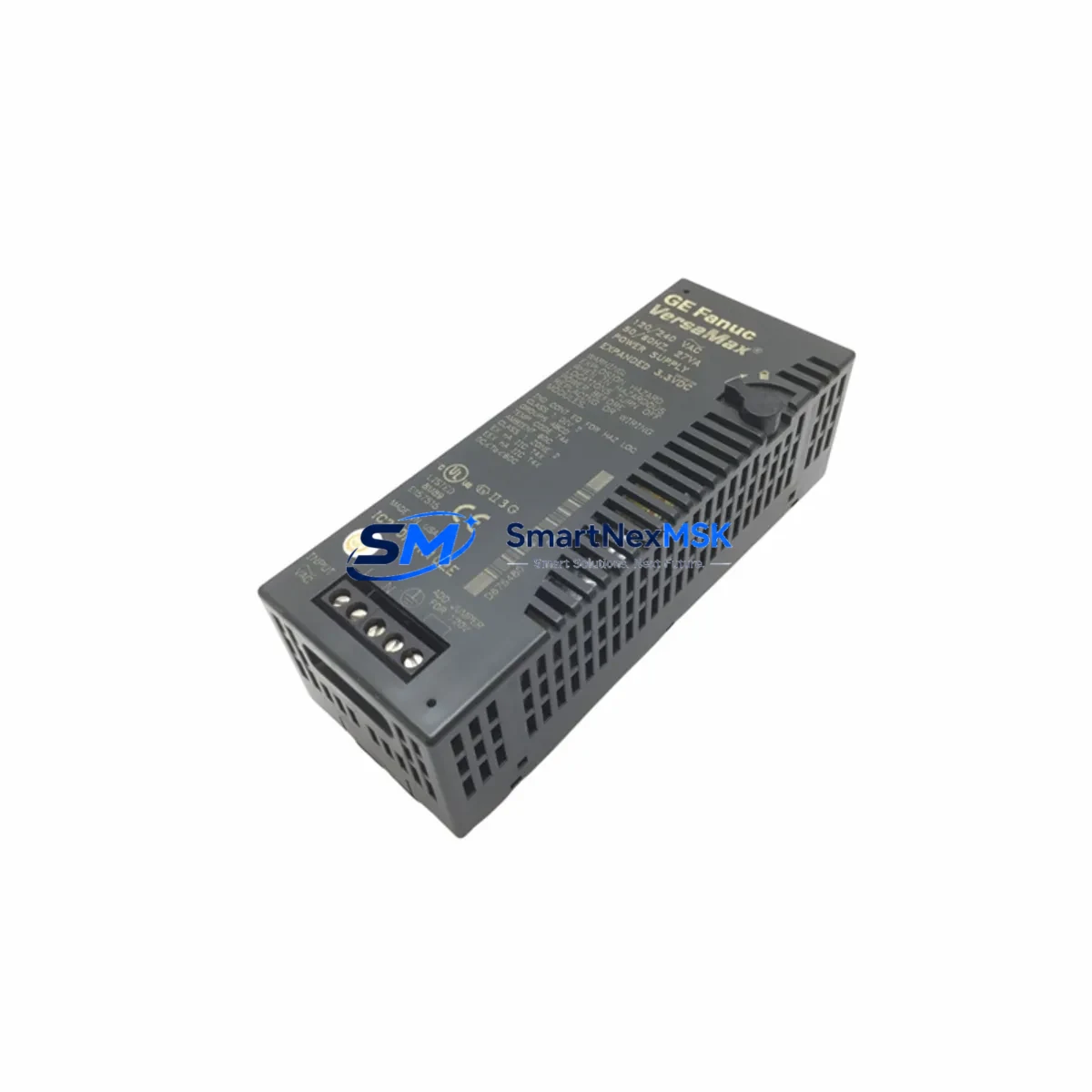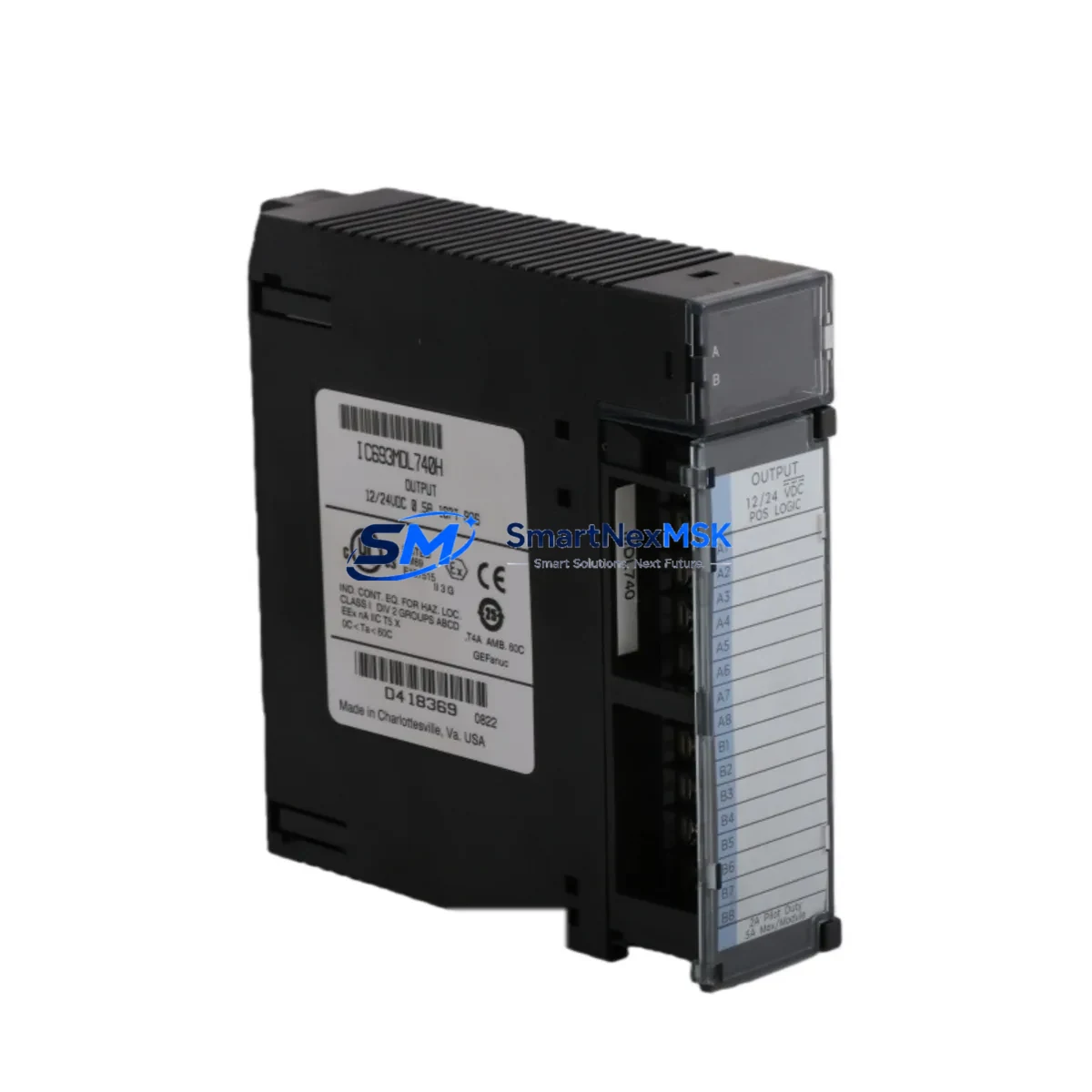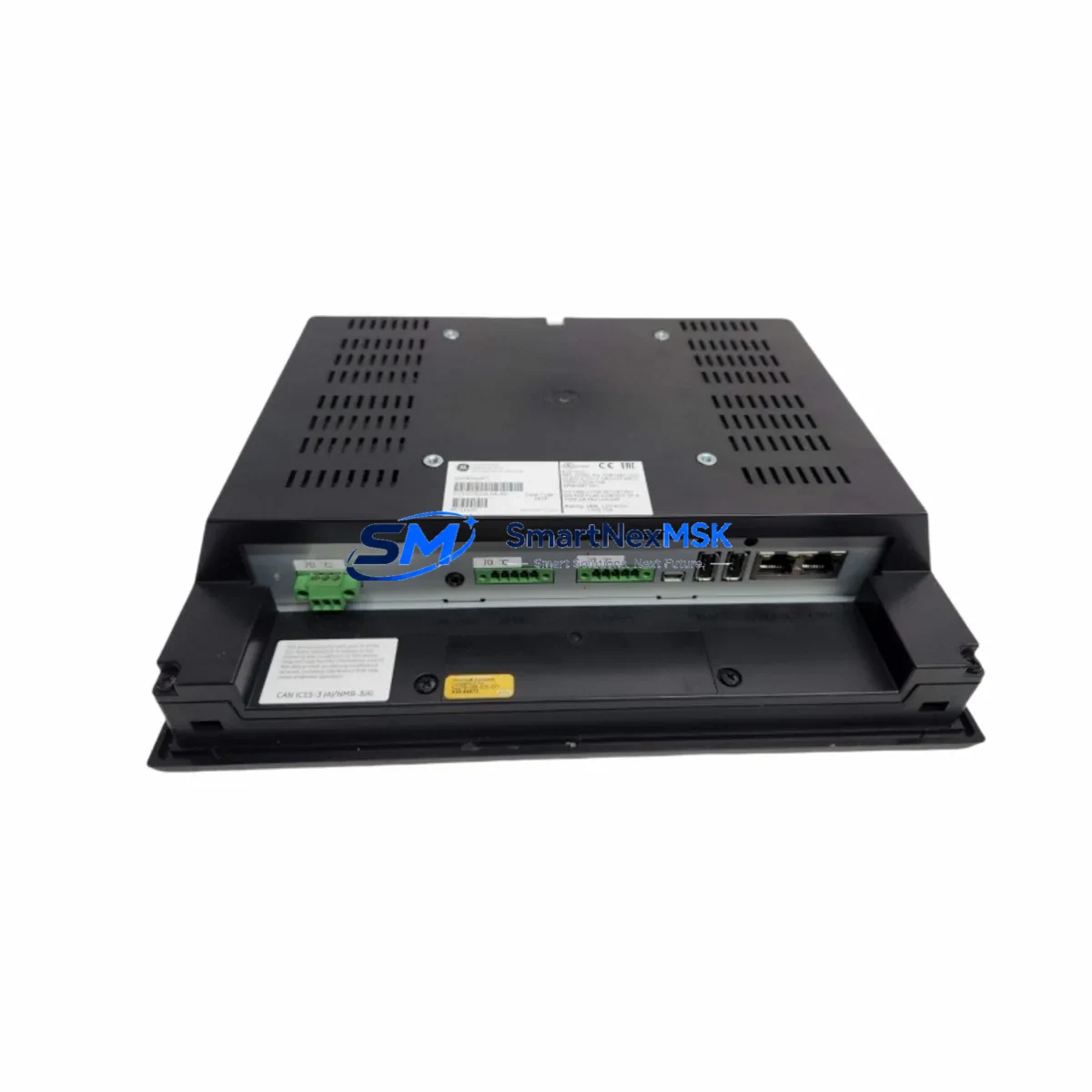
GE Fanuc IC755CSS10CDA-AG Spare for QuickPanel+ Automation: Spare Replacement & Industrial Downtime Risk Control
The GE Fanuc IC755CSS10CDA-AG is a 10-inch widescreen color touch HMI panel from the QuickPanel+ series, widely deployed across discrete manufacturing, process control, water treatment, and energy management facilities. As a maintenance-ready original spare, the IC755CSS10CDA-AG is engineered to deliver direct drop-in replacement capability for aging or failed QuickPanel+ units without requiring software reconfiguration or panel cutout modification. For maintenance engineers managing aging GE Fanuc control architectures, having a verified IC755CSS10CDA-AG in the spare parts inventory is a critical strategy for minimizing unplanned downtime and protecting production continuity.
This unit supports Windows Embedded Standard 7, integrates natively with GE Fanuc’s Proficy Machine Edition development environment, and communicates over Ethernet, serial RS-232/RS-485, and USB interfaces. Its compatibility with legacy QuickPanel View and QuickPanel Control migration paths makes it an essential component for facilities extending the operational life of GE-based SCADA and HMI systems beyond original end-of-life timelines.
Spare Maintenance Table
| Parameter | Specification |
|---|---|
| Part Number / SKU | IC755CSS10CDA-AG |
| Brand / Manufacturer | GE Fanuc (GE Intelligent Platforms) |
| Series | QuickPanel+ (QP+) |
| Display Size | 10.1″ Widescreen TFT Color Touch |
| Resolution | 1024 × 600 pixels |
| Operating System | Windows Embedded Standard 7 (WES7) |
| Processor | Cortex-A8 / ARM-based, 800 MHz |
| Memory | 512 MB RAM / 2 GB Flash Storage |
| Communication Ports | 2× Ethernet (10/100 Mbps), 2× USB Host, 1× USB Device, RS-232/RS-485 Serial |
| Power Supply Input | 24 VDC (18–30 VDC range) |
| Power Consumption | Approx. 18 W typical |
| Operating Temperature | 0°C to +50°C |
| Storage Temperature | -20°C to +70°C |
| Protection Rating | IP65 (front panel) |
| Panel Cutout | Standard QuickPanel+ 10″ cutout compatible |
| Compatibility | QuickPanel View, QuickPanel Control, Proficy Machine Edition |
| Origin | USA |
| Condition | Original New / Tested Surplus |
| Warranty | 12 Months |
| Application Environment | Industrial Panel, SCADA HMI, Process Control, OEM Machine |
| Maintenance Recommendation | Inspect 24 VDC power wiring, Ethernet connections, and USB peripherals at each replacement. Verify Proficy project compatibility before commissioning. |
Maintenance Planning for Continuous Operation
When scheduling a replacement of the IC755CSS10CDA-AG in a QuickPanel+ control station, a thorough site inspection of the surrounding electrical infrastructure is essential to prevent repeat failures and ensure long-term system stability. Maintenance engineers should begin by verifying the 24 VDC panel power supply — units such as the GE Fanuc IC695PSA140 or equivalent DIN-rail power supply modules should be load-tested to confirm they are delivering clean, stable voltage within the 18–30 VDC operating range of the HMI. Voltage ripple or transient spikes are a leading cause of premature HMI failure and must be ruled out before commissioning a replacement unit.
The Ethernet network infrastructure feeding the IC755CSS10CDA-AG should also be inspected. Managed switches, patch cables, and RJ45 terminations within the control cabinet should be checked for continuity and proper shielding, particularly in environments with high electromagnetic interference. If the HMI communicates with a GE PACSystems RX3i or RX7i PLC — such as via the IC695ETM001 Ethernet module — the network configuration and IP addressing should be validated against the Proficy project settings before the new panel is powered on.
Serial communication wiring (RS-232 or RS-485) connecting the QuickPanel+ to third-party drives, barcode readers, or legacy PLCs should be inspected for insulation integrity and proper termination resistors. Loose or corroded terminal block connections on the IC755CSS10CDA-AG’s serial port header are a common source of intermittent communication faults that can be mistaken for HMI hardware failure.
For facilities running GE PACSystems I/O modules — including IC694MDL340 discrete input modules or IC694ALG220 analog input modules — the I/O health status should be reviewed in the Proficy diagnostics view after HMI replacement to confirm that all field signals are being correctly read and displayed. Any I/O faults that were masked by the failed HMI should be resolved before returning the system to production.
USB peripherals connected to the IC755CSS10CDA-AG, such as barcode scanners, printers, or USB memory sticks used for recipe management, should be reconnected and tested after replacement. The WES7 operating system may require driver re-initialization for USB devices following a panel swap. Additionally, if the facility uses a GE Fanuc IC200MDL740 or similar remote I/O module communicating over Genius Bus or Profibus, the communication health indicators should be verified on the new HMI’s runtime screen.
Facilities with UPS-backed control panels should confirm that the uninterruptible power supply protecting the IC755CSS10CDA-AG is functioning correctly and that its battery is within service life. A failing UPS can cause unexpected HMI shutdowns that corrupt the WES7 operating system, leading to repeat replacement cycles. Surge protection devices and EMC filters installed upstream of the HMI power input should also be inspected and replaced if they show signs of wear or have absorbed surge events.
Site Replacement Workflow
Replacing the IC755CSS10CDA-AG on-site is a straightforward process when the correct spare is available and the replacement procedure is followed systematically. Begin by backing up the existing Proficy Machine Edition project from the failed or aging HMI using a USB drive or network share, if the unit is still partially operational. If the original HMI is completely non-functional, retrieve the project backup from the engineering workstation or site documentation archive.
Power down the control panel and disconnect the 24 VDC supply to the HMI. Remove the panel mounting hardware — the IC755CSS10CDA-AG uses a standard QuickPanel+ 10″ panel cutout, so the replacement unit will fit directly without modification. Disconnect all Ethernet cables, USB peripherals, and serial communication wiring, labeling each connection for accurate reconnection.
Install the replacement IC755CSS10CDA-AG into the panel cutout, secure the mounting clamps, and reconnect all wiring in reverse order. Apply power and allow the WES7 operating system to complete its boot sequence. Load the Proficy Machine Edition runtime project from the USB backup or network location, configure the Ethernet IP address to match the original HMI settings, and verify communication with the connected PLC — typically a GE PACSystems RX3i or RX7i controller.
Perform a full I/O verification test by cycling through all HMI screens and confirming that all analog and discrete signals are displaying correctly. Test all operator control functions — pushbuttons, setpoint entries, alarm acknowledgments — before returning the system to automatic operation. Document the replacement date, serial number of the new unit, and any configuration changes in the site maintenance log to support future spare parts planning and warranty tracking.
This replacement workflow is designed to minimize downtime to under two hours for a prepared maintenance team, compared to days or weeks of lead time if no spare is held on-site. Stocking a verified IC755CSS10CDA-AG as a ready spare is the most effective strategy for protecting production continuity in GE Fanuc QuickPanel+ environments.
Spare Parts Support FAQ
Q1: What is the expected service life of the IC755CSS10CDA-AG, and when should I plan for replacement?
The IC755CSS10CDA-AG is built for industrial-grade continuous operation, but like all HMI panels, its backlight and touchscreen components have finite service lives — typically 50,000 hours for the LED backlight. Facilities should plan for proactive replacement after 5–7 years of continuous operation, or immediately upon observing symptoms such as display dimming, touchscreen calibration drift, or intermittent communication faults. Holding at least one spare unit on-site eliminates the risk of extended downtime during unplanned failures.
Q2: How do I verify compatibility between the IC755CSS10CDA-AG replacement unit and my existing Proficy Machine Edition project?
Compatibility is confirmed by matching the hardware revision suffix (e.g., -AG) and the Proficy Machine Edition target type configured in your project. Before powering on the replacement unit, open the project in Proficy Machine Edition and verify that the target hardware model matches IC755CSS10CDA. If the project was developed on an earlier hardware revision, a minor target update may be required. Our technical team can assist with compatibility verification prior to shipment upon request.
Q3: What pre-shipment testing is performed on the IC755CSS10CDA-AG before delivery?
Every IC755CSS10CDA-AG unit is powered on and functionally tested prior to shipment. Testing includes display verification, touchscreen calibration check, Ethernet port connectivity test, USB port enumeration, and WES7 operating system boot verification. Units are shipped with anti-static packaging and include a test report. All units are covered by a 12-month warranty from the date of shipment, covering manufacturing defects and functional failures under normal operating conditions.
Q4: Can the IC755CSS10CDA-AG be used as a long-term supply source for facilities with multiple QuickPanel+ installations?
Yes. We maintain ongoing inventory of the IC755CSS10CDA-AG and related QuickPanel+ series components to support facilities with multiple HMI installations and long-term maintenance contracts. Volume pricing is available for customers establishing blanket purchase orders or annual spare parts agreements. Our supply chain is sourced from authorized distributors and tested surplus channels, ensuring consistent quality and traceability for each unit supplied.
© 2026 SMARTNEXMSK. All rights reserved.
Original Source: https://smartnexmsk.com
Contact: [email protected] | +86 18259474341