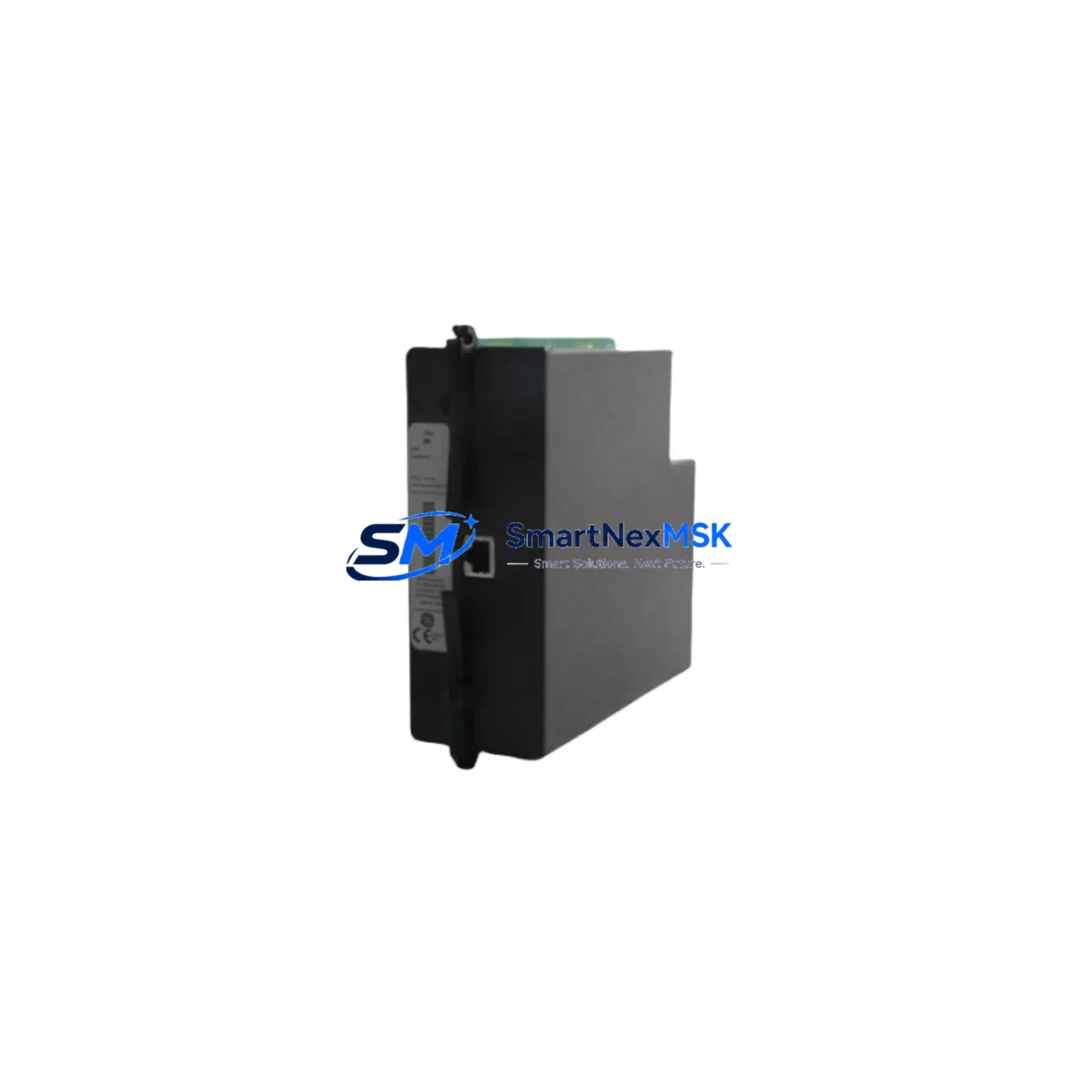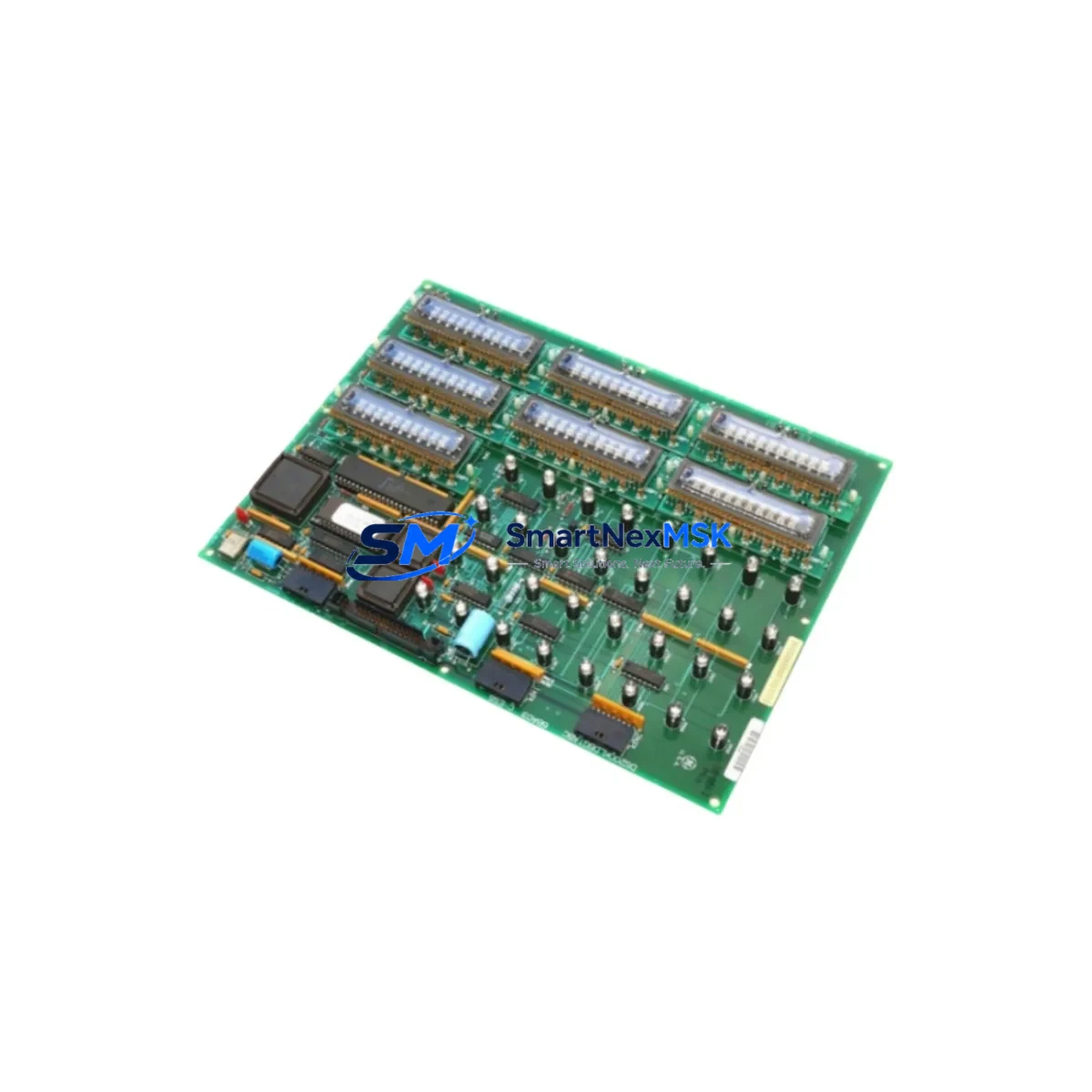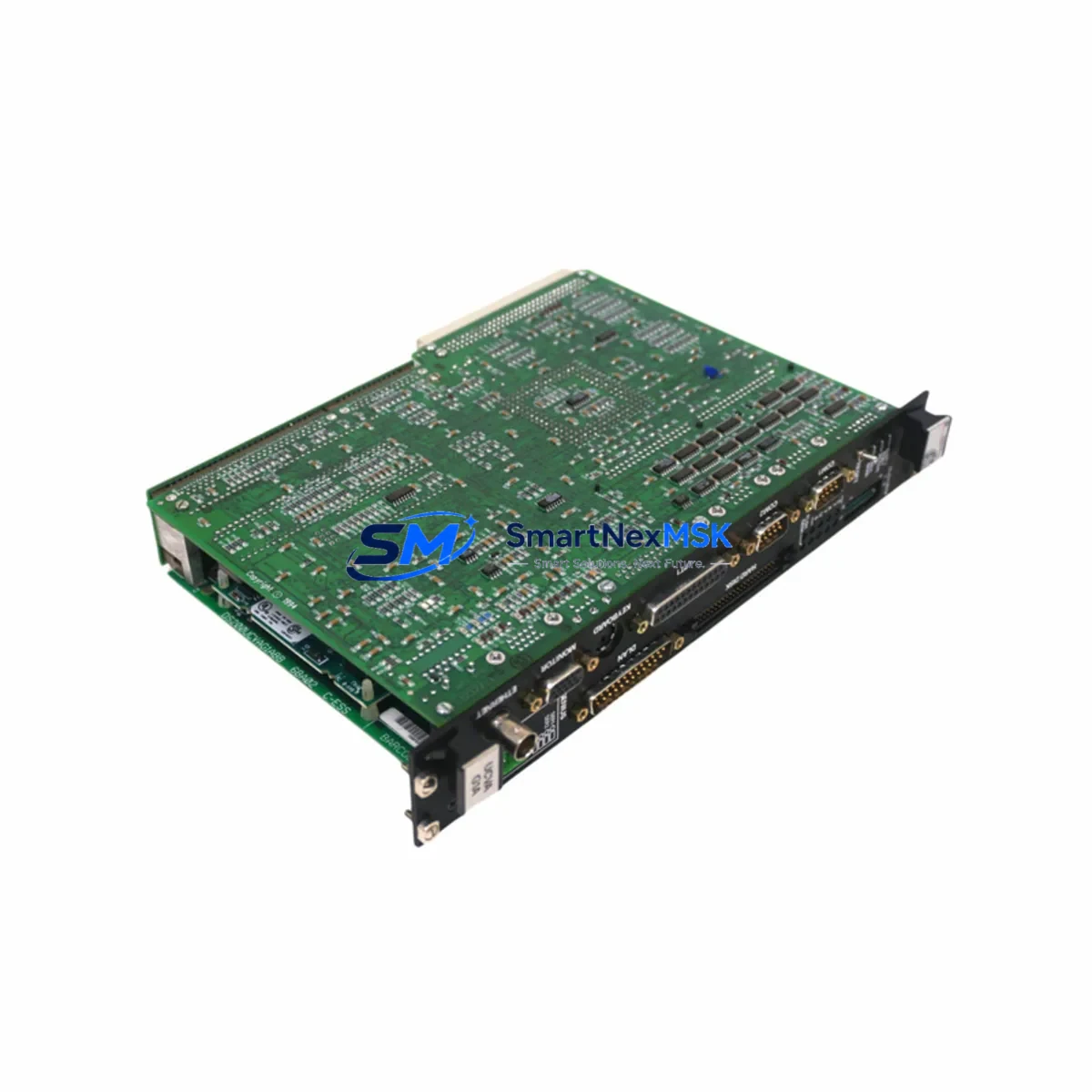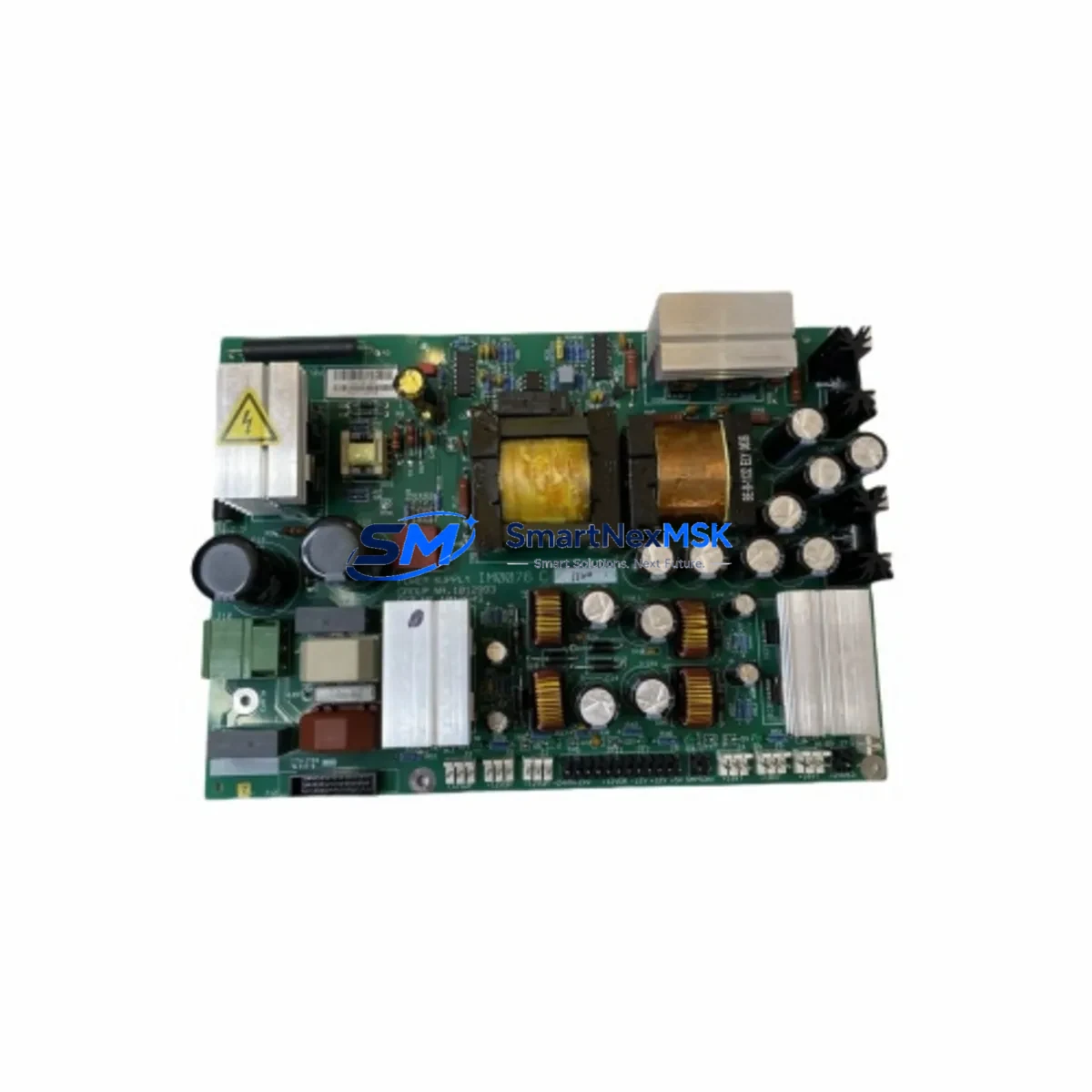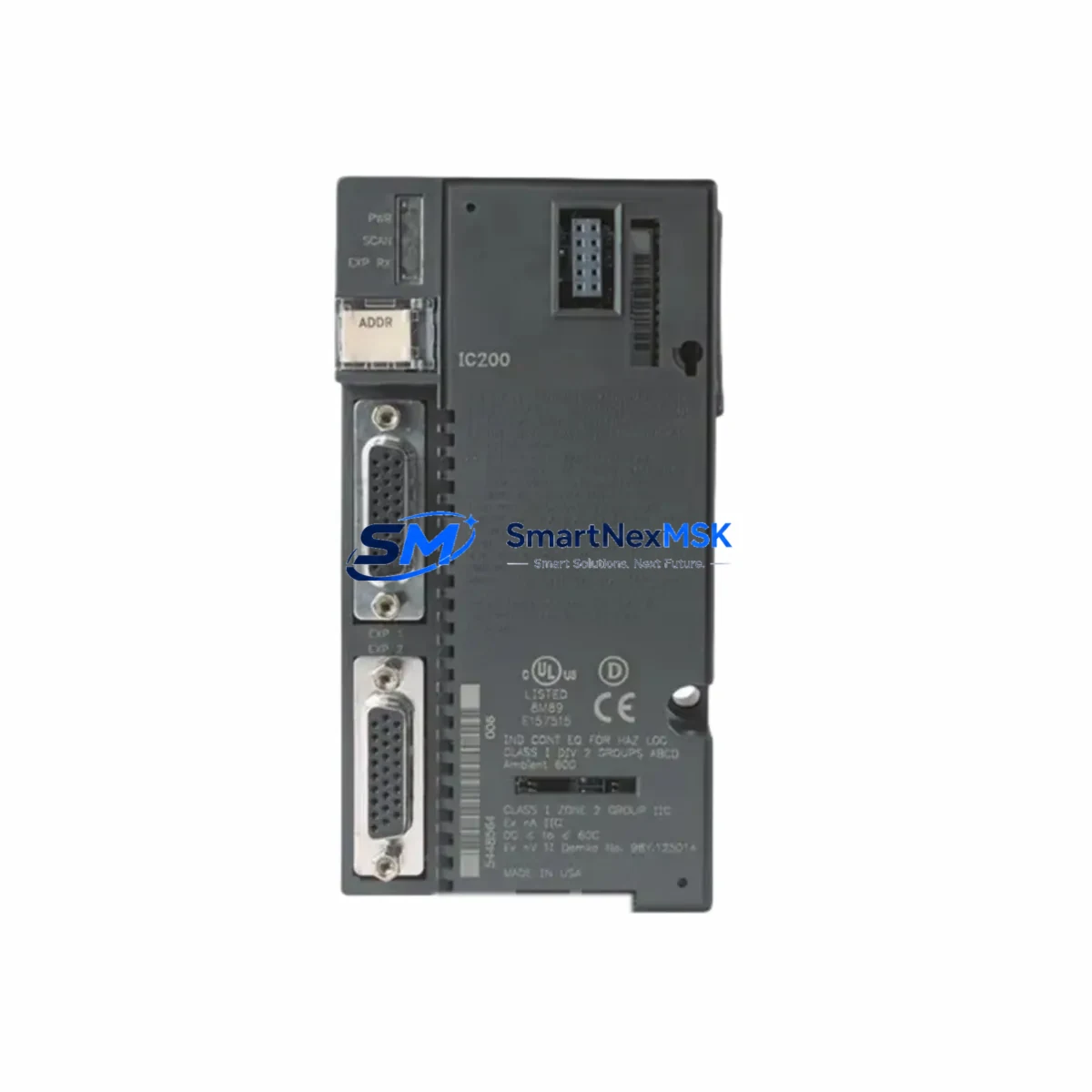
GE IC200ACC201 Maintenance-Ready Spare for VersaMax Micro Automation
The GE IC200ACC201 is an original analog input expansion module designed for the GE VersaMax Micro PLC series. In industrial maintenance environments — from discrete manufacturing lines to process control panels — this module serves as a critical spare for sustaining analog signal acquisition without system redesign or downtime escalation. Whether you are managing a planned shutdown, responding to an unscheduled fault, or building a strategic spare parts inventory for aging GE VersaMax Micro systems, the IC200ACC201 provides a direct, pin-compatible replacement that restores full analog input capacity with minimal commissioning effort.
Maintenance engineers working with GE VersaMax Micro controllers understand that analog input failures — caused by surge damage, connector wear, or firmware incompatibility after a CPU swap — can halt production within minutes. Stocking the IC200ACC201 as a ready-to-install spare eliminates the lead time risk associated with sourcing obsolete or discontinued GE Fanuc modules on short notice. Each unit shipped by SMARTNEXMSK undergoes pre-shipment functional verification and is backed by a 12-month warranty, giving procurement engineers confidence in both quality and long-term supply continuity.
Spare Maintenance Table
| Parameter | Specification / Detail |
|---|---|
| Part Number / SKU | IC200ACC201 |
| Brand | GE (GE Fanuc / GE Automation) |
| Series | VersaMax Micro |
| Module Type | Analog Input Expansion Module |
| Analog Input Channels | 4 channels (voltage / current selectable) |
| Input Range | 0–10 VDC / 0–20 mA / 4–20 mA |
| Resolution | 12-bit |
| Supply Voltage | 24 VDC (from VersaMax Micro base unit) |
| Compatible Controllers | GE VersaMax Micro (IC200UDR, IC200UAL, IC200UDD series) |
| Mounting | Direct expansion on VersaMax Micro base unit |
| Operating Temperature | 0°C to 55°C |
| Protection Rating | IP20 |
| Origin | USA (GE Fanuc original manufacture) |
| Condition | Original / New surplus / Tested |
| Warranty | 12 Months — SMARTNEXMSK Quality Guarantee |
| Pre-shipment Test | Functional verification performed before dispatch |
| Shipping | Worldwide express; ESD-safe packaging |
Maintenance Planning for Continuous Operation
When replacing the IC200ACC201 in the field, a thorough inspection of the surrounding control cabinet components is essential to prevent repeat failures and ensure system stability. Maintenance engineers should begin by verifying the 24 VDC power supply feeding the VersaMax Micro base unit — a degraded or undersized power supply module is a common root cause of analog module damage. Check the power supply output voltage under load and inspect terminal blocks and wiring harnesses connected to the analog input channels for signs of corrosion, loose terminations, or insulation breakdown.
The VersaMax Micro CPU module (such as the IC200UDR002 or IC200UAL005) should be inspected for firmware version compatibility with the replacement IC200ACC201, particularly if the CPU has been previously updated. I/O configuration parameters stored in the CPU program must match the channel assignments of the new module. If the system uses a GE IC200PWR002 or similar power supply expansion, verify that total current draw remains within rated limits after module replacement.
For systems with mixed analog and digital I/O, also inspect any installed digital output modules (such as IC200MDL740 or IC200MDL330) for relay contact wear or output transistor degradation — these are frequently overlooked during analog fault investigations. If the VersaMax Micro communicates over a serial or Ethernet network, check the communications module (IC200SET001 or equivalent) for connection integrity and verify that the PLC program resumes correct analog scaling after the swap.
In control cabinets where signal quality is critical, inspect signal isolators or signal conditioners installed upstream of the analog inputs. Faulty isolation barriers can introduce ground loops or noise that damage replacement modules prematurely. Terminal strips (such as Phoenix Contact or Weidmüller DIN-rail terminal blocks) should be checked for tightening torque and labeling accuracy. Fuse holders protecting the 24 VDC supply rail should be tested for continuity, and fuse ratings verified against the system design documentation.
For facilities managing multiple VersaMax Micro panels, a standardized spare parts kit — including the IC200ACC201, a spare CPU module, one digital I/O module, a power supply unit, and a communications module — significantly reduces mean time to repair (MTTR) and supports a proactive maintenance strategy aligned with IEC 62443 industrial cybersecurity and reliability standards.
Site Replacement Workflow
Step 1 — Isolation & Safety: De-energize the VersaMax Micro base unit following site LOTO (Lockout/Tagout) procedures. Confirm zero voltage at the 24 VDC supply terminals before handling any module.
Step 2 — Documentation: Record the existing analog channel configuration, scaling parameters, and wiring labels before removal. Photograph terminal connections if field documentation is incomplete.
Step 3 — Module Removal: Disconnect field wiring from the analog input terminals. Release the module retention latch and slide the IC200ACC201 out of the expansion slot on the VersaMax Micro base unit.
Step 4 — Inspection: Inspect the base unit expansion connector for bent pins or contamination. Clean with dry compressed air if necessary.
Step 5 — Installation: Align the replacement IC200ACC201 with the expansion slot and press firmly until the retention latch engages. Reconnect field wiring per the recorded documentation, observing correct channel polarity for current-loop inputs.
Step 6 — Power-Up & Verification: Re-energize the system. Confirm the CPU recognizes the new module (check I/O status LEDs and PLC diagnostic screen or HMI). Verify analog input readings against known reference signals on each channel.
Step 7 — System Handover: Update the maintenance log, record the replacement date and module serial number, and replenish the spare parts inventory to maintain minimum stock levels.
This workflow is compatible with GE VersaMax Micro systems running legacy ladder logic programs and requires no hardware modification to the base unit or CPU, ensuring backward compatibility and minimizing commissioning risk.
Spare Parts Support FAQ
Q1: Is the IC200ACC201 still available as a new original part, or only as refurbished stock?
SMARTNEXMSK supplies IC200ACC201 units sourced from original GE Fanuc production runs, including new surplus and factory-tested stock. Each unit is inspected and functionally verified before shipment. Refurbished units, when available, are clearly identified and priced separately.
Q2: How do I confirm compatibility with my existing VersaMax Micro base unit before ordering?
The IC200ACC201 is compatible with all standard VersaMax Micro base units in the IC200U series. Provide your base unit part number and CPU firmware version when contacting our sales team, and we will confirm compatibility before dispatch. We recommend cross-referencing the GE VersaMax Micro System Manual (GFK-1645) for detailed expansion module compatibility tables.
Q3: What does the 12-month warranty cover, and what is the replacement process?
The 12-month warranty covers manufacturing defects and functional failures under normal operating conditions. If a unit fails within the warranty period, SMARTNEXMSK will arrange a replacement shipment after fault verification. Warranty claims require the original invoice and a brief fault description. Physical damage caused by incorrect installation, overvoltage, or environmental factors is excluded.
Q4: Can SMARTNEXMSK support long-term supply agreements for IC200ACC201 and related VersaMax Micro spares?
Yes. We support blanket purchase orders and scheduled delivery agreements for maintenance teams managing multiple GE VersaMax Micro installations. Long-term supply contracts help lock in pricing, guarantee stock reservation, and reduce emergency procurement risk for end-of-life GE Fanuc components.
© 2026 SMARTNEXMSK. All rights reserved.
Original Source: https://smartnexmsk.com
Contact: [email protected] | +86 18259474341