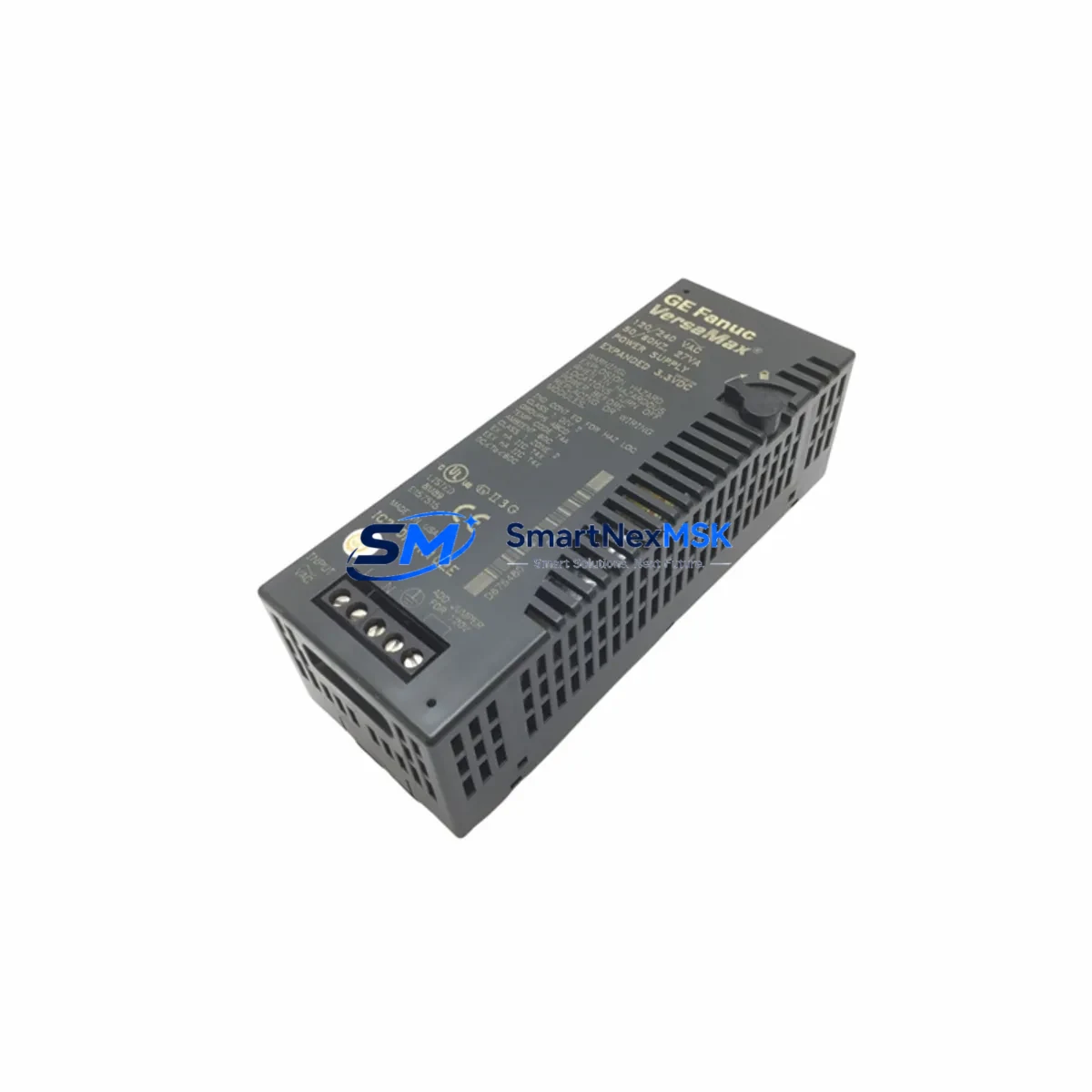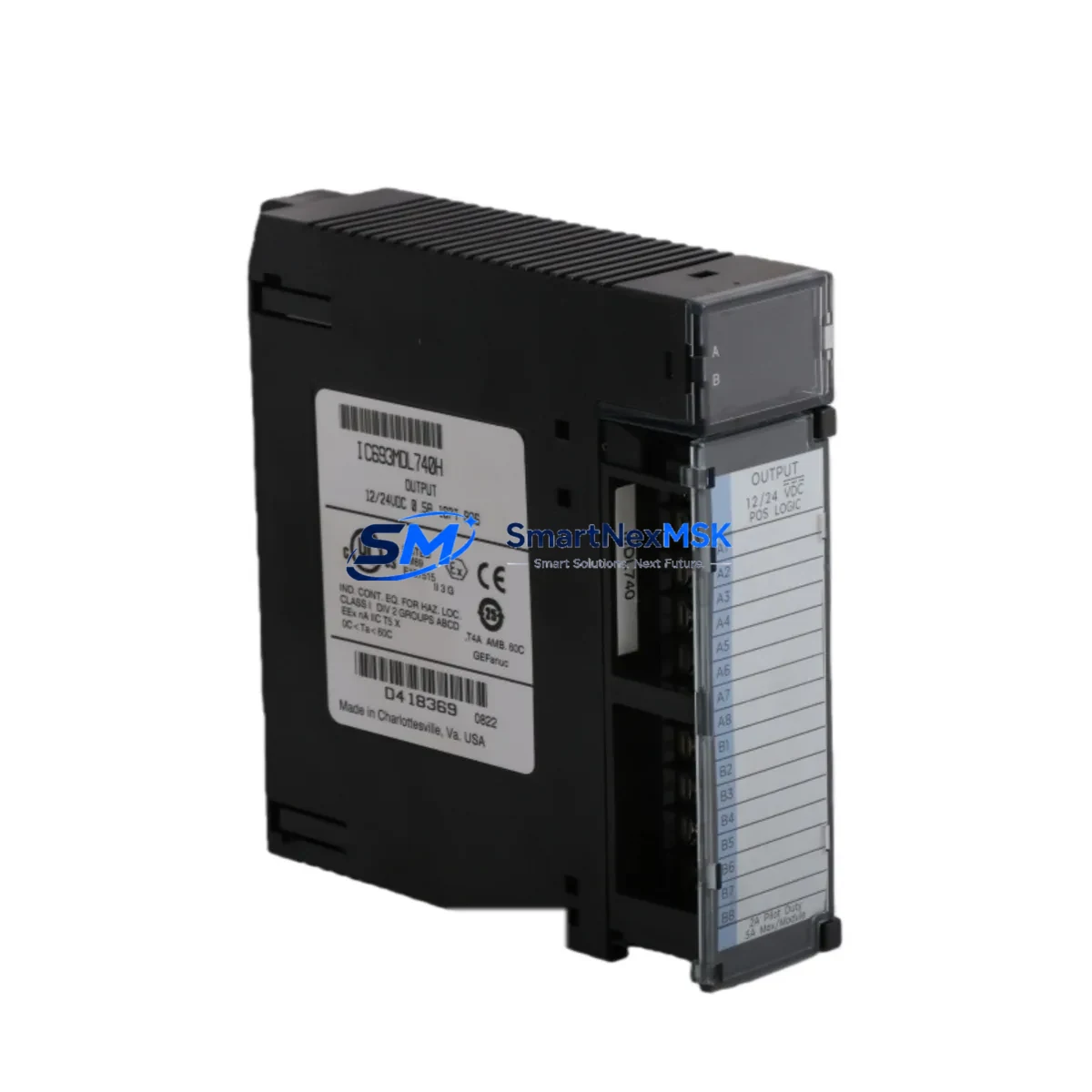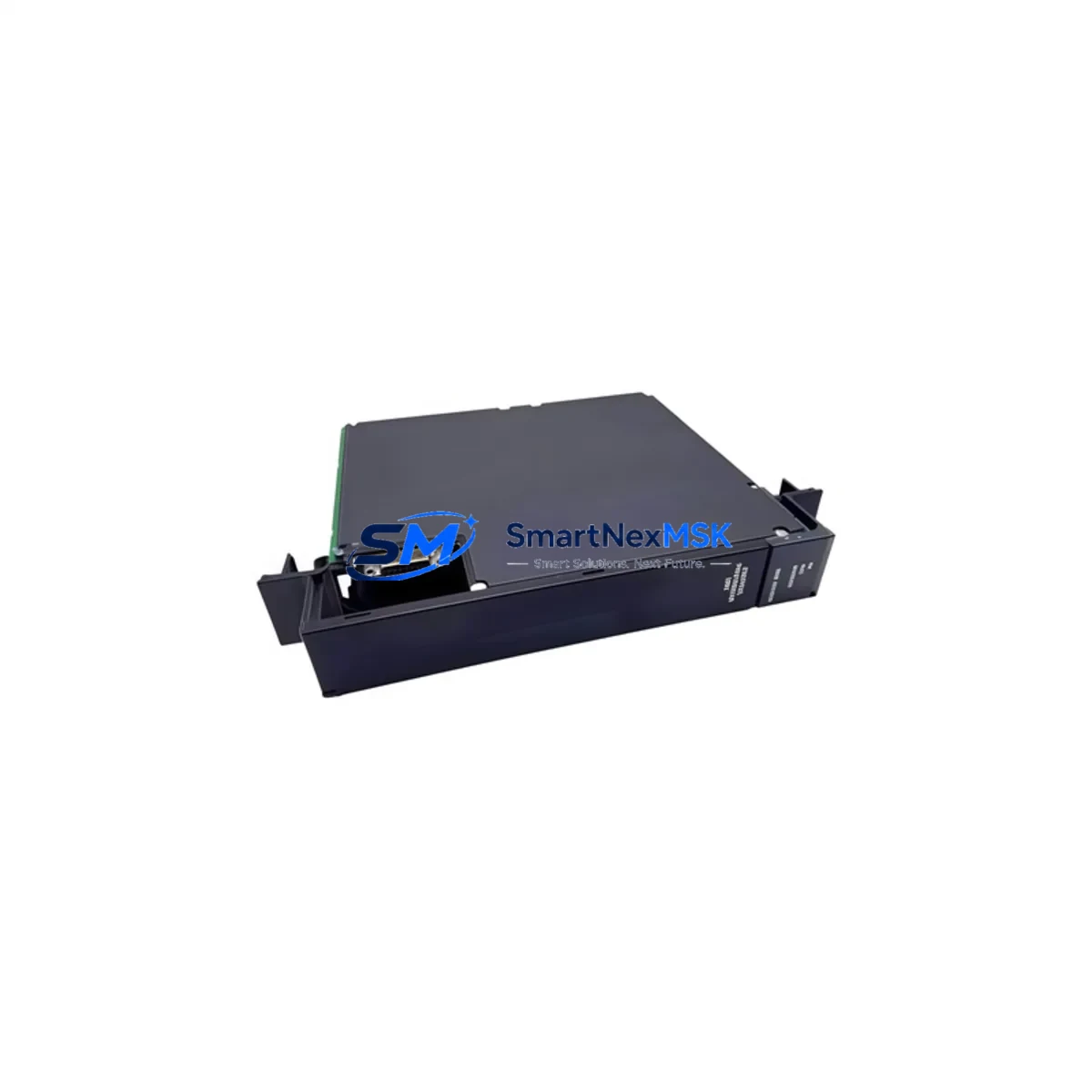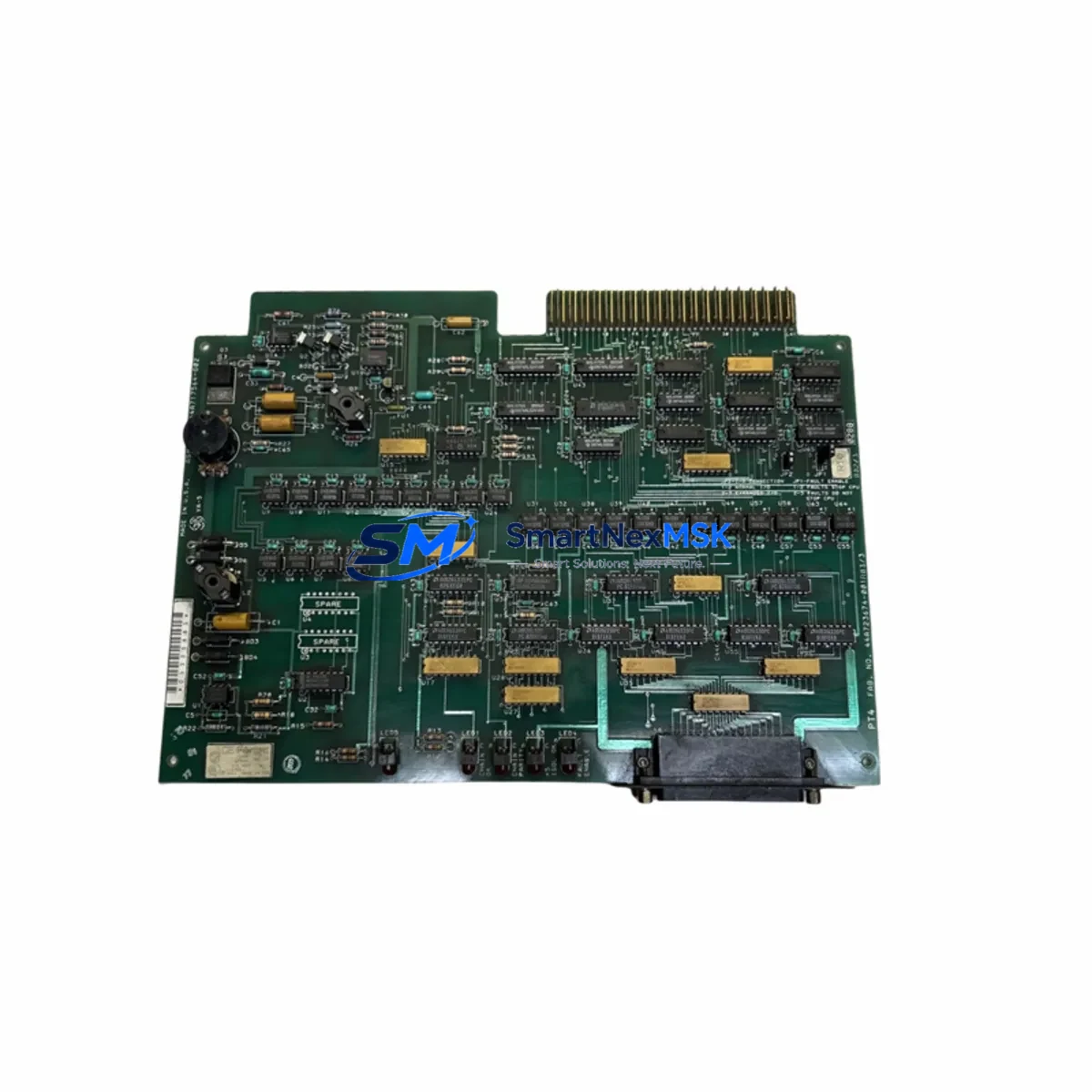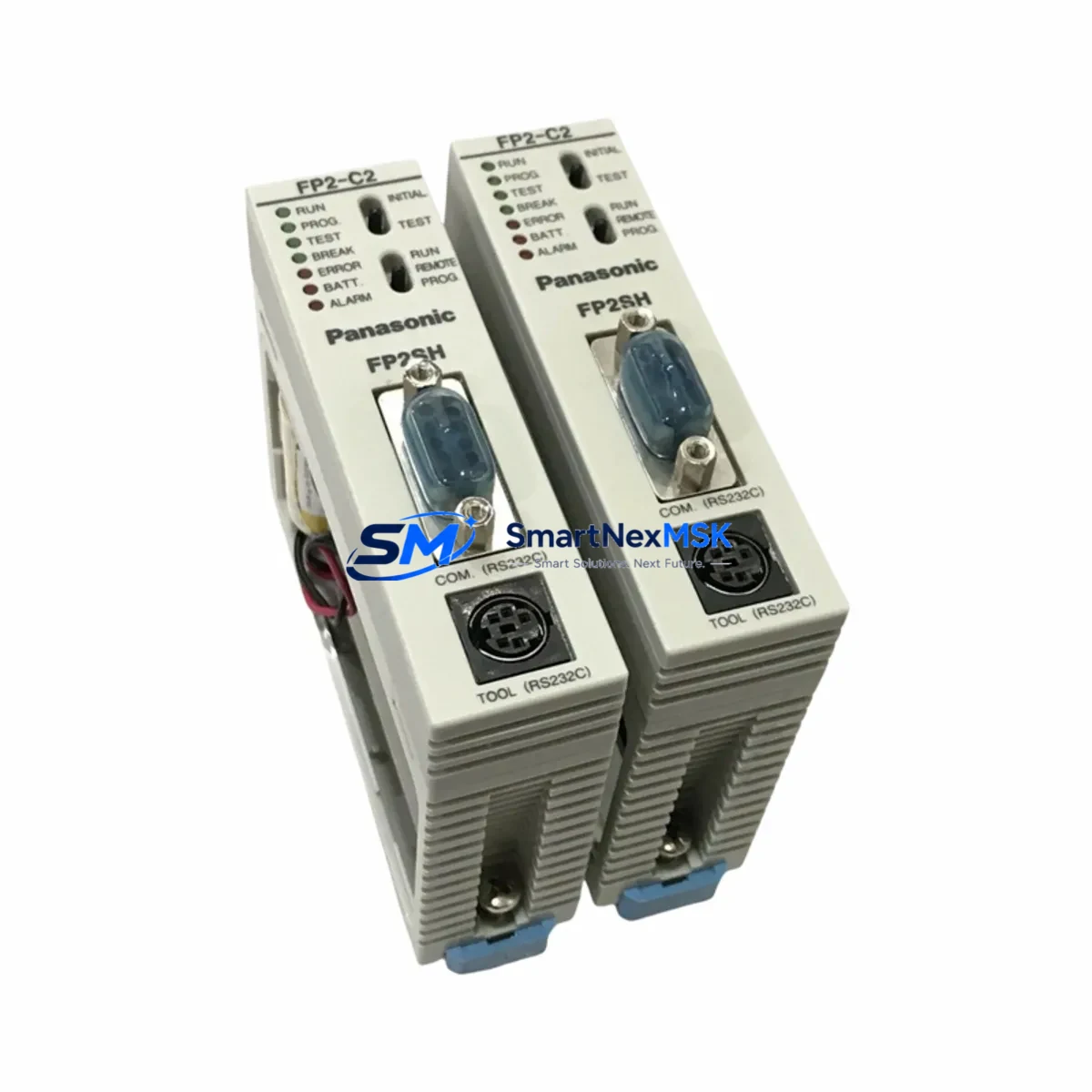
GE IC200CHS022G Retrofit-Ready I/O Carrier for VersaMax Control Systems
The GE IC200CHS022G is an 8-slot DIN rail-mounted I/O carrier designed for the GE VersaMax distributed I/O platform. As legacy GE Fanuc VersaMax installations age and original carriers become increasingly difficult to source, the IC200CHS022G remains one of the most sought-after retrofit components for engineers tasked with modernizing or sustaining existing control architectures without a full system replacement.
This carrier provides the mechanical and electrical backbone for mounting and powering VersaMax I/O modules within a control cabinet. It supports the full range of IC200 series discrete and analog I/O modules, including the IC200MDL640 (16-point 24VDC input), IC200MDL740 (16-point relay output), and IC200ALG320 (analog input module), making it a versatile foundation for both new builds and retrofit projects. The carrier interfaces directly with the VersaMax Network Interface Unit (NIU) or CPU carrier via the backplane bus, maintaining full compatibility with IC200CPU001 and IC200CPU005 controller variants.
When replacing a failed or end-of-life carrier in an existing system, engineers must verify several critical parameters before installation. Power supply capacity is the first checkpoint: the IC200PWR002 or IC200PWR101 power supply modules must be confirmed to deliver sufficient current for all modules mounted on the replacement carrier. Terminal wiring should be documented from the original carrier before removal, as field wiring connects directly to module terminals rather than the carrier itself — however, module seating orientation and slot assignments must be preserved to maintain program address mapping.
Backplane interface compatibility is automatic within the IC200 family, but engineers should confirm firmware revision levels on the NIU or CPU if the system has not been updated in several years. Module addressing in the PLC program (typically managed through Proficy Machine Edition or the legacy VersaPro programming software) is slot-position dependent, so maintaining the original module layout eliminates the need for program modifications. If slot positions must change, a full I/O address remap and HMI screen update will be required — particularly for any QuickPanel or third-party SCADA displays referencing specific register addresses.
Communication link integrity should also be verified post-installation. VersaMax systems commonly operate over Genius Bus, Profibus-DP, or DeviceNet networks, with the NIU module (such as the IC200BEM003 Profibus NIU or IC200GBI001 Genius Bus Interface) serving as the network node. After carrier replacement, confirm that the NIU re-establishes communication with the host PLC — typically a GE Series 90-30 or PACSystems RX3i controller — and that all I/O modules are recognized without fault codes.
For systems undergoing a broader upgrade from VersaMax to the PACSystems RX3i platform, the IC200CHS022G can serve as an interim solution, allowing the field wiring and I/O modules to remain in place while the controller and communication infrastructure is modernized. This phased approach significantly reduces downtime and capital expenditure compared to a full cutover. The IC695CHS012 RX3i 12-slot chassis and IC695PSD040 power supply are common targets in such migration paths, but the VersaMax I/O layer can continue operating via a VersaMax Ethernet NIU (IC200ENIU001) connected to the new RX3i backplane.
Upgrade Compatibility Table
| Parameter | IC200CHS022G Specification | Retrofit Notes |
|---|---|---|
| Slot Count | 8 I/O module slots | Matches original IC200CHS022 footprint; direct drop-in |
| Mounting | 35mm DIN rail | Compatible with standard control cabinet DIN rail installations |
| Backplane Bus | VersaMax IC200 backplane | Compatible with all IC200 NIU, CPU, and power supply modules |
| Power Supply Interface | IC200PWR002 / IC200PWR101 | Verify current capacity before adding modules |
| Communication Compatibility | Genius Bus, Profibus-DP, DeviceNet, Ethernet (via NIU) | NIU module retained; no protocol reconfiguration required |
| Programming Software | Proficy Machine Edition / VersaPro | No program changes if slot layout is preserved |
| Replacement for | IC200CHS022, IC200CHS022A–F | All prior revisions; confirm module seating before power-on |
| Commissioning | Field wiring reconnection + NIU re-scan | Typical commissioning time: 1–2 hours per carrier |
| Warranty | 12 Months | Covers manufacturing defects; includes pre-shipment functional test |
Retrofit Planning for Existing Automation Systems
A successful IC200CHS022G retrofit begins with a thorough audit of the existing control cabinet. Before removing the failed carrier, photograph all module positions, terminal wiring, and DIN rail mounting hardware. Label each I/O module with its slot number and corresponding PLC address range — this documentation is essential if the system uses a GE Series 90-30 CPU374 or similar controller where I/O mapping is tightly coupled to physical slot position.
The power budget must be recalculated if any modules are being added or upgraded during the carrier replacement. The IC200PWR002 24VDC power supply provides a defined current budget across the carrier bus; exceeding this budget will cause intermittent faults or module dropouts. If additional capacity is needed, the IC200PWR101 higher-capacity supply is a direct alternative. For systems with mixed discrete and analog I/O, the IC200ALG260 analog output module and IC200MDL650 32-point input module are common additions during retrofit that must be factored into the power calculation.
Communication module retention is a key advantage of the IC200CHS022G retrofit approach. The existing IC200BEM003 Profibus NIU or IC200GBI001 Genius Bus Interface can be reseated into the new carrier without reconfiguration, preserving the network node address and eliminating the need to update the host PLC’s I/O configuration table. For systems migrating to Ethernet-based communication, the IC200ENIU001 Ethernet NIU can be introduced at this stage, enabling integration with modern SCADA systems and remote monitoring platforms without disrupting the existing field wiring infrastructure.
HMI screens referencing VersaMax I/O addresses — whether on a GE QuickPanel+, Weintek, or Siemens TP series panel — should be validated after carrier replacement. If module slot positions are unchanged, screen tags will remain valid. Any slot reassignment requires a tag database update and screen re-download before the system is returned to production.
Downtime Control During System Migration
Minimizing unplanned downtime is the primary concern for any VersaMax carrier replacement. The recommended approach is to pre-stage the IC200CHS022G with all I/O modules pre-installed and tested on the bench before the maintenance window begins. Use the existing carrier as a reference to replicate the module layout exactly, then perform a bench power-on test using a portable 24VDC supply and a laptop running Proficy Machine Edition to confirm all modules are recognized and fault-free.
During the cutover window, the sequence should be: (1) place the host PLC in Stop mode and force all outputs to a safe state, (2) document and disconnect field wiring from each module terminal block, (3) remove the failed carrier and install the IC200CHS022G, (4) reconnect field wiring in slot order, (5) restore power and perform an NIU re-scan, (6) place the PLC back in Run mode and verify all I/O points against the original program logic. This structured sequence typically achieves a complete carrier swap in under two hours for an 8-slot configuration.
For critical production lines where even a two-hour window is unacceptable, a hot-standby approach using a pre-wired spare carrier with terminal block jumpers can reduce the physical swap time to under 30 minutes. Pre-shipment functional testing of the IC200CHS022G — included with every unit shipped by SMARTNEXMSK — ensures the replacement carrier is verified before it arrives on site, eliminating the risk of receiving a defective unit during a live maintenance event.
Retrofit Support FAQ
Q: Is the IC200CHS022G a direct drop-in replacement for earlier IC200CHS022 revisions?
A: Yes. The IC200CHS022G is backward compatible with all prior revisions of the IC200CHS022 carrier (revisions A through F). The mechanical footprint, DIN rail mounting, backplane bus pinout, and module slot dimensions are identical. No wiring changes or program modifications are required if the module slot layout is preserved during replacement.
Q: What commissioning steps are required after installing the IC200CHS022G?
A: After physical installation and field wiring reconnection, power on the carrier and allow the NIU module to complete its initialization sequence (typically 10–30 seconds). Use Proficy Machine Edition or VersaPro to perform an I/O scan and confirm all modules are recognized without fault codes. Verify analog module calibration if IC200ALG series modules are present, and confirm communication link status on the host PLC before returning the system to Run mode.
Q: Can the IC200CHS022G be used in a mixed VersaMax and PACSystems RX3i architecture?
A: Yes. The IC200CHS022G can operate as a remote I/O carrier connected to a PACSystems RX3i controller via an IC200ENIU001 Ethernet NIU or IC200BEM003 Profibus NIU. This configuration is a common migration path that allows the existing VersaMax field wiring and I/O modules to remain in service while the control platform is upgraded to RX3i, significantly reducing migration cost and risk.
Q: What does the 12-month warranty cover, and is pre-shipment testing included?
A: Every IC200CHS022G unit shipped by SMARTNEXMSK undergoes pre-shipment functional testing to verify backplane bus integrity, module slot connectivity, and power supply interface operation. The 12-month warranty covers manufacturing defects and functional failures under normal operating conditions. Units are shipped with test documentation upon request. For warranty claims, contact [email protected] with the order reference and fault description.
© 2026 SMARTNEXMSK. All rights reserved.
Original Source: https://smartnexmsk.com
Contact: [email protected] | +86 18259474341