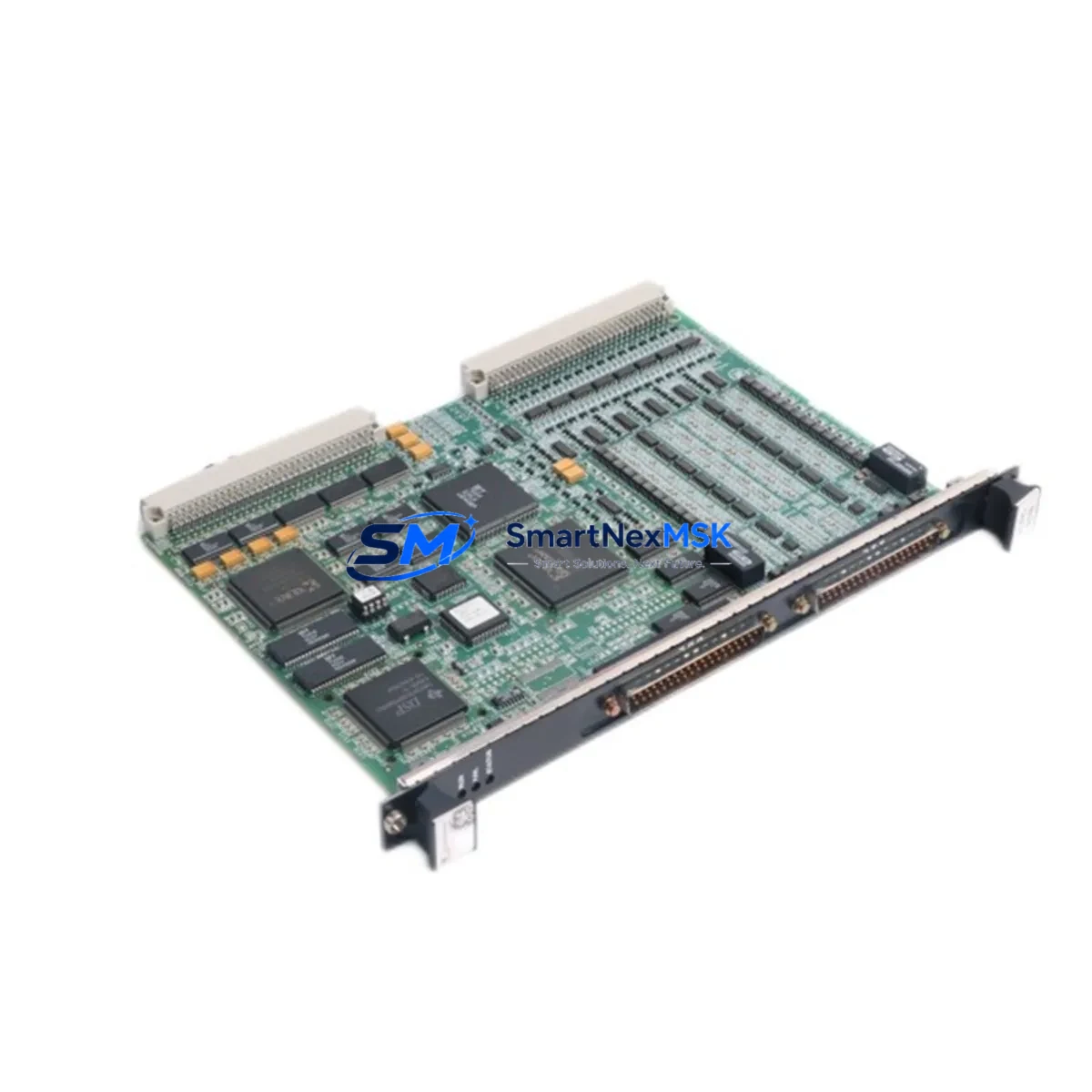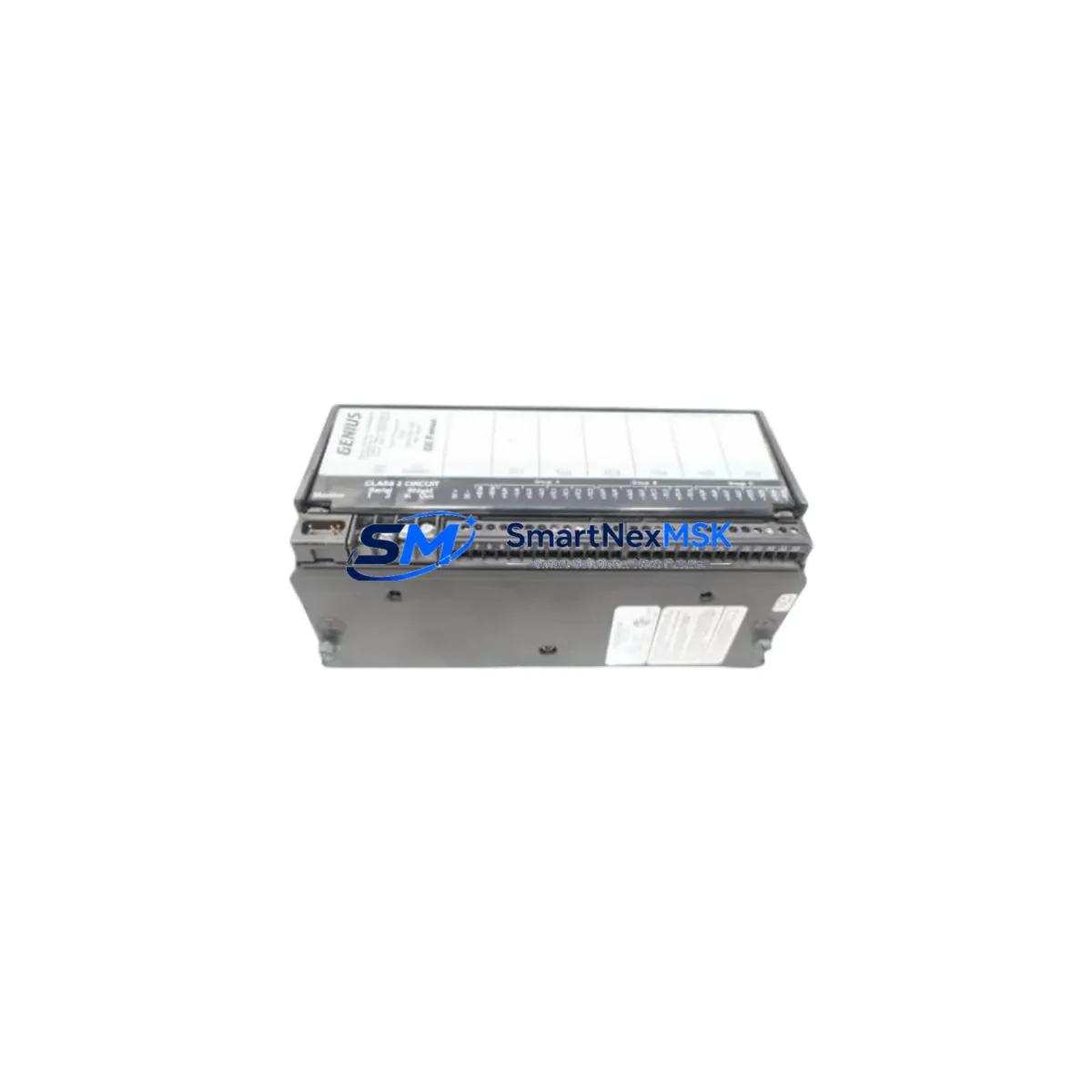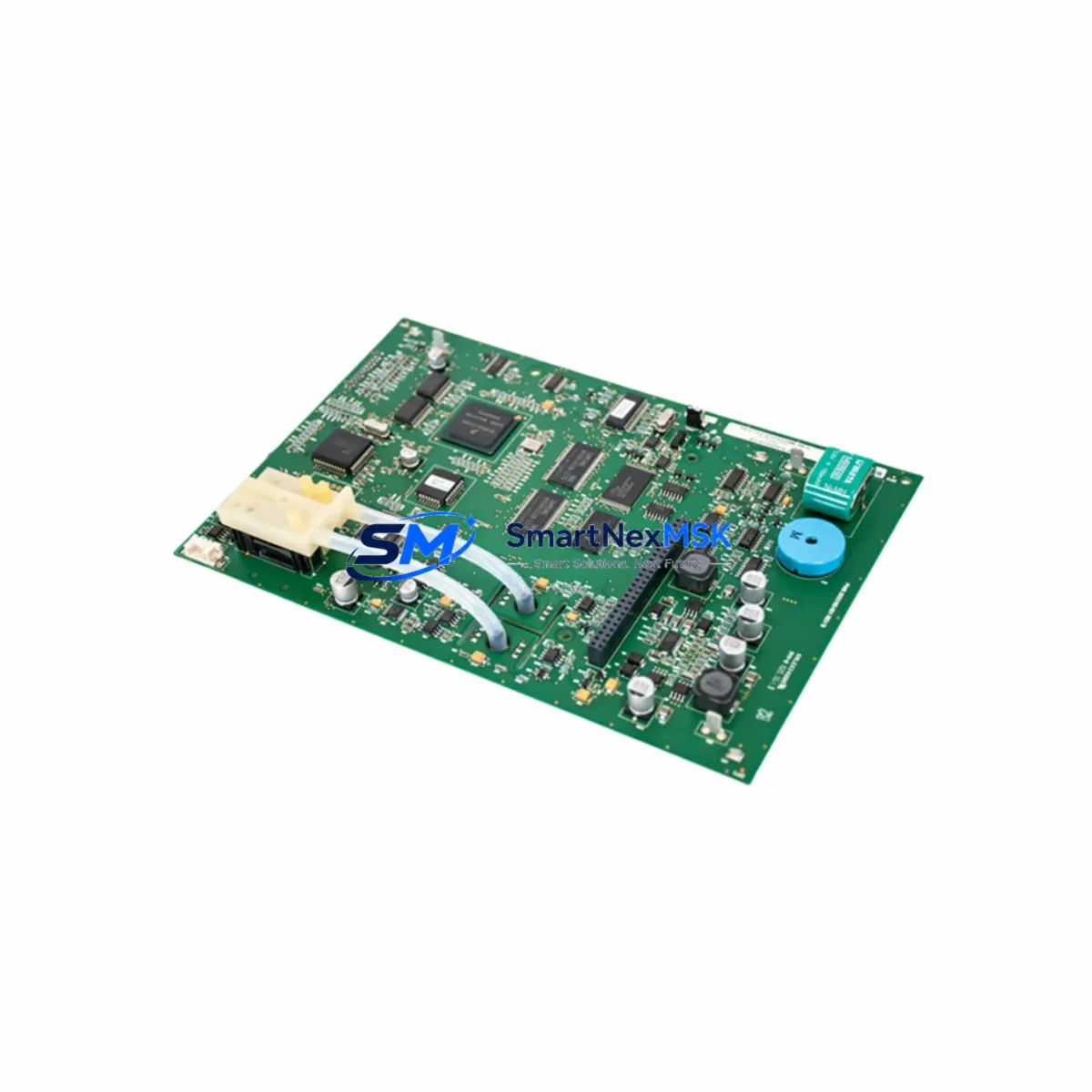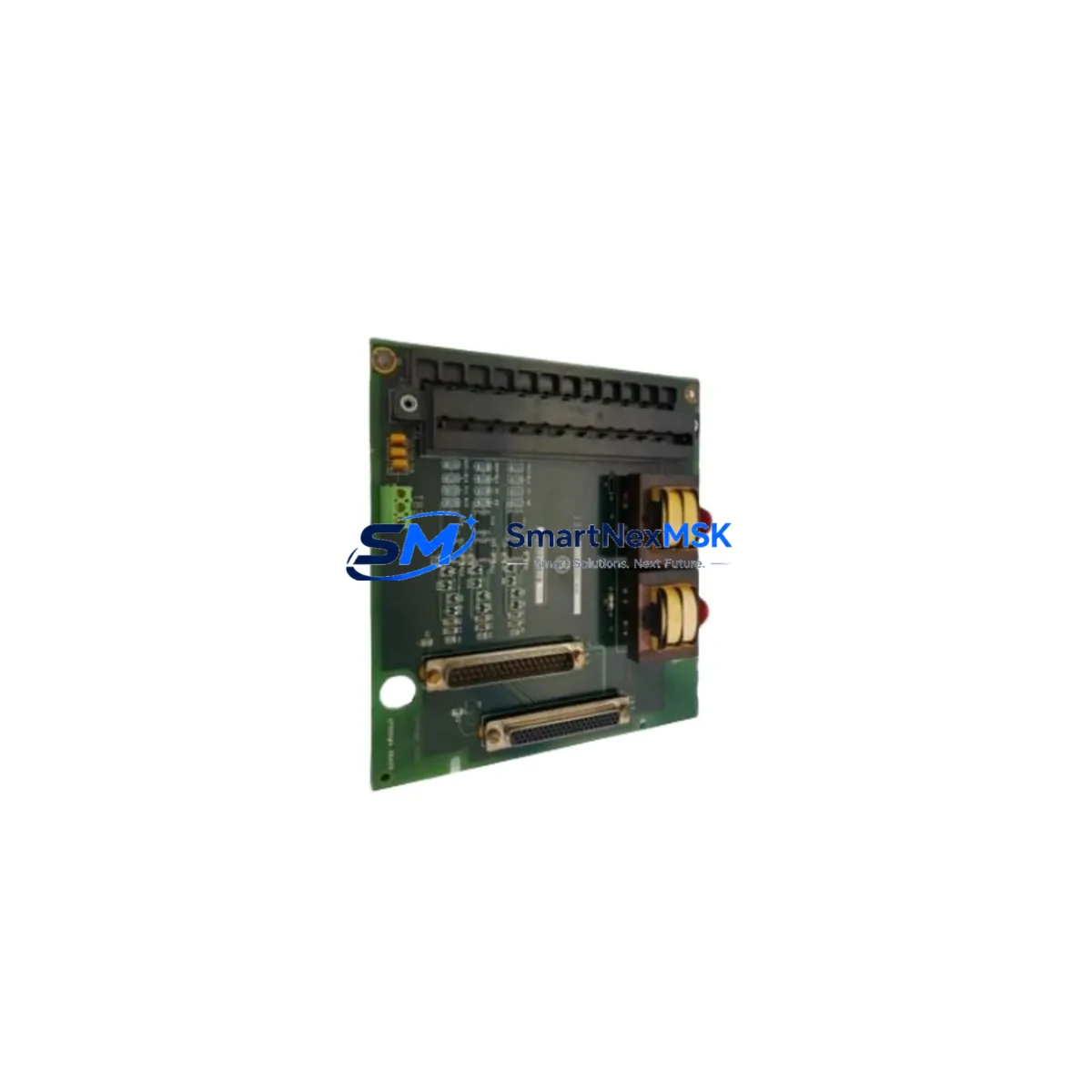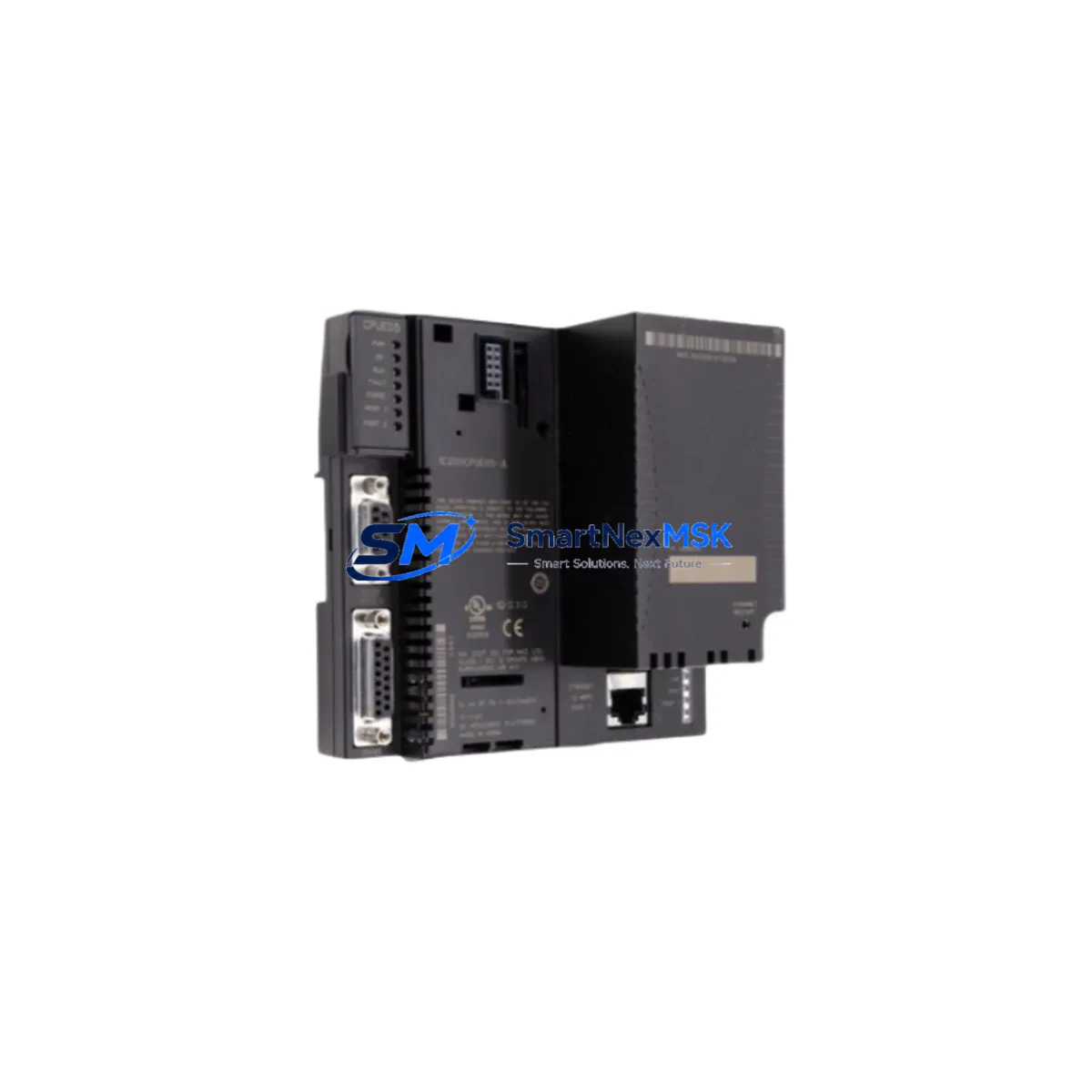
GE IC200CPUE05-JL Retrofit-Ready Ethernet CPU for VersaMax Control Systems
The GE IC200CPUE05-JL is a high-performance Ethernet CPU module engineered for the GE VersaMax Series programmable logic controller platform. Designed as a retrofit-ready replacement for aging or discontinued VersaMax CPU units, the IC200CPUE05-JL delivers seamless compatibility with existing backplane architectures, I/O configurations, and ladder logic programs — making it the preferred choice for engineers managing legacy system upgrades, unplanned downtime recovery, and long-term control system modernization projects.
Whether you are replacing a failed IC200CPUE05 unit, migrating from an older IC200CPU001 or IC200CPU002 processor, or consolidating a multi-rack VersaMax installation onto a unified Ethernet backbone, the IC200CPUE05-JL provides the processing headroom, communication flexibility, and backward compatibility required for a controlled, low-risk transition. The module supports both Modbus TCP and Ethernet Global Data (EGD) protocols natively, enabling direct integration with SCADA systems, HMI panels, and distributed I/O networks without requiring protocol converters or additional communication modules.
All units are sourced from verified supply channels, undergo pre-shipment functional testing, and are backed by a 12-month warranty covering manufacturing defects and operational failures under normal industrial conditions.
Upgrade Compatibility Table
| Parameter | IC200CPUE05-JL | Legacy IC200CPU001 / CPU002 | Retrofit Notes |
|---|---|---|---|
| Backplane Interface | VersaMax Local / Remote I/O Backplane | VersaMax Local Backplane | Direct slot-compatible; no backplane replacement required |
| Communication Protocols | Modbus TCP, EGD, SRTP | Serial RS-232 / RS-485 only | Ethernet port replaces IC200SET001 serial module in most topologies |
| Program Memory | 512 KB user logic | 64–256 KB | Existing ladder programs upload without modification in most cases |
| I/O Compatibility | Full VersaMax I/O family | Full VersaMax I/O family | IC200MDL640, IC200MDL740, IC200ALG260 and all standard I/O modules retained |
| Power Supply Requirement | 24 VDC / 120–240 VAC (via IC200PWR002 or IC200PWR101) | Same | Verify PSU capacity; IC200CPUE05-JL draws slightly higher current at peak |
| HMI Connectivity | Ethernet (RJ-45), SRTP driver | Serial port only | Update HMI communication driver; Ethernet connection eliminates serial cable runs |
| Programming Software | Proficy Machine Edition 8.x+ | Proficy Machine Edition 5.x+ | Upgrade ME to latest version; existing project files are forward-compatible |
| Module Address Configuration | Software-assigned via ME | DIP switch / software | Reassign rack/slot addresses in ME before first power-on |
| Warranty | 12 Months — covers manufacturing defects and operational failures under normal industrial use | ||
Retrofit Planning for Existing Automation Systems
A successful IC200CPUE05-JL retrofit begins well before the module arrives on-site. The first step is a thorough audit of the existing VersaMax rack configuration. Document every module installed in the local and expansion racks — including discrete I/O modules such as the IC200MDL640 (16-point 24VDC input) and IC200MDL740 (16-point relay output), analog modules like the IC200ALG260 (4-channel analog input), and any specialty function modules. Confirm that the existing IC200PWR002 or IC200PWR101 power supply can support the updated current draw of the new CPU alongside all installed I/O modules; in high-density racks, a power budget recalculation is essential before commissioning.
Next, back up the existing PLC program using Proficy Machine Edition. Export the full project — including variable tables, ladder logic blocks, PID loop configurations, and any C-block or function block libraries — to a secure offline location. This backup serves as both a recovery point and the baseline for the upgraded project file. When the IC200CPUE05-JL is installed, open the project in Machine Edition, update the CPU hardware configuration to reflect the new module, and verify that all I/O module references, rack addresses, and slot assignments remain consistent with the physical installation.
For systems that previously relied on serial communication via an IC200SET001 serial communications module or a dedicated RS-485 network, the transition to Ethernet requires updating the communication topology. Configure the IC200CPUE05-JL’s built-in Ethernet port with a static IP address appropriate for the plant network segment. Update SCADA server connection strings, HMI panel communication drivers, and any remote I/O head-end configurations to reference the new IP address. In mixed environments where legacy serial devices must remain online during the transition, the IC200SET001 can be retained in the rack alongside the new CPU to maintain serial links while Ethernet-based supervisory communication is established in parallel.
For multi-rack VersaMax installations using IC200CHS022 or IC200CHS014 expansion chassis connected via IC200BEM002 bus expansion modules, verify that the expansion bus addressing is correctly reflected in the updated Machine Edition hardware configuration. The IC200CPUE05-JL supports the full VersaMax remote I/O architecture, so existing remote drops connected through IC200PBI001 or compatible bus interface modules require no hardware changes — only a software address verification pass before restart.
Downtime Control During System Migration
Minimizing production downtime during a CPU replacement is the primary operational concern for most retrofit projects. The recommended approach is a staged swap procedure: first, perform a full program backup and hardware audit during a scheduled maintenance window; second, pre-configure the IC200CPUE05-JL offline using a bench test setup with a spare IC200PWR002 power supply and a representative I/O module to validate program execution before the live swap; third, execute the physical module exchange during the shortest available production break, targeting a swap-and-restart cycle of under 30 minutes for experienced technicians.
Before powering down the existing system, document all active output states, PID setpoints, and any retentive data values that must be restored after restart. The IC200CPUE05-JL supports retentive memory configuration in Machine Edition, allowing critical process variables to survive power cycles. After the module swap, perform a controlled power-on sequence: energize the power supply, confirm the CPU enters RUN mode without fault LEDs, verify I/O module status indicators, and check SCADA or HMI screens for correct data refresh before releasing the system to production. The entire process — from power-down to verified production restart — can typically be completed within a single shift when pre-commissioning steps are completed in advance.
For critical continuous-process applications where even brief interruptions are unacceptable, consider a parallel-run strategy: install the IC200CPUE05-JL in a shadow rack, mirror the I/O configuration, and validate program execution against live process signals before performing the final cutover. This approach extends the migration timeline but eliminates unplanned restart risk entirely.
Retrofit Support FAQ
Q: Is the IC200CPUE05-JL a direct drop-in replacement for the IC200CPU001 and IC200CPU002?
A: Yes, the IC200CPUE05-JL is physically and electrically compatible with the VersaMax backplane slot occupied by earlier CPU modules. The existing ladder logic program can be uploaded to the new CPU with minimal modification in most applications. The primary change required is updating the hardware configuration in Proficy Machine Edition to reflect the IC200CPUE05-JL’s expanded memory and Ethernet capabilities.
Q: What wiring or terminal changes are required during the retrofit?
A: No terminal block rewiring is required for the CPU module itself, as the IC200CPUE05-JL connects to the backplane via the standard VersaMax edge connector. The only new physical connection is the RJ-45 Ethernet cable to the plant network switch. If the existing installation used a serial programming cable connected to the CPU’s RS-232 port, this can be replaced by the Ethernet programming connection in Machine Edition, eliminating the need for a dedicated programming cable at the panel.
Q: How is compatibility with existing HMI screens verified before cutover?
A: Update the HMI panel’s communication driver to use the Ethernet/SRTP protocol and configure the IC200CPUE05-JL’s IP address as the target controller. Run the HMI in simulation mode against the live CPU on a bench test setup to verify that all data tags, alarm setpoints, and screen navigation functions correctly before the production cutover. Most modern HMI platforms — including those using GE CIMPLICITY or iFIX SCADA — support SRTP over Ethernet natively.
Q: What does the 12-month warranty cover, and what is the shipping lead time?
A: The 12-month warranty covers manufacturing defects and operational failures under normal industrial operating conditions from the date of shipment. Units are in stock and typically ship within 1–3 business days. Pre-shipment functional testing is performed on all units to verify CPU initialization, Ethernet port operation, and I/O bus communication before dispatch.
© 2026 SMARTNEXMSK. All rights reserved.
Original Source: https://smartnexmsk.com
Contact: [email protected] | +86 18259474341