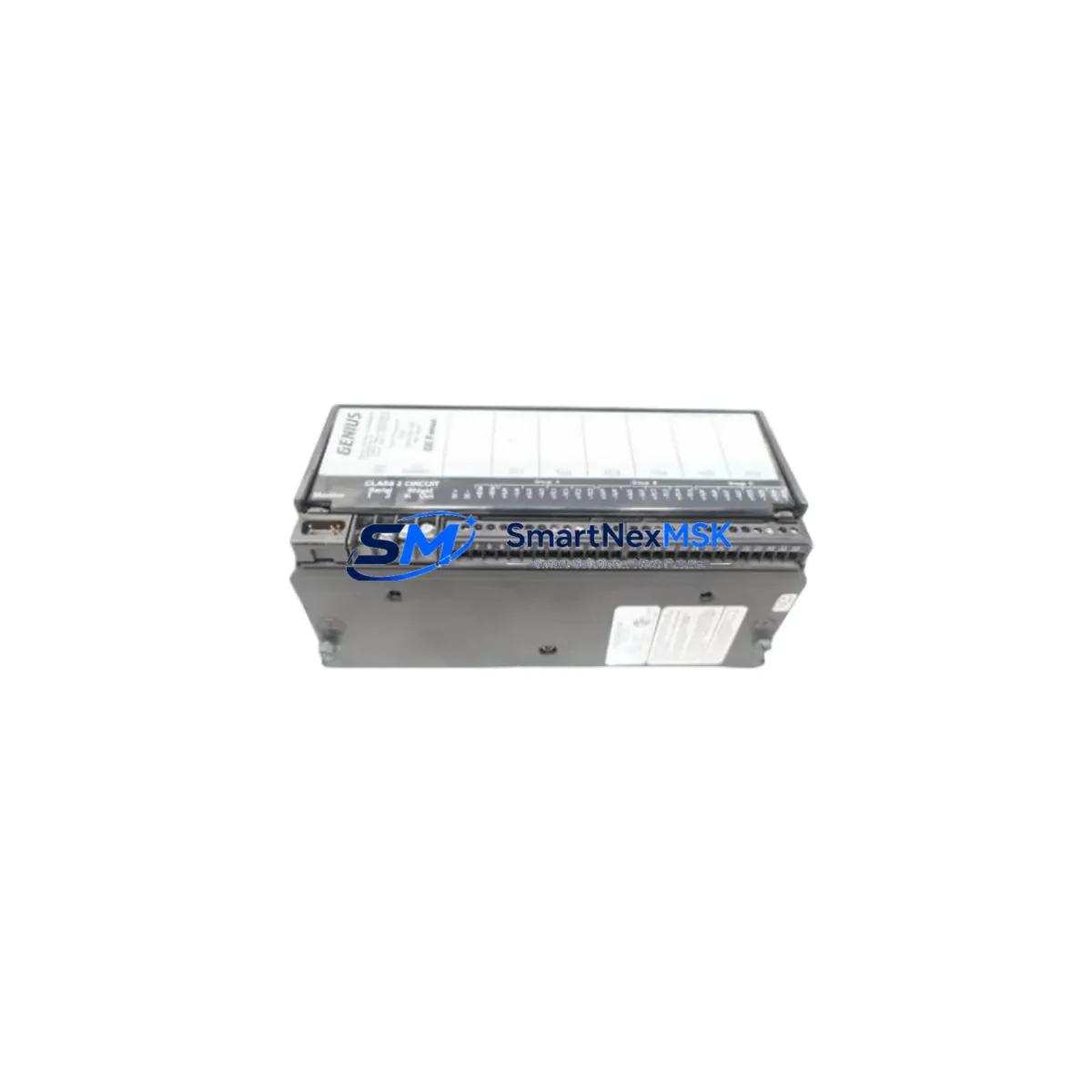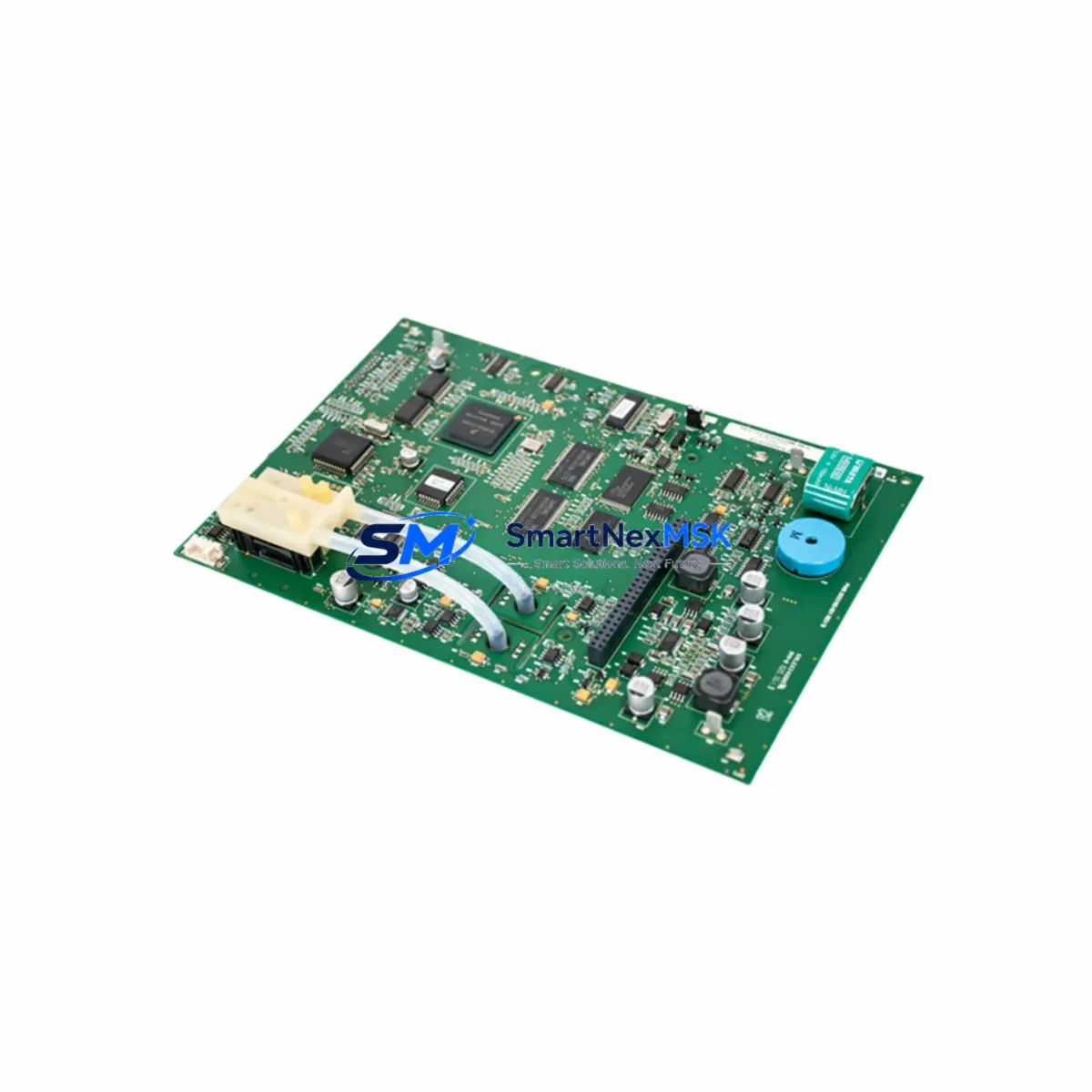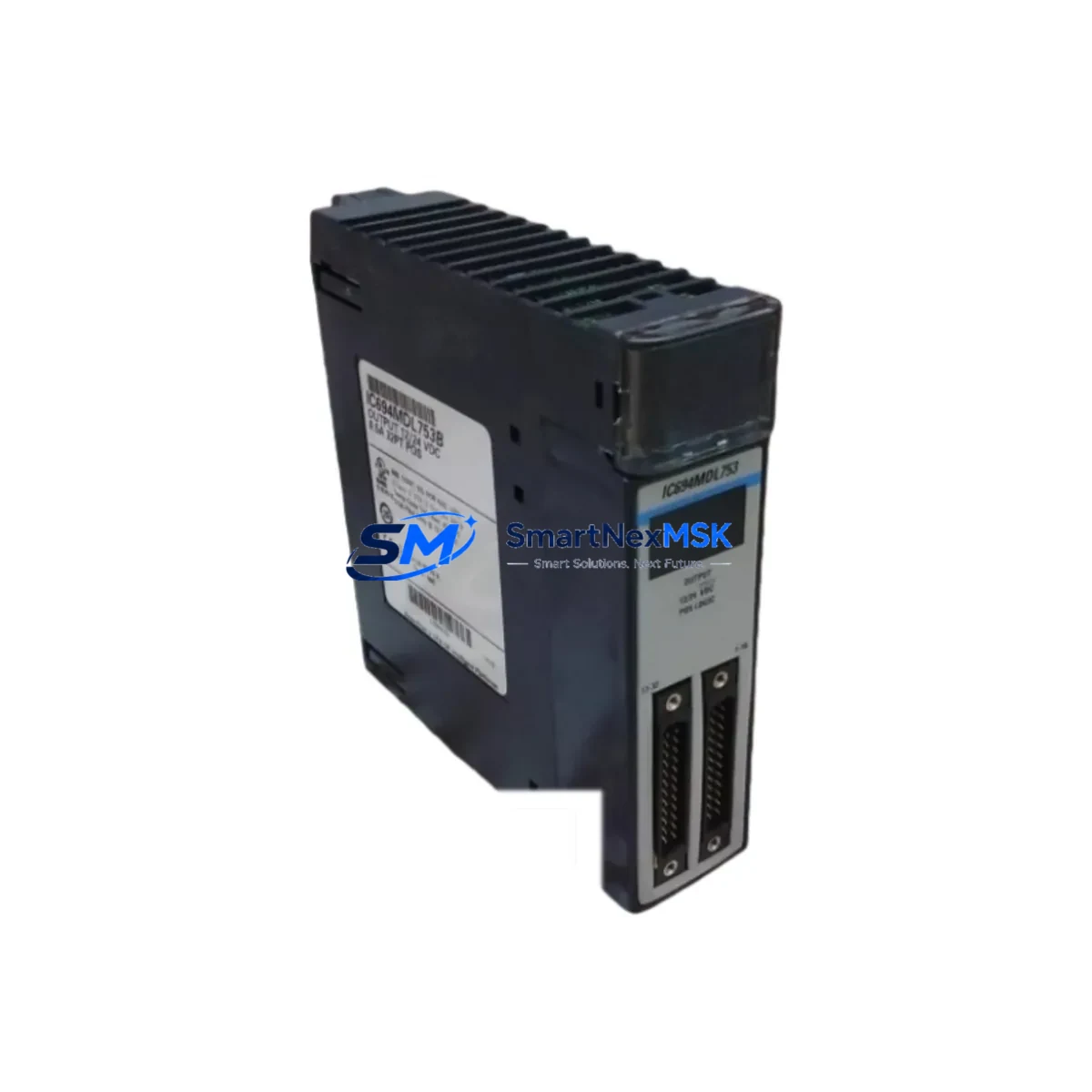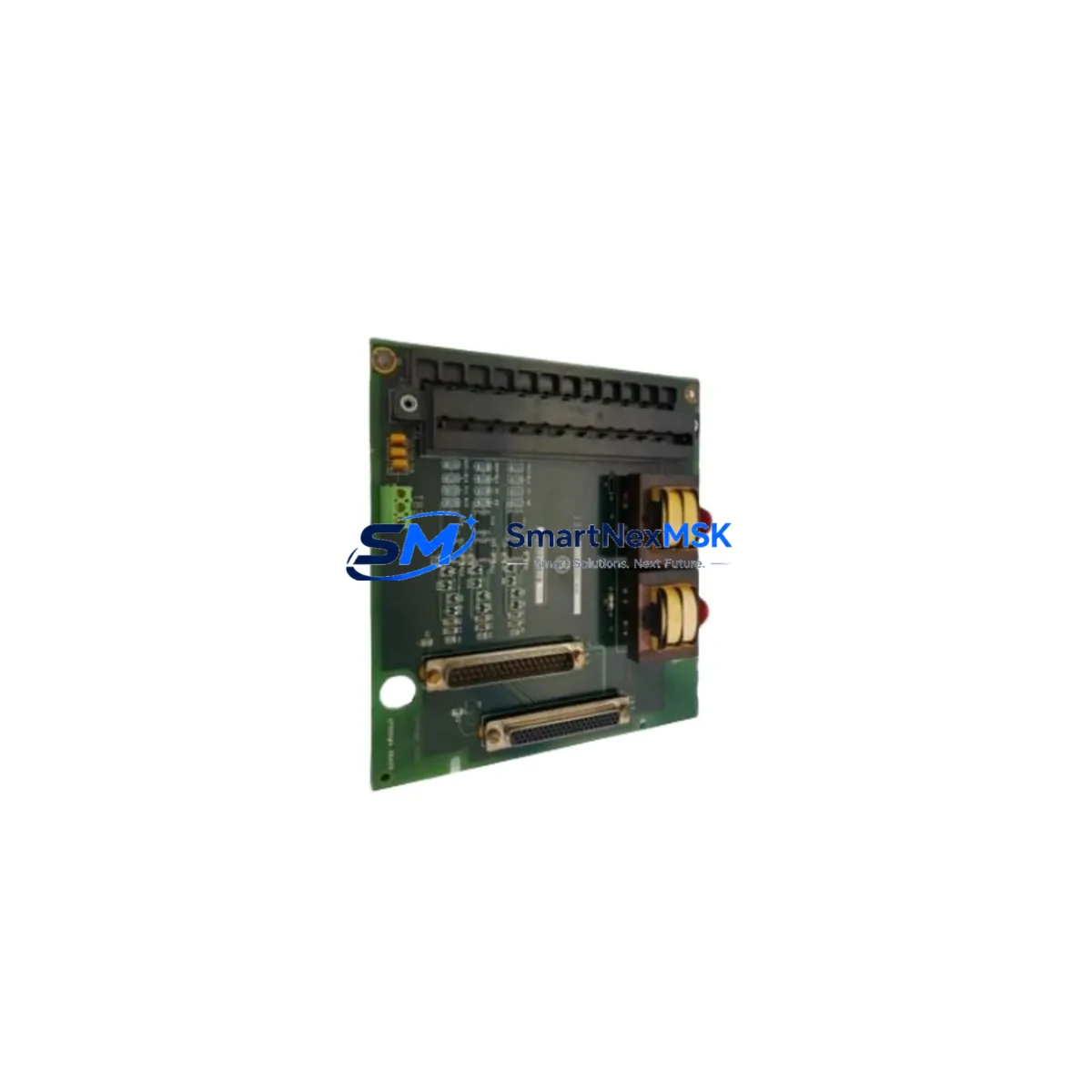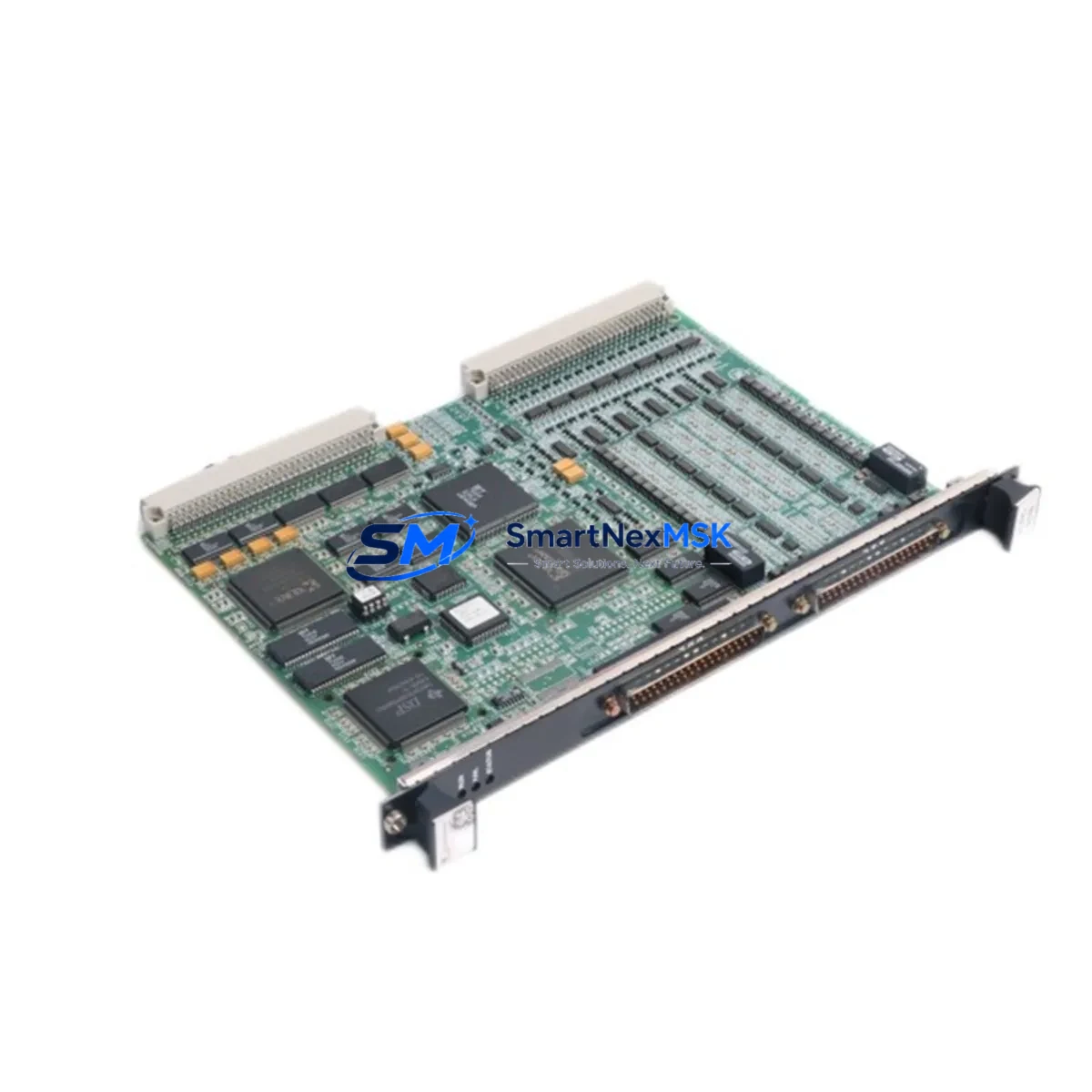
GE IS200VCRCH1B Retrofit-Ready Digital I/O Card for Mark VI Control Systems
The GE IS200VCRCH1B is a Digital I/O Card engineered for the GE Mark VI turbine control platform, widely deployed in power generation, oil & gas, and heavy industrial facilities. As legacy Mark VI systems approach end-of-life and OEM support windows close, the IS200VCRCH1B has become a critical retrofit component for engineers managing aging control infrastructure. Whether you are executing a like-for-like replacement of a failed card, upgrading a degraded I/O subsystem, or modernizing a control cabinet to extend operational life by 10–15 years, this module delivers the compatibility and reliability your system demands.
The IS200VCRCH1B interfaces directly with the Mark VI VME-based backplane architecture, maintaining full compatibility with the existing terminal board wiring harness. During a retrofit, engineers must verify the backplane slot assignment and confirm that the module address configured in the Toolbox software matches the original card’s logical address. Failure to align the module address will result in I/O faults and may prevent the turbine control sequence from completing its startup permissive checks. The card’s 24 VDC I/O voltage range is consistent with the broader Mark VI I/O family, simplifying integration when replacing cards alongside companion modules such as the IS200VPROH1B power supply board or the IS200DSPXH1B digital signal processor card.
In retrofit scenarios involving communication protocol migration, the IS200VCRCH1B continues to operate within the Mark VI’s proprietary IONet Ethernet backbone. If your modernization project includes a transition from the legacy ARCNET communication layer to IONet, the IS200VCRCH1B is fully compatible with the updated network topology. Engineers should verify that the UCSC or UCSC2 controller card firmware version supports the I/O card revision level before commissioning. Mismatched firmware revisions between the controller and I/O cards are a common source of diagnostic faults during post-retrofit startup.
Upgrade Compatibility Table
| Parameter | Details |
|---|---|
| Compatible Platform | GE Mark VI Turbine Control System |
| Module Type | Digital I/O Card |
| Backplane Interface | VME-based Mark VI backplane; direct slot replacement |
| I/O Voltage | 24 VDC nominal; compatible with standard Mark VI terminal boards |
| Communication | IONet Ethernet; compatible with ARCNET-to-IONet migration paths |
| Installation Requirement | Slot address configuration via GE Toolbox software required |
| Replacement Compatibility | Drop-in replacement for failed or degraded IS200VCRCH1B units |
| Commissioning Note | Firmware version alignment between controller and I/O card required |
| Warranty | 12-Month Warranty included with every unit |
| Stock Status | Available from inventory; expedited shipping supported |
Retrofit Planning for Existing Automation Systems
A successful IS200VCRCH1B retrofit begins well before the card arrives on site. The first step is a thorough audit of the existing Mark VI cabinet, including documentation of all occupied backplane slots, terminal board wiring assignments, and the current I/O map as configured in the Toolbox project file. Engineers should capture screenshots or exports of all I/O forcing tables and alarm setpoints before any hardware is disturbed.
Power capacity is a critical pre-installation check. The IS200VCRCH1B draws power from the Mark VI rack’s internal power bus, supplied by the IS200VPROH1B or equivalent power supply module. Before installing a replacement card, verify that the power supply has sufficient headroom to support the full rack load, particularly if additional I/O cards such as the IS200VAICH1B analog input card or IS200VAOAH1B analog output card are also being replaced in the same maintenance window. Overloading the power bus is a common cause of intermittent faults in retrofitted racks.
Terminal board wiring must be inspected for insulation degradation, loose ferrules, and corrosion at the terminal block connections. The IS200VCRCH1B connects to its associated terminal board via a ribbon cable; inspect the cable and connector for pin damage before reuse. If the terminal board itself — such as the IS200TBAIH1B or IS200TBCIH1B — shows signs of wear or corrosion, replacement of the terminal board in the same outage window is strongly recommended to avoid a repeat failure.
For sites running GE Cimplicity HMI, verify that the I/O point database reflects the correct tag addresses after the card replacement. If the HMI point configuration references the old card’s slot address and the new card is installed in a different slot, all associated display points will show bad quality until the database is updated and the Cimplicity project is redeployed. Similarly, if the site uses a third-party SCADA system communicating via OPC-DA or OPC-UA, the OPC server tag configuration must be validated post-replacement.
For projects involving a broader platform migration — for example, transitioning from Mark VI to Mark VIe — the IS200VCRCH1B can serve as a bridge component, maintaining I/O continuity on the legacy rack while the new Mark VIe controller and IS200ECTBH1B Ethernet communication terminal board are commissioned in parallel. This phased approach allows the control system to remain operational on the existing Mark VI hardware while the new platform is validated, significantly reducing the risk of an extended unplanned outage.
Downtime Control During System Migration
Minimizing downtime during a Mark VI I/O card replacement requires a structured pre-outage preparation protocol. Before the maintenance window opens, the replacement IS200VCRCH1B should be bench-tested and verified against the site’s Toolbox configuration file. This includes confirming the card’s hardware revision, loading the correct firmware if required, and verifying that all diagnostic LEDs respond correctly during a bench power-up test.
During the outage, the sequence should follow a strict card-swap procedure: power down the rack in the correct sequence per the Mark VI maintenance manual, remove the failed card, install the IS200VCRCH1B, restore power, and allow the controller — typically the UCSC or UCSC2 — to complete its I/O scan and self-test cycle before attempting to transfer control. Do not attempt to force I/O points or bypass permissive logic during the startup sequence, as this can mask underlying wiring faults that will cause repeat failures.
Original program logic stored in the UCSC controller is not affected by an I/O card replacement, provided the card is installed in the correct backplane slot and the module address is correctly configured. However, if the Toolbox project file has been modified since the last download, a full project download to the controller should be performed and verified before returning the unit to service. Retain a backup of the pre-outage project file as a rollback reference.
For sites with redundant Mark VI controllers, the card replacement can often be performed on the standby controller first, with a controlled switchover to validate the replacement before the primary controller is touched. This approach keeps the process running continuously and limits the actual control interruption to the switchover period, typically less than 100 milliseconds for a bumpless transfer.
Retrofit Support FAQ
Q: Is the IS200VCRCH1B a direct drop-in replacement for a failed unit in my Mark VI rack?
A: Yes. The IS200VCRCH1B is designed for direct slot replacement within the Mark VI VME backplane. No mechanical modifications are required. You must verify the module address configuration in GE Toolbox matches the original card’s logical address before returning the system to service.
Q: What wiring checks are required before installing the replacement card?
A: Inspect the ribbon cable connecting the card to its terminal board for pin damage or corrosion. Verify all terminal block connections on the associated terminal board are tight and free of oxidation. Confirm the 24 VDC supply voltage at the backplane connector is within specification before powering up the new card.
Q: How do I confirm compatibility with my current Mark VI firmware version?
A: Check the hardware revision label on the IS200VCRCH1B against the firmware compatibility matrix in the GE Mark VI System Guide (GEH-6421). If your UCSC or UCSC2 controller is running an older firmware version, consult the revision history to confirm the I/O card revision is supported. Our technical team can assist with compatibility verification prior to shipment.
Q: What does the 12-month warranty cover, and what is the shipping lead time?
A: Every IS200VCRCH1B ships with a 12-month warranty covering manufacturing defects and functional failures under normal operating conditions. Units are dispatched from stock and can be shipped via express freight to minimize your downtime window. Pre-shipment functional testing is performed on every unit before dispatch.
© 2026 SMARTNEXMSK. All rights reserved.
Original Source: https://smartnexmsk.com
Contact: [email protected] | +86 18259474341