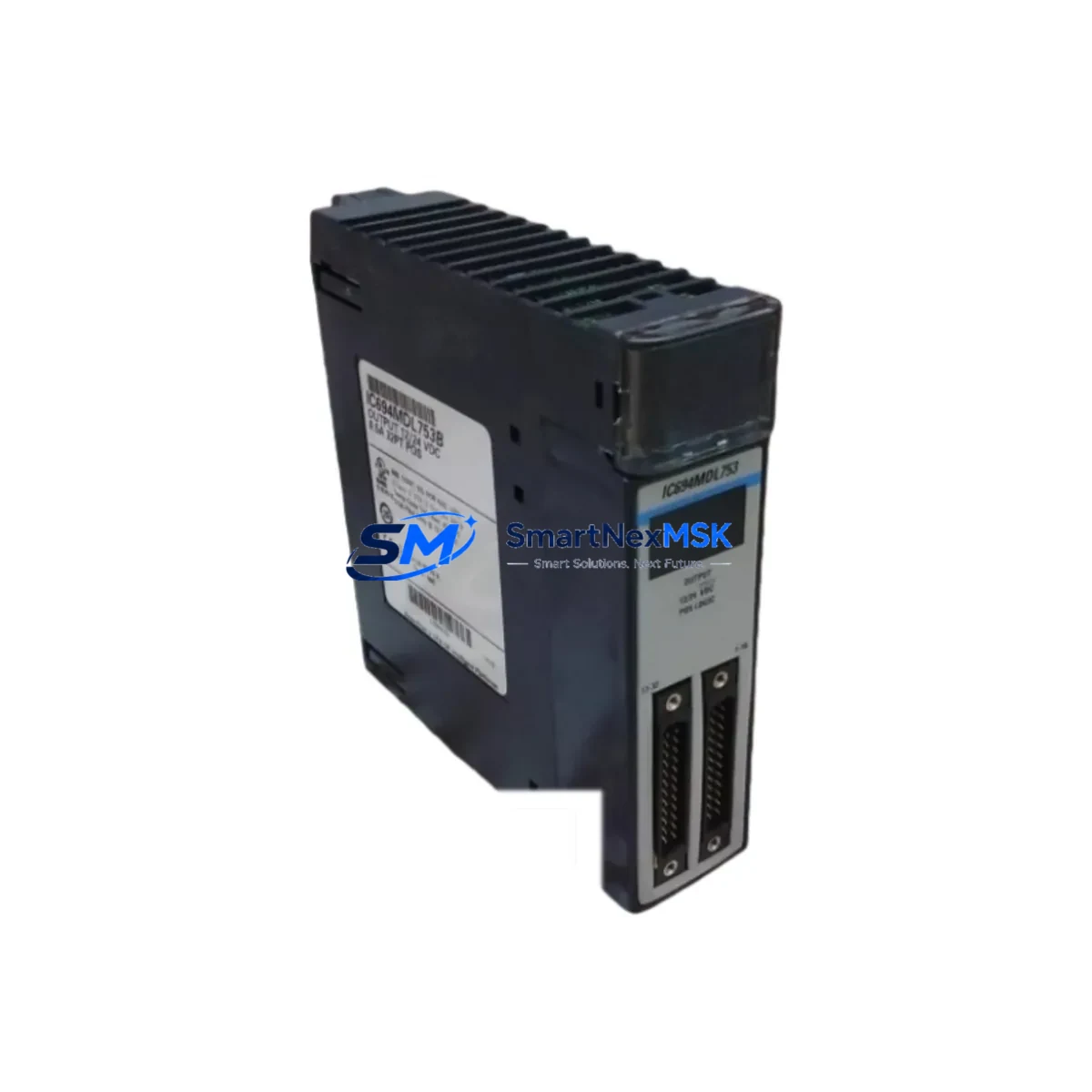
GE IC694MDL753B Retrofit-Ready Triac Output for Series 90-30 Control Systems
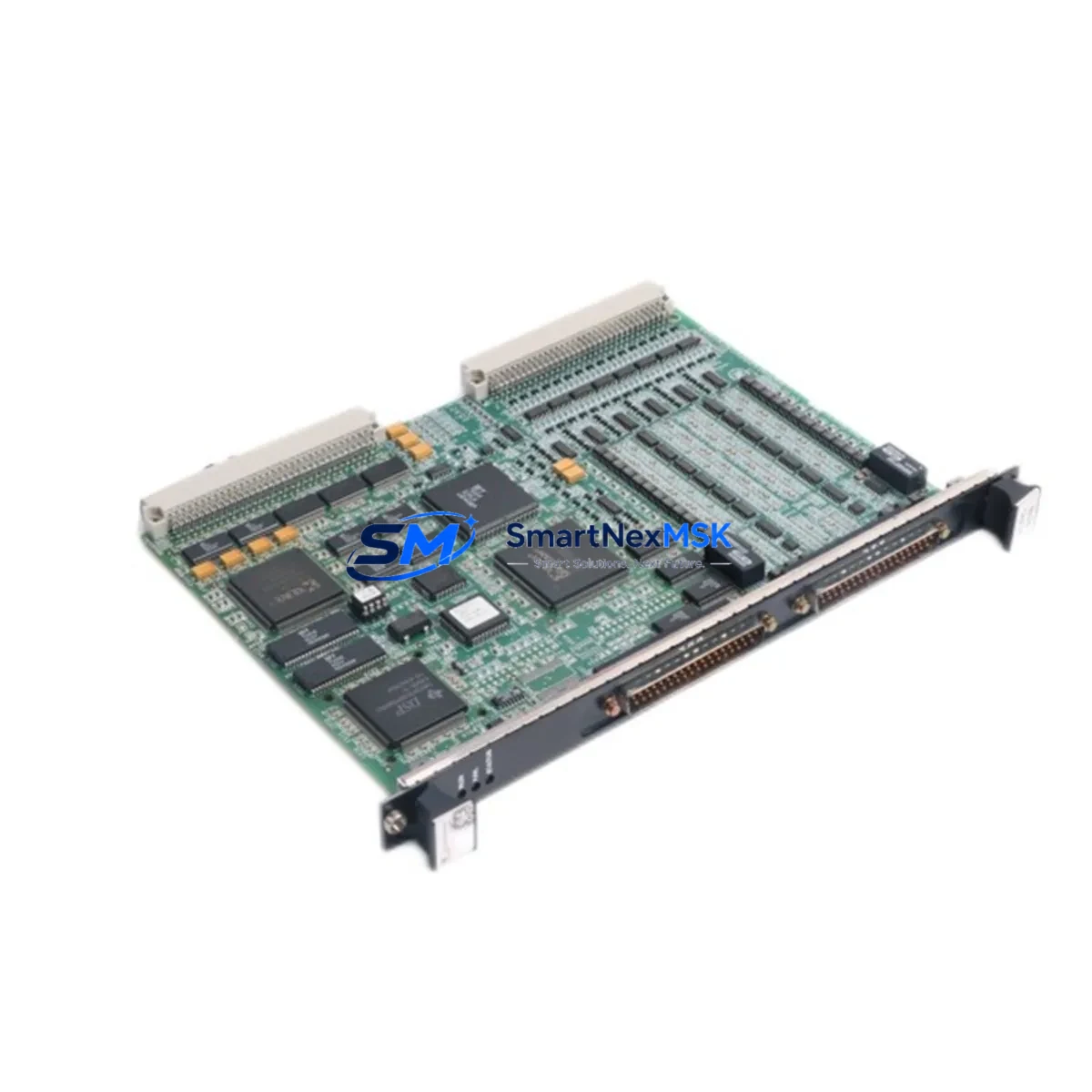
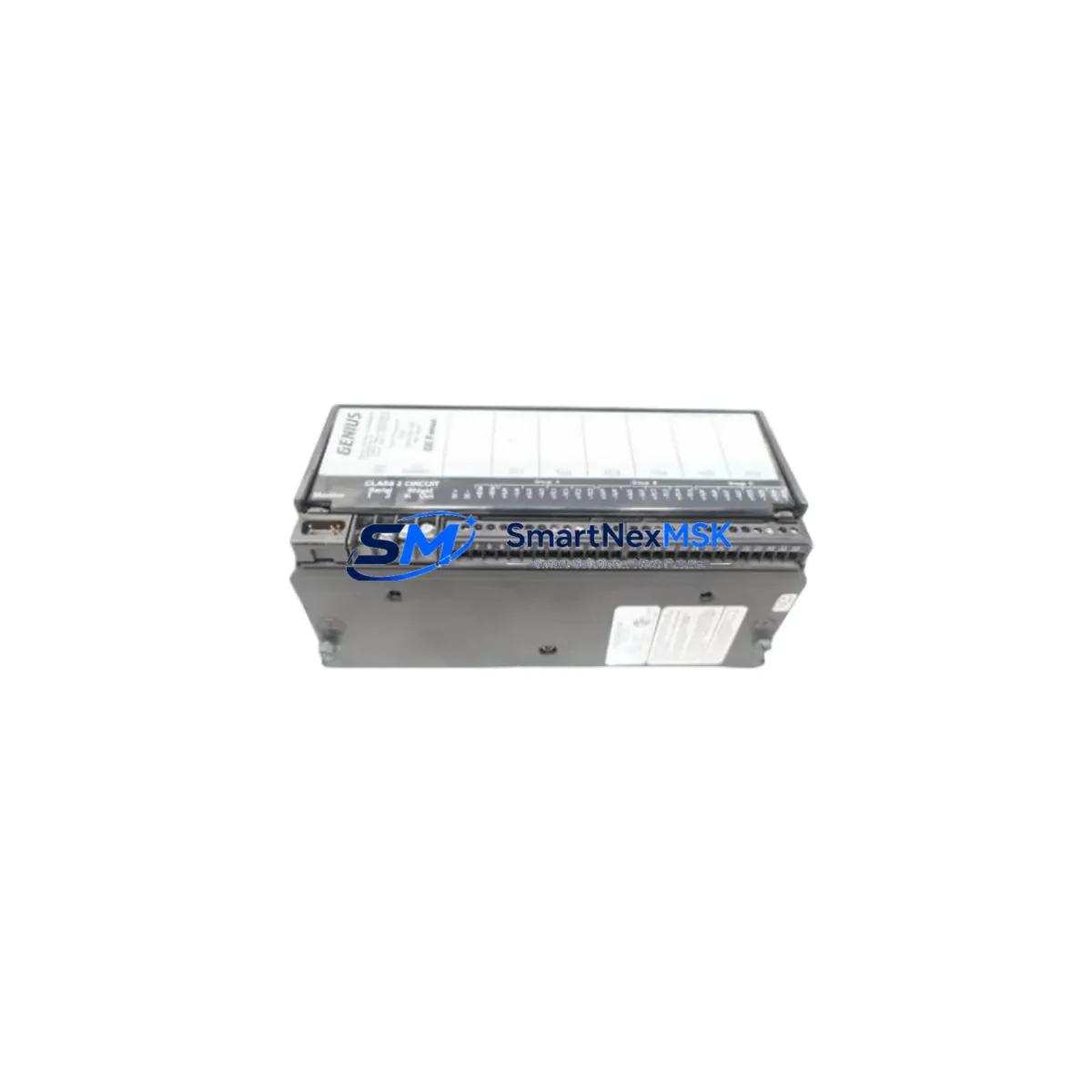
The GE IC694MDL753B is a 16-point, 120VAC Triac discrete output module engineered for seamless compatibility with GE Fanuc Series 90-30 programmable logic controller platforms. Whether you are replacing a failed module on an aging production line, upgrading a legacy control cabinet, or executing a planned system modernization, the IC694MDL753B delivers a verified drop-in retrofit solution that minimizes engineering risk and reduces unplanned downtime. Each unit shipped by SMARTNEXMSK undergoes functional output verification and is backed by a 12-month warranty.
This module slots directly into the IC694CHS392 or IC694CHS397 baseplate rack without requiring backplane rewiring. It communicates natively over the Series 90-30 I/O bus, making it fully compatible with the IC693CPU374, IC694CPU374, and IC694CPU378 central processing units. Engineers migrating from the earlier IC693MDL753 or IC693MDL752 discrete output modules will find the IC694MDL753B a functionally equivalent successor with identical terminal block pinout and the same 0.5A-per-point current rating, eliminating the need to modify field wiring or update ladder logic output coil addresses.
Upgrade Compatibility Table
| Parameter | IC694MDL753B | Notes / Retrofit Guidance |
|---|---|---|
| Output Type | 120VAC Triac, 16 Points | Solid-state; no mechanical wear |
| Current per Point | 0.5A | Verify load current before replacement |
| Backplane Interface | Series 90-30 I/O Bus | Compatible with IC694CHS392 / IC694CHS397 |
| Terminal Block | 36-pin removable | Identical pinout to IC693MDL753 — no rewiring needed |
| Direct Replacement For | IC693MDL753, IC693MDL752 | Drop-in; address mapping unchanged |
| CPU Compatibility | IC694CPU374, IC694CPU378 | Also compatible with IC693CPU374 |
| Communication Protocol | Series 90-30 Backplane Bus | No protocol migration required |
| Installation Requirement | Power-off hot-swap not supported | De-energize rack before module swap |
| Commissioning Check | Force output test via Proficy ME | Verify all 16 points before restart |
| Warranty | 12 Months | Covered by SMARTNEXMSK from ship date |
Retrofit Planning for Existing Automation Systems
A successful IC694MDL753B retrofit begins well before the module arrives on site. Start by auditing the existing IC694CHS392 rack to confirm available slot positions and verify that the IC694PWR321 or IC694PWR330 power supply module can support the additional load of the replacement output module. Series 90-30 racks are slot-addressed, so confirm the module slot number in the hardware configuration within Proficy Machine Edition before powering down — mismatched slot assignments are the most common cause of I/O faults after a module swap.
Next, review the field wiring connected to the existing terminal block. The IC694MDL753B uses a 36-pin removable terminal block that is physically and electrically identical to the one used on the IC693MDL753, so in most cases the entire terminal assembly can be transferred directly to the new module without disturbing individual wire terminations. This dramatically reduces the risk of wiring errors during the changeover window.
For systems that also require communication upgrades, the IC694MDL753B integrates without conflict alongside Ethernet modules such as the IC694ETM001 or legacy serial communication modules like the IC693CMM321. If your control architecture includes a GE Fanuc IC693MDL940 or IC694MDL940 DC output module in adjacent slots, verify that the combined output current draw does not exceed the power supply’s rated capacity — a common oversight in multi-module retrofit projects.
HMI screens built on Proficy iFIX or Cimplicity that reference output tag addresses tied to the original module will continue to function without modification, provided the slot address is preserved in the hardware configuration. If the rack also houses an IC694ALG220 analog input module or an IC694ALG390 analog output module, confirm that the analog I/O scan rate is unaffected by the discrete output module replacement — in most Series 90-30 configurations, discrete and analog I/O are scanned independently.
Finally, if the system uses a GE Fanuc IC693PRG300 programming cable or an IC693USB001 USB-to-serial adapter for program uploads, ensure the laptop running Proficy Machine Edition has the correct driver version installed before the maintenance window begins. Having a verified program backup on a separate storage device is mandatory before any module swap in a live production environment.
Downtime Control During System Migration
Minimizing production interruption during a Series 90-30 output module replacement requires a structured pre-outage checklist. Before the maintenance window opens, use Proficy Machine Edition to force all 16 output points of the IC694MDL753B to their safe de-energized state and document the current program logic, including any output coil overrides or retentive output instructions that may affect restart behavior.
During the swap, transfer the removable terminal block from the failed IC693MDL753 directly to the IC694MDL753B. This single action preserves all field wiring connections and eliminates the most time-consuming step in a traditional module replacement. Re-seat the module firmly into the IC694CHS392 rack slot, ensuring the backplane connector is fully engaged before restoring power to the IC694PWR321 supply.
On power-up, the Series 90-30 CPU will perform an automatic I/O configuration check. If the hardware configuration in the CPU matches the installed module type, the system will transition to RUN mode without operator intervention. Use the online monitoring function in Proficy Machine Edition to force-test each of the 16 output points individually before releasing the line to production. Total changeover time for a prepared team is typically under 30 minutes, preserving the integrity of the original ladder logic and maintaining field control continuity throughout the process.
Retrofit Support FAQ
Q1: Is the IC694MDL753B a direct drop-in replacement for the IC693MDL753?
Yes. The IC694MDL753B is the Series 90-30 successor to the IC693MDL753 and shares the same 36-pin terminal block pinout, slot addressing, and 120VAC Triac output specification. No field wiring changes or program modifications are required in standard retrofit applications.
Q2: What commissioning steps are required after installation?
After seating the module and restoring rack power, verify that the CPU hardware configuration matches the installed module type. Use Proficy Machine Edition’s online I/O forcing function to test all 16 output points individually. Confirm that all field devices respond correctly before returning the system to automatic mode.
Q3: Does SMARTNEXMSK test modules before shipment?
Yes. Every IC694MDL753B unit undergoes functional output verification prior to dispatch. Each module is shipped with a test record and is covered by a 12-month warranty from the date of shipment. Units that fail within the warranty period are replaced or refunded without additional charge.
Q4: Can this module be used in a rack alongside IC694ETM001 Ethernet or IC693CMM321 serial communication modules?
Yes. The IC694MDL753B operates on the standard Series 90-30 I/O backplane bus and does not conflict with communication modules installed in the same IC694CHS392 or IC694CHS397 rack. Ensure total rack power consumption remains within the rated output of the installed IC694PWR321 or IC694PWR330 power supply module.
© 2026 SMARTNEXMSK. All rights reserved.
Original Source: https://smartnexmsk.com
Contact: [email protected] | +86 18259474341