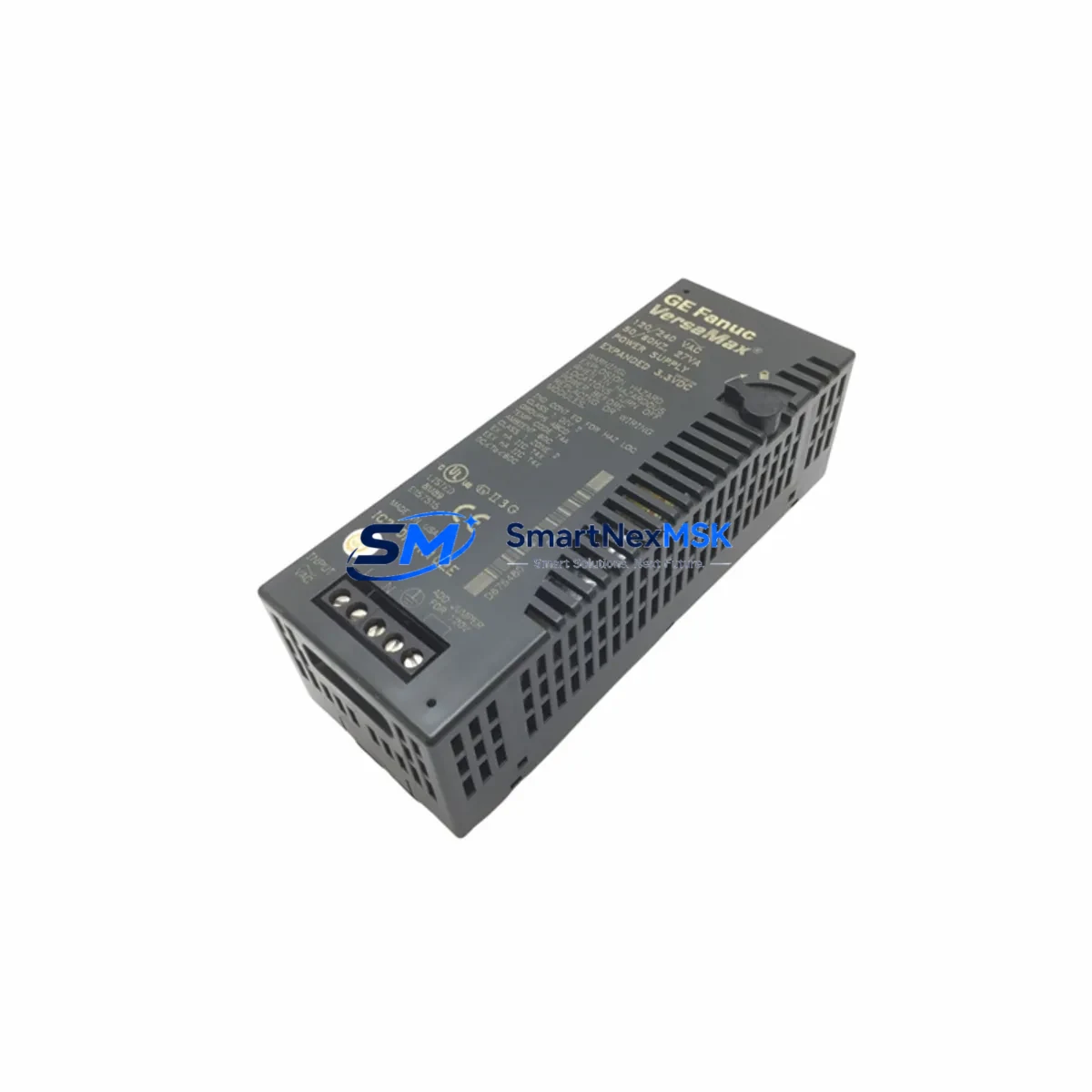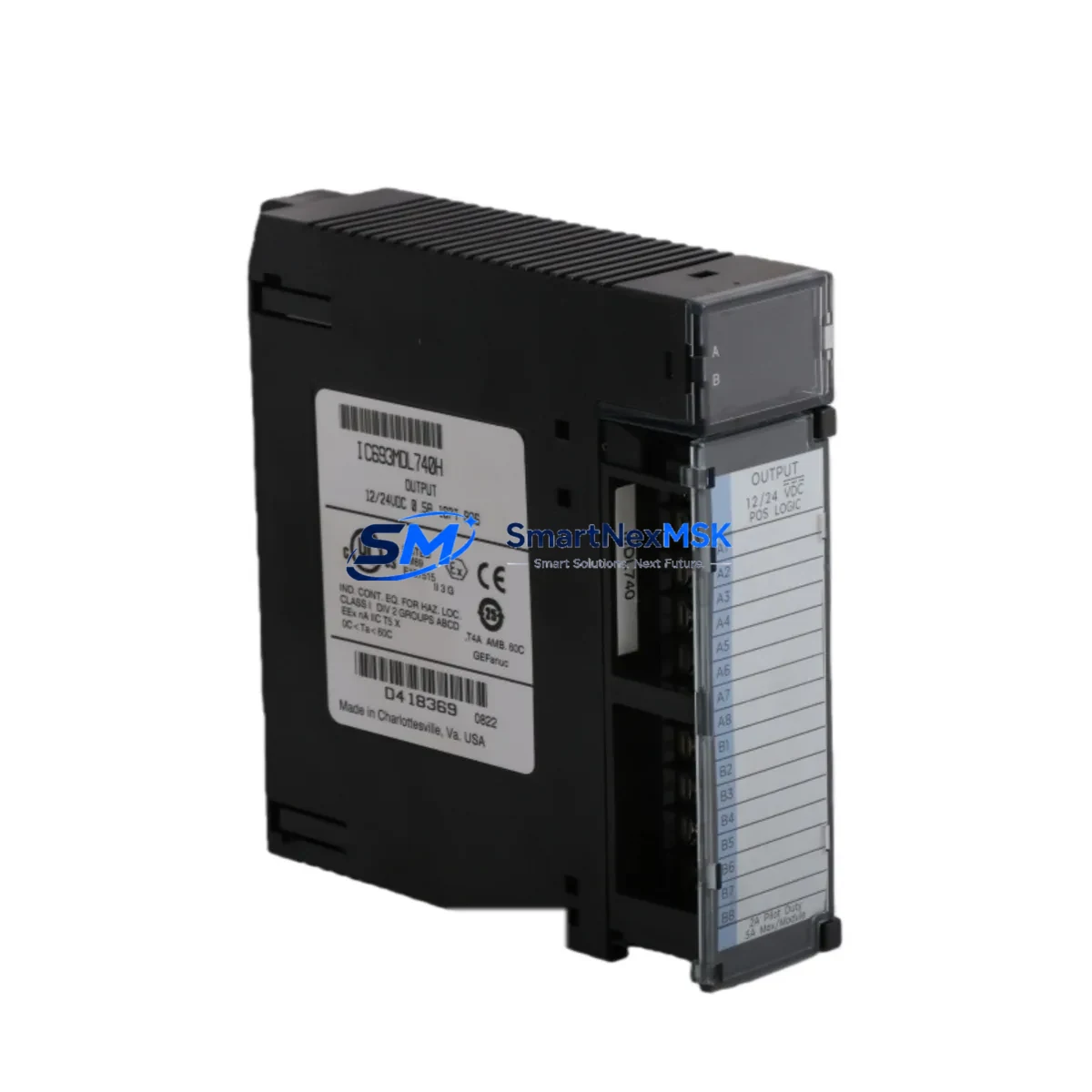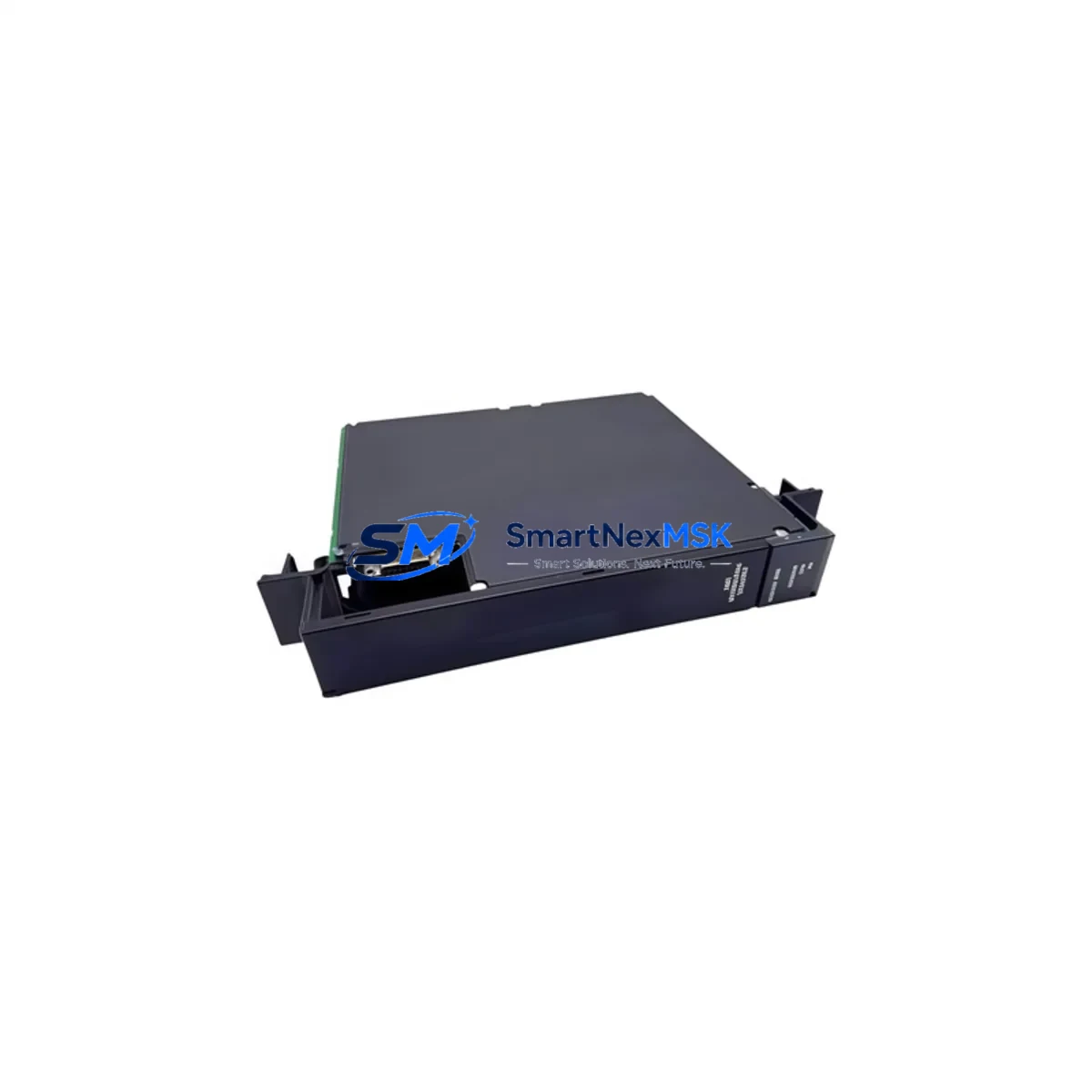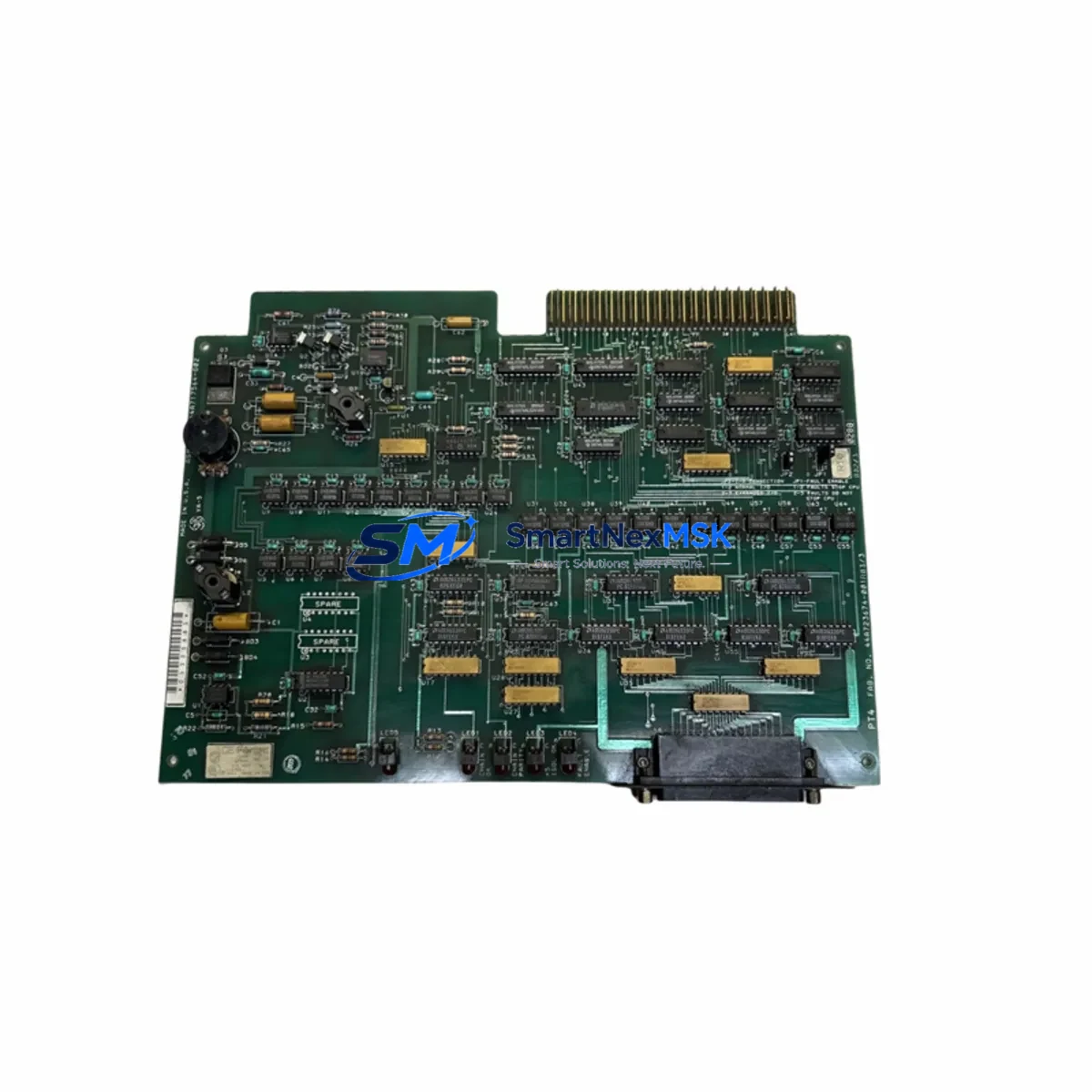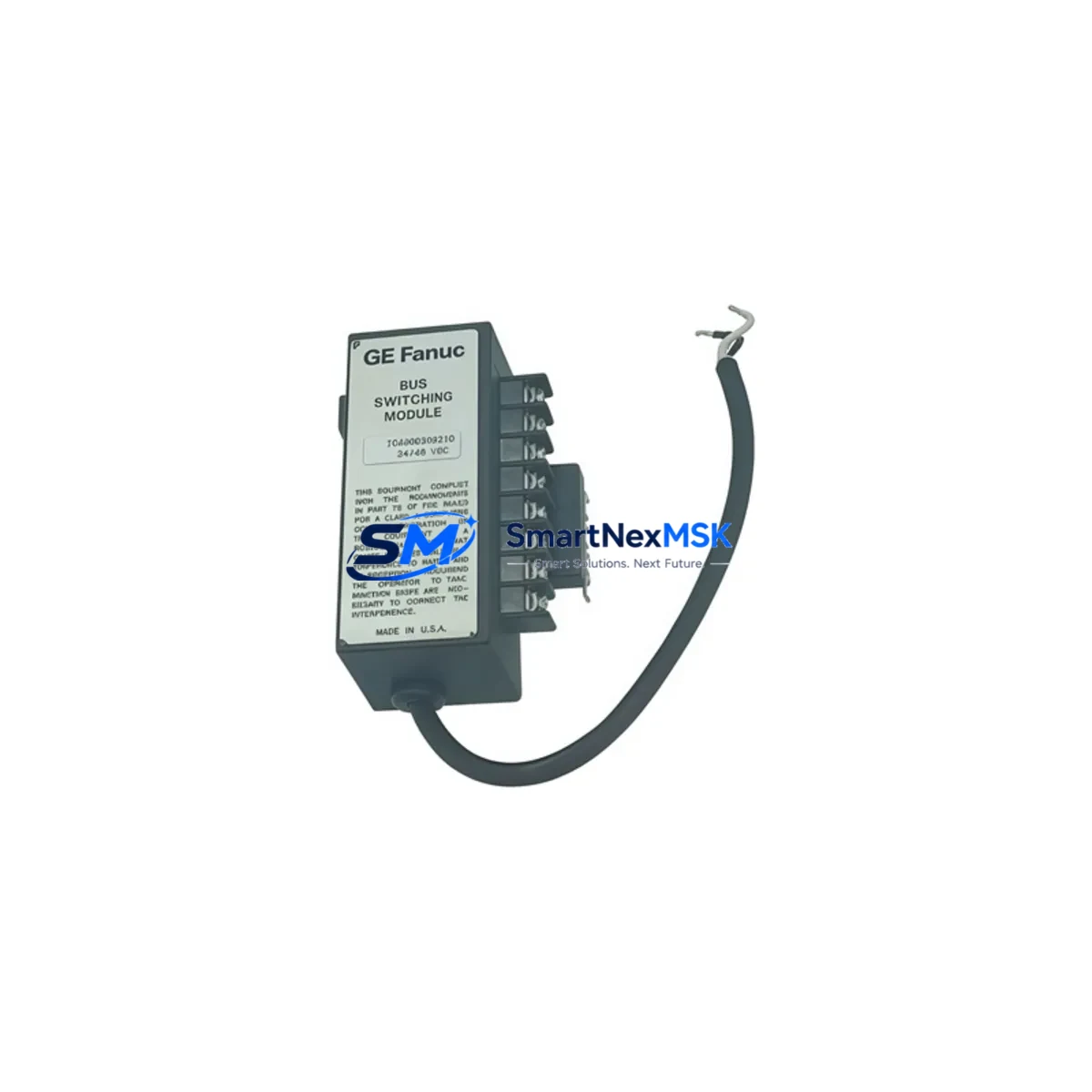
GE IC660BSM021 Retrofit-Ready Bus Switching Module for Genius I/O Control Systems
The GE IC660BSM021 is a Genius I/O Bus Switching Module designed for distributed I/O architectures in legacy GE Fanuc control systems. As production lines age and original equipment manufacturers discontinue support for older automation platforms, the IC660BSM021 remains a critical component for engineers managing brownfield retrofits, control cabinet upgrades, and system continuity projects. Whether you are replacing a failed unit on an active production line or pre-positioning spare inventory ahead of a planned migration, this module delivers the electrical and protocol compatibility required for a smooth transition with minimal disruption to existing operations.
Upgrade Compatibility Table
| Parameter | Details |
|---|---|
| SKU / Part Number | IC660BSM021 |
| Series | GE Fanuc Genius I/O |
| Module Function | Bus Switching Module — manages redundant Genius bus paths |
| Bus Interface | Genius Serial I/O Bus (dual-bus capable) |
| Installation | DIN rail or panel mount; compatible with standard Genius I/O racks |
| Communication Compatibility | Genius Bus protocol; integrates with Series 90-30, Series 90-70, and VersaMax controllers |
| Replacement Recommendation | Direct drop-in for IC660BSM021; verify bus address and termination resistor settings before power-up |
| Commissioning Notes | Confirm bus device number, check Genius Bus Controller (GBC) configuration, validate redundancy switchover logic |
| Warranty | 12 Months — covers manufacturing defects and functional failure under normal operating conditions |
Retrofit Planning for Existing Automation Systems
Integrating the IC660BSM021 into an existing Genius I/O network requires a structured approach that accounts for both hardware compatibility and software configuration. Before removing the failed or obsolete module, engineers should document the current bus device number assigned to the IC660BSM021 within the Genius Bus Controller (GBC) configuration. This address is critical — mismatched device numbers will prevent the replacement module from being recognized by the host controller, whether that is a Series 90-30 CPU, a Series 90-70 rack-mounted processor, or a VersaMax modular controller.
On the hardware side, verify that the replacement IC660BSM021 is installed in the correct slot within the Genius I/O block or standalone mounting arrangement. Check that the dual-bus termination resistors are correctly positioned if the module is installed at either end of the Genius bus segment. Alongside the IC660BSM021, the retrofit scope often involves inspecting adjacent components: the IC660BBA020 Bus Controller, IC660BBD024 discrete input blocks, IC660BBD025 discrete output blocks, and IC660BBA101 analog input modules are commonly found in the same control cabinet and may require firmware or wiring review during the same maintenance window.
For systems where the Genius bus interfaces with a higher-level network — such as a GE SRTP Ethernet link or a Profibus DP gateway — confirm that the communication module upstream of the IC660BSM021 is correctly configured to handle bus switchover events without triggering a controller fault. The IC697CMM742 communications coprocessor and IC693CMM321 Ethernet interface modules are frequently part of the same control architecture and should be verified for compatibility with the updated bus topology. Power supply capacity is another key checkpoint: the IC693PWR321 or IC693PWR330 power supply modules feeding the rack must provide sufficient current headroom after the new module is installed, particularly in high-density I/O configurations.
Wiring adaptation is straightforward for direct replacements, but engineers should inspect terminal block torque values and cable shielding continuity before re-energizing the bus. If the original installation used IC660CBL500 Genius bus cable, verify that the cable impedance and length remain within specification for the updated bus segment length.
Downtime Control During System Migration
Minimizing unplanned downtime during a Genius I/O bus switching module replacement requires preparation before the maintenance window begins. The recommended approach is to export the current PLC program from the host controller using Proficy Machine Edition or the legacy Logicmaster 90 programming software, and store a verified backup offline. This ensures that if the controller loses its program during power cycling — a risk in older battery-backed CPUs — the logic can be restored immediately without re-engineering from scratch.
Where the system supports Genius bus redundancy, the IC660BSM021 can be configured to switch bus control to the secondary path while the primary module is replaced, maintaining I/O communication throughout the swap. Confirm with the site control engineer that the redundancy switchover has been tested and that the HMI screens — whether driven by a GE Cimplicity SCADA system or a standalone iFIX node — are correctly reflecting the bus status before and after the switchover. After installing the replacement IC660BSM021, perform a controlled power-up sequence: energize the I/O bus first, confirm device recognition in the GBC configuration tool, then bring the host controller online. Validate all I/O points against the original I/O map before releasing the line back to production.
Retrofit Support FAQ
Q: Is the IC660BSM021 a direct replacement for all Genius I/O bus switching applications?
A: Yes, the IC660BSM021 is the standard bus switching module for the GE Fanuc Genius I/O platform. It is compatible with both single-bus and dual-bus (redundant) configurations. Confirm the bus device number and termination settings match the original module before installation.
Q: What commissioning steps are required after installing the replacement module?
A: After physical installation, use Proficy Machine Edition or Logicmaster 90 to verify the bus device number in the GBC configuration. Perform a bus scan to confirm the IC660BSM021 is recognized, check I/O block status, and validate redundancy switchover if applicable. Document all settings before closing the maintenance window.
Q: Can the IC660BSM021 be used with VersaMax and Series 90-70 controllers simultaneously?
A: The IC660BSM021 operates on the Genius Serial I/O Bus protocol, which is supported by Series 90-30, Series 90-70, and VersaMax host controllers. The module itself is controller-agnostic at the bus level; compatibility depends on the GBC configuration and the Genius bus segment design rather than the specific CPU model.
Q: What does the 12-month warranty cover?
A: The 12-month warranty covers manufacturing defects and functional failure under normal industrial operating conditions. Each unit undergoes pre-shipment functional testing. Warranty claims are processed directly — contact our technical team with the order reference and a description of the fault for rapid resolution.
© 2026 SMARTNEXMSK. All rights reserved.
Original Source: https://smartnexmsk.com
Contact: [email protected] | +86 18259474341