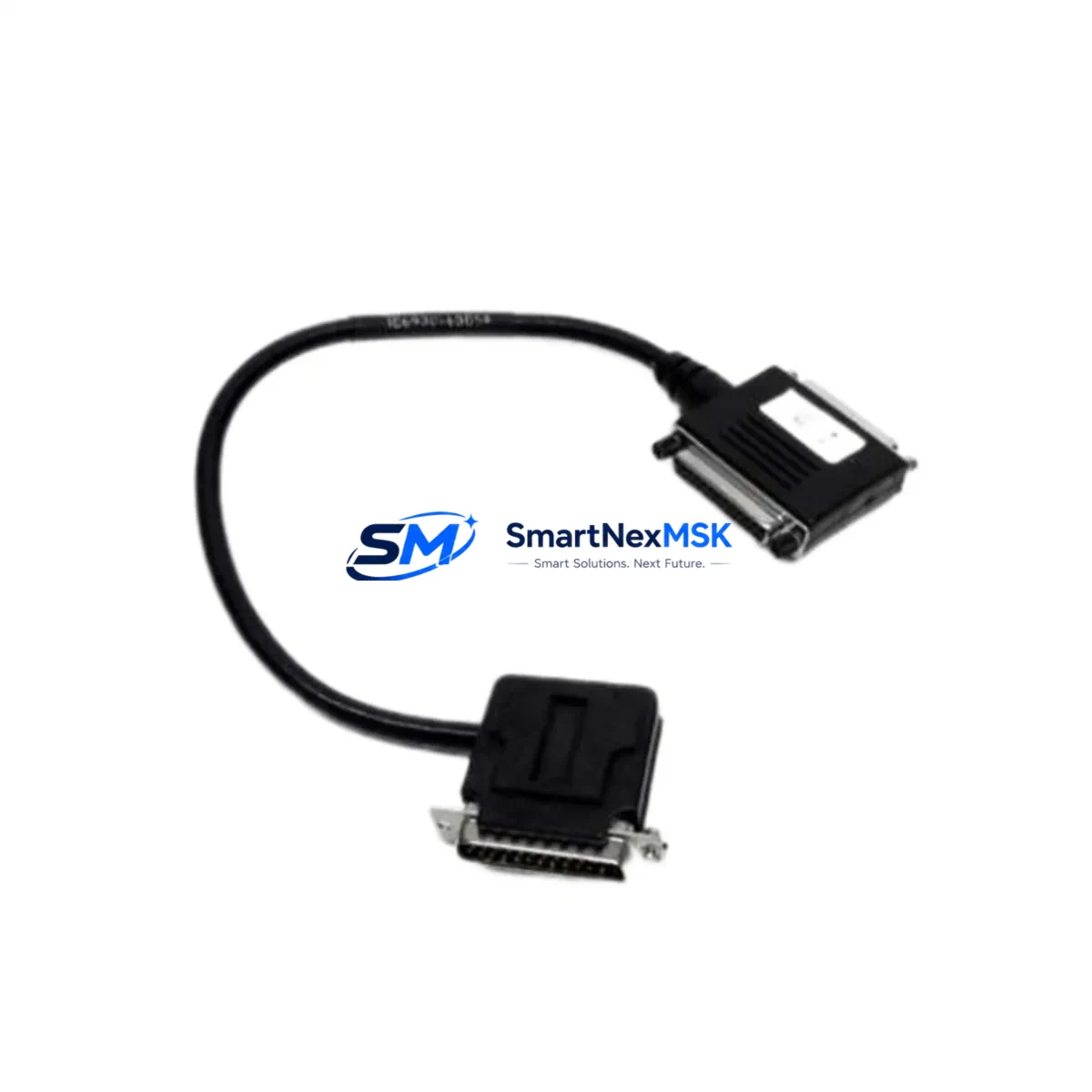
GE IC693CBL305 Retrofit-Ready Serial Cable for Series 90-30 Control Systems
The GE Fanuc IC693CBL305 is a dedicated serial port expansion cable engineered for the Series 90-30 programmable logic controller platform. As legacy Series 90-30 installations continue to operate across manufacturing, utilities, and process industries, the IC693CBL305 remains a critical interface component for programming, HMI communication, and diagnostic access. Whether you are executing a planned retrofit, recovering from an unplanned failure, or upgrading an aging control cabinet, this cable provides a verified drop-in replacement path with zero firmware modification required.
The IC693CBL305 connects the Series 90-30 CPU module’s serial port — typically the IC693CPU364, IC693CPU374, or IC693CPU350 — to a programming workstation running Proficy Machine Edition or the legacy Logicmaster 90-30 software environment. The cable supports RS-232 serial communication and is compatible with the standard 15-pin D-sub connector found on the Series 90-30 CPU faceplate. No driver reconfiguration or baud rate adjustment is needed when replacing a failed or worn cable in an existing installation.
Upgrade Compatibility Table
| Parameter | IC693CBL305 Specification |
|---|---|
| Compatible CPU Modules | IC693CPU350, IC693CPU360, IC693CPU363, IC693CPU364, IC693CPU374 |
| Connector Type | 15-pin D-sub (DB15) to RS-232 serial (DB9/DB25) |
| Communication Protocol | RS-232 serial, point-to-point |
| Cable Length | Approx. 3 m (standard); custom lengths available on request |
| Compatible Software | Proficy Machine Edition, Logicmaster 90-30 |
| Installation Requirement | No tools required; direct plug-in replacement |
| Retrofit Recommendation | Direct replacement for worn, damaged, or discontinued OEM cables |
| Commissioning Note | Verify COM port assignment in programming software after connection |
| Warranty | 12 months from date of shipment |
Retrofit Planning for Existing Automation Systems
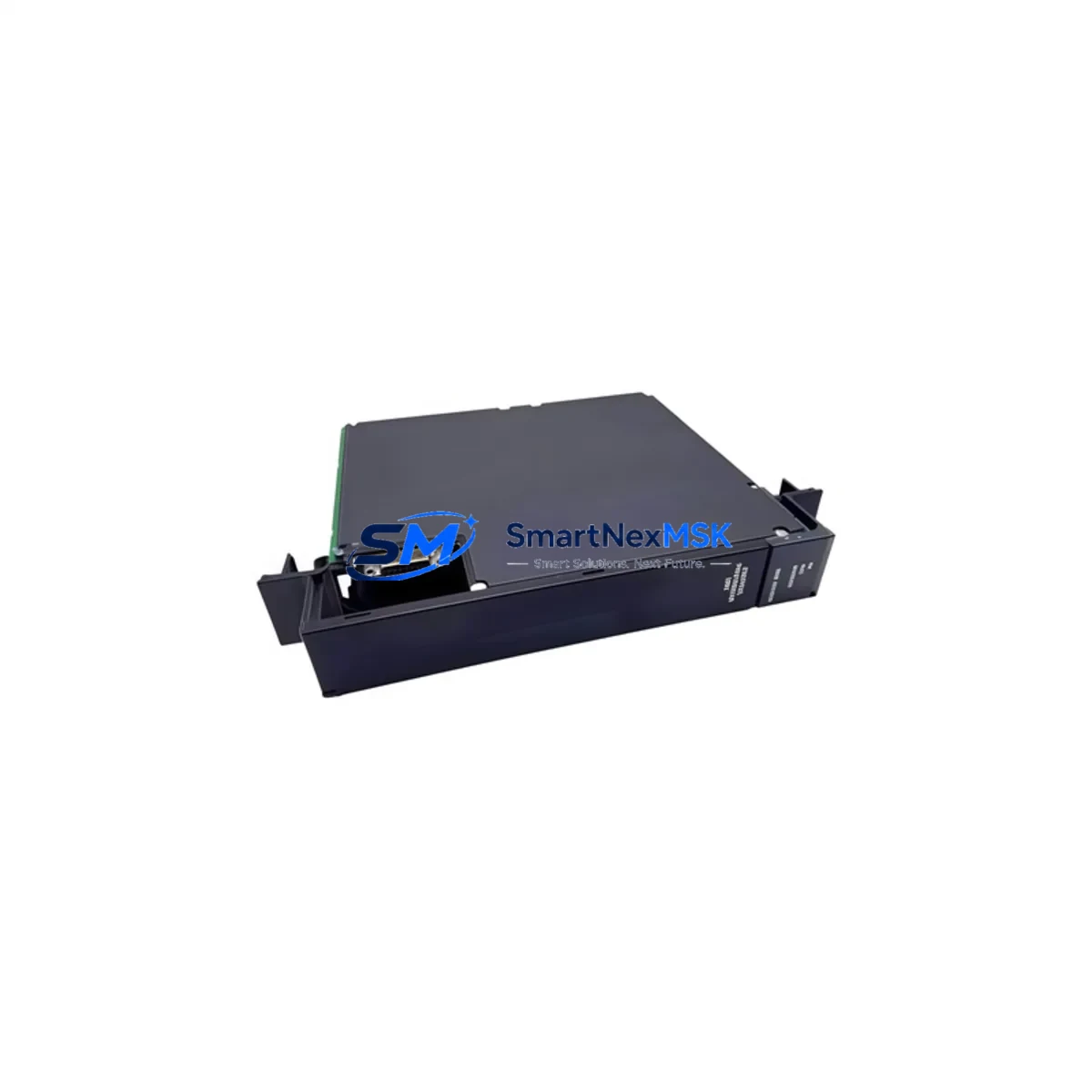
In a typical Series 90-30 retrofit scenario, the IC693CBL305 is one of several components that must be evaluated before the control system can be brought back online or upgraded. Engineers planning a control cabinet modernization should begin by auditing the existing rack configuration. The IC693CPU364 or IC693CPU374 CPU module occupies the leftmost slot of the IC693CHS391 or IC693CHS397 baseplate, and the serial cable connects directly to the CPU faceplate port for programming access.
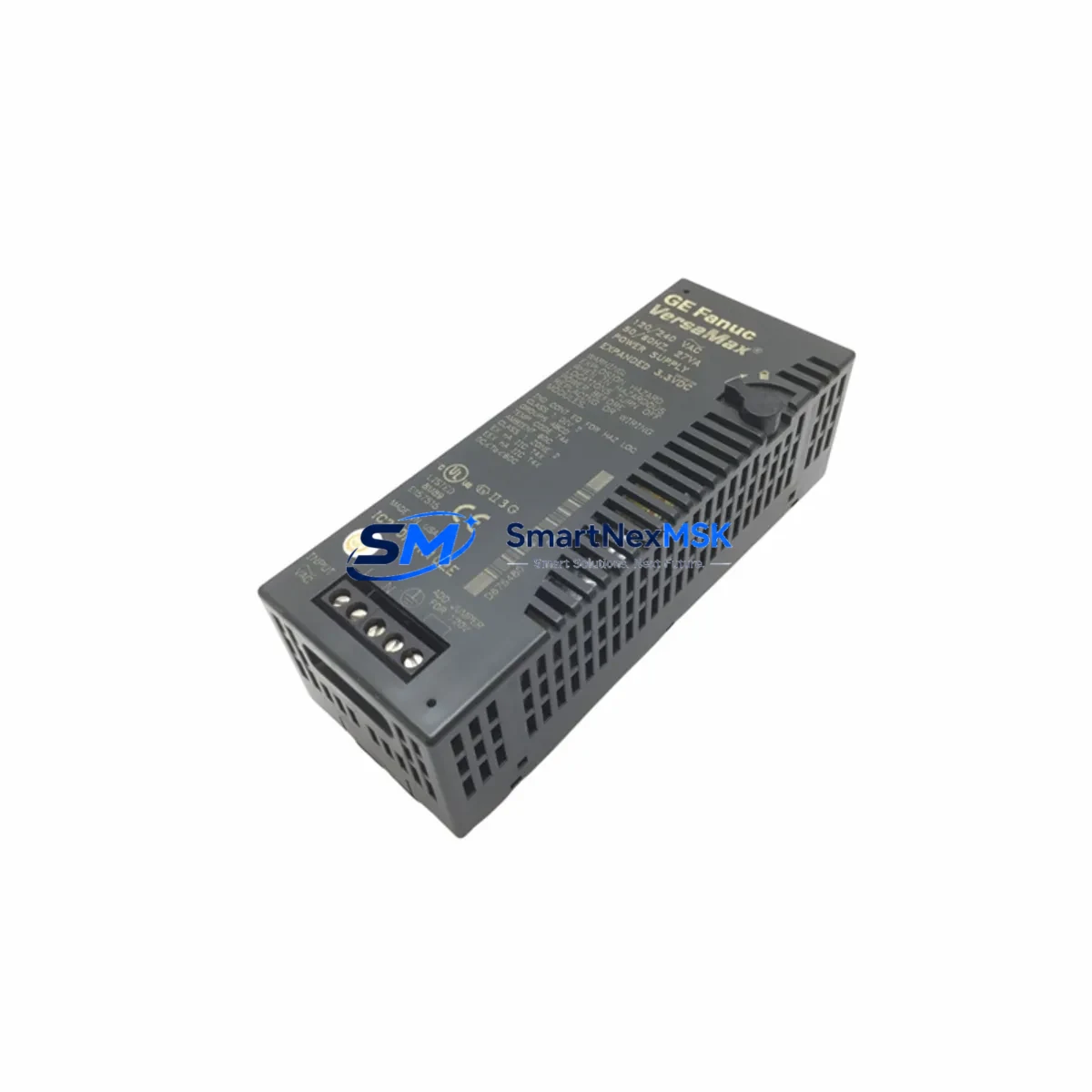
Before replacing the cable, confirm that the IC693PWR321 or IC693PWR330 power supply module is delivering stable 5 VDC and 24 VDC rails to the backplane. An unstable power supply can cause intermittent communication errors that are often misdiagnosed as cable faults. Once power integrity is confirmed, connect the IC693CBL305 between the CPU serial port and the engineering workstation, then launch Proficy Machine Edition to verify that the CPU is visible on the selected COM port.
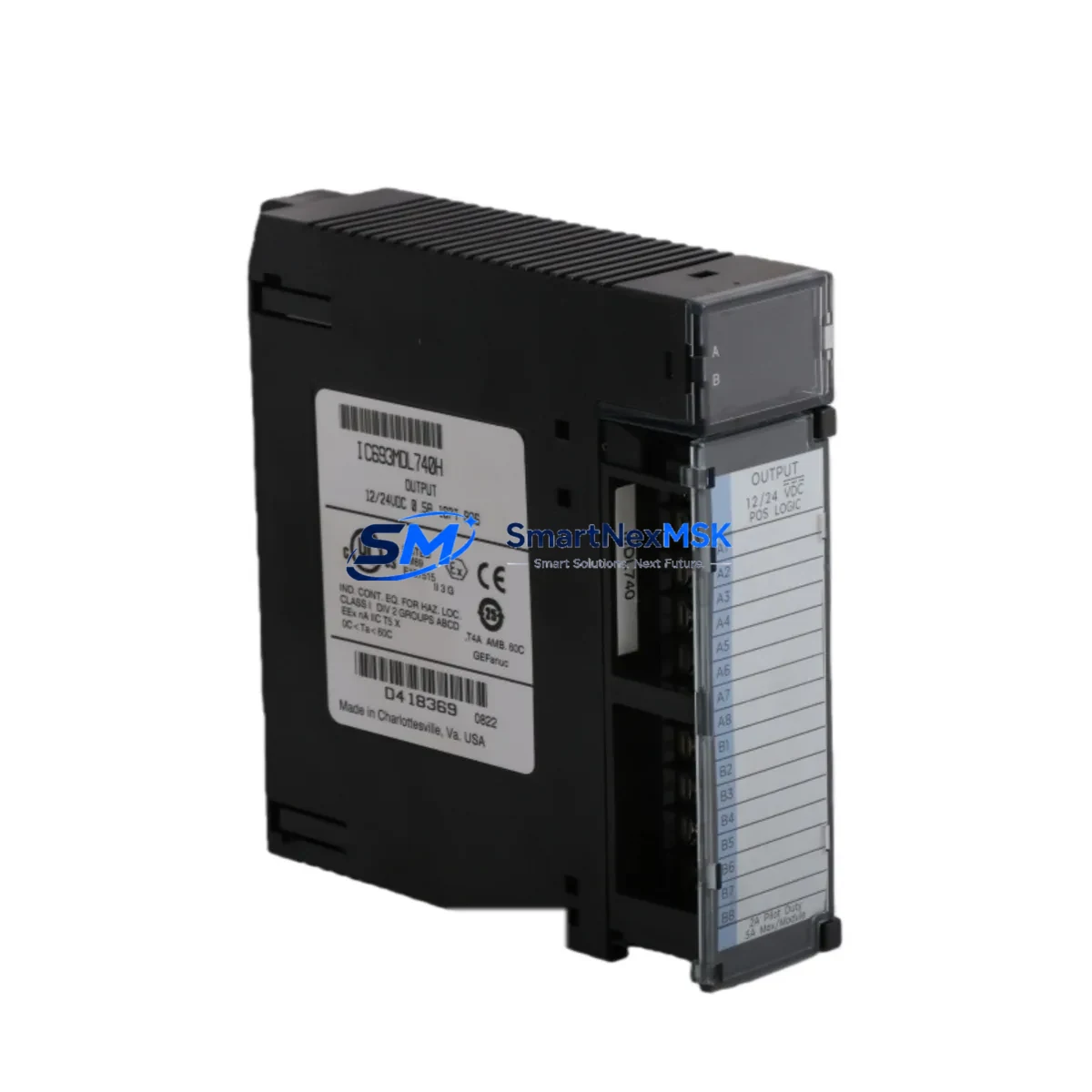
For installations that include discrete I/O expansion, the IC693MDL645 or IC693MDL654 input modules and IC693MDL740 output modules should be inspected for terminal block integrity and wiring continuity. If the retrofit involves migrating from an older IC693CPU350 to a higher-performance IC693CPU374, the program logic stored in the original CPU can be uploaded via the IC693CBL305 before the hardware swap, preserving all ladder logic, data tables, and PID loop configurations.
Communication-intensive installations may also include the IC693CMM321 or IC693CMM311 communications module for SNP, SNP-X, or Modbus RTU protocol support. When upgrading the CPU, verify that the communications module firmware is compatible with the new CPU revision. The IC693CBL305 remains the primary programming interface throughout this process, making it indispensable during both pre-swap program backup and post-swap commissioning.
HMI panels connected via the IC693CBL305 serial link — including legacy QuickPanel or third-party RS-232 HMI displays — should have their communication parameters (baud rate, parity, stop bits, station address) documented before any hardware change. After the retrofit, re-enter these parameters in the HMI configuration software and perform a full screen navigation test to confirm that all dynamic data tags are updating correctly.
Downtime Control During System Migration
Minimizing unplanned downtime is the primary concern in any Series 90-30 retrofit. The IC693CBL305 enables engineers to perform a full program upload from the existing CPU before any hardware is removed from the rack. This backup step is non-negotiable: store the .mep project file on at least two separate media (local drive and USB) before proceeding with any physical changes.
With the program safely backed up, the CPU module can be removed and replaced without risk of losing the control logic. After installing the replacement CPU — whether it is a like-for-like IC693CPU364 or an upgraded IC693CPU374 — reconnect the IC693CBL305 and download the saved program. Verify that all I/O module addresses are correctly mapped in the hardware configuration and that the CPU transitions to RUN mode without faults.
For installations where continuous production cannot be interrupted, consider staging the new CPU and I/O modules in a test rack using a spare IC693CHS391 baseplate and the IC693PWR321 power supply. Pre-load and validate the program offline, then perform the physical swap during a scheduled maintenance window. This approach reduces live changeover time to under 30 minutes in most cases, protecting both production continuity and personnel safety.
After the swap, use the IC693CBL305 to monitor CPU diagnostics in real time via Proficy Machine Edition’s online monitoring mode. Confirm that all analog and digital I/O channels are reading correctly, that PID loops are stable, and that any networked devices on the IC693CMM321 communications module are responding normally before releasing the system to production.
Retrofit Support FAQ
Q: Is the IC693CBL305 a direct replacement for the original GE Fanuc serial cable?
A: Yes. The IC693CBL305 is a direct, pin-compatible replacement for the original OEM serial cable used with Series 90-30 CPU modules including the IC693CPU350, IC693CPU364, and IC693CPU374. No wiring modification or adapter is required.
Q: Can I use this cable with Proficy Machine Edition on a modern laptop that only has USB ports?
A: Yes, with a USB-to-RS-232 adapter. Use a reliable adapter with FTDI or Prolific chipset, install the appropriate driver, and assign the virtual COM port in Proficy Machine Edition’s communication settings. Verify the baud rate matches the CPU’s serial port configuration (default: 19200 baud, 8N1).
Q: What commissioning checks should I perform after connecting the IC693CBL305?
A: After connecting the cable, open Proficy Machine Edition and attempt to go online with the CPU. Confirm the CPU status (RUN/STOP/FAULT), verify the hardware configuration matches the physical rack, check I/O module status indicators, and review the fault table for any active diagnostics. For systems with communications modules, confirm that all networked devices are responding.
Q: What warranty coverage is included with the IC693CBL305?
A: Every IC693CBL305 shipped by SMARTNEXMSK includes a 12-month warranty covering manufacturing defects and connector integrity. Each unit undergoes continuity and signal integrity testing prior to shipment. If a fault is identified within the warranty period, we provide a replacement or full refund with no return shipping cost to the customer.
© 2026 SMARTNEXMSK. All rights reserved.
Original Source: https://smartnexmsk.com
Contact: [email protected] | +86 18259474341