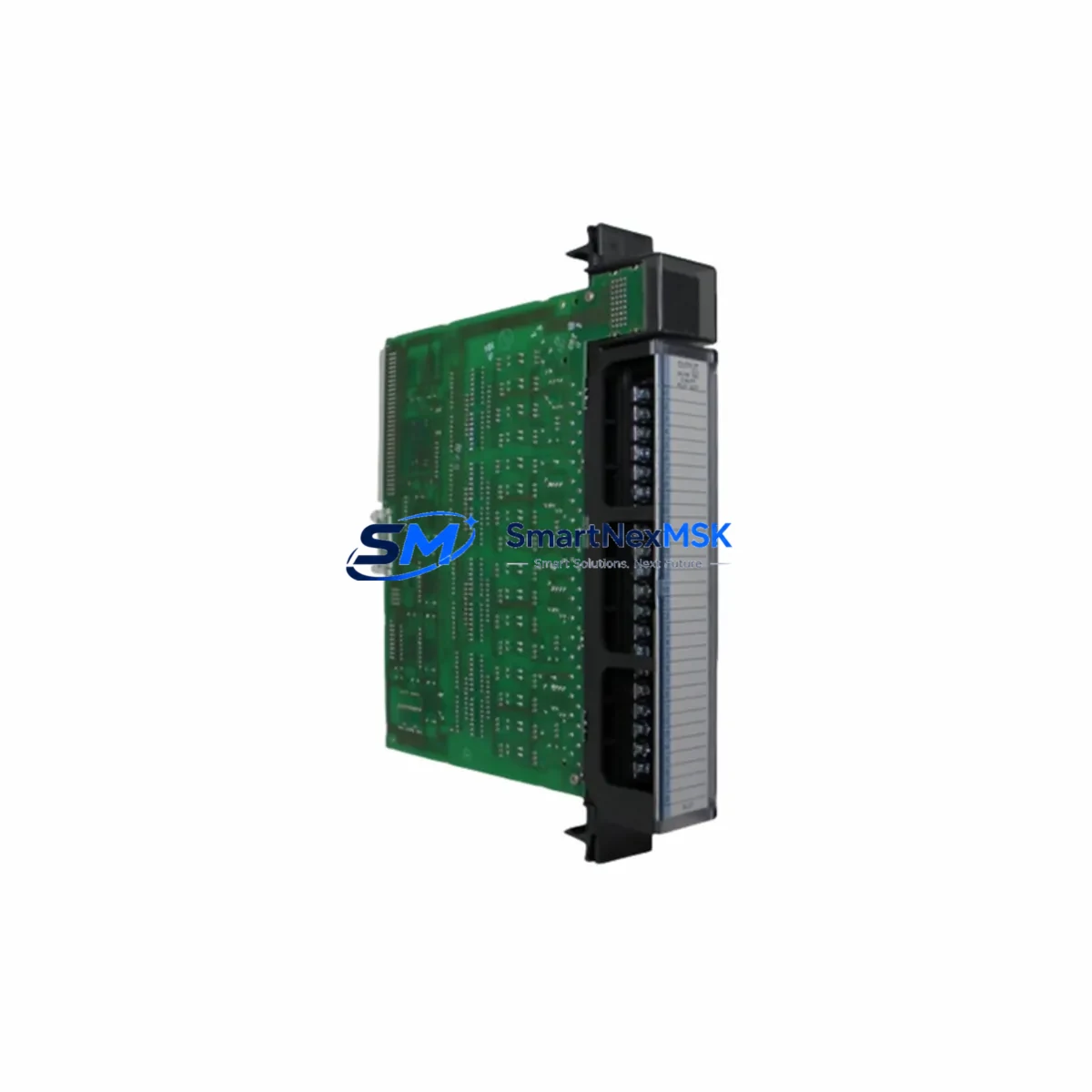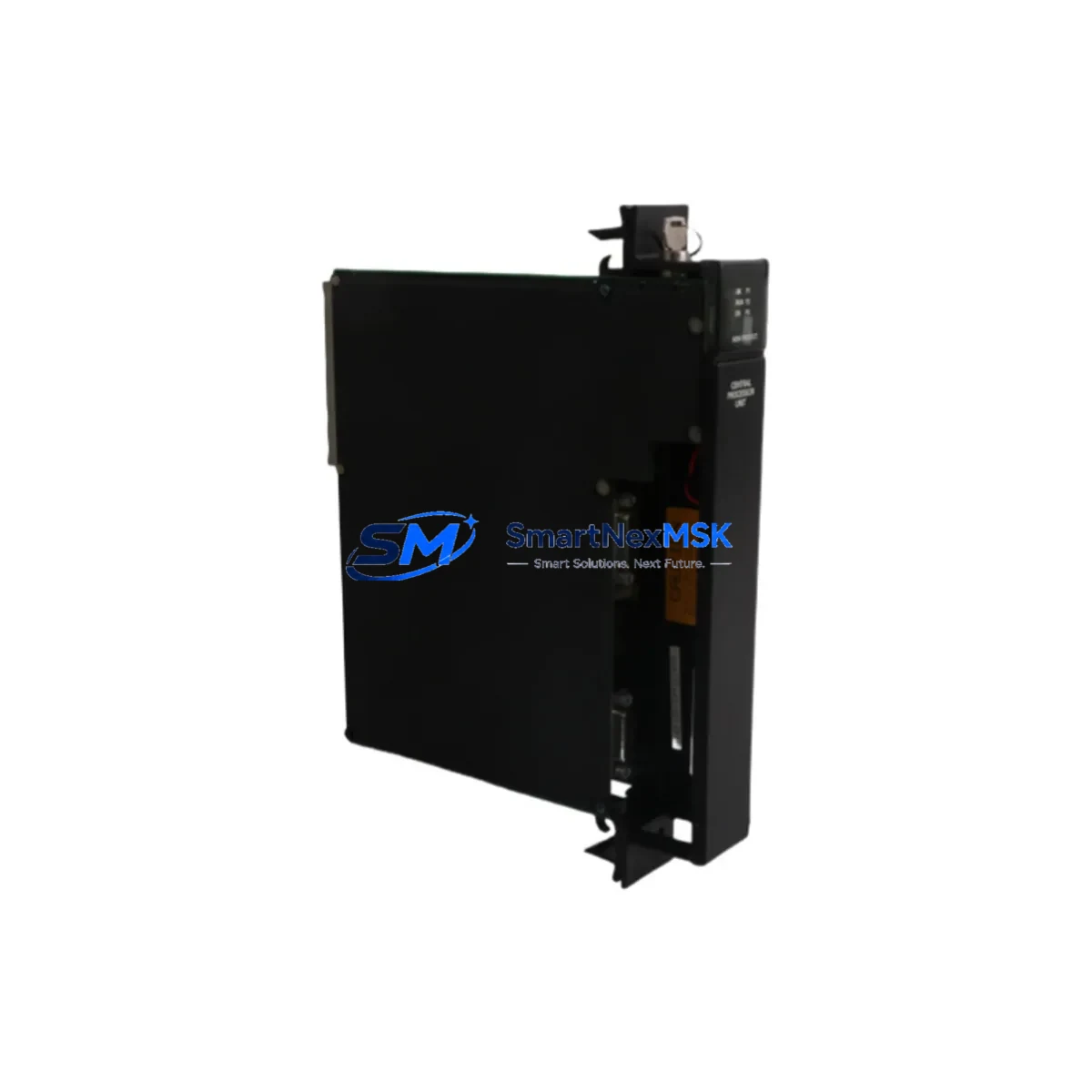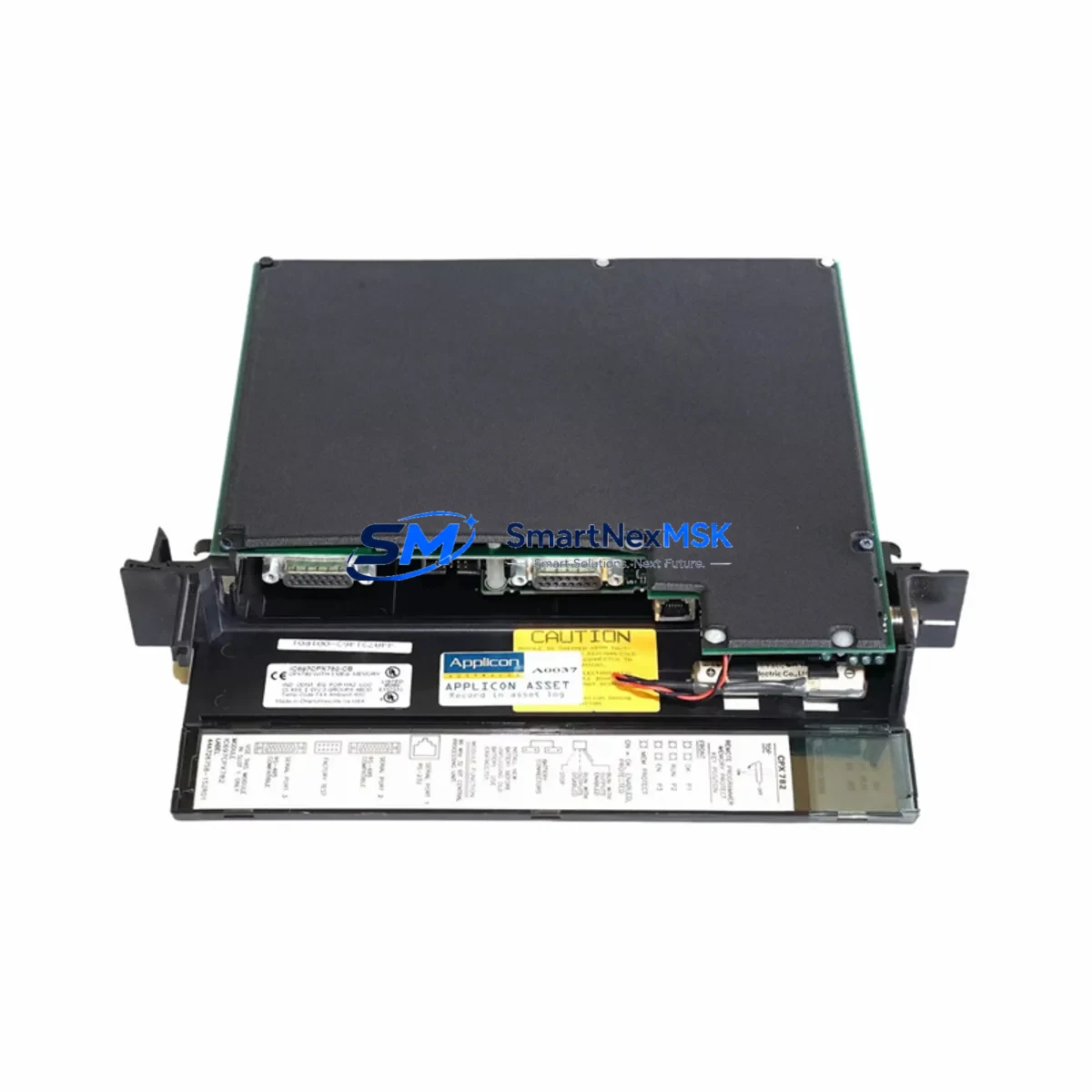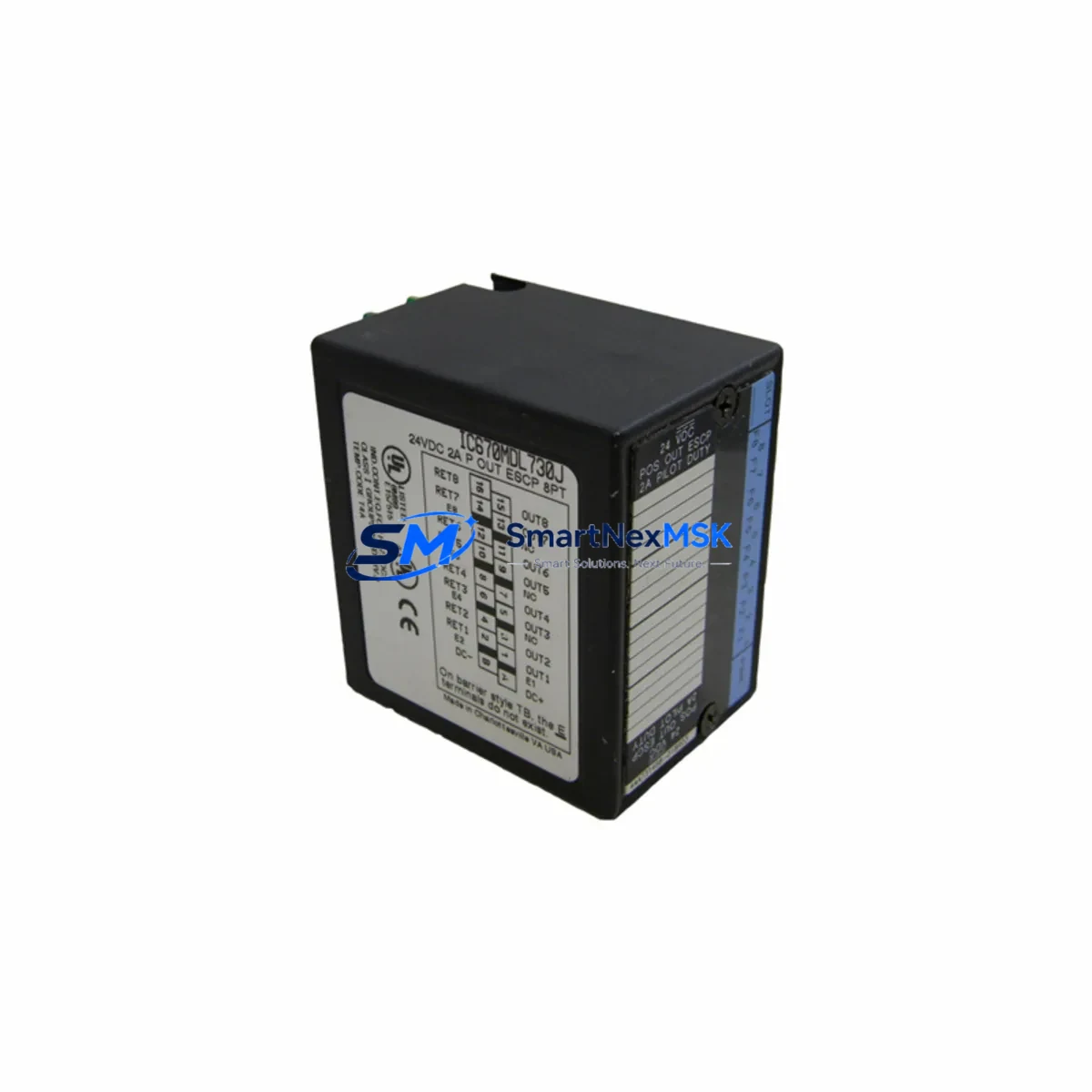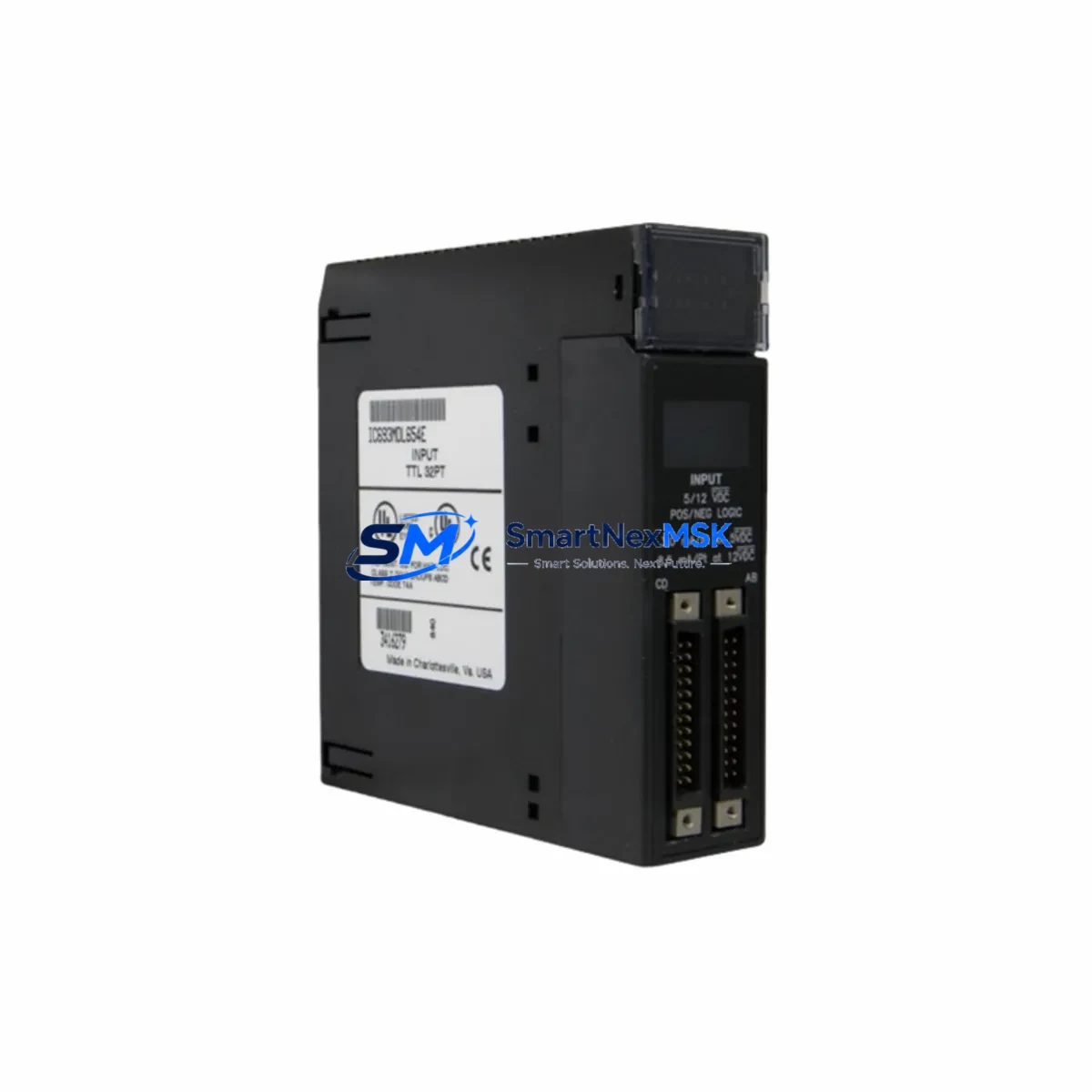
GE IC693MDL654C Retrofit-Ready Input Module for Series 90-30 Control Systems
The GE IC693MDL654C is a 16-point, 24VDC discrete input module engineered for the GE Series 90-30 PLC platform. As legacy Series 90-30 systems approach end-of-life and spare parts become increasingly scarce, the IC693MDL654C remains one of the most sought-after retrofit components for engineers tasked with keeping aging production lines operational. Whether you are replacing a failed module in an active control cabinet, upgrading a discontinued input card, or migrating an entire rack to a modernized architecture, this module delivers verified compatibility and reliable performance without requiring changes to existing ladder logic or I/O addressing.
Each unit supplied by SMARTNEXMSK is sourced from authorized channels, fully tested prior to shipment, and backed by a 12-month warranty covering manufacturing defects and functional failures. Fast global shipping ensures minimal disruption to your production schedule.
Upgrade Compatibility Table
| Parameter | IC693MDL654C Specification | Retrofit Notes |
|---|---|---|
| Input Points | 16 × 24VDC Discrete Inputs | Direct replacement for IC693MDL654, IC693MDL654A, IC693MDL654B |
| Input Voltage Range | 24VDC (18–30V operating) | Verify field wiring voltage before installation |
| Backplane Interface | Series 90-30 standard bus connector | Compatible with IC693CHS391, IC693CHS392, IC693CHS397 racks |
| Module Slot | Any I/O slot in Series 90-30 rack | Address assignment via CPU configuration (Proficy Machine Edition) |
| Communication | Local backplane bus (non-networked) | No protocol migration required for local I/O replacement |
| Program Compatibility | Full backward compatibility with existing ladder logic | No rung edits required if I/O reference addresses are preserved |
| HMI Impact | None (address-transparent replacement) | iFIX, CIMPLICITY, and third-party HMI screens unaffected |
| Installation | Hot-swap capable (with CPU in Stop mode recommended) | Power down rack before seating module for safest swap |
| Warranty | 12 Months | Covers functional failure and manufacturing defects |
| Pre-shipment Test | Full functional burn-in test | Test report available on request |
Retrofit Planning for Existing Automation Systems
Successful integration of the IC693MDL654C into an existing Series 90-30 system begins well before the module arrives on site. Engineers should start by auditing the current rack configuration using the IC693CHS391 or IC693CHS397 baseplate documentation to confirm available slot positions and verify that the IC693PWR321 or IC693PWR330 power supply has sufficient current budget to support the replacement module alongside existing cards such as the IC693MDL340 output module and IC693ALG220 analog input module.
Terminal block wiring should be mapped against the original I/O schedule. The IC693MDL654C uses a standard 20-pin removable terminal block, and field wiring from the previous module can typically be transferred directly if the terminal block is also being replaced. If the original terminal block is retained, inspect for corrosion or loose terminations before re-energizing.
For systems running Proficy Machine Edition, open the hardware configuration and confirm that the replacement module’s slot assignment matches the original I/O reference table. If the system uses an IC693CMM321 communications module for SNP or SRTP protocol links to a SCADA host, verify that the communications module firmware is current and that the new module’s I/O references do not conflict with any existing symbolic variable mappings.
In multi-rack configurations using the IC693CBL300 or IC693CBL301 expansion cables, confirm that the expansion rack’s bus termination is intact and that the IC693CHS392 expansion chassis is properly grounded. Grounding issues in expansion racks are a common source of intermittent input faults that can be misdiagnosed as module failure.
Where the retrofit involves migrating from an older IC693MDL654 (revision A or B) to the current C revision, review the GE PACSystems compatibility bulletin for any firmware dependencies. In most cases, the CPU — whether an IC693CPU374 or IC693CPU364 — will recognize the new module automatically upon power-up without requiring a hardware configuration download, provided the slot type is unchanged.
Downtime Control During System Migration
Minimizing unplanned downtime is the primary concern for any field retrofit. Before beginning work, back up the current CPU program using Proficy Machine Edition’s online upload function and store the .mwp project file in a secure location. If the system is running a time-critical process, coordinate the swap during a scheduled maintenance window and notify downstream operators.
With the CPU placed in Stop mode, remove the failed or obsolete input module and seat the IC693MDL654C in the same slot. The Series 90-30 backplane does not require re-addressing when a same-type module is installed in the same slot — the CPU will resume normal scan immediately upon returning to Run mode. Verify all 16 input LEDs respond correctly to field device signals before releasing the system to production.
If the replacement is part of a broader control cabinet upgrade — for example, adding an IC693CMM302 Ethernet module or expanding I/O with additional IC693MDL654C cards — plan the configuration changes in offline mode first, validate the hardware configuration in Proficy Machine Edition’s emulator, and then perform a single coordinated download to minimize the number of CPU restarts required.
For systems where continuous operation is critical, consider staging a pre-configured spare rack with the IC693MDL654C already installed and addressed, so that the physical swap can be completed in under five minutes. This approach is particularly effective in food processing, water treatment, and discrete manufacturing environments where even brief interruptions carry significant cost.
Retrofit Support FAQ
Q: Is the IC693MDL654C a direct drop-in replacement for the IC693MDL654 and IC693MDL654B?
A: Yes. The C revision is fully backward compatible with earlier revisions. The module occupies the same slot, uses the same terminal block pinout, and requires no changes to the CPU hardware configuration or ladder logic program.
Q: What pre-shipment testing is performed on each unit?
A: Every IC693MDL654C supplied by SMARTNEXMSK undergoes a full functional burn-in test verifying all 16 input channels, backplane communication, and LED status indicators. A test report is available upon request. All units are covered by a 12-month warranty from the date of shipment.
Q: Do I need to modify my HMI screens or SCADA tags after replacing this module?
A: No. Because the IC693MDL654C is installed in the same rack slot and retains the same I/O reference addresses, all HMI tag bindings — whether in iFIX, CIMPLICITY, or a third-party SCADA system — remain valid without modification.
Q: What should I verify regarding power supply capacity before installing the replacement module?
A: Check the total current draw of all modules in the rack against the rated output of the IC693PWR321 or IC693PWR330 power supply. The IC693MDL654C draws approximately 85mA from the 5VDC backplane bus. If the rack is near its power budget limit, consider redistributing modules across racks or upgrading to a higher-capacity power supply before proceeding.
© 2026 SMARTNEXMSK. All rights reserved.
Original Source: https://smartnexmsk.com
Contact: [email protected] | +86 18259474341