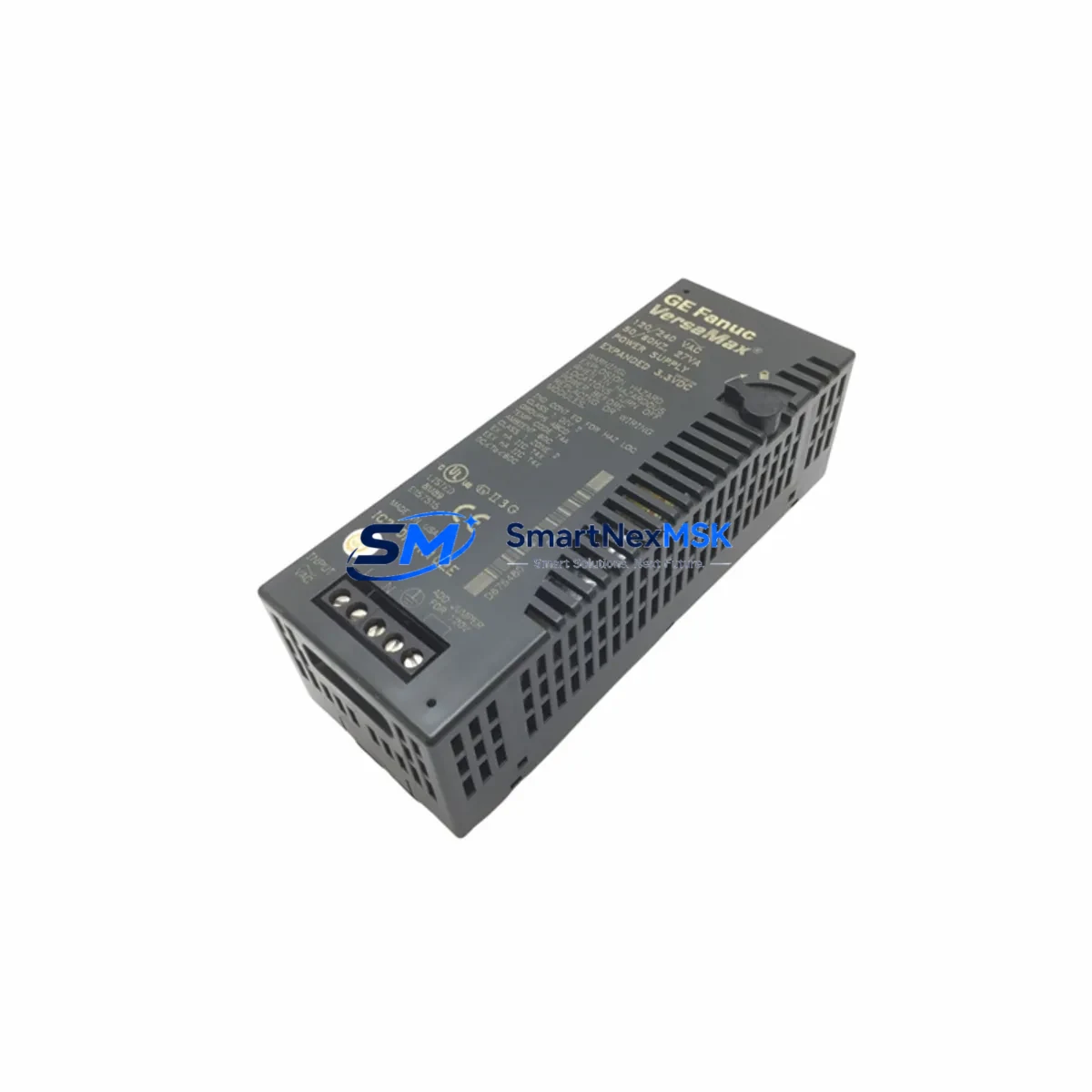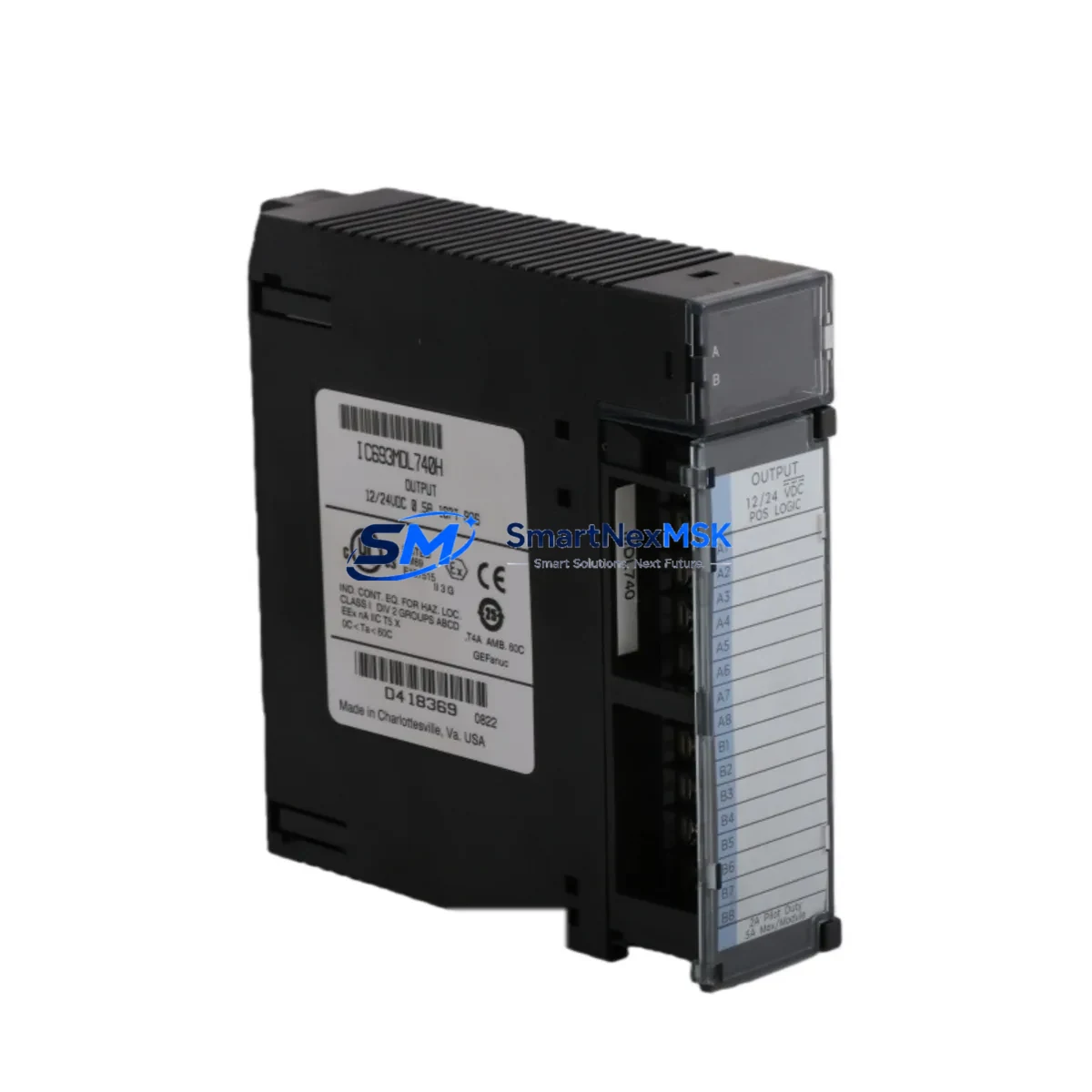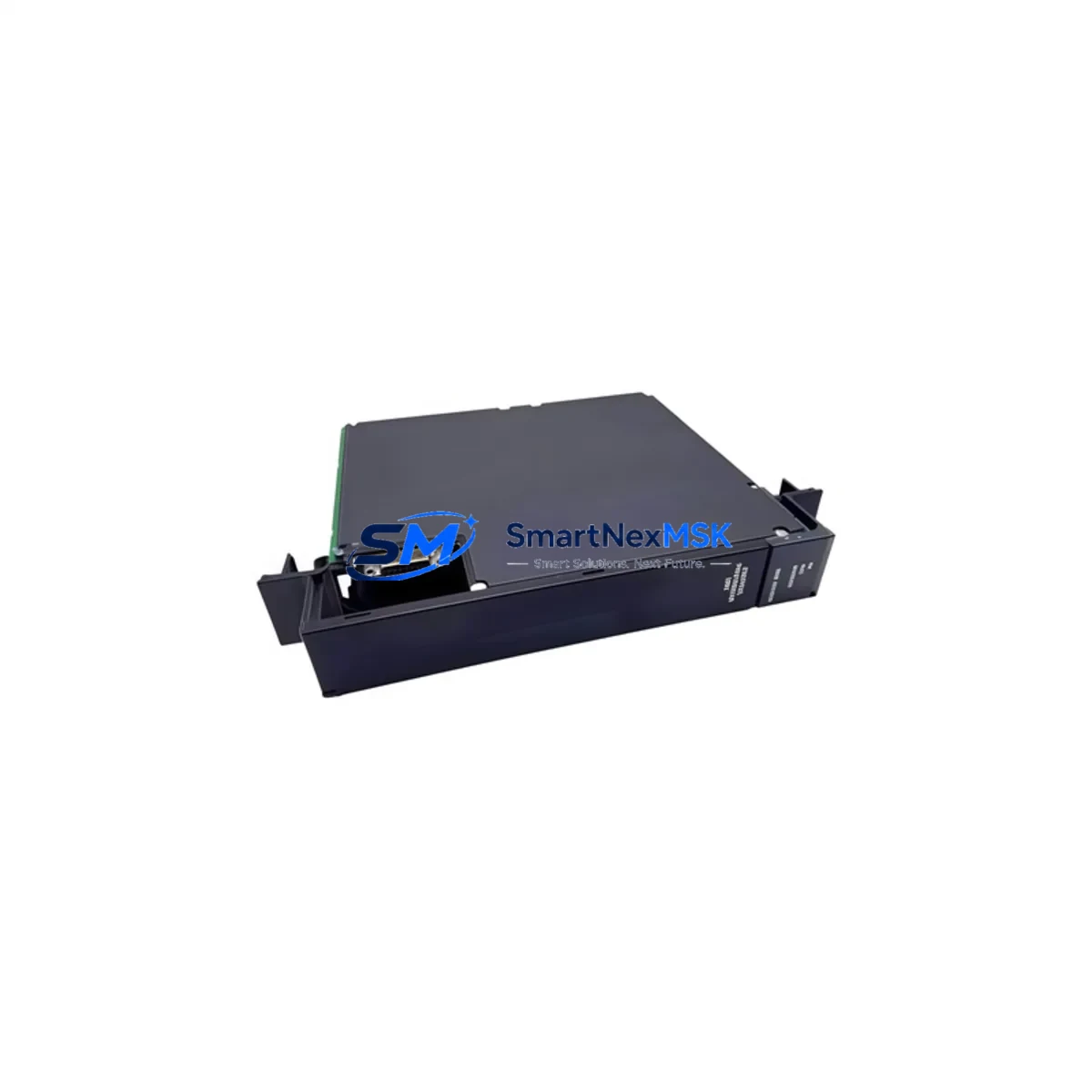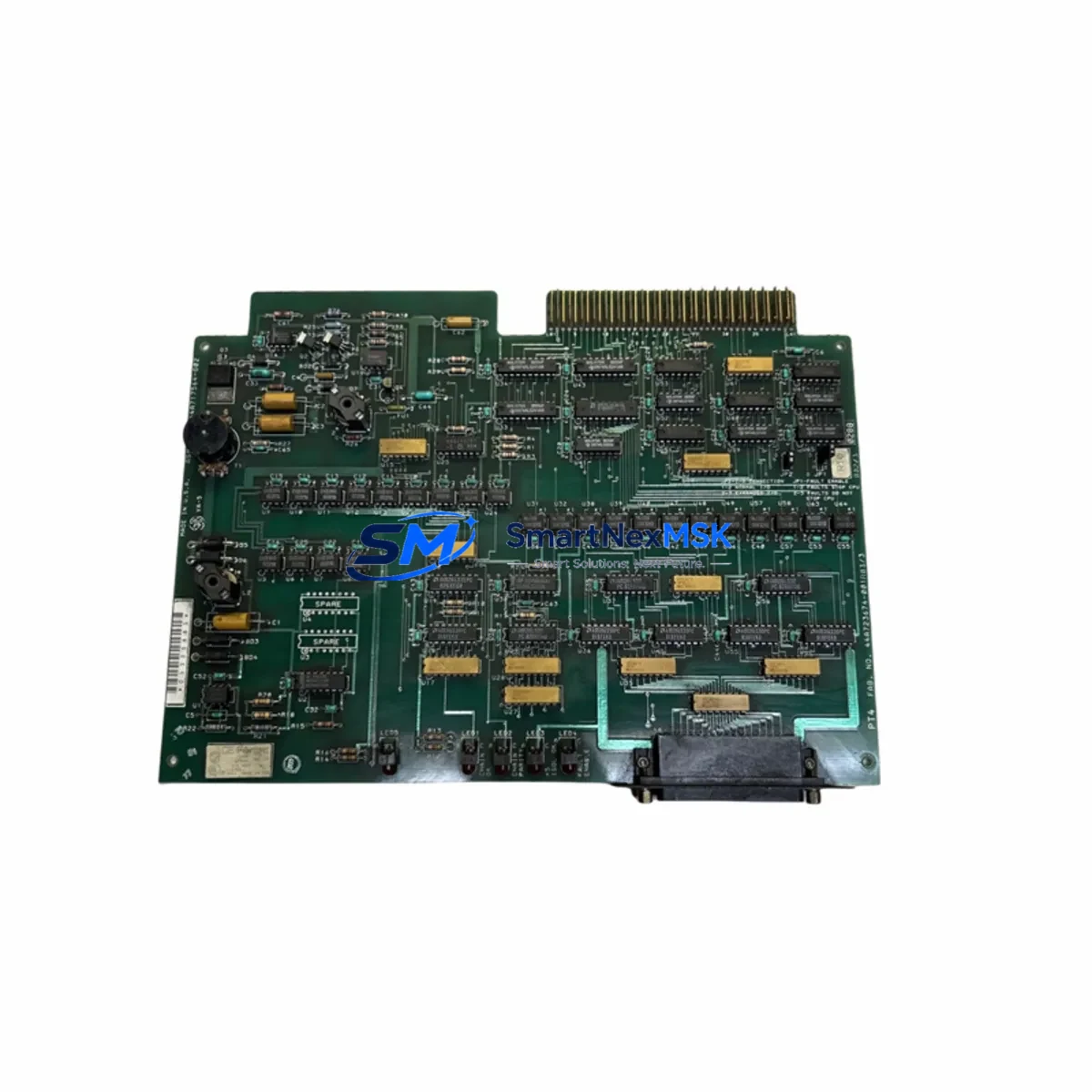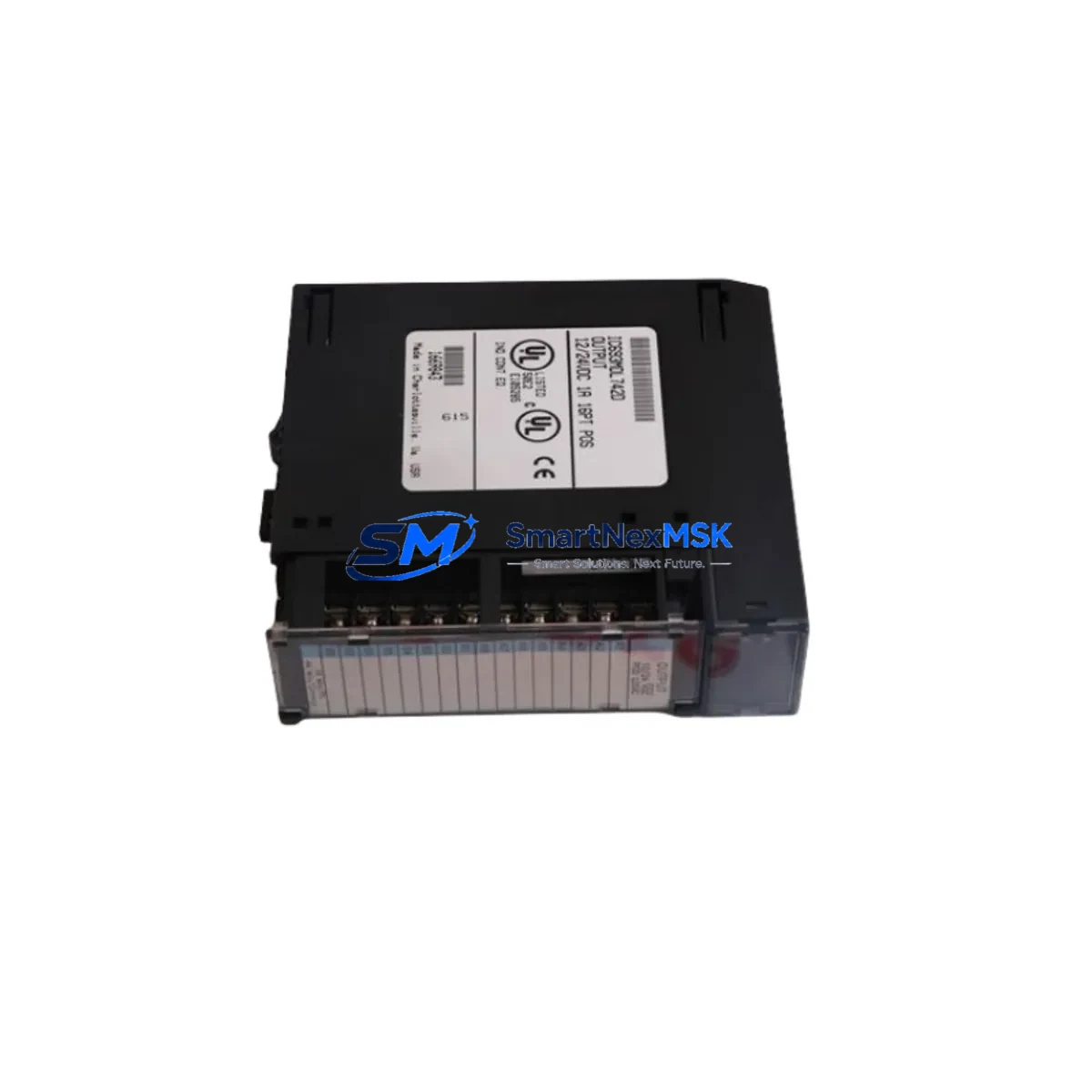
GE IC693MDL742J Maintenance-Ready Spare for Series 90-30 Automation: Spare Replacement & Downtime Risk Control
The GE IC693MDL742J is a 16-point relay output module designed for the GE Series 90-30 PLC platform — one of the most widely deployed programmable logic controller families in discrete manufacturing, utilities, and process automation. When this module fails or degrades, the downstream impact is immediate: loss of output control to actuators, solenoids, motor starters, and alarm circuits. Maintaining a verified original spare of the IC693MDL742J in your parts inventory is a fundamental strategy for minimizing unplanned downtime and protecting production continuity.
This listing supplies an original IC693MDL742J relay output module, sourced from authorized channels, individually inspected, and tested prior to shipment. Each unit ships with a 12-month warranty, providing procurement engineers and maintenance teams with the confidence needed for both emergency replacement and planned maintenance cycles.
Spare Maintenance Table
| Parameter | Specification |
|---|---|
| Part Number | IC693MDL742J |
| Brand / Manufacturer | GE Fanuc / GE Automation |
| Series | Series 90-30 |
| Module Type | Relay Output Module |
| Output Points | 16 Points |
| Output Type | Relay (Form A / SPST-NO) |
| Output Voltage Range | 5–250 VAC / 5–30 VDC |
| Max Load Current per Point | 2 A (resistive) |
| Backplane Compatibility | IC693CHS391, IC693CHS392, IC693CHS397, IC693CHS398 (5-slot, 10-slot baseplates) |
| CPU Compatibility | IC693CPU364, IC693CPU374, IC693CPU360, IC693CPU350 and compatible Series 90-30 CPUs |
| Operating Temperature | 0°C to 60°C |
| Relative Humidity | 5–95% non-condensing |
| Installation | Hot-swap capable on supported baseplates; slot-addressed via CPU configuration |
| Isolation | Optical isolation between field-side and logic-side |
| Condition | Original, tested before shipment |
| Warranty | 12 Months |
| Lead Time | In stock — ships within 1–3 business days |
| Application Environment | Industrial automation, discrete manufacturing, utilities, water treatment, HVAC control |
Maintenance Planning for Continuous Operation
Replacing the IC693MDL742J in a live Series 90-30 control cabinet is rarely an isolated task. Experienced maintenance engineers know that a relay output module failure is often a symptom of broader electrical stress in the control loop. Before returning the system to service, a thorough inspection of adjacent components is strongly recommended.
Start with the IC693PWR321 or IC693PWR322 power supply module — voltage ripple or under-voltage conditions are a leading cause of premature relay contact wear. Verify output voltage under load before installing the replacement IC693MDL742J. Next, inspect the IC693MDL654 or IC693MDL655 discrete input modules sharing the same baseplate; input-side noise or ground faults can propagate across the backplane and stress output modules.
Check the IC693CHS391 or IC693CHS397 baseplate for signs of connector oxidation or mechanical damage at the module slot. A compromised backplane connector will cause intermittent faults even with a new output module installed. If the cabinet includes an IC693CMM321 communications module for Ethernet or serial integration, verify that the module’s configuration still matches the CPU’s I/O table after the replacement — slot reassignment can silently alter the output map.
For cabinets with mixed I/O, also inspect the IC693MDL940 relay output module (8-point variant) if it shares the same output circuit group, and review the IC693ALG390 or IC693ALG391 analog output modules for any drift that may have been masked by the relay fault. Terminal blocks and field wiring connected to the relay outputs should be torque-checked and inspected for arc damage — relay contacts under inductive loads generate significant transient energy.
If the system includes an IC693ACC300 hand-held programmer or a connected Cimplicity HMI workstation, use these tools to force-test each output point after installation before re-enabling automatic control. Signal isolators on high-voltage output circuits should also be verified for correct range and calibration. Maintaining a documented spare parts list that includes the IC693MDL742J alongside the power supply, CPU, and communications modules ensures that your Series 90-30 system can be recovered quickly regardless of which component fails first.
Site Replacement Workflow
Step 1 — Isolate and document. Before removing the failed IC693MDL742J, record the slot address, wiring labels, and current I/O configuration from the CPU programming software (Proficy Machine Edition or equivalent). Photograph the field wiring terminal connections.
Step 2 — Power down the output field circuit. De-energize the field-side power feeding the relay outputs. The backplane logic power may remain active on supported baseplates, but field-side isolation is mandatory for safe relay contact replacement.
Step 3 — Remove and inspect. Extract the IC693MDL742J from its slot. Inspect the backplane connector pins for damage or contamination. Clean with appropriate contact cleaner if required.
Step 4 — Install the replacement module. Seat the new IC693MDL742J firmly into the same slot. The CPU will automatically recognize the module at the configured slot address — no re-programming is required if the replacement is the same model revision or a compatible revision.
Step 5 — Verify and test. Re-energize the field circuit. Use the CPU’s I/O forcing function to individually test each of the 16 relay output points before returning the system to automatic mode. Confirm that all actuators, solenoids, and motor starters respond correctly.
Step 6 — Update maintenance records. Log the replacement date, module serial number, and any observations about the failed unit. This data supports future predictive maintenance scheduling and spare parts replenishment planning.
This workflow minimizes system downtime to under 30 minutes for a prepared maintenance team and eliminates the risk of configuration errors that can occur when replacing output modules without proper documentation.
Spare Parts Support FAQ
Q1: Is the IC693MDL742J compatible with all Series 90-30 baseplates and CPUs?
The IC693MDL742J is compatible with all standard Series 90-30 5-slot and 10-slot baseplates, including the IC693CHS391, IC693CHS392, IC693CHS397, and IC693CHS398. It operates with all Series 90-30 CPUs that support relay output modules in their I/O configuration. Always verify the CPU’s hardware configuration file to confirm the slot assignment before installation.
Q2: How is each unit tested before shipment?
Every IC693MDL742J is functionally tested prior to dispatch. Testing includes power-on verification, relay coil actuation across all 16 points, contact continuity measurement, and optical isolation integrity check. A test report is available upon request. Units that do not pass all test criteria are not shipped.
Q3: What does the 12-month warranty cover?
The 12-month warranty covers manufacturing defects, functional failures under normal operating conditions, and any fault attributable to the module itself. It does not cover damage caused by incorrect installation, over-voltage conditions, or physical mishandling. Warranty claims are processed with priority — replacement units are dispatched within 3 business days of claim approval.
Q4: Can you support long-term or blanket purchase orders for Series 90-30 spare parts?
Yes. We support long-term supply agreements for the IC693MDL742J and related Series 90-30 components. Blanket orders with scheduled releases are available for procurement teams managing multi-site maintenance programs or aging system life-extension projects. Contact our sales team to discuss volume pricing, reserved stock arrangements, and consolidated shipment options.
© 2026 SMARTNEXMSK. All rights reserved.
Original Source: https://smartnexmsk.com
Contact: [email protected] | +86 18259474341