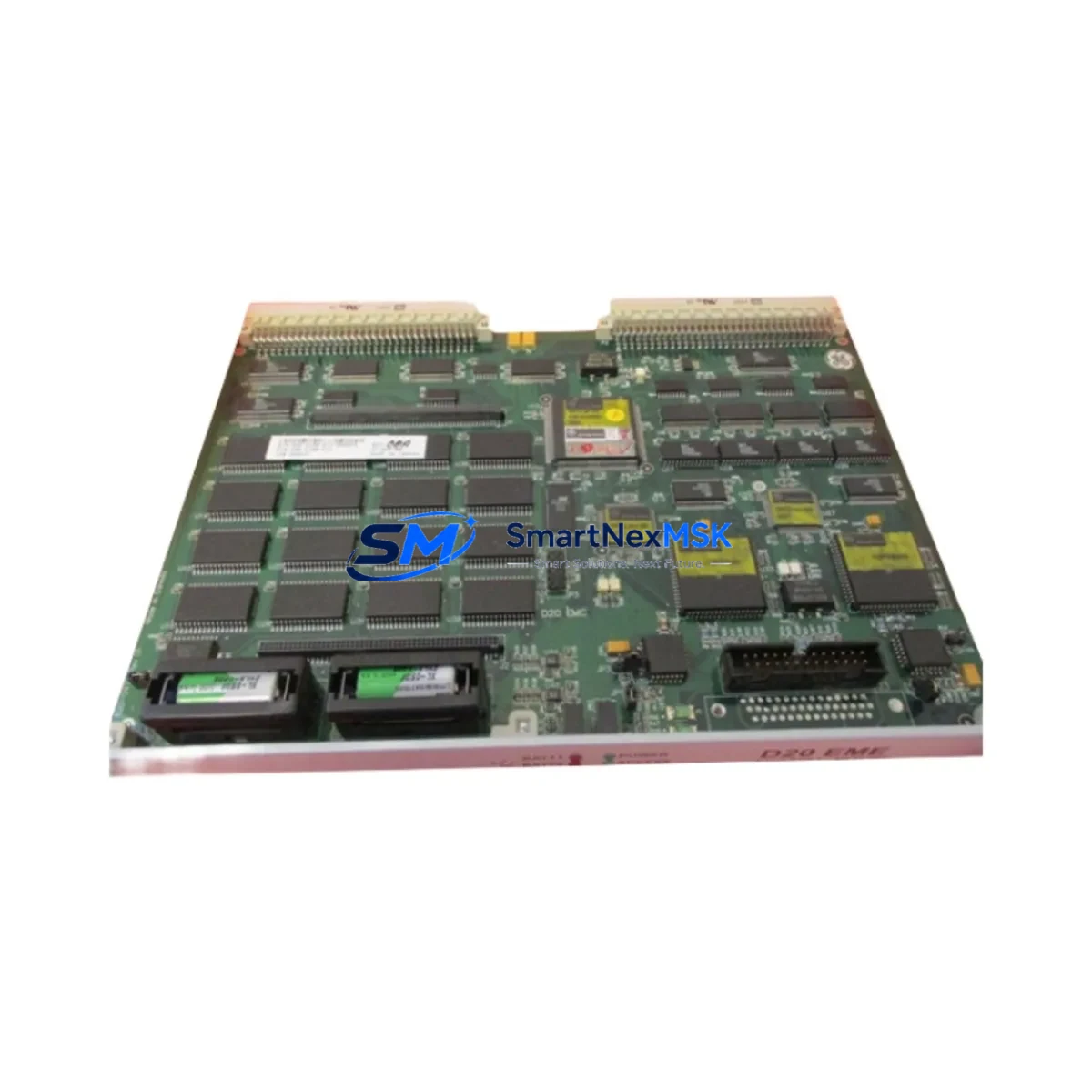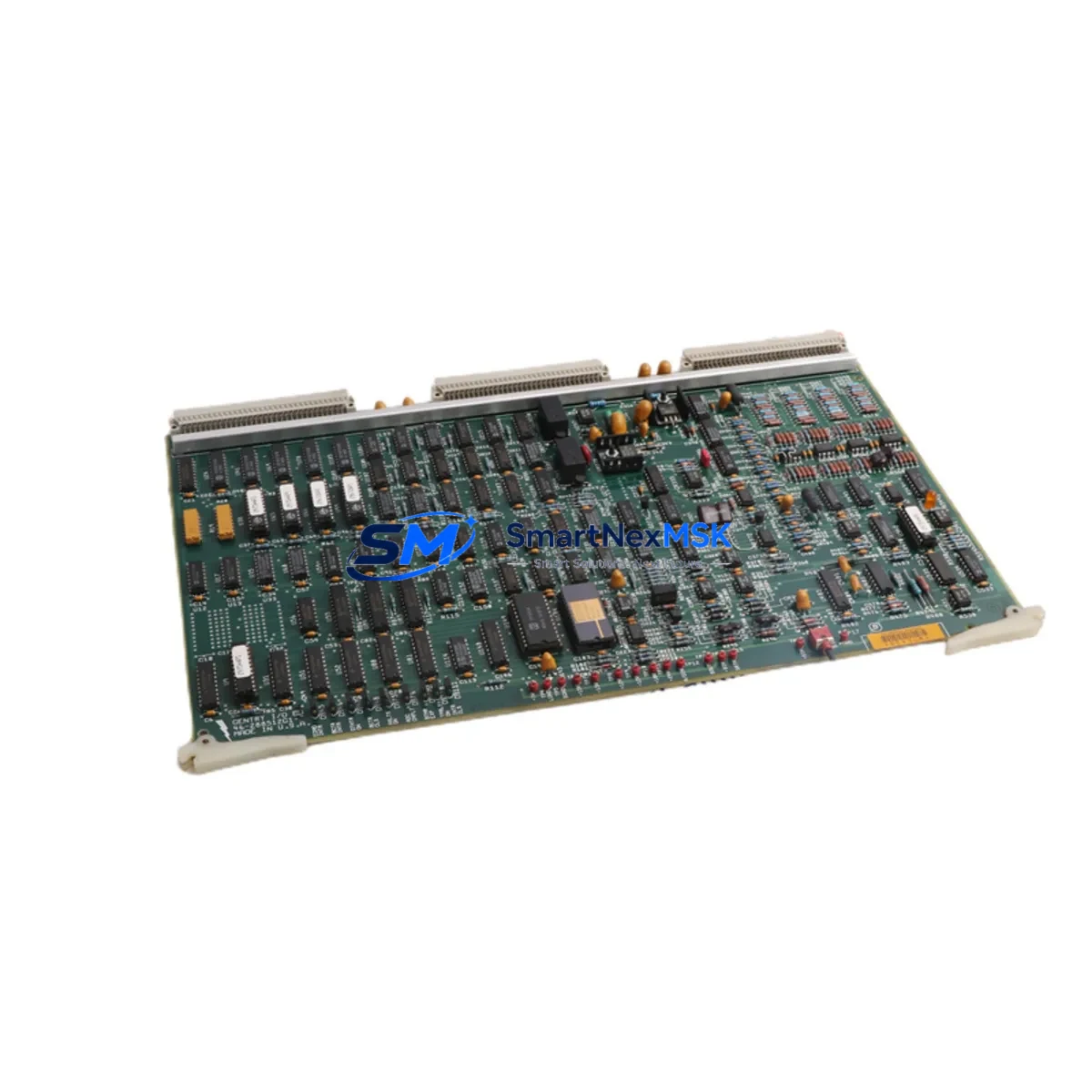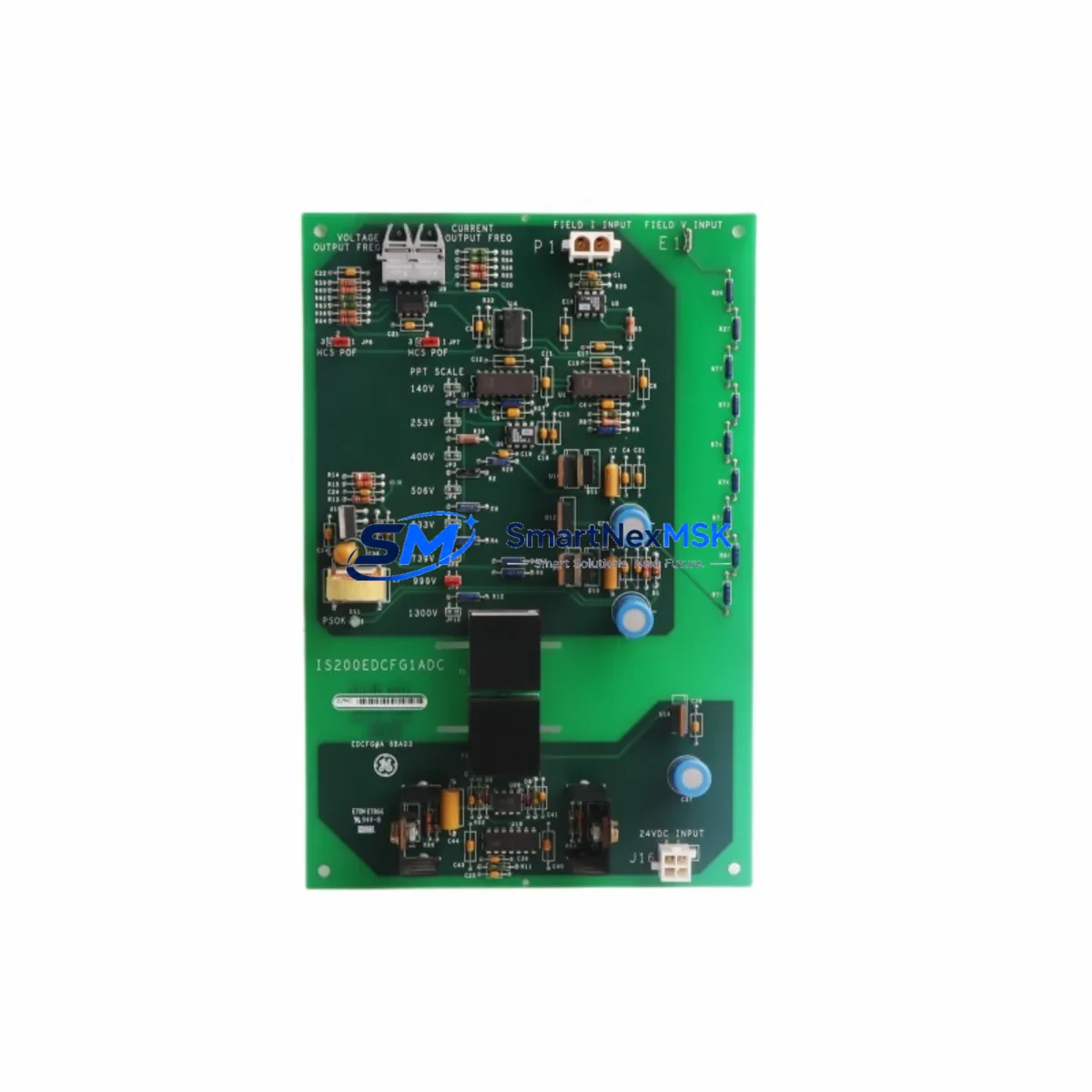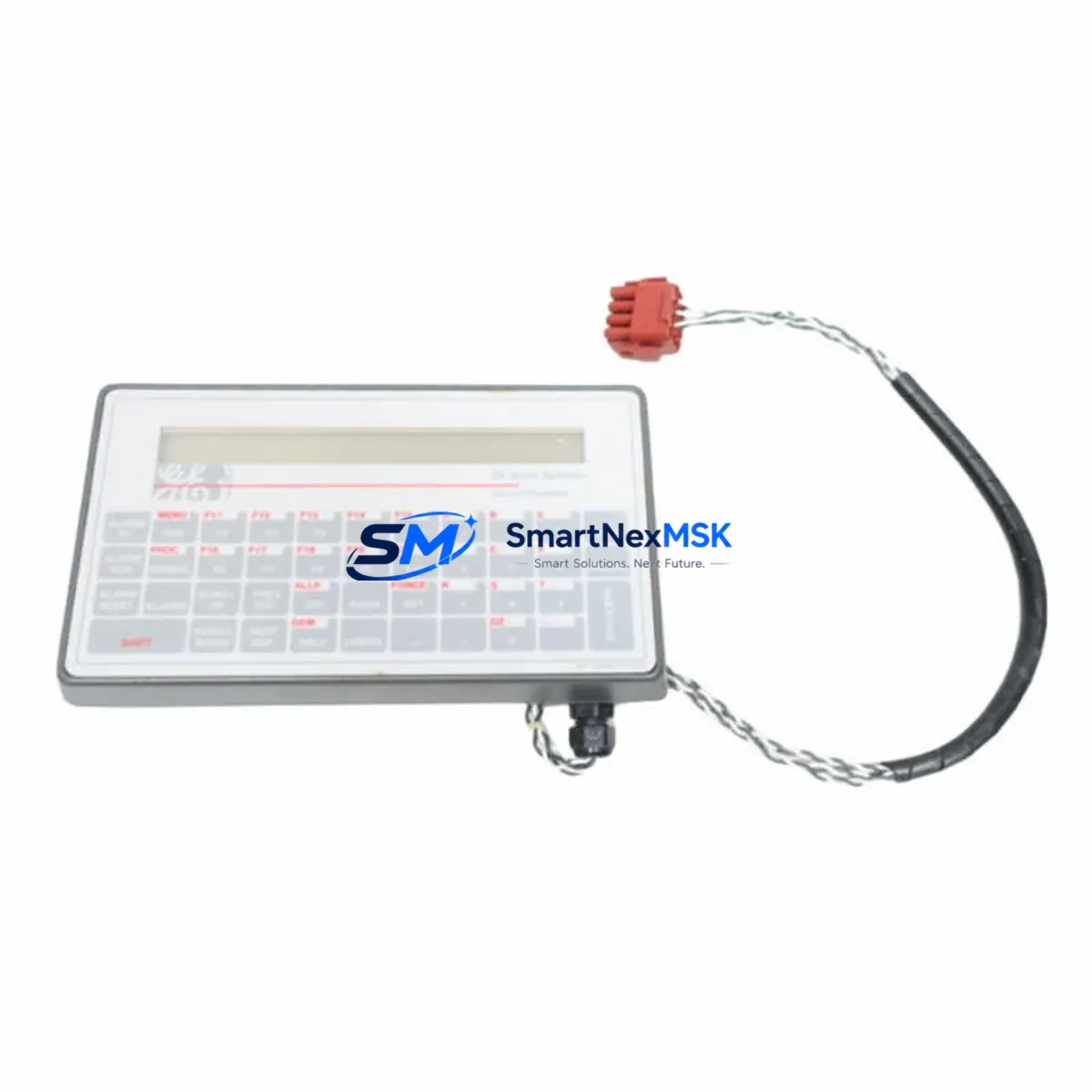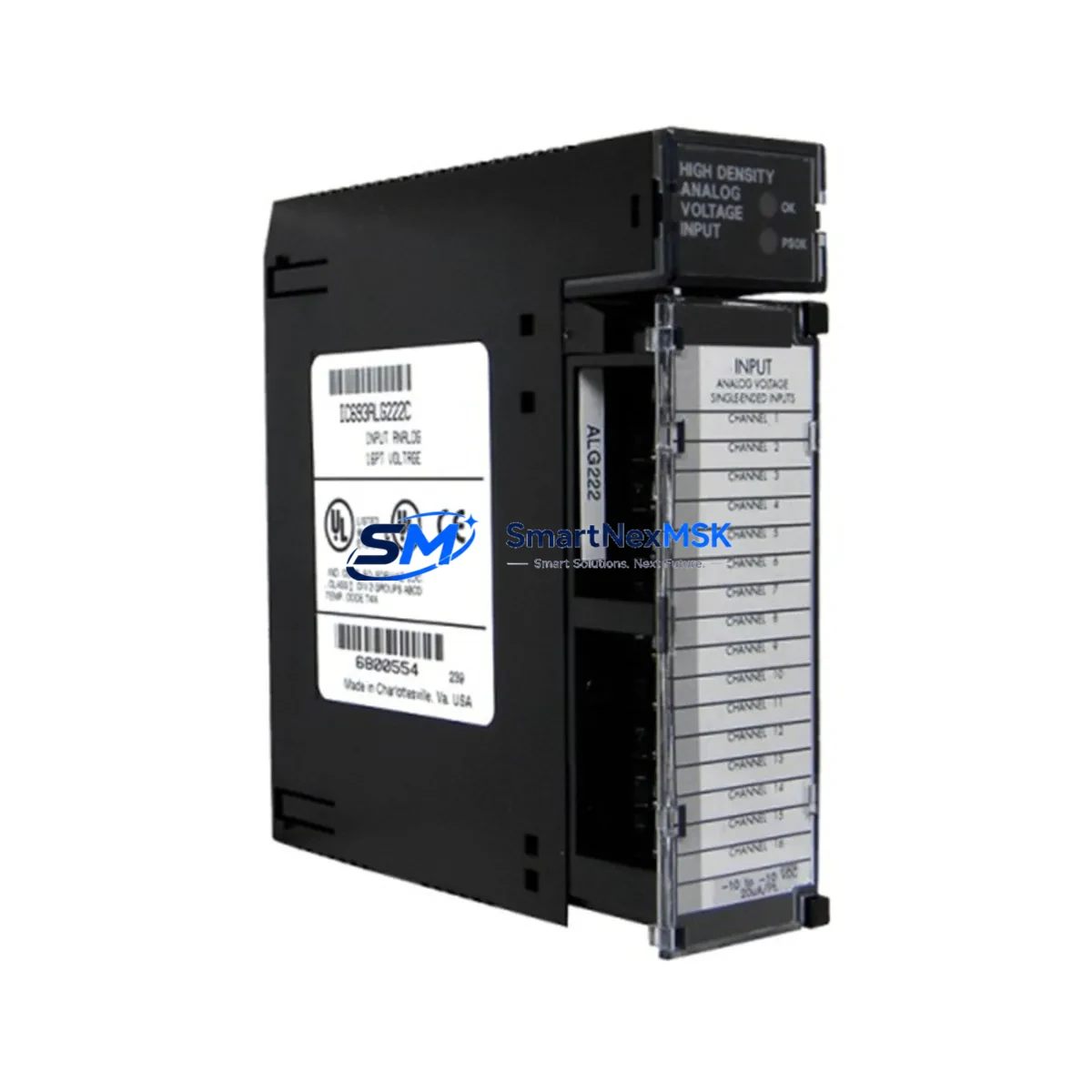
GE IC693MDL753 Maintenance-Ready Spare Series 90-30: Spare Replacement & Industrial Downtime Risk Control
The GE IC693MDL753 is a 16-point relay output module designed for the GE Series 90-30 PLC platform — one of the most widely deployed programmable logic controller families in discrete manufacturing, process control, utilities, and building automation. As installed base ages and OEM support windows narrow, maintaining a verified spare of the IC693MDL753 is a frontline strategy for any maintenance engineer responsible for uptime continuity. This listing provides an original-specification IC693MDL753 spare, pre-tested, warehoused, and ready for same-week dispatch to minimize unplanned downtime exposure.
Whether you are managing a planned annual shutdown, responding to an unscheduled relay failure, or building a tiered spare parts inventory for a multi-line facility, the IC693MDL753 represents a critical node in your Series 90-30 control architecture. Relay output modules are among the highest-wear components in any PLC rack — contact cycling, inductive load switching, and thermal stress accumulate over time, making proactive replacement a cost-effective alternative to reactive emergency sourcing.
Spare Maintenance Table
| Parameter | Specification |
|---|---|
| Part Number / SKU | IC693MDL753 |
| Manufacturer | General Electric (GE Automation) |
| Series Compatibility | GE Series 90-30 PLC |
| Module Type | Discrete Relay Output Module |
| Output Points | 16 Points (Form C Relay Contacts) |
| Output Voltage Range | 5–250 VAC / 5–30 VDC |
| Output Current per Point | 2A (resistive), 0.5A (inductive) |
| Isolation | Optical isolation, relay contact output |
| Backplane Compatibility | IC693CHS391, IC693CHS392, IC693CHS393 (5-slot, 10-slot chassis) |
| Power Consumption | Approx. 1.5W from backplane |
| Operating Temperature | 0°C to 60°C |
| Mounting | DIN rail / rack-mount via Series 90-30 chassis |
| Origin | United States |
| Condition | Original spare, tested before shipment |
| Warranty | 12 Months from date of shipment |
| Lead Time | In-stock, same-week dispatch available |
Maintenance Planning for Continuous Operation
When a maintenance or procurement engineer evaluates the IC693MDL753 for replacement or stock replenishment, the surrounding control cabinet ecosystem must be assessed in parallel. A relay output module failure rarely occurs in isolation — it is often symptomatic of broader electrical stress, power quality issues, or aging wiring infrastructure.
Begin with the IC693PWR321 or IC693PWR322 power supply module, which feeds the Series 90-30 rack. A degraded power supply delivering marginal voltage can accelerate relay contact wear and cause intermittent output faults that mimic module failure. Verify output voltage stability under load before installing a replacement IC693MDL753.
Inspect the IC693CPU374 or IC693CPU364 CPU module for firmware version compatibility and scan cycle health. An overloaded CPU with excessive scan time can cause output update delays that stress relay contacts through rapid cycling. Confirm that the CPU’s I/O table configuration matches the slot assignment of the replacement module.
Check the IC693MDL654 or IC693MDL655 discrete input modules in the same rack. Input signal integrity directly affects the logic conditions that drive relay outputs — a noisy or floating input can cause unintended relay chatter, shortening contact life. Signal conditioning at the field wiring terminals should be verified during any relay output replacement event.
Review the IC693CMM321 communications module if the rack participates in a Genius Bus or serial network. Communication faults can cause the CPU to default outputs to a safe state, which may be misdiagnosed as a relay module failure. Confirm bus health and module status LEDs before condemning the IC693MDL753.
Examine terminal blocks and field wiring connected to the IC693MDL753 output commons. Loose terminals, corroded contacts, or undersized wire gauge are common root causes of relay output failures. Replace any terminal blocks showing signs of heat discoloration or oxidation. Verify that inductive loads (motors, solenoids, contactors) are suppressed with appropriate RC snubbers or flyback diodes to protect relay contacts.
If the cabinet includes an IC693ACC300 or IC693ACC301 expansion cable connecting remote I/O racks, inspect cable connectors and seating. Expansion bus errors can cause entire rack I/O to drop offline, appearing as a module fault. Reseat all rack connectors before replacing modules.
For facilities running GE Proficy Machine Edition or Logicmaster 90 programming software, confirm that the replacement IC693MDL753 is recognized correctly after rack power-up. A hardware configuration mismatch in the software project will prevent the module from going online even if the hardware is fully functional.
Finally, assess the IC693MDL940 or IC693MDL741 analog output modules in adjacent slots if the process involves mixed discrete and analog control. Relay switching transients can induce noise on analog signal lines — proper grounding and shielding of the control cabinet should be verified as part of any relay module maintenance event.
Site Replacement Workflow
Step 1 — Pre-replacement verification: Document the current IC693MDL753 slot position, wiring terminal assignments, and output point status from the CPU diagnostic display or programming terminal. Photograph field wiring before disconnection.
Step 2 — Safe isolation: Place the CPU in STOP mode via the keyswitch or programming software. De-energize field power to the output commons on the IC693MDL753. Do not remove the module under live backplane power unless the chassis supports hot-swap (Series 90-30 standard chassis does not support hot-swap; power down the rack).
Step 3 — Module extraction: Release the module locking tab, slide the IC693MDL753 out of the chassis slot, and inspect the backplane connector for bent pins or contamination. Clean with dry compressed air if necessary.
Step 4 — Replacement installation: Insert the new IC693MDL753 into the same slot. Ensure the module is fully seated and the locking tab engages. Reconnect field wiring per the documented terminal assignments. Verify wire ferrule integrity and terminal torque.
Step 5 — System restart and validation: Power up the rack. Confirm the CPU recognizes the IC693MDL753 in the hardware configuration. Place the CPU in RUN mode and verify all 16 output points respond correctly to logic commands. Test each relay contact with a continuity check or field device response confirmation.
Step 6 — Documentation update: Record the replacement date, new module serial number, and any field wiring changes in the maintenance log. Update the spare parts inventory to trigger reorder of a replacement IC693MDL753 to maintain minimum stock levels.
Spare Parts Support FAQ
Q1: Is this IC693MDL753 a new original part or a refurbished unit?
This is an original-specification IC693MDL753 spare sourced from authorized industrial supply channels. Each unit undergoes functional testing prior to shipment, including relay contact continuity verification and backplane interface checks. A 12-month warranty is provided from the date of shipment, covering manufacturing defects and functional failures under normal operating conditions.
Q2: How do I confirm compatibility with my existing Series 90-30 rack before ordering?
The IC693MDL753 is compatible with all standard GE Series 90-30 5-slot and 10-slot chassis, including IC693CHS391, IC693CHS392, and IC693CHS393. It is recognized by all Series 90-30 CPU variants including IC693CPU331, IC693CPU341, IC693CPU351, IC693CPU364, and IC693CPU374. If you are running a non-standard rack configuration or a Series 90-70 system, please contact our technical team with your chassis and CPU part numbers for compatibility confirmation before ordering.
Q3: What is the recommended spare parts stocking strategy for IC693MDL753 in a multi-line facility?
For facilities with 3 or more Series 90-30 racks, we recommend maintaining a minimum of 1–2 IC693MDL753 units in on-site spare stock. Relay output modules have a finite contact life rated in switching cycles — in high-cycle applications (conveyor control, packaging machinery, injection molding), annual inspection and proactive replacement every 3–5 years is advisable. Pairing the IC693MDL753 spare with a stocked IC693PWR321 power supply and at least one CPU module provides a comprehensive first-response kit for most Series 90-30 downtime scenarios.
Q4: What pre-shipment testing is performed and what does the 12-month warranty cover?
Every IC693MDL753 is tested for relay contact integrity (NO/NC/COM continuity), backplane communication handshake, and LED indicator function before dispatch. The 12-month warranty covers functional failure under normal industrial operating conditions. It does not cover damage resulting from incorrect installation, overvoltage, reverse polarity, or physical impact. Warranty claims are processed with return authorization — contact [email protected] to initiate a claim.
© 2026 SMARTNEXMSK. All rights reserved.
Original Source: https://smartnexmsk.com
Contact: [email protected] | +86 18259474341