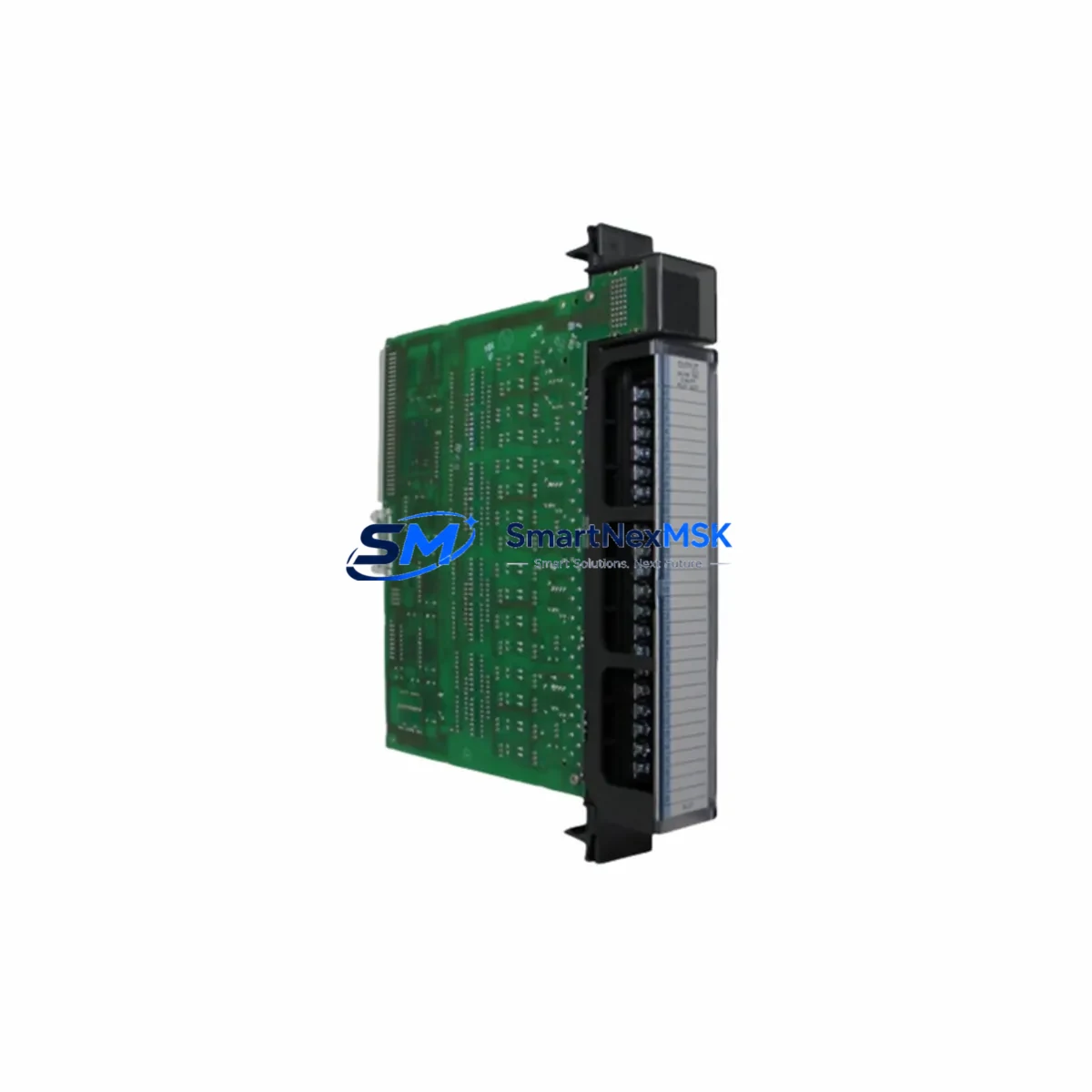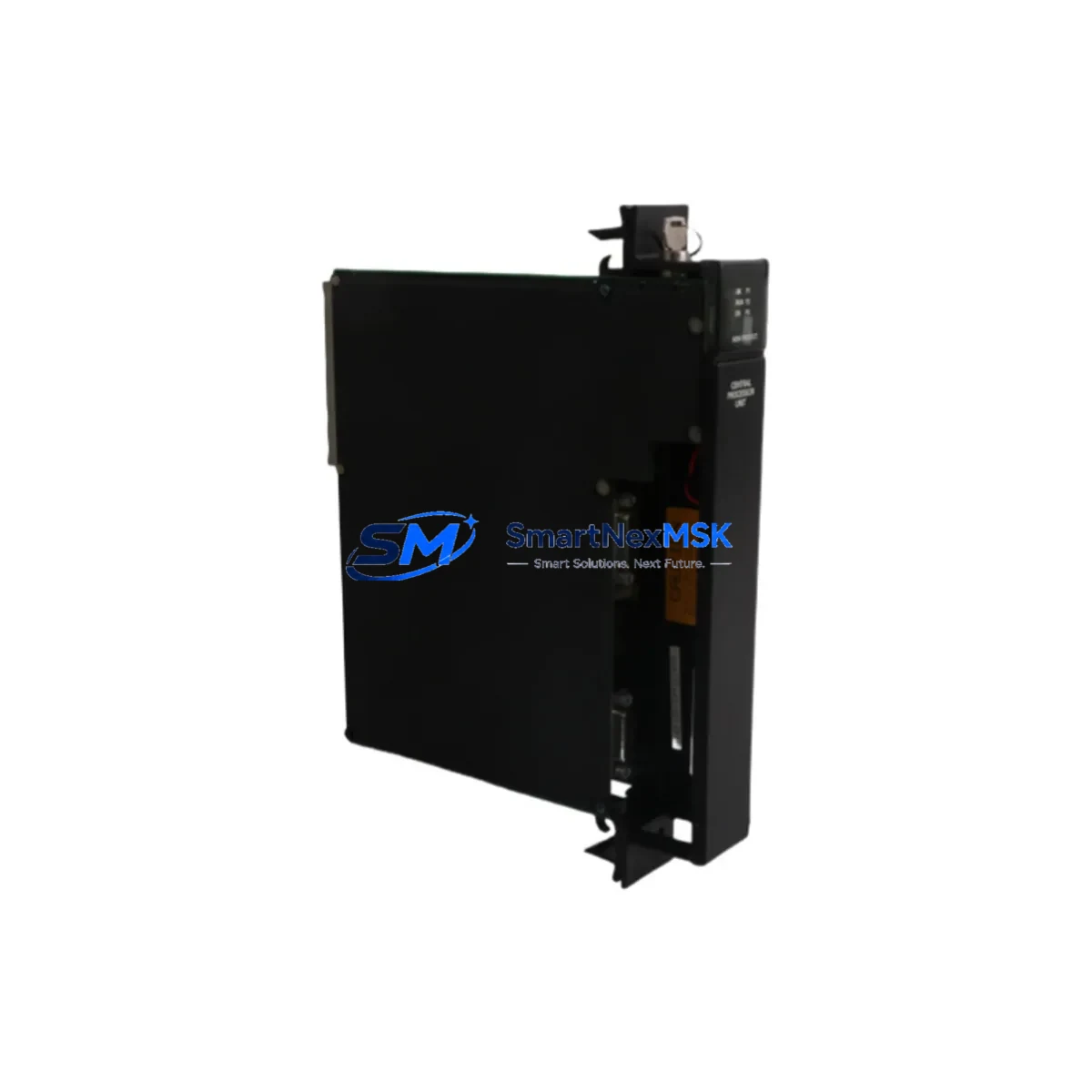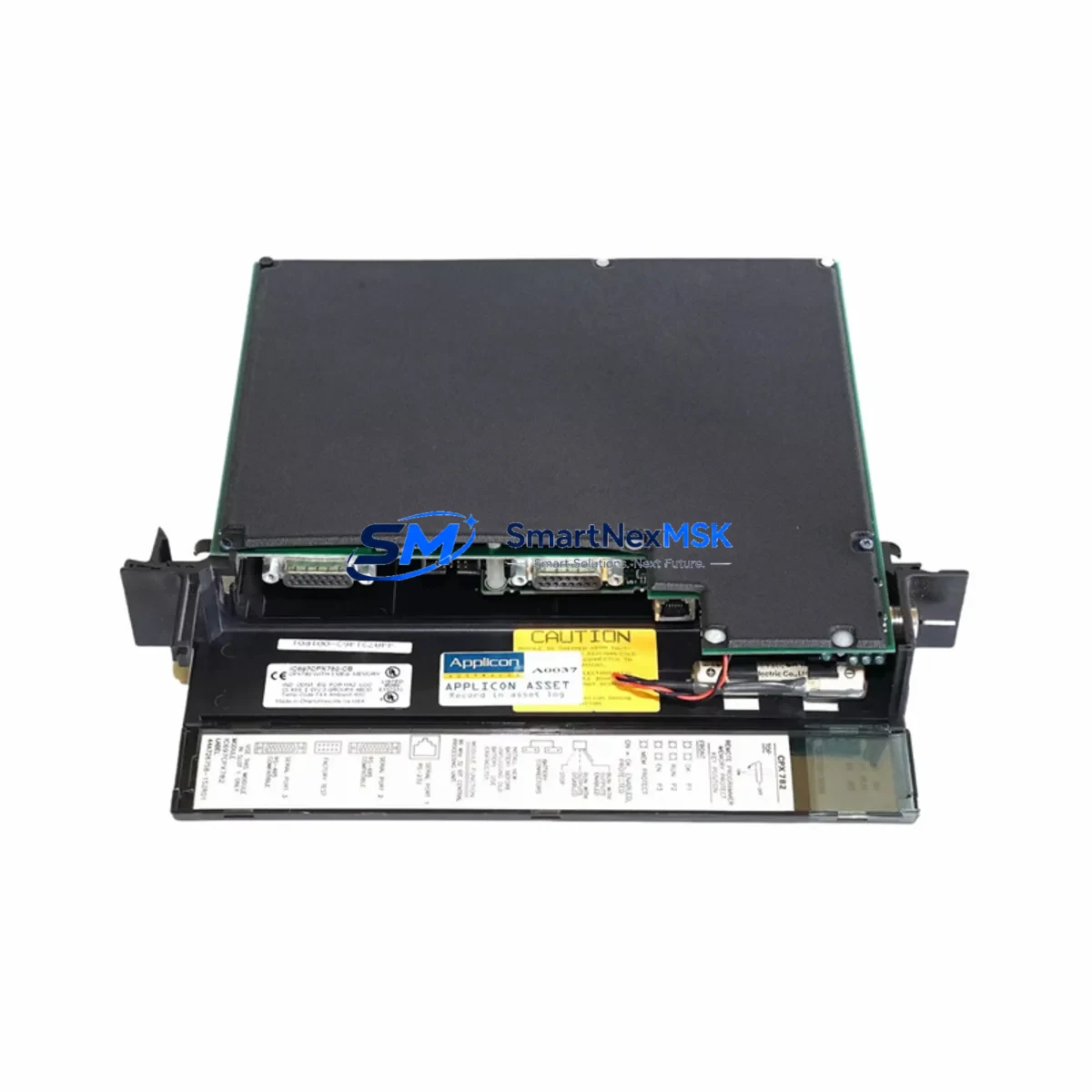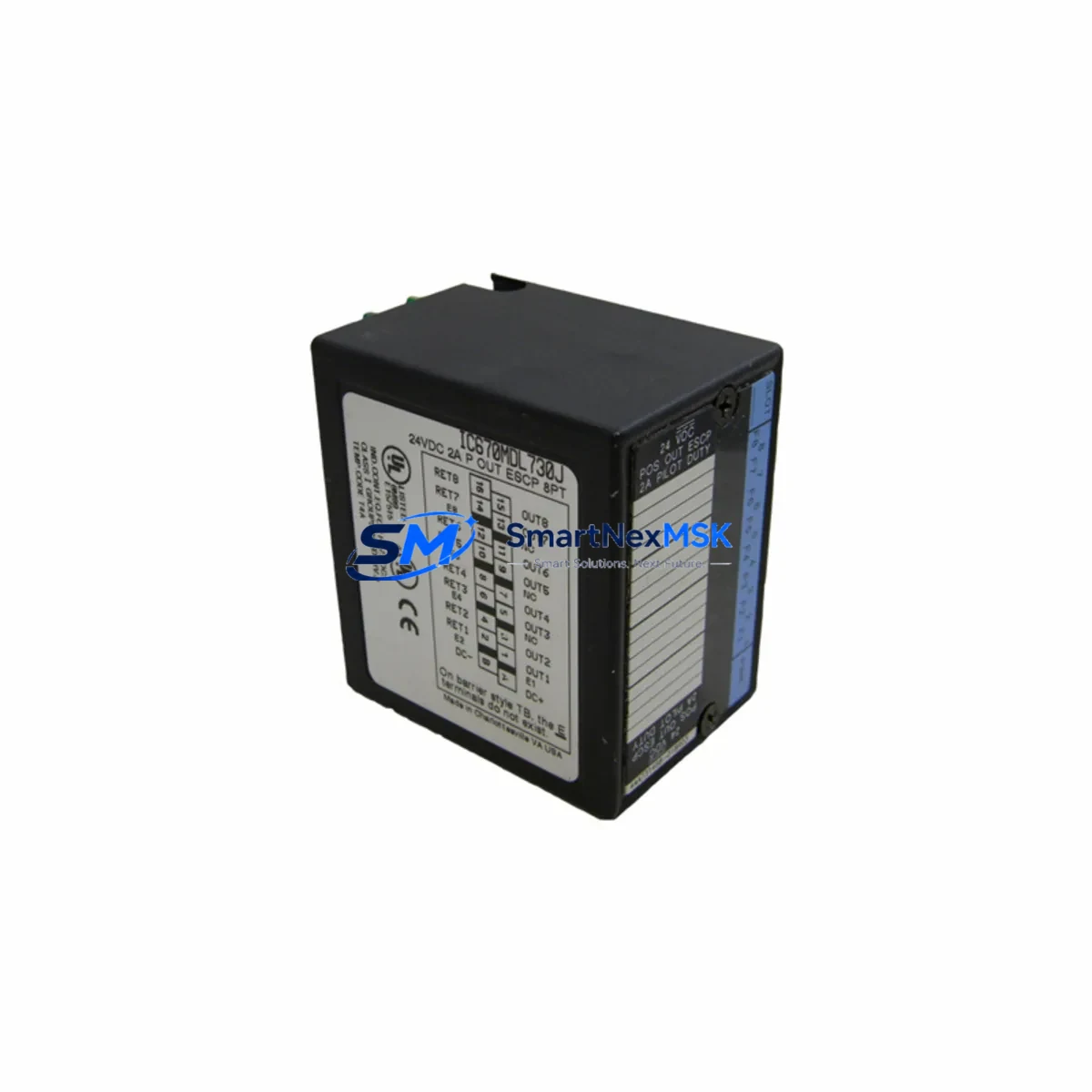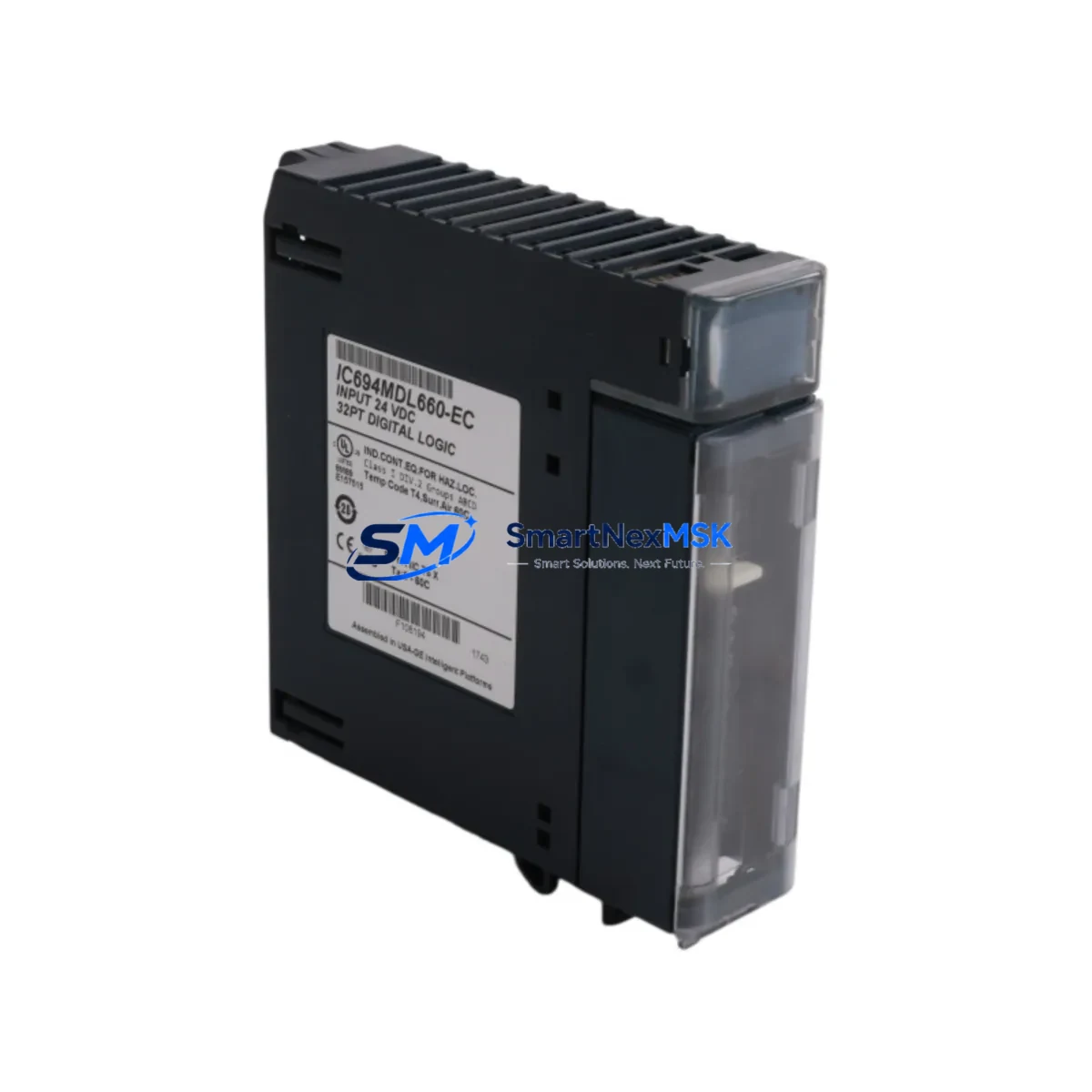
GE IC694MDL660 Retrofit-Ready DC Input for 90-30 Control Systems
The GE IC694MDL660 is a 16-point, 24VDC DC input module designed for the GE Series 90-30 programmable logic controller platform. As legacy Series 90-30 systems approach end-of-life and original spare parts become increasingly scarce, the IC694MDL660 remains one of the most sought-after drop-in replacements for aging I/O infrastructure across discrete manufacturing, utilities, water treatment, and process automation facilities. SMARTNEXMSK maintains verified stock of the IC694MDL660 with full functional testing, 12-month warranty coverage, and expedited global shipping to minimize unplanned downtime.
Upgrade Compatibility Table
| Parameter | IC694MDL660 Specification | Retrofit / Replacement Notes |
|---|---|---|
| Input Points | 16 points, 24VDC | Direct replacement for IC693MDL655 and IC694MDL655 in same rack slot |
| Backplane Interface | Series 90-30 IC694 backplane connector | Compatible with IC694CHS392, IC694CHS398, IC694CHS782 rack chassis |
| Input Voltage Range | 24VDC nominal (18–30VDC operating) | Verify field wiring voltage before swap; no wiring change required for standard 24VDC loops |
| Communication Protocol | Series 90-30 internal backplane bus | No protocol migration required; CPU (IC693CPU374, IC694CPU374) recognizes module automatically |
| Module Addressing | Slot-based I/O addressing | Confirm %I address map in Proficy Machine Edition before hot-swap; no re-addressing needed if slot position unchanged |
| Installation | Tool-free snap-in, Series 90-30 rack | Power down rack or use hot-standby CPU before removal; re-seat firmly until latch clicks |
| Program Compatibility | Full ladder logic compatibility | Existing %I references in CPU program remain valid; no PLC program modification required |
| HMI Screen Impact | None (tag-based addressing unchanged) | iFIX, CIMPLICITY, or third-party HMI screens referencing %I tags require no update |
| Warranty | 12-Month Warranty — covers functional failure under normal operating conditions from date of shipment | |
Retrofit Planning for Existing Automation Systems
Replacing the IC694MDL660 within a live Series 90-30 control cabinet requires a structured approach to avoid cascading failures. Begin by auditing the full rack configuration: identify the power supply module (typically an IC694PWR321 or IC694PWR330) and confirm it can sustain the current draw after the new module is seated. The IC694MDL660 draws approximately 80mA from the 5VDC backplane bus — verify the power budget across all occupied slots in the IC694CHS392 or IC694CHS782 chassis before proceeding.
Terminal block wiring on the IC694MDL660 uses a removable 20-pin connector. During a retrofit, label and photograph all field wiring before disconnecting. If the existing module uses an IC694ACC300 terminal block adapter or a third-party marshalling panel, confirm pin-out compatibility before re-terminating. For systems where field cables are routed through a junction box or intermediate terminal strip, this step is critical to avoid mis-wiring 24VDC inputs that could damage the new module or create unsafe field conditions.
In multi-rack configurations using an IC694BEM321 bus expansion module or a remote I/O drop connected via IC693CMM321 or IC694CMM321 communications module, confirm that the rack housing the IC694MDL660 is correctly addressed in the hardware configuration within Proficy Machine Edition. Slot-based %I addressing must match the physical rack and slot position. If the module is being relocated to a different slot or rack during the retrofit — for example, as part of a control cabinet consolidation — update the hardware configuration file and perform a full download to the CPU (IC694CPU374 or IC693CPU374) before re-energizing field devices.
For facilities migrating from Series 90-30 toward the GE PACSystems RX3i platform, the IC694MDL660 can serve as a transitional I/O module during a phased migration. The RX3i IC695CHS012 universal backplane supports mixed Series 90-30 I/O modules alongside native RX3i modules, allowing engineers to retain existing IC694MDL660 wiring while upgrading the CPU to an IC695CPU320 or IC695CPU315. This hybrid approach significantly reduces rewiring costs and shortens the migration window.
Where Ethernet connectivity is required in the upgraded system, an IC695ETM001 Ethernet module can be added to the RX3i rack without disrupting existing Series 90-30 I/O modules. Similarly, if the legacy system relied on SNP/SNPX serial communications for HMI connectivity, verify that the replacement CPU supports the same protocol or plan for an HMI driver update in parallel with the hardware swap.
Downtime Control During System Migration
Minimizing production downtime during an IC694MDL660 replacement begins with pre-staging. Before the maintenance window opens, bench-test the replacement module using a spare Series 90-30 rack and a laptop running Proficy Machine Edition to confirm the module powers up, self-diagnostics pass, and all 16 input points respond correctly to a 24VDC test signal. SMARTNEXMSK ships all IC694MDL660 units with a pre-shipment functional test report, reducing on-site verification time.
During the swap, use the CPU’s I/O Force capability to hold critical output states while the input module is offline. If the system uses a hot-standby CPU redundancy configuration with an IC694CPU374 primary and secondary pair, the switchover to the secondary CPU can be triggered before removing the module, maintaining control continuity throughout the replacement. Document the exact time of module removal and re-insertion in the maintenance log for traceability.
After re-seating the IC694MDL660, perform a point-by-point I/O check: energize each field device connected to the 16 input channels and verify the corresponding %I bit toggles correctly in the PLC data table. Cross-reference against the original I/O list and P&ID drawings. Clear any I/O fault entries in the CPU fault table before returning the system to automatic mode. Total swap time for a prepared technician is typically under 30 minutes, including wiring verification and I/O checkout.
Retrofit Support FAQ
Q1: Is the IC694MDL660 a direct drop-in replacement for the IC693MDL655?
Yes. The IC694MDL660 is backward-compatible with Series 90-30 racks that previously housed IC693MDL655 modules. The backplane connector, slot dimensions, and %I addressing behavior are identical. No program changes are required if the module occupies the same rack slot.
Q2: What wiring changes are needed when replacing an older DC input module?
In most cases, no wiring changes are required. The IC694MDL660 uses the same 20-pin removable terminal block as predecessor modules. Transfer the existing terminal block directly to the new module after confirming field wiring labels. If the original module used a different connector style, a new IC694ACC300 terminal block adapter may be required.
Q3: How do I verify compatibility with my existing PLC program before installation?
Open the hardware configuration in Proficy Machine Edition and confirm the module catalog number matches IC694MDL660 in the rack slot definition. If the existing configuration lists IC693MDL655, update the catalog number to IC694MDL660 and perform an offline comparison. The %I address map will remain unchanged. Download the updated configuration to the CPU and verify no new faults appear in the fault table.
Q4: What does the 12-month warranty cover?
All IC694MDL660 units shipped by SMARTNEXMSK carry a 12-month warranty from the date of shipment. The warranty covers functional failure of the module under normal operating conditions, including backplane communication faults, input point failures, and power supply rail issues. Warranty claims are supported by our technical team at [email protected]. Replacement or repair is arranged within 5 business days of confirmed fault diagnosis.
© 2026 SMARTNEXMSK. All rights reserved.
Original Source: https://smartnexmsk.com
Contact: [email protected] | +86 18259474341