GE IC695ACC400 Retrofit-Ready Rack Accessory for RX3i Control Systems
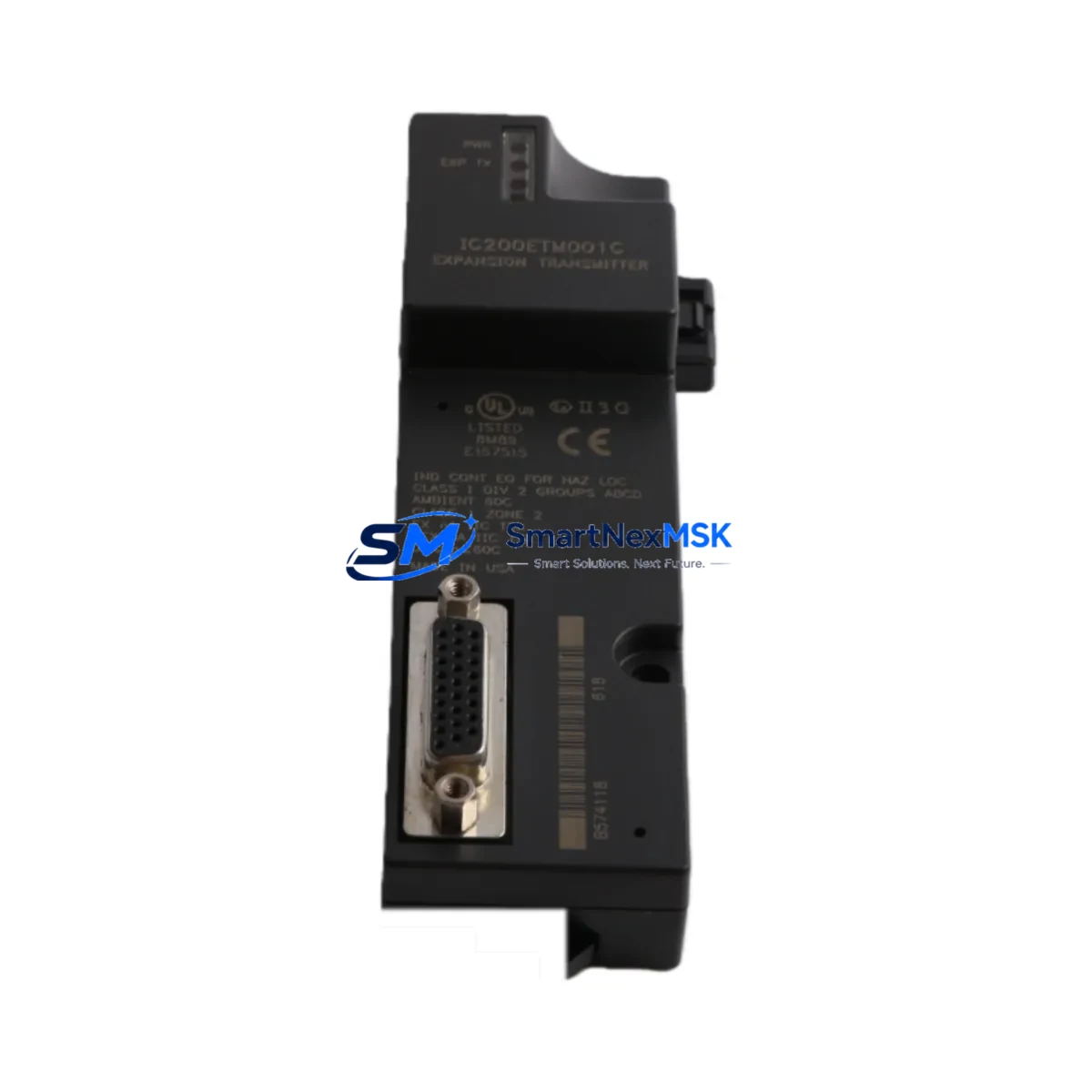
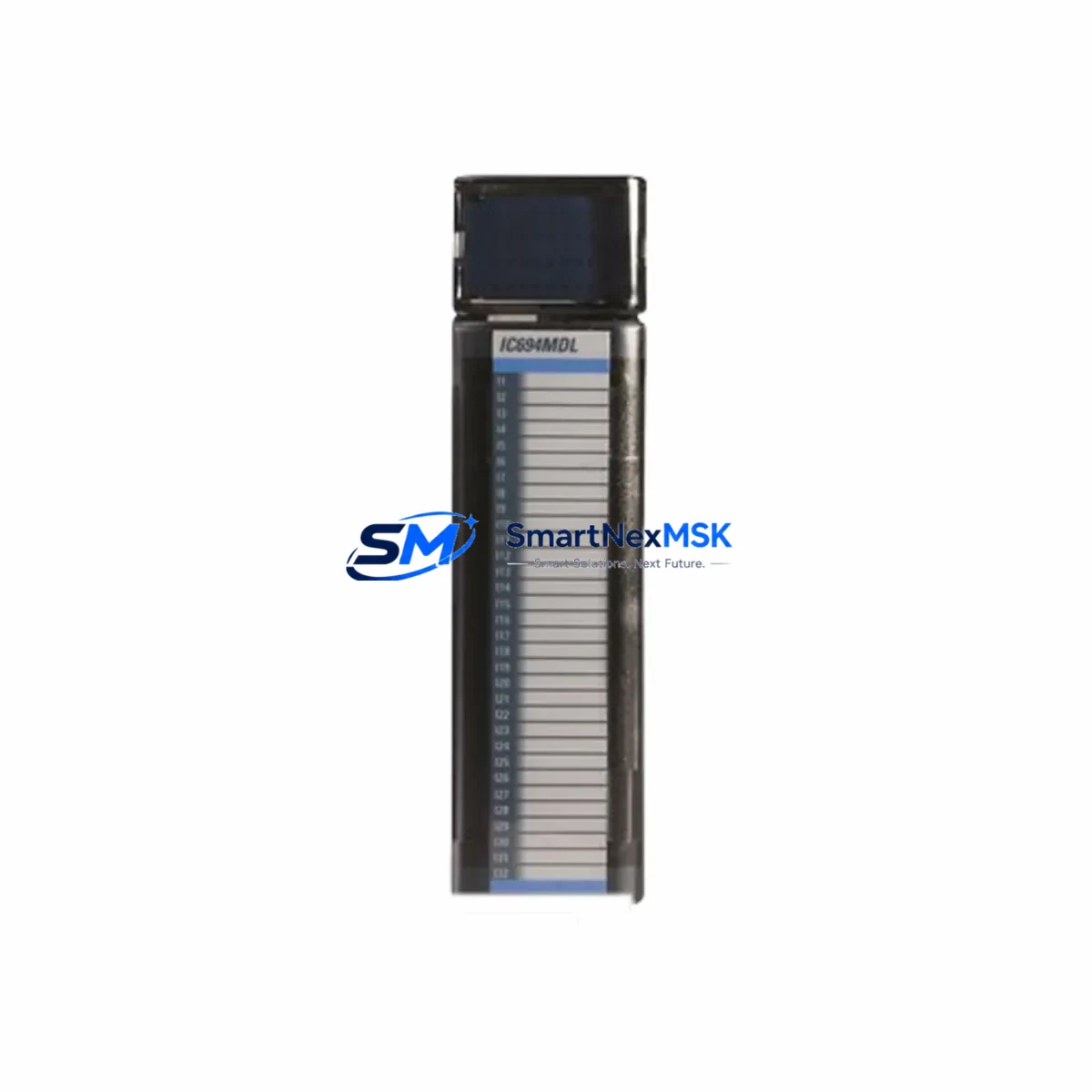
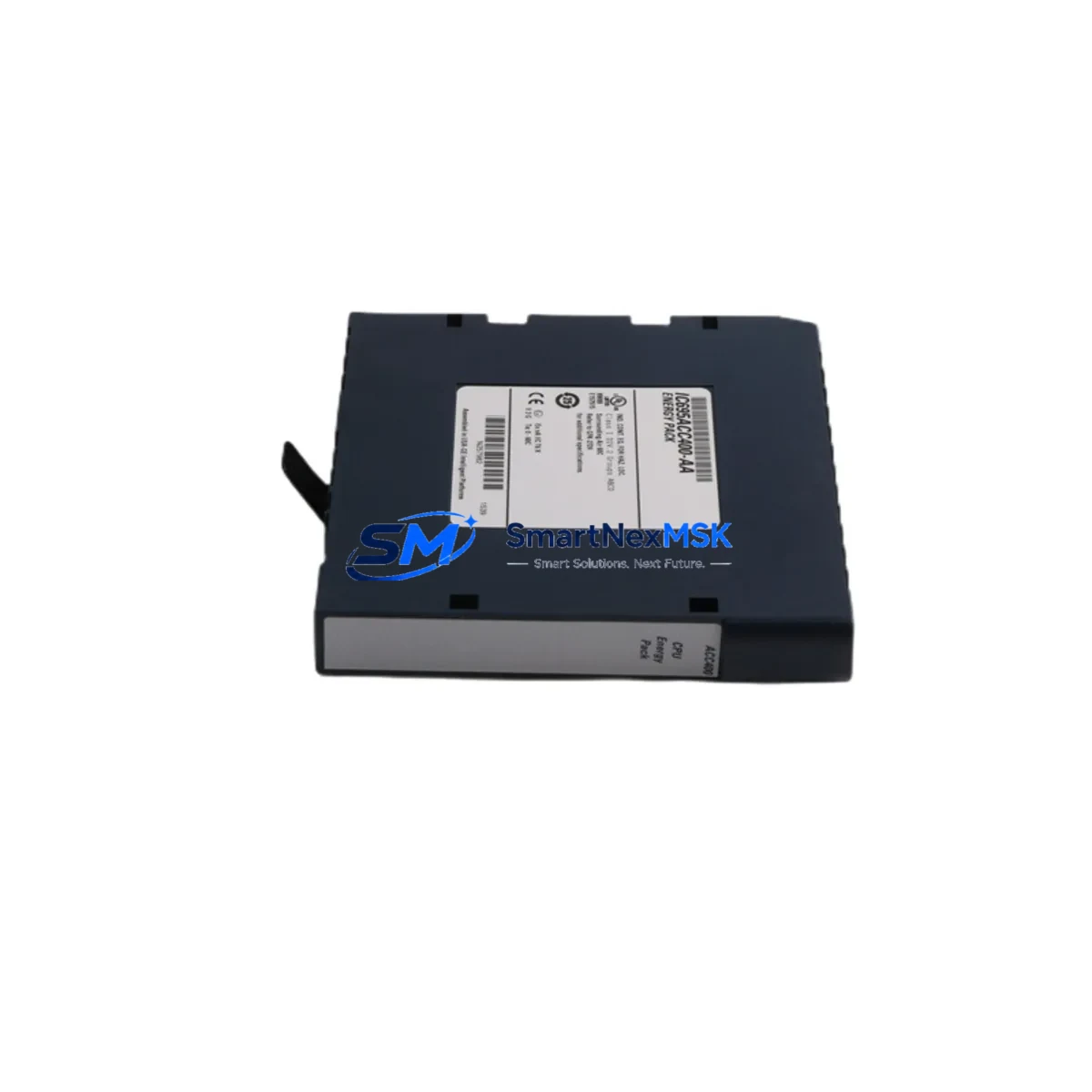
The GE IC695ACC400 is a rack accessory module designed for the GE PACSystems RX3i control platform — one of the most widely deployed mid-to-large-scale PLC architectures in power generation, water treatment, oil & gas, and discrete manufacturing. As legacy RX3i installations age and original components reach end-of-life, the IC695ACC400 has become a critical retrofit and replacement part for engineers tasked with extending system life without full platform migration.
Whether you are replacing a failed unit on a live production line, upgrading an aging control cabinet, or building out a spare-parts inventory for a multi-site facility, the IC695ACC400 delivers the mechanical and electrical compatibility needed for a smooth, low-risk swap. Its rack-mount form factor aligns directly with the standard IC695CHS016 and IC695CHS012 universal backplane chassis, ensuring that no structural modifications are required during installation.
Upgrade Compatibility Table
| Parameter | Details |
|---|---|
| SKU / Part Number | IC695ACC400 |
| Series | GE PACSystems RX3i |
| Module Type | Rack Accessory Module |
| Chassis Compatibility | IC695CHS016, IC695CHS012, IC695CHS007 (7/12/16-slot universal backplane) |
| Backplane Interface | RX3i universal backplane bus |
| Power Requirements | Supplied via backplane; no external wiring required |
| Retrofit Recommendation | Direct drop-in replacement for existing IC695ACC400 installations |
| Terminal / Wiring Adaptation | No rewiring required; backplane-mounted, no field terminals |
| Communication Compatibility | Compatible with RX3i PROFINET, Ethernet, and serial communication modules |
| Controller Compatibility | IC695CPE302, IC695CPE305, IC695CPE310, IC695CPU320 |
| Commissioning Notes | No firmware update required; recognized automatically by RX3i CPU |
| Operating Temperature | 0°C to 60°C |
| Origin | United States |
| Warranty | 12-Month Warranty — covers manufacturing defects and functional failure |
Retrofit Planning for Existing Automation Systems
Successful retrofit of a PACSystems RX3i cabinet begins well before the physical swap. Engineers should start by auditing the existing rack configuration: document every module slot, confirm the chassis model (IC695CHS016 or IC695CHS012), and verify that the IC695PSA040 or IC695PSD040 power supply module is delivering adequate rail voltage before inserting any new hardware. Insufficient power headroom is one of the most common causes of post-retrofit instability.
Next, review the CPU module — typically an IC695CPE302 or IC695CPE310 — and confirm the firmware revision. While the IC695ACC400 does not require a firmware update, other modules added during the same retrofit window (such as a new IC695ETM001 Ethernet interface module or an IC695PBM300 PROFIBUS master module) may require firmware alignment with the CPU. Capture the current CPU configuration backup using Proficy Machine Edition before making any physical changes.
For I/O-intensive retrofits, verify that analog and digital I/O modules — such as the IC695ALG600 analog input module or IC695MDL740 discrete output module — are correctly addressed in the hardware configuration tree. Module slot addresses in the RX3i platform are position-dependent; moving a module to a different slot without updating the hardware configuration in Proficy ME will cause I/O faults at runtime. Print the existing slot map and compare it against the new layout before powering up.
Communication continuity is equally important. If the existing system uses an IC695CMM002 serial communications module for Modbus RTU or DNP3 links to field devices, confirm that the baud rate, parity, and station address settings are preserved in the replacement configuration. For PROFINET-based architectures, the IC695PNC001 PROFINET controller module device name and IP address assignments must remain unchanged to avoid disrupting HMI data exchange and SCADA polling cycles.
Finally, prepare a commissioning checklist: verify backplane seating, confirm LED status on the CPU and power supply, perform a forced I/O scan on critical outputs, and validate HMI screen data refresh before releasing the line. All IC695ACC400 units shipped by SMARTNEXMSK are pre-tested and include a 12-month warranty, reducing the risk of introducing a defective component into a live retrofit.
Downtime Control During System Migration
Minimizing unplanned downtime during a PACSystems RX3i retrofit requires a structured, pre-validated approach. The most effective strategy is to prepare a fully configured spare rack — populated with the IC695ACC400, the appropriate CPU module, and all required I/O and communication modules — and bench-test it against a copy of the production program before the scheduled maintenance window.
Use Proficy Machine Edition to export the current hardware configuration and ladder logic, then import it into the spare rack’s CPU. Run an offline simulation to verify that all I/O references, PID loops, and communication blocks resolve correctly. Pay particular attention to any IC695ALG704 analog output modules driving control valves or variable-speed drives, as incorrect scaling parameters can cause process upsets immediately upon switchover.
During the live swap, follow a structured sequence: place the CPU in Stop mode, remove power from the IC695PSA040 power supply, swap the rack components, restore power, and confirm that the CPU transitions cleanly from Stop to Run. Monitor the fault table in Proficy ME for any hardware configuration mismatches. If the system uses a redundant CPU pair (IC695CPE330 with IC695RMX128 redundancy module), coordinate the switchover with the redundancy manager to ensure the secondary CPU assumes control without a process interruption.
SMARTNEXMSK maintains in-stock inventory of IC695ACC400 and related RX3i components, enabling same-day dispatch for urgent retrofit and emergency replacement orders. Each unit undergoes functional testing prior to shipment, and the 12-month warranty provides coverage from the date of receipt — giving maintenance teams the confidence to proceed with planned and emergency retrofits alike.
Retrofit Support FAQ
Q1: Is the IC695ACC400 a direct drop-in replacement for the original GE part?
Yes. The IC695ACC400 is dimensionally and electrically identical to the original GE PACSystems RX3i rack accessory module. It installs into the same chassis slot, connects via the same backplane interface, and is recognized automatically by the RX3i CPU without any configuration changes. No rewiring or firmware update is required.
Q2: What commissioning steps are needed after installation?
After physical installation, power up the chassis and confirm that the CPU module (IC695CPE302 or equivalent) shows a Run LED without fault indicators. Open Proficy Machine Edition, connect to the CPU, and verify that the hardware configuration tree shows no unresolved module faults. Perform a forced I/O scan on critical outputs before releasing the system to production.
Q3: Does SMARTNEXMSK test IC695ACC400 units before shipment?
Yes. Every IC695ACC400 unit undergoes functional testing prior to dispatch. Units are verified for backplane interface integrity and mechanical fit. Each shipment includes a test record, and all units are covered by a 12-month warranty from the date of receipt, covering manufacturing defects and functional failure under normal operating conditions.
Q4: Can SMARTNEXMSK supply other RX3i modules needed for a full retrofit?
Yes. SMARTNEXMSK maintains stock of a broad range of PACSystems RX3i components, including CPU modules, power supply modules, Ethernet and PROFIBUS communication modules, analog and discrete I/O modules, and chassis backplanes. Contact our team with your full BOM for availability confirmation and consolidated shipment options.
© 2026 SMARTNEXMSK. All rights reserved.
Original Source: https://smartnexmsk.com
Contact: [email protected] | +86 18259474341