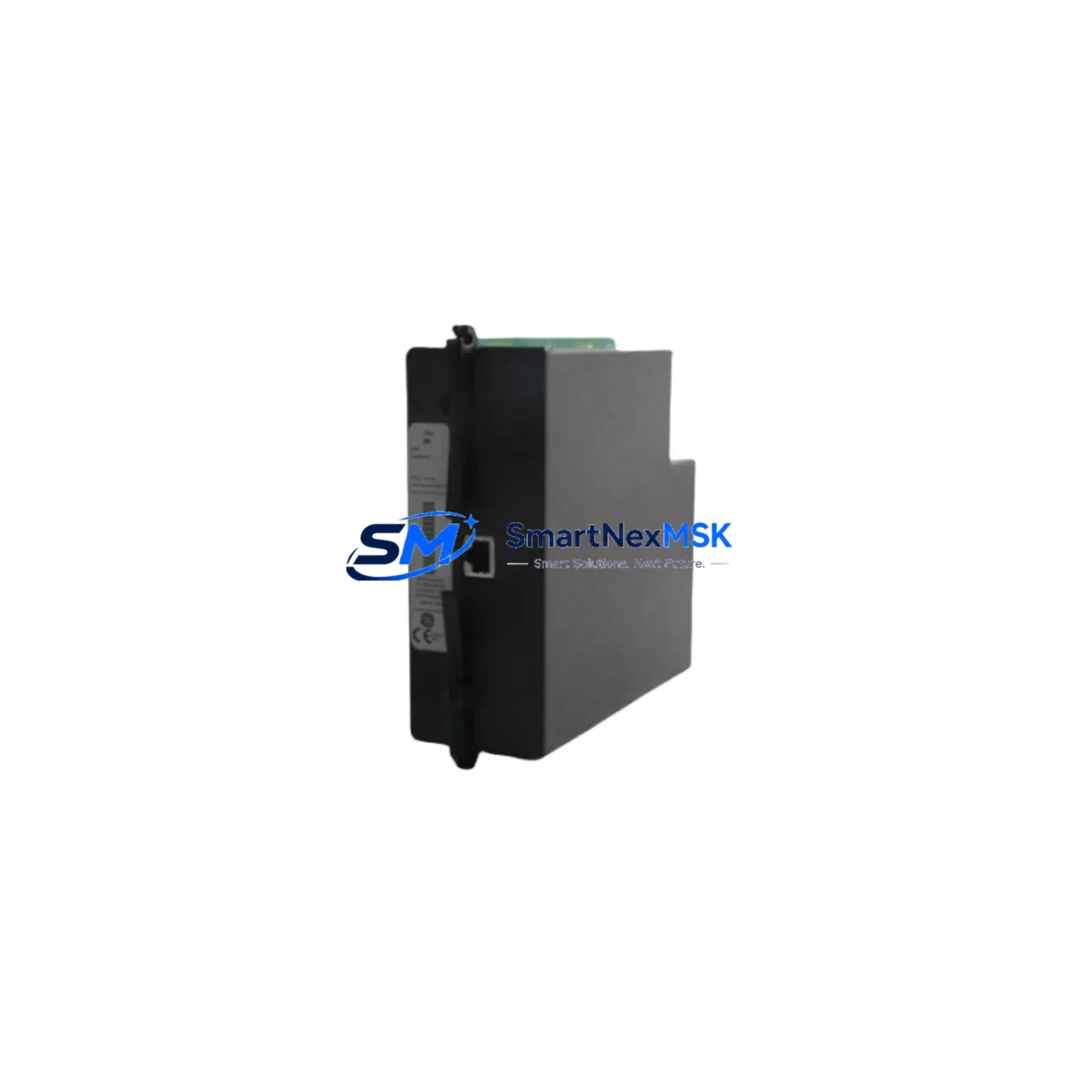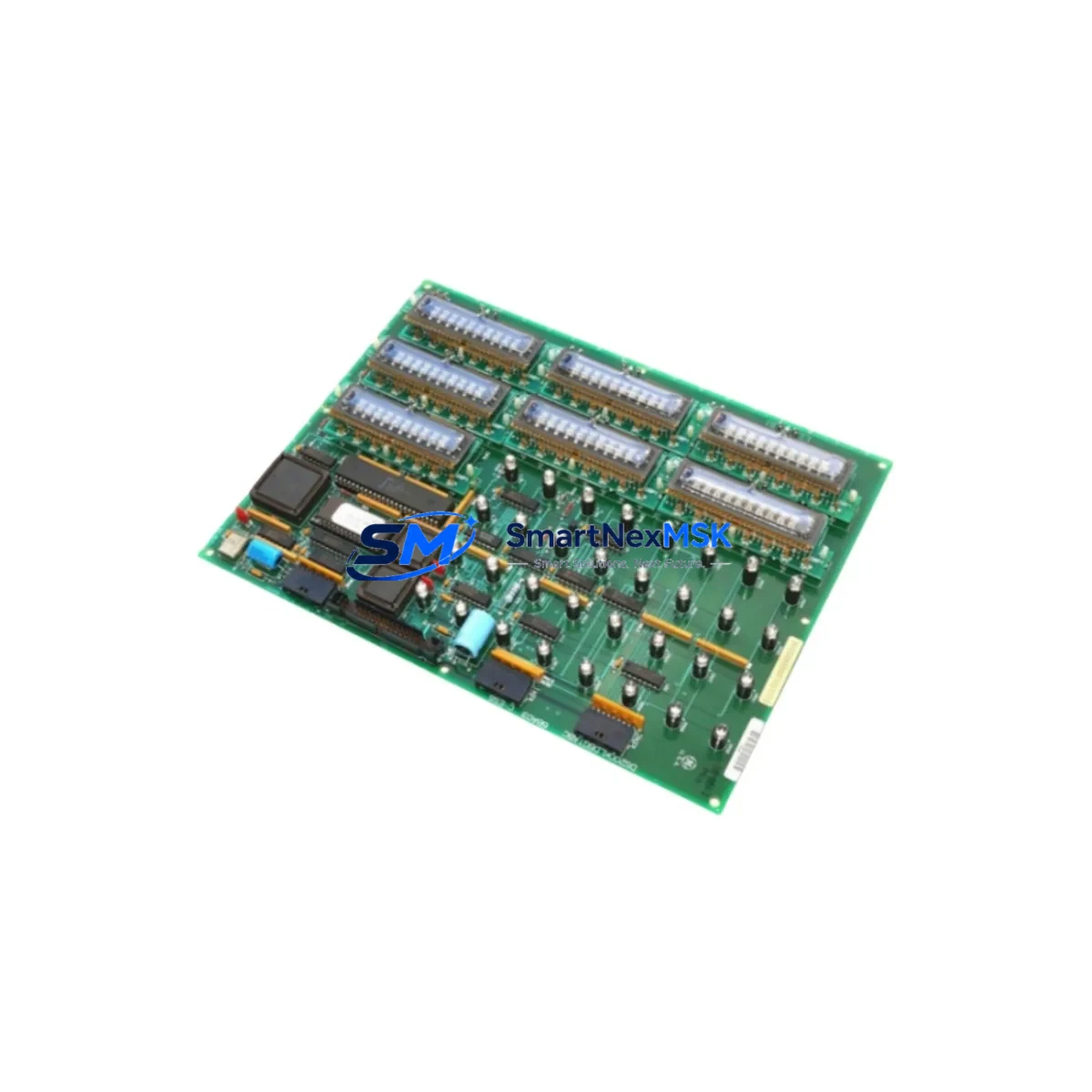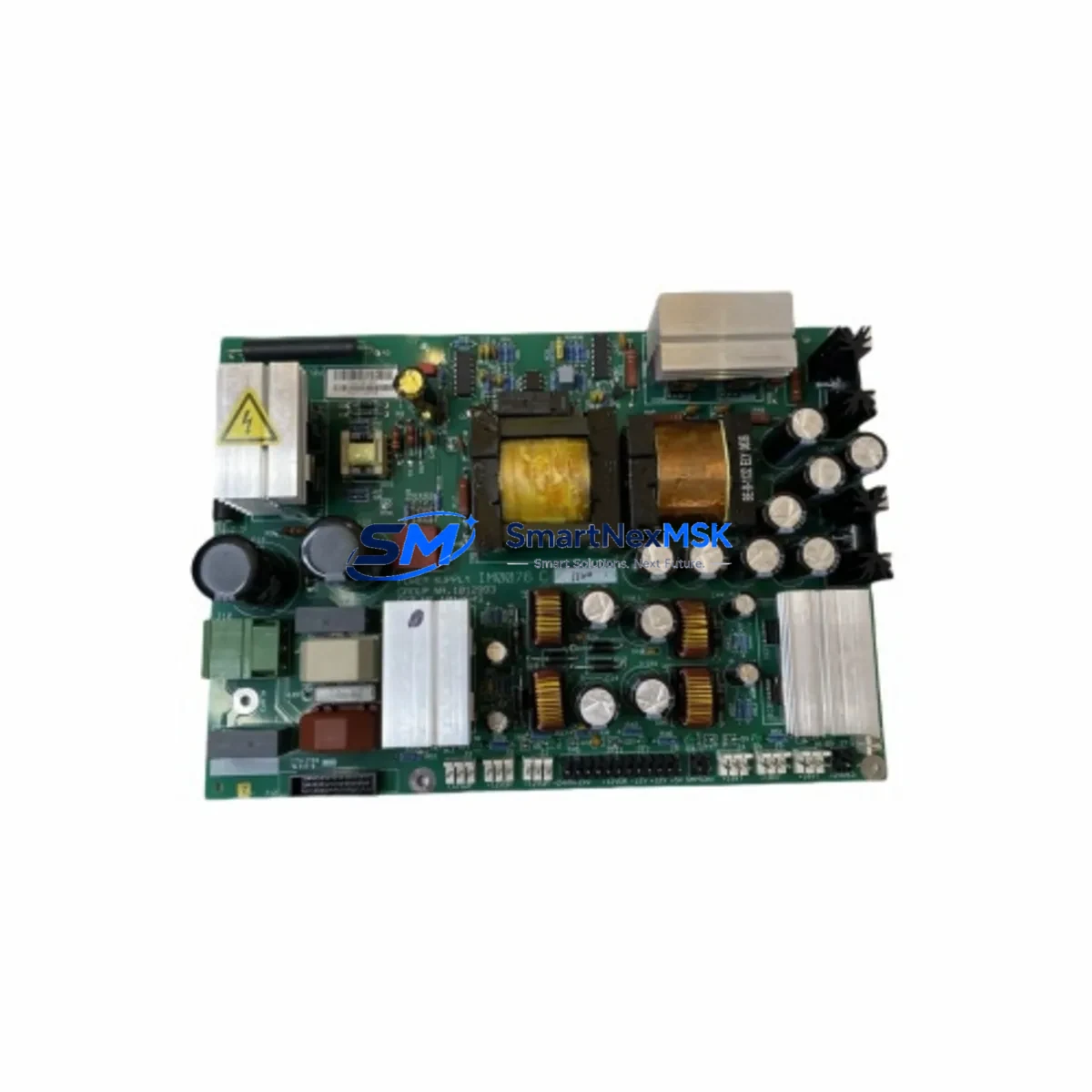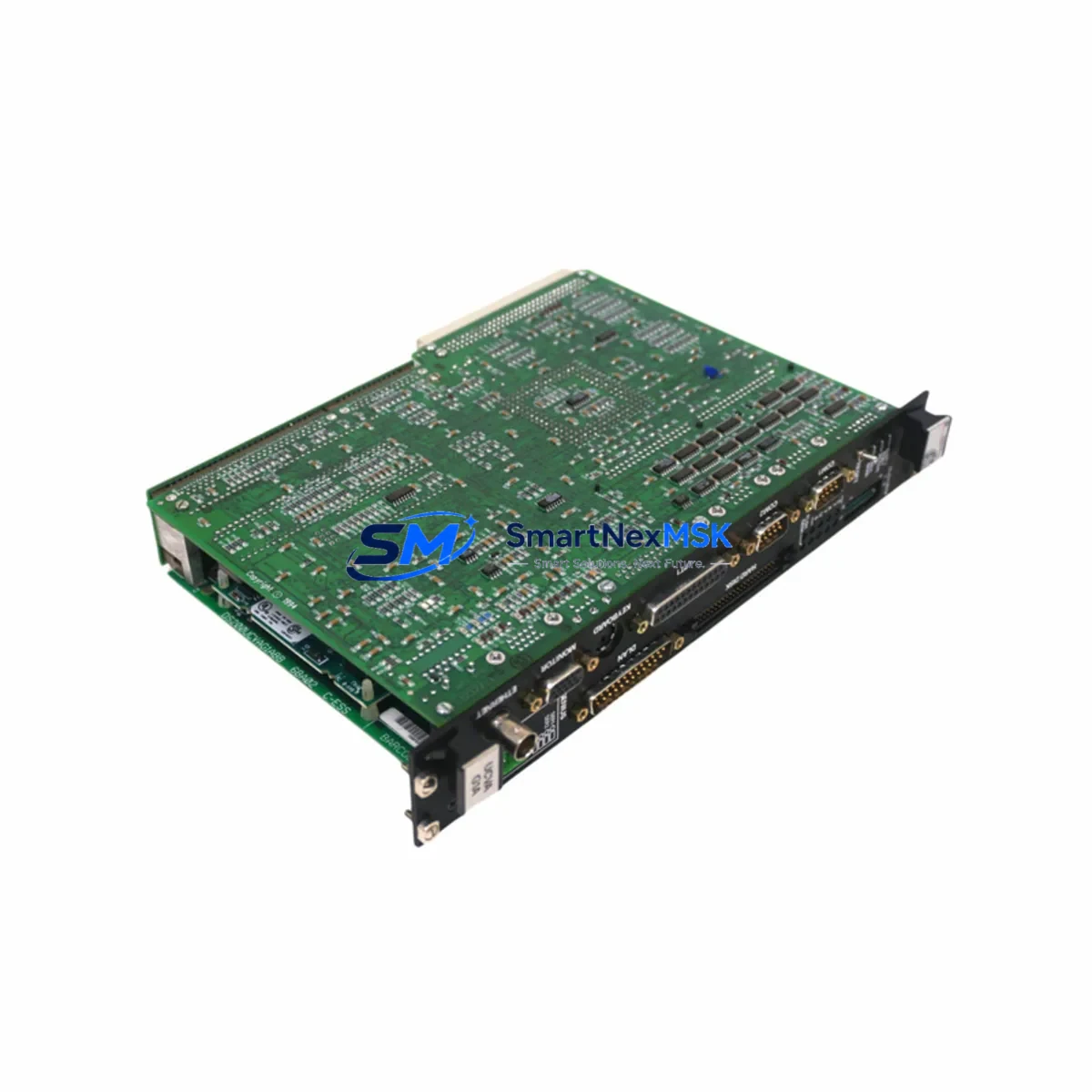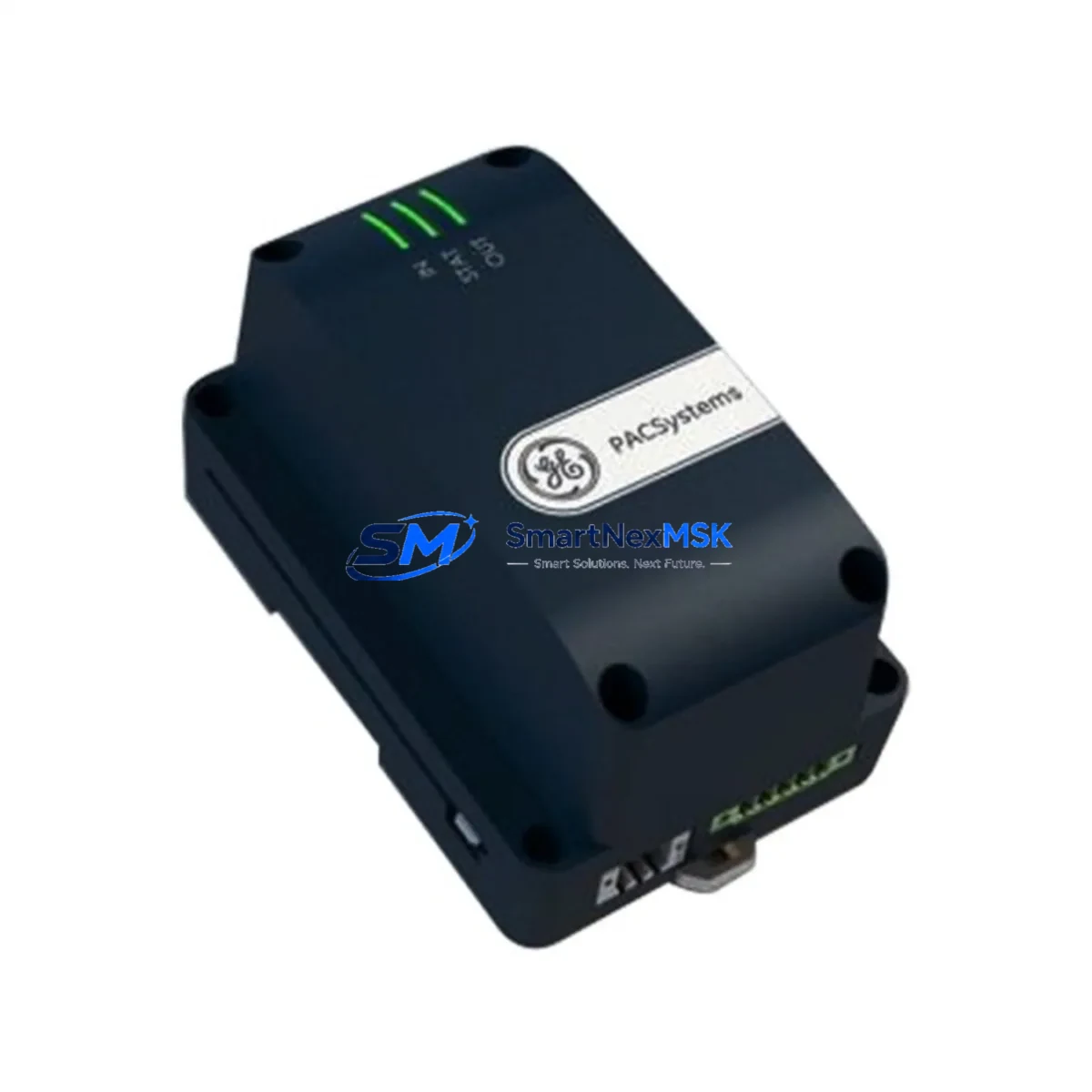
GE IC695ACC402 Retrofit-Ready CPU Memory Backup for RX3i Control Systems
The GE IC695ACC402 is a CPU Memory Backup Module designed for the PACSystems RX3i platform — one of GE’s most widely deployed industrial control architectures. As legacy GE Series 90-30 and early RX3i installations approach end-of-life, the IC695ACC402 serves as a critical component in retrofit and modernization projects, enabling engineers to preserve CPU program memory, retain configuration data across power cycles, and maintain system continuity during planned or unplanned shutdowns. Whether you are upgrading a control cabinet from an IC693CPU374 or migrating from an older IC695CPU310 to a higher-capacity IC695CPU320, the IC695ACC402 ensures that your CPU retains its ladder logic, function block diagrams, and I/O configuration without dependency on external battery backup systems.
In retrofit scenarios, the IC695ACC402 is typically installed alongside the IC695CPU320 or IC695CPU315 in a standard IC695CHS012 or IC695CHS016 backplane chassis. Engineers replacing aging IC693ACC301 memory backup units will find the IC695ACC402 to be the recommended upgrade path, offering improved flash memory retention and compatibility with the RX3i universal backplane architecture. Before installation, it is essential to verify the CPU firmware revision level, as certain early IC695CPU310 firmware versions require an update before the IC695ACC402 can be recognized correctly by the PACSystems hardware configuration tool.
Upgrade Compatibility Table
| Parameter | IC695ACC402 (This Unit) | IC693ACC301 (Legacy) |
|---|---|---|
| Platform Compatibility | PACSystems RX3i (IC695 series) | Series 90-30 (IC693 series) |
| Backplane Interface | RX3i Universal Backplane (IC695CHS012 / IC695CHS016) | Series 90-30 5-slot / 10-slot rack |
| Memory Retention Method | Flash-based non-volatile storage | Battery-backed SRAM |
| CPU Compatibility | IC695CPU310, IC695CPU315, IC695CPU320 | IC693CPU374, IC693CPU364 |
| Communication Protocol Support | SRTP, Modbus TCP (via IC695ETM001) | SNP, SRTP (limited) |
| Installation Requirement | Slot-based insertion, no external wiring | Requires battery replacement cycle |
| Retrofit Recommendation | Direct upgrade from IC693ACC301 with firmware check | End-of-life; replacement recommended |
| Commissioning Note | Verify CPU firmware ≥ v3.50; re-download program after first install | N/A |
| Warranty | 12-Month Warranty | N/A (discontinued) |
Retrofit Planning for Existing Automation Systems
A successful retrofit involving the IC695ACC402 requires a structured approach to hardware inventory, wiring documentation, and program backup before any physical changes are made. In a typical RX3i control cabinet, the IC695ACC402 occupies a dedicated slot adjacent to the CPU module. Engineers should first export the existing program from the IC695CPU310 or IC695CPU315 using Proficy Machine Edition (PME) and store a verified backup on an offline engineering workstation before removing any hardware.
When the existing system includes a GE IC695ETM001 Ethernet communications module for SRTP or Modbus TCP traffic, the network configuration — including IP address, subnet mask, and SRTP server settings — must be documented and re-entered after the IC695ACC402 is installed and the CPU is re-initialized. In systems where a GE IC695PSD040 or IC695PSA040 power supply module is in use, engineers should confirm that the total backplane current draw remains within specification after adding the IC695ACC402, as the module draws a small but non-trivial amount of backplane power.
For installations that include GE IC695ALG600 analog input modules or IC695MDL664 discrete output modules, the I/O configuration stored in the CPU must be re-validated after the memory backup module is installed. In mixed-rack configurations using both IC695 and IC694 modules on a universal backplane, the hardware configuration in PME must reflect the exact slot assignments to avoid address conflicts during program download. If the system communicates with a GE QuickPanel+ HMI or a third-party SCADA system via OPC-DA or OPC-UA, the tag database and communication driver settings should be verified post-retrofit to ensure that no data point addresses have shifted due to I/O reconfiguration.
In projects where the IC695ACC402 is being used to replace a failed or end-of-life IC693ACC301 in a Series 90-30 to RX3i migration, the entire backplane and CPU assembly will typically be replaced simultaneously. In these cases, the IC695CHS012 backplane, IC695CPU320 processor, and IC695PSD040 power supply are commonly ordered together with the IC695ACC402 as a complete retrofit kit. Terminal block wiring from the field I/O — including analog signal cables, discrete input wiring, and shield grounding — must be carefully mapped from the old Series 90-30 terminal assignments to the new IC695 module terminal layouts before power-up.
Downtime Control During System Migration
Minimizing production downtime during a PACSystems RX3i retrofit is a primary concern for plant engineers and maintenance teams. The IC695ACC402 plays a direct role in downtime reduction by eliminating the need for repeated program downloads after power interruptions — once the program is stored to the backup module, the CPU can recover autonomously from a cold start without operator intervention or an engineering workstation connection.
Best practice for a controlled cutover involves staging the new IC695 rack — including the IC695CPU320, IC695ACC402, IC695ETM001, and all required I/O modules — on a bench and performing a full program download and hardware configuration verification before the scheduled maintenance window. During the cutover window, the original Series 90-30 or early RX3i rack is powered down, field wiring is transferred to the new terminal blocks, and the replacement rack is powered up. Because the IC695ACC402 retains the program in non-volatile flash memory, the CPU will boot directly into RUN mode if the hardware configuration matches the stored configuration, significantly reducing the time between power-up and resumption of process control.
For systems where a brief parallel-run period is feasible, engineers may choose to run the new RX3i rack in a shadow mode — monitoring I/O states without controlling outputs — before the final cutover. This approach allows verification of all input signal wiring and HMI tag mappings while the original controller remains in control, further reducing the risk of unexpected behavior at the moment of switchover. All units supplied by SMARTNEXMSK are pre-tested prior to shipment and include a 12-month warranty, ensuring that the IC695ACC402 arrives ready for immediate installation without additional incoming inspection delays.
Retrofit Support FAQ
Q1: Is the IC695ACC402 a direct drop-in replacement for the IC693ACC301?
The IC695ACC402 is the recommended upgrade replacement for the IC693ACC301, but it is not a direct slot-for-slot swap. The IC693ACC301 is designed for the Series 90-30 rack architecture, while the IC695ACC402 is designed for the PACSystems RX3i universal backplane. If you are migrating from a Series 90-30 system, the CPU and backplane must also be upgraded to the IC695 platform. For existing RX3i installations already using an IC695CPU310 or IC695CPU315, the IC695ACC402 installs directly into the same chassis.
Q2: Do I need to re-download my PLC program after installing the IC695ACC402?
Yes, a one-time program download is required after the initial installation of the IC695ACC402. Once the program has been downloaded and stored to the backup module using Proficy Machine Edition, subsequent power cycles will allow the CPU to boot from the flash memory without requiring a workstation connection. Ensure that the CPU firmware is at version 3.50 or higher before installation to avoid compatibility issues.
Q3: How do I verify wiring compatibility when replacing an older memory backup module?
The IC695ACC402 does not have external field wiring connections — it interfaces exclusively through the RX3i backplane. Wiring compatibility verification applies to the I/O modules in the same chassis. Before powering up the retrofitted system, confirm that all terminal block assignments for modules such as the IC695ALG600 or IC695MDL664 match the hardware configuration stored in the CPU program. Use the I/O wiring diagrams from the original system documentation as the reference baseline.
Q4: What does the 12-month warranty cover, and how is the unit tested before shipment?
All IC695ACC402 units supplied by SMARTNEXMSK are functionally tested prior to shipment to verify backplane communication, memory read/write integrity, and module identification. The 12-month warranty covers defects in materials and workmanship under normal operating conditions. Units that fail during the warranty period are replaced or refunded. For time-sensitive retrofit projects, expedited shipping options are available — contact our team to confirm lead time and stock availability before placing your order.
© 2026 SMARTNEXMSK. All rights reserved.
Original Source: https://smartnexmsk.com
Contact: [email protected] | +86 18259474341