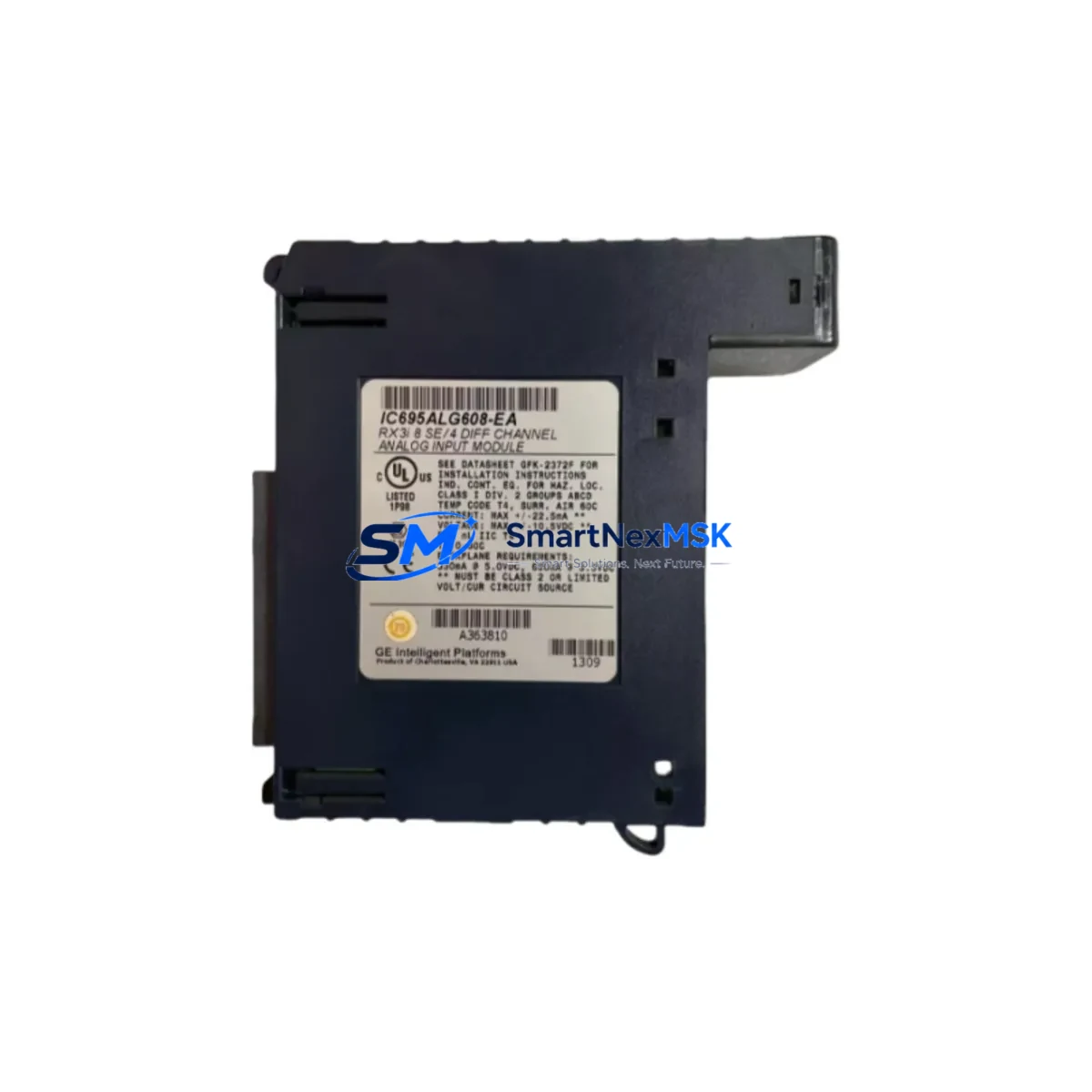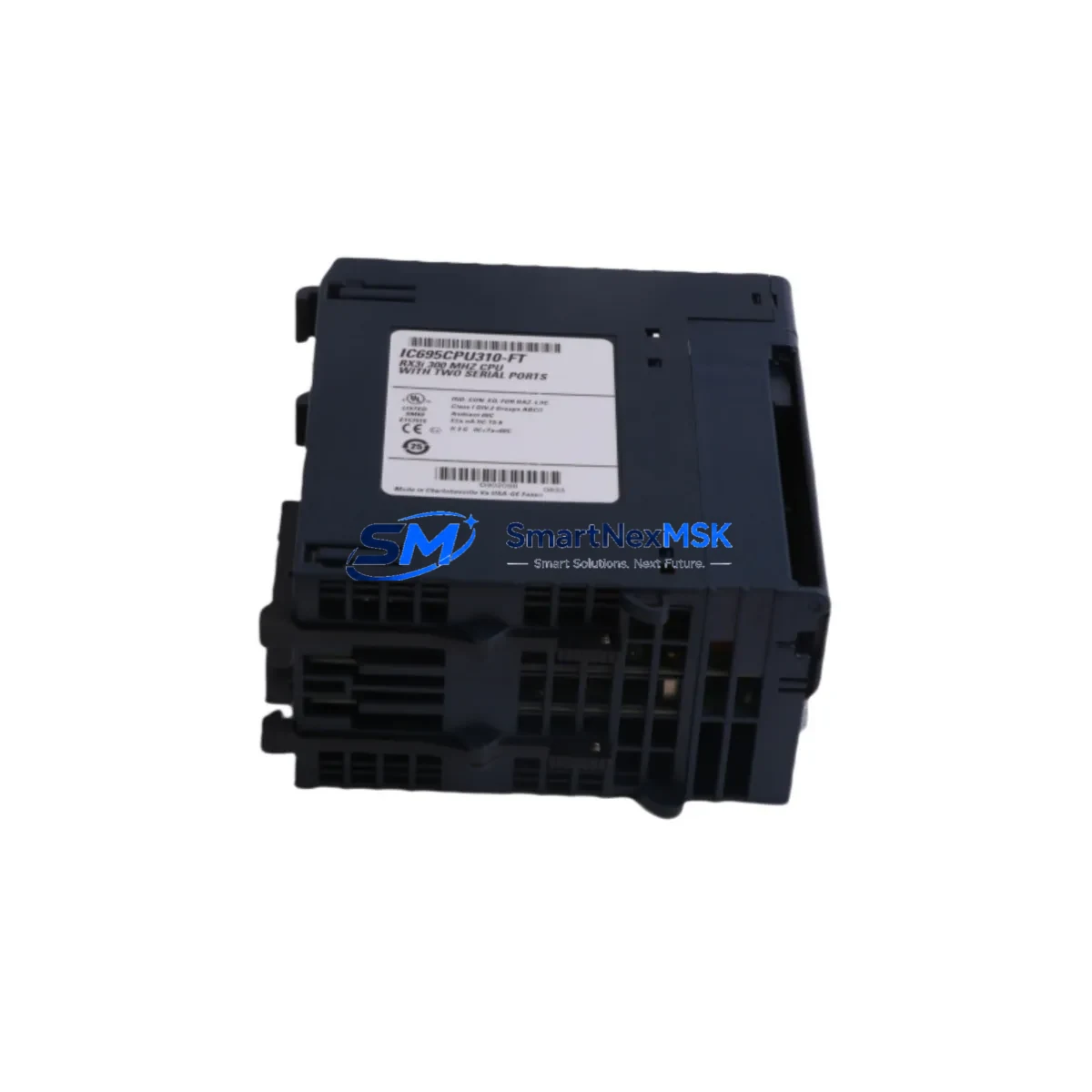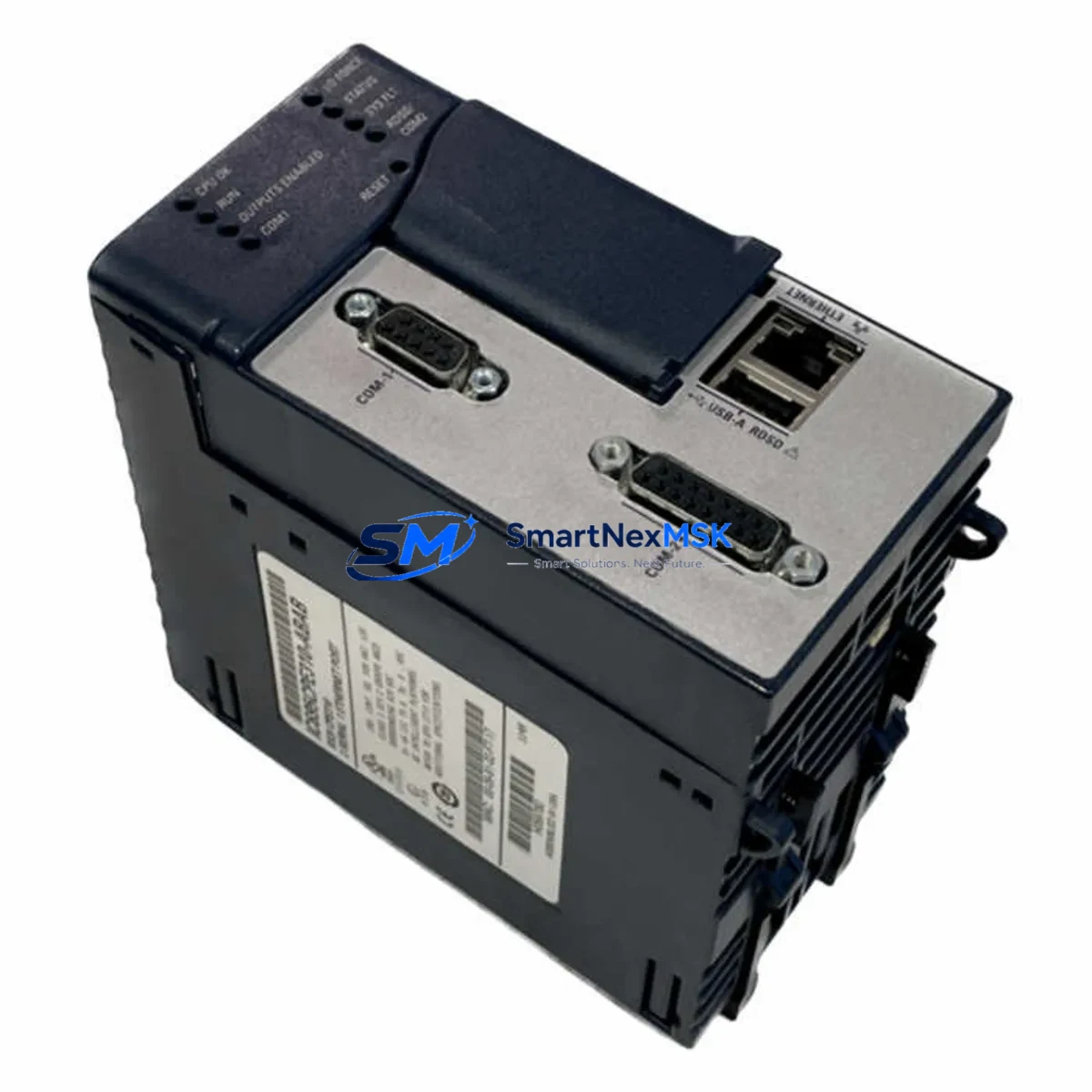
GE IC695CHS016 Maintenance-Ready Spare for RX3i Automation
The GE IC695CHS016 is a 16-slot CPU universal backplane designed for the PACSystems RX3i control platform — one of GE’s most widely deployed industrial automation architectures across power generation, oil & gas, water treatment, and discrete manufacturing. As a maintenance-ready original spare, the IC695CHS016 supports rapid slot-for-slot replacement in existing RX3i control cabinets, minimizing unplanned downtime and preserving system continuity without requiring firmware reconfiguration or I/O remapping.
For maintenance engineers managing aging RX3i installations, the backplane is the structural and electrical backbone of the entire controller chassis. A failed or degraded IC695CHS016 can render an entire control node inoperable, affecting multiple I/O drops, communication links, and safety interlocks simultaneously. Stocking a verified original spare — pre-tested and shipped with full documentation — is the single most effective measure to reduce mean time to repair (MTTR) in RX3i-based systems.
Spare Maintenance Table
| Parameter | Specification |
|---|---|
| Part Number | IC695CHS016 |
| Series | GE PACSystems RX3i |
| Slot Count | 16 Slots (CPU Universal Backplane) |
| Backplane Type | Universal — supports CPU, power, I/O, and communication modules |
| Bus Architecture | PCI + Serial backplane (dual-bus) |
| Power Input | Via dedicated power supply slot (IC695PSA040 / IC695PSD040 compatible) |
| Operating Temperature | 0°C to 60°C |
| Mounting | DIN rail or panel mount |
| Compatibility | GE PACSystems RX3i — IC695 series modules |
| Origin | United States |
| Condition | Original, tested before shipment |
| Warranty | 12 Months |
| Application | Process control, discrete manufacturing, utilities, infrastructure |
| Maintenance Use | Direct chassis replacement, emergency spare, planned overhaul |
Maintenance Planning for Continuous Operation
When replacing the IC695CHS016 backplane during a planned or emergency maintenance event, a thorough inspection of the surrounding control cabinet is essential to prevent repeat failures and ensure system integrity. Maintenance engineers should begin by verifying the condition of the installed power supply module — typically an IC695PSA040 (120/240 VAC) or IC695PSD040 (24 VDC) — as backplane failures are frequently preceded or caused by power supply degradation, voltage ripple, or thermal stress on the power rail connectors.
Before re-seating modules into the replacement chassis, inspect each IC695 series I/O module for bent connector pins, corrosion, or heat discoloration. Analog input modules such as the IC695ALG600 and IC695ALG616 are particularly sensitive to connector wear and should be tested for signal accuracy after reinstallation. Similarly, the CPU module — commonly the IC695CPE305 or IC695CPE400 — should be checked for firmware version compatibility with the replacement backplane and any connected remote I/O drops.
Communication modules installed in the chassis, including the IC695ETM001 Ethernet interface or IC695PBM300 PROFIBUS master, should be re-initialized and verified against the network topology after chassis swap. Fieldbus communication faults are a common post-maintenance issue when module slot assignments shift or backplane addressing is disrupted. Confirm that all module configuration data is backed up in the programming software (Proficy Machine Edition) before beginning the replacement procedure.
For control cabinets with terminal blocks and field wiring connected to I/O modules, inspect the wiring harness for insulation fatigue, loose ferrules, and terminal block integrity. Weidmüller or Phoenix Contact terminal strips adjacent to the RX3i chassis should be torque-checked and labeled for traceability. If the cabinet includes signal isolators or loop-powered transmitters feeding analog inputs, verify 4–20 mA loop continuity before declaring the system ready for restart.
Relay output modules such as the IC695MDL940 should be inspected for contact wear, especially in high-cycle applications. Fuse holders and miniature circuit breakers protecting individual I/O circuits should be tested for continuity and rated interrupting capacity. If the system includes a redundant CPU configuration, the redundancy synchronization cable and IC695RMX128 redundancy memory xchange module should be verified for proper seating and firmware alignment after the chassis replacement.
For facilities managing legacy RX3i installations beyond their original design life, maintaining a minimum spare kit — including at least one IC695CHS016 backplane, one power supply module, and one CPU module — is the recommended strategy to sustain operations without dependency on spot-market availability or extended lead times.
Site Replacement Workflow
Step 1 — Pre-Replacement Preparation: Back up the PLC program and configuration using Proficy Machine Edition. Document all module slot assignments, I/O addresses, and communication parameters. Photograph the wiring and module layout before disassembly.
Step 2 — Safe Isolation: De-energize the control cabinet following site LOTO (Lockout/Tagout) procedures. Verify zero-energy state with a calibrated voltage tester before touching any backplane connectors or field wiring.
Step 3 — Module Removal: Remove all IC695 series modules from the failed chassis in sequence, placing them on an ESD-safe surface. Label each module with its original slot position to ensure correct reinstallation.
Step 4 — Chassis Swap: Unmount the failed IC695CHS016 from the DIN rail or panel. Install the replacement backplane, ensuring secure mechanical engagement and proper grounding continuity to the cabinet earth bar.
Step 5 — Module Reinstallation & Verification: Re-seat all modules in their original slot positions. Restore power and verify that the CPU initializes correctly, all I/O modules are recognized, and communication links are re-established. Download the backed-up program and perform a controlled restart.
This workflow supports direct replacement of older IC695CHS012 (12-slot) or IC695CHS007 (7-slot) chassis where a capacity upgrade is also required, maintaining full software and I/O compatibility within the RX3i platform.
Spare Parts Support FAQ
Q: Is the IC695CHS016 compatible with all RX3i CPU and I/O modules?
A: Yes. The IC695CHS016 is a universal backplane that supports all IC695 series modules, including CPU, power supply, analog I/O, digital I/O, and communication modules. It is the standard chassis for full-size RX3i control nodes.
Q: How is the IC695CHS016 tested before shipment?
A: Each unit undergoes functional verification including backplane bus continuity, connector integrity, and power rail testing. Units are shipped with inspection documentation confirming test results and part authenticity.
Q: What is the warranty coverage and what does it include?
A: All IC695CHS016 units are covered by a 12-month warranty from the date of shipment. The warranty covers manufacturing defects and functional failures under normal operating conditions. Replacement or repair is provided at no additional cost within the warranty period.
Q: Can this backplane be used to replace a smaller RX3i chassis such as the IC695CHS007 or IC695CHS012?
A: Yes. The IC695CHS016 is electrically and mechanically compatible with the RX3i platform and can replace smaller chassis configurations. Additional slots provide capacity for future I/O or communication module expansion without requiring a new control node.
© 2026 SMARTNEXMSK. All rights reserved.
Original Source: https://smartnexmsk.com
Contact: [email protected] | +86 18259474341