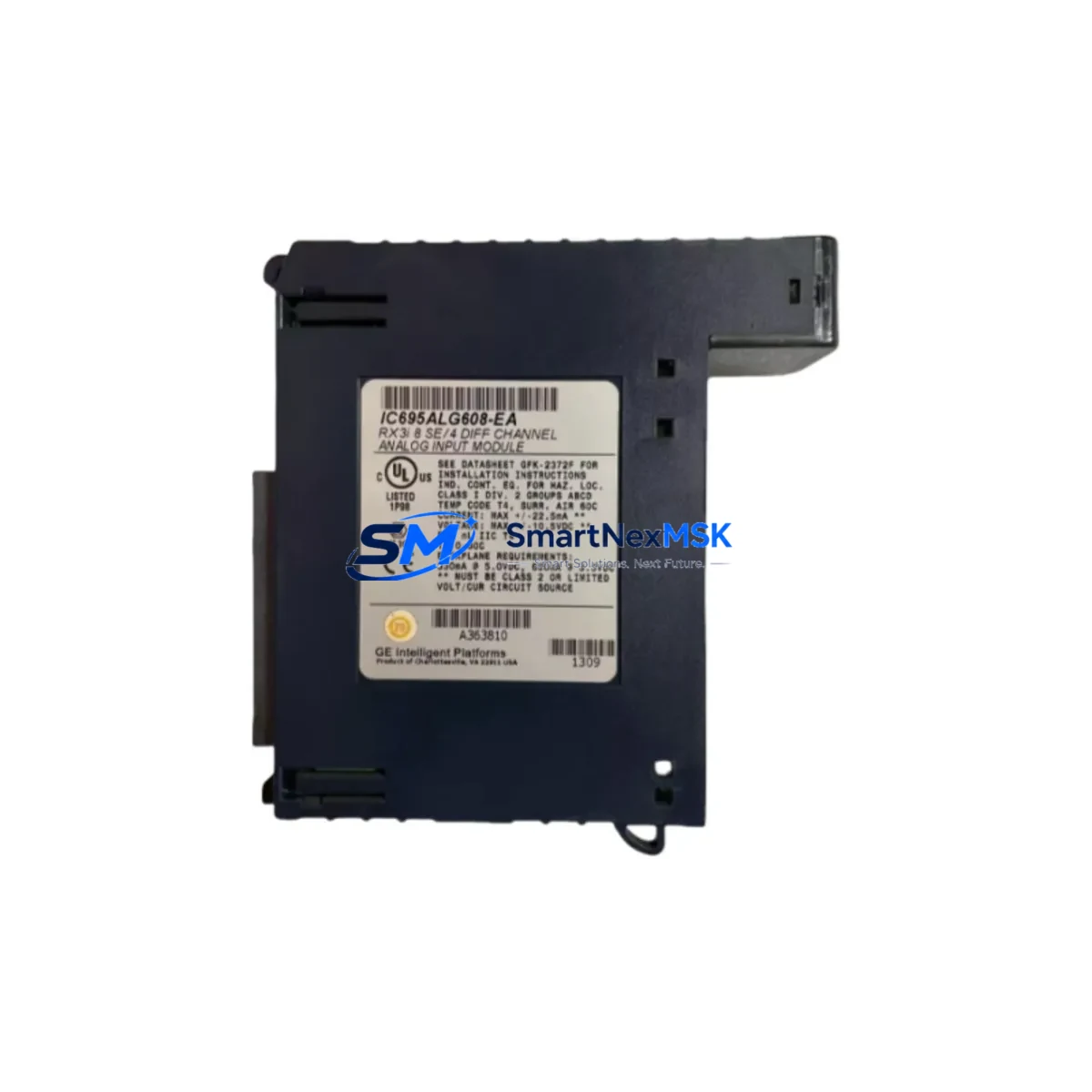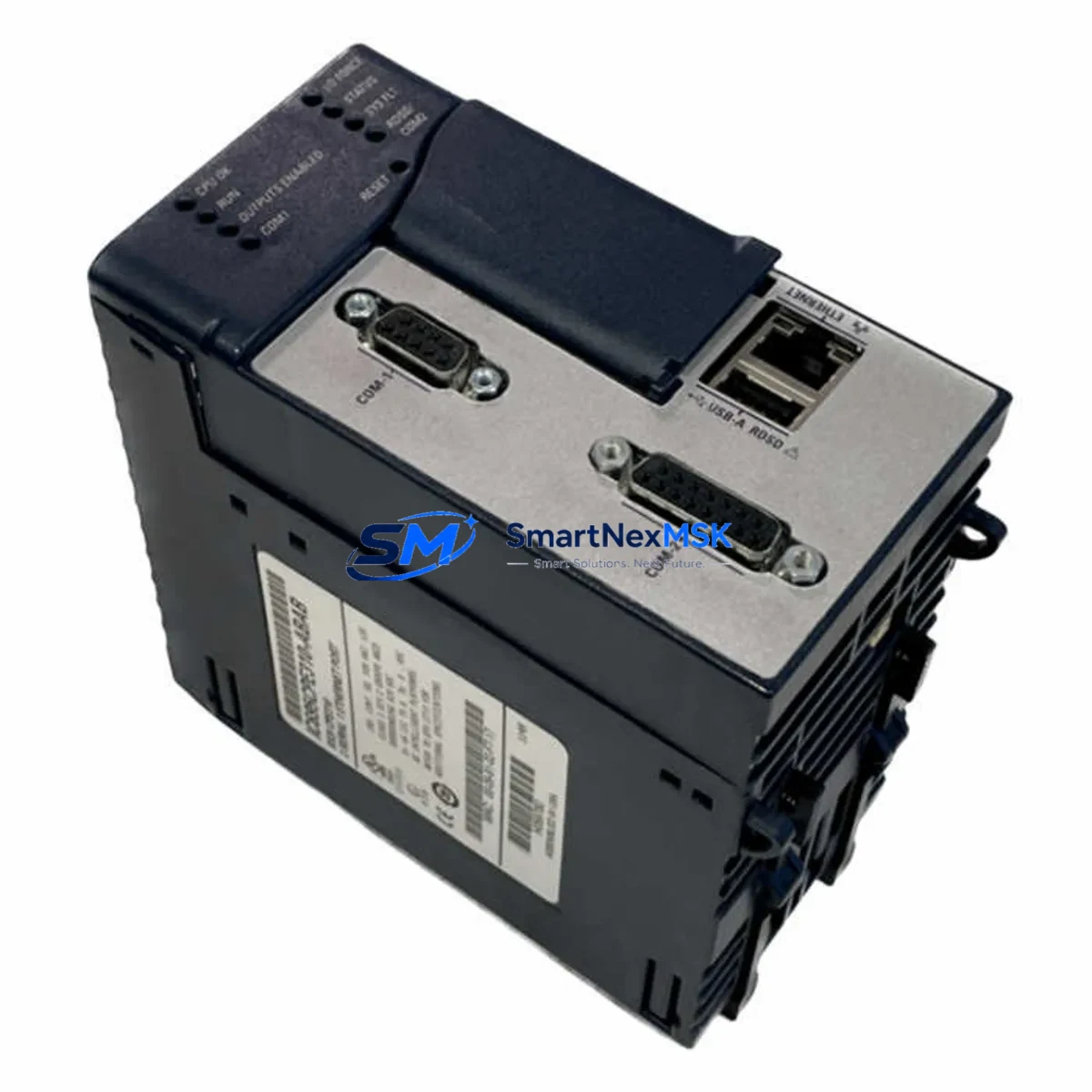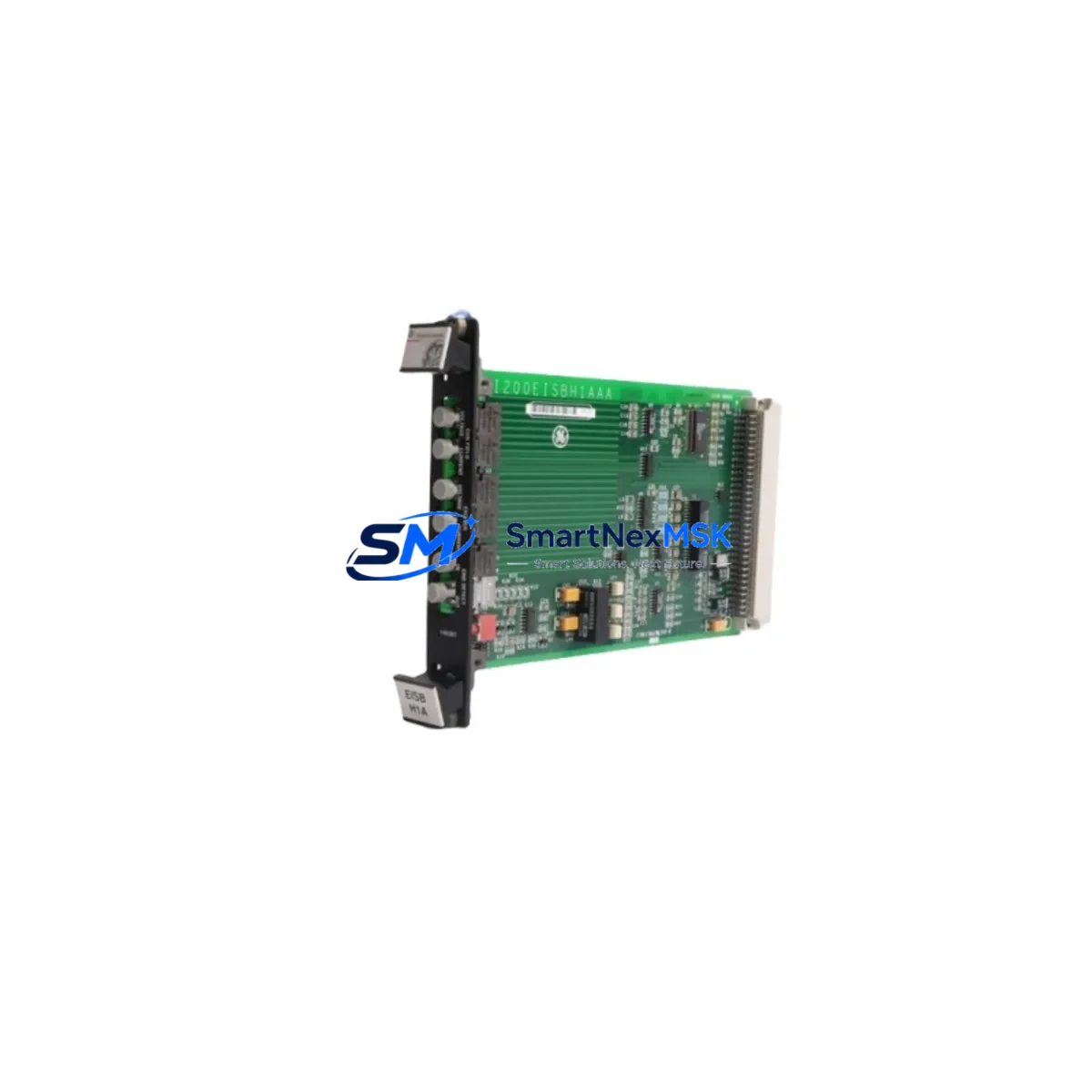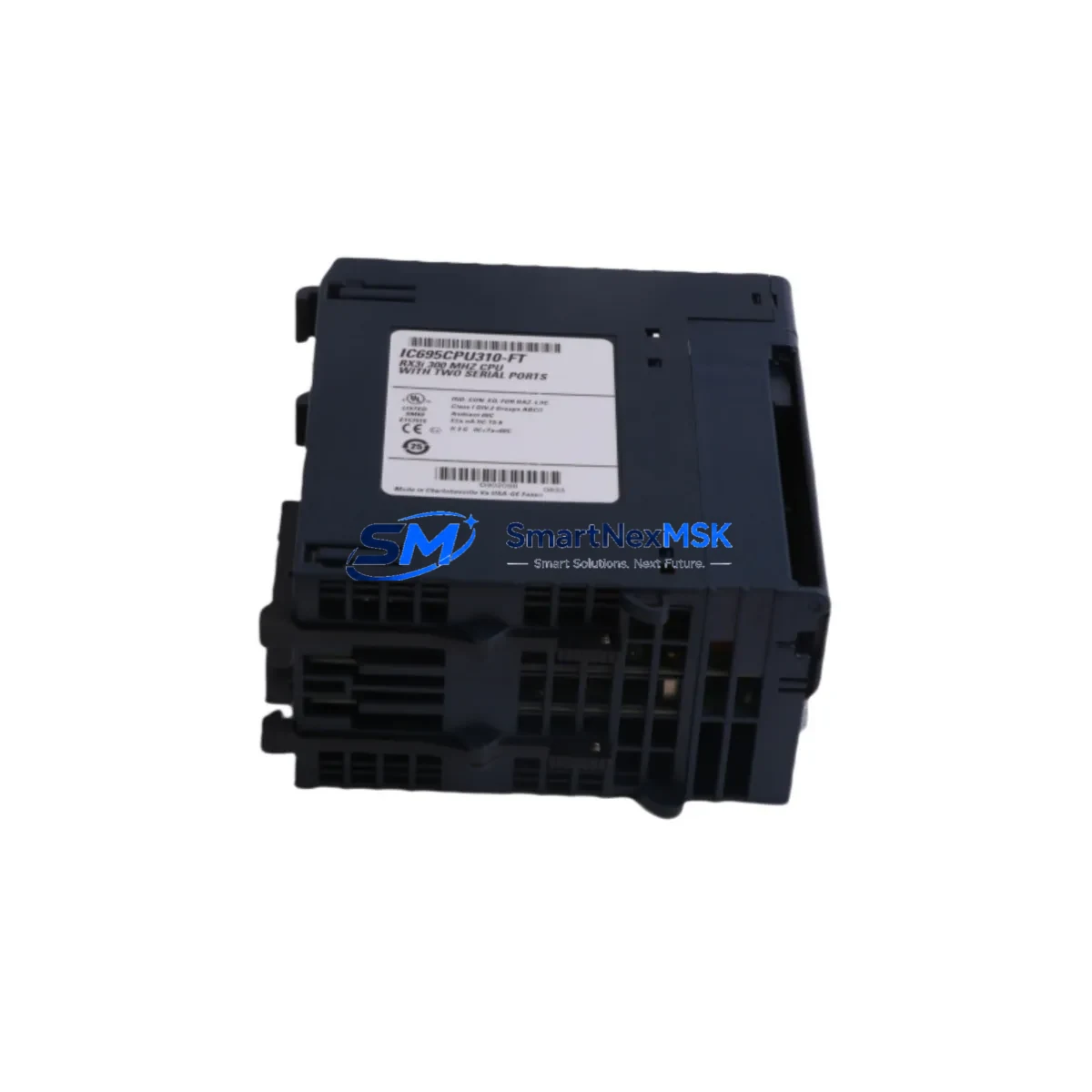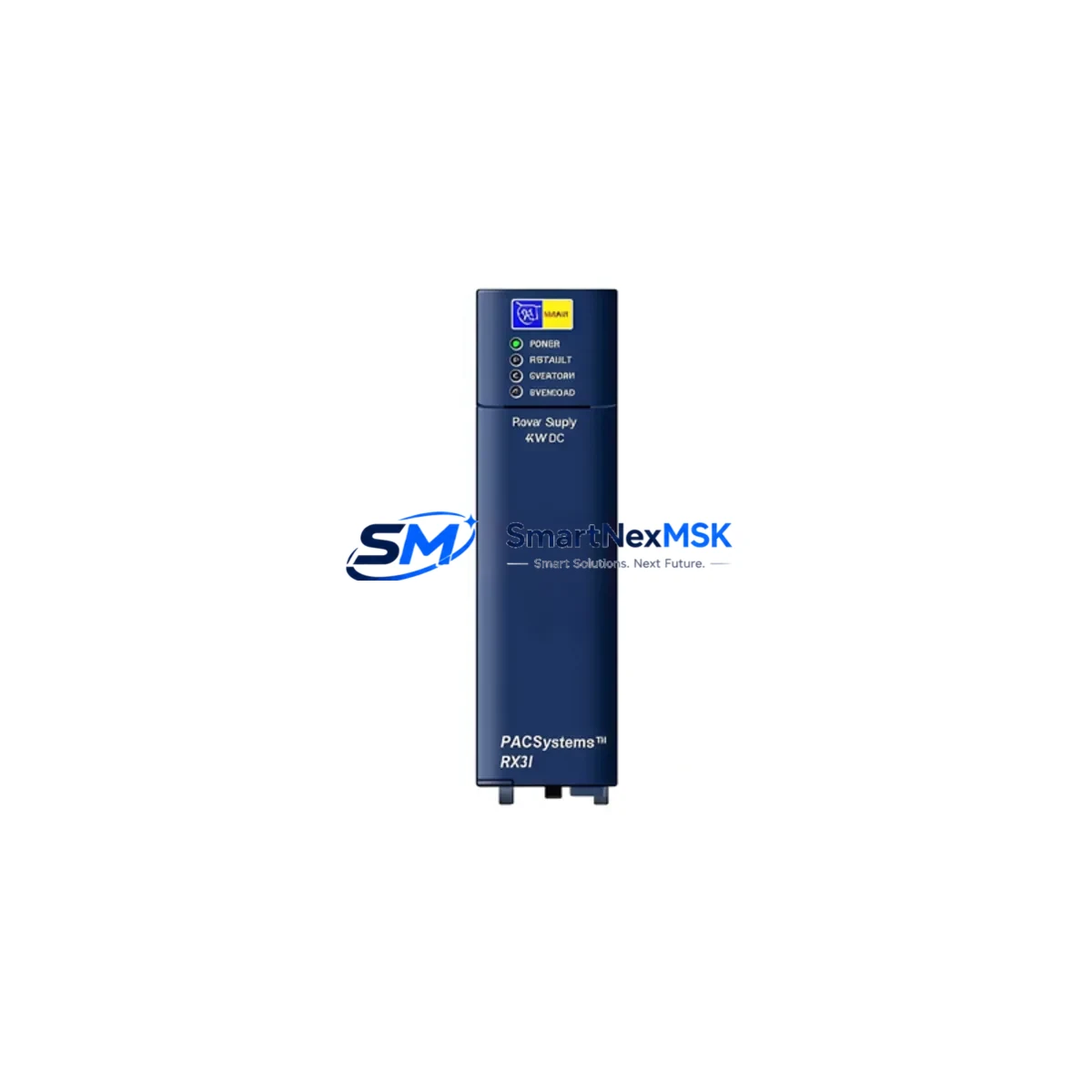
GE IC695PSD040LT Spare for PACSystems RX3i Automation
The GE IC695PSD040LT is an original 40W isolated DC-DC power supply module designed for the GE PACSystems RX3i control platform. As a maintenance-ready spare, it is engineered to deliver stable, regulated DC power to the RX3i backplane, ensuring uninterrupted operation of CPU, I/O, and communication modules in demanding industrial environments. Whether you are managing a planned shutdown, responding to an unscheduled fault, or building a strategic spare parts inventory, the IC695PSD040LT provides the reliability and compatibility your maintenance team requires.
Sourced directly from authorized supply chains and subjected to pre-shipment functional testing, each unit is verified against GE factory specifications before dispatch. With a 12-month warranty and documented compatibility with the RX3i universal backplane family, this module is a trusted replacement for aging or failed power supply units across process control, discrete manufacturing, and utility automation systems.
Spare Maintenance Table
| Parameter | Specification |
|---|---|
| Part Number | IC695PSD040LT |
| Brand / Manufacturer | GE Vernova (formerly GE Automation & Controls) |
| Series | PACSystems RX3i |
| Module Type | Isolated DC-DC Power Supply Module |
| Output Power | 40W |
| Input Voltage Range | 18–30 VDC (nominal 24 VDC) |
| Output Voltage | 3.3 VDC / 5 VDC / 12 VDC (backplane rails) |
| Isolation | DC-DC isolated; input-to-output galvanic isolation |
| Backplane Compatibility | IC695CHS007, IC695CHS012, IC695CHS016 (RX3i Universal Backplane) |
| Slot Requirement | Dedicated power supply slot (left-most slot) |
| Operating Temperature | 0°C to 60°C |
| Relative Humidity | 5% to 95% non-condensing |
| Mounting | DIN rail / panel mount via backplane |
| Certifications | CE, UL, cUL (per GE product documentation) |
| Origin | United States |
| Pre-Shipment Testing | Functional output verification performed |
| Warranty | 12 Months |
Maintenance Planning for Continuous Operation
When replacing the IC695PSD040LT in a PACSystems RX3i cabinet, a disciplined maintenance engineer will not stop at the power supply alone. The power supply module interfaces directly with the backplane and distributes regulated voltage to every module in the rack. A failure or degradation in this unit can cascade across the entire control node, making it essential to inspect adjacent components during the same maintenance window.
Begin by verifying the 24 VDC input feed from the field power distribution panel. Inspect the input wiring terminals, fuse holders, and any upstream DC circuit breakers or surge protection devices that protect the 24 VDC bus. A weakened or intermittent input supply is a common root cause of premature power module failure and should be ruled out before installing the replacement IC695PSD040LT.
Next, inspect the IC695CHS012 or IC695CHS016 backplane for signs of connector wear, oxidation on the backplane bus contacts, or physical damage to the power supply slot. A compromised backplane can cause the new module to fail prematurely or produce erratic voltage readings. If the system has been in service for more than seven years, consider scheduling a backplane inspection as part of the same planned outage.
With the power supply replaced and input power restored, verify the operational status of the IC695CPE330 or IC695CPE400 CPU module. The CPU draws regulated power from the backplane and is sensitive to voltage transients during module hot-swap or power cycling. Check the CPU’s diagnostic LEDs and confirm that the RX3i rack initializes cleanly without fault codes related to power integrity.
Simultaneously, inspect the IC695ALG600 analog input modules and any IC694MDL340 or IC694MDL754 digital I/O modules installed in the rack. These modules rely on stable backplane power for accurate signal processing. After a power supply replacement, it is good practice to run a brief I/O verification scan to confirm that all field signals are reading correctly before returning the system to automatic control.
For systems using IC695ETM001 Ethernet communication modules or IC695PBM300 PROFIBUS master modules, verify that network communication is re-established after power restoration. Communication modules can occasionally require a soft reset after a power interruption, particularly if the power loss was abrupt rather than a controlled shutdown.
Finally, review the status of any signal isolators or intrinsic safety barriers installed between the RX3i I/O modules and field instruments. These devices are often overlooked during power supply maintenance but can be damaged by voltage spikes associated with power module failure events. Replacing the IC695PSD040LT without inspecting the signal conditioning layer is an incomplete maintenance action in high-availability process environments.
Site Replacement Workflow
Step 1 — Preparation: Obtain the IC695PSD040LT replacement unit and confirm the part number label matches the installed module. Review the GE PACSystems RX3i Hardware Reference Manual (GFK-2314) for slot assignment and wiring requirements. Notify the operations team of the planned outage window.
Step 2 — Safe Isolation: De-energize the 24 VDC input supply to the power supply module using the upstream isolator or circuit breaker. Do not rely solely on the module’s internal power switch. Verify zero voltage at the input terminals using a calibrated multimeter before proceeding.
Step 3 — Module Removal: Disconnect the 24 VDC input wiring from the terminal block on the IC695PSD040LT. Release the module locking tab and slide the module out of the backplane slot. Inspect the backplane connector pins for damage or contamination.
Step 4 — Replacement Installation: Align the IC695PSD040LT replacement with the power supply slot and slide it firmly into the backplane until the locking tab engages. Reconnect the 24 VDC input wiring, observing correct polarity. Torque terminal screws to the specification in the hardware manual.
Step 5 — Power-Up and Verification: Restore the 24 VDC input supply. Observe the module’s status LEDs — the OK LED should illuminate green within 5 seconds of power application. Confirm that the CPU and all I/O modules initialize without fault. Perform an I/O scan verification and confirm communication module connectivity before releasing the system to operations.
Step 6 — Documentation: Record the replacement in the site maintenance log, including the date, technician name, old module serial number, and new module part number. Update the spare parts inventory to reflect the consumed unit and initiate a replenishment order to maintain minimum stock levels.
Spare Parts Support FAQ
Q1: Is the IC695PSD040LT compatible with all PACSystems RX3i backplanes?
The IC695PSD040LT is compatible with the full range of GE PACSystems RX3i universal backplanes, including the IC695CHS007 (7-slot), IC695CHS012 (12-slot), and IC695CHS016 (16-slot) configurations. It occupies the dedicated power supply slot and does not consume a general-purpose I/O slot. Compatibility with legacy IC693 Series backplanes is not supported — the RX3i and Series 90-30 platforms use different backplane architectures.
Q2: What is the recommended spare parts inventory strategy for this module?
For production-critical systems, we recommend maintaining a minimum of one IC695PSD040LT on-site as a cold spare. Facilities operating multiple RX3i racks should consider a 1:4 or 1:6 ratio of spare power supply modules to installed units, depending on system criticality and acceptable mean time to repair (MTTR). Long-lead procurement environments may warrant higher buffer stock, particularly for older GE Vernova product lines where factory lead times can extend beyond 8–12 weeks.
Q3: How is each unit tested before shipment?
Every IC695PSD040LT unit undergoes pre-shipment functional testing that includes input voltage application across the specified 18–30 VDC range, output voltage measurement on all backplane rails, isolation verification, and visual inspection for physical damage. Units that do not meet GE factory output specifications are quarantined and not dispatched. A test record is available upon request for quality-critical procurement processes.
Q4: What does the 12-month warranty cover, and how is a warranty claim initiated?
The 12-month warranty covers manufacturing defects, premature component failure under normal operating conditions, and any deviation from the published GE electrical specifications. It does not cover damage resulting from incorrect installation, overvoltage events, physical impact, or operation outside the specified environmental range. To initiate a warranty claim, contact our sales team with the order reference number, a description of the fault symptom, and photographic evidence of the installation. Replacement units are dispatched within 3–5 business days of claim approval.
© 2026 SMARTNEXMSK. All rights reserved.
Original Source: https://smartnexmsk.com
Contact: [email protected] | +86 18259474341