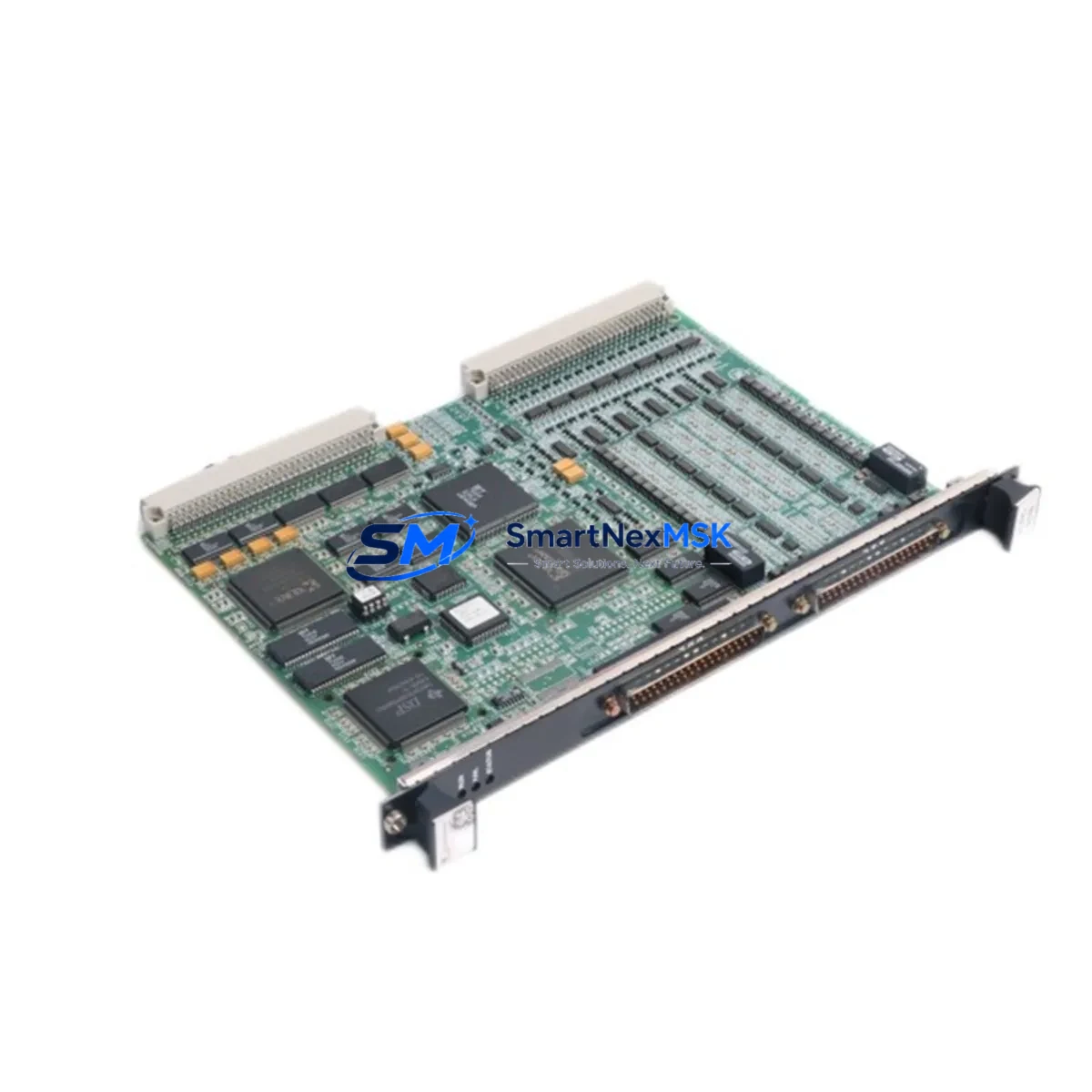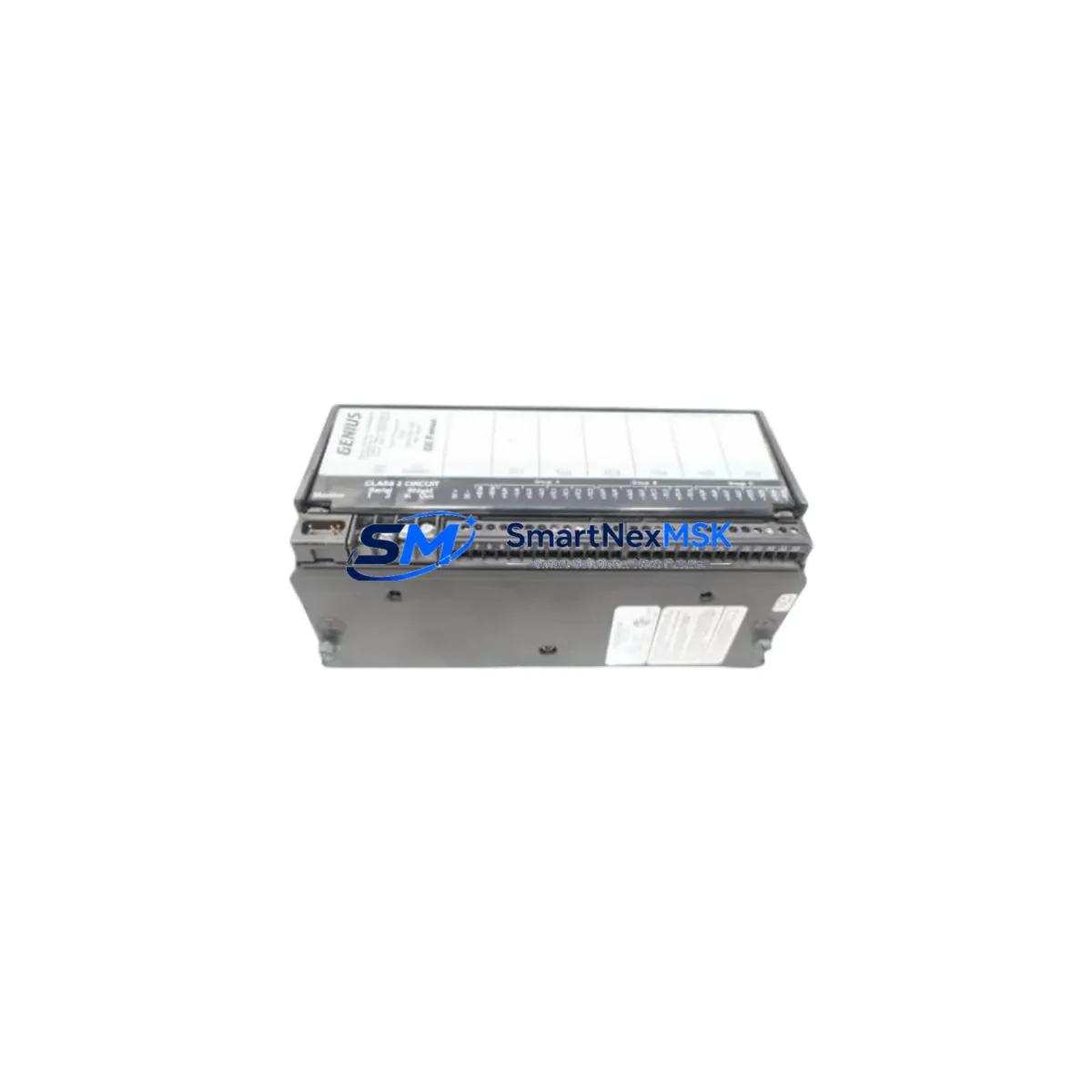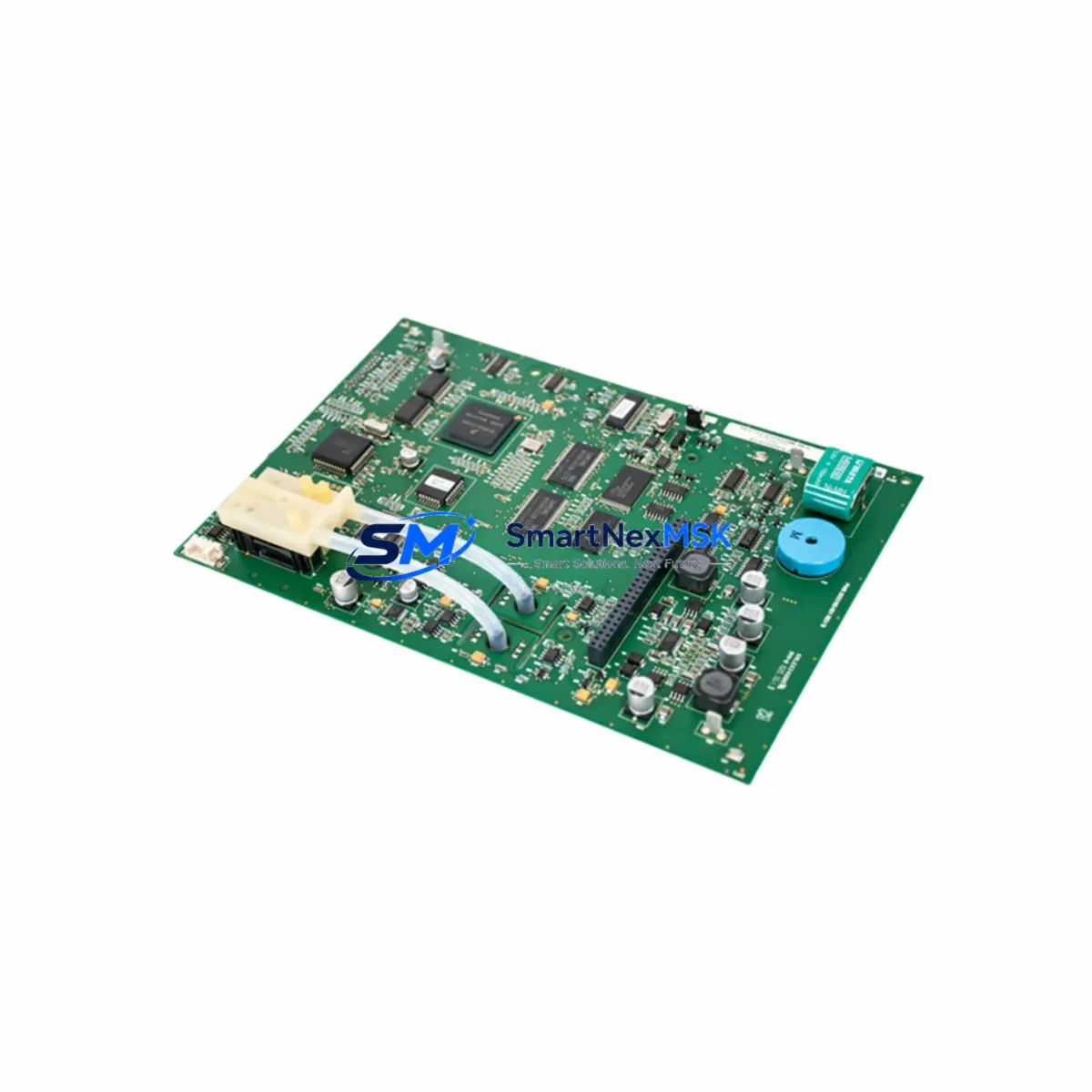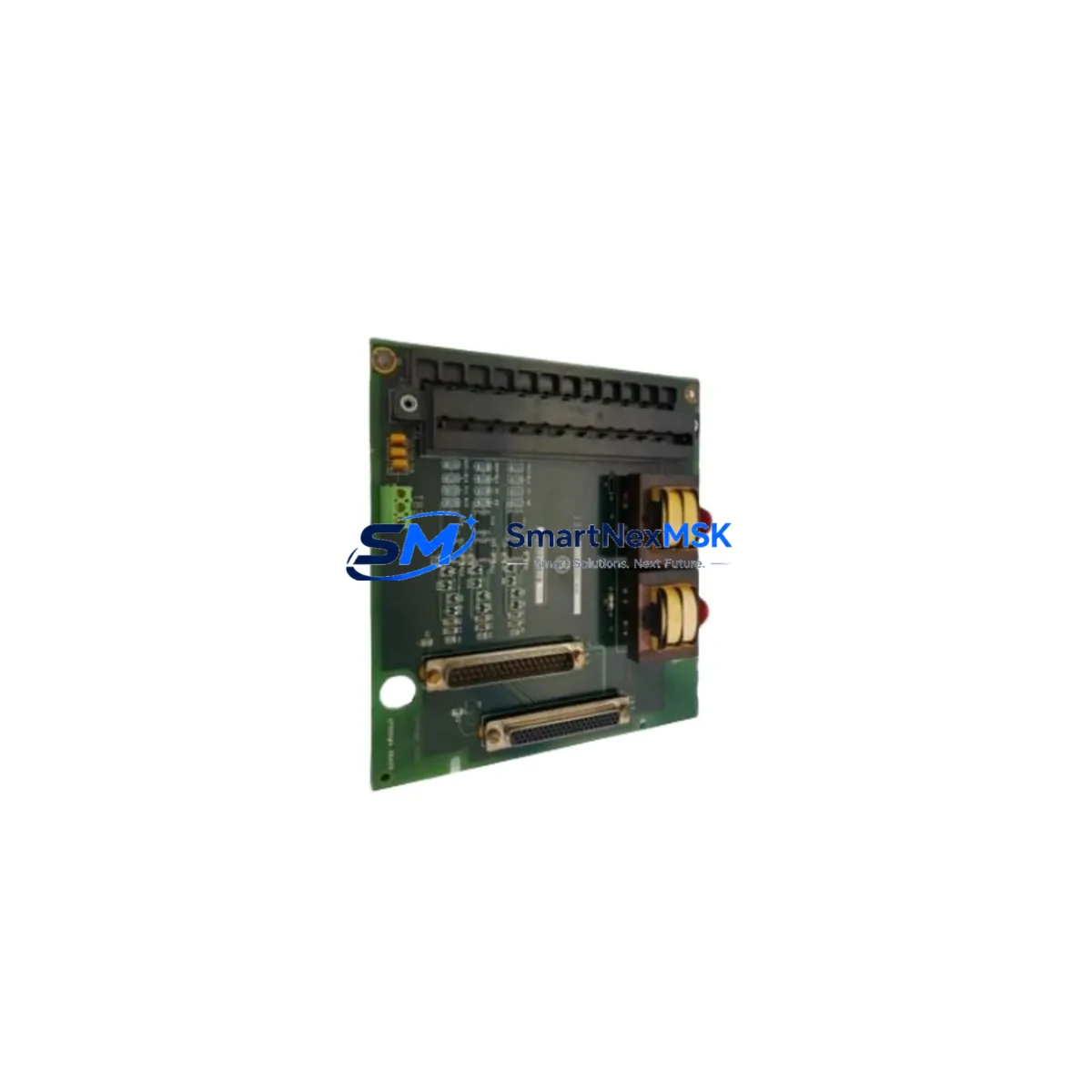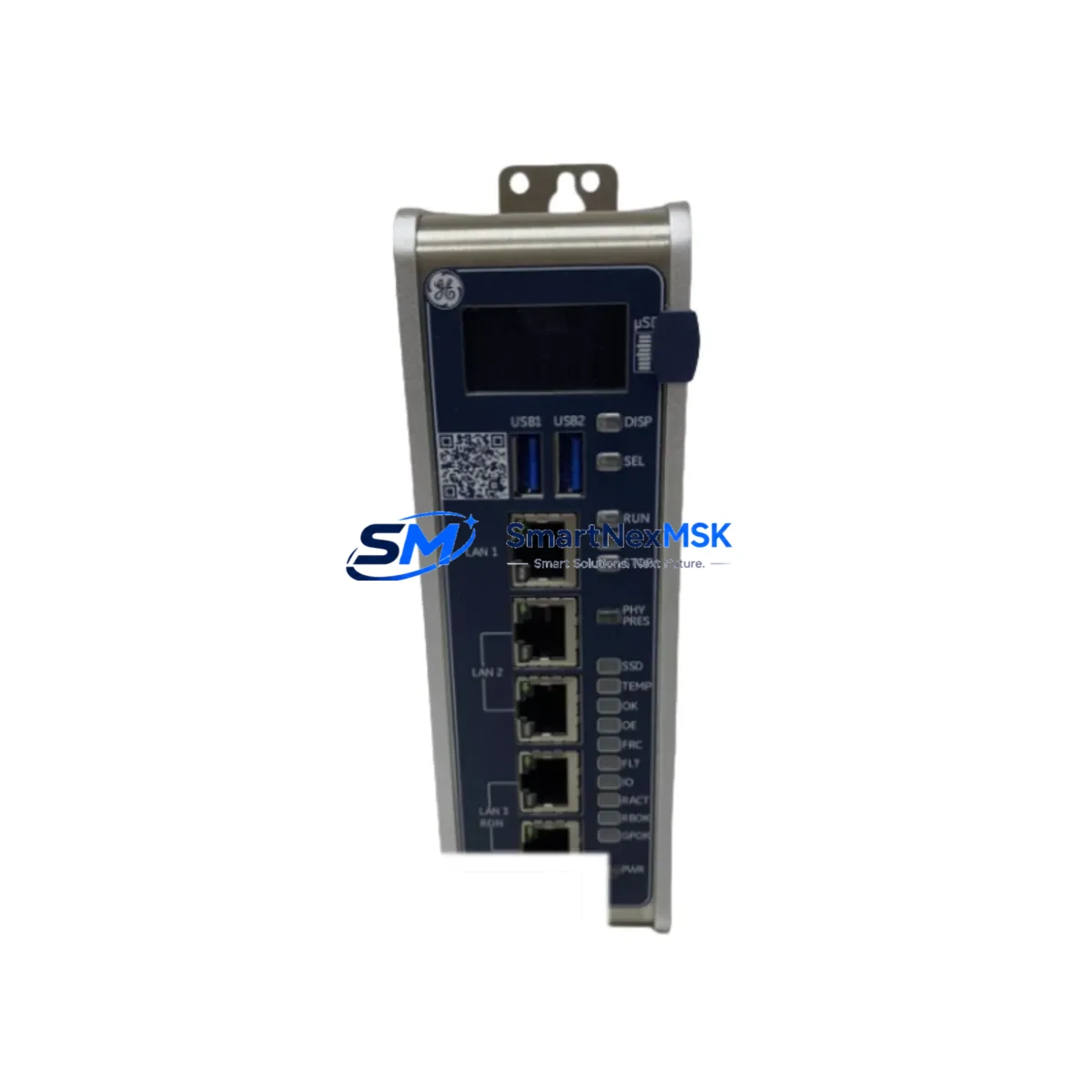
GE IC695CPL410-AAAC Spare for PACSystems RX3i Automation: Minimize Downtime with Verified CPU Replacement
The GE IC695CPL410-AAAC is a high-performance CPU module designed for the PACSystems RX3i control platform — one of the most widely deployed PLC architectures in process automation, discrete manufacturing, and critical infrastructure. When this module fails or reaches end-of-service life, every minute of unplanned downtime translates directly into production loss. Sourcing a verified, original-specification replacement is the fastest path to restoring system integrity and resuming safe operation.
This listing provides the IC695CPL410-AAAC as a maintenance-ready spare: inspected, function-tested prior to shipment, and backed by a 12-month warranty. Whether you are executing a planned replacement during a scheduled shutdown or responding to an emergency fault condition, this unit is prepared for immediate installation into your RX3i rack.
Spare Maintenance Table
| Parameter | Specification / Detail |
|---|---|
| Part Number | IC695CPL410-AAAC |
| Brand | GE (General Electric / Emerson Automation) |
| Series | PACSystems RX3i |
| Module Type | CPU Module with Ethernet Port |
| Backplane Compatibility | IC695 Universal Backplane (3-slot, 7-slot, 12-slot) |
| Supply Voltage | 3.3 VDC / 5 VDC (backplane supplied) |
| Memory | 10 MB user program memory |
| Communication Ports | Ethernet (RJ-45), RS-232 serial |
| Operating Temperature | 0°C to 60°C |
| Humidity | 5% to 95% non-condensing |
| Mounting | IC695 backplane slot (any CPU slot) |
| Firmware | Compatible with Machine Edition Logic Developer |
| Origin | United States |
| Condition | Original, tested before shipment |
| Warranty | 12 Months |
| Application Environment | Industrial automation, process control, discrete manufacturing |
| Maintenance Recommendation | Replace every 7–10 years or upon fault code CPU-0001/CPU-0003; inspect backplane connectors before installation |
Maintenance Planning for Continuous Operation
Replacing the IC695CPL410-AAAC in the field is rarely an isolated task. Experienced maintenance engineers know that a CPU fault often signals stress across adjacent components in the same control cabinet. Before returning the system to service, a thorough inspection of the surrounding hardware is essential to prevent repeat failures and ensure long-term stability.
Start with the IC695PSA040 or IC695PSD040 power supply module — the CPU’s primary power source. A degraded power supply delivering marginal voltage is a leading cause of CPU instability and premature module failure. Verify output voltage under load before commissioning the replacement CPU.
Next, inspect the IC695CHS012 or IC695CHS007 universal backplane. Examine the backplane connector pins for oxidation, mechanical damage, or debris. A compromised backplane can cause intermittent communication faults that are difficult to diagnose and may damage a newly installed CPU module.
Review the IC695ETM001 Ethernet communication module if your system uses a separate Ethernet interface. Confirm that network configuration parameters — IP address, subnet mask, and gateway — are correctly archived and ready for restoration after CPU replacement. Similarly, if your architecture includes an IC695PBM300 PROFIBUS master module or IC695CMM002 serial communication module, verify that these modules are responding correctly on the backplane before and after the CPU swap.
For systems with analog or digital I/O, inspect the IC694MDL754 discrete output module and IC694ALG220 analog input module for any fault indicators. A CPU replacement is an ideal opportunity to clear accumulated I/O faults and verify field wiring continuity. Check terminal blocks and field wiring connections for loose terminations, which are a common source of intermittent I/O errors in aging control cabinets.
If your RX3i system uses IC695RMX128 redundancy memory exchange modules for hot-standby redundancy, confirm that the redundancy link is healthy and that the standby CPU is synchronized before taking the primary CPU offline. Failing to verify redundancy status before maintenance can result in an uncontrolled process shutdown.
Finally, review the IC693ACC300 hand-held programmer or your Machine Edition project backup to ensure the application program, hardware configuration, and I/O mapping are fully archived. Restoring from a verified backup eliminates configuration errors during recommissioning and significantly reduces total downtime.
Site Replacement Workflow
The IC695CPL410-AAAC is a direct replacement for earlier RX3i CPU revisions including the IC695CPL410 (revision AA and AB). No hardware modifications to the backplane or power supply are required. The module occupies the dedicated CPU slot on the IC695 backplane and is keyed to prevent incorrect installation.
Step 1 — Pre-replacement preparation: Archive the current application program and hardware configuration using Proficy Machine Edition. Document all Ethernet IP settings, serial port parameters, and any motion or process control configuration blocks. Confirm that a verified backup exists before proceeding.
Step 2 — Safe de-energization: Follow your site lockout/tagout (LOTO) procedure. Remove power from the IC695 backplane via the power supply module. Allow capacitors to discharge for a minimum of 30 seconds before handling the CPU module.
Step 3 — Module removal and inspection: Extract the IC695CPL410-AAAC from the backplane slot. Inspect the backplane connector for damage. Clean the slot with dry compressed air if contamination is present.
Step 4 — Replacement installation: Insert the new IC695CPL410-AAAC into the CPU slot. Ensure the module is fully seated and the locking tabs are engaged. Restore power and observe the module status LEDs — OK LED should illuminate solid green within 30 seconds of power-on.
Step 5 — Program restoration and verification: Download the archived application program and hardware configuration from Machine Edition. Perform a full I/O force test to verify field device communication. Confirm all analog and discrete I/O channels are responding within expected parameters before returning the system to automatic operation.
This workflow is applicable to RX3i systems running firmware version 8.x and above. For systems running earlier firmware, consult the GE PACSystems RX3i CPU Reference Manual (GFK-2222) for version-specific commissioning procedures.
Spare Parts Support FAQ
Q: Is the IC695CPL410-AAAC compatible with all IC695 backplane sizes?
A: Yes. The IC695CPL410-AAAC is compatible with all IC695 universal backplane configurations, including the 3-slot (IC695CHS002), 7-slot (IC695CHS007), and 12-slot (IC695CHS012) variants. No backplane modification is required.
Q: How is the unit tested before shipment?
A: Each IC695CPL410-AAAC unit undergoes power-on functional verification, backplane communication testing, and firmware version confirmation prior to packaging. A test report is available upon request. Units that do not pass all test criteria are not shipped.
Q: What is the recommended spare parts inventory strategy for RX3i CPU modules?
A: For critical production lines, maintaining one cold-standby IC695CPL410-AAAC per control system is the industry standard recommendation. For multi-cabinet installations, a ratio of one spare per three to five active CPUs is a practical and cost-effective approach. Spares should be stored in anti-static packaging in a climate-controlled environment and inspected annually.
Q: What does the 12-month warranty cover?
A: The 12-month warranty covers manufacturing defects and functional failures under normal operating conditions. It does not cover damage resulting from incorrect installation, overvoltage events, physical impact, or operation outside the specified environmental range. Warranty claims are processed within 5 business days of receipt of the returned unit.
—
© 2026 SMARTNEXMSK. All rights reserved.
Original Source: https://smartnexmsk.com
Contact: [email protected] | +86 18259474341