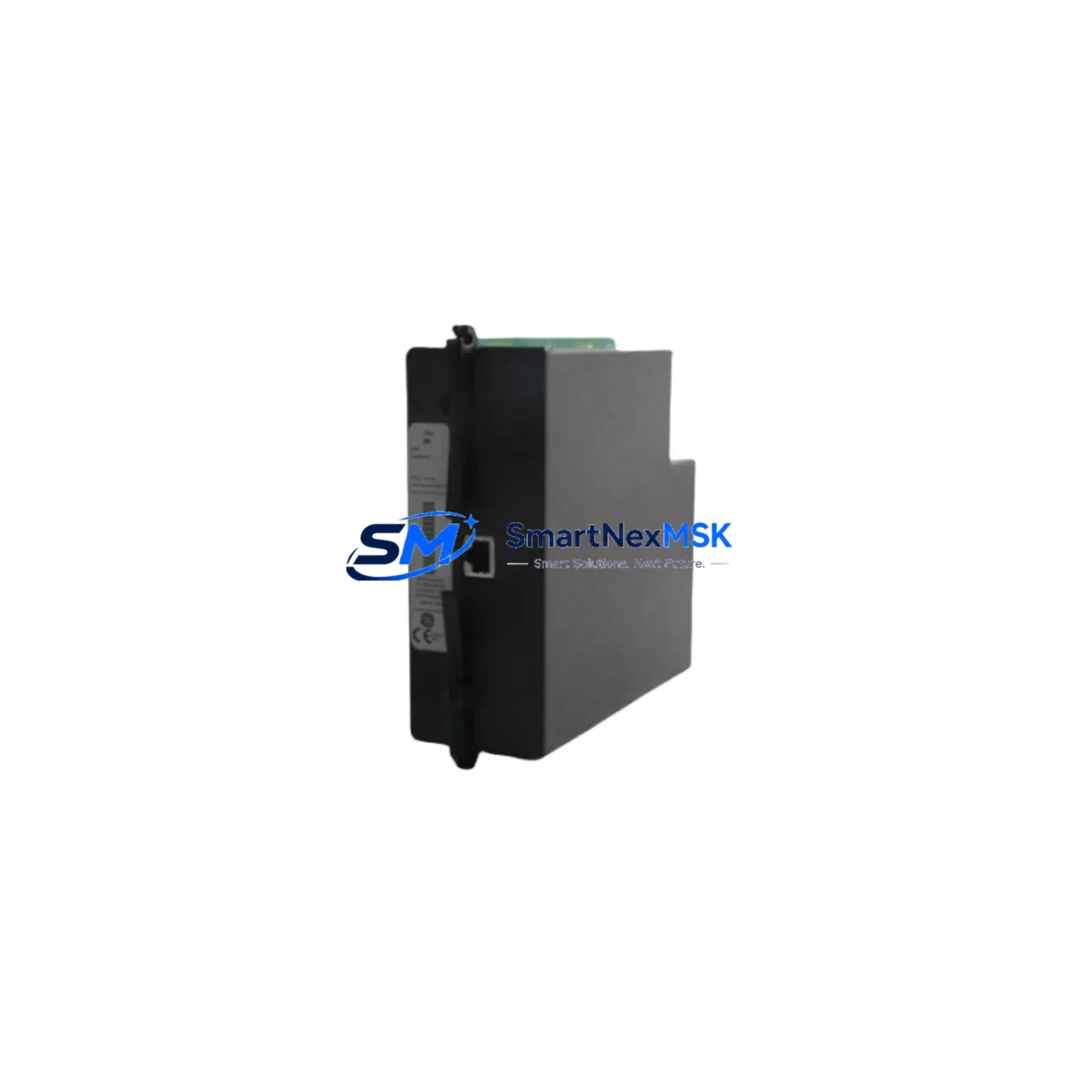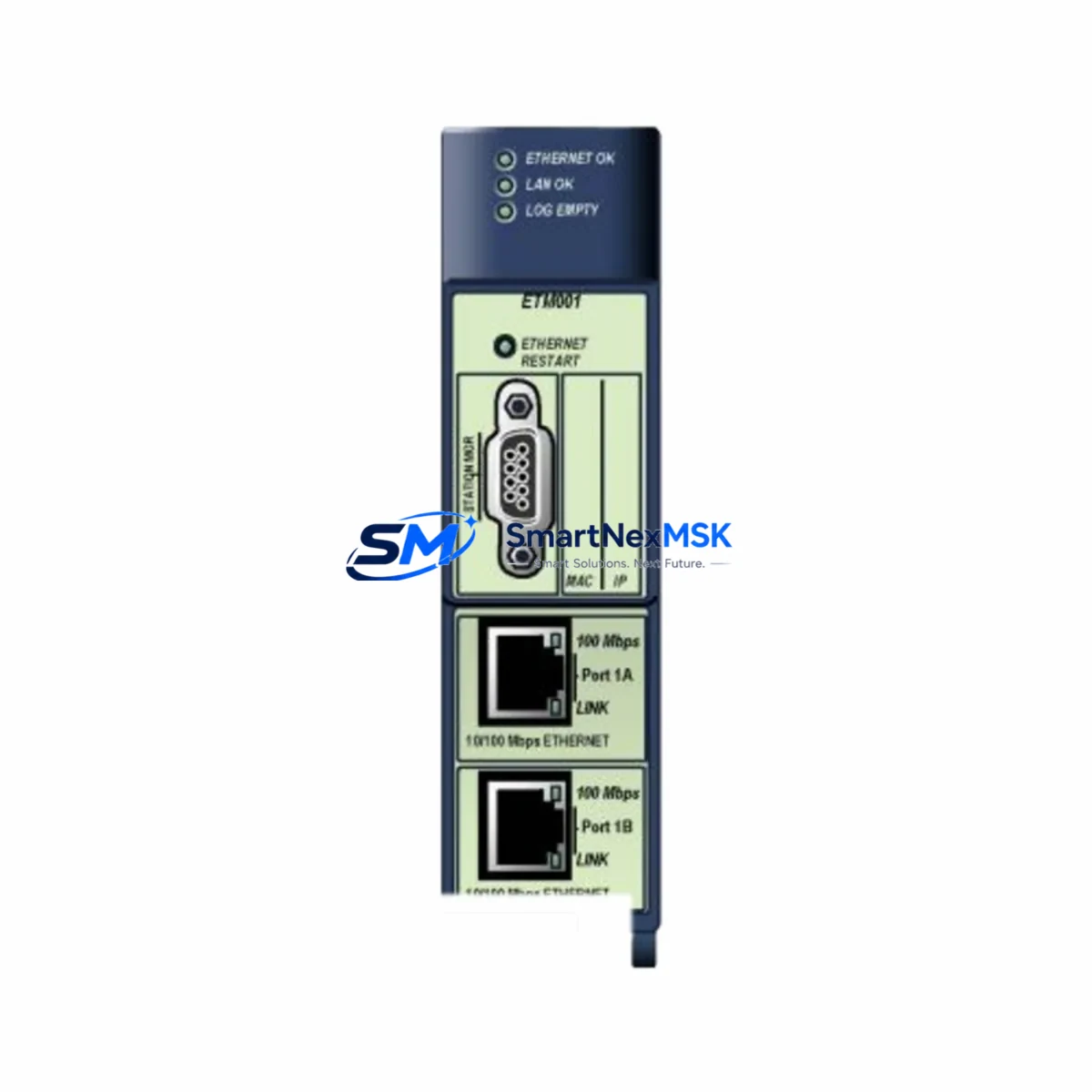
GE IC695ETM001-CC Maintenance-Ready Spare for RX3i Automation
The GE IC695ETM001-CC is an original Ethernet Interface Module designed for the GE PACSystems RX3i platform — one of the most widely deployed PLC architectures in process manufacturing, utilities, and discrete automation. When this module fails or degrades, the consequences extend beyond a single I/O point: the entire Ethernet-based communication backbone of the RX3i rack is disrupted, potentially halting SCADA visibility, peer-to-peer messaging, and remote programming access simultaneously.
For maintenance engineers managing aging RX3i control cabinets, having a verified, tested replacement of the IC695ETM001-CC on the shelf is not optional — it is a core element of any credible spare parts strategy. Unplanned downtime caused by a failed Ethernet module can cascade into hours of diagnostic effort, especially when the root cause is misidentified as a network infrastructure issue rather than a module fault. A pre-tested spare eliminates this ambiguity and restores operation within a single maintenance window.
This listing supplies the IC695ETM001-CC as an original industrial spare, sourced, inspected, and dispatched with a 12-month warranty. Each unit undergoes functional verification prior to shipment to confirm Ethernet port integrity, backplane communication, and firmware compatibility with standard RX3i rack configurations.
Spare Maintenance Table
| Parameter | Specification |
|---|---|
| Part Number | IC695ETM001-CC |
| Brand | GE (General Electric Automation) |
| Series | PACSystems RX3i |
| Module Type | Ethernet Interface Module |
| Communication Protocol | Ethernet (10/100 Mbps), SRTP, Modbus TCP |
| Rack Compatibility | IC695CHS012, IC695CHS016 (RX3i Universal Backplane) |
| Power Consumption | Supplied via RX3i backplane |
| Operating Temperature | 0°C to 60°C |
| Mounting | RX3i universal backplane slot (any slot) |
| Firmware | Compatible with PACSystems Machine Edition (ME) toolset |
| Application Environment | Industrial automation, process control, SCADA integration |
| Maintenance Recommendation | Inspect Ethernet port, backplane connector, and LED status indicators during scheduled PM |
| Warranty | 12 Months |
| Condition | Original, tested before shipment |
Maintenance Planning for Continuous Operation
Replacing the IC695ETM001-CC is rarely an isolated task. A thorough maintenance engineer will treat this event as an opportunity to audit the entire RX3i control cabinet for components that share the same operational stress profile. The following components should be inspected or staged as concurrent spares:
The IC695CPU320 or IC695CPU315 CPU module governs all rack communication and should be checked for firmware version compatibility with the replacement ETM001-CC. A firmware mismatch between the CPU and the Ethernet module is a common cause of post-replacement communication faults. Alongside the CPU, the IC695PSA040 or IC695PSD040 power supply module should be load-tested — an underpowered or aging supply can cause intermittent module resets that mimic Ethernet faults.
On the I/O side, inspect the IC695MDL654 discrete output module and any installed IC695ALG600 analog input modules for loose backplane seating, which can cause data integrity errors that are falsely attributed to the Ethernet layer. The IC695CHS012 backplane itself should be visually inspected for corrosion on the connector pins, particularly in humid or chemically aggressive environments.
For systems using serial or legacy fieldbus integration alongside Ethernet, the IC695CMM002 serial communications module should be checked for port wear and cable termination integrity. If the RX3i system interfaces with an operator panel, verify that the QuickPanel+ HMI or connected HMI device retains its IP configuration after the ETM001-CC swap, as some HMI models cache the MAC address of the Ethernet module. Additionally, any signal isolators on analog input loops feeding the RX3i should be tested for drift, as these are frequently overlooked during Ethernet-focused maintenance events.
Fuse holders and terminal blocks within the control cabinet — particularly those on 24VDC I/O supply rails — should be torque-checked and visually inspected for heat discoloration, which indicates sustained overload conditions that may have contributed to the original module failure.
Site Replacement Workflow
Replacing the IC695ETM001-CC on a live RX3i system requires a structured approach to minimize downtime and avoid configuration loss. Begin by exporting the current hardware configuration from GE Machine Edition (ME) software and saving the project file to a secure backup location. Record the existing IP address, subnet mask, gateway, and SRTP server settings configured on the outgoing module — these parameters are stored in the hardware configuration, not in the module itself, and will need to be re-downloaded after the swap.
Power down the RX3i rack using the established lockout/tagout (LOTO) procedure. Remove the IC695ETM001-CC by releasing the module latch and sliding it from the backplane slot. Inspect the vacated slot’s backplane connector for debris or bent pins before inserting the replacement unit. Seat the new IC695ETM001-CC firmly until the latch engages, then restore power to the rack.
Using Machine Edition, download the saved hardware configuration to the CPU. Verify that the ETM001-CC LED indicators show normal operation: the OK LED should be solid green, the LAN LED should indicate active link, and the TX/RX LEDs should show traffic once SCADA or peer devices reconnect. Perform a ping test from the engineering workstation and confirm SRTP session re-establishment with any connected SCADA or historian systems.
This workflow is compatible with all IC695ETM001 hardware revisions and supports direct replacement of the earlier IC695ETM001-BA and IC695ETM001-CA variants without rack reconfiguration, making it an effective solution for extending the operational life of legacy RX3i installations.
Spare Parts Support FAQ
Q1: Is the IC695ETM001-CC compatible with all PACSystems RX3i CPU versions?
The IC695ETM001-CC is compatible with all standard RX3i CPU modules, including the IC695CPU310, IC695CPU315, IC695CPU320, and IC695CPE302 series. Compatibility is determined by the hardware configuration in Machine Edition software, not by the CPU hardware revision. Always download the hardware configuration after replacement to ensure correct module recognition.
Q2: What is the recommended spare parts inventory strategy for RX3i Ethernet modules?
For critical production lines, a minimum of one IC695ETM001-CC per RX3i rack is recommended as a cold spare. For facilities with multiple RX3i systems, a pooled spare strategy — maintaining two to three units across the site — balances inventory cost against downtime risk. Modules should be stored in anti-static packaging in a climate-controlled environment and rotated into service on a planned basis to prevent shelf degradation.
Q3: How is each unit tested before shipment?
Each IC695ETM001-CC supplied through this listing undergoes functional verification including backplane communication check, Ethernet port continuity test, and LED status confirmation. Units that fail any stage of testing are quarantined and not dispatched. A test report summary is available upon request for quality-critical procurement processes.
Q4: What does the 12-month warranty cover?
The 12-month warranty covers manufacturing defects and functional failures under normal operating conditions as specified in the GE PACSystems RX3i hardware manual. It does not cover damage resulting from incorrect installation, overvoltage events, or environmental conditions outside the module’s rated operating range. Warranty claims are processed with priority dispatch of a replacement unit to minimize site downtime.
© 2026 SMARTNEXMSK. All rights reserved.
Original Source: https://smartnexmsk.com
Contact: [email protected] | +86 18259474341