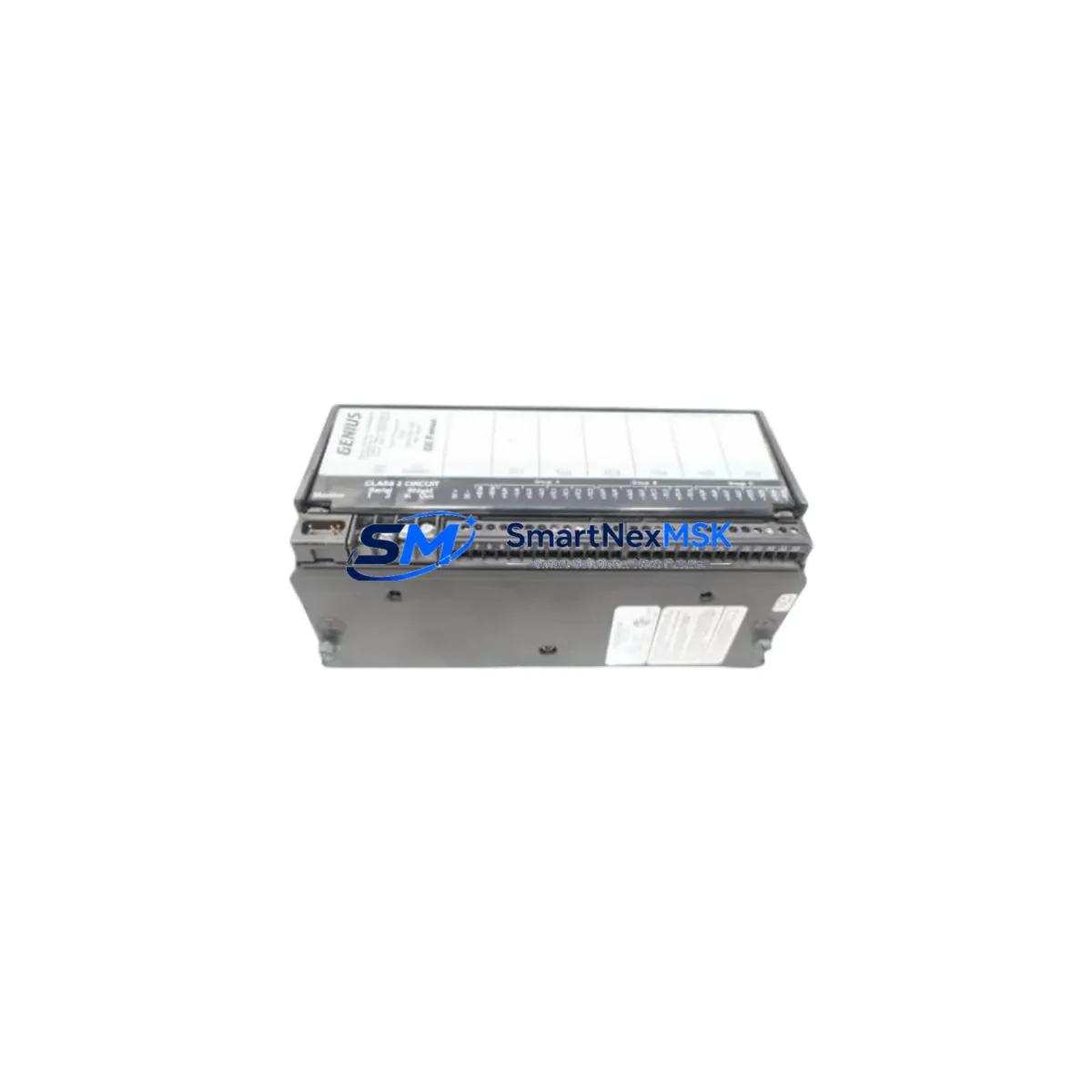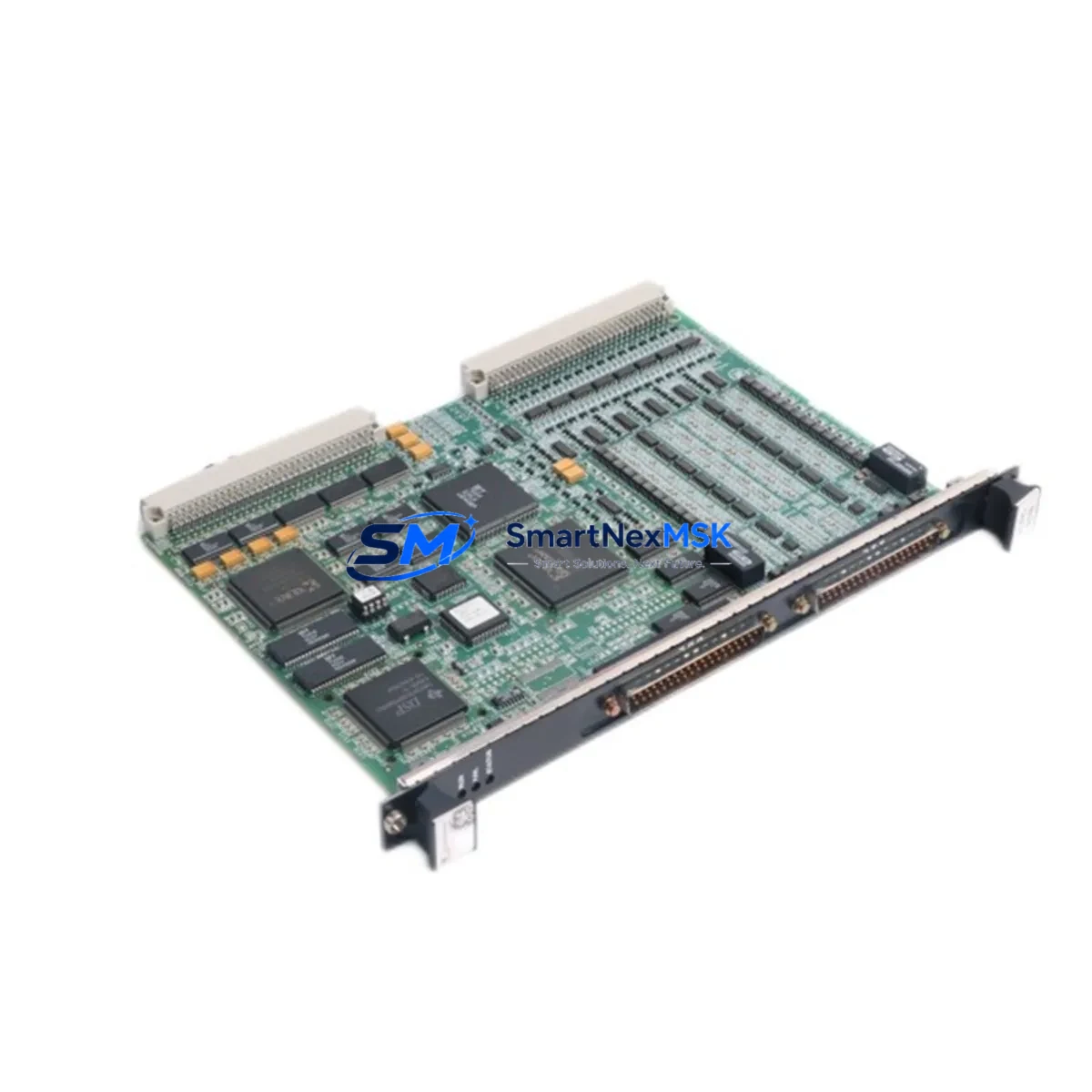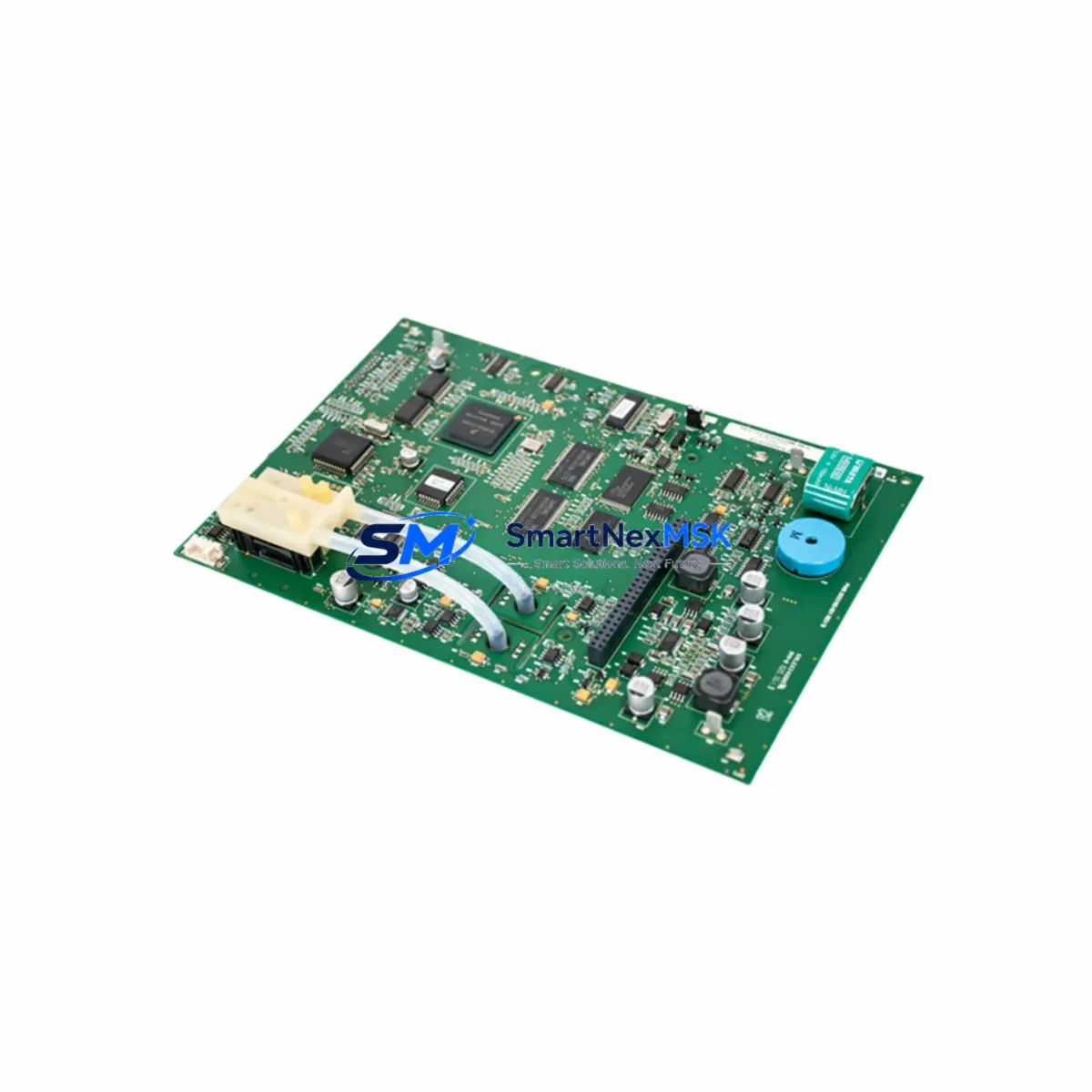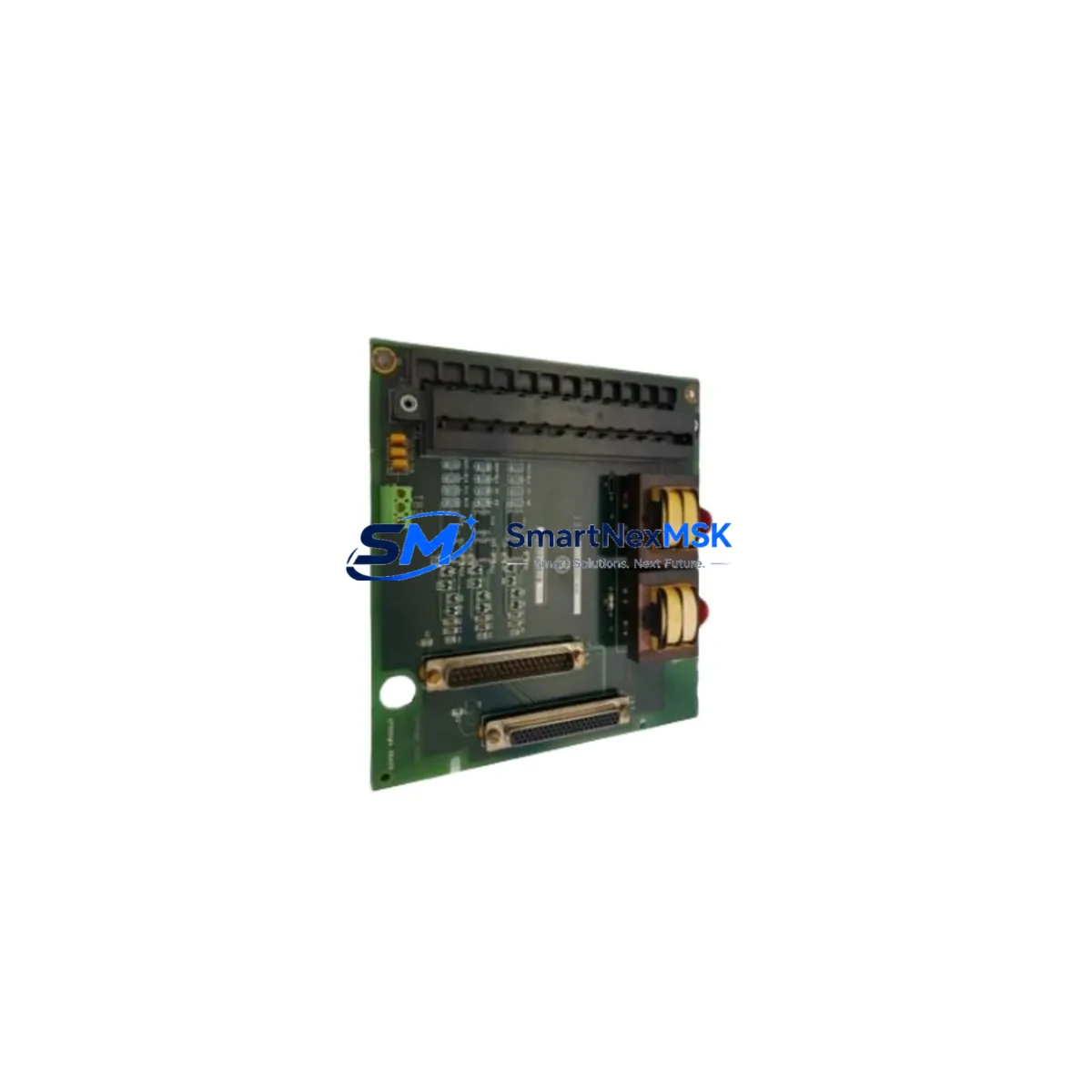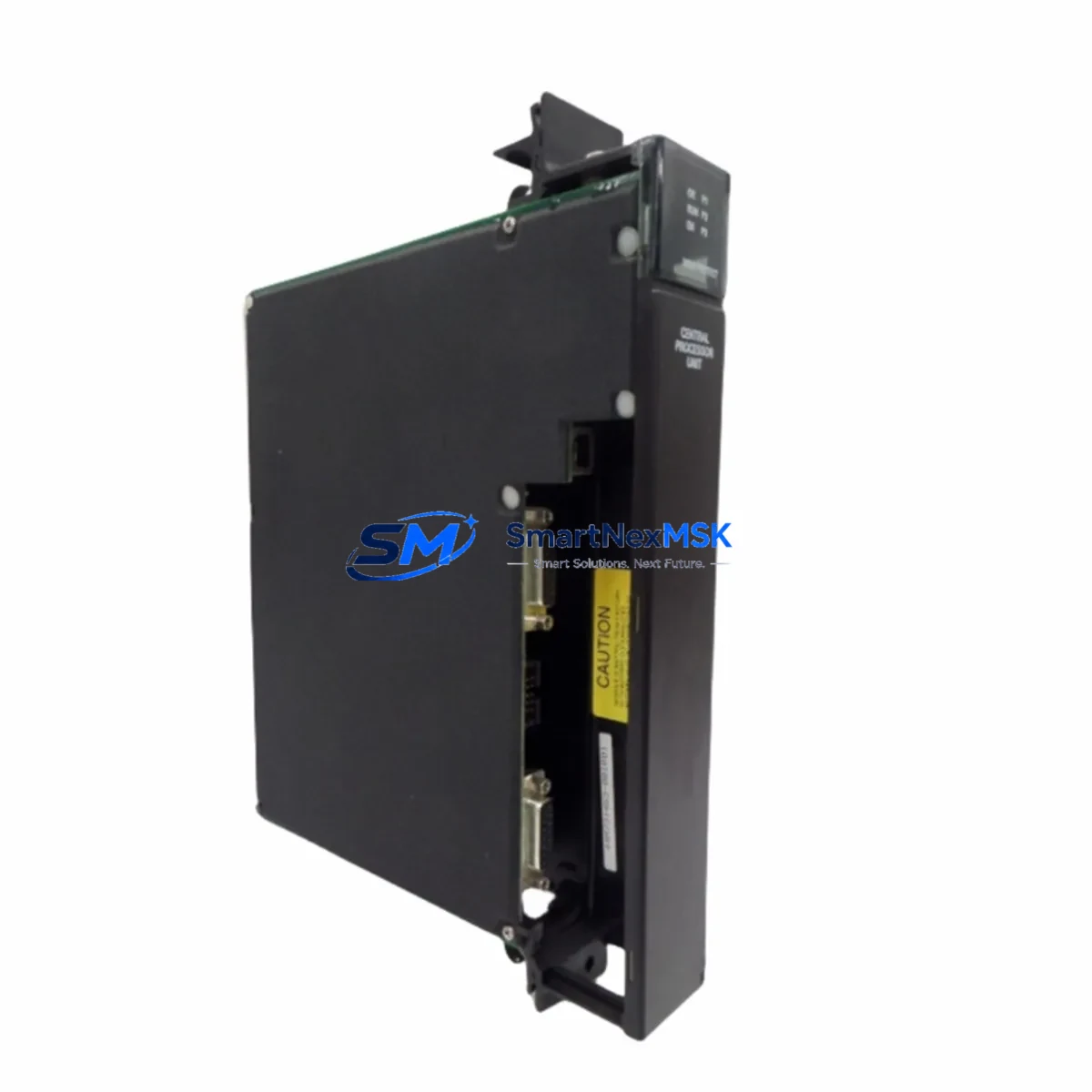
GE IC697CGR772 Retrofit-Ready Redundant CPU for Series 90-70 Control Systems
The GE IC697CGR772 is a hot-standby redundant CPU module engineered for the GE Series 90-70 programmable logic controller platform. As legacy Series 90-70 systems approach end-of-life and original spare parts become increasingly scarce, the IC697CGR772 remains one of the most sought-after retrofit components for industrial facilities that must maintain continuous process control without committing to a full platform migration. Whether you are replacing a failed unit, upgrading an aging control cabinet, or executing a phased modernization of a legacy automation system, the IC697CGR772 provides a proven, compatible path forward with minimal disruption to existing ladder logic, I/O mapping, and HMI configurations.
Sourced from verified industrial supply channels and subjected to pre-shipment functional testing, every IC697CGR772 unit we supply is inspected for firmware integrity, backplane connector condition, and communication port functionality before dispatch. All units are covered by a 12-month warranty against manufacturing defects and operational failure under normal industrial conditions.
Upgrade Compatibility Table
| Parameter | IC697CGR772 Specification | Retrofit Notes |
|---|---|---|
| Platform | GE Series 90-70 | Direct slot-compatible with existing Series 90-70 racks |
| CPU Type | Hot-Standby Redundant CPU | Replaces IC697CGR935, IC697CGR772 legacy units |
| Backplane Interface | Series 90-70 VME-based backplane | Compatible with IC697CHS750, IC697CHS782 rack chassis |
| Communication Ports | Serial RS-232 / RS-485, Ethernet via CMM module | Verify CMM module (e.g. IC697CMM742) firmware version before migration |
| Programming Software | GE Proficy Machine Edition (ME) / Logicmaster 90 | Existing LD/FBD programs transfer without recompilation in most cases |
| Power Requirement | 5 VDC via backplane (supplied by IC697PWR724 or IC697PWR748) | Verify PSU capacity before adding redundant CPU pair |
| I/O Compatibility | All Series 90-70 analog and digital I/O modules | IC697MDL340, IC697ALG320, IC697MDL653 remain fully compatible |
| HMI Integration | SRTP / SNP protocol | Existing Cimplicity or iFIX HMI screens require no tag remapping |
| Installation | Rack-mount, single slot | No mechanical modification required; observe ESD precautions |
| Warranty | 12-Month Warranty | Covers functional failure under normal operating conditions |
Retrofit Planning for Existing Automation Systems
Successful integration of the IC697CGR772 into an existing Series 90-70 control system begins well before the physical module swap. A thorough pre-retrofit audit should document the current rack configuration, including the slot positions of all installed modules such as the IC697PWR724 power supply, IC697MDL340 discrete output modules, IC697ALG320 analog input modules, and any IC697CMM742 communications modules handling Ethernet or serial links to SCADA systems. Confirming that the existing power supply — typically the IC697PWR724 or the higher-capacity IC697PWR748 — can support the additional current draw of a redundant CPU pair is a critical first step that is frequently overlooked during rapid replacement scenarios.
Terminal wiring on field I/O modules does not require modification when replacing the CPU module alone, as the IC697CGR772 communicates with I/O over the shared backplane of the IC697CHS750 or IC697CHS782 rack chassis. However, if the retrofit is part of a broader upgrade that includes replacing older IC697MDL653 relay output modules or adding new IC697ALG321 analog output capacity, terminal block labeling and loop drawings should be updated before commissioning. Address assignment for I/O modules is stored in the CPU configuration and must be verified against the existing Proficy Machine Edition project file to prevent address conflicts after the swap.
For systems using Logicmaster 90 programming software, the existing program should be exported and converted to Proficy Machine Edition format prior to the retrofit. This conversion preserves ladder logic rungs, data block references, and PID loop parameters, but communication configuration blocks — particularly those governing the IC697CMM742 Ethernet module or any IC697BEM711 Bus Expansion Module links — must be manually verified and re-entered in the new project environment. Retaining a backup copy of the original program on a dedicated programming cable (IC690ACC901 or equivalent) connected to a laptop running the legacy software is strongly recommended as a fallback during commissioning.
HMI screens built in Cimplicity or iFIX that communicate with the Series 90-70 CPU via SRTP do not require tag database changes when the IC697CGR772 replaces a same-generation CPU, as the SRTP server address and register map remain identical. If the upgrade path involves migrating from a non-redundant CPU such as the IC697CPX935 to the IC697CGR772 redundant pair, the HMI project should be tested against the new primary/secondary CPU switchover behavior to confirm that screen refresh and alarm acknowledgment functions operate correctly during a simulated failover event.
Downtime Control During System Migration
Minimizing unplanned downtime during a Series 90-70 CPU replacement requires a structured changeover procedure that preserves the integrity of the running process. Where the existing system is a non-redundant configuration, the recommended approach is to schedule the swap during a planned maintenance window, back up the current CPU program via the IC690ACC901 programming cable, power down the rack in the correct sequence — field power first, then backplane power via the IC697PWR724 — and complete the physical module exchange before restoring power and downloading the verified program from Proficy Machine Edition.
For systems already operating with a redundant CPU pair, the IC697CGR772 replacement can be performed with significantly reduced process interruption. The secondary CPU can be removed and replaced while the primary remains in control, provided the rack’s hot-swap capability is confirmed for the installed firmware version. After the new secondary IC697CGR772 is seated and powered, the redundancy synchronization process — visible in the Proficy ME diagnostics window — should complete within seconds to minutes depending on program size and I/O volume. Only after full synchronization is confirmed should a controlled switchover be initiated to validate the new module as primary.
Throughout the migration, maintaining a live connection to the programming terminal and keeping the IC697CMM742 Ethernet link active allows real-time monitoring of CPU status, I/O fault tables, and redundancy health indicators. Field technicians should have the original program backup, a spare IC697CGR772 unit, and the terminal wiring diagrams on hand before beginning any live system work. Documenting the pre- and post-swap I/O status snapshots provides an audit trail that supports both internal quality control and customer acceptance testing requirements.
Retrofit Support FAQ
Q: Is the IC697CGR772 a direct drop-in replacement for the IC697CGR935?
A: The IC697CGR772 and IC697CGR935 are both hot-standby redundant CPUs for the Series 90-70 platform and share the same backplane slot form factor. However, firmware versions and memory capacities differ between models. Before substituting one for the other, verify that the Proficy Machine Edition project does not reference memory addresses or features specific to the IC697CGR935’s extended memory map. In most standard ladder logic applications, the IC697CGR772 functions as a compatible replacement with no program modification required.
Q: What pre-shipment testing is performed on IC697CGR772 units?
A: Each unit undergoes power-on functional verification, backplane communication self-test, and serial port integrity check prior to dispatch. Units that fail any test stage are quarantined and not shipped. A test report is available upon request for customers requiring documented quality evidence for incoming inspection procedures.
Q: How do I verify wiring compatibility when replacing the CPU in an existing Series 90-70 cabinet?
A: CPU replacement in the Series 90-70 does not affect field wiring, as all I/O terminal connections are made at the individual I/O module level — not at the CPU. Confirm that the IC697CHS750 or IC697CHS782 rack chassis backplane connectors are clean and undamaged, and that the power supply (IC697PWR724 or IC697PWR748) output voltages are within specification before seating the new CPU. No rewiring of field terminals is required for a like-for-like CPU swap.
Q: What does the 12-month warranty cover, and how is a warranty claim processed?
A: The 12-month warranty covers functional failure of the IC697CGR772 unit under normal industrial operating conditions, including backplane communication faults, CPU processing errors, and port failures not caused by external electrical damage or improper installation. To initiate a warranty claim, contact our technical support team with the unit serial number, a description of the fault symptom, and the date of installation. Replacement units are dispatched upon fault confirmation, and defective units are returned for root-cause analysis.
© 2026 SMARTNEXMSK. All rights reserved.
Original Source: https://smartnexmsk.com
Contact: [email protected] | +86 18259474341