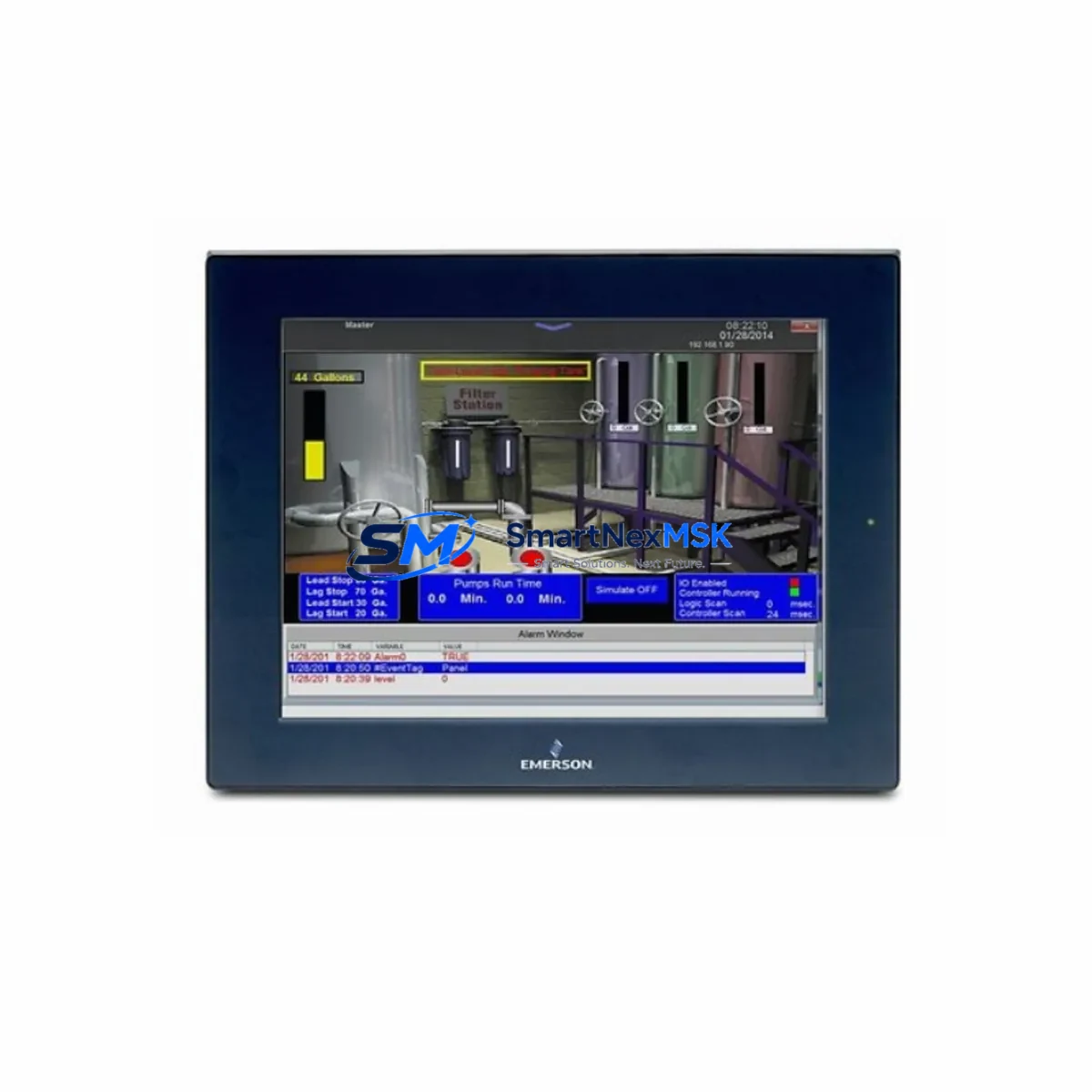
GE IC755CSS06RDA-AJ Spare for QuickPanel+ Automation: Spare Replacement & Industrial Downtime Risk Control
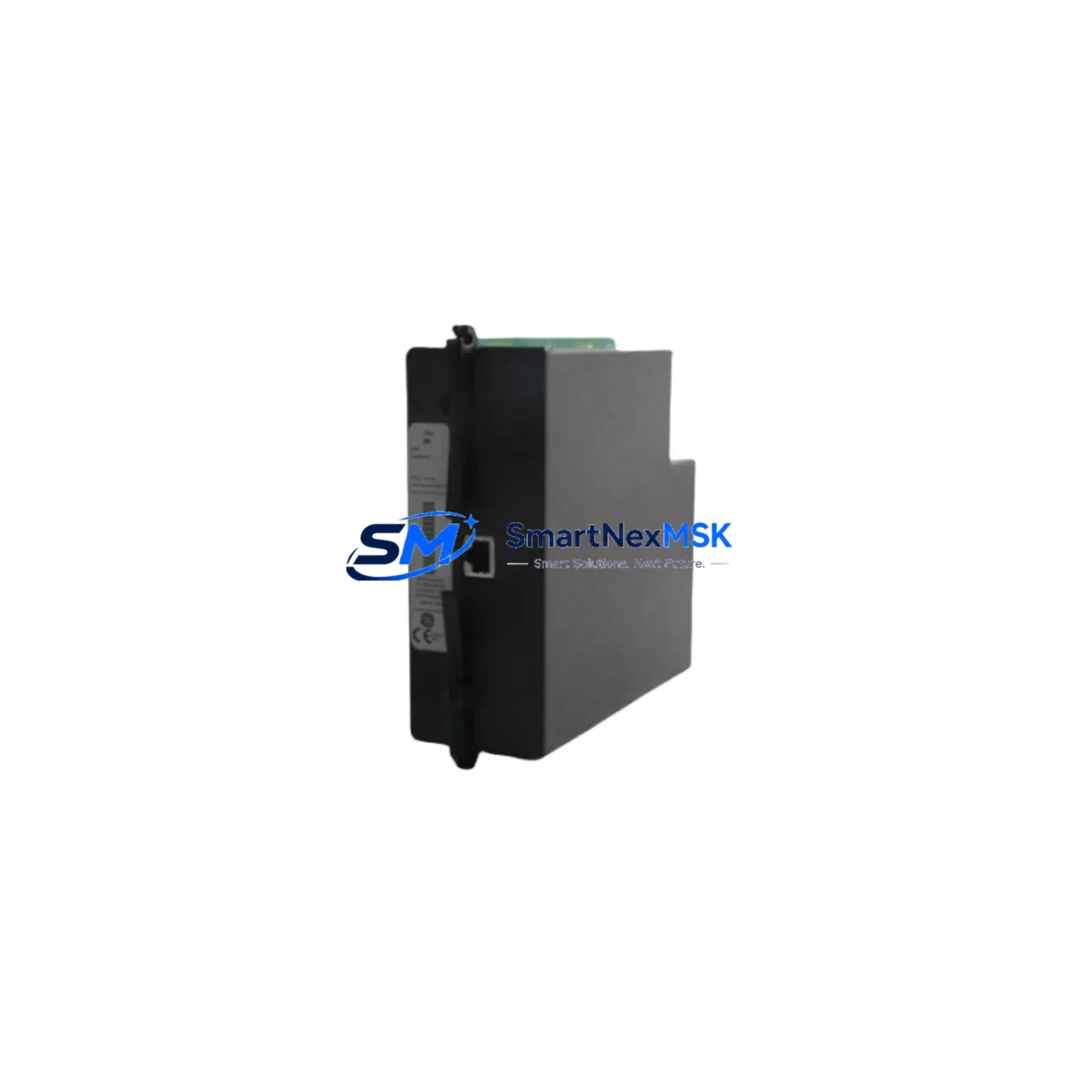
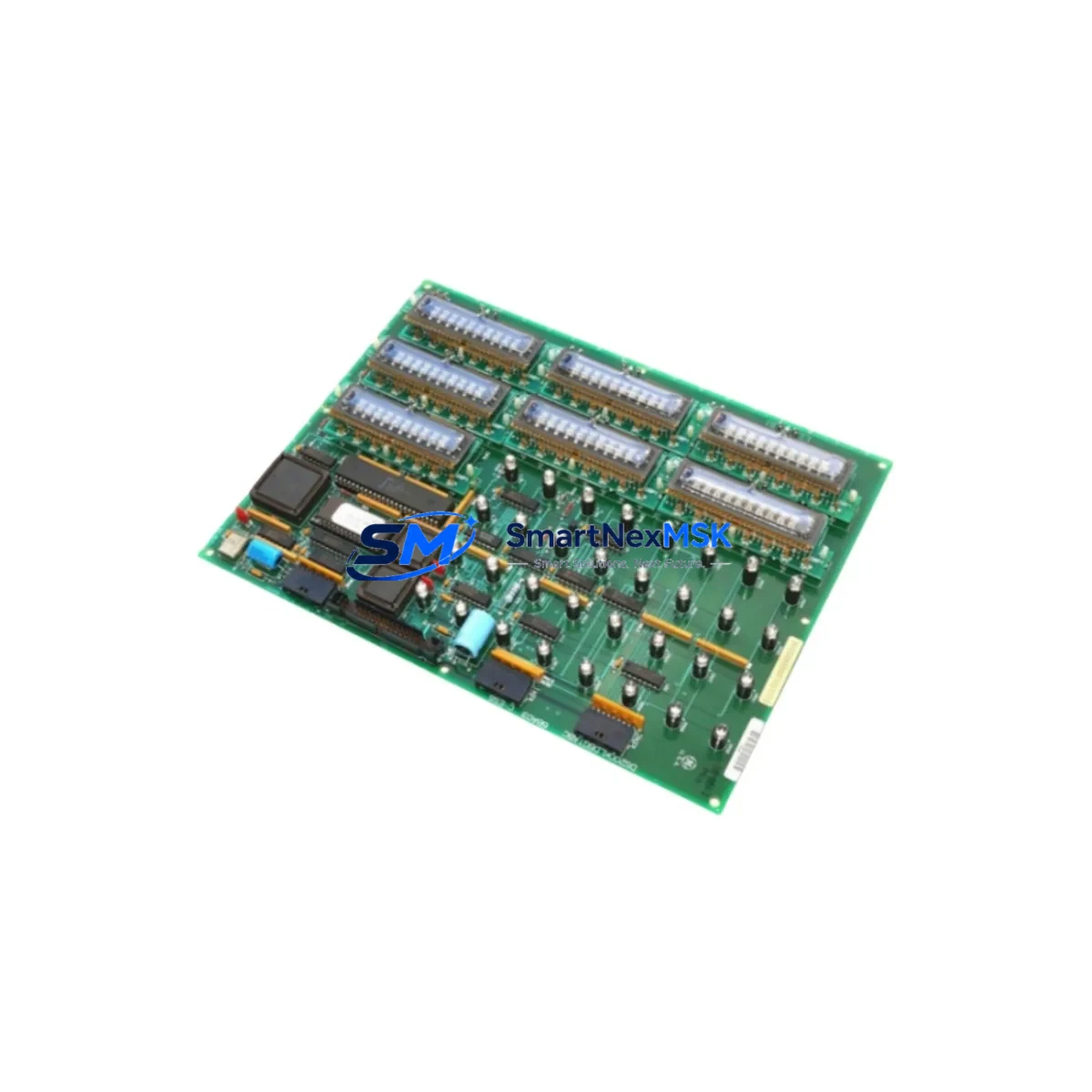
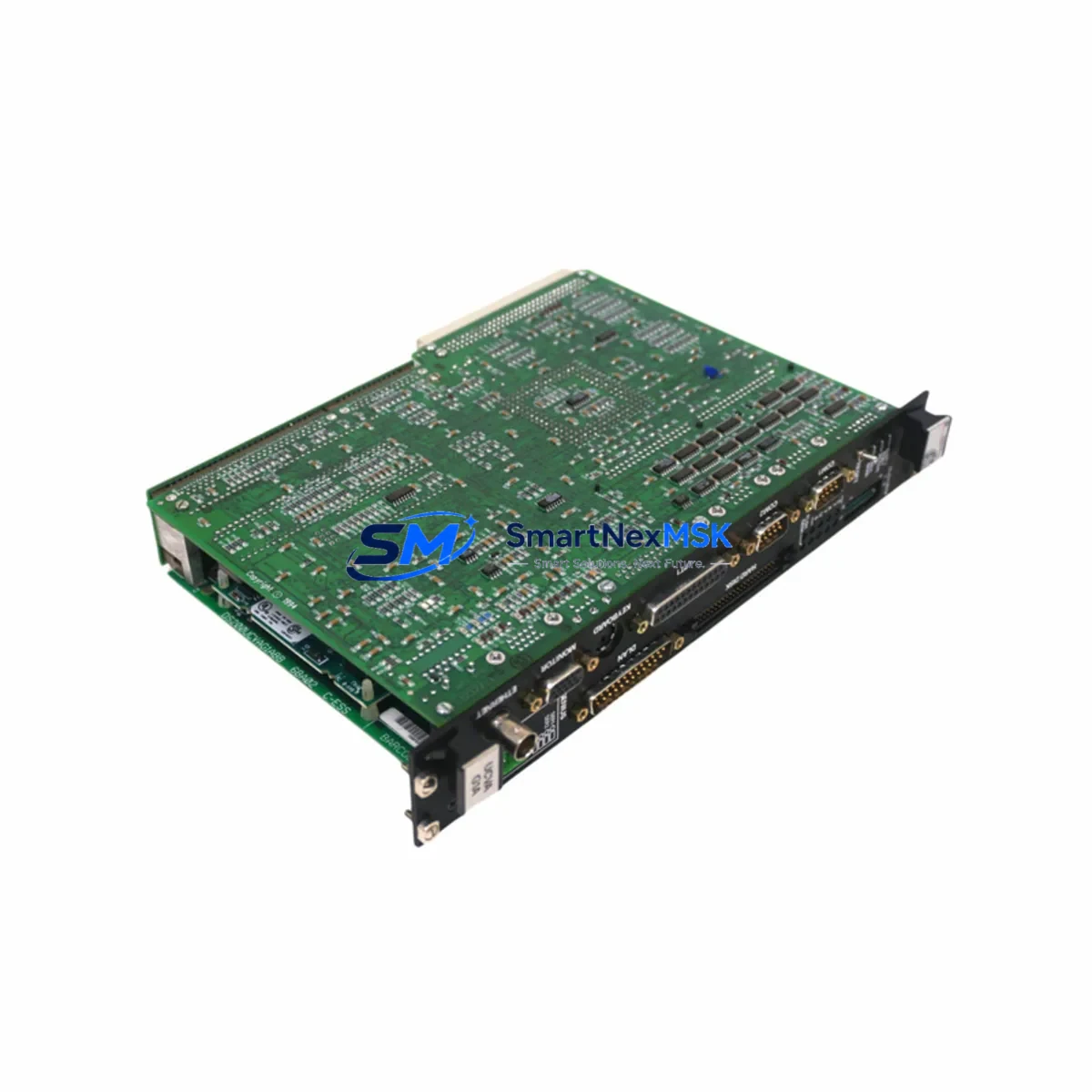
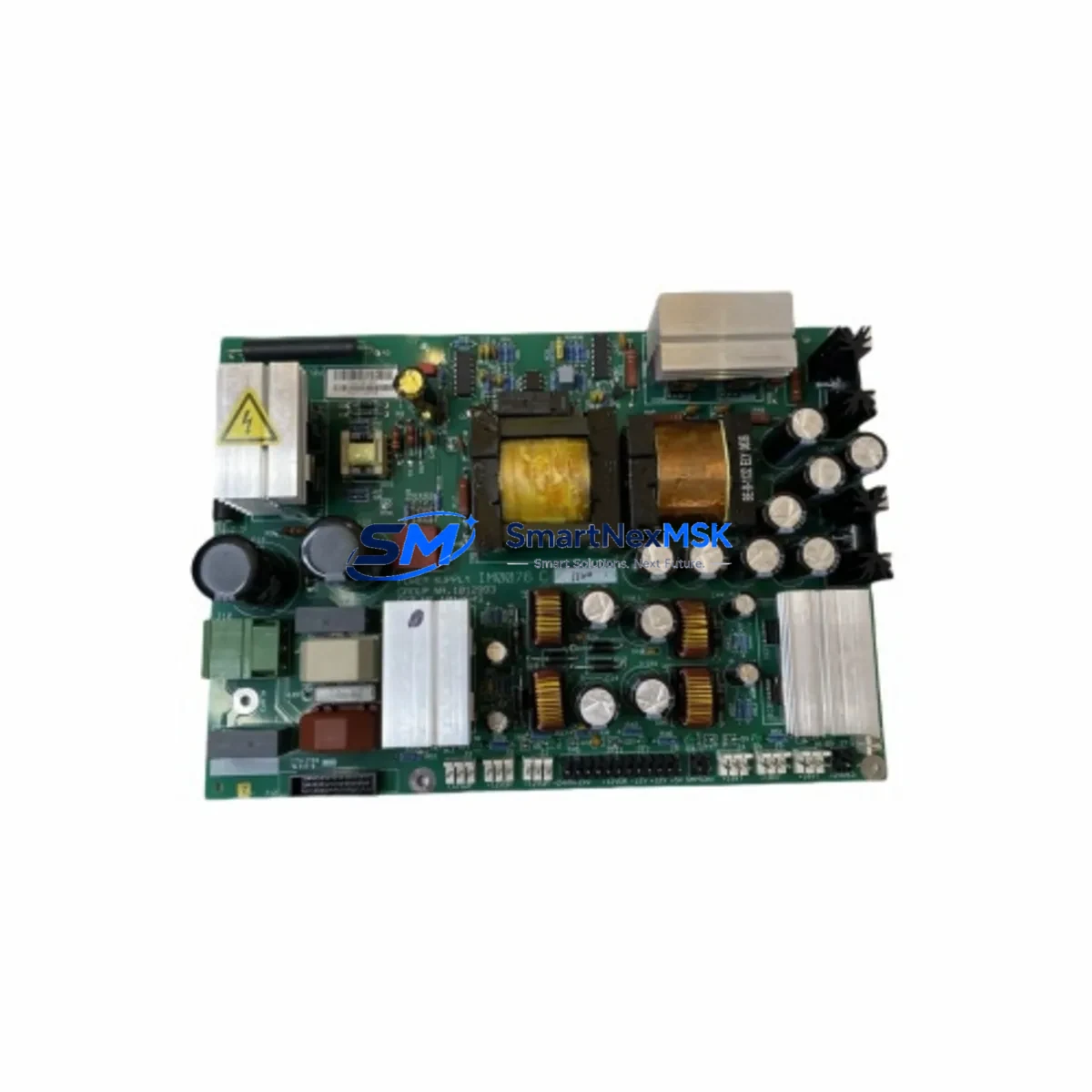
The GE IC755CSS06RDA-AJ is a 6-inch resistive touchscreen QuickPanel+ HMI operator panel designed for demanding industrial automation environments. As a maintenance-ready original spare, this unit is sourced, inspected, and tested to ensure drop-in compatibility with GE PACSystems RX3i, RSTi-EP, and legacy QuickPanel+ installations. For maintenance engineers managing aging control systems or procurement teams building strategic spare parts inventories, having a verified IC755CSS06RDA-AJ on the shelf is a direct line of defense against unplanned production downtime.
Spare Maintenance Table
| Parameter | Specification |
|---|---|
| Part Number / SKU | IC755CSS06RDA-AJ |
| Series | QuickPanel+ (QP+) |
| Brand | GE (General Electric / GE Automation & Controls) |
| Display Size | 6-inch WVGA Resistive Touchscreen |
| Resolution | 800 × 480 pixels |
| Operating Voltage | 24 VDC (nominal), 18–30 VDC range |
| Communication Ports | Ethernet (RJ45), USB Host, USB Device, RS-232/485 (COM) |
| Compatible PLC/DCS Systems | GE PACSystems RX3i, RSTi-EP, VersaMax, legacy QuickPanel |
| Operating Temperature | 0°C to +50°C (32°F to 122°F) |
| Protection Rating | IP65 (front panel) |
| Mounting | Panel cut-out, rear-mount with gasket seal |
| Origin | USA |
| Condition | Original Spare — Inspected & Function-Tested |
| Warranty | 12 Months from date of shipment |
| Shipping | Tested before dispatch; ESD-safe packaging |
Maintenance Planning for Continuous Operation
When a QuickPanel+ IC755CSS06RDA-AJ fails or degrades in service, the impact extends well beyond the HMI itself. A systematic replacement workflow requires maintenance engineers to evaluate the entire control cabinet circuit before and after swapping the panel. The 24 VDC power supply feeding the HMI — commonly a Puls, Phoenix Contact, or Siemens SITOP unit — should be load-tested to confirm it delivers stable voltage within the 18–30 VDC operating range of the IC755CSS06RDA-AJ. Voltage fluctuations or ripple from an aging power supply are a leading cause of premature HMI failure and must be ruled out before commissioning the replacement unit.
The Ethernet communication link between the IC755CSS06RDA-AJ and the GE PACSystems RX3i CPU — typically a CPE305, CPE310, or CPE400 module — should be verified for correct IP addressing, subnet configuration, and SRTP or OPC-UA protocol settings. If the panel communicates via RS-232 or RS-485 serial, inspect the COM port wiring, termination resistors, and baud rate settings against the original project documentation. A misconfigured serial link is a common source of post-replacement communication faults that can be mistaken for a defective spare.
I/O signal integrity is equally critical. Digital input and output modules in the same RX3i or RSTi-EP rack — such as IC694MDL340 discrete output modules or IC694ALG220 analog input modules — should be checked for correct terminal wiring, blown fuses on output circuits, and proper grounding. Relay output modules adjacent to the HMI power circuit are particularly susceptible to contact wear in high-cycle applications and should be included in the inspection checklist.
For control cabinets with signal isolation requirements, DIN-rail mounted signal isolators and loop-powered transmitters connected to the HMI’s analog input channels should be verified for correct 4–20 mA loop continuity. Terminal blocks — especially Phoenix Contact or Weidmüller spring-clamp types — should be inspected for loose connections, corrosion, or thermal discoloration that may indicate intermittent faults. Surge protection devices on communication lines and power inputs are often overlooked during HMI replacement but are essential for long-term reliability in environments with variable power quality.
If the facility operates a broader GE automation architecture, this is also an appropriate time to audit the condition of the GE PACSystems RX3i backplane, CPU battery backup, and any installed Ethernet NIU or communications modules. Proactive inspection of these components during a planned HMI replacement minimizes the risk of a secondary failure shortly after the panel is returned to service.
Site Replacement Workflow
Replacing the IC755CSS06RDA-AJ in the field follows a structured sequence to minimize downtime and ensure system compatibility. Begin by documenting the existing panel configuration: export the QuickPanel+ project file from the Proficy Machine Edition (PME) development environment and confirm the firmware version running on the installed unit. The replacement IC755CSS06RDA-AJ should be loaded with the same firmware revision before installation to avoid runtime compatibility issues with the connected PACSystems CPU.
Power down the control cabinet following site lockout/tagout (LOTO) procedures. Remove the panel from the cutout, disconnect the 24 VDC power connector, Ethernet cable, and any USB or serial connections. Install the replacement unit, reconnect all cables in the documented order, and restore power. On first boot, verify the IP address assignment, confirm Ethernet communication with the PLC CPU, and validate all HMI screen navigation and I/O status displays against the original project. Log the replacement date, firmware version, and unit serial number in the site maintenance record.
For facilities managing legacy QuickPanel (non-Plus) installations, the IC755CSS06RDA-AJ provides a direct upgrade path with a compatible panel cutout dimension and 24 VDC power input, reducing the engineering effort required for old-system life extension. Maintaining one or two IC755CSS06RDA-AJ units in the site spare parts store eliminates the lead time risk associated with sourcing discontinued or long-delivery HMI panels during an emergency shutdown.
Spare Parts Support FAQ
Q1: Is the IC755CSS06RDA-AJ covered by a warranty, and what does it include?
Yes. Every IC755CSS06RDA-AJ shipped by SMARTNEXMSK carries a 12-month warranty from the date of shipment. The warranty covers functional defects identified under normal operating conditions. Each unit is function-tested and inspected prior to dispatch in ESD-safe packaging to ensure it arrives ready for installation.
Q2: How do I confirm compatibility with my existing QuickPanel+ or PACSystems installation?
Compatibility is confirmed by matching the panel cutout dimensions (standard QuickPanel+ 6″ form factor), the 24 VDC power input requirement, and the communication protocol in use (Ethernet SRTP, OPC-UA, or serial Modbus RTU). Provide your existing panel part number and Proficy Machine Edition project version to our technical team for a pre-sale compatibility check at no charge.
Q3: What is the recommended spare parts inventory strategy for QuickPanel+ HMI panels?
For facilities with multiple QuickPanel+ panels in service, a minimum of one spare IC755CSS06RDA-AJ per production line is recommended. For critical processes where HMI failure results in a full line stop, a two-unit buffer is advisable. Spare units should be stored in a climate-controlled environment, powered on and tested annually, and firmware updated to match the production fleet to ensure immediate deployment readiness.
Q4: Can SMARTNEXMSK supply IC755CSS06RDA-AJ units for long-term or repeat procurement?
Yes. SMARTNEXMSK maintains ongoing sourcing channels for GE QuickPanel+ spare parts, including the IC755CSS06RDA-AJ, to support long-term maintenance contracts and multi-site procurement programs. Contact our sales team to discuss volume pricing, reserved stock arrangements, and scheduled delivery programs tailored to your planned maintenance calendar.
© 2026 SMARTNEXMSK. All rights reserved.
Original Source: https://smartnexmsk.com
Contact: [email protected] | +86 18259474341