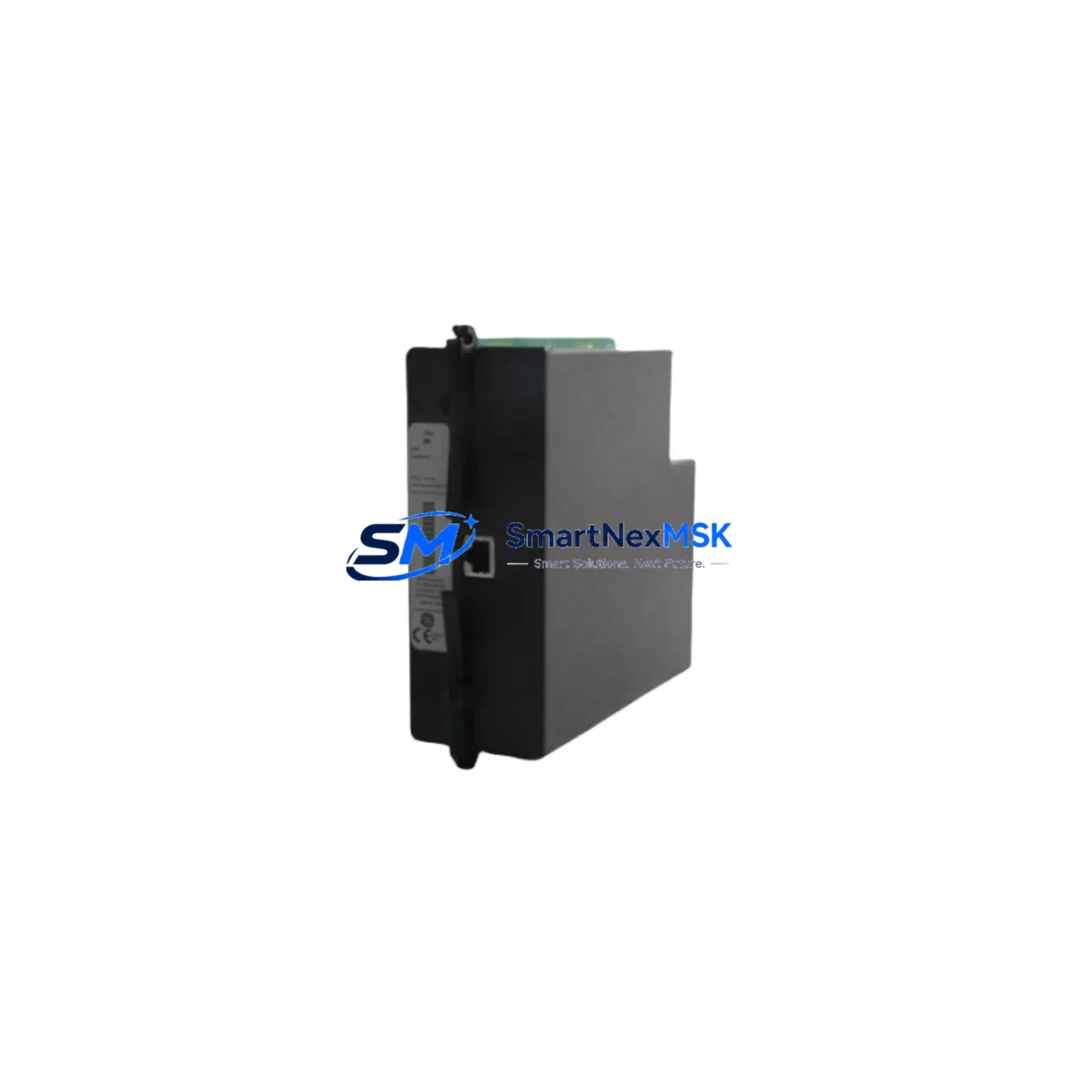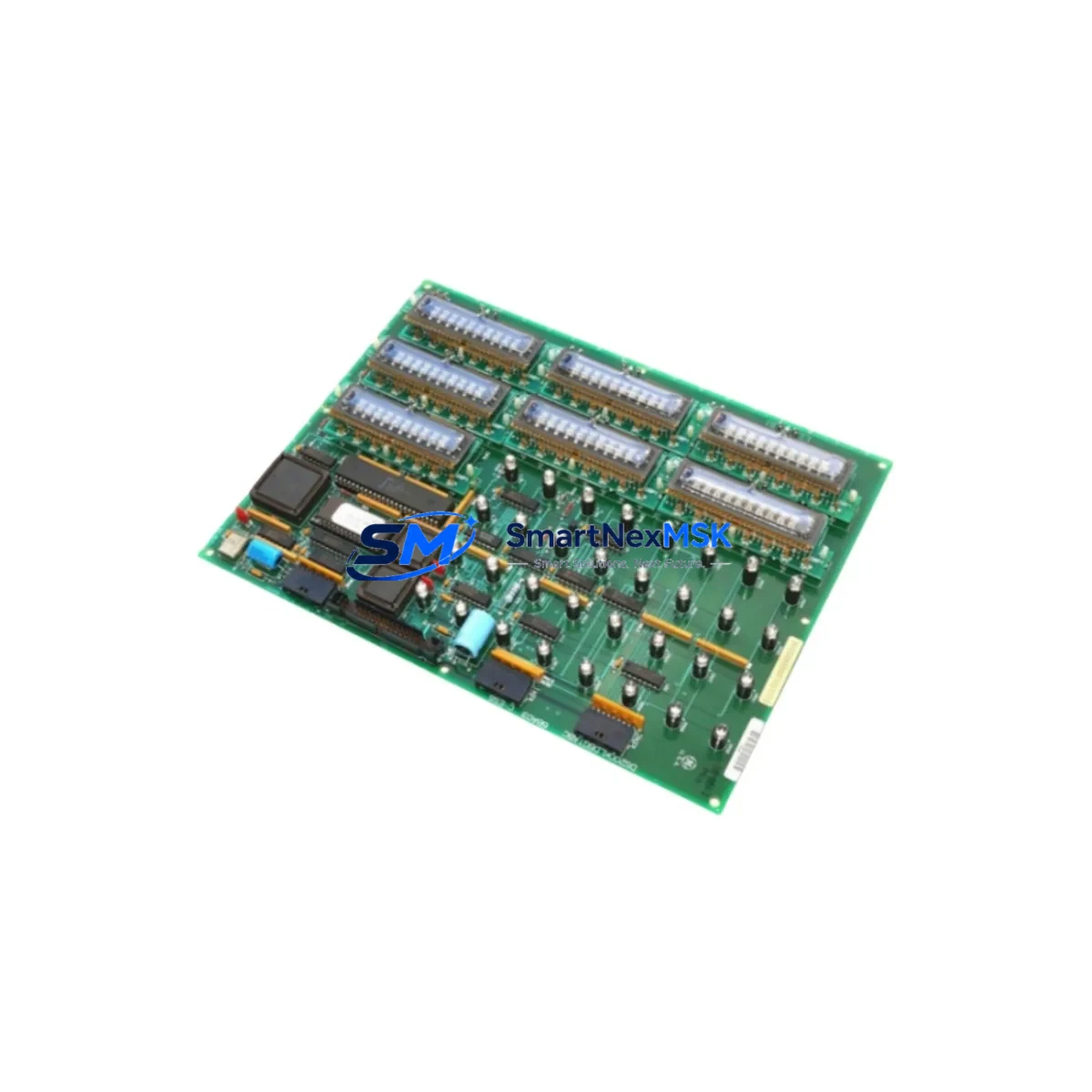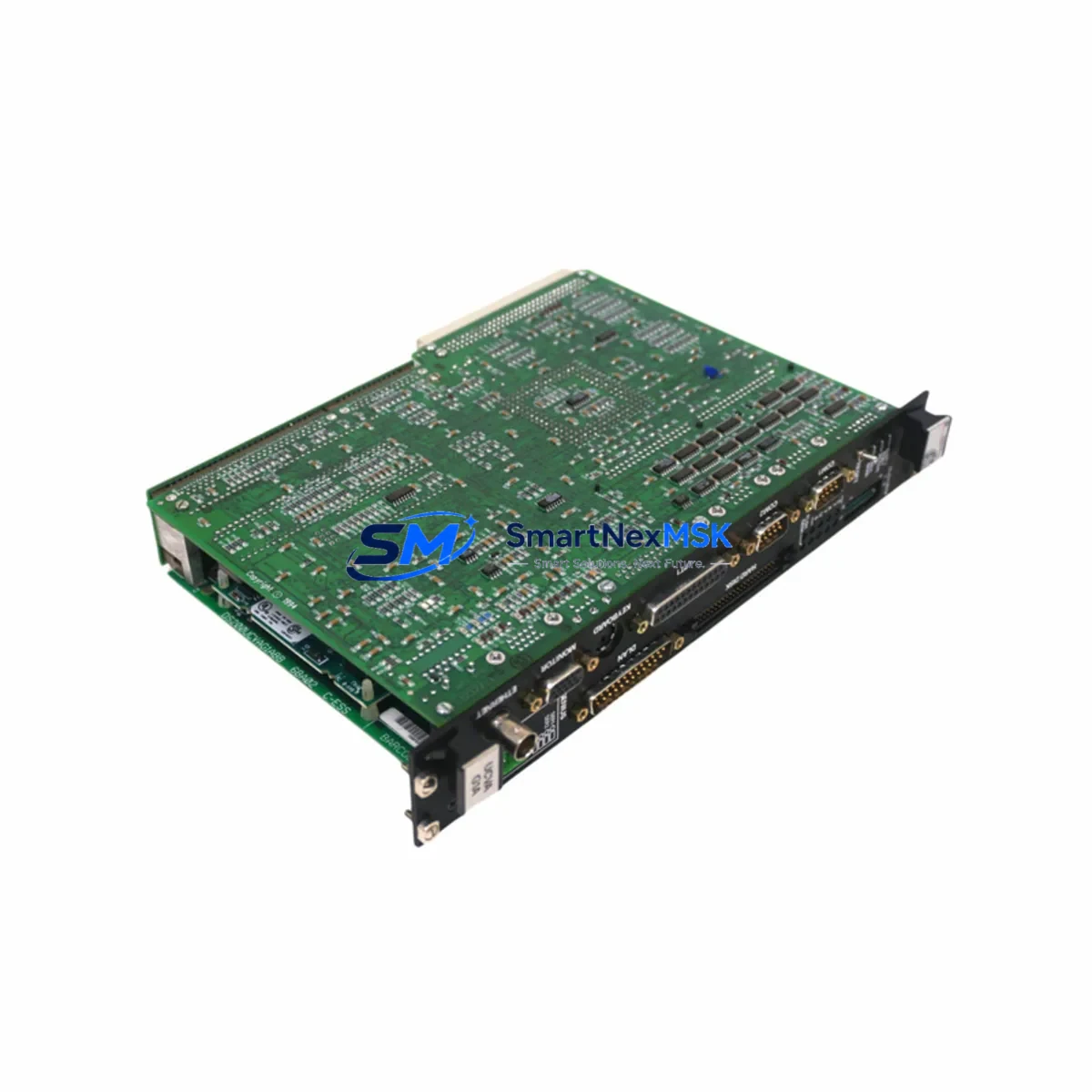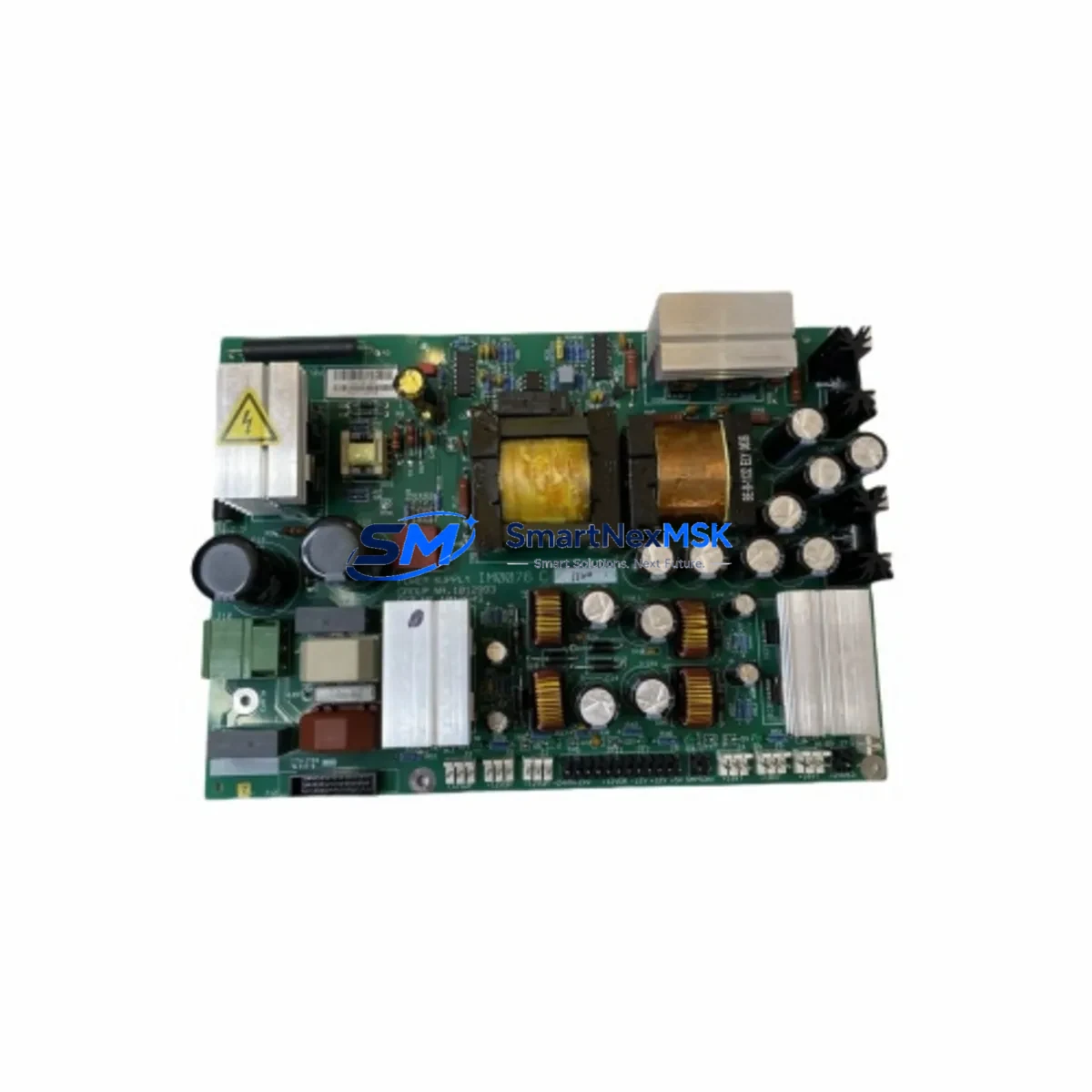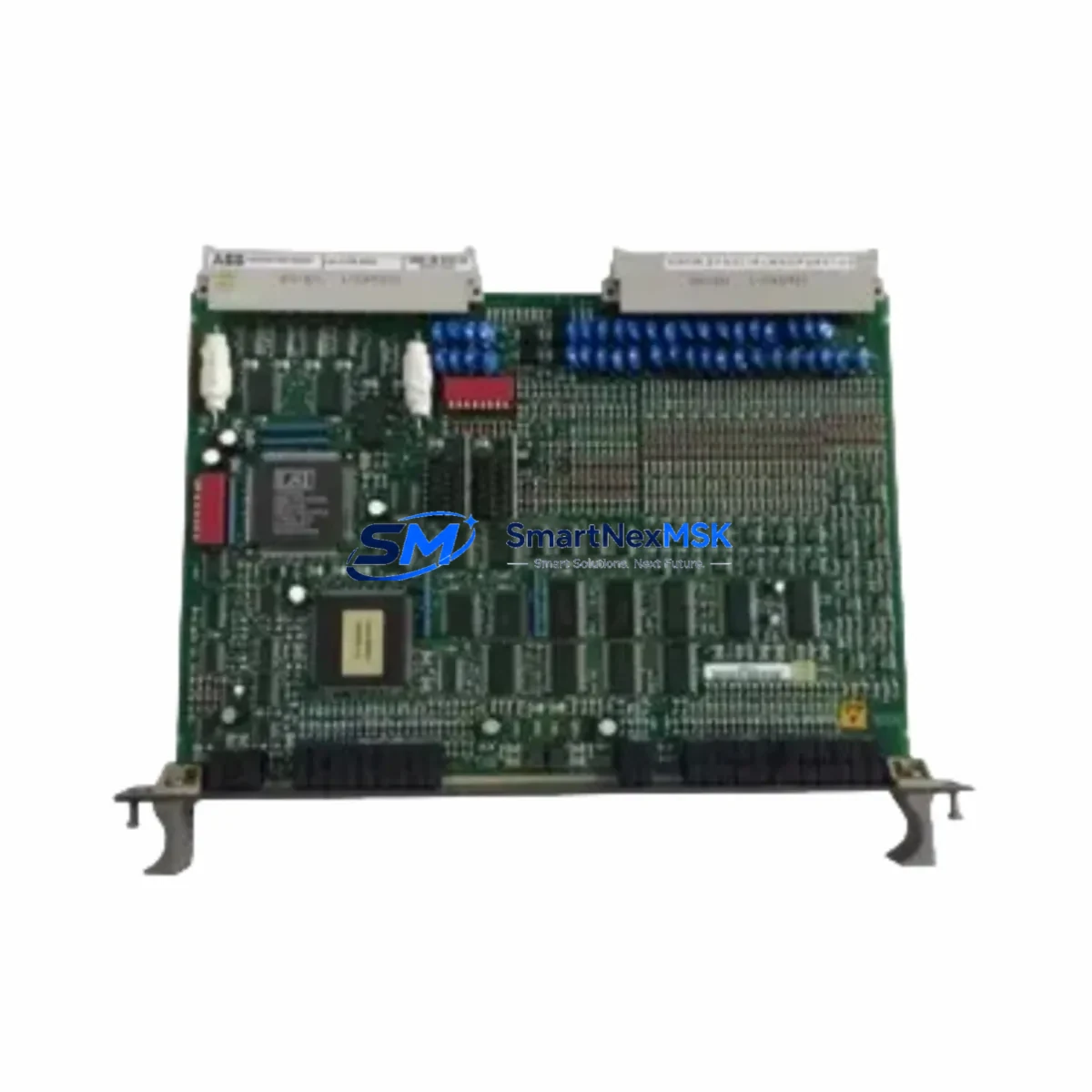
GE IS200BICLH1BBA Retrofit-Ready Bridge Interface for Mark VI Control Systems
The GE IS200BICLH1BBA is a Bridge Interface Board engineered for the GE Mark VI Turbine Control System platform — one of the most widely deployed distributed control architectures in power generation, oil & gas, and heavy industrial facilities worldwide. As aging Mark VI installations approach end-of-support milestones, the IS200BICLH1BBA has become a critical component in both emergency spare-part sourcing and planned system modernization projects. Whether you are replacing a failed board in a live turbine control cabinet or executing a phased upgrade from a legacy Mark V or Mark IV platform, this module provides the compatibility, signal integrity, and communication reliability required for uninterrupted plant operations.
Upgrade Compatibility Table
| Parameter | Details |
|---|---|
| Compatible Platform | GE Mark VI Turbine Control System |
| Module Function | Bridge Interface — I/O signal routing between controller and terminal boards |
| Backplane Interface | Mark VI VME-style backplane; verify slot assignment before installation |
| Communication Compatibility | IONET / Ethernet-based Mark VI communication architecture |
| Replacement Candidates | IS200BICLH1AAA, IS200BICLH1BAA, and other IS200BICL variants |
| Installation Requirement | Confirm rack orientation, power rail voltage (28 VDC typical), and terminal board wiring harness |
| Commissioning Focus | Module address configuration via ToolboxST; verify I/O assignments and diagnostic alarms post-swap |
| Warranty | 12 Months — covers functional defects under normal operating conditions |
Retrofit Planning for Existing Automation Systems
Successful integration of the IS200BICLH1BBA into an existing Mark VI control cabinet requires a structured pre-installation review. Begin by auditing the current rack configuration: the IS200BICLH1BBA occupies a defined slot within the Mark VI I/O rack, and its position relative to the IS215VCMIH2C VME Communication Interface Module and the IS200TBAIH1C Terminal Board Assembly must be confirmed against the original system drawing package.
Power supply capacity is a frequent oversight in retrofit projects. The IS200BICLH1BBA draws regulated 28 VDC from the rack power bus. If the existing IS200EPSMG1A or IS200EPSMG1B Power Supply Module is already operating near rated capacity — particularly in racks that also host IS200VTURH1BEE Turbine Control Boards and IS200DSPXH1DBB Digital Signal Processors — a power budget calculation must be completed before the new board is seated.
Terminal board wiring is the next critical checkpoint. The IS200BICLH1BBA interfaces with field wiring through dedicated terminal boards such as the IS200TBAIH1C or IS200TBCIH1C. Verify that the existing wiring harness connector pinout matches the replacement module’s I/O map. Any deviation in terminal assignment between hardware revisions (H1AAA vs. H1BBA) must be reconciled in the ToolboxST configuration before the system is returned to service.
For sites migrating from Mark V to Mark VI, the IS200BICLH1BBA often serves as the bridge between legacy analog I/O wiring and the Mark VI’s digital communication backbone. In these scenarios, the IS215UCVEH2A UCVE Controller Board and the IS200VSVOH1B Servo Driver Module may also require firmware updates to align with the new bridge interface’s communication protocol. Coordinate these updates during the same maintenance window to avoid protocol mismatch alarms on the IONET segment.
HMI screen updates are frequently overlooked during bridge interface replacements. If the plant uses a GE Cimplicity or iFIX SCADA system connected to the Mark VI via OPC-DA or OPC-UA, verify that the I/O tag addresses referenced in the HMI graphics still resolve correctly after the module swap. A mismatch between the new module’s configured I/O block addresses and the SCADA tag database will generate spurious alarms and may trigger protective shutdowns.
Downtime Control During System Migration
Minimizing unplanned downtime during a bridge interface replacement requires a disciplined pre-outage preparation protocol. Before the maintenance window opens, export a full ToolboxST project backup from the Mark VI controller. This backup preserves all I/O assignments, control constants, alarm setpoints, and communication parameters — ensuring that if the replacement module requires re-configuration, the original logic can be restored within minutes rather than hours.
Where plant operations permit, perform a hot-standby validation: if the turbine control system is configured in TMR (Triple Modular Redundancy) or dual-redundant mode using paired IS215VCMIH2C communication modules, the IS200BICLH1BBA in the affected channel can often be replaced while the redundant channels maintain control continuity. Confirm with the site control engineer that the redundancy switchover has been tested and is functional before initiating the swap.
After seating the replacement IS200BICLH1BBA, follow the Mark VI module initialization sequence: power-cycle the rack, allow the VME backplane to enumerate the new module, and confirm that ToolboxST reports the board as healthy with no diagnostic fault codes. Validate all I/O channels against the pre-outage baseline scan before releasing the unit back to automatic control. Document the as-found and as-left configuration states for the plant maintenance record.
Retrofit Support FAQ
Q: Is the IS200BICLH1BBA a direct drop-in replacement for the IS200BICLH1AAA?
A: In most Mark VI rack configurations, yes. Both variants share the same form factor and backplane connector. However, hardware revision differences between H1AAA and H1BBA may affect firmware compatibility. Verify the ToolboxST hardware catalog version supports the H1BBA revision before installation. Our technical team can assist with revision cross-reference confirmation prior to shipment.
Q: What wiring changes are required when replacing the bridge interface board?
A: If the replacement module is the same hardware revision as the failed unit, no wiring changes are typically required — the terminal board harness and I/O connector remain in place. If the revision differs, compare the I/O terminal assignment tables in the GE Mark VI Hardware Manual (GEH-6421) for both revisions and update wiring accordingly before powering the rack.
Q: How is the module address configured after installation?
A: Module addressing in the Mark VI is managed through ToolboxST. After seating the IS200BICLH1BBA, open the hardware configuration tree, locate the replacement module in the rack view, and confirm that the slot address matches the original configuration. Download the updated configuration to the controller and verify that all I/O blocks report healthy status before returning to automatic mode.
Q: What does the 12-month warranty cover?
A: The 12-month warranty covers functional defects in the IS200BICLH1BBA under normal operating conditions, including failures attributable to manufacturing defects or component-level faults. It does not cover damage resulting from incorrect installation, overvoltage events, or physical mishandling. All units undergo functional testing prior to shipment. A test report is available upon request.
© 2026 SMARTNEXMSK. All rights reserved.
Original Source: https://smartnexmsk.com
Contact: [email protected] | +86 18259474341